• $27.99
  • Free 30-day Returns
  • Sold by Denikyyer

    Shipped by Denikyyer

    Price alert
    Shop it at NeweggBusiness.

    Meet Your Seller

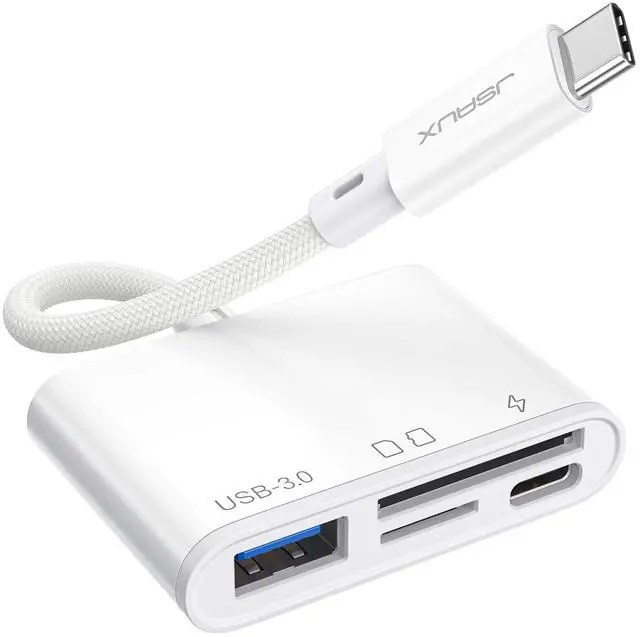
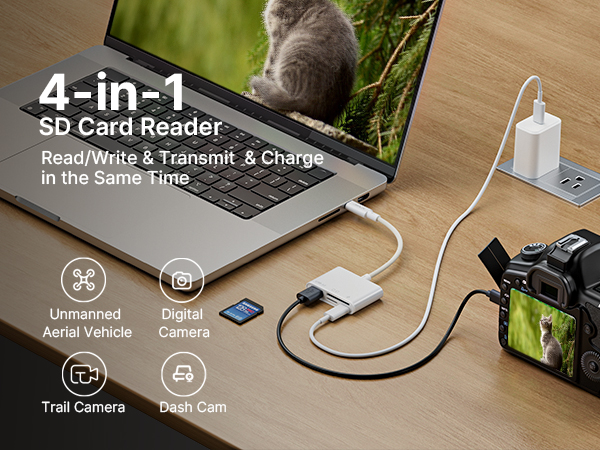
    4-in-1 USB C SD Card Reader, USB-C Micro SD Card Reader with (USB 3.0 & Charging) Port Compatible with iPhone 16/16 Plus/16 Pro/16 Pro Max, Android, Mac, Galaxy, iPad Pro, Camera -White

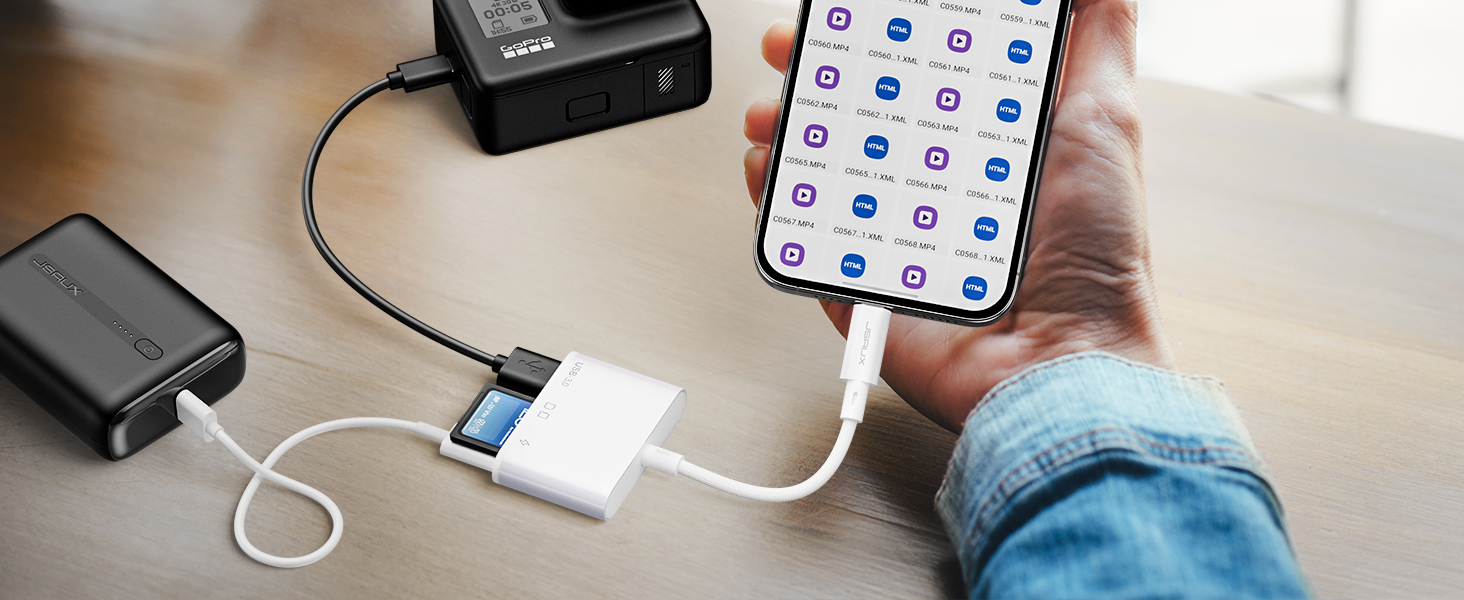
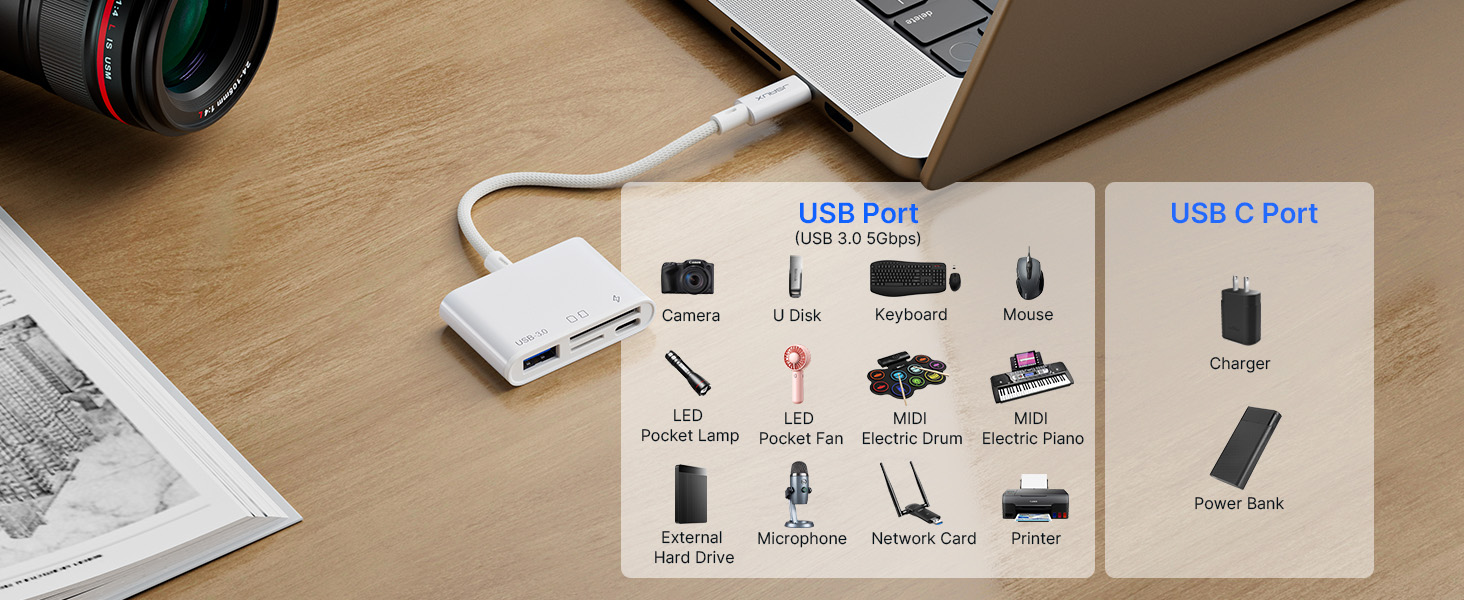
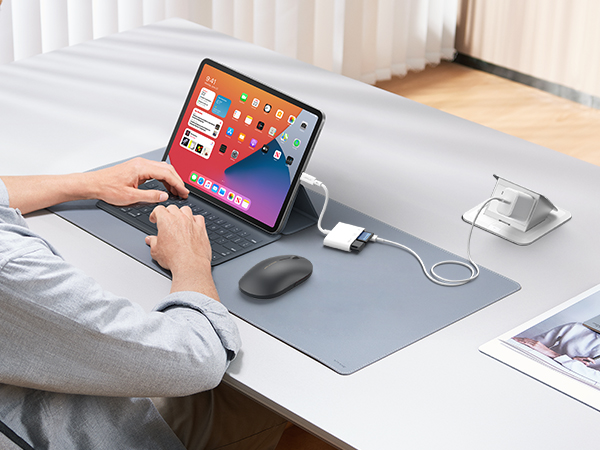
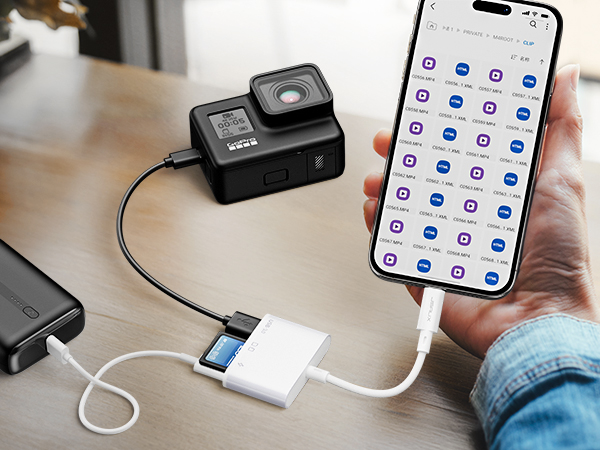
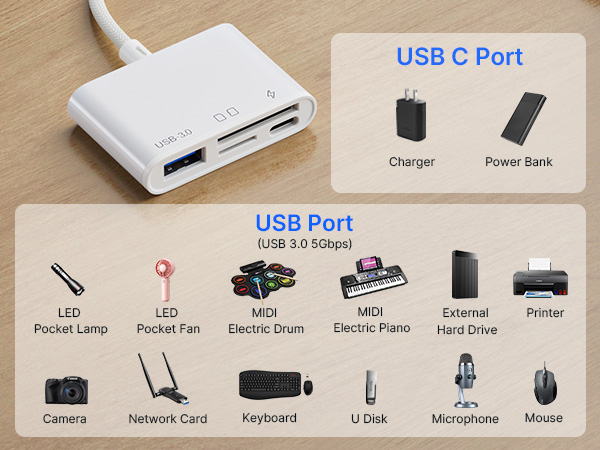
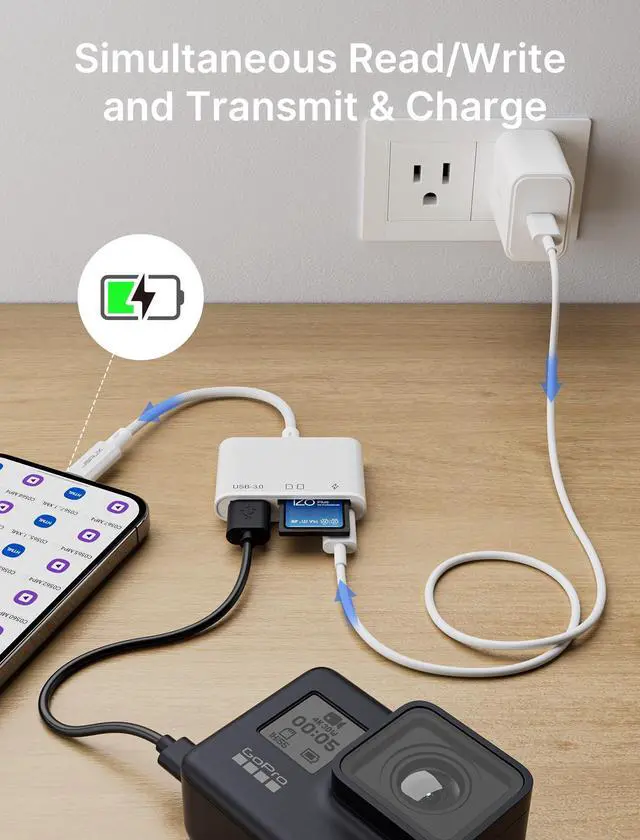
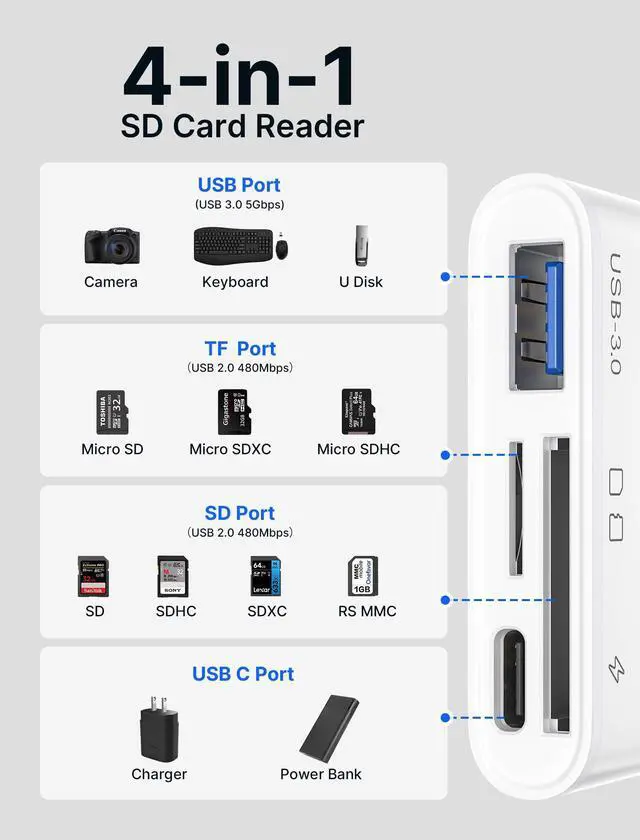
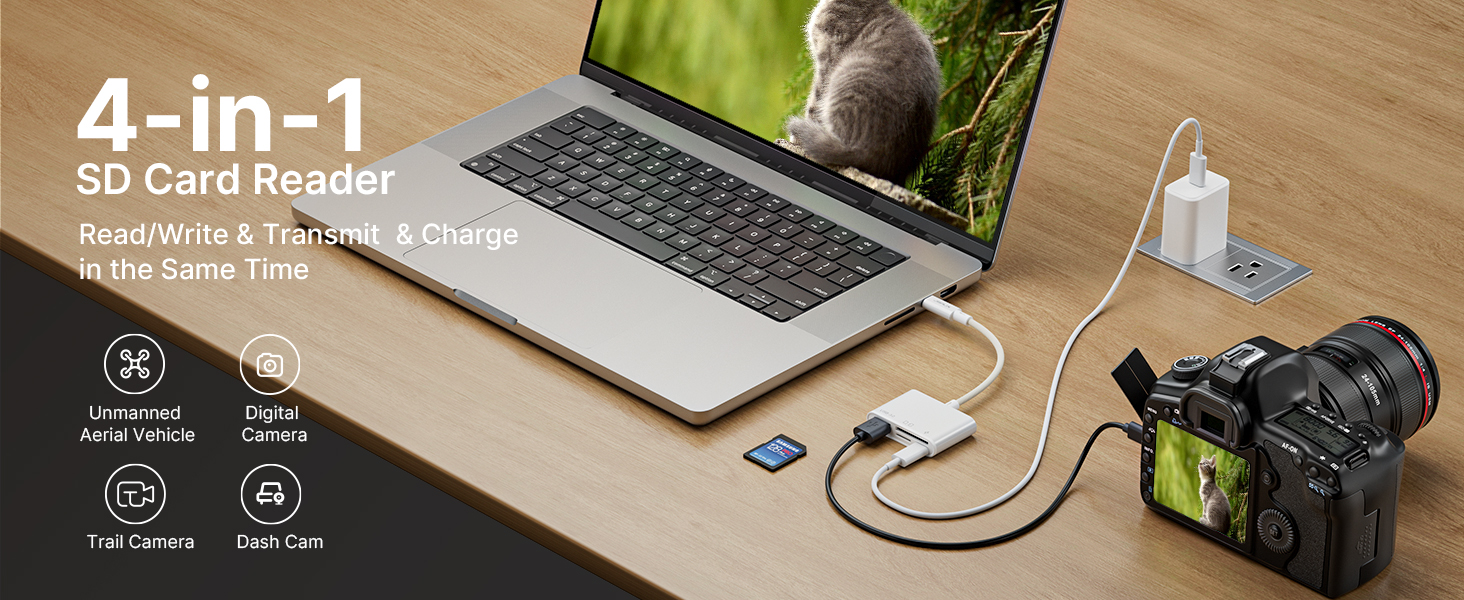
    • 4-IN-1: JSAUX USB C SD Card Reader read memory card while connecting USB additional equipment and charging.
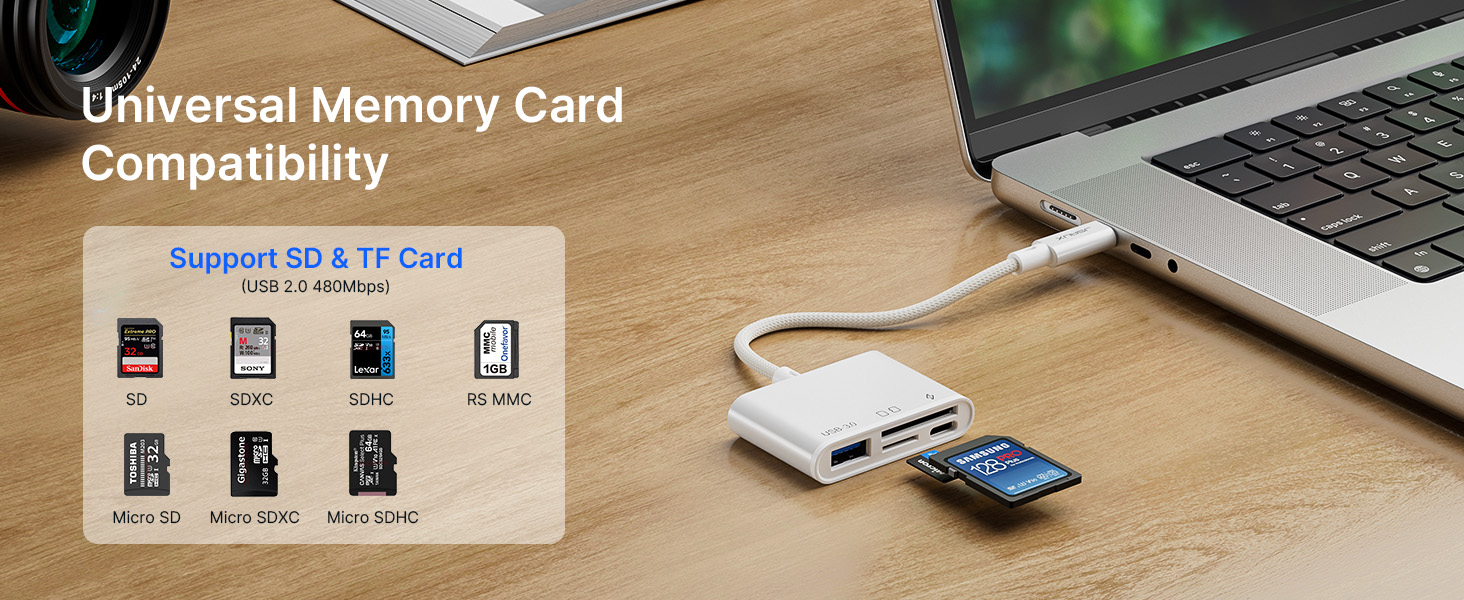
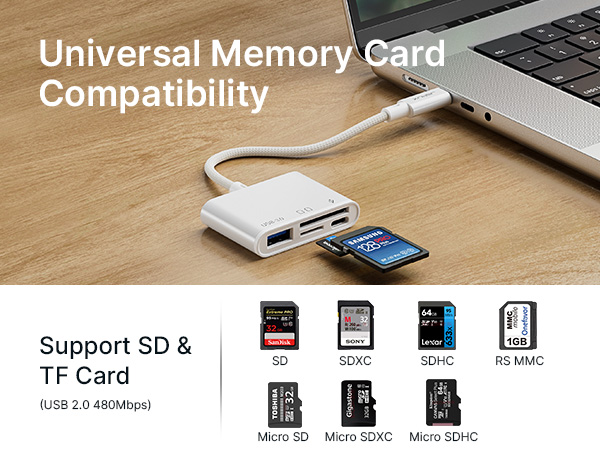
    • Double Card Slot: This JSAUX multi-function card reader is equipped with an SD slot and a TF slot, providing compatibility with a broad range of memory cards such as SD, SDHC, SDXC, Micro SD, Micro SDHC, and Micro SDXC. Note: To ensure the transfer speed, please read only one TF card or SD card when reading the memory card.
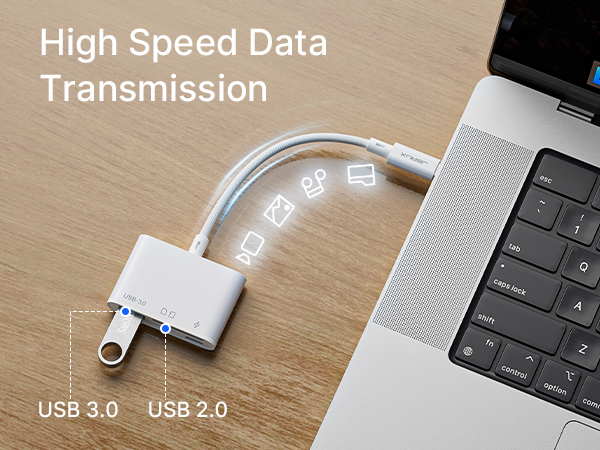
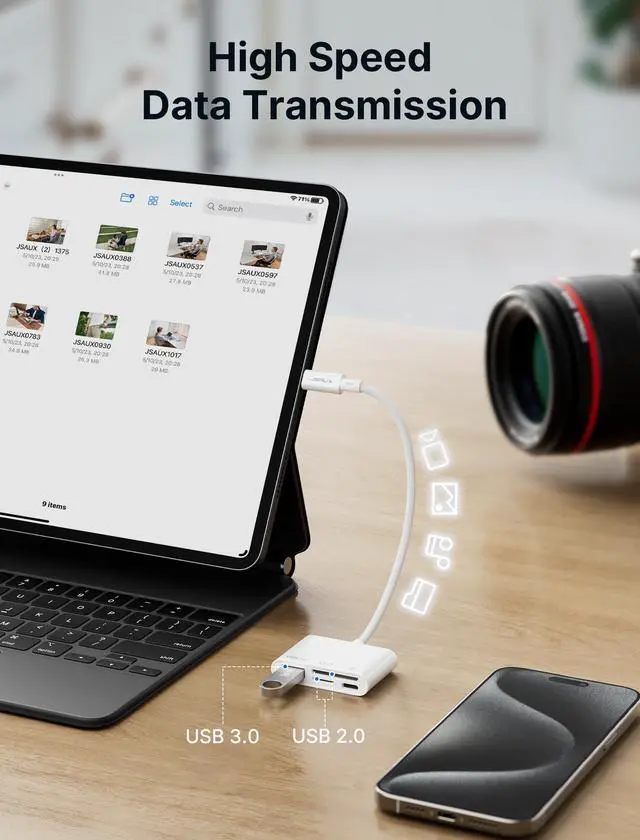
    • High-Speed Data Transfer: Equipped with a USB 3.0 port, this JSAUX card reader ensures high-speed data transfer rates of up to 5 Gbps. It's ideal for transferring high-resolution images, HD videos, music files, and other large files in just a matter of seconds.
    • USB-C Charging Port: The Type C card reader also comes with a USB-C charging port, providing an easy way to charge your devices while transferring data simultaneously. It's a handy feature for anyone using USB-C devices.
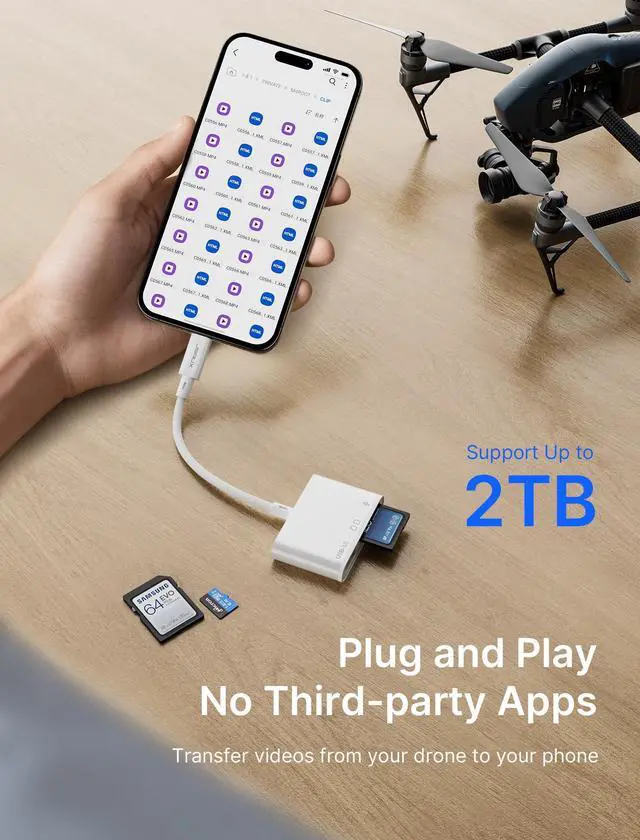
    • Plug and Play: No drivers or additional power supply needed. Simply plug it into your device and it's ready to use. This card reader is compatible with most operating systems, including Windows, macOS, and Linux.
    +
    +
    Overview
    Specs
    Reviews
    avatar

    Any questions? Our AI beta will help you find out quickly.

    4-in-1

    Read/Write Memory Card

    Connecting Additional USB Devices

    Charging Devices
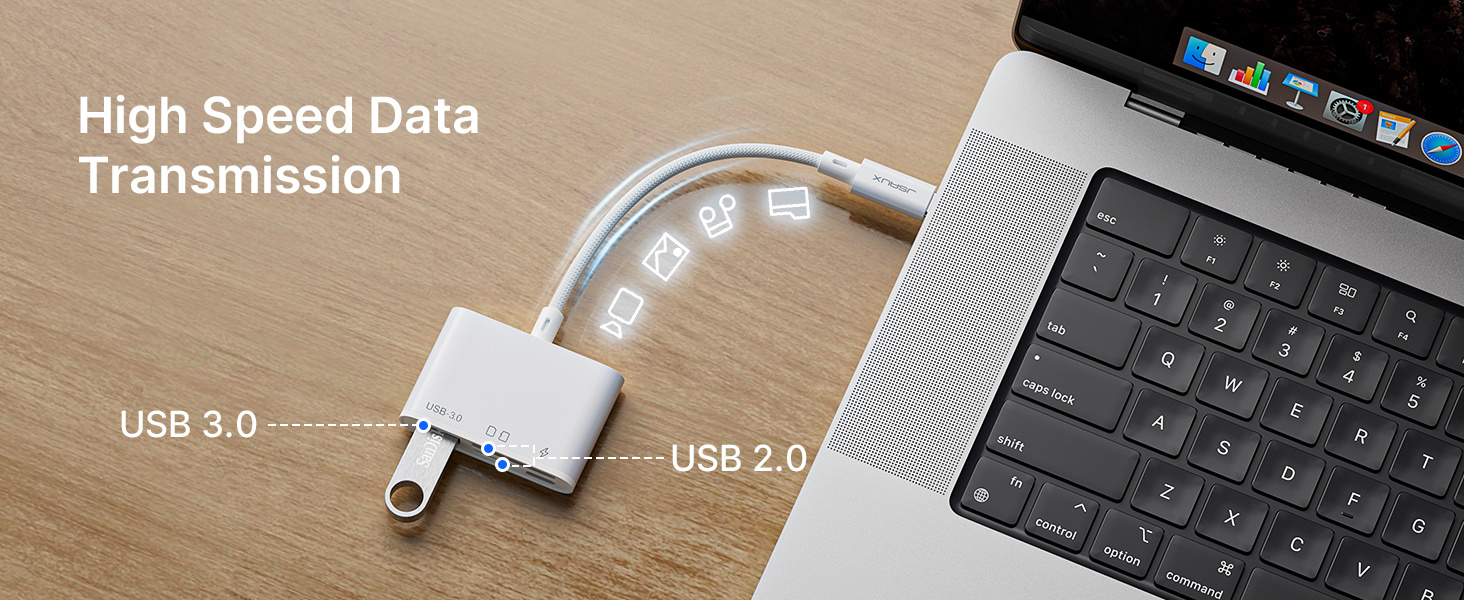
    High Speed
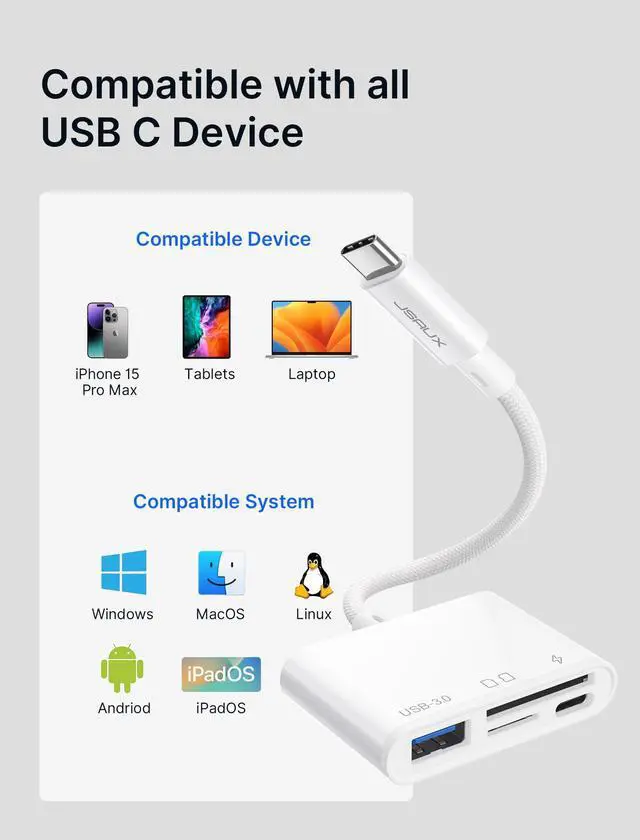
    Apple iPhone 16/ iPhone 16 Plus / iPhone 16 Pro / iPhone 16 Pro Max / iPhone 15/ iPhone 15 Plus / iPhone 15 Pro / iPhone 15 Pro Max
    Apple MacBook Pro 2016-2021, MacBook Air 2018-2022, iMac Pro, iMac 2017, Mac mini 2018, MacBook 2015-2017, iPad Pro 2018 - 2021, iPad Air 2020-2022, Mac Pro 2019 * Early Apple M1 only supports one external monitor
    Samsung Galaxy S23/ S22 / S21 / S20 / S10 / S9 / S8 / Note 20/ Note 10/ Note 9 / Note 8/ Fold / A90 5G , Samsung Galaxy Book, Galaxy Tab S4 / S5e / S6/ S7 / S8 and their plus versions.
    Microsoft Surface Book 2 / 3, Surface Go / Go 2 / Go 3, Surface Laptop 3 / 4 / SE / Go / Go 2 / studio, Surface Pro 7 / 7+ / 8 / X, Surface Studio 2, Surface Dock 2 - only works for Dock 2 rear ports
    Dell XPS 15 9575 / 9570 / 9560 / 9550, XPS 13 9375 / 9370 / 9360 / 9350, XPS 12 9250, Latitude 7373 / 7280 / 7480 / 5570 / 5490, Insiron 5570, Inspiron 13 7000 2-in-1, Alienware 17 r3 / r4 / r5
    Note Please do not plug and unplug the USB C charging port during data transfer to avoid affecting the data transfer progress; For SD and TF only supports single port recognition, does not support dual port recognition at the same time; SD/TF is not suitable for Prores video recording.
    Note iPhone 15 & 16 needs to turn on assistive touch when connecting to the mouse (Settings-Assistive Functions-Touch-Assistive Touch-Enabled);
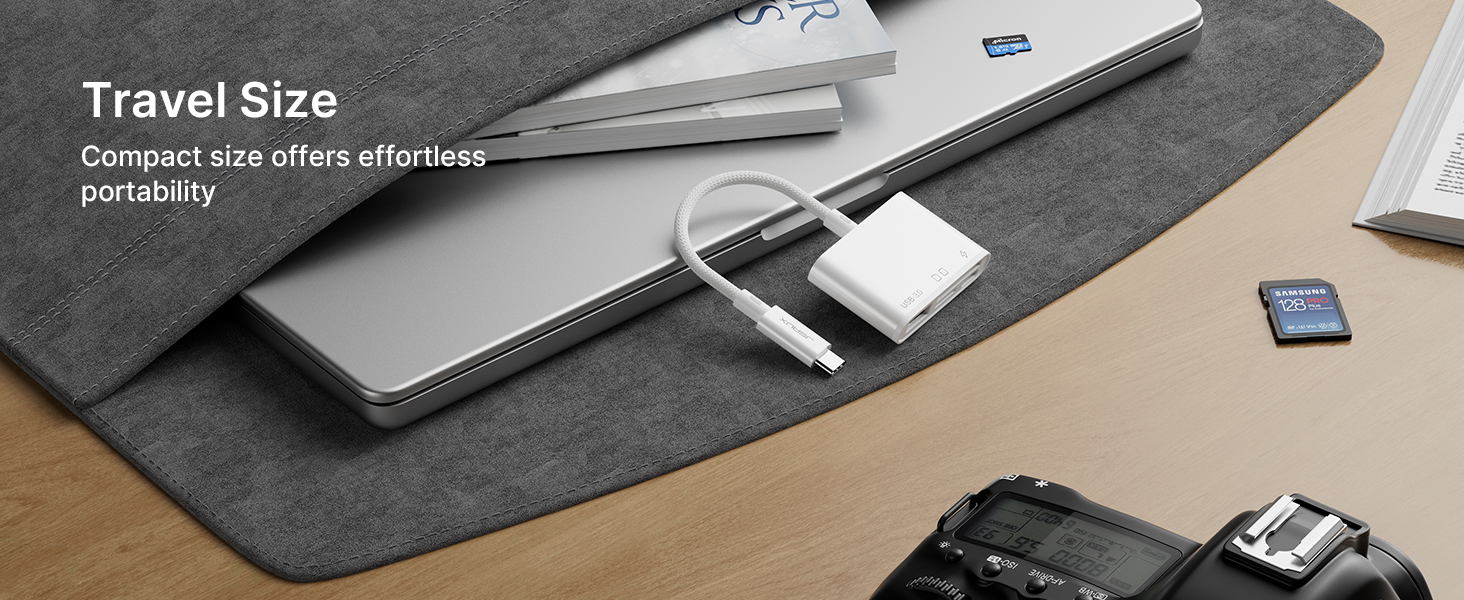
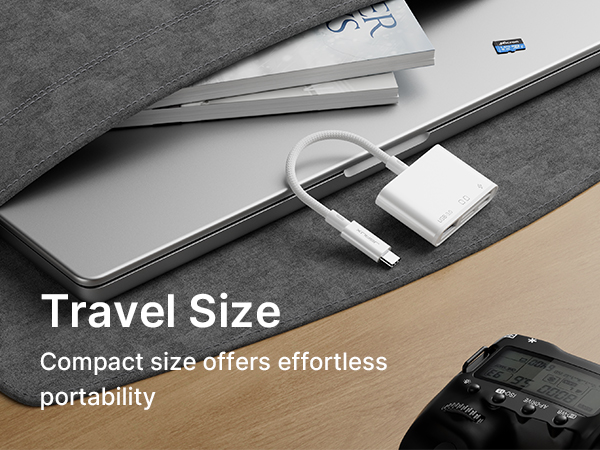
    Travel Size
    • 1?Put SD card in reader slot.

      2?Open 'Files' app on iOS.

      3?Find 'NoName' or 'Untitled' folder.

      4?Choose files to transfer.

      5?Move files to iOS device. Please let us know if you have any other questions.

    • Compatible with SD, SDHC, SDXC, MMC Micro, RS MMC, as well as Micro SD, Micro SDHC, and Micro SDXC cards.

    4-in-1

    Read/Write Memory Card

    Connecting Additional USB Devices

    Charging Devices
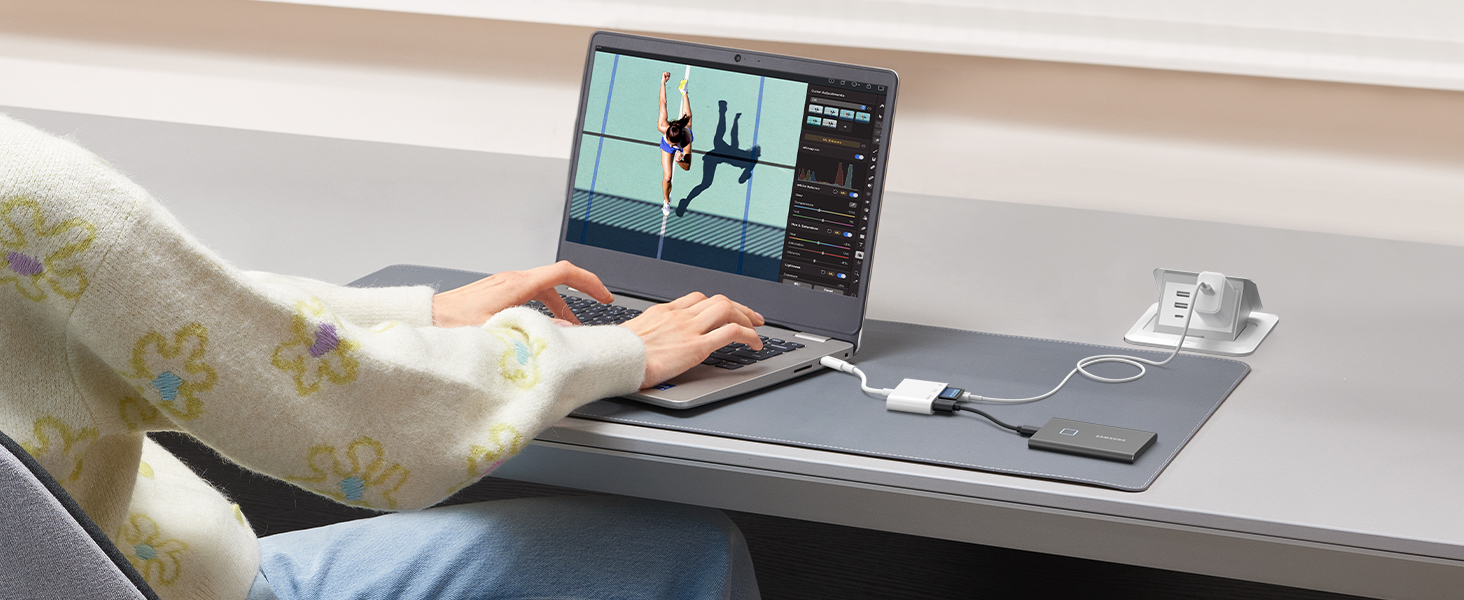
    High Speed
    Apple iPhone 16/ iPhone 16 Plus / iPhone 16 Pro / iPhone 16 Pro Max / iPhone 15/ iPhone 15 Plus / iPhone 15 Pro / iPhone 15 Pro Max
    Apple MacBook Pro 2016-2021, MacBook Air 2018-2022, iMac Pro, iMac 2017, Mac mini 2018, MacBook 2015-2017, iPad Pro 2018 - 2021, iPad Air 2020-2022, Mac Pro 2019 * Early Apple M1 only supports one external monitor
    Samsung Galaxy S23/ S22 / S21 / S20 / S10 / S9 / S8 / Note 20/ Note 10/ Note 9 / Note 8/ Fold / A90 5G , Samsung Galaxy Book, Galaxy Tab S4 / S5e / S6/ S7 / S8 and their plus versions.
    Microsoft Surface Book 2 / 3, Surface Go / Go 2 / Go 3, Surface Laptop 3 / 4 / SE / Go / Go 2 / studio, Surface Pro 7 / 7+ / 8 / X, Surface Studio 2, Surface Dock 2 - only works for Dock 2 rear ports
    Dell XPS 15 9575 / 9570 / 9560 / 9550, XPS 13 9375 / 9370 / 9360 / 9350, XPS 12 9250, Latitude 7373 / 7280 / 7480 / 5570 / 5490, Insiron 5570, Inspiron 13 7000 2-in-1, Alienware 17 r3 / r4 / r5
    Note Please do not plug and unplug the USB C charging port during data transfer to avoid affecting the data transfer progress; For SD and TF only supports single port recognition, does not support dual port recognition at the same time; SD/TF is not suitable for Prores video recording.
    Note iPhone 15 & 16 needs to turn on assistive touch when connecting to the mouse (Settings-Assistive Functions-Touch-Assistive Touch-Enabled);
    Travel Size
    • 1?Put SD card in reader slot.

      2?Open 'Files' app on iOS.

      3?Find 'NoName' or 'Untitled' folder.

      4?Choose files to transfer.

      5?Move files to iOS device. Please let us know if you have any other questions.

    • Compatible with SD, SDHC, SDXC, MMC Micro, RS MMC, as well as Micro SD, Micro SDHC, and Micro SDXC cards.
    4-in-1 USB C SD Card Reader, USB-C Micro SD Card Reader with (USB 3.0 & Charging) Port Compatible with iPhone 16/16 Plus/16 Pro/16 Pro Max, Android, Mac, Galaxy, iPad Pro, Camera -White

    Warranty & Returns

    Warranty, Returns, And Additional Information

    Warranty

    • Please contact the Seller directly for warranty information. Warranty information may also be found on the Manufacturer's website.
    • CONTACT

    Return Policies

    • Return for refund within: 30 days
    • Return for replacement within: 30 days
    • This item is covered by Denikyyer Return Policy

    Manufacturer Contact Info

    LOADING...