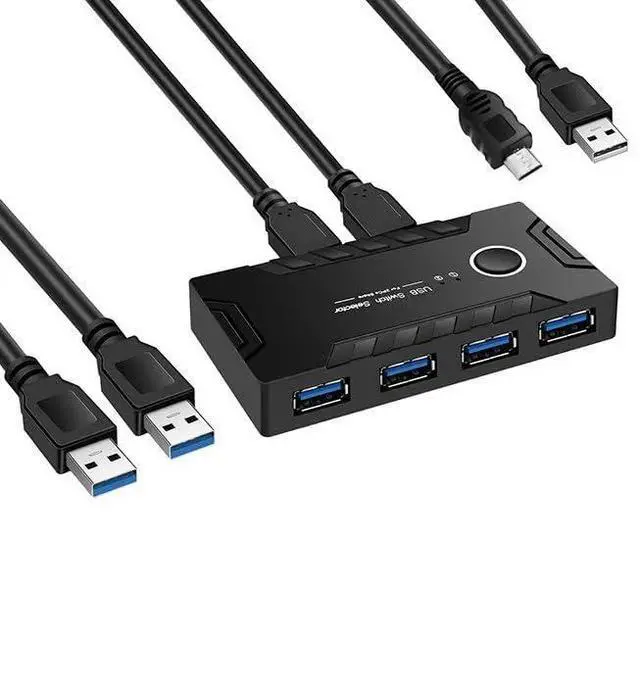
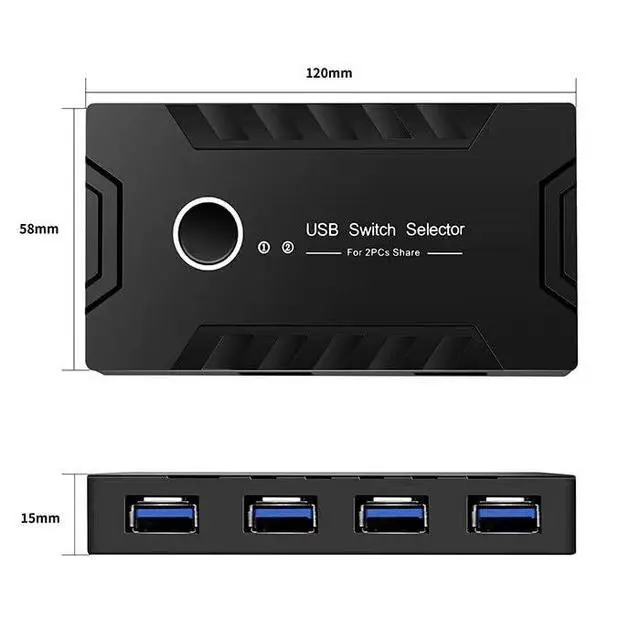
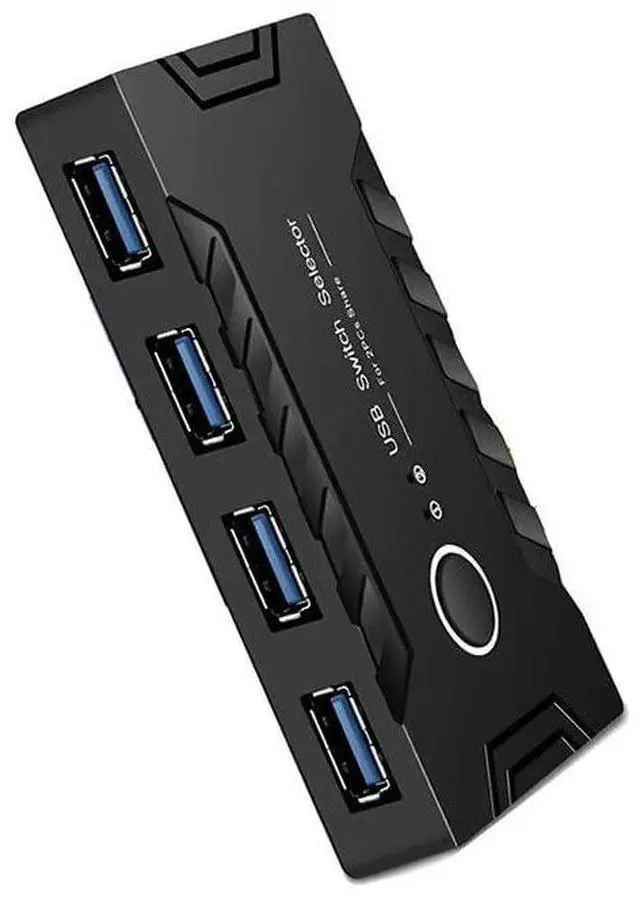
USB 2.0 Switch KVM Switcher 2 Computers Share 4 USB 2.0 Ports Devices for PC Printer Scanner Mouse Keyboard with 2 Pack USB 3.0 Cable and One usb2.0 Power Cable (3.0)
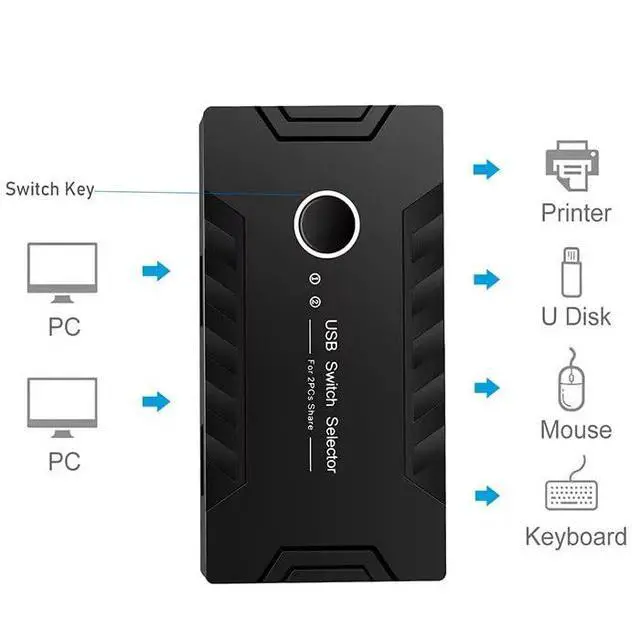
USB 2.0 Switch: This 4-port USB KVM switch supports 2 computers to share 4 USB 2.0 peripherals such as printer, scanner, USB camera, keyboard, mouse, USB flash drive, headset, etc. It is convenient for you to freely switch between work computers and personal computers. this keyboard mouse switch takes out the limited space at your desk, greatly improving work efficiency.
Stable Connection: USB 2.0 sharing switch with a separate micro USB female port for option power, If you use some high power consumption devices such as HDD, USB cameras, headphones, etc, please connect extra power for stable performance. Important Note: Please use Standard 5V Adapter (The Micro USB-USB Charging cable is included, but the power adapter is not) for powering ,Any charger with higher voltage output is Not allowed and may affect the product performance
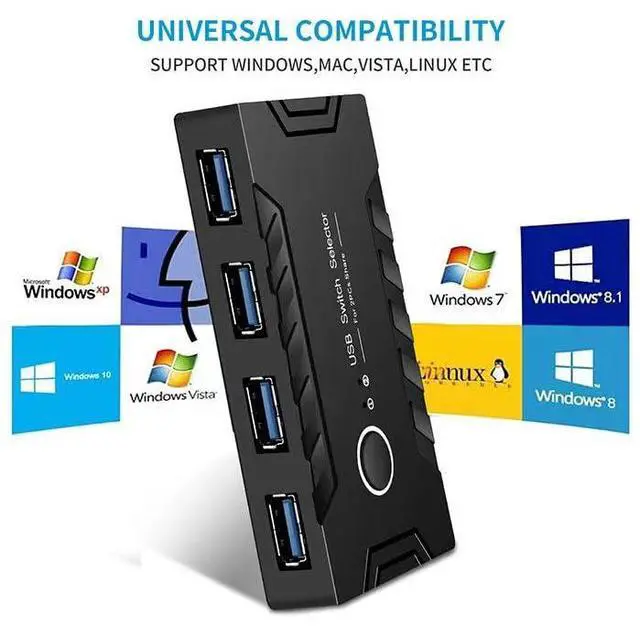
Driver-free & Wide Compatibility ZWWLRE USB 2.0 KVM Switch selector is plug-and-play for windows 10/8/8.1/7/Vista/XP and Mac OS, Linux, and Chrome OS. Just plug in and enjoy efficient work.
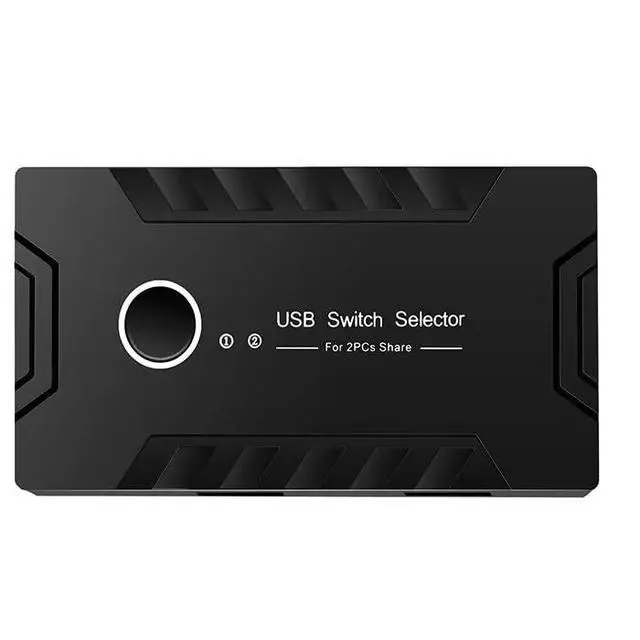
one-touch KVM switching design: With the USB switcher button and LED indicator design, just click the button with LED light, you can freely switch multiple USB devices between two computers and know the working status clearly.
What You Get: Package Included: 1x USB KVM Switch, 1x Micro USB Charging Clabe(1.5M), 2X USB 2.0 Cable (1M), 1x User Manual.
+
+
Overview
Specs
Reviews
Any questions? Our AI mode will help you find out quickly.
Try me now
USB 2.0 Switch KVM Switcher 2 Computers Share 4 USB 2.0 Ports Devices for PC Printer Scanner Mouse Keyboard with 2 Pack USB 3.0 Cable and One usb 2.0 Power Cable ( 3.0 )
Learn more about the Detailed Specifications
Additional Information
First Listed on Newegg
May 29, 2026
There are no reviews yet.
Do you own this product?
Warranty & Returns
Warranty, Returns, And Additional Information
Warranty
Please contact the Seller directly for warranty information. Warranty information may also be found on the Manufacturer's website.