







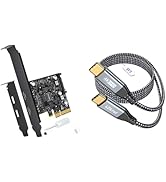
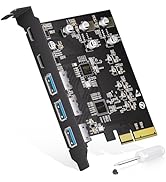


Why only 2 USB-C ports?
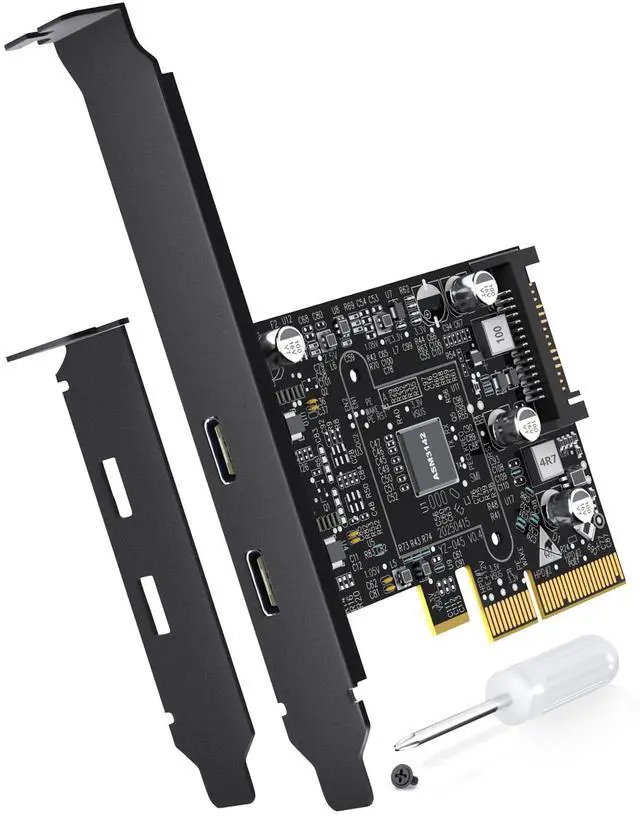
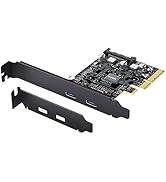
This 2-port USB C PCIe card focuses on fewer ports to avoid bandwidth sharing, ensuring max speed per port.
Why not reaching 10Gbps?
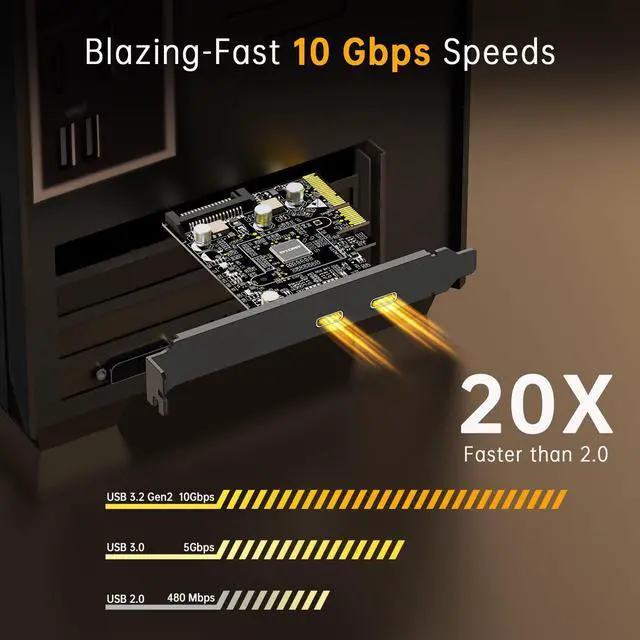
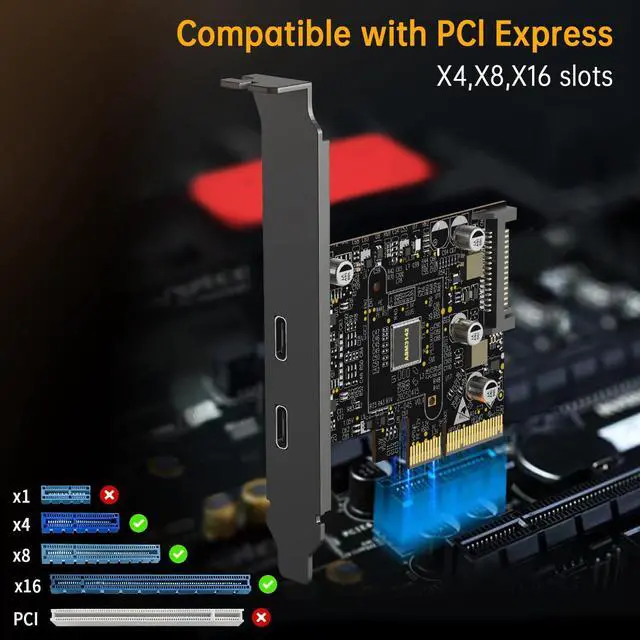
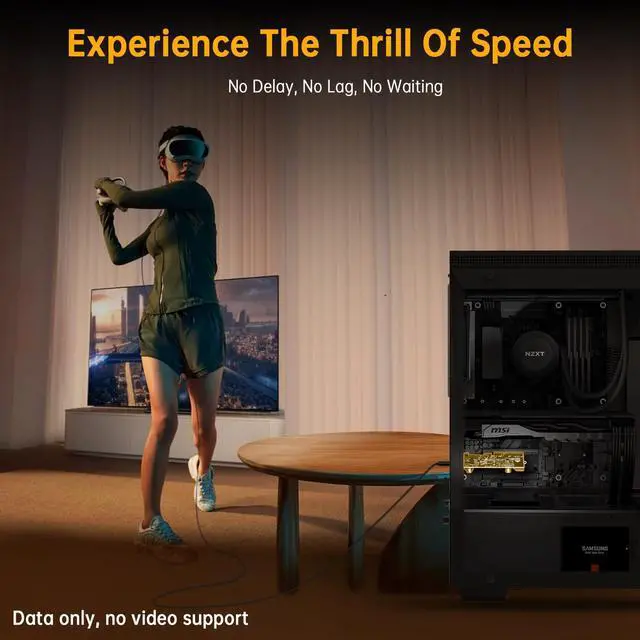
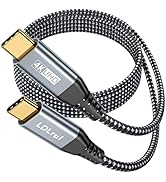
Use a PCIe 3.0 x4 slot and USB 3.2 Gen 2 cables. Actual speeds vary due to hardware/device factors. Speed per port drops under load (shared bandwidth).
Work without SATA power?
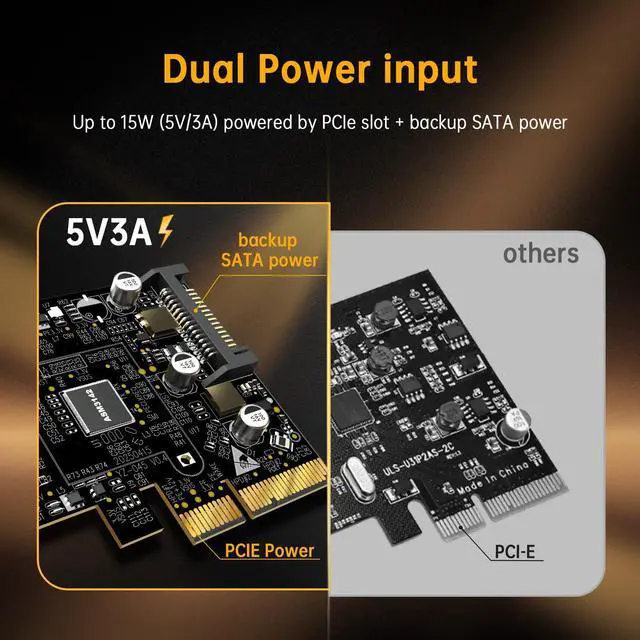
Yes. This USB C PCIe expansion card draws 15W (5V/3A) from PCIe slot, sufficient for most devices. Supplemental SATA power ensures stable high-power device operation.
Device not recognized?
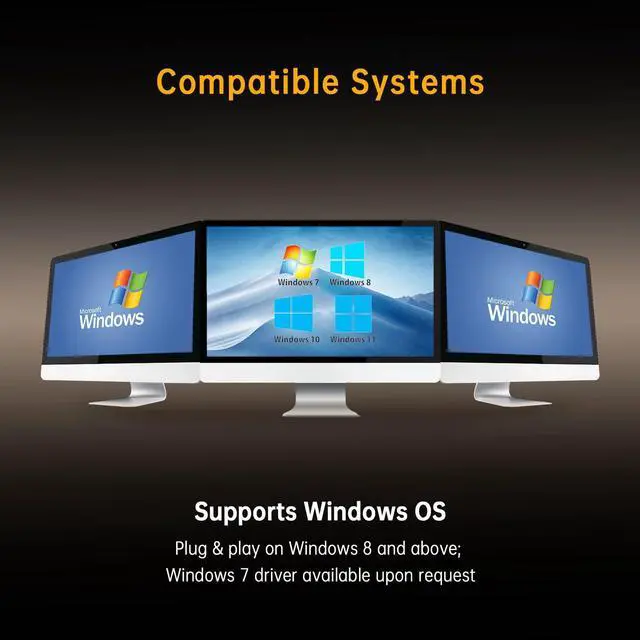
Check: 1. OS compatibility (Win/Linux/macOS) - Win 7 needs manual drivers; 2. Assure PCIe slot connection. This USB C PCIe card supports plug-and-play (Win 8+).
External device not powering on?
1. Check device overload & secure SATA/PCIe connections. 2. Max 15W (5V/3A) output: Single port: 15W max; Dual ports: shared 15W total.


Why only 2 USB-C ports?
This 2-port USB C PCIe card focuses on fewer ports to avoid bandwidth sharing, ensuring max speed per port.
Why not reaching 10Gbps?
Use a PCIe 3.0 x4 slot and USB 3.2 Gen 2 cables. Actual speeds vary due to hardware/device factors. Speed per port drops under load (shared bandwidth).
Work without SATA power?
Yes. This USB C PCIe expansion card draws 15W (5V/3A) from PCIe slot, sufficient for most devices. Supplemental SATA power ensures stable high-power device operation.
Device not recognized?
Check: 1. OS compatibility (Win/Linux/macOS) - Win 7 needs manual drivers; 2. Assure PCIe slot connection. This USB C PCIe card supports plug-and-play (Win 8+).
External device not powering on?
1. Check device overload & secure SATA/PCIe connections. 2. Max 15W (5V/3A) output: Single port: 15W max; Dual ports: shared 15W total.
LDLRUI PCIE CARD