



![Main image of 2026 [2-in-1] Latest Wireless CarPlay & Android Auto Adapter, Converts Wired to Wireless, Fast Auto-Reconnect, Dual-Band 5GHz WiFi + Bluetooth 5.3, USB-A & USB-C Compatible, Mini Design](https://c1.neweggimages.com/productimage/nb640/C7CAD2607080SS3F10F.jpg)
![Alt view image 2 of 7 - 2026 [2-in-1] Latest Wireless CarPlay & Android Auto Adapter, Converts Wired to Wireless, Fast Auto-Reconnect, Dual-Band 5GHz WiFi + Bluetooth 5.3, USB-A & USB-C Compatible, Mini Design](https://c1.neweggimages.com/productimage/nb640/C7CAD2607080SS3JWC6.jpg)
![Alt view image 3 of 7 - 2026 [2-in-1] Latest Wireless CarPlay & Android Auto Adapter, Converts Wired to Wireless, Fast Auto-Reconnect, Dual-Band 5GHz WiFi + Bluetooth 5.3, USB-A & USB-C Compatible, Mini Design](https://c1.neweggimages.com/productimage/nb640/C7CAD2607080SS3PD8E.jpg)
![Alt view image 4 of 7 - 2026 [2-in-1] Latest Wireless CarPlay & Android Auto Adapter, Converts Wired to Wireless, Fast Auto-Reconnect, Dual-Band 5GHz WiFi + Bluetooth 5.3, USB-A & USB-C Compatible, Mini Design](https://c1.neweggimages.com/productimage/nb640/C7CAD2607080SS3O1A8.jpg)
![Alt view image 5 of 7 - 2026 [2-in-1] Latest Wireless CarPlay & Android Auto Adapter, Converts Wired to Wireless, Fast Auto-Reconnect, Dual-Band 5GHz WiFi + Bluetooth 5.3, USB-A & USB-C Compatible, Mini Design](https://c1.neweggimages.com/productimage/nb640/C7CAD2607080SS3NF83.jpg)
![Alt view image 6 of 7 - 2026 [2-in-1] Latest Wireless CarPlay & Android Auto Adapter, Converts Wired to Wireless, Fast Auto-Reconnect, Dual-Band 5GHz WiFi + Bluetooth 5.3, USB-A & USB-C Compatible, Mini Design](https://c1.neweggimages.com/productimage/nb640/C7CAD2607080SS3OIE3.jpg)
![Alt view image 7 of 7 - 2026 [2-in-1] Latest Wireless CarPlay & Android Auto Adapter, Converts Wired to Wireless, Fast Auto-Reconnect, Dual-Band 5GHz WiFi + Bluetooth 5.3, USB-A & USB-C Compatible, Mini Design](https://c1.neweggimages.com/productimage/nb640/C7CAD2607080SS3MBAB.jpg)


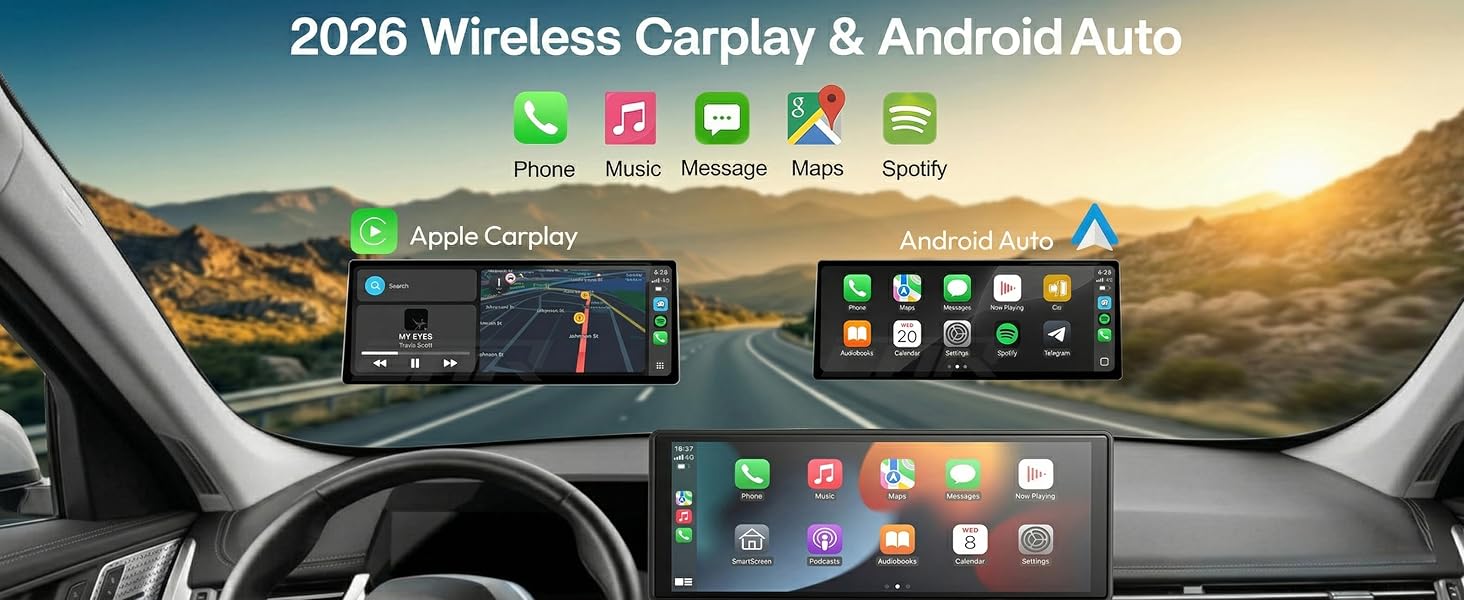
Wireless Carplay Adapter
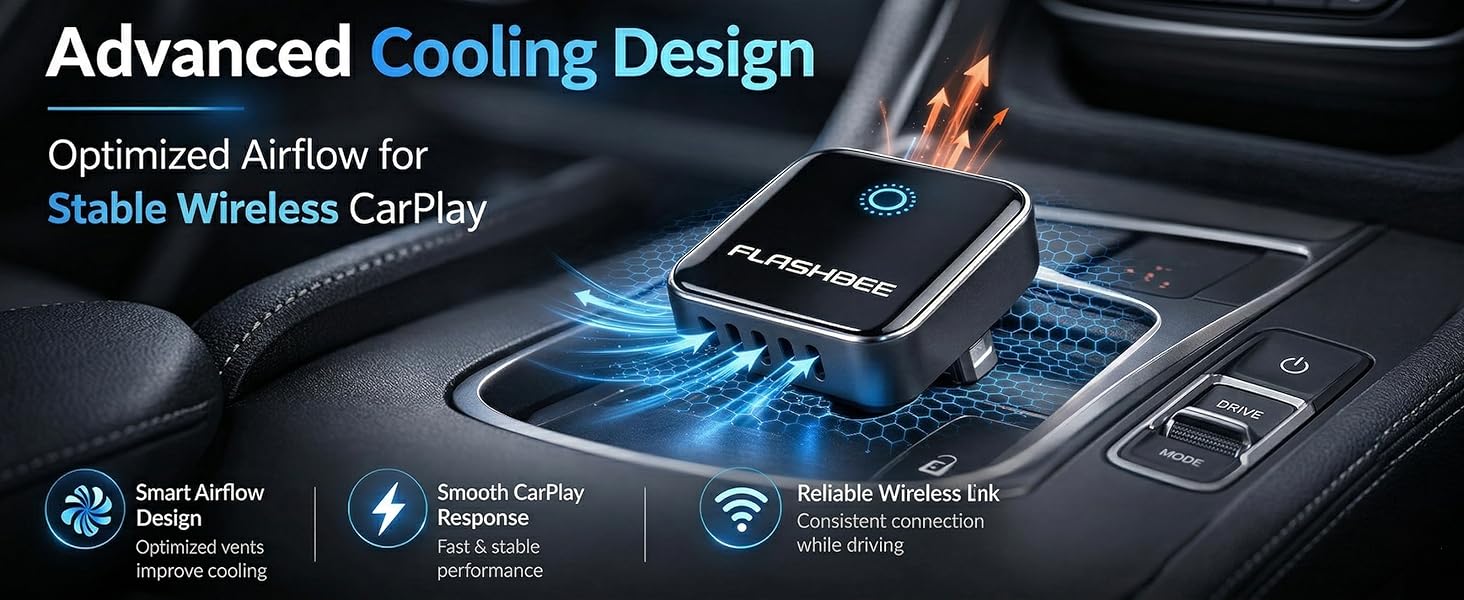
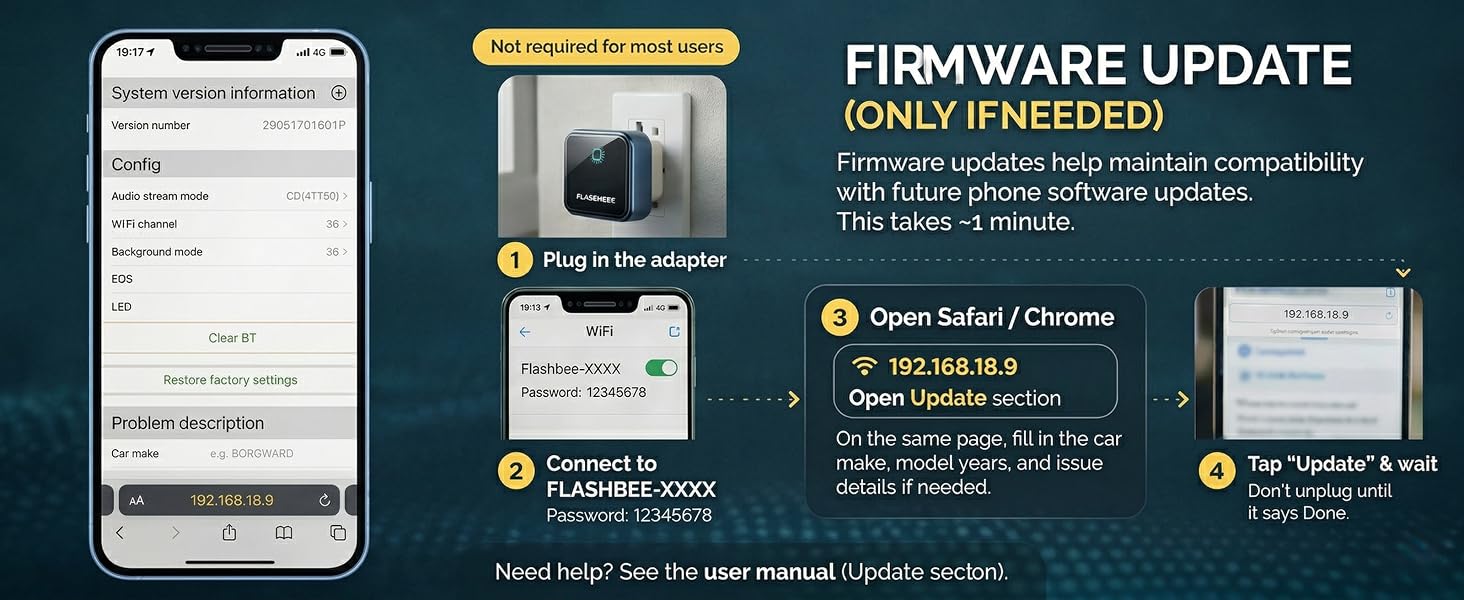
Why does the adapter light stay on after the car is turned off?
The adapter light may stay on for a short time after the car is turned off, which is normal. Once you leave the car, the adapter powers down shortly after and is designed not to drain your car battery during normal use.
Does this work with my car model?
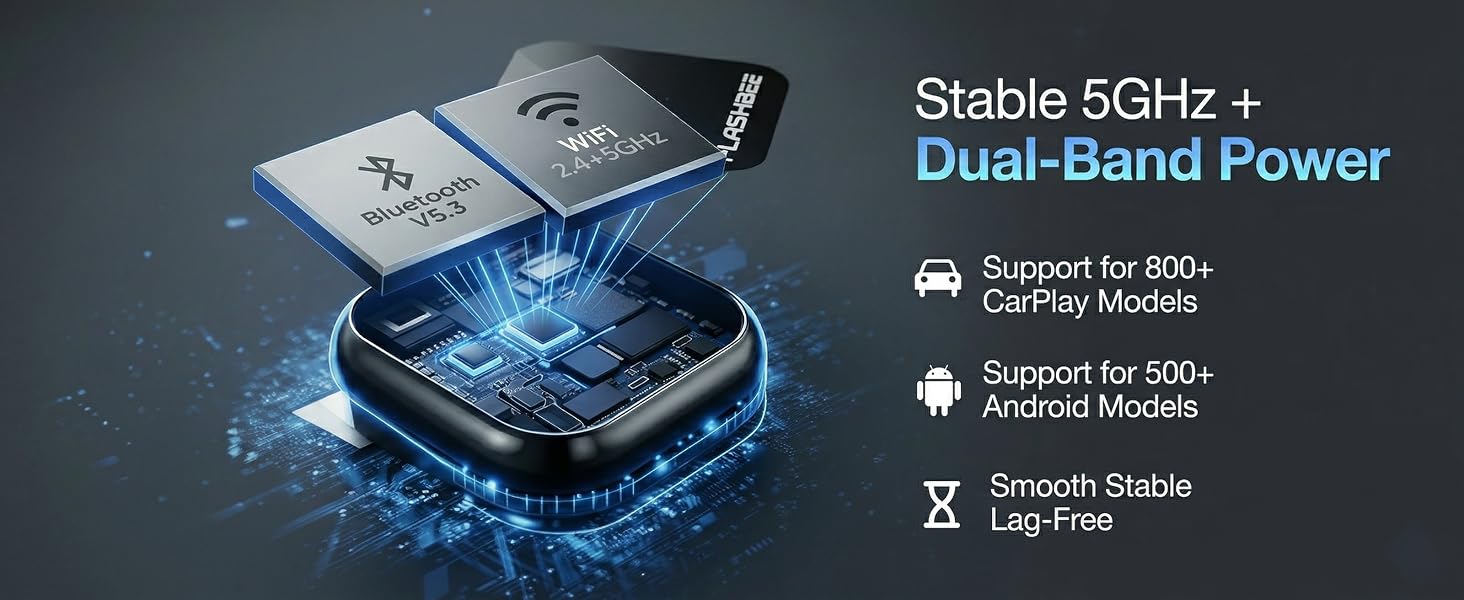
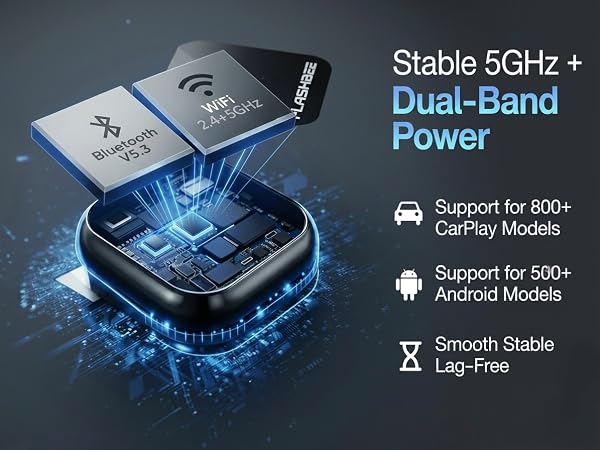
Works with vehicles that support factory wired CarPlay or Android Auto. Not compatible with cars that don’t have these features. Check your car settings or manual to confirm compatibility.
How long does the connection take?
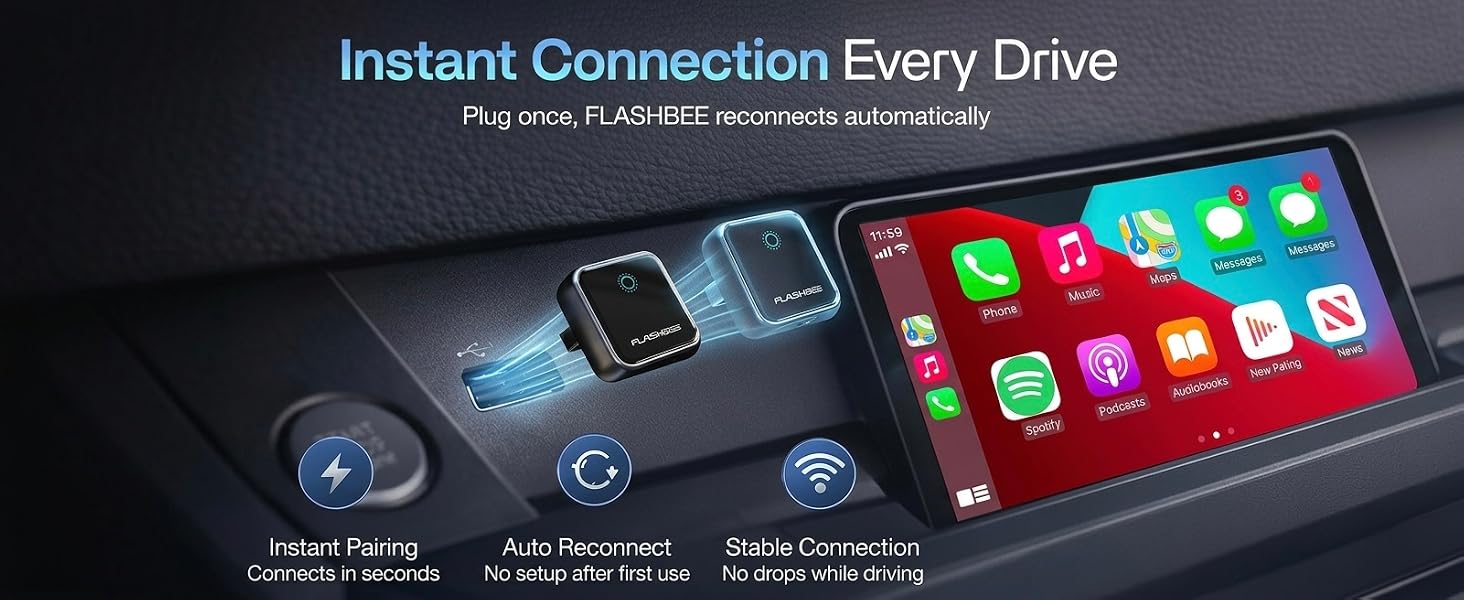
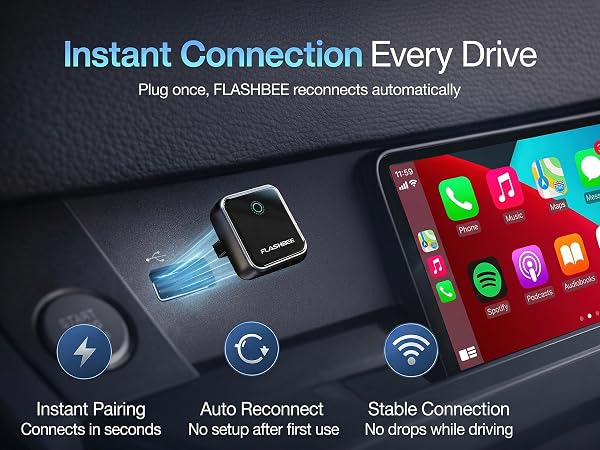
FLASHBEE Wireless CarPlay Adapter connects quickly when you start your car and reconnects automatically every time, so there is no need to manually reconnect.
FLASHBEE Installation step-by-step guide
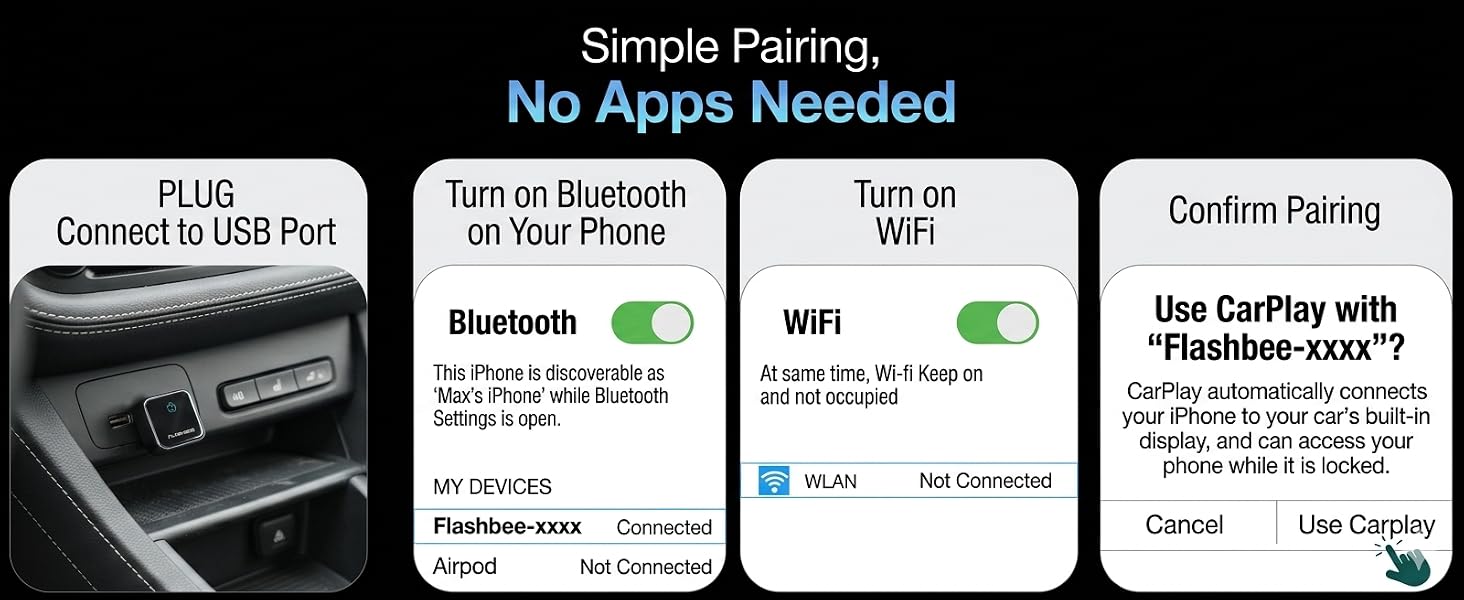
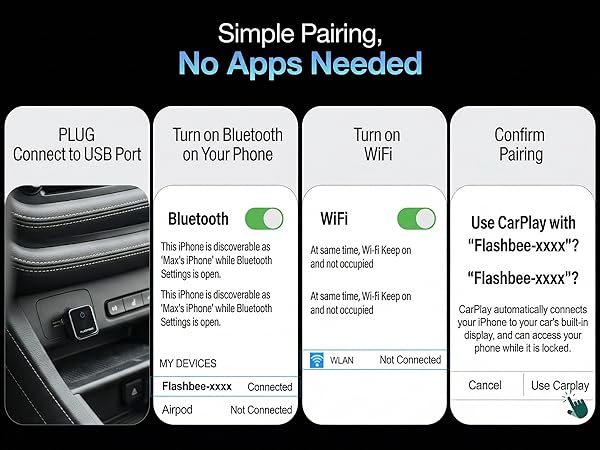
Plug the adapter into your car’s wired CarPlay or Android Auto USB port. Start the car, turn on Bluetooth and Wi-Fi on your phone, and follow the pairing prompts on screen. Once paired, it connects wirelessly and auto-reconnects each time.
How to switch between CarPlay and Android Auto?
Turn off Bluetooth & Wi-Fi on the current phone, then connect the other device. For first-time use, complete pairing. If already paired, just switch devices. Restart the system or reinsert the adapter if needed.
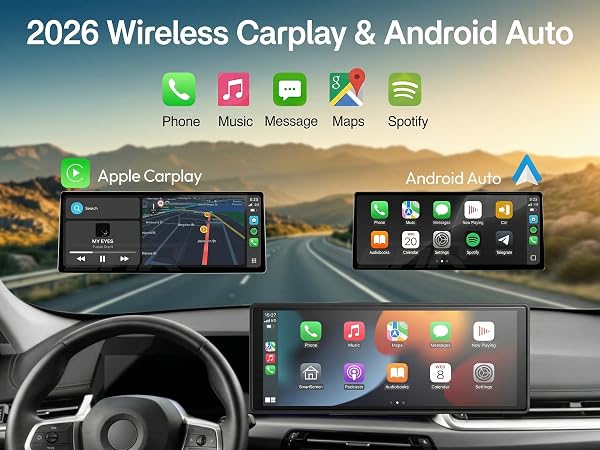
Wireless Carplay Adapter
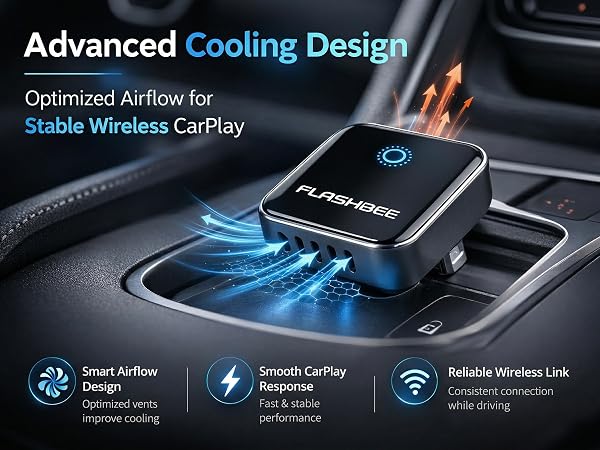

Why does the adapter light stay on after the car is turned off?
The adapter light may stay on for a short time after the car is turned off, which is normal. Once you leave the car, the adapter powers down shortly after and is designed not to drain your car battery during normal use.
Does this work with my car model?
Works with vehicles that support factory wired CarPlay or Android Auto. Not compatible with cars that don’t have these features. Check your car settings or manual to confirm compatibility.
How long does the connection take?
FLASHBEE Wireless CarPlay Adapter connects quickly when you start your car and reconnects automatically every time, so there is no need to manually reconnect.
FLASHBEE Installation step-by-step guide
Plug the adapter into your car’s wired CarPlay or Android Auto USB port. Start the car, turn on Bluetooth and Wi-Fi on your phone, and follow the pairing prompts on screen. Once paired, it connects wirelessly and auto-reconnects each time.
How to switch between CarPlay and Android Auto?
Turn off Bluetooth & Wi-Fi on the current phone, then connect the other device. For first-time use, complete pairing. If already paired, just switch devices. Restart the system or reinsert the adapter if needed.