Your Browsing History
- Free 30-day Returns
$54.49
Ships from Hong Kong.
Meet Your Seller
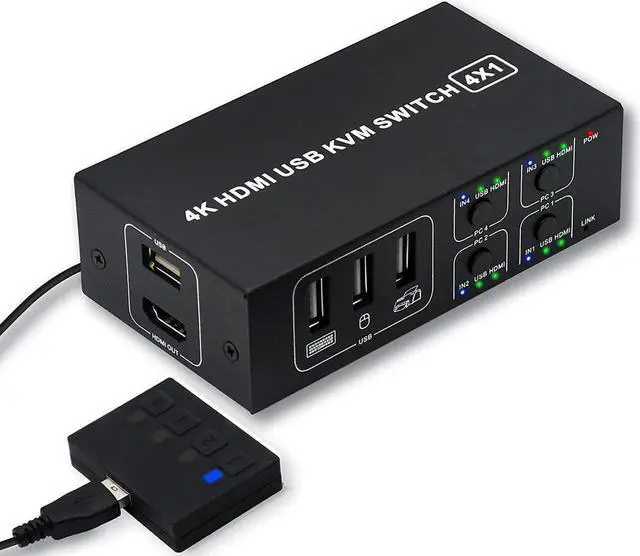
4x1 HDMI KVM Switch 4 Port,USB Switch 4 Computers Share with 1 Monitor HD 4K @60Hz One-Button Switch hdmi switch, 4 In 1 Out HDMI KVM Switcher with 4 USB Cable 1 Switch Button&Cable 1 Power Cable
Limited time offer, ends 07/29 By E-tech
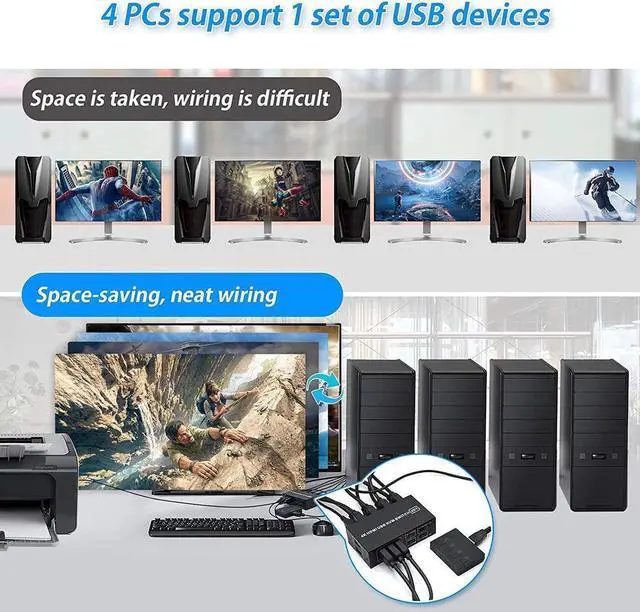
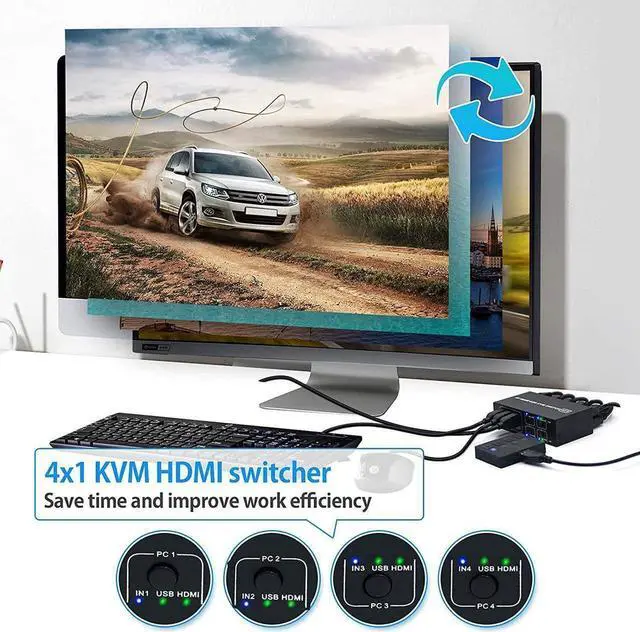
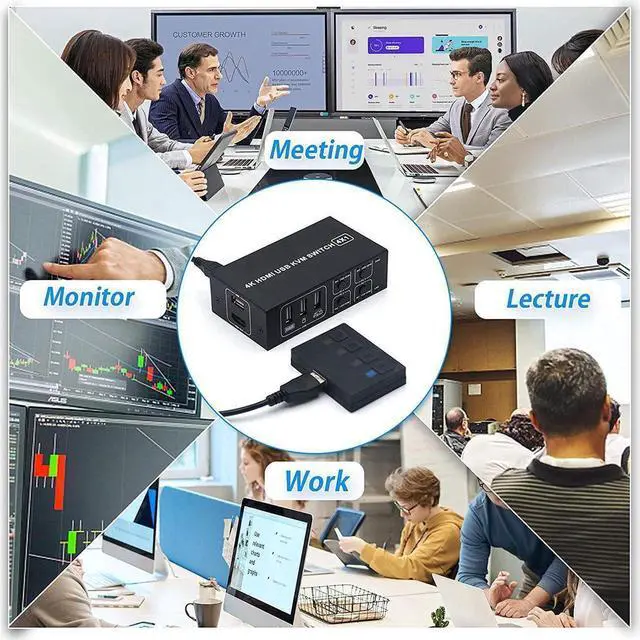
- [4K HDMI KVM Switch] The KVM Switch can control 4 computers from a set of USB keyboard/mouse/monitor. provides you with great flexibility in integrating cross-platform computer equipment easily. Be using for Office, Multimedia Teaching, Research Test etc.
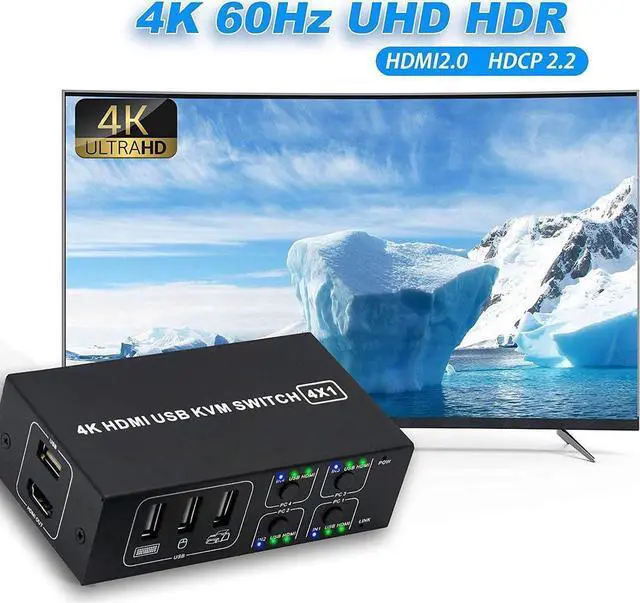
- [Ultra HD 4K@60HZ Visual Impact] Supporting resolution 4K@60Hz, make image display more exquisite and realistic, color is more bright and moving. Also support 4K@30Hz, 2K@30Hz, 1080P or lower resolution.
- [One-Key Switching] Designed with a switch button on the KVM Switch box, freely switch between 4 computers by pressing the button. Or switch through the extender. No external power adapter required, make sure to connect the USB cables between the computers and the KVM switch before using.
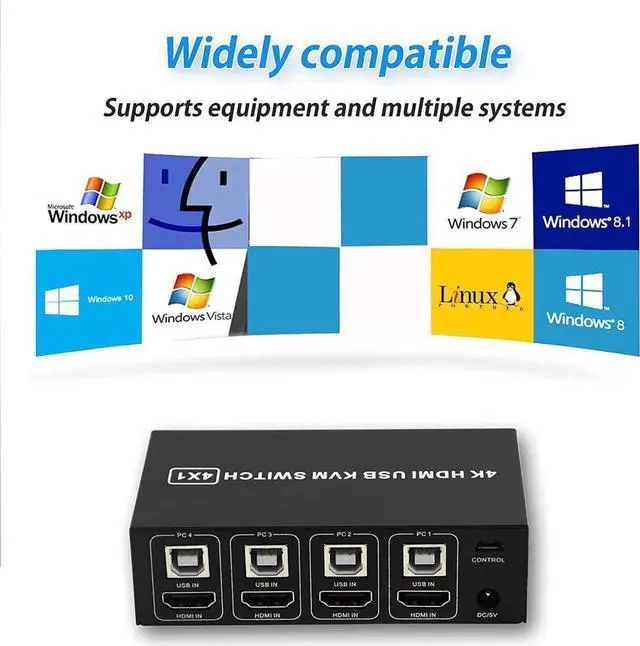
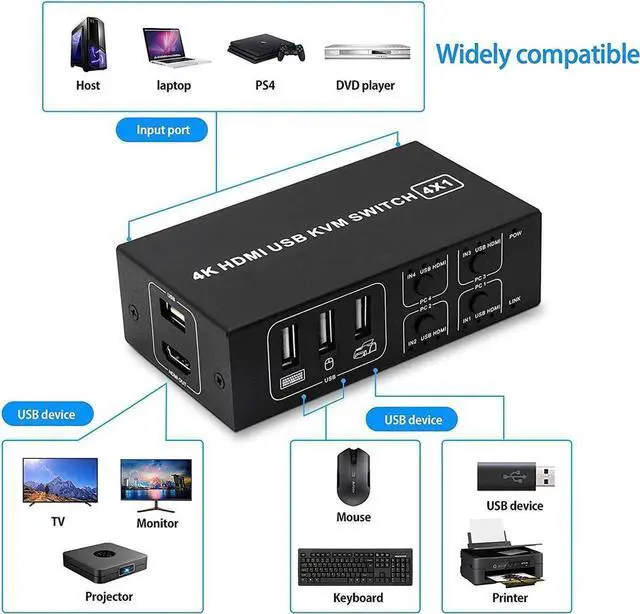
- [Wide Compatibility] Can compatible with all laptops with HDMI port and other devices. Such as P-S4,Xbox One etc.
- [More Functions and Special Design] The switch with extra 4 USB interface, 4 computers can share 4 USB devices with one button switch.
+
+
Overview
Specs
Reviews
Any questions? Our AI beta will help you find out quickly.
Try me now
KVM Switch Connects 4 Computers to a Single Keyboard, Mouse and Monitor
HDMI KVM SWITCH can implement free switching between four groups of high-definition video source and USB interface. The equipment has excellent image processing and transmission capacity, make the output signal more smooth and steady, it is a reliable, high performance and efficient way of HDMI USB switch.
How to Connect the HDMI USB KVM switch:
1. Connect HDMI IN1/2/3/4 and USB IN1/2/3/4 to PC1/2/3/4 at the same time.
2. Connect HDMI Output to HDMI monitor/TV/display.
3. Connect a USB keyboard, mouse, printer, U disk or other USB devices to the USB port.
4. Press the extension switch button or the switch button on the body to switch between the four computers.
Why choose our KVM Switch?
1. Powered by USB-B cable, no external power adapter is needed, saving
2. LED indicator lights allow you to know which computer is in control easily.
3. Having 4 USB 2.0 hubs, transfer rate of up to 480 Mbps. Sharing devices as scanners, printers, flash drives etc.
There are two ways to switch:
1. Use the keys on the front panel to switch
2. Use the button extension cable to switch
Note: In oder to be compatible with more keyboards, printers, U disks, etc., this device does not support keyboard hotkey switching

HDMI KVM SWITCH can implement free switching between four groups of high-definition video source and USB interface. The equipment has excellent image processing and transmission capacity, make the output signal more smooth and steady, it is a reliable, high performance and efficient way of HDMI USB switch.
How to Connect the HDMI USB KVM switch:
1. Connect HDMI IN1/2/3/4 and USB IN1/2/3/4 to PC1/2/3/4 at the same time.
2. Connect HDMI Output to HDMI monitor/TV/display.
3. Connect a USB keyboard, mouse, printer, U disk or other USB devices to the USB port.
4. Press the extension switch button or the switch button on the body to switch between the four computers.
Why choose our KVM Switch?
1. Powered by USB-B cable, no external power adapter is needed, saving
2. LED indicator lights allow you to know which computer is in control easily.
3. Having 4 USB 2.0 hubs, transfer rate of up to 480 Mbps. Sharing devices as scanners, printers, flash drives etc.
There are two ways to switch:
1. Use the keys on the front panel to switch
2. Use the button extension cable to switch
Note: In oder to be compatible with more keyboards, printers, U disks, etc., this device does not support keyboard hotkey switching
Warranty & Returns
Warranty, Returns, And Additional Information
Warranty
- Please contact the Seller directly for warranty information. Warranty information may also be found on the Manufacturer's website.
- CONTACT
Return Policies
- Return for refund within: 30 days
- Return for replacement within: non-replaceable
- This item is covered by E-tech Return Policy
Manufacturer Contact Info
- For a directory of all our manufacturers, please click below.
- Manufacturers Directory
LOADING...