




 here!
here!
I’m your shopping assistant for PC builds, upgrades, and everything tech.
Got questions? Ask away!
Start a conversation
here!
I’m your shopping assistant for PC builds, upgrades, and everything tech.
Got questions? Ask away!
Start a conversation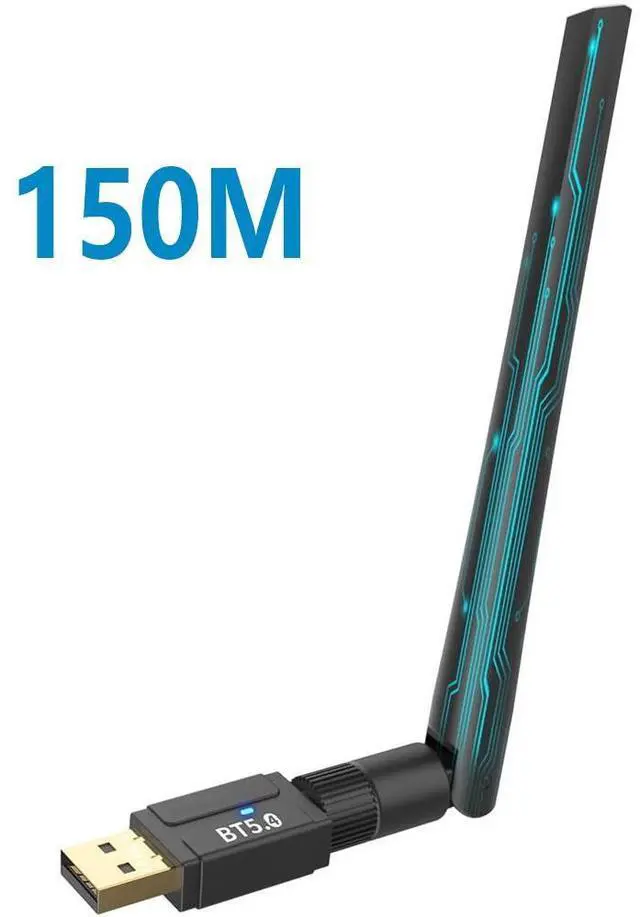



Any questions? Ask CelesteSM will help you find out quickly.
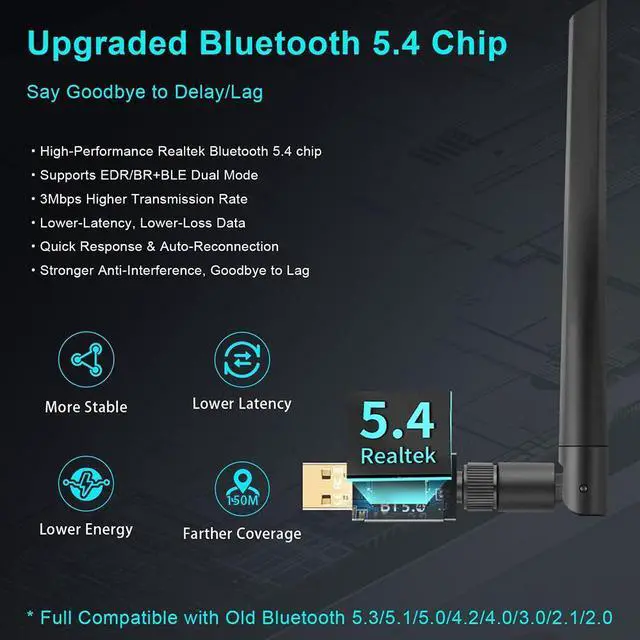
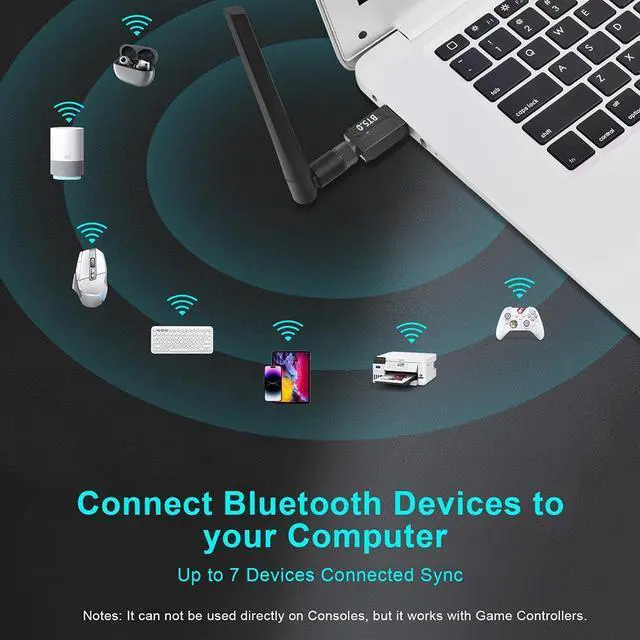
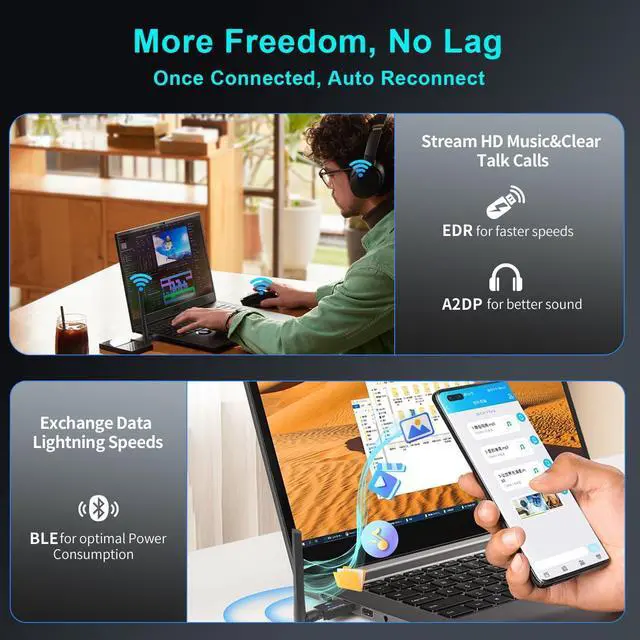
The smart BT548 wireless Bluetooth dongle can allow your Non-Bluetooth PC Laptop Desktop Computer to feature latest Bluetooth 5.4 function at once. Then you can enable your PC Laptop Desktop to pair & connect with Bluetooth headphones/headset/mouse/keyboard/printer/tablet to enjoy stereo, clear calling, wireless operation or files transfer freely.
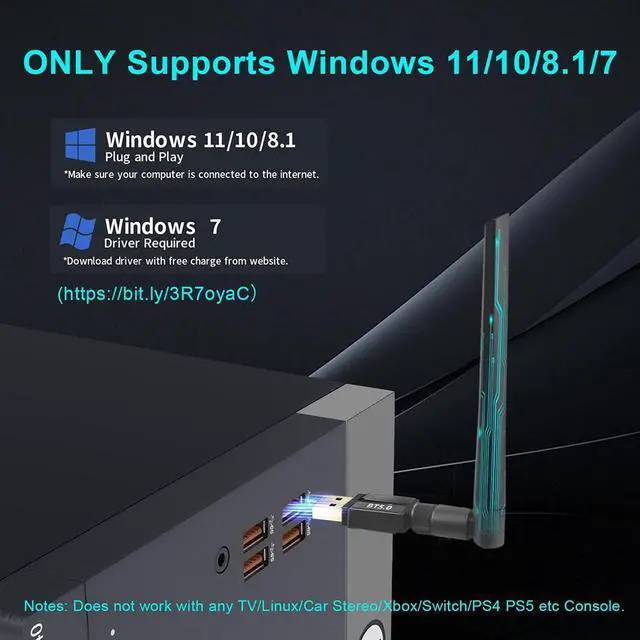
Plug and play for Windows 8.1, 10, and 11 (make sure your computer is connected to the internet); Supports Win7 (driver required for Win7 and could be downloaded).
Notes: 1. The BT548 PC adapter is not compatible with Ap-p-le-Mac, Linux, TV, Car-Stereo or Windows 8 XP Vista. 2. BT548 is not to be used directly on Xbox/PS4/PS5 console, only for game controllers used on PC. 3. Two BT548 dongle can be paired with each other.
BT548 Bluetooth 5.4 dongle for PC Laptop supports up to 7 different types of devices to be connected and can work together at the same time without interfering with each other, Which means that you can listen to high-quality music while using the keyboard mouse or other devices. But If Bluetooth audio devices of the same type (such as speakers/headphones) are connected, only one of them can play music.
Warm Tips: 1. If there is Bluetooth built-in the computer, please be sure to disable all existing Bluetooth devices in "Device Manager" at first, then insert the adapter and try again. 2. If you have any question about the driver installation or product usage, you can contact our reliable customer service via Newegg Message, and we will reply to you quickly within 24 hours.




