Your Browsing History
Meet Your Seller
USB C Magsafe Adapter, Type C to Magsafe 1&2 Converter Adapter Charge, Compatible with New MacBook Pro/Air and Any USB C Devices,USB 3.1 Type C Male to Magsafe 2 5Pin Female Cable Cord Converter Adapt
- Powerful Connection: Support MagSafe 1 and MagSafe 2, including the Power Supply of Thunderbolt and Cinema Display Widely Compatible: Support MacBook 12 /MacBook Air 13 /MacBook Pro 13 & 15 / iPad Pro 2018, Samsung S8/S9/Note, Google Pixel , Nintendo Switch , and other USB C PD devices. Superior Safety: The combination of Tekit exclusive JetSafe Tech and the special design with Aluminum alloy give AnyWatt a better heat dissipation which solves the problem of overheating while in high speed charging.
+
+
Overview
Specs
Reviews
Any questions? Our AI mode will help you find out quickly.
Try me now
USB 3.1 Type C Male to Magsafe 2 5Pin Female Cable Cord Converter Adapter for Macbook Pro 12
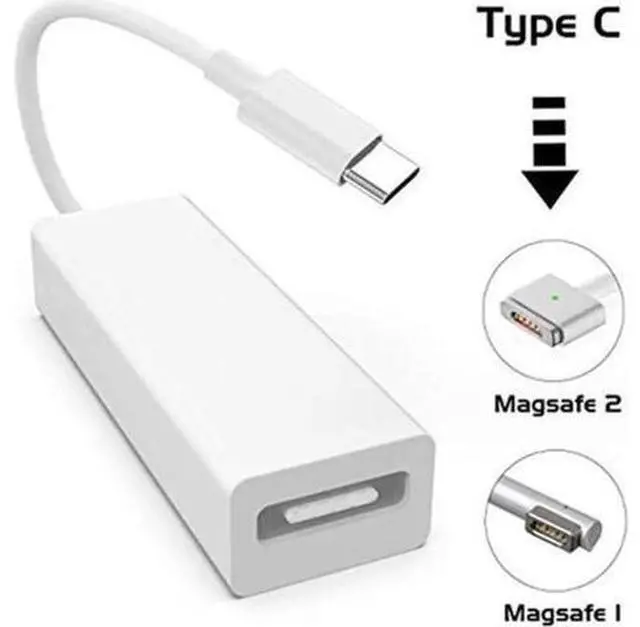
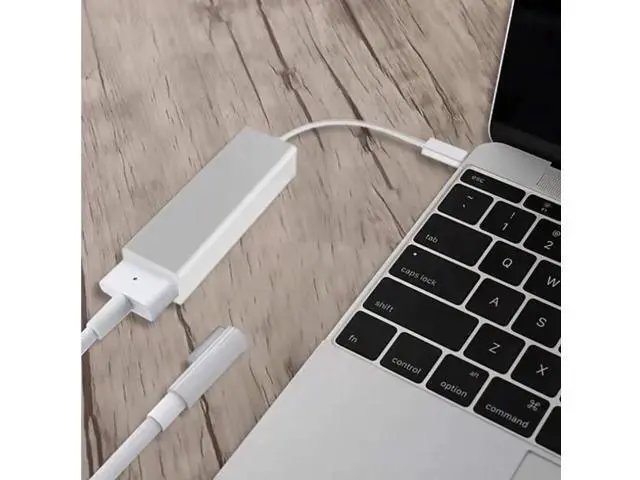
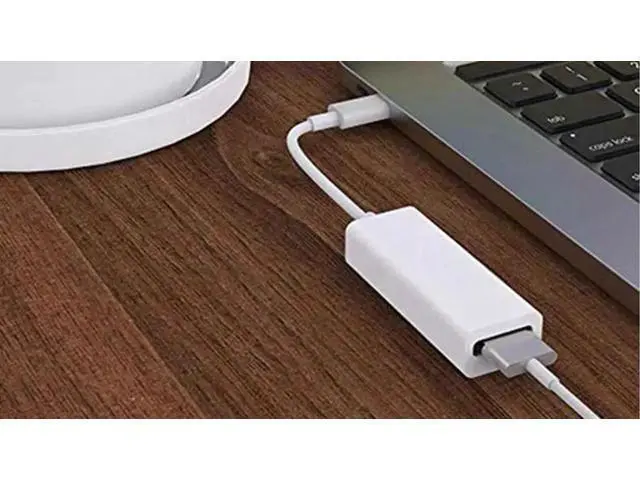
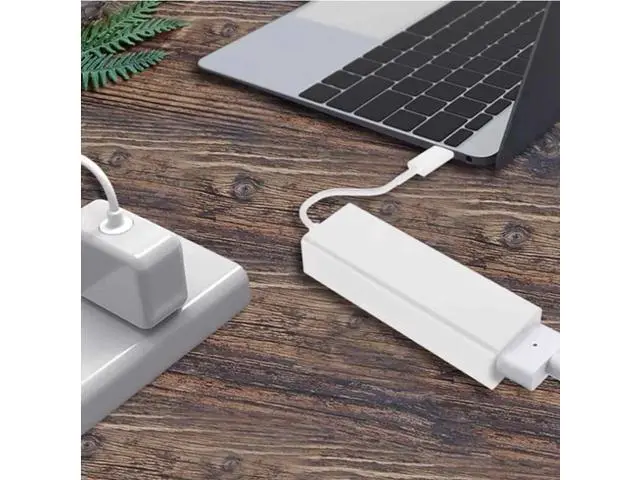
Feature: This USB-C converter connector allows you to reuse old Magsafe 1 and Magsafe 2 chargers for new USB-C devices, including laptops or smartphones with USB C ports.
Specification:
Color: Black, white (optional)
Material: Plastics
Interface: USB-C male head, Magsafe 2 5pin female head
Input: For Apple 45W 60W and 85W Mag Safe 1 or Mag Safe 2 power adapters
Output: The adapter intelligently adjusts the output power according to the input device. The converter supports 20V-3A/60W, 14.5 - 3.25A /45W, 14.5V -2A/29W, 9V-2A/18W, 5V- 2.4A /12W.
Applicable object: notebook or smartphone with USB-C port.
Product size: about 155*24*18mm/ 6.1 * 0.94 * 0.7 '' (including wire length)
Packaging size: about 180*65*25mm/ 7.08 * 2.55 * 0.98 ''
Net weight: 27g
Gross weight: 40g Important Note Both the Mag Safe 1 and Mag Safe 2 45W Adapters do not support charging the Mac Book Pro 13 and 15 (Please refer to the picture above) The LED in Mag Safe adapter will not light up when charging with the Any Watt MS. The maximum output of the Any Watt MS is 45W when connected to a Mag Safe 1 Adapter and the 60W Mag Safe 2 Adapter (including the Thunderbolt and Cinema Display power supplies) When using the Any Watt to charge a device that requires higher wattage (i. e. Mac Book 12 60W or Mac Book 15 87W) it will charge at a slower rate and may product some heat (which is expected) particularly when

Feature: This USB-C converter connector allows you to reuse old Magsafe 1 and Magsafe 2 chargers for new USB-C devices, including laptops or smartphones with USB C ports.
Specification:
Color: Black, white (optional)
Material: Plastics
Interface: USB-C male head, Magsafe 2 5pin female head
Input: For Apple 45W 60W and 85W Mag Safe 1 or Mag Safe 2 power adapters
Output: The adapter intelligently adjusts the output power according to the input device. The converter supports 20V-3A/60W, 14.5 - 3.25A /45W, 14.5V -2A/29W, 9V-2A/18W, 5V- 2.4A /12W.
Applicable object: notebook or smartphone with USB-C port.
Product size: about 155*24*18mm/ 6.1 * 0.94 * 0.7 '' (including wire length)
Packaging size: about 180*65*25mm/ 7.08 * 2.55 * 0.98 ''
Net weight: 27g
Gross weight: 40g Important Note Both the Mag Safe 1 and Mag Safe 2 45W Adapters do not support charging the Mac Book Pro 13 and 15 (Please refer to the picture above) The LED in Mag Safe adapter will not light up when charging with the Any Watt MS. The maximum output of the Any Watt MS is 45W when connected to a Mag Safe 1 Adapter and the 60W Mag Safe 2 Adapter (including the Thunderbolt and Cinema Display power supplies) When using the Any Watt to charge a device that requires higher wattage (i. e. Mac Book 12 60W or Mac Book 15 87W) it will charge at a slower rate and may product some heat (which is expected) particularly when
Warranty & Returns
Warranty, Returns, And Additional Information
Warranty
- Please contact the Seller directly for warranty information. Warranty information may also be found on the Manufacturer's website.
- CONTACT
Return Policies
- Return for refund within: 30 days
- Return for replacement within: 30 days
- This item is covered by OUTDOORMAX GEAR Return Policy
Manufacturer Contact Info
- For a directory of all our manufacturers, please click below.
- Manufacturers Directory
LOADING...