



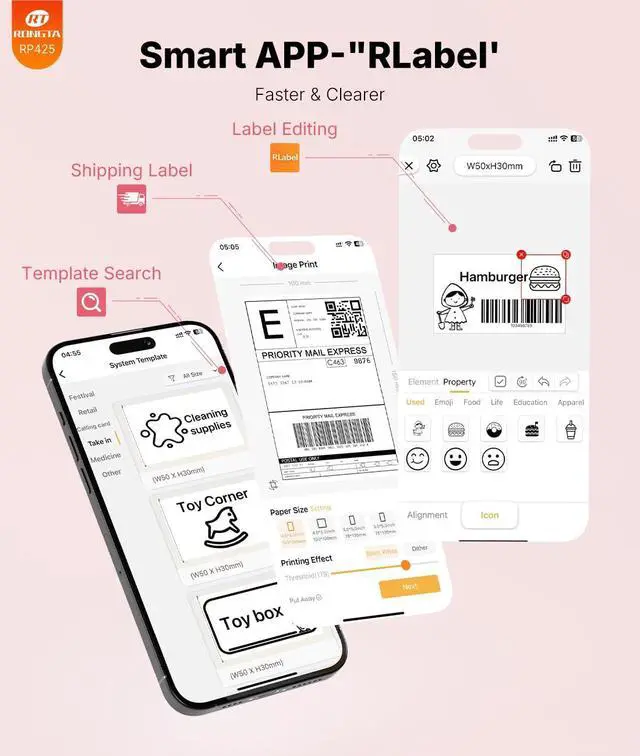
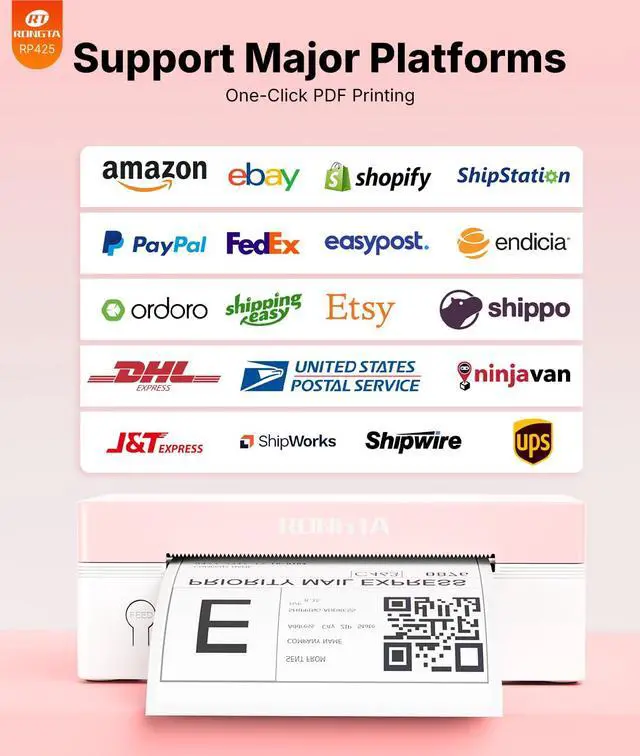
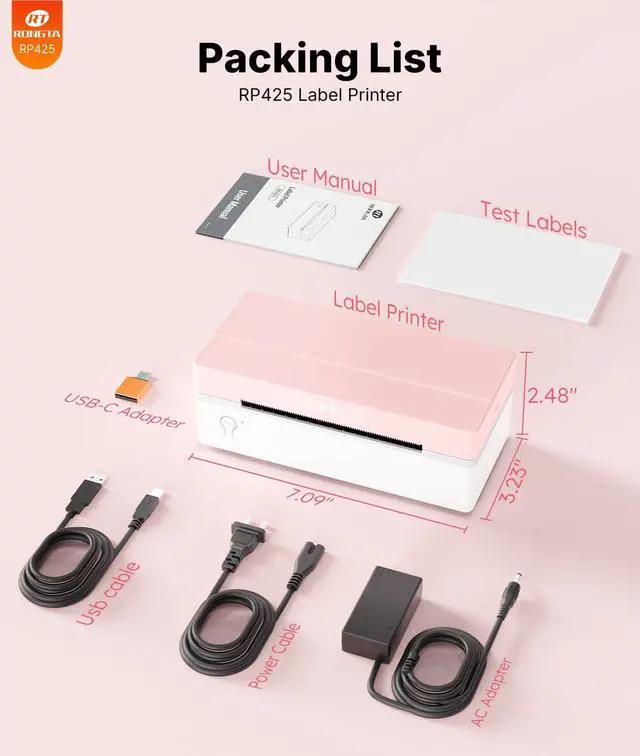


Rongta Label Printer
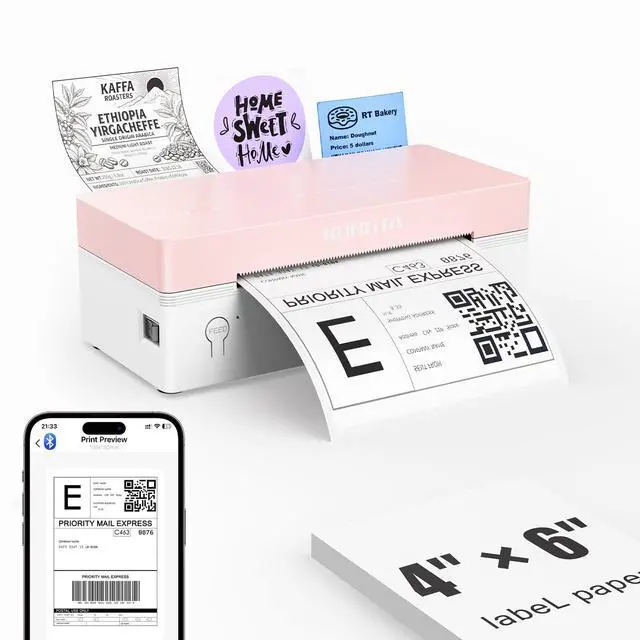
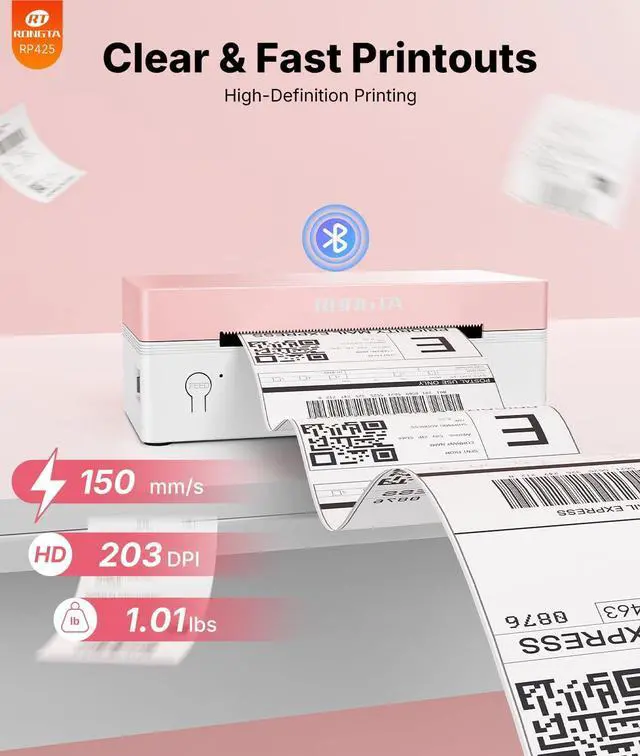
Thermal shipping label maker printer.

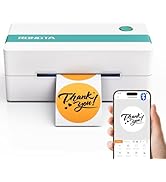
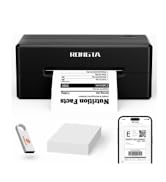
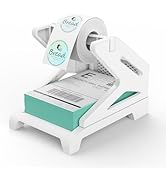
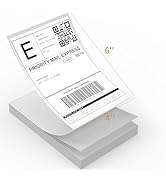


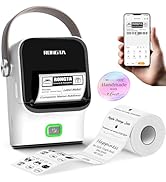
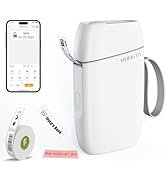
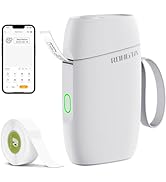
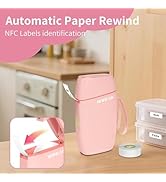
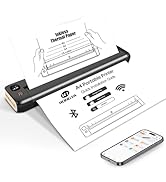
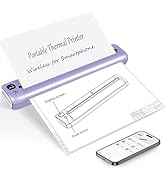
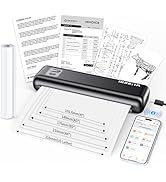
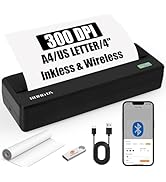

Rongta Shipping Thermal Label Printer
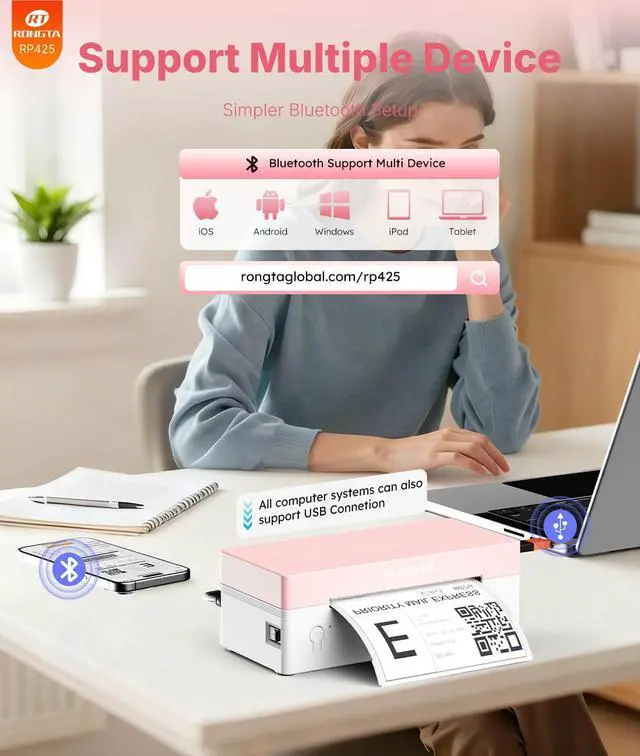
Merchant VideoBluetooth pairing code(if need): 0000 or 000000 (activation code)
Rongta Label Printer & Supplies
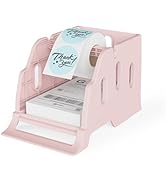
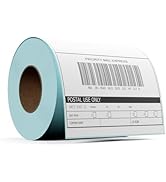
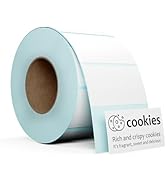
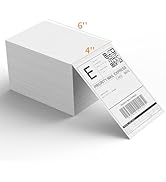
 Label Printer Grey&White |  Label Printer Pink |  Label Printer Green&White |  Label Printer Black |  Label Holder |  100-500PCS 4''x6'' Labels | |
|---|---|---|---|---|---|---|
Customer Reviews | — | — | — | — | — | — |
Price | — | — | — | — | — | — |
Style | Thermal Printer | Thermal Printer | Thermal Printer | Thermal Printer | Label Holder | Thermal Paper |
Sticker Available | ? | ? | ? | ? | ? | ? |
Color Print | ? | ? | ? | ? | ? | ? |
Connection | Bluetooth/USB | Bluetooth/USB | Bluetooth/USB | Bluetooth/USB | Label Holder | Labels |
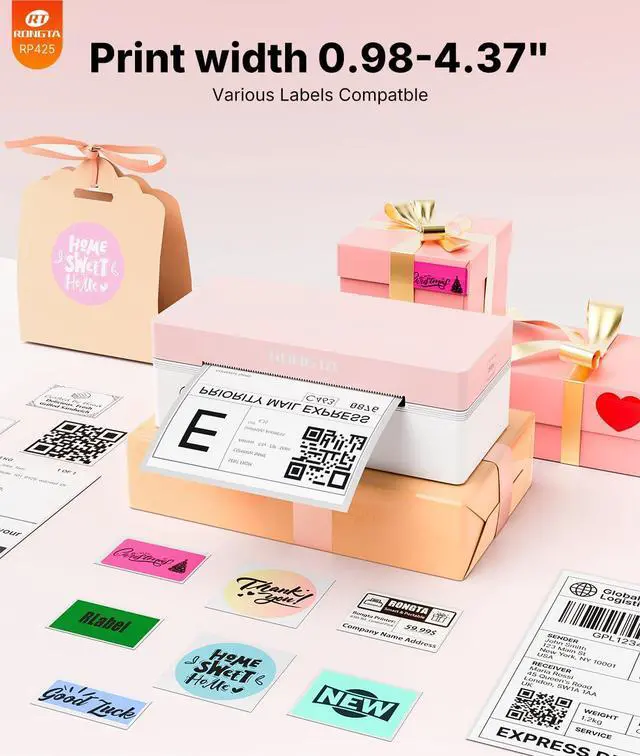
Wide Print Size | 1.57-4'' | 1.57-4'' | 1.57-4'' | 1.57-4'' | 4 Inch Wide Max | 4*6 Inch |
Compatible System | Win/Mac OS/IOS/Android/Chrome | Win/Mac OS/IOS/Android/Chrome | Win/Mac OS/IOS/Android/Chrome | Win/Mac OS/IOS/Android/Chrome | Label Holder | Label Printer |

Rongta Shipping Thermal Label Printer
Merchant VideoBluetooth pairing code(if need): 0000 or 000000 (activation code)
Rongta Label Printer & Supplies
Label Printer Grey&White | Label Printer Pink | Label Printer Green&White | Label Printer Black | Label Holder | 100-500PCS 4''x6'' Labels |
|---|---|---|---|---|---|
| Customer Reviews | |||||
| — | — | — | — | — | — |
| Price | |||||
| — | — | — | — | — | — |
| Style | |||||
| Thermal Printer | Thermal Printer | Thermal Printer | Thermal Printer | Label Holder | Thermal Paper |
| Sticker Available | |||||
| ? | ? | ? | ? | ? | ? |
| Color Print | |||||
| ? | ? | ? | ? | ? | ? |
| Connection | |||||
| Bluetooth/USB | Bluetooth/USB | Bluetooth/USB | Bluetooth/USB | Label Holder | Labels |
| Wide Print Size | |||||
| 1.57-4'' | 1.57-4'' | 1.57-4'' | 1.57-4'' | 4 Inch Wide Max | 4*6 Inch |
| Compatible System | |||||
| Win/Mac OS/IOS/Android/Chrome | Win/Mac OS/IOS/Android/Chrome | Win/Mac OS/IOS/Android/Chrome | Win/Mac OS/IOS/Android/Chrome | Label Holder | Label Printer |
How to connect MacOS to printer via USB
RP425
1. Turn on the RP425 label printer.
2. Download the driver from-rongtaglobal.com/rp425
3. Follow the on-screen instructions to complete setup and start printing
Bluetooth pairing code(if need): 0000 or 000000 (activation code)
How to connect Window to printer via USB
RP425
1. Turn on the printer.
2. Download the driver from the HOOROLA official website
3. Follow the on-screen instructions to complete setup and start printing

Rongta Label Printer
Thermal shipping label maker printer.

Label Printer
Labels Printer Accessories


Labels
Small Label printer
Portable Proter-for travel

RP421A Shipping Label Printer
The label printer is your best small business assistant, which is Wireless, Inkless, Affortable. Compatible for Mac OS, Windows, Android, IOS.