





4x6" Thermal Label Printer


LabelRange Label Printer

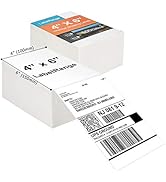

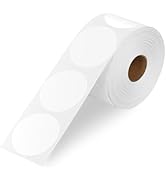
LabelRange Thermal Labels

- We are committed to providing our customers with efficient, fearture rich and cost-effective label printers.
- Our continued success is a testament to the confidence our customers have in the quality and reliability of our products.
- We continually strive to maintaining this level of excellence and look forward to serving our customers with top-notch label printing solutions in the future.

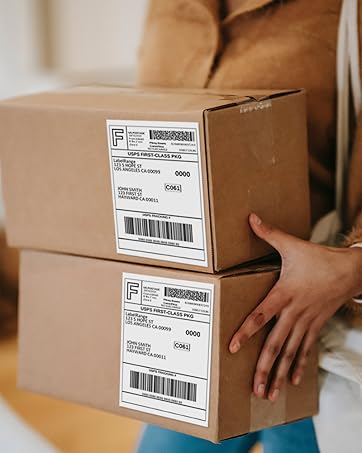
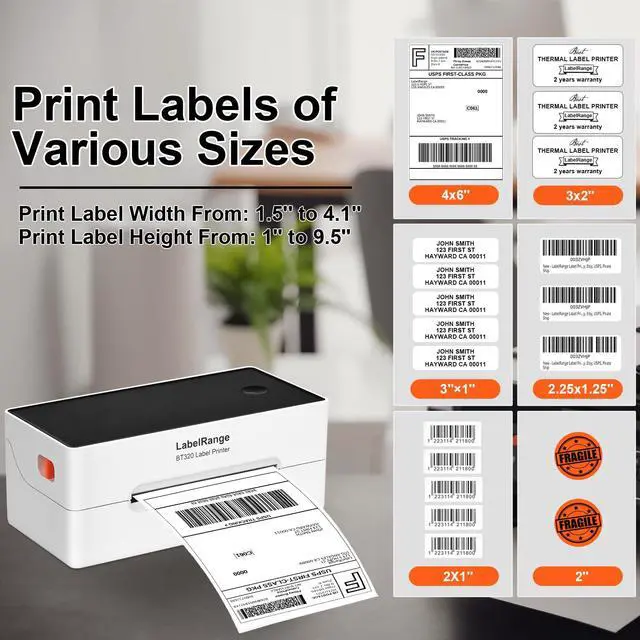
Prints 4X6'' Shipping Label

Prints 3x3'' Product Label
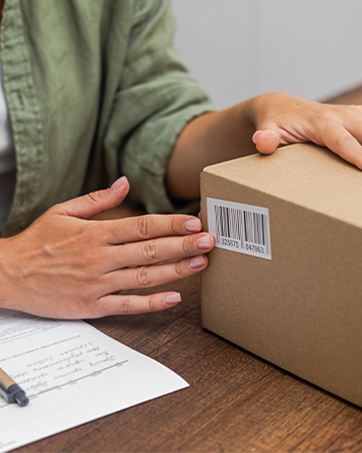
Prints 2x1" Barcode Label
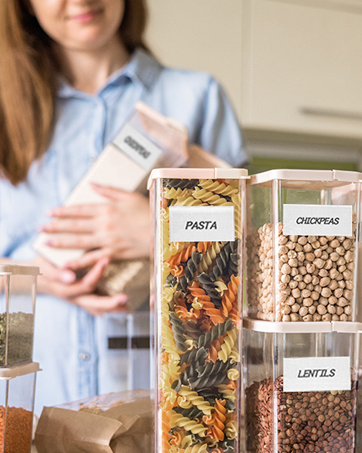
Prints 1.5X1'' Category Label

Prints Circular Label

Prints Gift Label


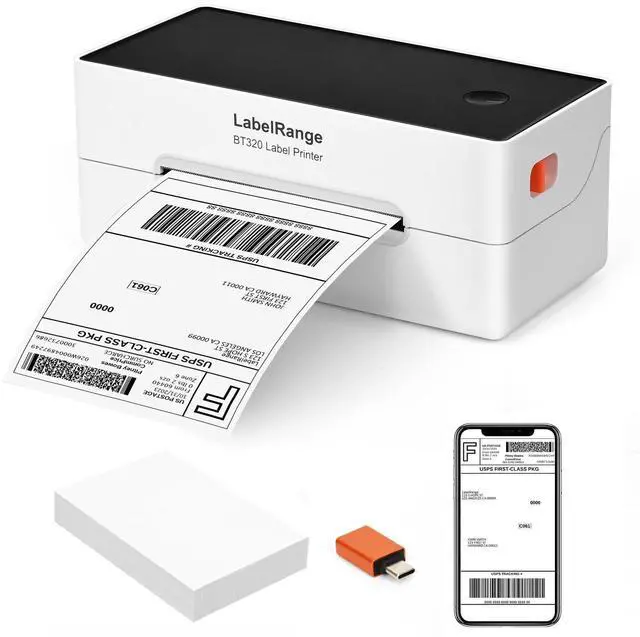
LabelRange BT320 Thermal Label Printer (the updated model of the LP320 printer)
BT320 Label Printer
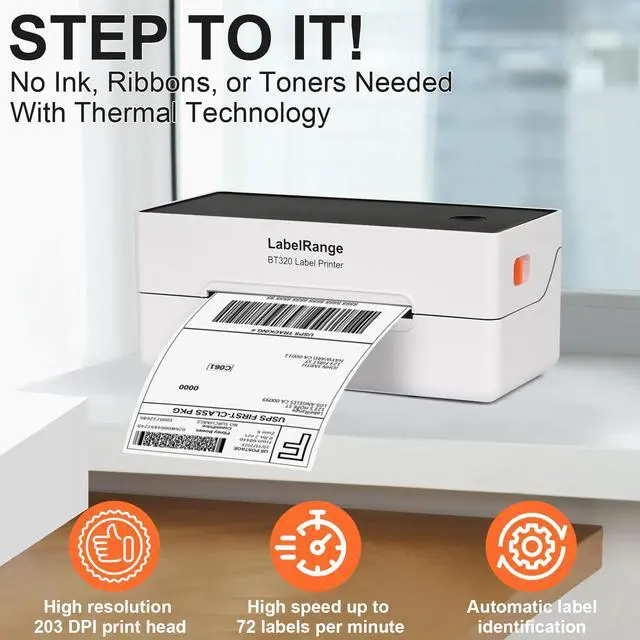
Merchant VideoThe BT320 Bluetooth shipping label printer is compact and perfect for business needs. It functions like a regular printer, printing anything you send to it. Just ensure that your label page size matches the label paper size. Invest now to save time and money.
See What It Features


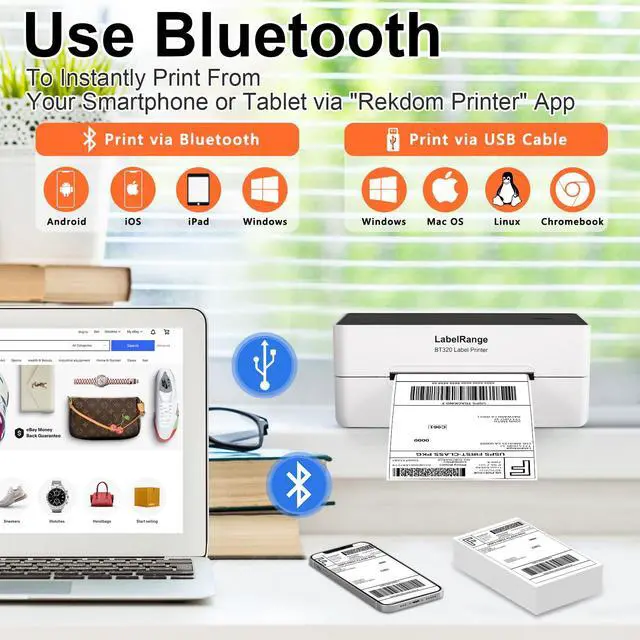
Two Connection Methods for LabelRange BT320 Label Printer

Notes:
Mac, Linux, and Chromebook users can only connect using a USB cable.
How to Use BT320 Printer via Smartphone or Tablet?
Step 1: You're ready to print
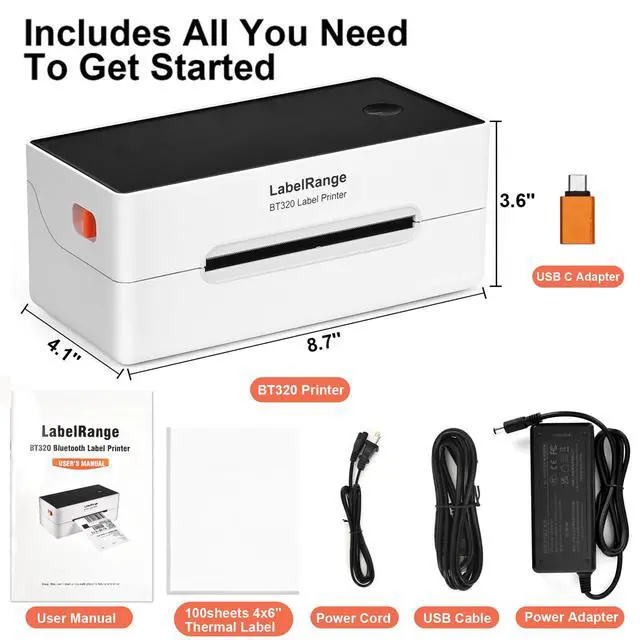
Get started right away everything you need is in the box. You can find these: BT320 Printer, 100sheets 4x6'' Thermal label, user manual, USB cable, power adapter, power cable, USB disk (includes driver software) and USB C adapter (for computers without a USB port).
Step 2: Get connected
Download the "Rekdom Printer" App from Google Play or App Store. Ensure that you have turned on the BT320 Printer and your device's Bluetooth function. Open the 'Rekdom Printer' app, tap the printer icon, select Bluetooth, and then find and tap the BT320 Printer to connect.
Step 3: Choose your label file
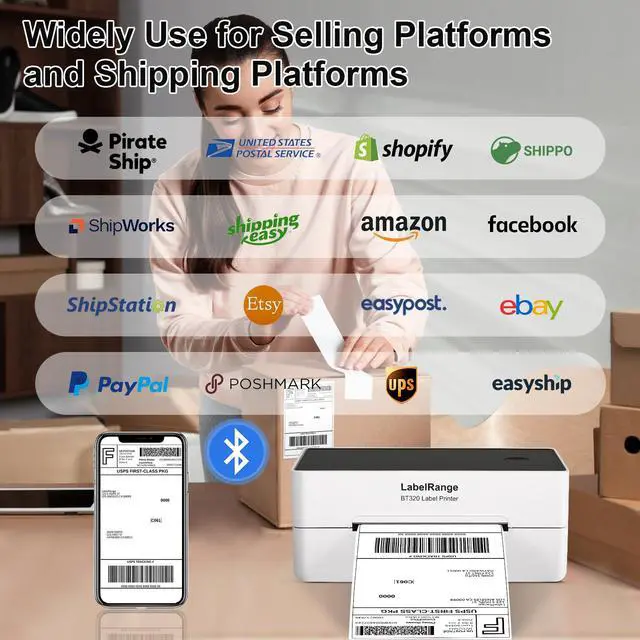
Import or share the PDF file from the social media, selling and shipping platforms. If you receive label files from another app, open them with the 'Rekdom Printer' app to print; you don't need to save them first.
Step 4: Set up and print
Ensure that your label file, label paper, and printer settings are of the same size. Crop the file if needed and select the paper size. With seamless Bluetooth connectivity, you can easily print.
Note: The 'Rekdom Printer' app has basic label editing functions.

Labelrange will definitely respond to our customers. If you don't receive a reply within 12 hours, please check your spam folder and messages again. Thank you for your understanding.
Which Printer Suits Your Needs?


For high-volume label printing, choose the BT320 Printer for its rapid speed. For exceptional print quality, choose the BT620 Printer — with its 300 DPI resolution. For Mac users, select the RD560 Printer, which offers Bluetooth connectivity and professional label editing software.
LabelRange BT320 Bluetooth Thermal Label Printer
 BT320 Label Printer |  BT620 Label Printer |  RD560 Label Printer |  4x6'' Thermal Label |  4x6'' Thermal Label |  2x1'' Thermal Label |  2'' Circle Thermal Label | |
|---|---|---|---|---|---|---|---|
Customer Reviews | — | — | — | — | — | — | — |
Price | — | — | — | — | — | — | — |
Pack | 1 | 1 | 1 | 1000 sheets | 500 sheets | 1000 sheets | 750 sheets |
Color | White+Black+Orange | White+Black+Blue | Black+Blue | White | White | White | White |
Support | Bluetooth & USB Connection | Bluetooth & USB Connection | Bluetooth & USB Connection | Direct Thermal Label Printer | Direct Thermal Label Printer | Direct Thermal Label Printer | Direct Thermal Label Printer |
Resolution | 203 DPI | 300 DPI | 203DPI | — | — | — | — |
Speed | 150mm/s (Max) | 127mm/s (Max) | 127mm/s (Max) | — | — | — | — |
LabelRange BT320 Thermal Label Printer (the updated model of the LP320 printer)
BT320 Label Printer
Merchant VideoThe BT320 Bluetooth shipping label printer is compact and perfect for business needs. It functions like a regular printer, printing anything you send to it. Just ensure that your label page size matches the label paper size. Invest now to save time and money.
See What It Features


Two Connection Methods for LabelRange BT320 Label Printer

Notes:
Mac, Linux, and Chromebook users can only connect using a USB cable.
How to Use BT320 Printer via Smartphone or Tablet?
Step 1: You're ready to print
Get started right away everything you need is in the box. You can find these: BT320 Printer, 100sheets 4x6'' Thermal label, user manual, USB cable, power adapter, power cable, USB disk (includes driver software) and USB C adapter (for computers without a USB port).
Step 2: Get connected
Download the "Rekdom Printer" App from Google Play or App Store. Ensure that you have turned on the BT320 Printer and your device's Bluetooth function. Open the 'Rekdom Printer' app, tap the printer icon, select Bluetooth, and then find and tap the BT320 Printer to connect.
Step 3: Choose your label file
Import or share the PDF file from the social media, selling and shipping platforms. If you receive label files from another app, open them with the 'Rekdom Printer' app to print; you don't need to save them first.
Step 4: Set up and print
Ensure that your label file, label paper, and printer settings are of the same size. Crop the file if needed and select the paper size. With seamless Bluetooth connectivity, you can easily print.
Note: The 'Rekdom Printer' app has basic label editing functions.

Labelrange will definitely respond to our customers. If you don't receive a reply within 12 hours, please check your spam folder and messages again. Thank you for your understanding.
Which Printer Suits Your Needs?


For high-volume label printing, choose the BT320 Printer for its rapid speed. For exceptional print quality, choose the BT620 Printer — with its 300 DPI resolution. For Mac users, select the RD560 Printer, which offers Bluetooth connectivity and professional label editing software.
LabelRange BT320 Bluetooth Thermal Label Printer
BT320 Label Printer | BT620 Label Printer | RD560 Label Printer | 4x6'' Thermal Label | 4x6'' Thermal Label | 2x1'' Thermal Label | 2'' Circle Thermal Label |
|---|---|---|---|---|---|---|
| Customer Reviews | ||||||
| — | — | — | — | — | — | — |
| Price | ||||||
| — | — | — | — | — | — | — |
| Pack | ||||||
| 1 | 1 | 1 | 1000 sheets | 500 sheets | 1000 sheets | 750 sheets |
| Color | ||||||
| White+Black+Orange | White+Black+Blue | Black+Blue | White | White | White | White |
| Support | ||||||
| Bluetooth & USB Connection | Bluetooth & USB Connection | Bluetooth & USB Connection | Direct Thermal Label Printer | Direct Thermal Label Printer | Direct Thermal Label Printer | Direct Thermal Label Printer |
| Resolution | ||||||
| 203 DPI | 300 DPI | 203DPI | — | — | — | — |
| Speed | ||||||
| 150mm/s (Max) | 127mm/s (Max) | 127mm/s (Max) | — | — | — | — |
4x6" Thermal Label Printer
LabelRange Label Printer
LabelRange Thermal Labels
- We are committed to providing our customers with efficient, fearture rich and cost-effective label printers.
- Our continued success is a testament to the confidence our customers have in the quality and reliability of our products.
- We continually strive to maintaining this level of excellence and look forward to serving our customers with top-notch label printing solutions in the future.
Prints 4X6'' Shipping Label
Prints 3x3'' Product Label
Prints 2x1" Barcode Label
Prints 1.5X1'' Category Label
Prints Circular Label
Prints Gift Label