




 here!
here!
I’m your shopping assistant for PC builds, upgrades, and everything tech.
Got questions? Ask away!
Start a conversation
here!
I’m your shopping assistant for PC builds, upgrades, and everything tech.
Got questions? Ask away!
Start a conversation




Any questions? Ask CelesteSM will help you find out quickly.


HOOROLA was founded with a simple yet powerful vision: to inspire people to explore life with courage, joy, and freedom. We believe that every journey—whether in the everyday moments or in extraordinary adventures -- deserves to be embraced with confidence. Guided by innovation and care, HOOROLA is committed to creating products that empower individuals to live boldly, connect deeply, and celebrate every step of their unique path.


1. Turn on the printer.
2. Download Label Expert from the App Store or Google Play
3. Open the app and tap the top-right printer icon to connect via Bluetooth and start printing
Note: Bluetooth connection must be completed inside the app, not in your phone’s Bluetooth settings.
1. Turn on the printer.
2. Download the driver from the HOOROLA official website
3. Follow the on-screen instructions to complete setup and start printing
Note: The label printer is compatible with Windows 7+ and macOS 11.5+


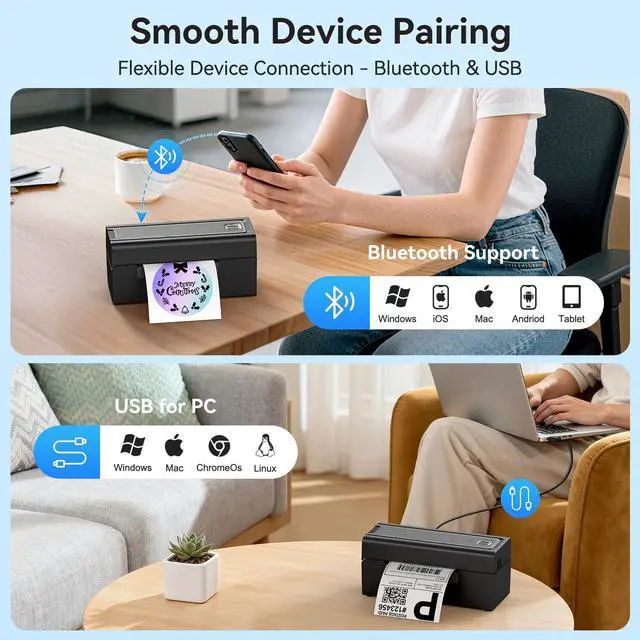
| Supports Bluetooth devices | Mobile devices: iOS, Android, tablets PC: Windows 7 or later, and macOS 11.5 or later |
|---|---|
| Supports USB devices | Windows, macOS, Linux, and Chrome OS |
| Do I need ink or toner? | No ink or toner is needed. The printer uses direct thermal technology, meaning it prints by heating specialized thermal labels. This reduces supplies you need to buy, keeps daily workflow clean. |
| Are labels included? | The package includes 50 sheets of 4×6 thermal labels for testing and setup. These starter labels help you verify print clarity and calibration before using your regular label supply. |
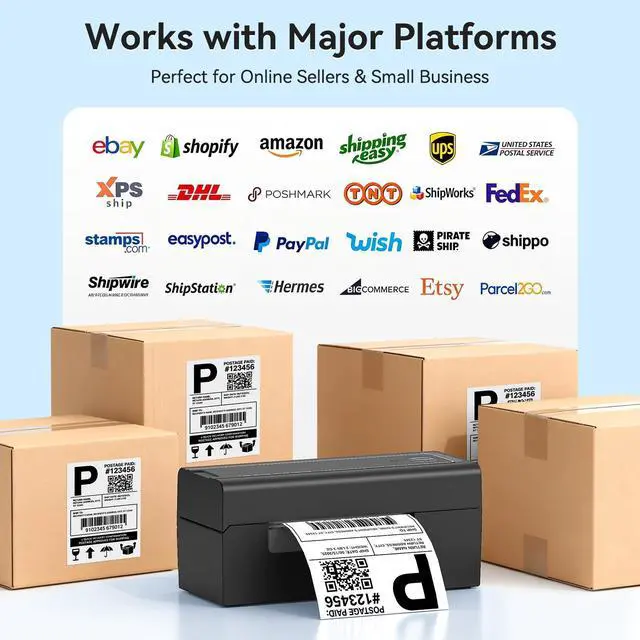
| Support logistics platform | Yes. The printer works with major shipping and e-commerce platforms including , eBay, Shopify, USPS, UPS and others. Export your label as a PDF, select the correct size, and print through the app or driver for accurate 4×6 results. |
| First-time setup tips? | Load the labels with the thermal side facing up, run auto-calibration, and install the app/driver for your device. Use Bluetooth on phones/tablets, or Bluetooth/USB on computers. These steps ensure smooth setup for home offices, stores, or warehouse stations. |
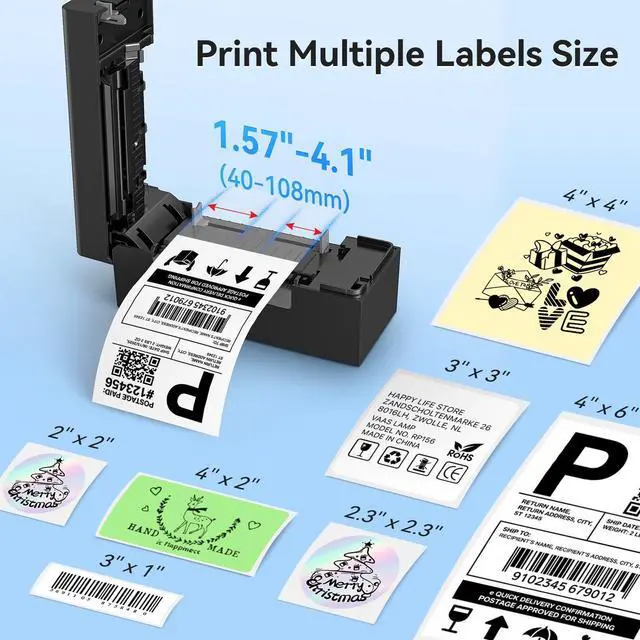
| What label sizes work? | Supports foldable and roll-fed labels ranging from 1.54 inches to 4.1 inches in width, including common specifications such as 4×6, 3×3, 3×2, 3×1, 2×1, round labels, and more. |
| How to fix paper jams? | Check that both edges of the label stack align with the guide rails and match the clip width. Remove curled labels, clean the paper path and roller with an alcohol wipe, then reload the stack. |
| Why blank or skipping labels? | Recalibrate after loading labels to ensure the sensor detects the gaps correctly. Make sure the thermal side faces up and the labels sit flat in the guides. In your print settings, confirm the correct paper size and choose “Scale to Fit” to prevent misalignment. |
| Labels look blurry/light? | Increase the “density” level in the Label Expert application or computer driver—most thermal paper yields optimal results starting at levels 8-10. Ensure you use high-quality label paper, as inferior paper may affect print clarity. You may also gently wipe the print head with an alcohol swab to remove residue. |
| Label doesn’t fill 4×6 paper? | This usually happens when the original file is created in A4 size, so the content only uses part of the page. We recommend opening the PDF in Label Expert APP and using the one-click crop feature, which automatically resizes the print area to fit labels without manual adjustment. |
| Printer not printing? | Please make sure the printer is powered on and connected directly to your device. We suggest reinstalling the driver, removing any previous driver during installation, and restarting your computer. If the issue continues, try a different USB port or cable. |
HOOROLA was founded with a simple yet powerful vision: to inspire people to explore life with courage, joy, and freedom. We believe that every journey—whether in the everyday moments or in extraordinary adventures -- deserves to be embraced with confidence. Guided by innovation and care, HOOROLA is committed to creating products that empower individuals to live boldly, connect deeply, and celebrate every step of their unique path.
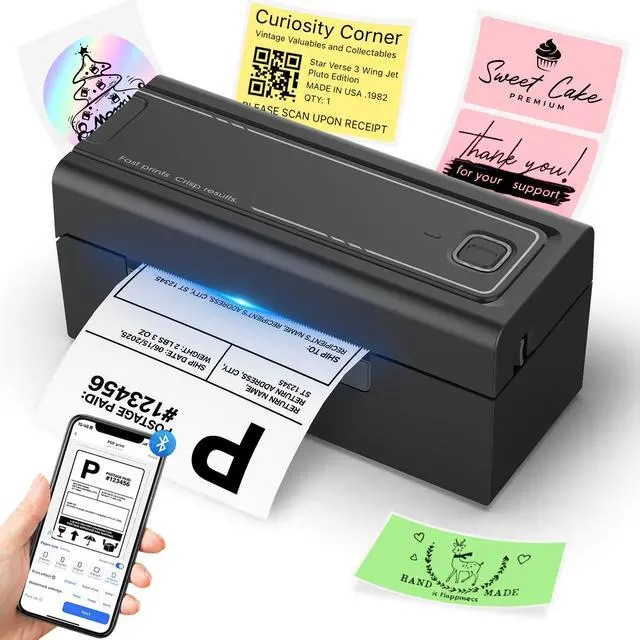
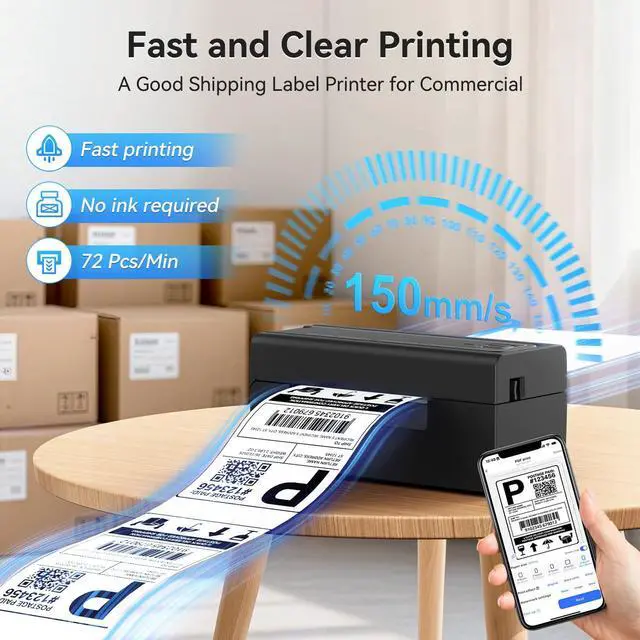
Take control of your shipping, business labeling, and home organization with the HOOROLA BY-480BT a truly portable portable thermal printer built for speed, clarity, and effortless productivity. Designed for small business owners, warehouse teams, and home users who demand efficiency, this compact thermal label printer delivers high-quality labels without ink, toner, or complicated setup. Featuring fast 150mm/s printing speed and crisp 203DPI resolution, it produces professional 4×6 labels, barcodes, product tags, inventory stickers, and DIY labels on standard thermal printer paper. Whether you're fulfilling online orders, managing stock, organizing your workspace, or creating custom labels, the HOOROLA BY-480BT ensures clean, accurate results every time. Its dual Bluetooth and USB connectivity make it a reliable bluetooth label printer across Windows, macOS, iOS, and Android devices. With support for multiple label sizes (1.54"4.1"), it works seamlessly as your go-to shipping label printer, thermal sticker printer, or compact color label printer alternative for everyday operations. Lightweight, easy to install, and designed to fit tight workspaces, this label printer for small business enhances workflow, reduces printing costs, and boosts overall efficiency perfect for retailers, home offices, e-commerce sellers, and warehouse stations.
| Brand | Hoorola |
| Connectivity Technology | Bluetooth, USB |
| Printing Technology | Thermal |
| Special Feature | Wireless & USB Printing, High-Speed 150mm/s Thermal Printing, Supports Multiple Label Sizes (1.54"4.1") for Shipping, Barcode, Price, and Custom Stickers Perfect for Small Businesses, Home Offices, Retail Shops, and Handmade Products, No Ink Required |
| Color | Black |
| Model Name | BY-480BT |
| Printer Output | Monochrome |
| Maximum Print Speed (Color) | 150 |
| Max Printspeed Monochrome | 150 ppm |
| Item Weight | 1.58 Kilograms |
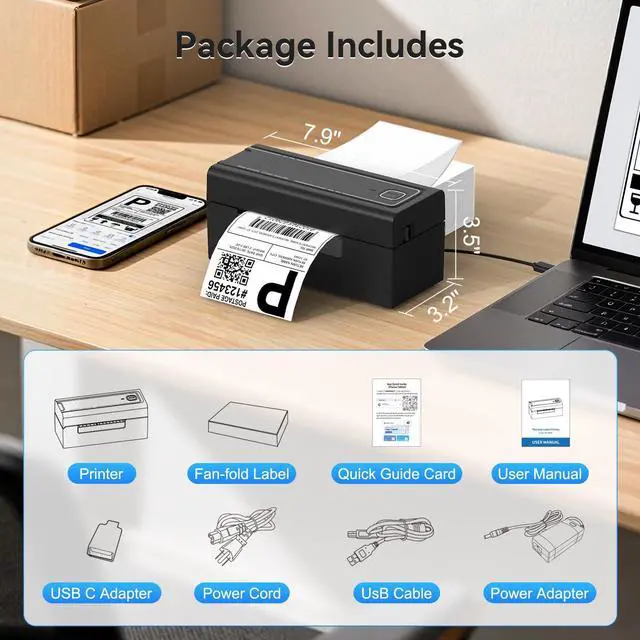
| Product Dimensions | 3.17"D x 7.87"W x 3.54"H |
| Maximum Media Size | 4 x 6 inches |
| Included Components | Label Printer, USB-C Adapter, Fan-Fold Labels (Sample Pack), Power Cord, Quick Guide Card, USB Cable, User Manual, Power Adapter |
| Print media | Thermal Paper |
| Max Input Sheet Capacity | 200 |
| Sheet Size | 4 x 6, 4 x 3, 4 x 2, 3 x 3, 3 x 2 Inches |
| Maximum Black and White Print Resolution | 203 dots_per_inch |
| Dual-sided printing | No |
| Max copy resolution black-white | 203 |
| Duplex | Simplex |
| Hardware Interface | USB |
| Additional Printer functions | Print Only |
| Total USB Ports | 1 |
| Model Series | BY-480BT |
| Specific Uses For Product | Perfect for thermal printing shipping labels, barcode labels, address labels, price tags, organizing stickers, and custom stickers for small business, home office, retail, bakery, or handmade products. |
| UPC | 762483383284 |


