




 here!
here!
I’m your shopping assistant for PC builds, upgrades, and everything tech.
Got questions? Ask away!
Start a conversation
here!
I’m your shopping assistant for PC builds, upgrades, and everything tech.
Got questions? Ask away!
Start a conversation



Any questions? Ask CelesteSM will help you find out quickly.

Label Printer For Small Business


LabelCreate is a pioneering brand specializing in thermal label printers and consumables. We believe in “Label Create Better Life”.
Our products are designed to be easy to use, reliable, and cost-effective, making labeling more efficient and hassle-free.
By choosing LabelCreate, you are not just choosing a brand but a partner that will help you create a more organized, productive, and better life.


Why am I printing blank labels?
1?Ensure that using thermal paper, not thermal transfer paper.
2?Ensure that the paper is installed correctly with the print side facing up.
3?If the problem still cannot be solved, please seek the technical team for support.
Why is the label print not clear?
1?Try to reduce print speed and increase density on PC.
2?Ensure that the print head is dry and clean. Otherwise clean the printhead with alcohol wipes.
3?If the problem still cannot be solved, please seek the technical team for support.
iOS and Android Phone cannot connect to the printer via Bluetooth
1?Connect the printer to the APP instead of Bluetooth Settings of your phone.
2?Cancel the Bluetooth in the system Settings, then restart the printer, try again search for the connection within the app.
3?Please seek the technical team for support.
 D450BT Label Printer |  TP88 Tattoo Printer |  4X6 Thermal Label 2Roll |  4X6 Thermal Label 1Roll |  D450BT Label Printer |  2410BT Label Printer |  2410BT Label Printer Pink | |
|---|---|---|---|---|---|---|---|
Customer Reviews | — | — | — | — | — | — | — |
Price | — | — | — | — | — | — | — |
Color | Grey | Grey | White | White | White | Black | Pink |
Build-in Paper Tray | Yes | No | No | No | Yes | No | No |
Size: inches | 7.28"D x 6.3"W x 5.37"H | 13.39''D x 4.25"W x 3.31"H | 4" x 6" | 4" x 6" | 7.28"D x 6.3"W x 5.37"H | 6.62"D x 2.93"Wx 2.61"H | 6.62"D x 2.93"Wx 2.61"H |
Weight | 2.1lb | 2.469lb | / | / | 2.1lb | 0.97lb | 0.97lb |
Support | Bluetooth & USB Connection | Bluetooth & USB Connection | Thermal Label Printers | Thermal Label Printers | Bluetooth & USB Connection | Bluetooth & USB Connection | Bluetooth & USB Connection |
Quantity | 1 Shipping Label Printer | 1 pieceTattoo Printer | 500 Sheets | 250 Sheets | 1 Shipping Label Printer | 1 Shipping Label Printer | 1 Shipping Label Printer |


.
450BT thermal printer can only print in black and white.
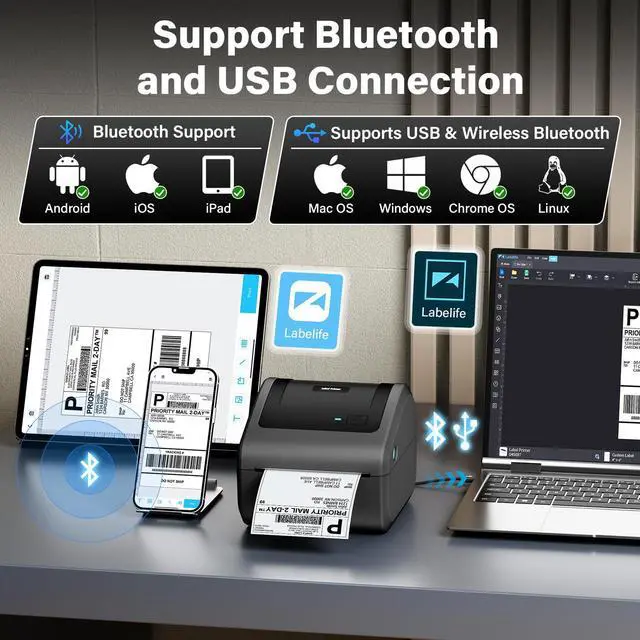
Step1: Download "Labelife" APP on Official Website
Step2: Connect the Printer's Bluetooth in APP,instead of Setting It Up in the Bluetooth Included with the PC.
Attention: D450BT label printer compatible with Windows7 and above operation syetem
Step1: Download "Labelife" APP on Official Website
Step2:Connect the Printer's Bluetooth in APP,instead of Setting It Up in the Bluetooth Included with the PC.
Step3:Then enjoy your printing travel.
Please connect the printer's Bluetooth in Software - “Labelife", NOT in the Bluetooth settings included with the computer.
Step1: Connect the Printer & PC Simultaneously with the USB Cable
Step2: Download Driver On Official Website & Install It on the PC
Step3: Open the file and enjoy printing travel
Step1: Connect the Printer & PC Simultaneously with the USB Cable
Step2: Download Driver On Official Website & Install It on the PC
Step3: Open the file and enjoy printing travel
Step1: Connect the Printer & PC Simultaneously with the USB Cable
Step2: Download Driver On Official Website & Install It on the PC
Step3: Open the file and enjoy printing travel

Why am I printing blank labels?
1?Ensure that using thermal paper, not thermal transfer paper.
2?Ensure that the paper is installed correctly with the print side facing up.
3?If the problem still cannot be solved, please seek the technical team for support.
Why is the label print not clear?
1?Try to reduce print speed and increase density on PC.
2?Ensure that the print head is dry and clean. Otherwise clean the printhead with alcohol wipes.
3?If the problem still cannot be solved, please seek the technical team for support.
iOS and Android Phone cannot connect to the printer via Bluetooth
1?Connect the printer to the APP instead of Bluetooth Settings of your phone.
2?Cancel the Bluetooth in the system Settings, then restart the printer, try again search for the connection within the app.
3?Please seek the technical team for support.
D450BT Label Printer | TP88 Tattoo Printer | 4X6 Thermal Label 2Roll | 4X6 Thermal Label 1Roll | D450BT Label Printer | 2410BT Label Printer | 2410BT Label Printer Pink |
|---|---|---|---|---|---|---|
| Customer Reviews | ||||||
| — | — | — | — | — | — | — |
| Price | ||||||
| — | — | — | — | — | — | — |
| Color | ||||||
| Grey | Grey | White | White | White | Black | Pink |
| Build-in Paper Tray | ||||||
| Yes | No | No | No | Yes | No | No |
| Size: inches | ||||||
| 7.28"D x 6.3"W x 5.37"H | 13.39''D x 4.25"W x 3.31"H | 4" x 6" | 4" x 6" | 7.28"D x 6.3"W x 5.37"H | 6.62"D x 2.93"Wx 2.61"H | 6.62"D x 2.93"Wx 2.61"H |
| Weight | ||||||
| 2.1lb | 2.469lb | / | / | 2.1lb | 0.97lb | 0.97lb |
| Support | ||||||
| Bluetooth & USB Connection | Bluetooth & USB Connection | Thermal Label Printers | Thermal Label Printers | Bluetooth & USB Connection | Bluetooth & USB Connection | Bluetooth & USB Connection |
| Quantity | ||||||
| 1 Shipping Label Printer | 1 pieceTattoo Printer | 500 Sheets | 250 Sheets | 1 Shipping Label Printer | 1 Shipping Label Printer | 1 Shipping Label Printer |
Label Printer For Small Business
LabelCreate is a pioneering brand specializing in thermal label printers and consumables. We believe in “Label Create Better Life”.
Our products are designed to be easy to use, reliable, and cost-effective, making labeling more efficient and hassle-free.
By choosing LabelCreate, you are not just choosing a brand but a partner that will help you create a more organized, productive, and better life.
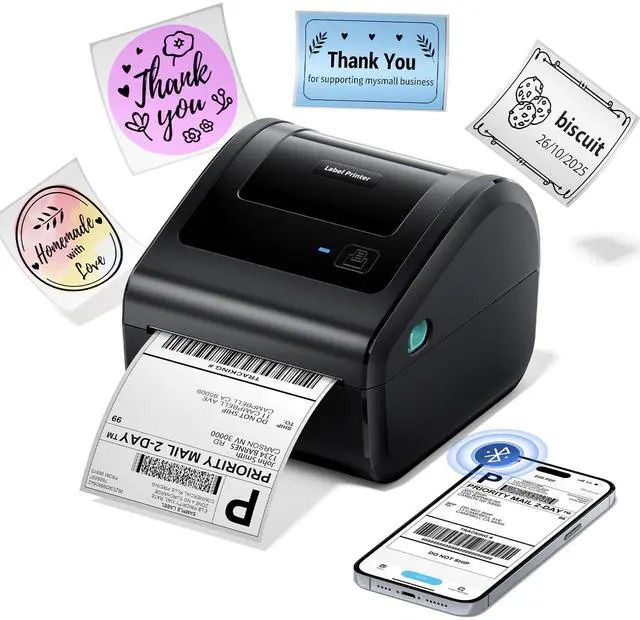
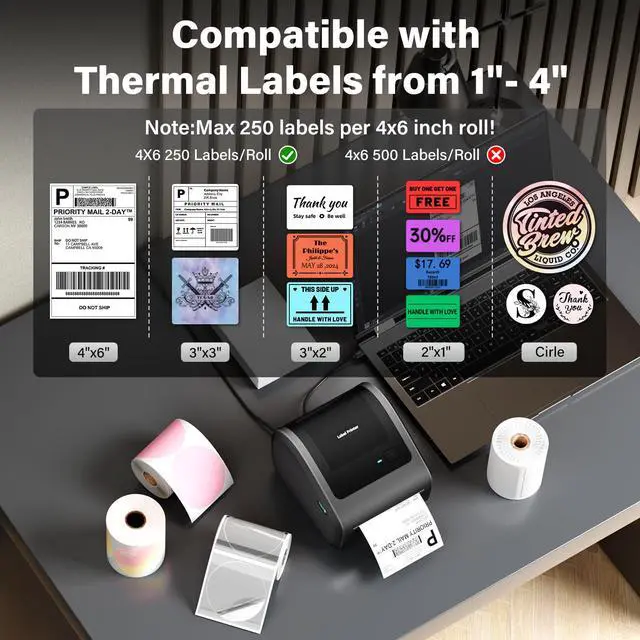
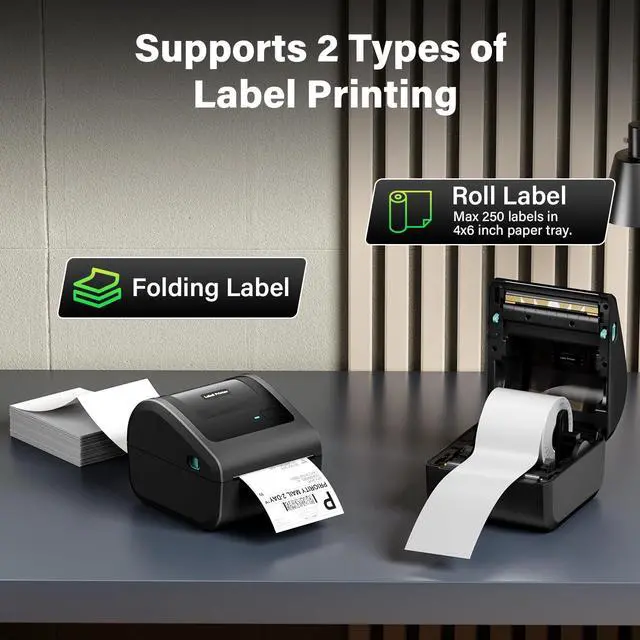
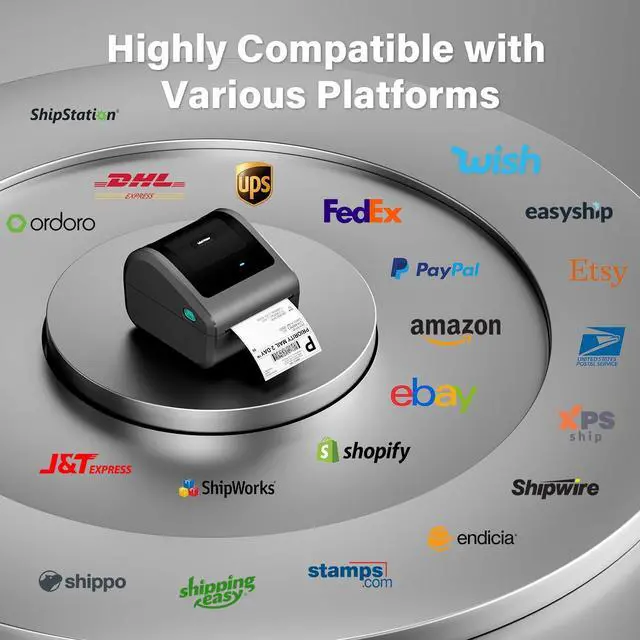
Bluetooth Thermal Label Printer, 4x6 Shipping Label Printer for Small Business - D450BT Compact Thermal Printer Compatible with Android, IOS, Windows and Mac, Widely Used for Amazon, Shopify, USPS TipsMaximum Capacity: 250 labels / Roll of 4" x 6" thermal labels.
| Brand | LabelCreate |
| Connectivity Technology | BluetoothUSB |
| Printing Technology | Bluetooth Thermal Label Printer |
| Special Feature | bluetooth shipping label printer shipping label printer thermal printer4×6 thermal label printer thermal shipping label printer wireless |
| Color | Grey |
| Model Name | D450-BT Thermal Printer |
| Printer Output | Monochrome |
| Max Printspeed Monochrome | 72 ppm |
| Item Weight | 2.13 Pounds |
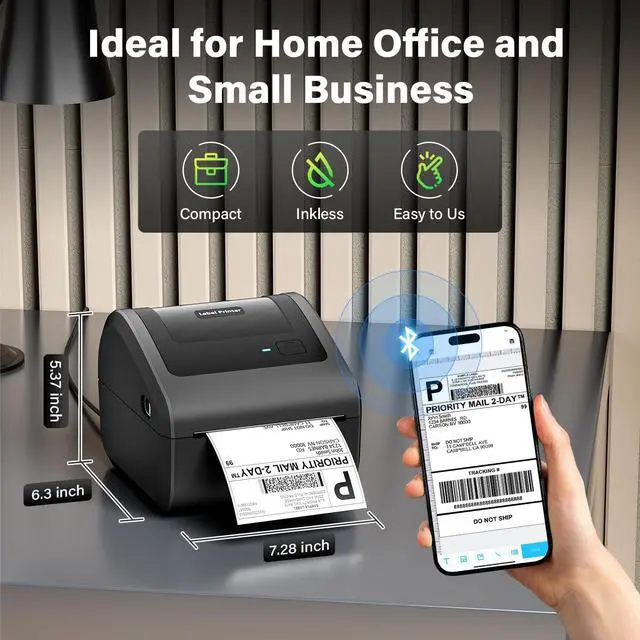
| Product Dimensions | 7.28"D x 6.3"W x 5.37"H |
| Controller Type | Mac OS, Windows, Chrome OS and Linux |
| Maximum Media Size | 4 x 6 inch |
| Included Components | D450 Label Printer, Labels, Power Adapter & Cable, User Guide |
| Print media | Labels |
| Max Input Sheet Capacity | 250 |
| Max Copy Speed (Black & White) | 66 ppm |
| Compatible Devices | Laptops, PC, Smartphones, Tablets |
| Sheet Size | 0.78"~4.4" Inches |
| Maximum Black and White Print Resolution | 203 Dots Per Inch |
| Warranty Type | Lifetime |
| Dual-sided printing | No |
| Max copy resolution black-white | 203 DPI shiping label printer |
| Duplex | simplex |
| Hardware Interface | Bluetooth |
| Ink Color | only black |
| Additional Printer functions | Print Only |
| Control Method | App |
| Output sheet capacity | 72 |
| Number of Trays | 1 |
| Processor Count | 1 |
| Series Number | 241 |
| Number of USB 2 Ports | 1 |
| Total USB Ports | 1 |
| Model Series | D450 |
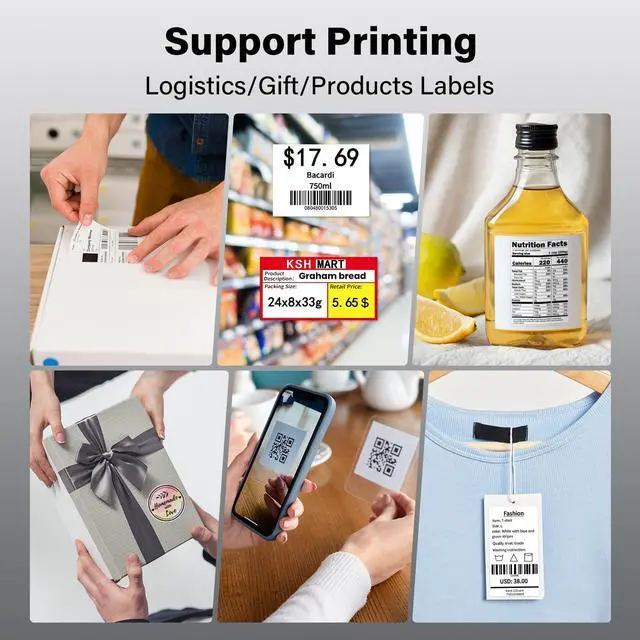
| Specific Uses For Product | Home use, Small Business, Shipping Packages |
| Printer Ink Type | Thermal |
| Smart Home Compatibility | Smart Home Compatible |
| Memory Storage Capacity | 64 MB |
| Item model number | D450BT Thermal Shipping Label Printer |
| Date First Available | September 12, 2024 |
| Manufacturer | LabelCreate |


