




 here!
here!
I’m your shopping assistant for PC builds, upgrades, and everything tech.
Got questions? Ask away!
Start a conversation
here!
I’m your shopping assistant for PC builds, upgrades, and everything tech.
Got questions? Ask away!
Start a conversation
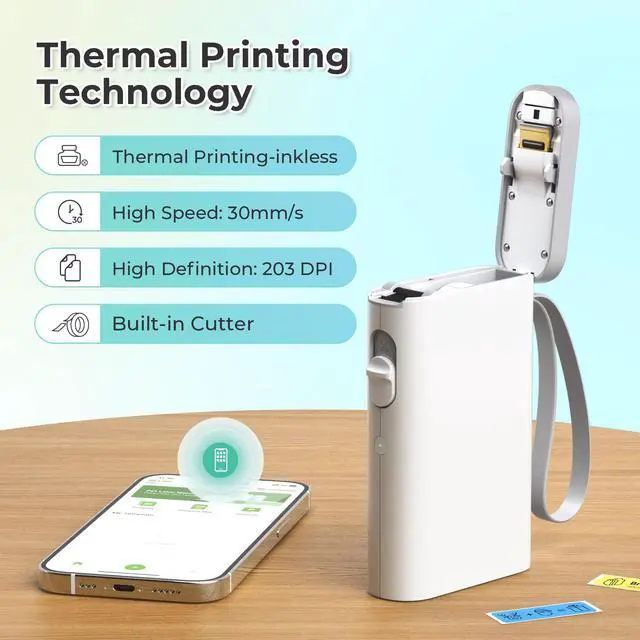
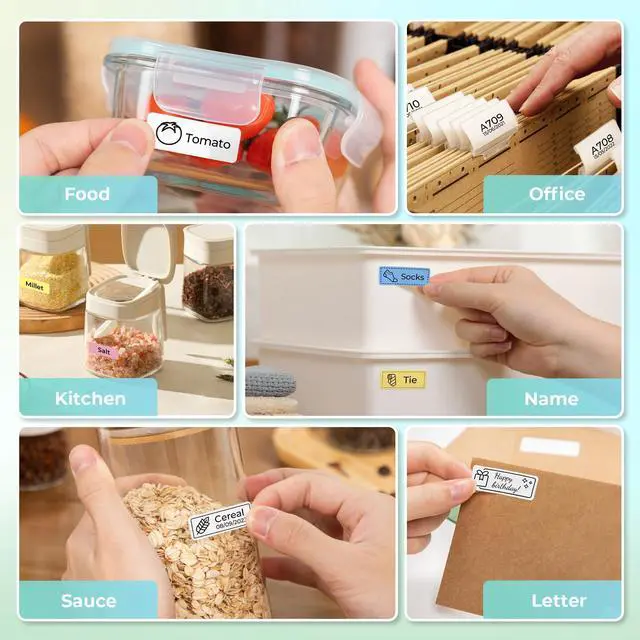



Any questions? Ask CelesteSM will help you find out quickly.
Warm Tips:
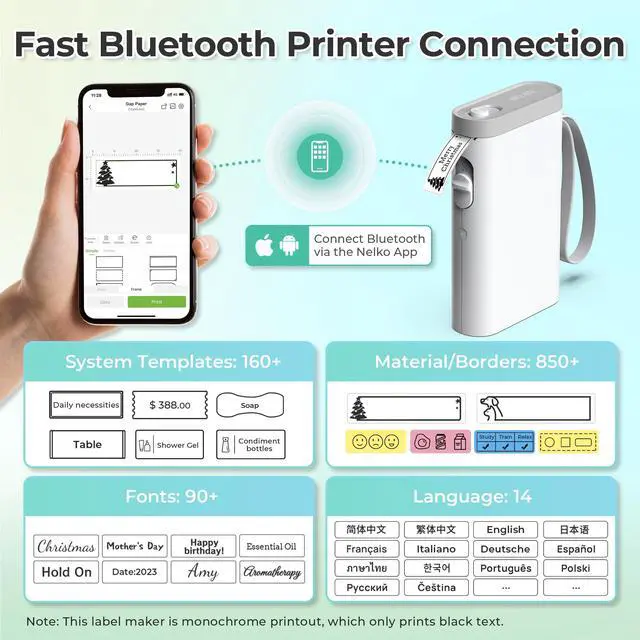
1. Download the App "Nelko" from the Apple Store/Google Play, and meets with applicable data compliance laws.
2. Connect the Bluetooth via the "Nelko" App, not on the phone system.
3. Before printing, please select the appropriate size for the printing paper on the "Nelko" App.
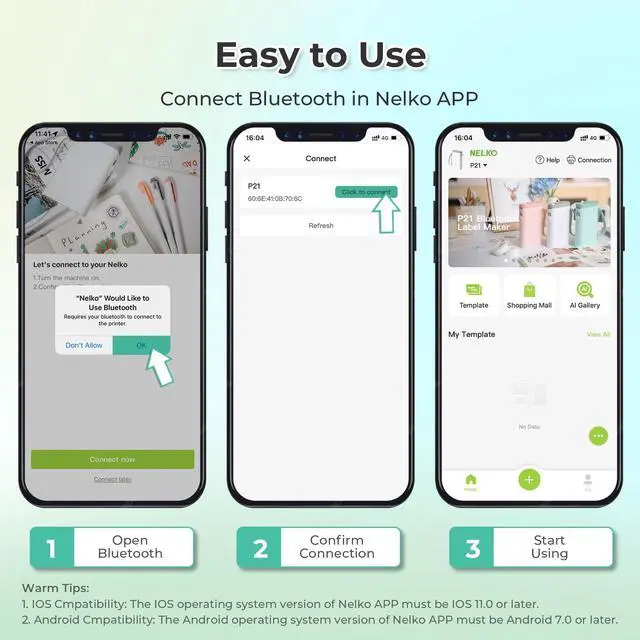
How to connect Bluetooth?
1. Connecting to Bluetooth through the "Nelko" APP.
2. Download the App "Nelko" from the Apple Store/Google Play.
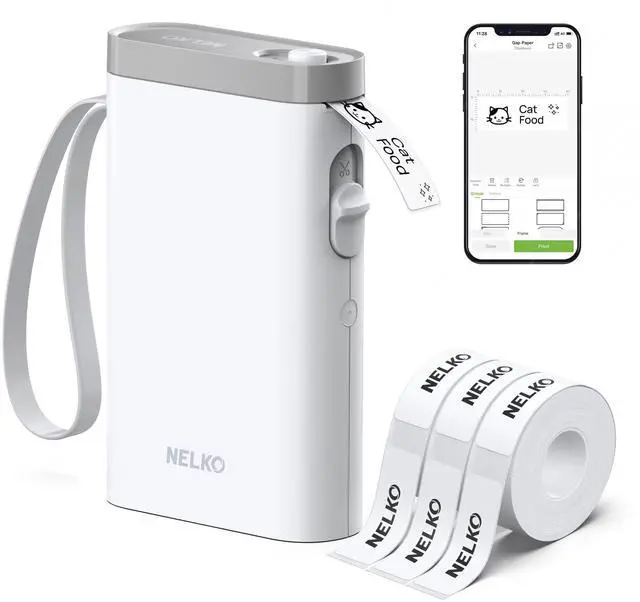
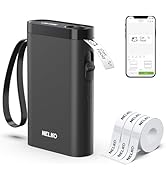
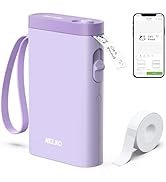
3. Turn on Bluetooth on your phone, long press to turn on the P21 labelmaker machine, and open the "Nelko" app to link to Bluetooth.
What system does this label machine support?
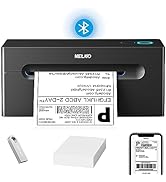
This mini portable Bluetooth printer supports iOS and Android mobile systems. IOS phones require IOS 13 or above to be used.
Why is the printing unclear?
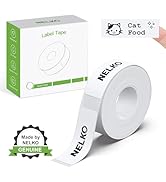
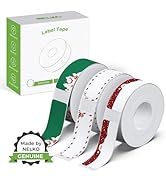
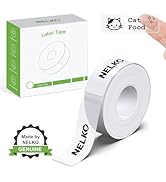
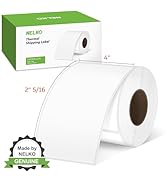
Please use genuine label paper, otherwise it may result in poor printing quality or mismatches.
Note: Please do not tear the green sticker from the original label paper.
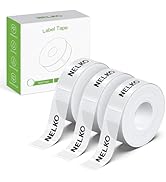
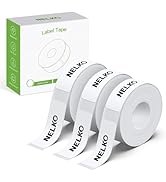
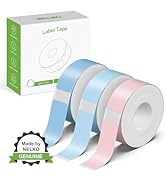
And the size of the label tape can be 12x40mm, 14x40mm, 15x40mm or 14X75mm.
How to use the label makers best sellers with tape correctly?
1. Long press the power on button, indicator light will display green.
2. Successfully connected to Bluetooth, indicator light displayed in blue.
3. Press the button twice to adjust the paper position.
4. Press the button once to print the test page.
Why can I search for P21 label maker but not connect to Bluetooth?
1. Press the power button to start the label maker.
2. Open the paper bin cover of the label maker.
3. Press the power button 3 times in a row.
4. After about 2s, the label maker beeps 4 times, "Didi Didi", which means the reset is successful.
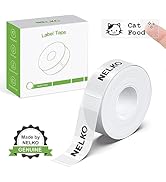
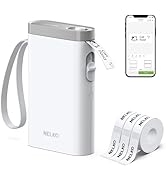
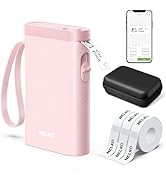
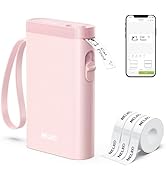
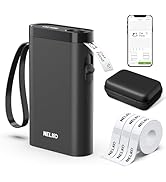
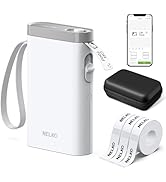
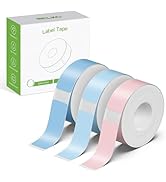
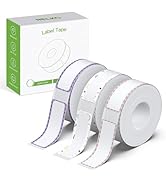
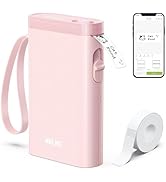
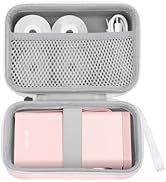
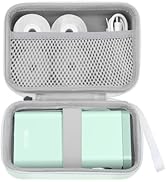
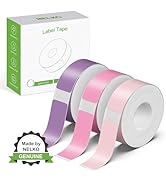
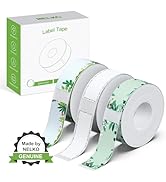
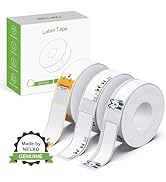
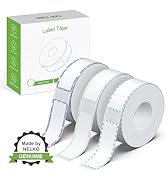
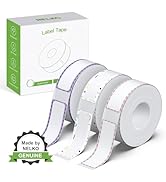
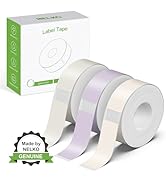
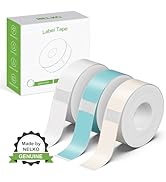
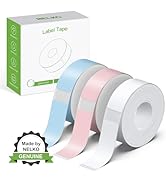
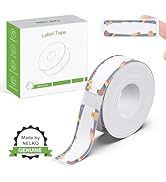
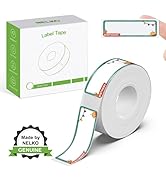
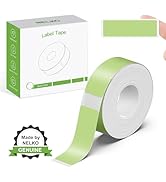
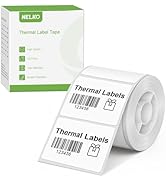
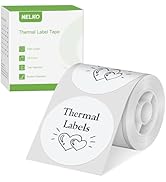
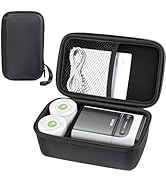
 14x40mm White Label Tape |  14x40mm Clear Label Tape |  Label Maker Case-Black |  14x40mm Yellow/Pink/Blue |  14x75mm Transprent |  P21 with 3Tapes&1 Case |  P21 with 3Tapes | |
|---|---|---|---|---|---|---|---|
Customer Reviews | — | — | — | — | — | — | — |
Price | — | — | — | — | — | — | — |
Pack | 180 Labels | 1 | 1 | 540 Labels | 180 Labels | 540 Labels | 1 |
Color | White | Transparent | Blcak | Yellow/Pink/Blue | Transparent | Transparent | Pink |
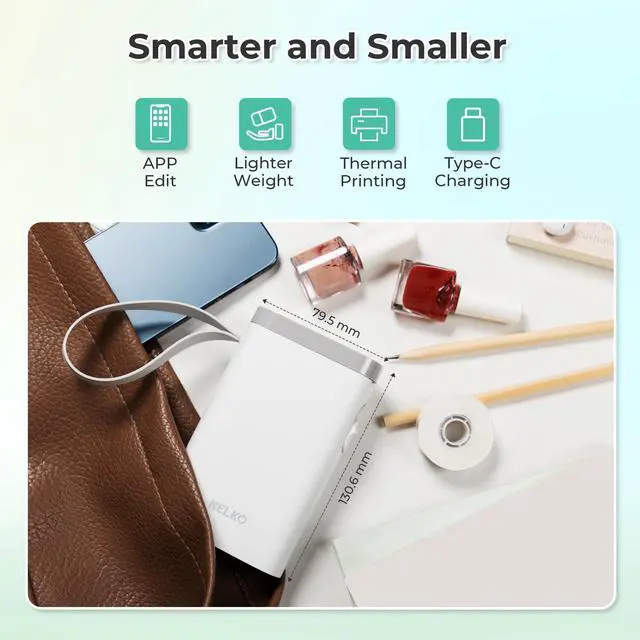
Size | 14mm x 40mm | 14mm x 40mm | 6.5 x 2.5 x 4.5 inches | 14mm x 40mm | 14mm x 75mm | 14mm x 40mm | 6.5 x 2.5 x 4.5 inches |
Compatible Printer | NELKO P21 Label Maker | NELKO P21 Label Maker | NELKO P21 Label Maker | NELKO P21 Label Maker | NELKO P21 Label Maker | NELKO P21 Label Maker | NELKO P21 Label Maker |
Advantage | Clear Printing, Widely Usage | Clear Printing, Widely Usage | Powerful Compatibility | Clear Printing, Widely Usage | Clear Printing, Widely Usage | Clear Printing, Widely Usage | Powerful Compatibility |
High Quality | ? | ? | ? | ? | ? | ? | ? |

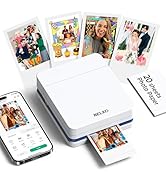
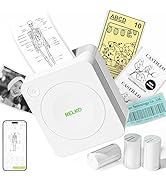
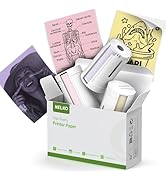
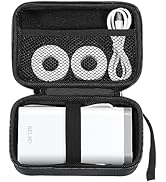
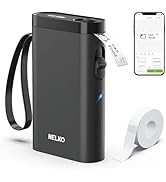
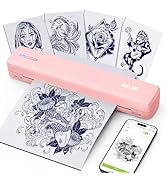
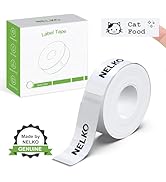
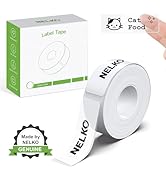
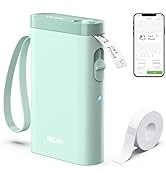
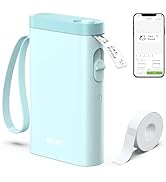
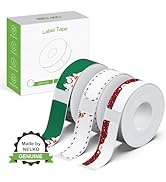
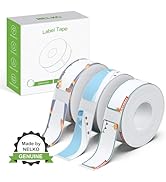
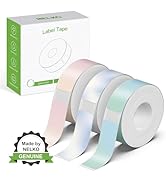
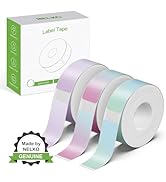
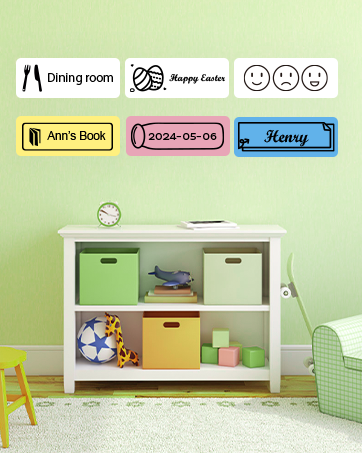
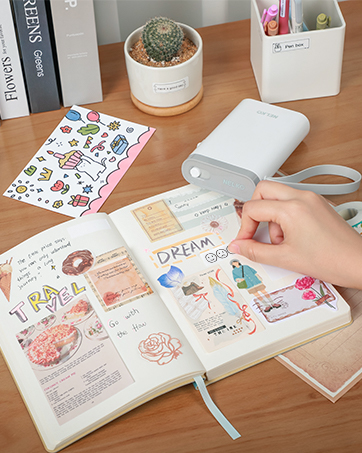
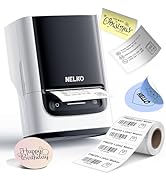
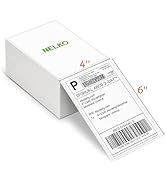
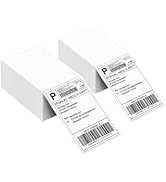
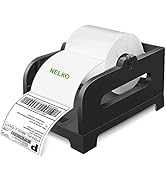
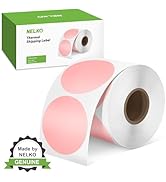
NEKLO is committed to the development of office products, improving product quality and providing consumers with a good sense of experience.
We adhere to the happy concept, committed to producing high-quality office supplies. We will provide consumers with high-quality, products at a reasonable cost.
We hope to bring convenience to your small business and work.


Warm Tips:
1. Download the App "Nelko" from the Apple Store/Google Play, and meets with applicable data compliance laws.
2. Connect the Bluetooth via the "Nelko" App, not on the phone system.
3. Before printing, please select the appropriate size for the printing paper on the "Nelko" App.
How to connect Bluetooth?
1. Connecting to Bluetooth through the "Nelko" APP.
2. Download the App "Nelko" from the Apple Store/Google Play.
3. Turn on Bluetooth on your phone, long press to turn on the P21 labelmaker machine, and open the "Nelko" app to link to Bluetooth.
What system does this label machine support?
This mini portable Bluetooth printer supports iOS and Android mobile systems. IOS phones require IOS 13 or above to be used.
Why is the printing unclear?
Please use genuine label paper, otherwise it may result in poor printing quality or mismatches.
Note: Please do not tear the green sticker from the original label paper.
And the size of the label tape can be 12x40mm, 14x40mm, 15x40mm or 14X75mm.
How to use the label makers best sellers with tape correctly?
1. Long press the power on button, indicator light will display green.
2. Successfully connected to Bluetooth, indicator light displayed in blue.
3. Press the button twice to adjust the paper position.
4. Press the button once to print the test page.
Why can I search for P21 label maker but not connect to Bluetooth?
1. Press the power button to start the label maker.
2. Open the paper bin cover of the label maker.
3. Press the power button 3 times in a row.
4. After about 2s, the label maker beeps 4 times, "Didi Didi", which means the reset is successful.
14x40mm White Label Tape | 14x40mm Clear Label Tape | Label Maker Case-Black | 14x40mm Yellow/Pink/Blue | 14x75mm Transprent | P21 with 3Tapes&1 Case | P21 with 3Tapes |
|---|---|---|---|---|---|---|
| Customer Reviews | ||||||
| — | — | — | — | — | — | — |
| Price | ||||||
| — | — | — | — | — | — | — |
| Pack | ||||||
| 180 Labels | 1 | 1 | 540 Labels | 180 Labels | 540 Labels | 1 |
| Color | ||||||
| White | Transparent | Blcak | Yellow/Pink/Blue | Transparent | Transparent | Pink |
| Size | ||||||
| 14mm x 40mm | 14mm x 40mm | 6.5 x 2.5 x 4.5 inches | 14mm x 40mm | 14mm x 75mm | 14mm x 40mm | 6.5 x 2.5 x 4.5 inches |
| Compatible Printer | ||||||
| NELKO P21 Label Maker | NELKO P21 Label Maker | NELKO P21 Label Maker | NELKO P21 Label Maker | NELKO P21 Label Maker | NELKO P21 Label Maker | NELKO P21 Label Maker |
| Advantage | ||||||
| Clear Printing, Widely Usage | Clear Printing, Widely Usage | Powerful Compatibility | Clear Printing, Widely Usage | Clear Printing, Widely Usage | Clear Printing, Widely Usage | Powerful Compatibility |
| High Quality | ||||||
| ? | ? | ? | ? | ? | ? | ? |
NEKLO is committed to the development of office products, improving product quality and providing consumers with a good sense of experience.
We adhere to the happy concept, committed to producing high-quality office supplies. We will provide consumers with high-quality, products at a reasonable cost.
We hope to bring convenience to your small business and work.


