




2 Inch Label Maker
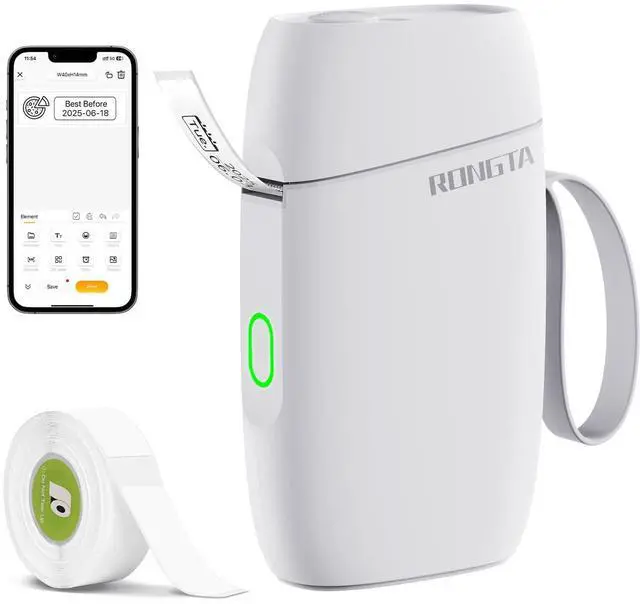
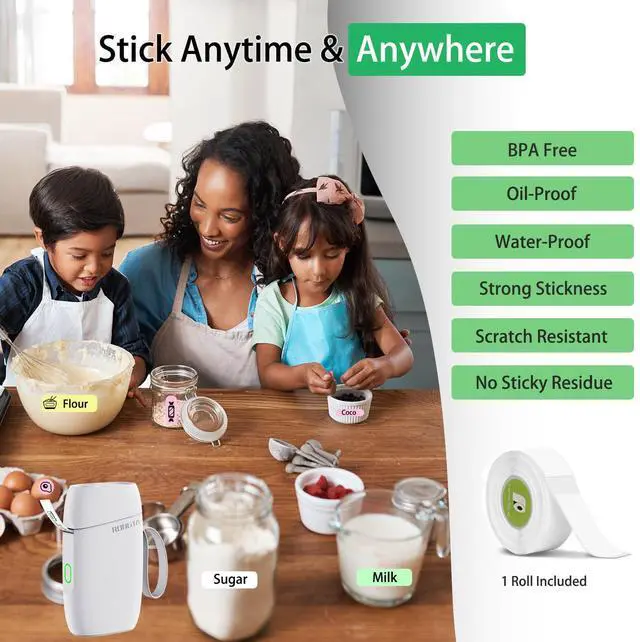
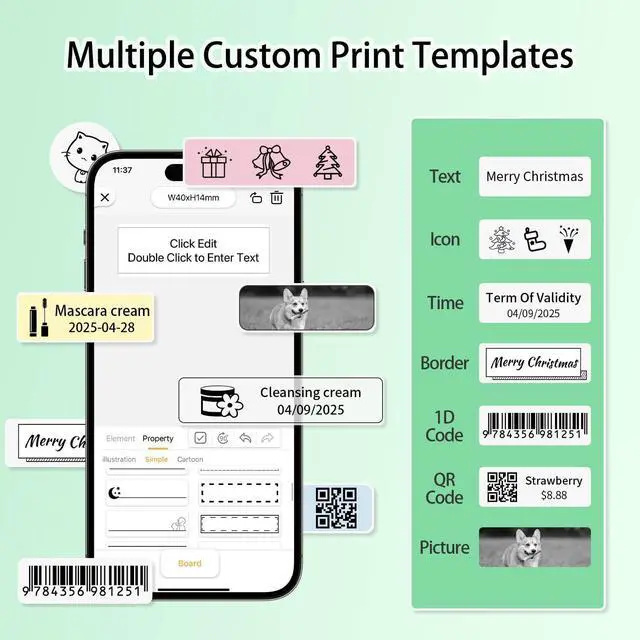
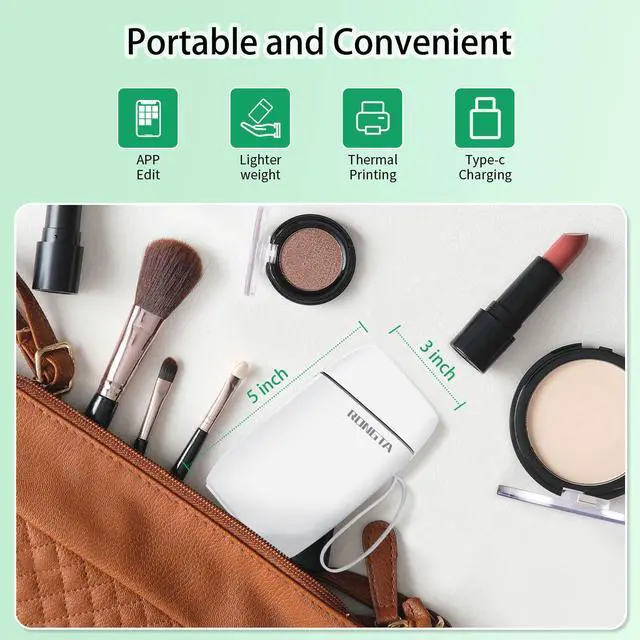
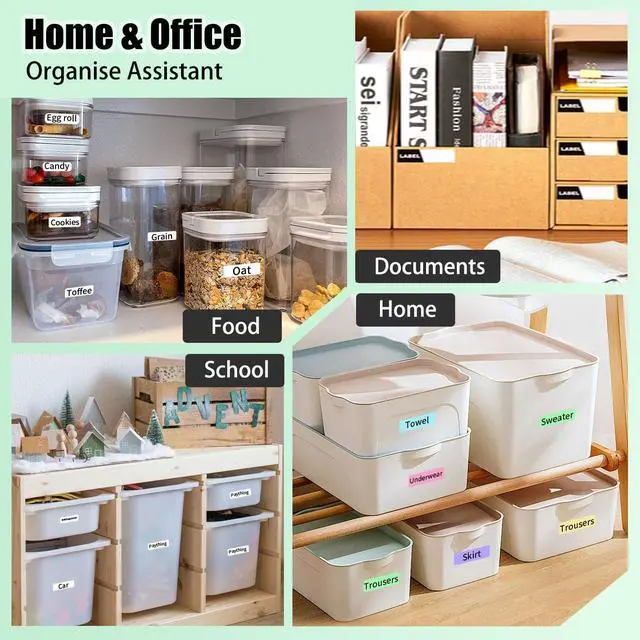
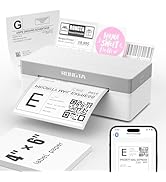
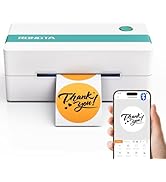
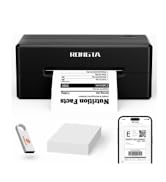
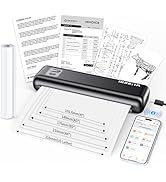
The 2 inch Label Maker is a Great Small Label Printer for Home Organize & Small Business.
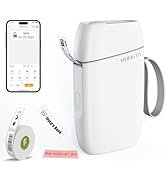
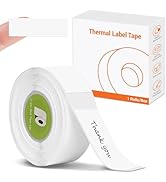
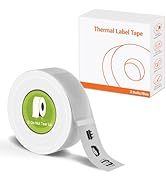
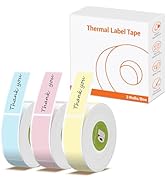
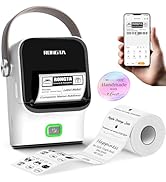
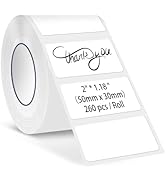
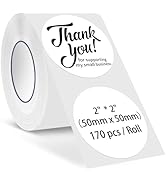
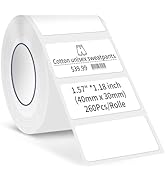

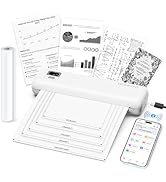

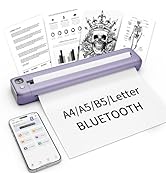
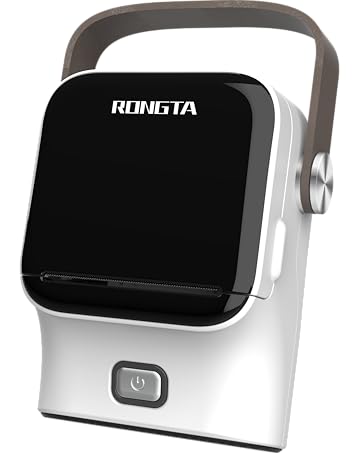


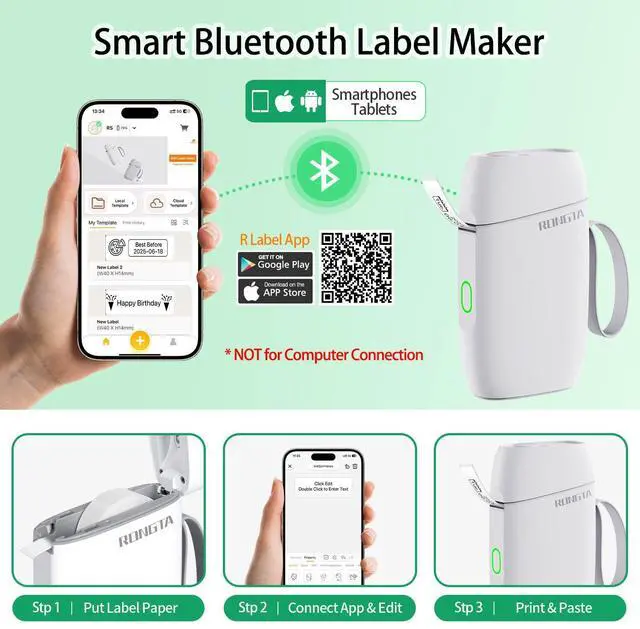
Easy Sets Up & Using

Package Includs
- Printer
- 1 Roll Paper
- Charge Cable
- Manue

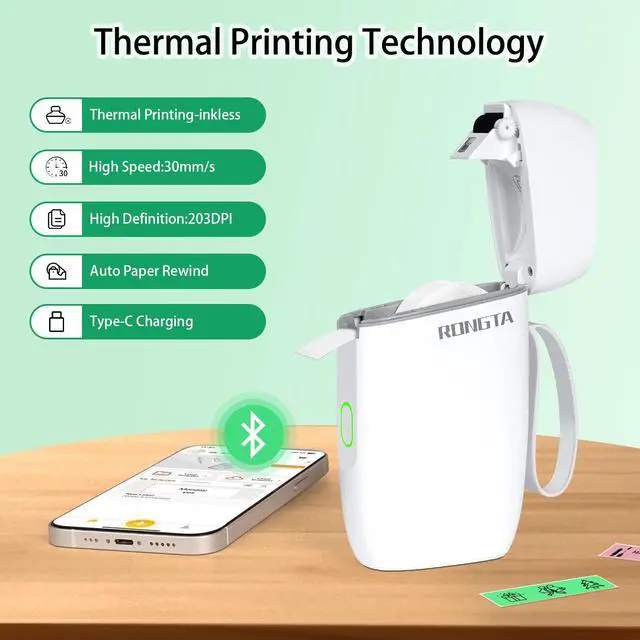
Thermal Technology
Inkless, Autu Paper Rewind, the 203DPI make the print more clear
Label Maker for Your Smarter Life & Work
 Mini Label Maker | 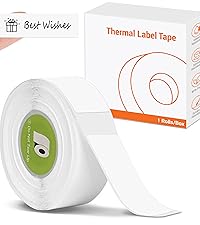 R5 Label Maker Tape White | 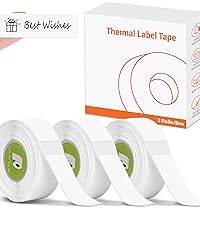 R5 Label Maker Tape | 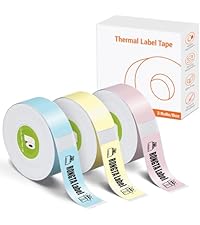 R5 Label Maker Tape | 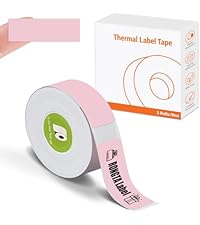 R5 Label Maker Tape |  R5 Label Maker Tape | |
|---|---|---|---|---|---|---|
Customer Reviews | — | — | — | — | — | — |
Price | — | — | — | — | — | — |
Print Size | 14*40 MM | 14*40 MM | 14*40 MM | 14*40 MM | 14*40 MM | 14*40 MM |
Color Print | ? | ? | ? | ? | ? | ? |
Feed Paper Style | Roll Paper | Roll Paper | Roll Paper | Roll Paper | Roll Paper | Roll Paper |
Sticker Print Available | ? | ? | ? | ? | ? | ? |
Connections | Bluetooth | Bluetooth | Bluetooth | Bluetooth | Bluetooth | Bluetooth |
Why am I printing blank labels?
1.Use thermal labels. 2.Ensure labels are placed with the printed side facing down.
Red light on the sticker printer?
1.Print Head overheat,printing can not be finished.
2.Cover is open or out of paper,printing can not be finished
Does this Mini Label Maker Printer with Tape work with normal paper or labels?
No,It use thermal inkless technology and only support thermal label tape.
Can it print in color?
No, this label maker machine uses thermal printing technology and can only print in monochrome(Black).
Is it easy to set up?
Yes,Following the Steps to set up.Step 1 : Download APP "RLabel".Step 2: Press and hold the power button for 3 seconds to Turn on the R5, turn on the Bluetooth of the cell phone Step 3: Add R5 label maker printer at the bottom and start printing.


Easy Sets Up & Using
Package Includs
- Printer
- 1 Roll Paper
- Charge Cable
- Manue
Thermal Technology
Inkless, Autu Paper Rewind, the 203DPI make the print more clear
Label Maker for Your Smarter Life & Work
Mini Label Maker | R5 Label Maker Tape White | R5 Label Maker Tape | R5 Label Maker Tape | R5 Label Maker Tape | R5 Label Maker Tape |
|---|---|---|---|---|---|
| Customer Reviews | |||||
| — | — | — | — | — | — |
| Price | |||||
| — | — | — | — | — | — |
| Print Size | |||||
| 14*40 MM | 14*40 MM | 14*40 MM | 14*40 MM | 14*40 MM | 14*40 MM |
| Color Print | |||||
| ? | ? | ? | ? | ? | ? |
| Feed Paper Style | |||||
| Roll Paper | Roll Paper | Roll Paper | Roll Paper | Roll Paper | Roll Paper |
| Sticker Print Available | |||||
| ? | ? | ? | ? | ? | ? |
| Connections | |||||
| Bluetooth | Bluetooth | Bluetooth | Bluetooth | Bluetooth | Bluetooth |
Why am I printing blank labels?
1.Use thermal labels. 2.Ensure labels are placed with the printed side facing down.
Red light on the sticker printer?
1.Print Head overheat,printing can not be finished.
2.Cover is open or out of paper,printing can not be finished
Does this Mini Label Maker Printer with Tape work with normal paper or labels?
No,It use thermal inkless technology and only support thermal label tape.
Can it print in color?
No, this label maker machine uses thermal printing technology and can only print in monochrome(Black).
Is it easy to set up?
Yes,Following the Steps to set up.Step 1 : Download APP "RLabel".Step 2: Press and hold the power button for 3 seconds to Turn on the R5, turn on the Bluetooth of the cell phone Step 3: Add R5 label maker printer at the bottom and start printing.
2 Inch Label Maker
The 2 inch Label Maker is a Great Small Label Printer for Home Organize & Small Business.
Label Maker & Tape
Label Maker & Tape

Printer for Small Business

Portable Printer
R22 Mini Label Maker
2" Label Maker Machine for Home, Office, Small Business Print, Portable & Smart, Your Best Life Organizer Assistant