




Rongta Thermal Printers
Rongta was founded in 2010, is specialized in printing equipment, ideal is provide more innovative and valuable products for customer.
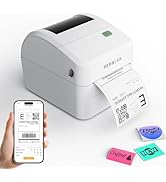
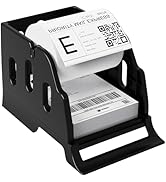
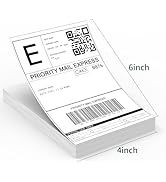
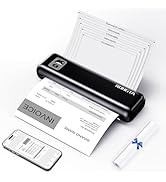
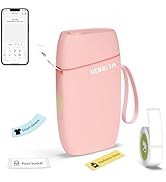
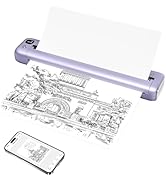
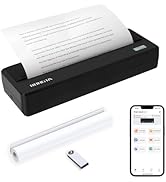
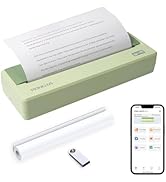
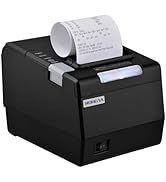
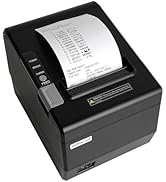
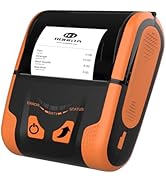


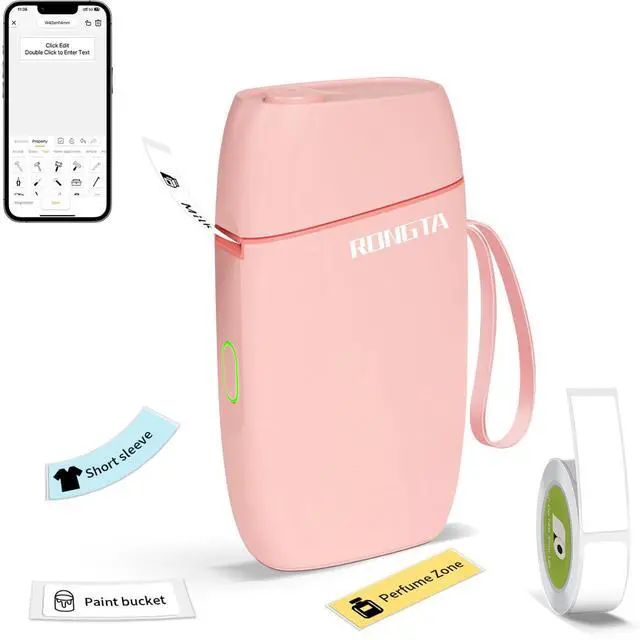
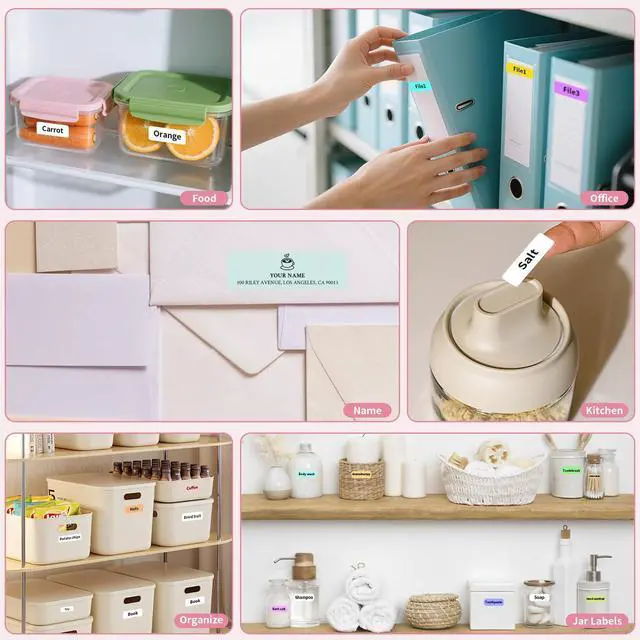
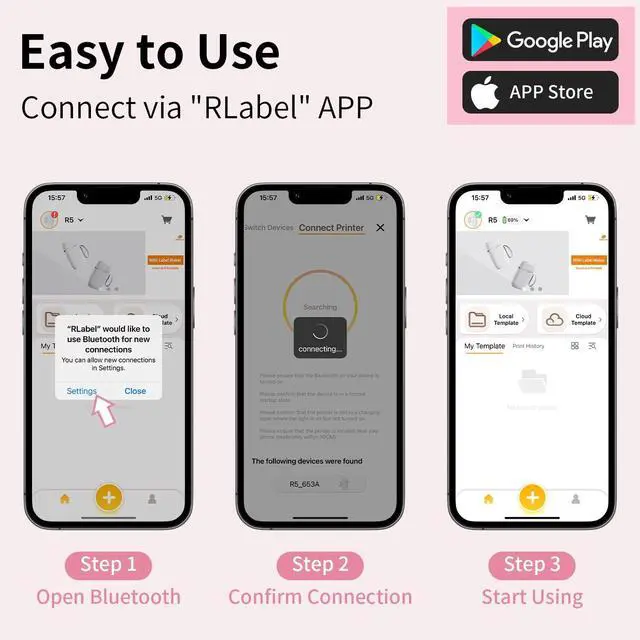
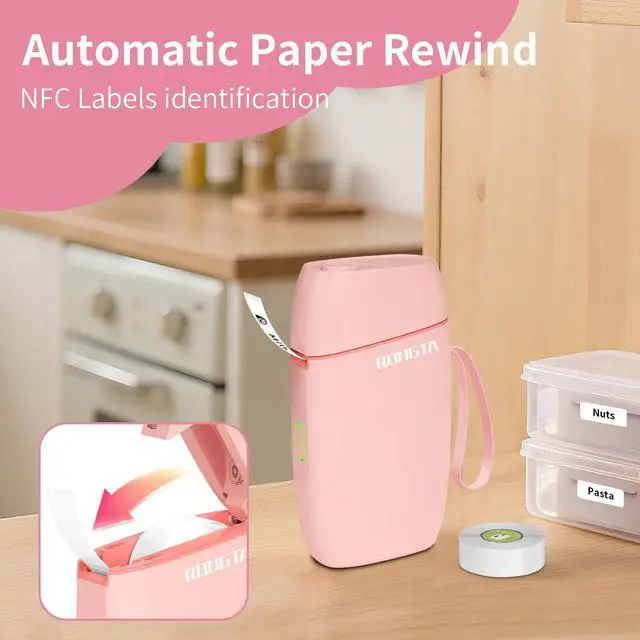
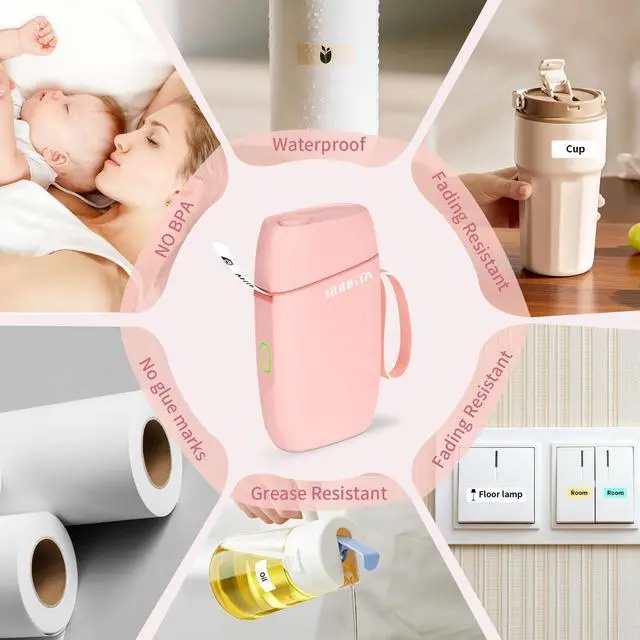
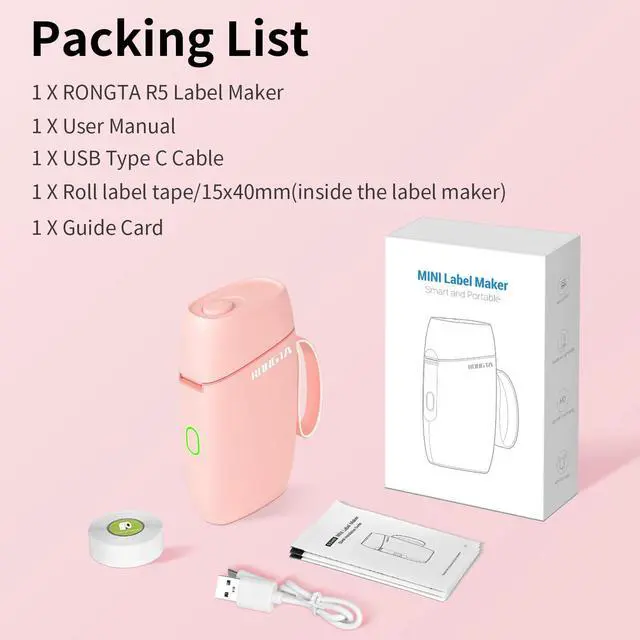
R5 Label Maker Overview and "RLabel" App Use
Merchant Video


What can i do if no printer is found?
1. Check whether the Bluetooth function of the mobile phone is enabled.
2. Restart the printer or APP and search again.
3. Turn off Bluetooth and turn it on again.
How to solve the Bluetooth connection failure?
1. Restart the printer or APP and search again.
2. Turn off Bluetooth and turn it on again.
Click to print, no content appears, the printer keeps making a "click, click" sound?
1. To check whether the label is properly placed, pull the label out of the knife edge.
2. Check whether the label is used up. If it is used up, replace it in time.
How to solve the problem of sudden termination of printing?
Perform operations as prompted by the APP.
How to solve print offset?
1. Check whether the label paper size is consistent with the APP template.
2. The print offset can be adjusted through the APP My-MyDevice-Print Offset function.
Product parameters
Work with Rongta printer
 Mini Label Maker |  R5 Label Maker Tape |  R5 Label Maker Tape | 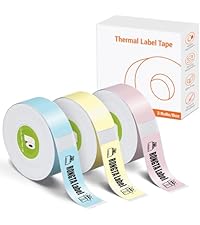 R5 Label Maker Tape |  F81 Portable Printer |  F82 300DPI Printer |  RP420 Label Printer | |
|---|---|---|---|---|---|---|---|
Customer Reviews | — | — | — | — | — | — | — |
Price | — | — | — | — | — | — | — |
Connection | Bluetooth/USB | \ | \ | \ | Wifi/Bluetooth/USB | Wifi/Bluetooth/USB | Bluetooth/USB |
Pack | 1 Printer+1 Paper Roll | \ | \ | \ | 1 Priner+20 Sheets Paper | 1 Priner+20 Sheets Paper | 1 Printer+50 Sheets Paper |
Color | Pink | White (1 roll) | White (3 rolls) | Pink/Blue/Yellow (3 rolls) | Gray | White | White |
Size | 5.14"D x 2.99"W x 1.33"H | 14*40 mm | 14*40 mm | 14*40 mm | 10.55"D x 2.28"W x 1.18"H | 10.7"D x 3.07"W x 1.9"H | 8.66"D x 4.29"W x 3.62"H |
Style | Mini Printer | Label Tape | Label Tape | Label Tape | Portable Printer | Portable Printer | Thermal Label Printer |
Compatible with | Phone/Tablet | R5 Label Maker | R5 Label Maker | R5 Label Maker | Phone/Windows/Mac | Phone/Windows/Mac | Phone/Windows/Mac |
High Quality | ? | ? | ? | ? | ? | ? | ? |


R5 Label Maker Overview and "RLabel" App Use
Merchant Video


What can i do if no printer is found?
1. Check whether the Bluetooth function of the mobile phone is enabled.
2. Restart the printer or APP and search again.
3. Turn off Bluetooth and turn it on again.
How to solve the Bluetooth connection failure?
1. Restart the printer or APP and search again.
2. Turn off Bluetooth and turn it on again.
Click to print, no content appears, the printer keeps making a "click, click" sound?
1. To check whether the label is properly placed, pull the label out of the knife edge.
2. Check whether the label is used up. If it is used up, replace it in time.
How to solve the problem of sudden termination of printing?
Perform operations as prompted by the APP.
How to solve print offset?
1. Check whether the label paper size is consistent with the APP template.
2. The print offset can be adjusted through the APP My-MyDevice-Print Offset function.
Product parameters
| Paper Type | Label paper |
|---|---|
| Connection | Bluetooth/USB |
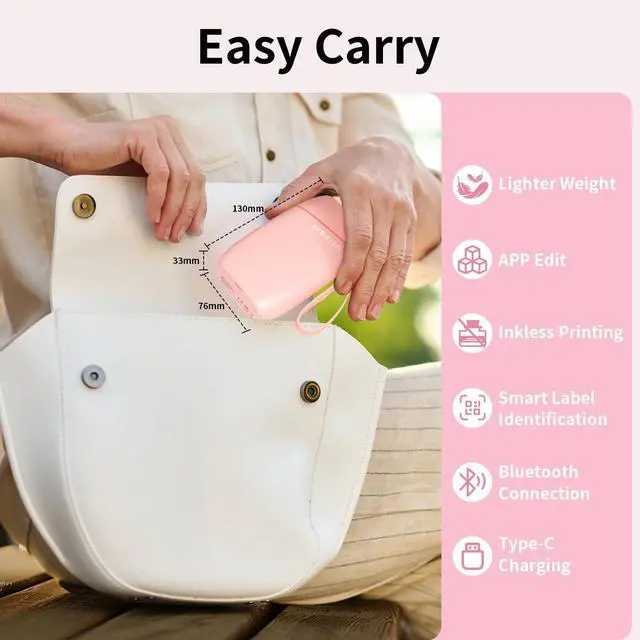
| Size | 76*130.6*33.8 mm |
| Weight | 180g |
| Printing Method | Thermal |
| Max print width | 0.5" |
| Paper width | 0.59" |
| Paper roll diameter | 45mm max |
Work with Rongta printer
Mini Label Maker | R5 Label Maker Tape | R5 Label Maker Tape | R5 Label Maker Tape | F81 Portable Printer | F82 300DPI Printer | RP420 Label Printer |
|---|---|---|---|---|---|---|
| Customer Reviews | ||||||
| — | — | — | — | — | — | — |
| Price | ||||||
| — | — | — | — | — | — | — |
| Connection | ||||||
| Bluetooth/USB | \ | \ | \ | Wifi/Bluetooth/USB | Wifi/Bluetooth/USB | Bluetooth/USB |
| Pack | ||||||
| 1 Printer+1 Paper Roll | \ | \ | \ | 1 Priner+20 Sheets Paper | 1 Priner+20 Sheets Paper | 1 Printer+50 Sheets Paper |
| Color | ||||||
| Pink | White (1 roll) | White (3 rolls) | Pink/Blue/Yellow (3 rolls) | Gray | White | White |
| Size | ||||||
| 5.14"D x 2.99"W x 1.33"H | 14*40 mm | 14*40 mm | 14*40 mm | 10.55"D x 2.28"W x 1.18"H | 10.7"D x 3.07"W x 1.9"H | 8.66"D x 4.29"W x 3.62"H |
| Style | ||||||
| Mini Printer | Label Tape | Label Tape | Label Tape | Portable Printer | Portable Printer | Thermal Label Printer |
| Compatible with | ||||||
| Phone/Tablet | R5 Label Maker | R5 Label Maker | R5 Label Maker | Phone/Windows/Mac | Phone/Windows/Mac | Phone/Windows/Mac |
| High Quality | ||||||
| ? | ? | ? | ? | ? | ? | ? |
Rongta Thermal Printers
Rongta was founded in 2010, is specialized in printing equipment, ideal is provide more innovative and valuable products for customer.
Label Printer& Thermal Labels
Portable Printer&Thermal Paper
Thermal Labels
Tatto Printer&Mini Printer
Portable Thermal Printer
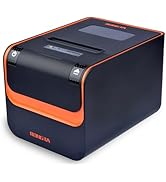
80mm Thermal Receipt Printer