


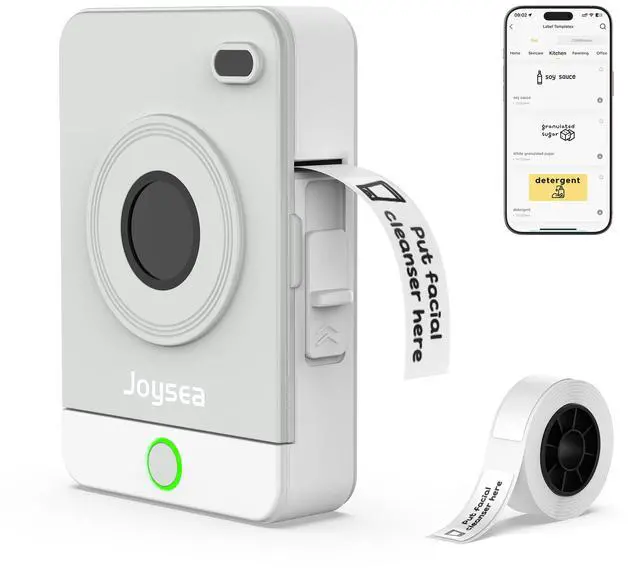
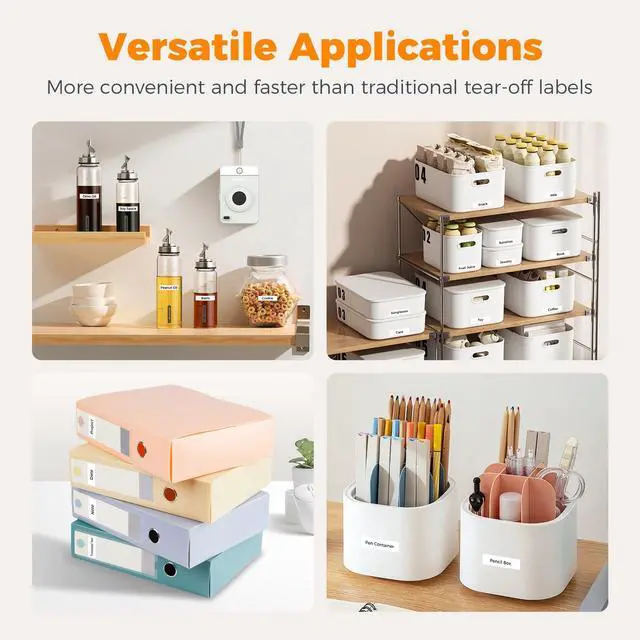
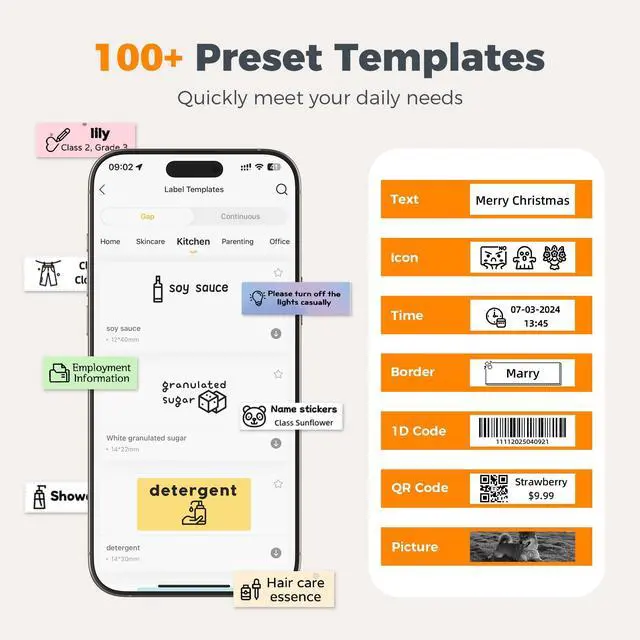
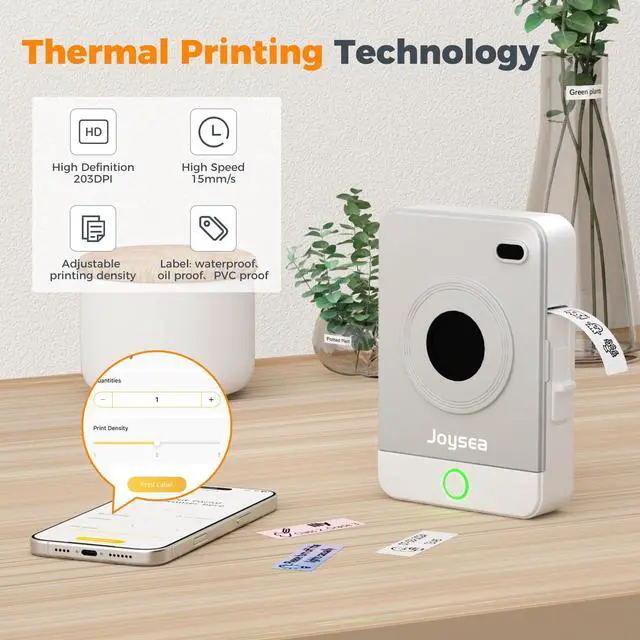


Label Maker

About us
Founded with a passion for innovation and efficiency, Joysea has emerged as a leading brand in thermal label printing solutions.
At Joysea, we combine cutting-edge technology with user-centric design. Our printers deliver crisp, smudge-proof prints at lightning speed. Backed by rigorous quality control, we stand by our promise of durability and precision.


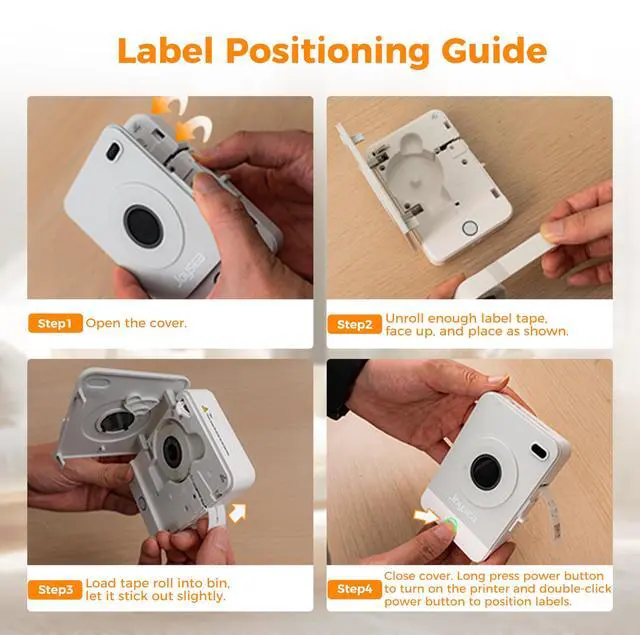
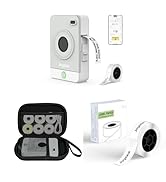
Label Positioning Guide: Long press power button to turn on the printer and double-click power button to position labels.


More Choices of Joysea
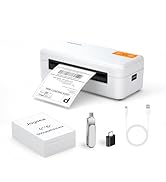
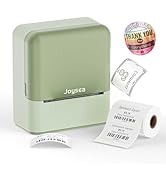
 Joysea OP1 Label Maker |  Shipping Label Printer |  Joysea D2 Label Maker |  OP1 Label Maker Tape |  OP1 Label Maker Case |  OP1 Label Maker Tape | |
|---|---|---|---|---|---|---|
Customer Reviews | — | — | — | — | — | — |
Price | — | — | — | — | — | — |
Pack | 1 | 1 | 1 | 480 Labels | 1 | 160 Labels |
Color | Grey | White | Green | White | Black | White |
Compatible Printer | Joysea OP1 Label Maker | Joysea E41 Label Printer | Joysea D2 Label Maker | Joysea OP1 Label Maker | Joysea OP1 Label Maker | Joysea OP1 Label Maker |
Indoor/Outdoor | Indoor | Indoor | Indoor | Indoor | Outdoor | Indoor |
Features | Small, Portable | For Small Businesses | More Versatile Scenarios | Waterproof, Oilproof | Shockproof, Scratch Resistant | Waterproof, Oilproof |


Label Positioning Guide: Long press power button to turn on the printer and double-click power button to position labels.


More Choices of Joysea
Joysea OP1 Label Maker | Shipping Label Printer | Joysea D2 Label Maker | OP1 Label Maker Tape | OP1 Label Maker Case | OP1 Label Maker Tape |
|---|---|---|---|---|---|
| Customer Reviews | |||||
| — | — | — | — | — | — |
| Price | |||||
| — | — | — | — | — | — |
| Pack | |||||
| 1 | 1 | 1 | 480 Labels | 1 | 160 Labels |
| Color | |||||
| Grey | White | Green | White | Black | White |
| Compatible Printer | |||||
| Joysea OP1 Label Maker | Joysea E41 Label Printer | Joysea D2 Label Maker | Joysea OP1 Label Maker | Joysea OP1 Label Maker | Joysea OP1 Label Maker |
| Indoor/Outdoor | |||||
| Indoor | Indoor | Indoor | Indoor | Outdoor | Indoor |
| Features | |||||
| Small, Portable | For Small Businesses | More Versatile Scenarios | Waterproof, Oilproof | Shockproof, Scratch Resistant | Waterproof, Oilproof |
Label Maker
About us
Founded with a passion for innovation and efficiency, Joysea has emerged as a leading brand in thermal label printing solutions.
At Joysea, we combine cutting-edge technology with user-centric design. Our printers deliver crisp, smudge-proof prints at lightning speed. Backed by rigorous quality control, we stand by our promise of durability and precision.