




iDPRT MT610 Portable Printer
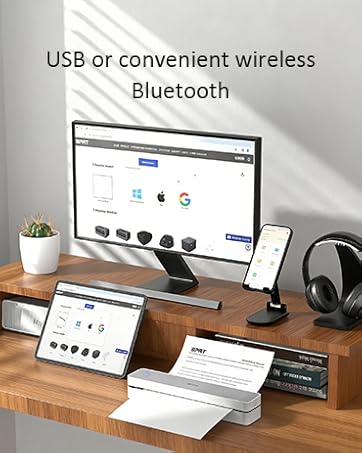
MT610 Portable Printer
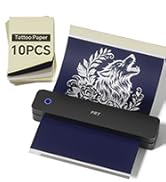
Wireless Thermal Printer
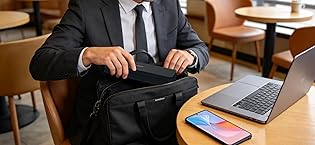
16+ years. Millions of users
One focus—professional portable printing.
Trusted by millions worldwide, we are a top global provider of POS, mobile, and label printers—designed and built entirely in-house for performance, reliability, and innovation.
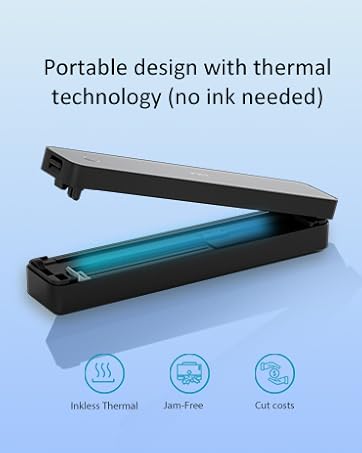
Small Bluetooth Mobile Printer
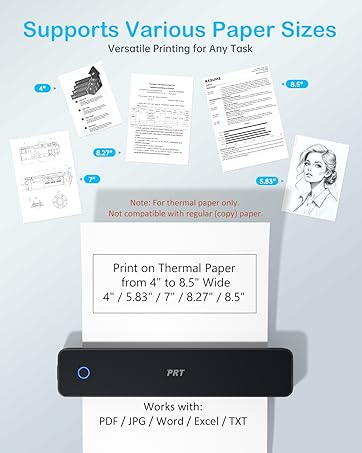
Wireless Thermal Printer
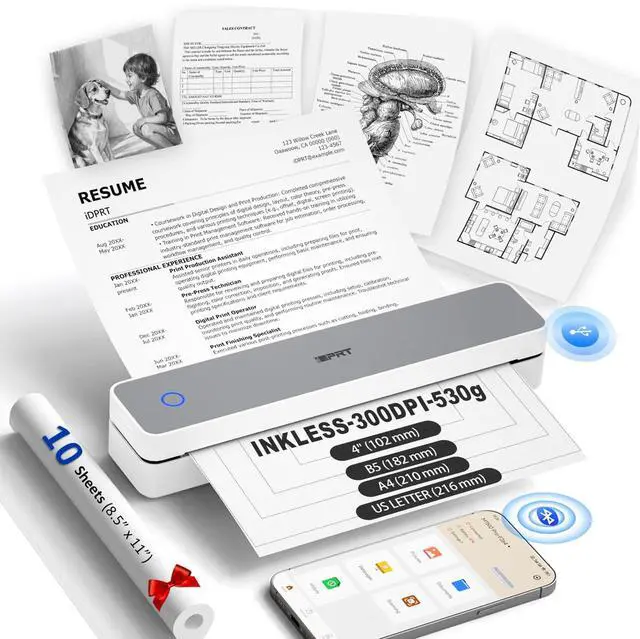
MT610Pro Bluetooth Inkless Portable Thermal Printer - Print Anywhere, Anytime
protable thermal printer Grey
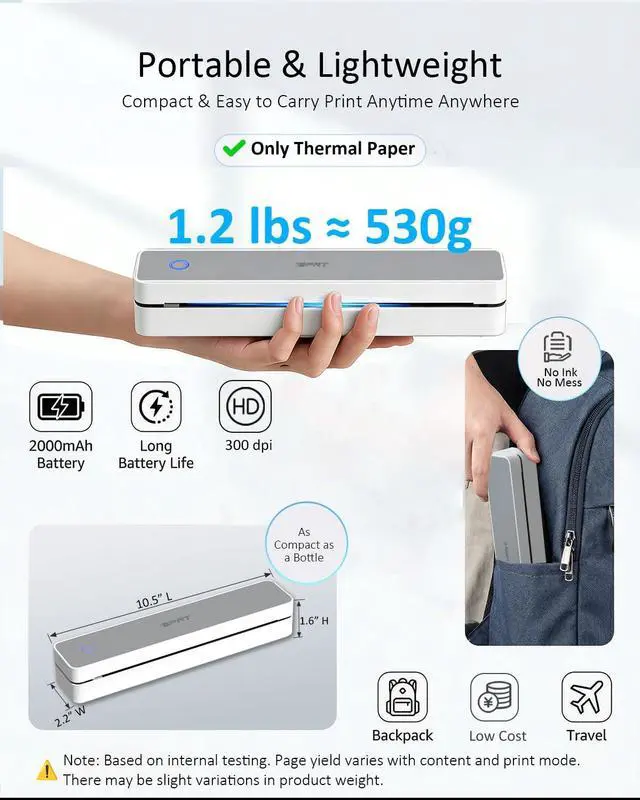
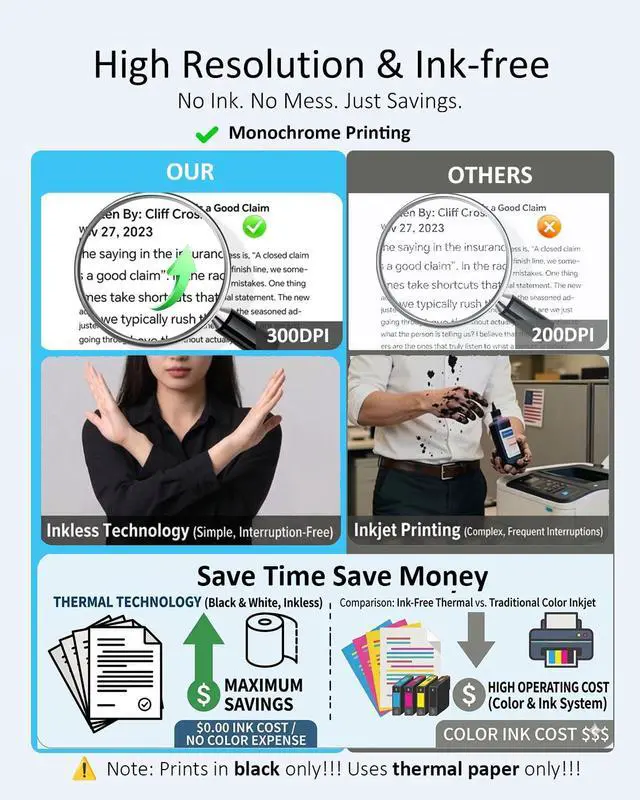
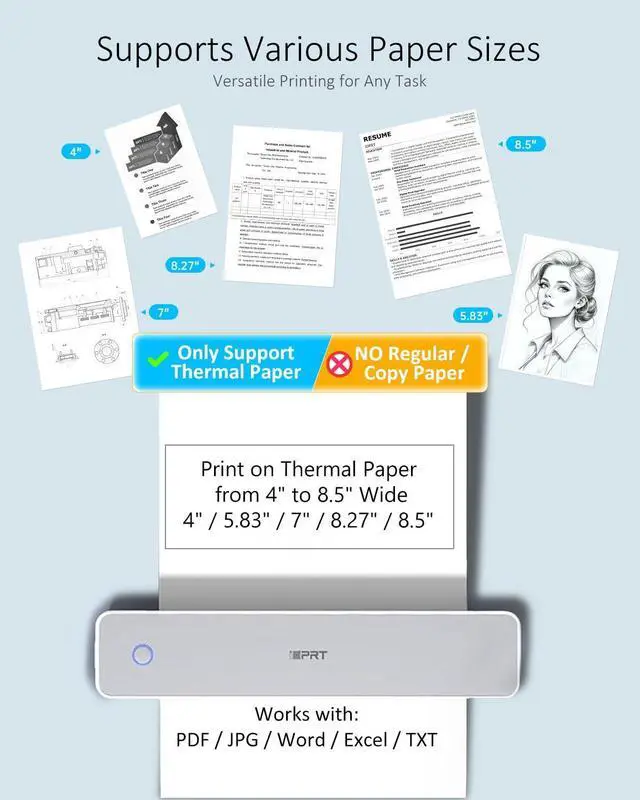
Merchant VideoNote: Inkless thermal printer—black only printing, thermal paper(not regular paper) required, rechargeable, and app-connected !


USB & Bluetooth Setup


How to connect your phone to print?
Download the "HerePrint" app
Turn on the printer
Connect via Bluetooth
Start printing
How to print from a computer?
Download MT610 Pro Driver for your system
Turn on the printer
Connect to PC using the included USB cable
Open your document and print
Why can't I install the driver?
Make sure the printer is powered on and connected via USB
If your PC warns the driver is “unofficial,” please turn off antivirus/firewall during installation
Why is the print incomplete?
Check that the paper is straight and loaded correctly
Make sure the paper size in the app/computer matches your actual paper
Why can't I print from my computer after installing the driver?
Uninstall the current driver
Go to Settings > Devices > Printers & scanners, remove the printer
Restart your PC
Reconnect printer via USB and reinstall the driver
Pick Your Print Partner – Featuring Our Thermal Portable Printer
 1 Printer+200pcs+1 case |  1 Printer+200pcs+1 case |  Tattoo Stencil Printer |  Mini Sticker Printer |  CP6000 4x6 Photo Printer |  Shipping Label Printer |  CP4100 4x6 Photo Printer | |
|---|---|---|---|---|---|---|---|
Customer Reviews | — | — | — | — | — | — | — |
Price | — | — | — | — | — | — | — |
Need Ink? | ? | ? | ? | ? | ? | ? | ? |
Printer Output | Black Only | Black Only | Black Only | Black Only | Color | Black Only | Color |
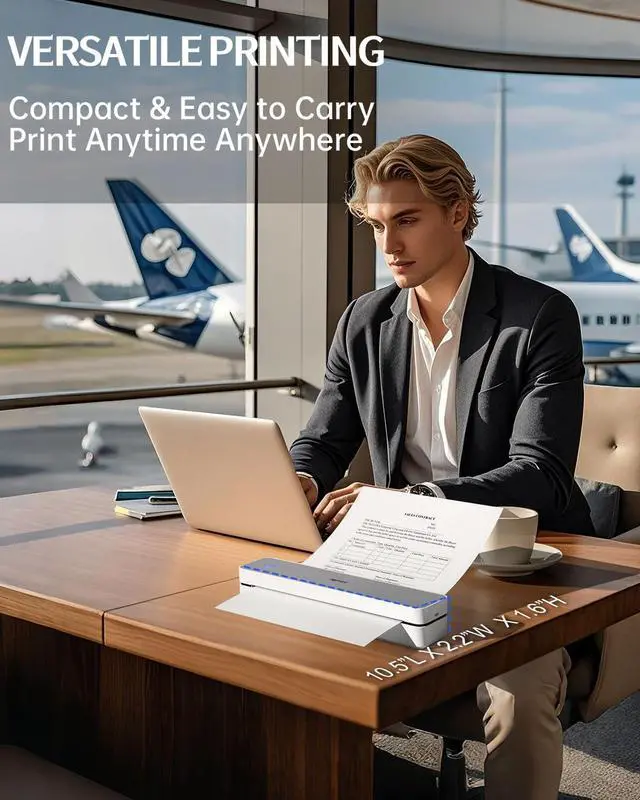
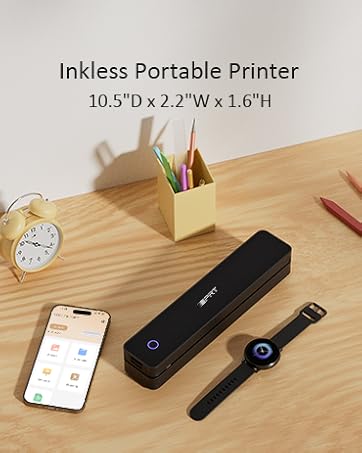
Printer Size | 10.5"L x 2.2"W x 1.6"H | 10.5"L x 2.2"W x 1.6"H | 10.5"L x 2.2"W x 1.6"H | 4.33"L x 4.33"W x 1.57"H | 7.7"L x 5.1"W x 3.5"H | 7.1"L × 3.1"W × 2.6"H | 7.7"L x 5.1"W x 3.5"H |
Compatible with | Phone/Windows/Mac | Phone/Windows/Mac | Phone/Windows/Mac | Phone | Phone | Phone/Windows/Mac | Phone |
connectivity tech | Bluetooth, USB, Wireless | Bluetooth, USB, Wireless | Bluetooth, USB, Wireless | Bluetooth | Bluetooth, Wi-Fi | Bluetooth, USB, Wireless | Bluetooth, Wi-Fi |
Resolution | 300DPI | 203DPI | 203DPI | 203DPI | 300DPI | 203DPI | 300DPI |
MT610Pro Bluetooth Inkless Portable Thermal Printer - Print Anywhere, Anytime
protable thermal printer Grey
Merchant VideoNote: Inkless thermal printer—black only printing, thermal paper(not regular paper) required, rechargeable, and app-connected !


USB & Bluetooth Setup
How to Connect Your Device to a Computer via USB?
- Download the MT610Pro Driver ? Install the Driver ? Connect the Printer via USB ? Select Paper Type ? Start Printing
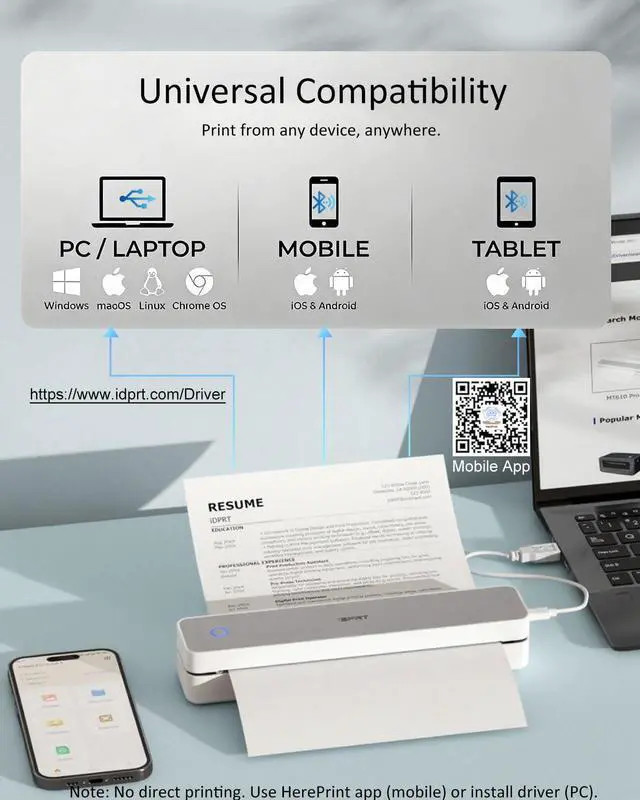
Please Note:Desktop and laptop computers do not support wireless Bluetooth printing. USB connection is required.
How to Print Wirelessly from Your Phone via Bluetooth?
- Download App ? Turn On Bluetooth ? Tap “+” ? Connect MT610Pro-XXXX ? Select Paper Size ? Print
Please Note: Bluetooth functionality is for Phones/Tablets ONLY.
Phone and tablet printing requires the HerePrint app.
Laptops/PCs require a USB connection (Driver download required).


How to connect your phone to print?
Download the "HerePrint" app
Turn on the printer
Connect via Bluetooth
Start printing
How to print from a computer?
Download MT610 Pro Driver for your system
Turn on the printer
Connect to PC using the included USB cable
Open your document and print
Why can't I install the driver?
Make sure the printer is powered on and connected via USB
If your PC warns the driver is “unofficial,” please turn off antivirus/firewall during installation
Why is the print incomplete?
Check that the paper is straight and loaded correctly
Make sure the paper size in the app/computer matches your actual paper
Why can't I print from my computer after installing the driver?
Uninstall the current driver
Go to Settings > Devices > Printers & scanners, remove the printer
Restart your PC
Reconnect printer via USB and reinstall the driver
Pick Your Print Partner – Featuring Our Thermal Portable Printer
1 Printer+200pcs+1 case | 1 Printer+200pcs+1 case | Tattoo Stencil Printer | Mini Sticker Printer | CP6000 4x6 Photo Printer | Shipping Label Printer | CP4100 4x6 Photo Printer |
|---|---|---|---|---|---|---|
| Customer Reviews | ||||||
— | — | — | — | — | — | — |
| Price | ||||||
| — | — | — | — | — | — | — |
| Need Ink? | ||||||
| ? | ? | ? | ? | ? | ? | ? |
| Printer Output | ||||||
| Black Only | Black Only | Black Only | Black Only | Color | Black Only | Color |
| Printer Size | ||||||
| 10.5"L x 2.2"W x 1.6"H | 10.5"L x 2.2"W x 1.6"H | 10.5"L x 2.2"W x 1.6"H | 4.33"L x 4.33"W x 1.57"H | 7.7"L x 5.1"W x 3.5"H | 7.1"L × 3.1"W × 2.6"H | 7.7"L x 5.1"W x 3.5"H |
| Compatible with | ||||||
| Phone/Windows/Mac | Phone/Windows/Mac | Phone/Windows/Mac | Phone | Phone | Phone/Windows/Mac | Phone |
| connectivity tech | ||||||
| Bluetooth, USB, Wireless | Bluetooth, USB, Wireless | Bluetooth, USB, Wireless | Bluetooth | Bluetooth, Wi-Fi | Bluetooth, USB, Wireless | Bluetooth, Wi-Fi |
| Resolution | ||||||
| 300DPI | 203DPI | 203DPI | 203DPI | 300DPI | 203DPI | 300DPI |
iDPRT MT610 Portable Printer
MT610 Portable Printer
Wireless Thermal Printer
16+ years. Millions of users
One focus—professional portable printing.
Trusted by millions worldwide, we are a top global provider of POS, mobile, and label printers—designed and built entirely in-house for performance, reliability, and innovation.
Small Bluetooth Mobile Printer
Wireless Thermal Printer