










About InkWon
InkWon is a brand that combines creativity and fun, and we believe that "happiness is the best creation."
Centered around smart, efficient, and enjoyable printing devices, we provide a one-stop creative experience, from idea inspiration and design support to finished product completion.
We focus on every detail, striving to be a trusted growth partner and inspiration companion for creative enthusiasts.
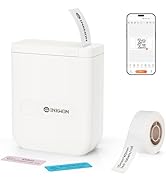
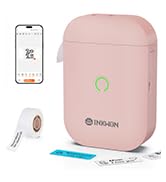
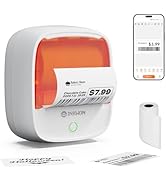
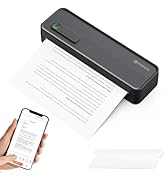
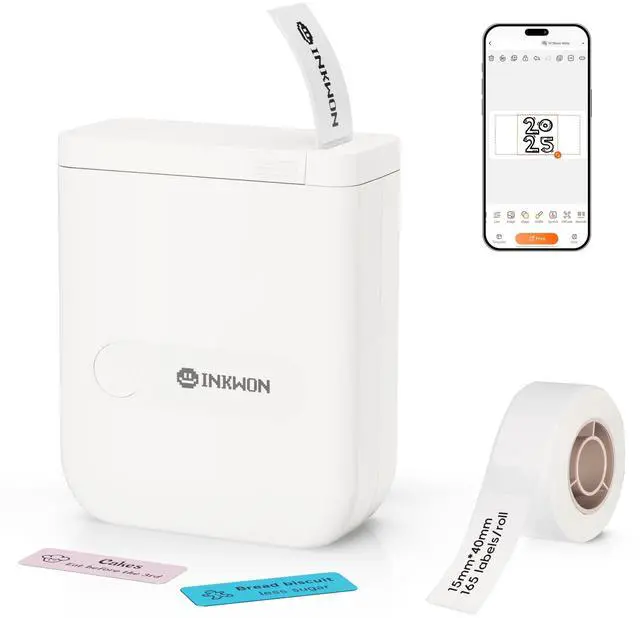
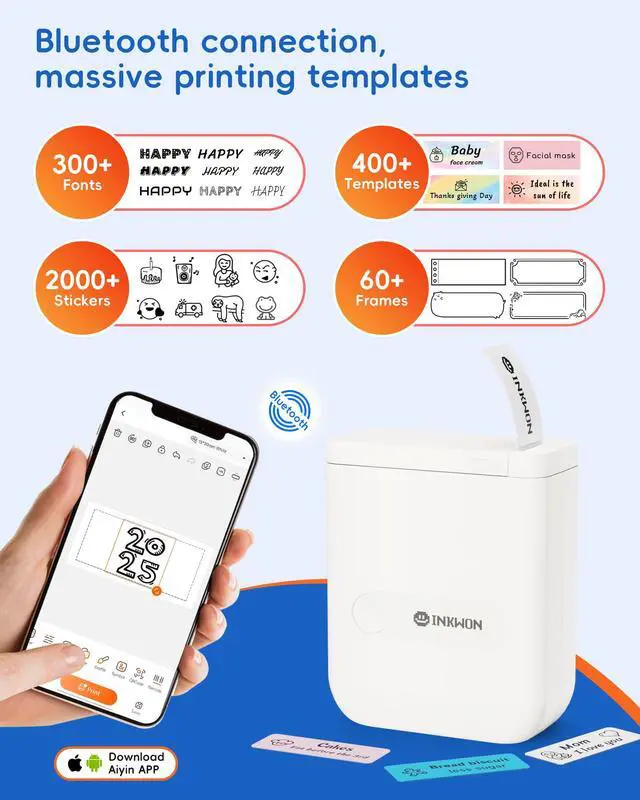
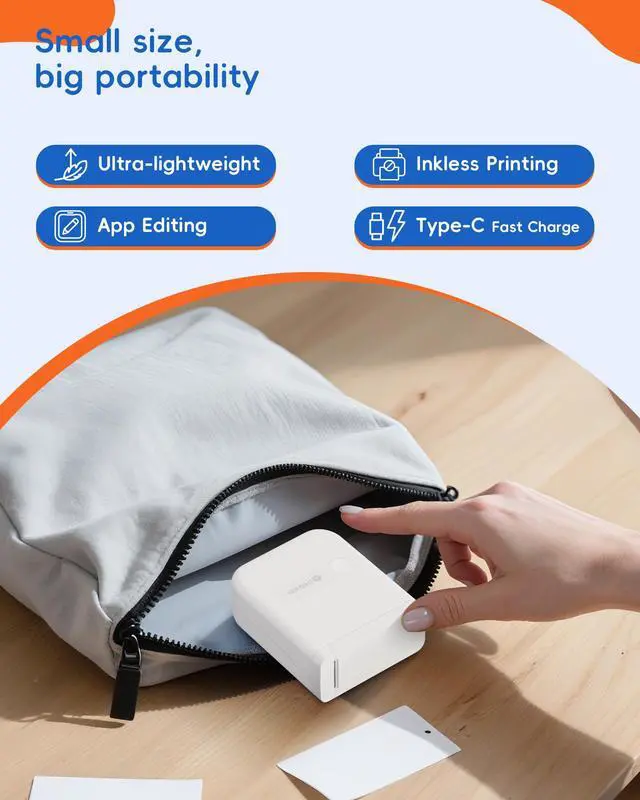
InkWon Thermal Label Maker
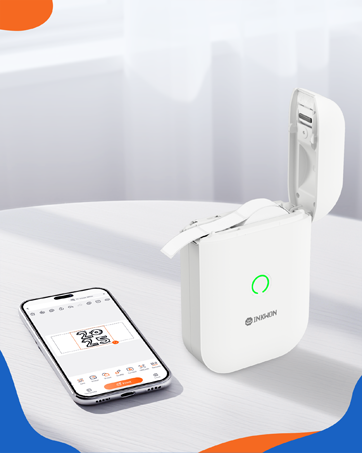
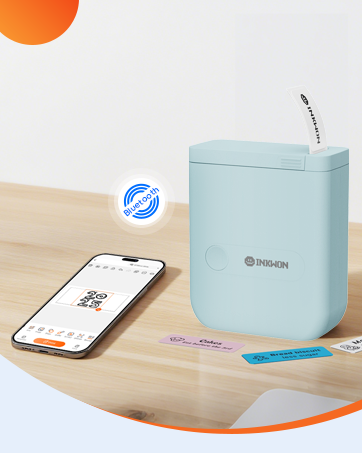

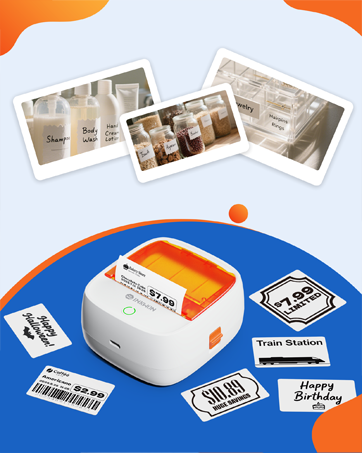

InkWon Label Maker
Merchant Video

- Note: Calibrate the paper before printing to ensure print accuracy.
- Step: Tap the device name in the upper-left corner, navigate to “Settings > Paper Calibration,” select the corresponding label type, and confirm. The device will consume approximately 3 labels to complete calibration.


The first print is misaligned, how to calibrate the paper?
Before printing, calibrate the paper, click the machine name in the upper left corner, go to Settings -Paper Feed Calibration, and select the corresponding label type.
Please note: The calibration print uses three labels for calibration.
Can it print in color?
No. Only supports thermal monochrome printing.
Why is nothing printed on the thermal paper?
Check if the thermal paper is loaded in the wrong direction. Please reinstall it according to the manual.
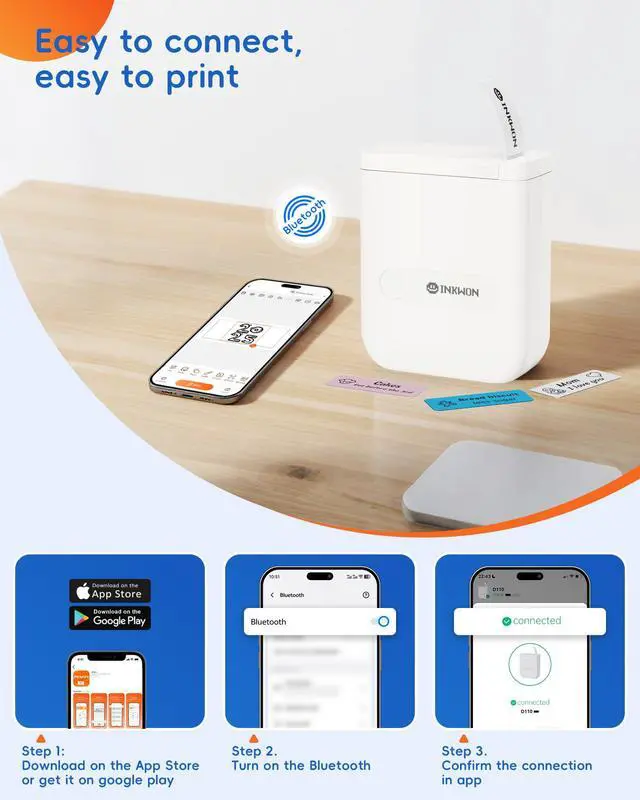
Bluetooth cannot connect to the printer?
1.Make sure Bluetooth and location permissions on your phone are enabled.
2.Ensure the printer is not already connected to another device.
3.Restart the printer, app, and phone, then try reconnecting.
Indicator light guide
Green light: Normal
Red light: Out of paper / charging / cover open / overheating
Red slow flash: Low battery
InkWon Label Maker
Merchant Video

- Note: Calibrate the paper before printing to ensure print accuracy.
- Step: Tap the device name in the upper-left corner, navigate to “Settings > Paper Calibration,” select the corresponding label type, and confirm. The device will consume approximately 3 labels to complete calibration.


The first print is misaligned, how to calibrate the paper?
Before printing, calibrate the paper, click the machine name in the upper left corner, go to Settings -Paper Feed Calibration, and select the corresponding label type.
Please note: The calibration print uses three labels for calibration.
Can it print in color?
No. Only supports thermal monochrome printing.
Why is nothing printed on the thermal paper?
Check if the thermal paper is loaded in the wrong direction. Please reinstall it according to the manual.
Bluetooth cannot connect to the printer?
1.Make sure Bluetooth and location permissions on your phone are enabled.
2.Ensure the printer is not already connected to another device.
3.Restart the printer, app, and phone, then try reconnecting.
Indicator light guide
Green light: Normal
Red light: Out of paper / charging / cover open / overheating
Red slow flash: Low battery
About InkWon
InkWon is a brand that combines creativity and fun, and we believe that "happiness is the best creation."
Centered around smart, efficient, and enjoyable printing devices, we provide a one-stop creative experience, from idea inspiration and design support to finished product completion.
We focus on every detail, striving to be a trusted growth partner and inspiration companion for creative enthusiasts.
InkWon Thermal Label Maker