




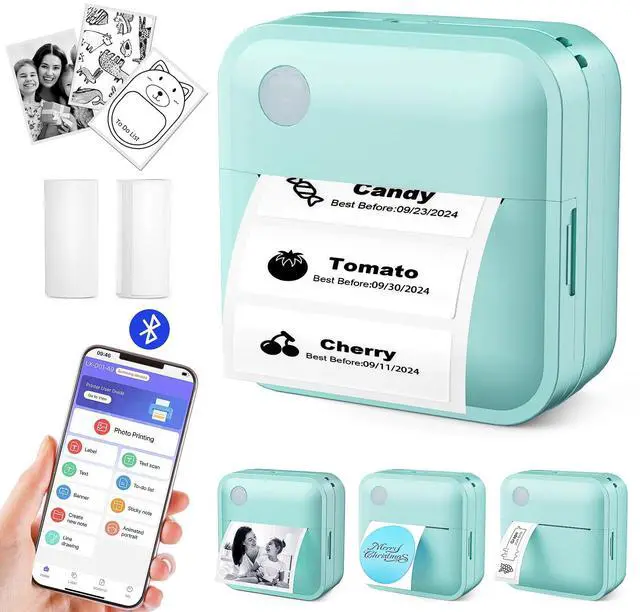
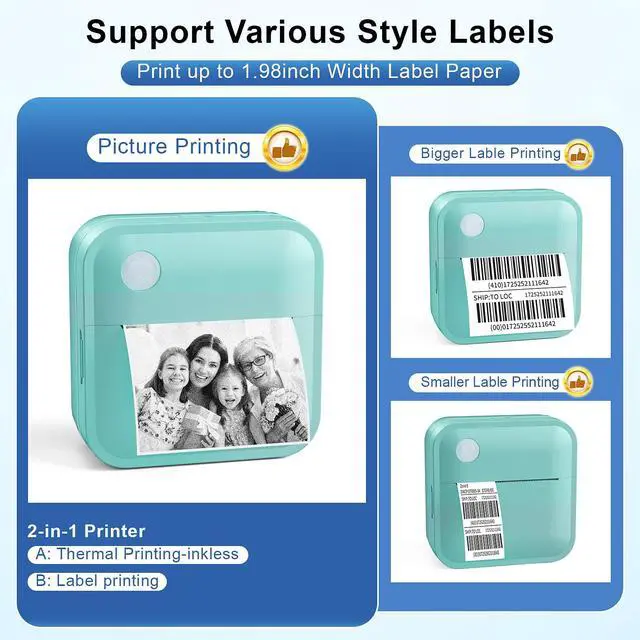


Bluetooth Label Maker Machine with Tape


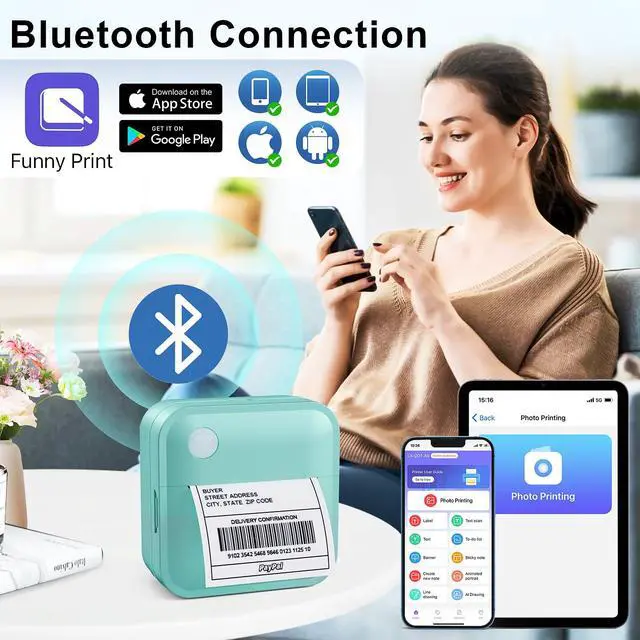
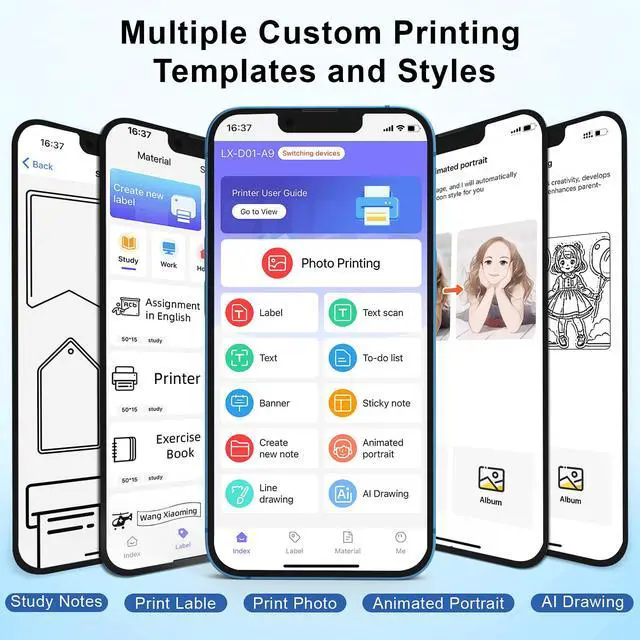
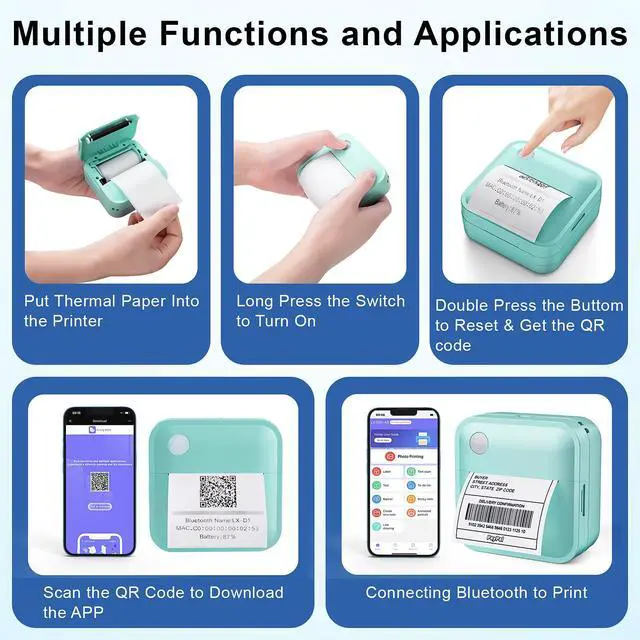
Our Smart App Instantly Connects to iOS and Android Devices Via Bluetooth


Packing List: Bluetooth Printer x1, Type-C Charging Cable x 1, 15mm*50mm Thermal Paper x 1, 50mm*3.5M Printing Pater x 1 (ONE ROLL OF PAPER MAY INSIDE THE MACHINE), Gift Box x 1

Can I use this label printer without logging into an account?
No account is needed. Please disregard any login prompts and access the App as a guest.
Does the printer application require a subscription and payment?
No, it doesn't. Our APP is permanently free, with no fees whatsoever. Comments mentioning the need to pay are false!
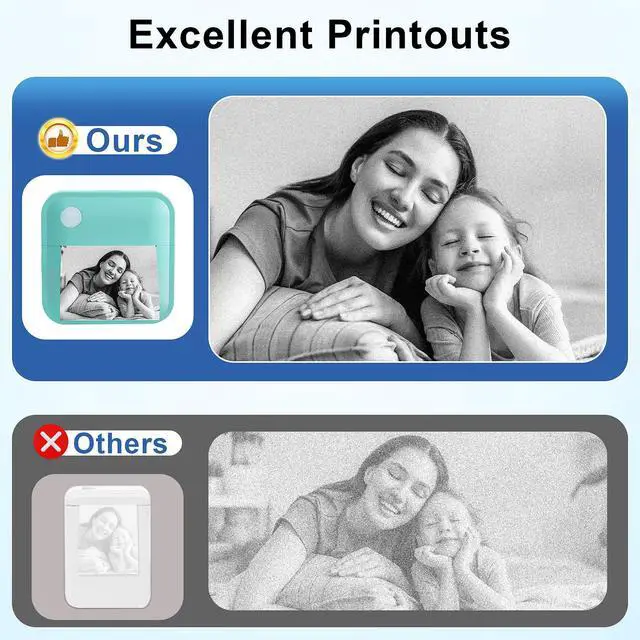
Why are the printed labels blurry?
If the print quality is blurry, you can check the following steps:
1. Select a print density value of 7.
2. If you are printing an image, select “Graphic Print” before printing.
3. If you are printing text, click “Text Enhancement” before printing.
Does it print in colour?
This label printer only supports monochrome printing. If you want colour labels, you may want to purchase thermal label paper in specific colours.
Can this printer print continuously?
Of course, Yes, this printer can print multiple jobs consecutively. Please make sure to select the correct number of copies in the print settings before printing.
Bluetooth Label Maker Machine with Tape


Our Smart App Instantly Connects to iOS and Android Devices Via Bluetooth


Packing List: Bluetooth Printer x1, Type-C Charging Cable x 1, 15mm*50mm Thermal Paper x 1, 50mm*3.5M Printing Pater x 1 (ONE ROLL OF PAPER MAY INSIDE THE MACHINE), Gift Box x 1

Can I use this label printer without logging into an account?
No account is needed. Please disregard any login prompts and access the App as a guest.
Does the printer application require a subscription and payment?
No, it doesn't. Our APP is permanently free, with no fees whatsoever. Comments mentioning the need to pay are false!
Why are the printed labels blurry?
If the print quality is blurry, you can check the following steps:
1. Select a print density value of 7.
2. If you are printing an image, select “Graphic Print” before printing.
3. If you are printing text, click “Text Enhancement” before printing.
Does it print in colour?
This label printer only supports monochrome printing. If you want colour labels, you may want to purchase thermal label paper in specific colours.
Can this printer print continuously?
Of course, Yes, this printer can print multiple jobs consecutively. Please make sure to select the correct number of copies in the print settings before printing.