


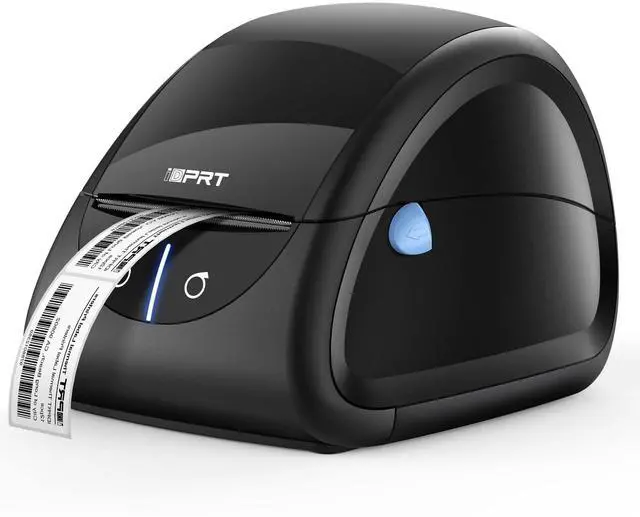


IDPRT SP310 Thermal Printer
Let Things Better, Faster and Vital
With direct thermal printing technology, printing can be done using only thermal paper, instead of expensive ink and tonner.
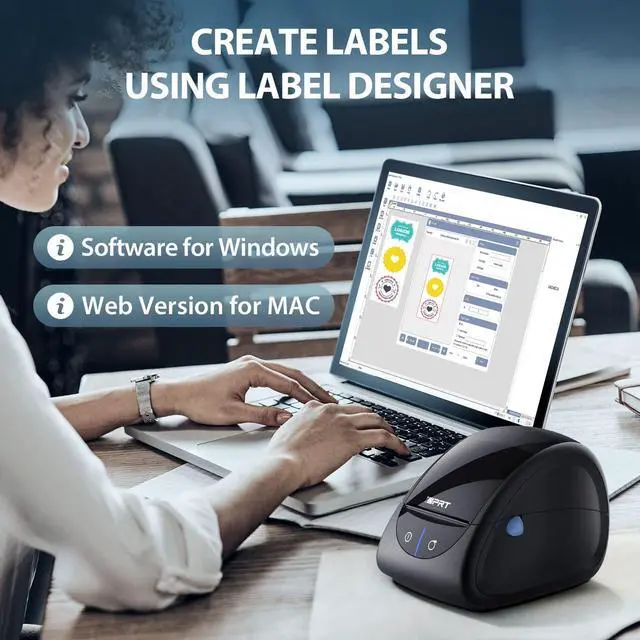
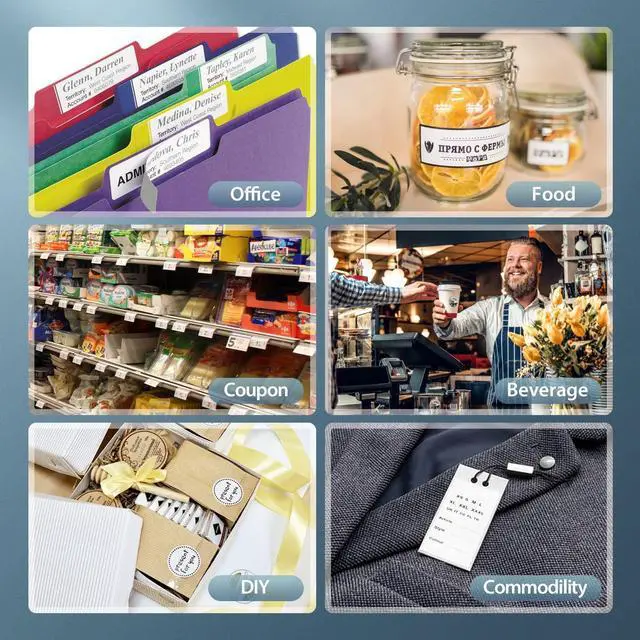
The SP310 thermal label printer can work with Label Designer software to customize the labels you want. Use it to mark cans for storage, post records for folders, and show information for store goods, and for others. Please view the manual to download the software to make your personal labels you like with this printer. If you don't know where to download the software and don't know how to use it, please tell us via .
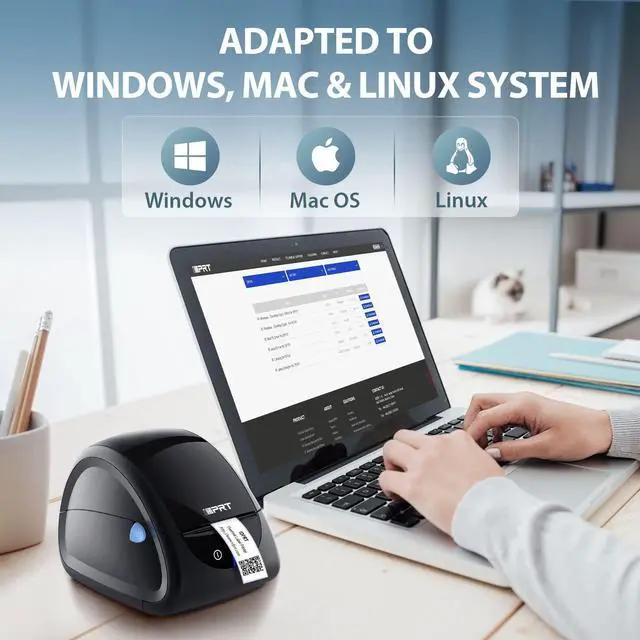
The thermal label printer works with Windows, Mac and Linux Systems. (Note: the label printer is compatible with the official version of Windows 11, but not with the Dev, Beta Release, and Preview versions of Windows 11.)
All your office or daily needs are taken into account.
Label Designer - Create Any Label You Want

SP310 thermal label printer can be used with the label designer. For Windows, you can use both the web version and the specific software. For Mac, the web version is avaible.
Solution for Printing Out Blank Labels:
Problem: Misalignment / Skip label
Situation 1: The printer is uncalibrated.
Solution: Calibrate the printer.
Method: Keep pressing the right button beside the power button, if a piece of blank label comes out, that means the printer will work well, but if serveral labels come out, you need to open the printer and align the detection sensor in front of the printer. Please tell us for help via in time if you don't know how to align the detection sensor.
Situation 2: The tag format is incorrect.
Solution: Check your label format and correct it as needed. Make sure the size you set matches the size of the labels.
View manual or tell us via to find more solutions for more other problems, please. Thanks!
Ideal for Different Scenarios


The SP310 thermal label printer has a built-in black sensor, enabling it to detect labels automatically, which protects you from typing wrong starting position or skewing printing content.

No ink and toner needed
With thermal printing technology, SP310 label printer only need thermal paper for printing, you don’t have to pay for ink or carbon cartridge.

Match 0.5/1/1.5 inch paper core
By adjusting the Paper Roll Shaft, the SP310 small label printer supports three sizes of paper core (0.5, 1 or 1.5 inch). Don't worry about buying the wrong paper core.

Two Paper Feeding Modes
SP310 thermal label printer supports internal and external printing modes. It can be matched with foldable thermal label paper or roll-type thermal label paper.
 SP310 |  SP320 |  SP410(Black) |  SP410(Black&Grey) |  SP410(Black&Blue) |  SP320E | |
|---|---|---|---|---|---|---|
| Customer Reviews | — | — | — | — | — | — |
| Price | — | — | — no data | — no data | — no data | — |
| Print Width | 1"-3.15" | 1"-3.15" | 2"-4.25" | 2"-4.65" | 2"-4.65" | 1"-3.15" |
| For 4”×6“ Label | / | / | ? | ? | ? | / |
| Compability | Window 2000/XP, Vista 7/8/10, MacOS, Linux | Window 2000/XP, Vista 7/8/10, MacOS, Linux | Window 2000/XP, Vista 7/8/10, MacOS, Linux | Window 2000/XP, Vista 7/8/10, MacOS, Linux | Window 2000/XP, Vista 7/8/10, MacOS, Linux | Window 2000/XP, Vista 7/8/10, MacOS, Linux |
| Printing Speed | 102mm/s(2''X3") | 180mm/s(2''X3") | 150mm/s | 150mm/s | 150mm/s | 180mm/s(2''X3") |
| Support Bluetooth | / | ? | / | / | / | / |
| Suitable scenarios | Supermarkets, Store, Home, Office | Supermarkets, Store, Home, Office | Logistics, Warehousing, Express delivery industry | Logistics, Warehousing, Express delivery industry | Logistics, Warehousing, Express delivery industry | Supermarkets, Store, Home, Office |

iDPRT Label Printer
Let Things Better, Faster, and Vital
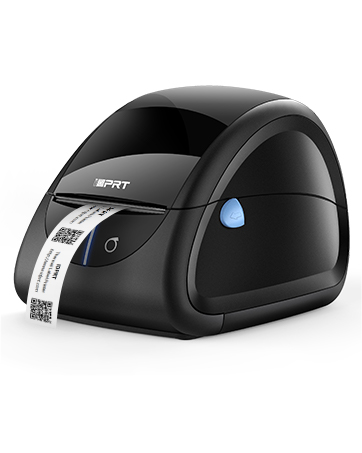
iDPRT Label Printer
Thermal Label Maker with Auto Label Detection, 1"-3.35" Print Width for Home, Office&Small Business

iDPRT, is a trusted brand that specializes in developing, manufacturing, and selling hardware and software solutions for automatic identification and data acquisition (AIDC) applications, such as label printers, bar code scanners, card printers, PDAs, RFID bar code printers, etc., aiming to provide every customer with the best cost-effective thermal label printers.
What makes our products unique?
With the intelligent label recognition module, the thermal printer can detect labels automatically and print precisely.
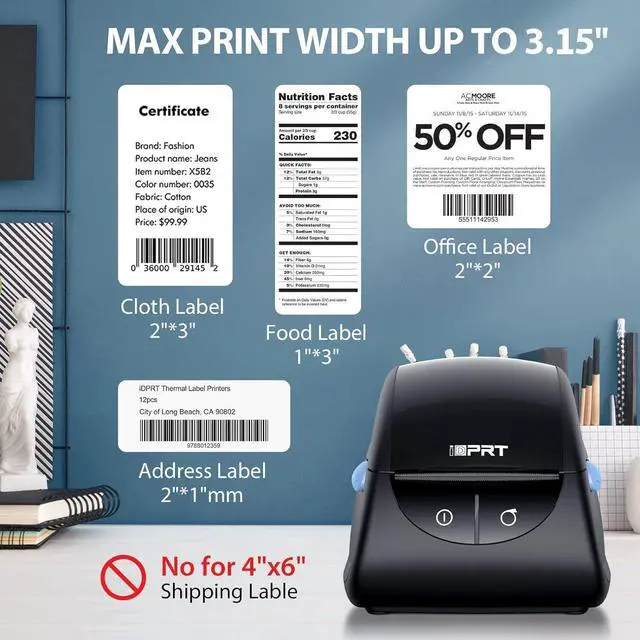
The address label printer supports label 1''(25mm)-3.35''(85mm) in width. It works with thermal UPC barcode/address labels from any brand on the market.
With the free Label Designer software for Windows, you can easily create any label you need to print.
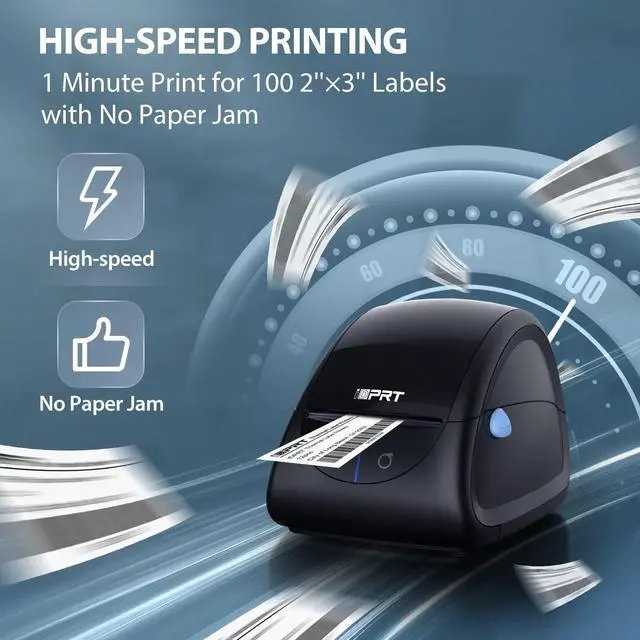
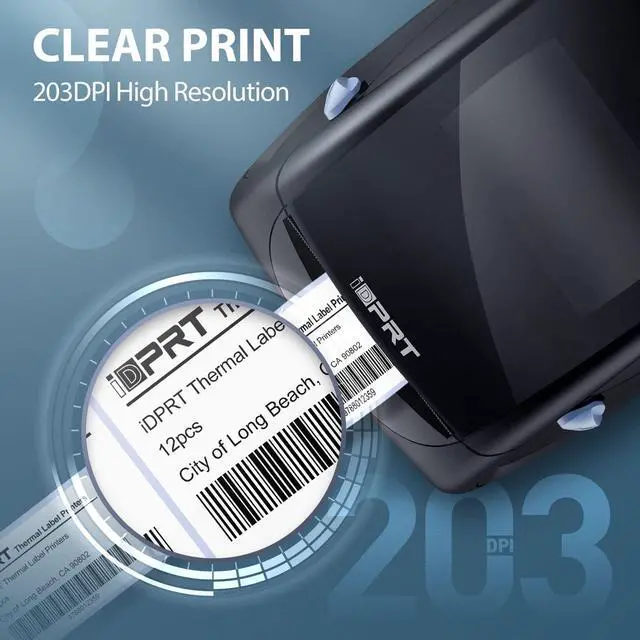
With a resolution of 203DPI and a high printing speed of 100pcs 2×3 labels per min.
The thermal label printer works with Windows, Mac and Linux Systems.
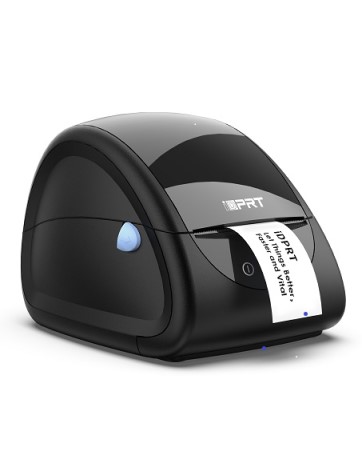
iDPRT Label Printer SP310
Suitable for Barcode, Address, Filling and Storing, Support Windows&Mac
IDPRT SP310 Thermal Printer
Let Things Better, Faster and Vital
With direct thermal printing technology, printing can be done using only thermal paper, instead of expensive ink and tonner.
The SP310 thermal label printer can work with Label Designer software to customize the labels you want. Use it to mark cans for storage, post records for folders, and show information for store goods, and for others. Please view the manual to download the software to make your personal labels you like with this printer. If you don't know where to download the software and don't know how to use it, please tell us via .
The thermal label printer works with Windows, Mac and Linux Systems. (Note: the label printer is compatible with the official version of Windows 11, but not with the Dev, Beta Release, and Preview versions of Windows 11.)
All your office or daily needs are taken into account.
Label Designer - Create Any Label You Want
SP310 thermal label printer can be used with the label designer. For Windows, you can use both the web version and the specific software. For Mac, the web version is avaible.
Solution for Printing Out Blank Labels:
Problem: Misalignment / Skip label
Situation 1: The printer is uncalibrated.
Solution: Calibrate the printer.
Method: Keep pressing the right button beside the power button, if a piece of blank label comes out, that means the printer will work well, but if serveral labels come out, you need to open the printer and align the detection sensor in front of the printer. Please tell us for help via in time if you don't know how to align the detection sensor.
Situation 2: The tag format is incorrect.
Solution: Check your label format and correct it as needed. Make sure the size you set matches the size of the labels.
View manual or tell us via to find more solutions for more other problems, please. Thanks!
Ideal for Different Scenarios
The SP310 thermal label printer has a built-in black sensor, enabling it to detect labels automatically, which protects you from typing wrong starting position or skewing printing content.
No ink and toner needed
With thermal printing technology, SP310 label printer only need thermal paper for printing, you don’t have to pay for ink or carbon cartridge.
Match 0.5/1/1.5 inch paper core
By adjusting the Paper Roll Shaft, the SP310 small label printer supports three sizes of paper core (0.5, 1 or 1.5 inch). Don't worry about buying the wrong paper core.
Two Paper Feeding Modes
SP310 thermal label printer supports internal and external printing modes. It can be matched with foldable thermal label paper or roll-type thermal label paper.
SP310 | SP320 | SP410(Black) | SP410(Black&Grey) | SP410(Black&Blue) | SP320E | |
|---|---|---|---|---|---|---|
| Customer Reviews | — | — | — | — | — | — |
| Price | — | — | — no data | — no data | — no data | — |
| Print Width | 1"-3.15" | 1"-3.15" | 2"-4.25" | 2"-4.65" | 2"-4.65" | 1"-3.15" |
| For 4”×6“ Label | / | / | ? | ? | ? | / |
| Compability | Window 2000/XP, Vista 7/8/10, MacOS, Linux | Window 2000/XP, Vista 7/8/10, MacOS, Linux | Window 2000/XP, Vista 7/8/10, MacOS, Linux | Window 2000/XP, Vista 7/8/10, MacOS, Linux | Window 2000/XP, Vista 7/8/10, MacOS, Linux | Window 2000/XP, Vista 7/8/10, MacOS, Linux |
| Printing Speed | 102mm/s(2''X3") | 180mm/s(2''X3") | 150mm/s | 150mm/s | 150mm/s | 180mm/s(2''X3") |
| Support Bluetooth | / | ? | / | / | / | / |
| Suitable scenarios | Supermarkets, Store, Home, Office | Supermarkets, Store, Home, Office | Logistics, Warehousing, Express delivery industry | Logistics, Warehousing, Express delivery industry | Logistics, Warehousing, Express delivery industry | Supermarkets, Store, Home, Office |
iDPRT Label Printer
Let Things Better, Faster, and Vital
iDPRT Label Printer
Thermal Label Maker with Auto Label Detection, 1"-3.35" Print Width for Home, Office&Small Business
iDPRT, is a trusted brand that specializes in developing, manufacturing, and selling hardware and software solutions for automatic identification and data acquisition (AIDC) applications, such as label printers, bar code scanners, card printers, PDAs, RFID bar code printers, etc., aiming to provide every customer with the best cost-effective thermal label printers.
What makes our products unique?
With the intelligent label recognition module, the thermal printer can detect labels automatically and print precisely.
The address label printer supports label 1''(25mm)-3.35''(85mm) in width. It works with thermal UPC barcode/address labels from any brand on the market.
With the free Label Designer software for Windows, you can easily create any label you need to print.
With a resolution of 203DPI and a high printing speed of 100pcs 2×3 labels per min.
The thermal label printer works with Windows, Mac and Linux Systems.
iDPRT Label Printer SP310
Suitable for Barcode, Address, Filling and Storing, Support Windows&Mac