





iDPRT MT610 Portable Printer
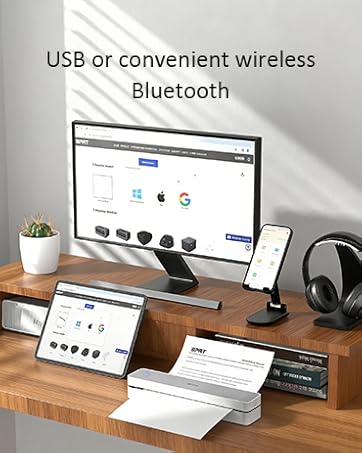
MT610 Portable Printer
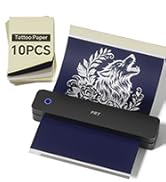
Wireless Thermal Printer
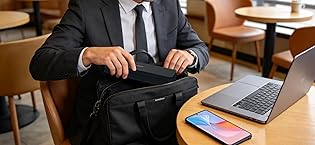
16+ years. Millions of users
One focus—professional portable printing.
Trusted by millions worldwide, we are a top global provider of POS, mobile, and label printers—designed and built entirely in-house for performance, reliability, and innovation.
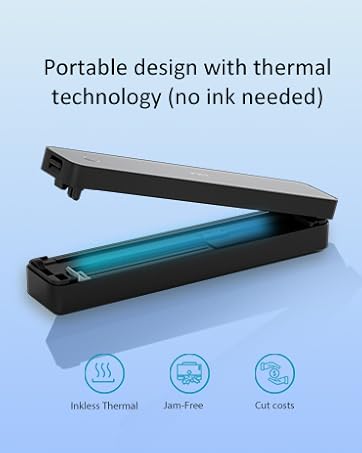
Small Bluetooth Mobile Printer
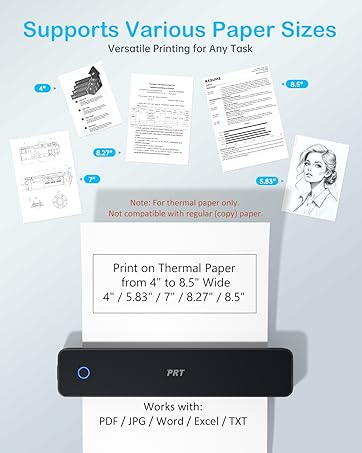
Wireless Thermal Printer
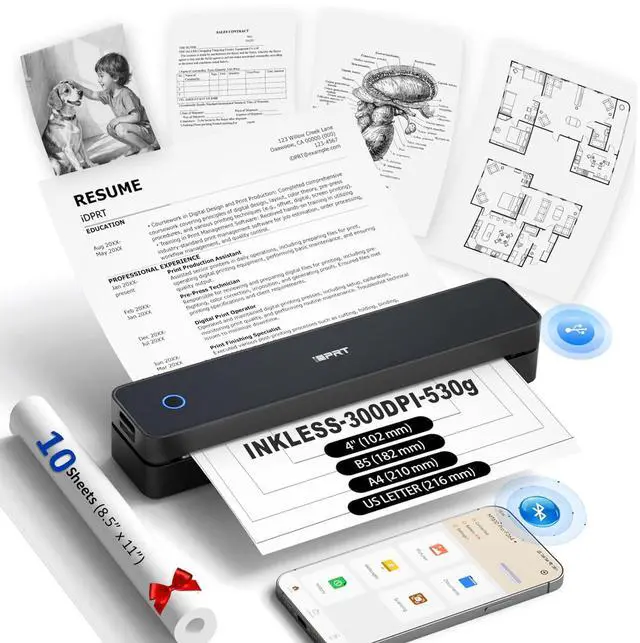
MT610Pro Bluetooth Inkless Portable Thermal Printer for Travel Print Anywhere
MT610Pro protable thermal printer Black
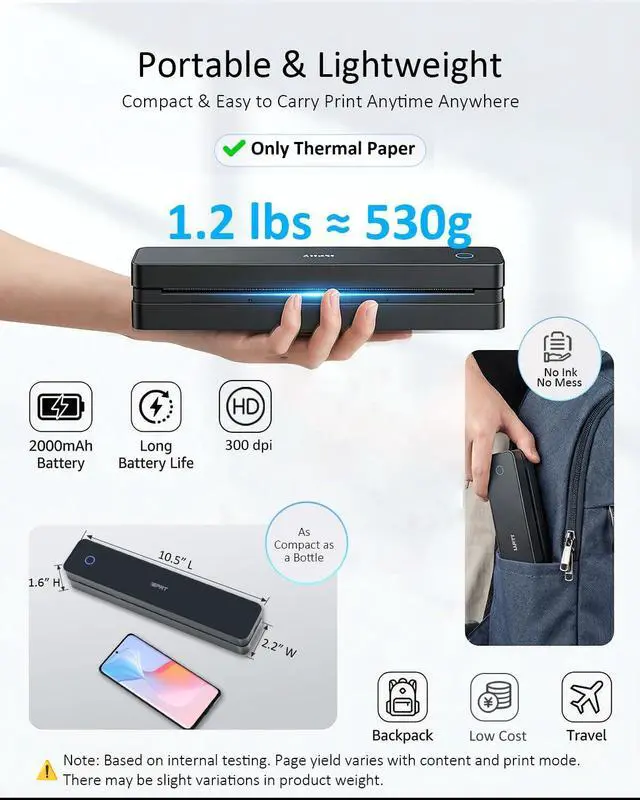
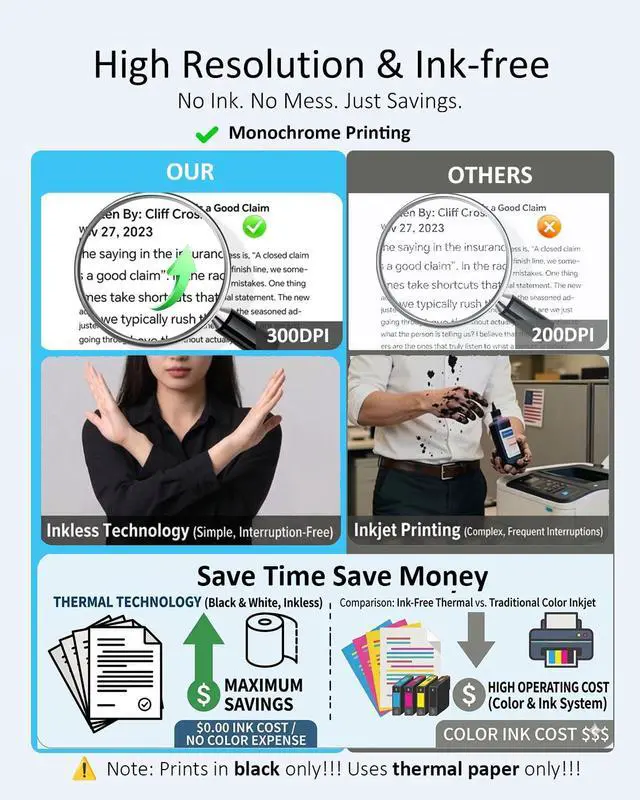
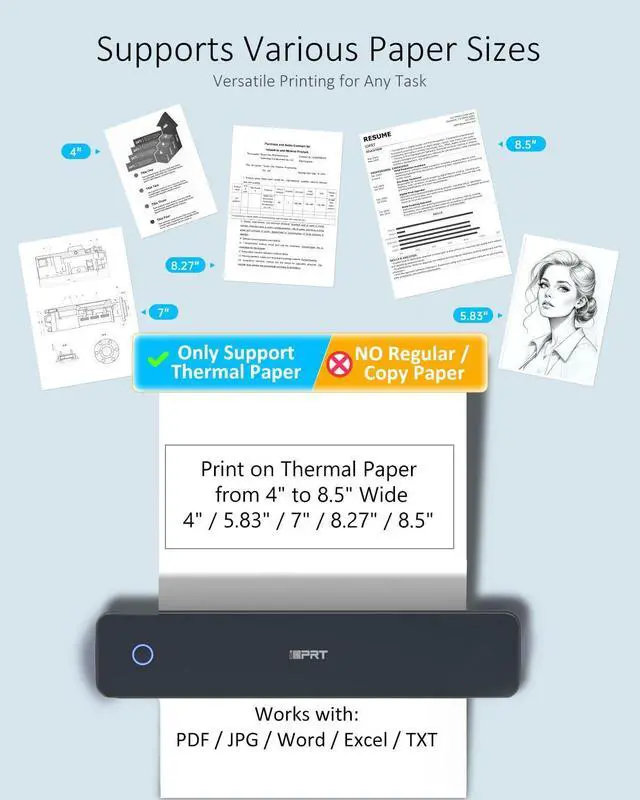
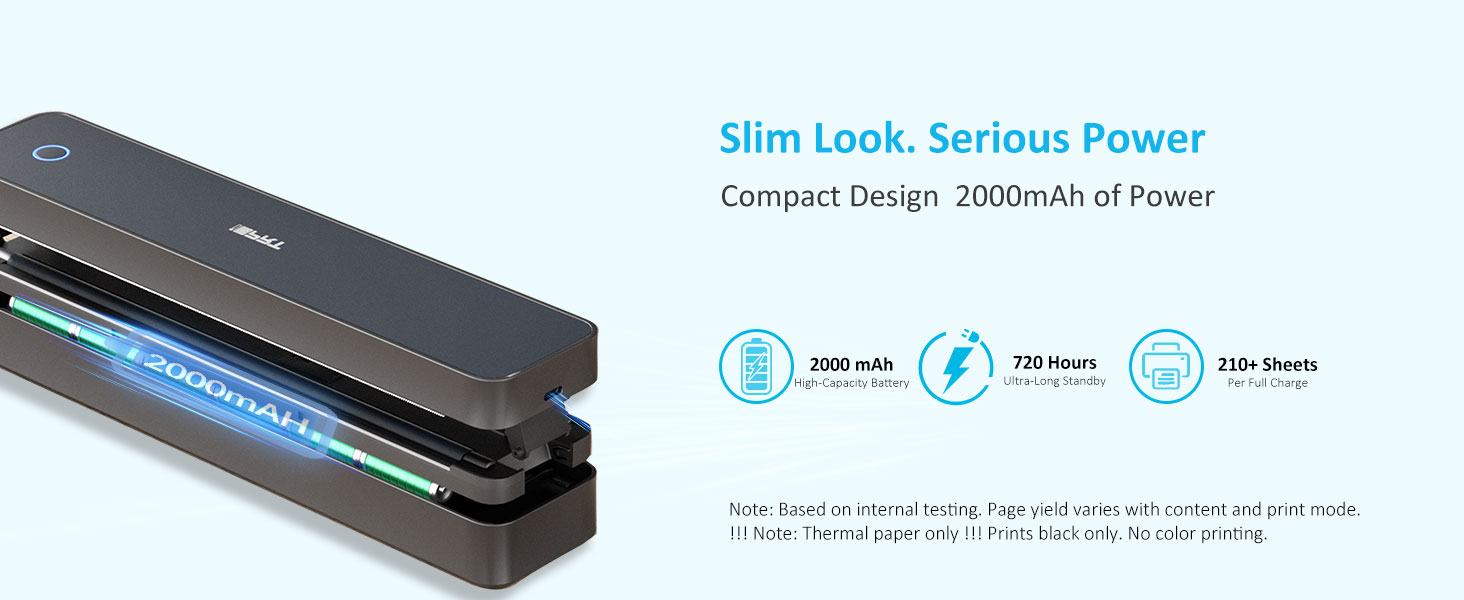
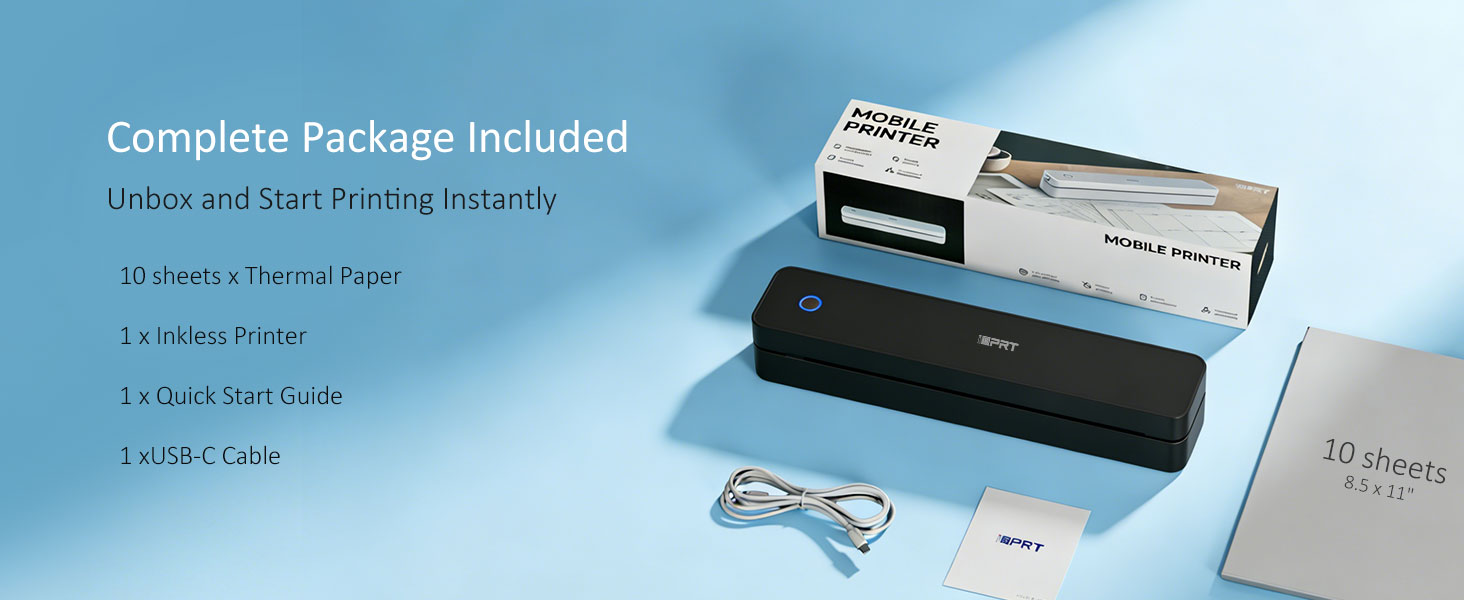
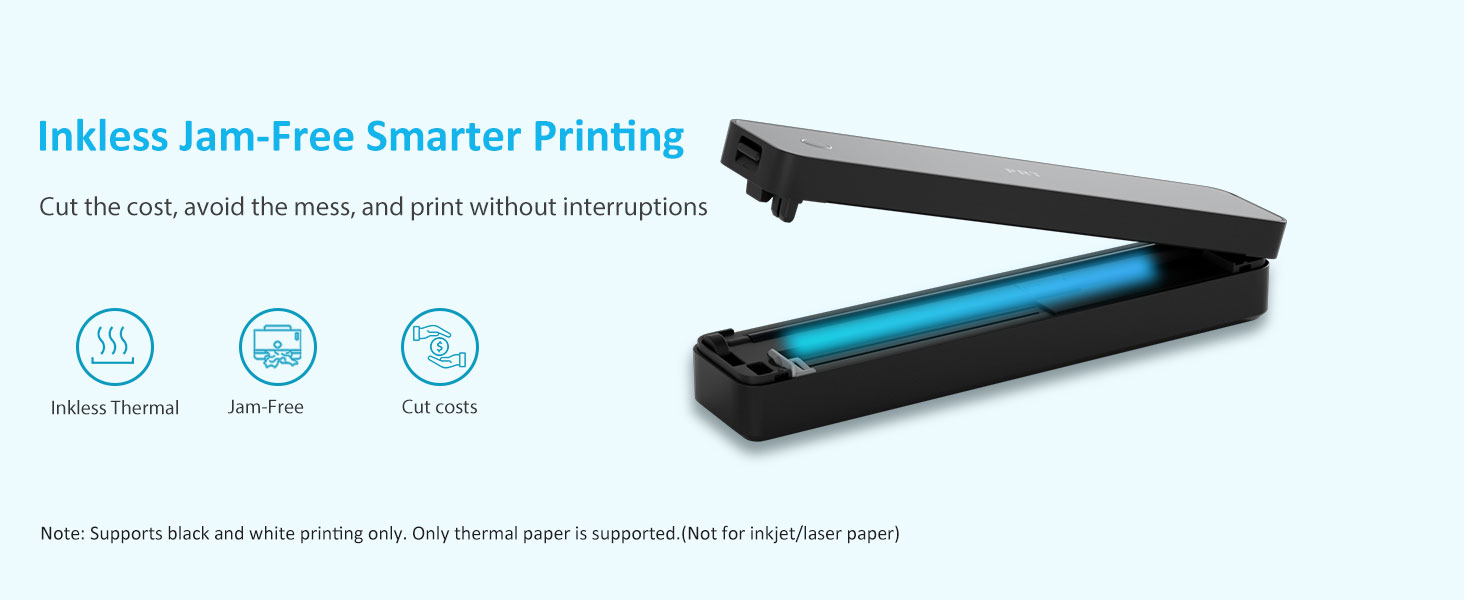
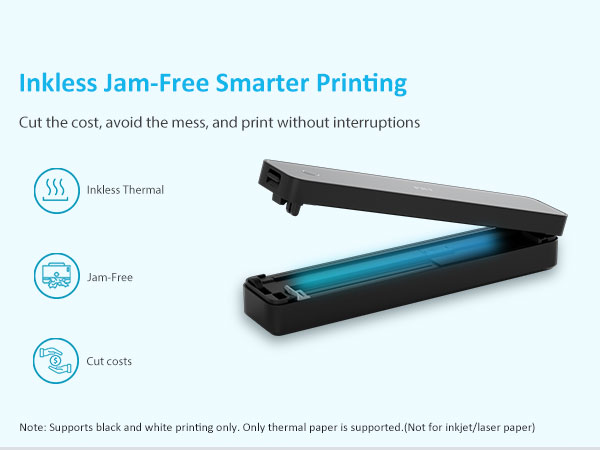
Merchant VideoNote: Inkless thermal printer—black only printing, thermal paper(not regular paper) required, rechargeable, and app-connected !


USB & Bluetooth Setup


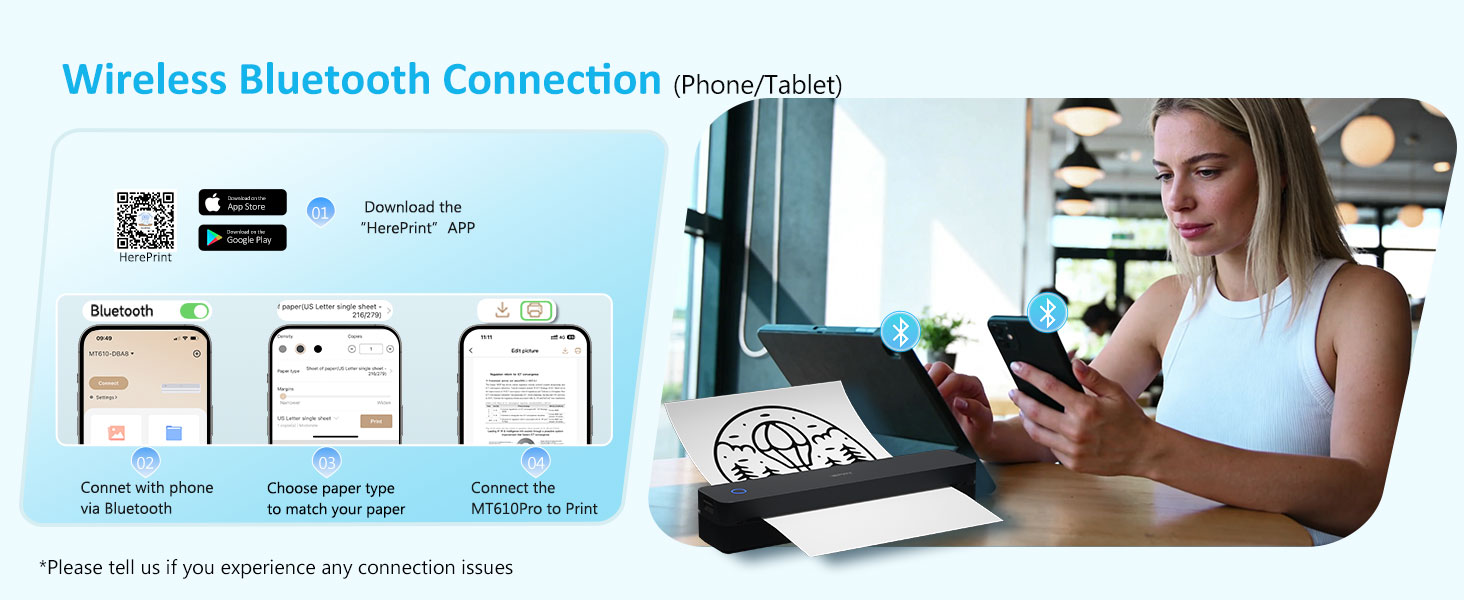
How to connect your phone to print?
Download the "HerePrint" app
Turn on the printer
Connect via Bluetooth
Start printing
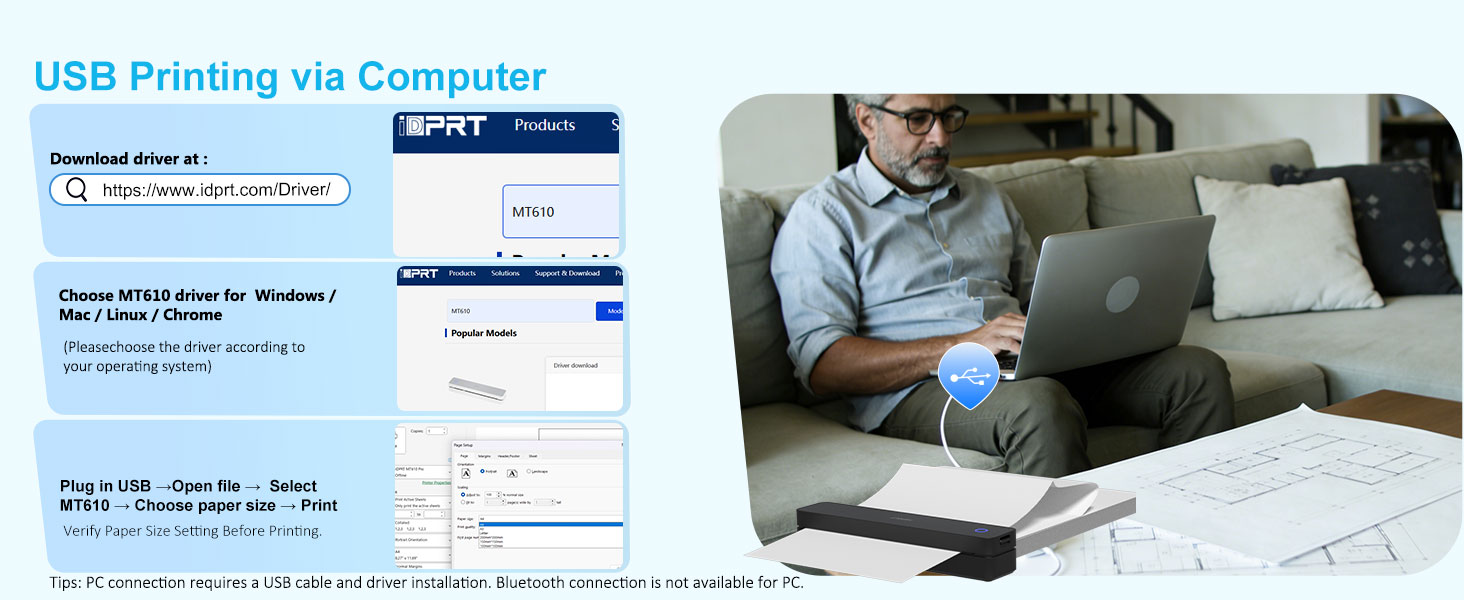
How to print from a computer?
Visit the iDPRT website
Download MT610 Pro Driver for your system
Turn on the printer
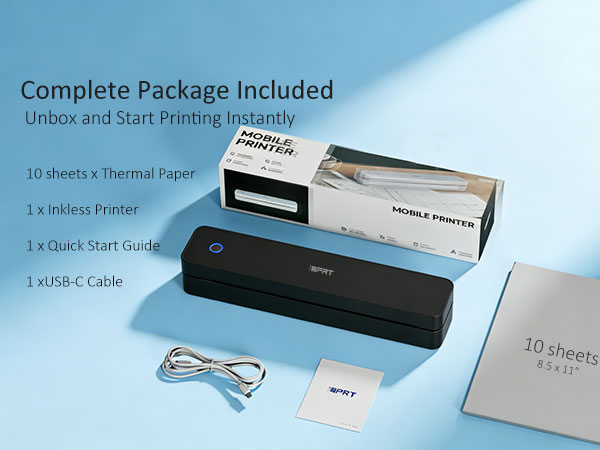
Connect to PC using the included USB cable
Open your document and print
Why can't I install the driver?
Make sure the printer is powered on and connected via USB
If your PC warns the driver is “unofficial,” please turn off antivirus/firewall during installation
Why is the print incomplete?
Check that the paper is straight and loaded correctly
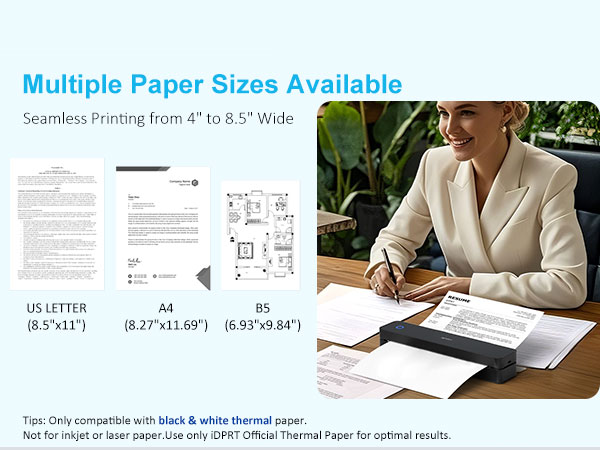
Make sure the paper size in the app/computer matches your actual paper
Why can't I print from my computer after installing the driver?
Uninstall the current driver
Go to Settings > Devices > Printers & scanners, remove the printer
Restart your PC
Reconnect printer via USB and reinstall the driver
Pick Your Print Partner – Featuring Our Thermal Portable Printer
 Printer+1Case+200pcs |  Printer+1Case+200pcs |  Tattoo Stencil Printer |  CP6000 4x6 Photo Printer |  Shipping Label Printer |  CP4100 4x6 Photo Printer |  Mini Printer Sticker | |
|---|---|---|---|---|---|---|---|
Customer Reviews | — | — | — | — | — | — | — |
Price | — | — | — | — | — | — | — |
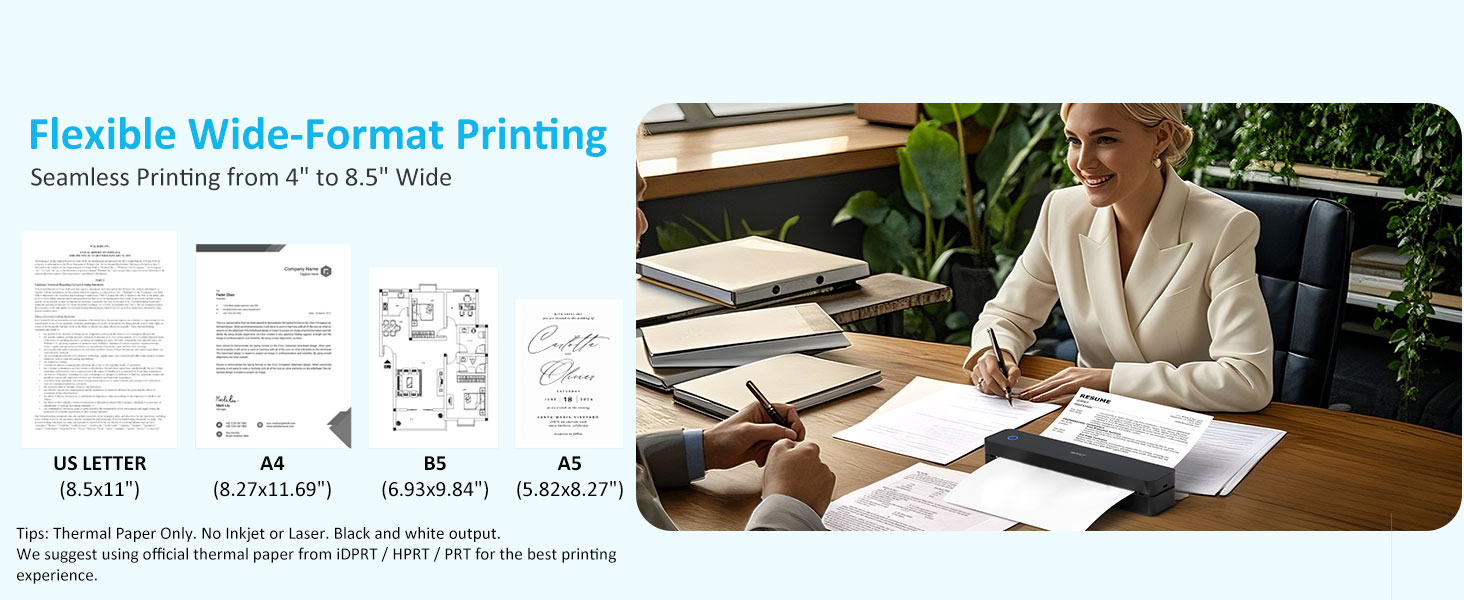
Printer Output | Black Only | Black Only | Black Only | Color | Black Only | Color | Black Only |
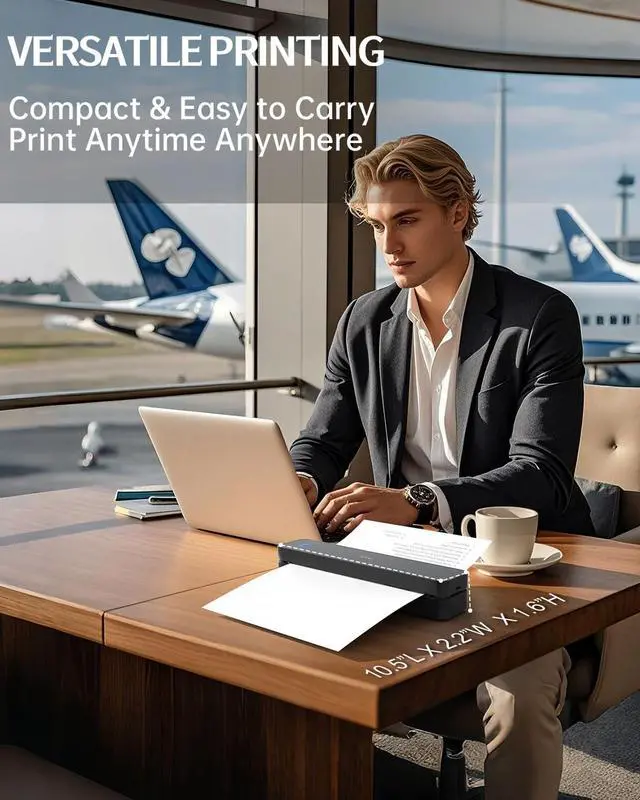
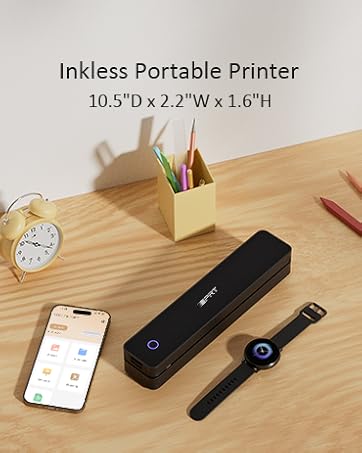
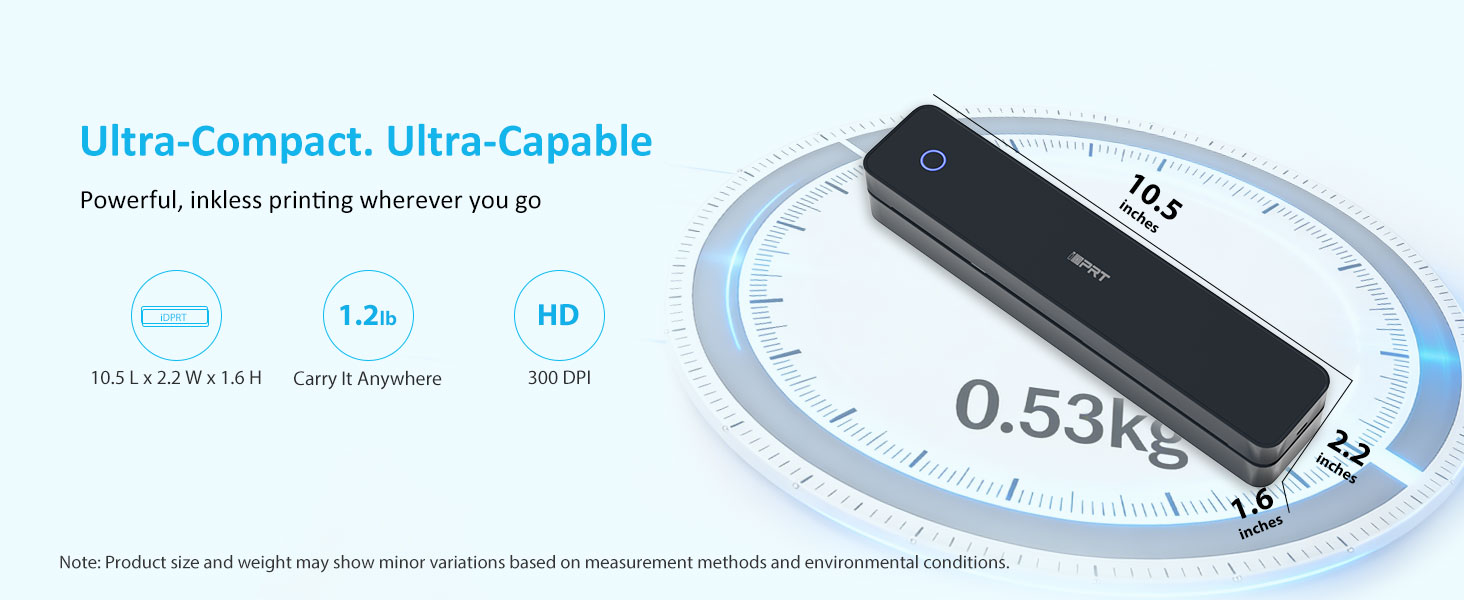
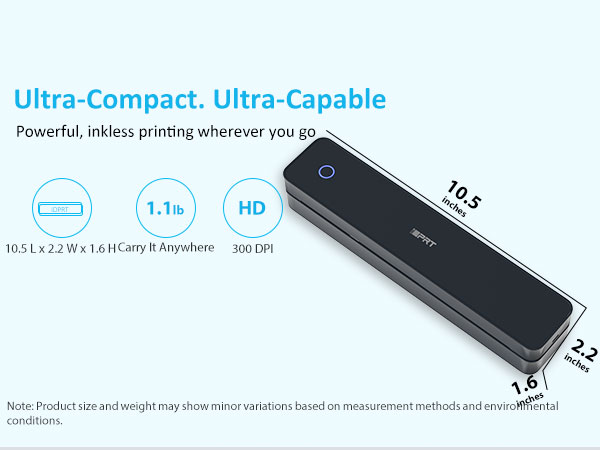
Printer Size | 10.5"L x 2.2"W x 1.6"H | 10.5"L x 2.2"W x 1.6"H | 10.5"L x 2.2"W x 1.6"H | 7.7"L x 5.1"W x 3.5"H | 7.1"L × 3.1"W × 2.6"H | 7.7"L x 5.1"W x 3.5"H | 4.33"L x 4.33"W x 1.57"H |
Compatible with | Phone/Windows/Mac | Phone/Windows/Mac | Phone/Windows/Mac | Phone | Phone/Windows/Mac | Phone | Phone |
Connectivity tech | Bluetooth, USB, Wireless | Bluetooth, USB, Wireless | Bluetooth, USB, Wireless | Wi-Fi, Bluetooth | Bluetooth, USB, Wireless | Wi-Fi, Bluetooth | Bluetooth |
Need Ink? | ? | ? | ? | ? | ? | ? | ? |
Resolution | 203DPI | 300DPI | 203DPI | 300DPI | 203DPI | 300DPI | 203DPI |
MT610Pro Bluetooth Inkless Portable Thermal Printer for Travel Print Anywhere
MT610Pro protable thermal printer Black
Merchant VideoNote: Inkless thermal printer—black only printing, thermal paper(not regular paper) required, rechargeable, and app-connected !



USB & Bluetooth Setup
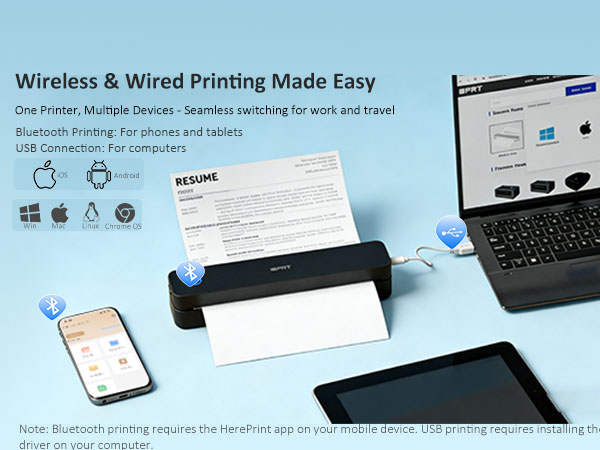
How to Print Wirelessly from Your Phone via Bluetooth?
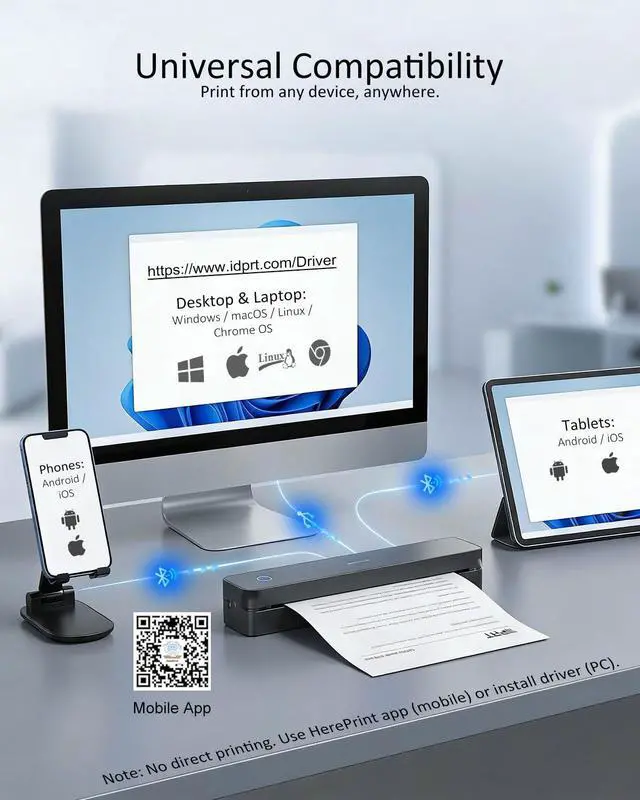
- Download App ? Turn On Bluetooth ? Tap “+” ? Connect MT610Pro-XXXX ? Select Paper Size ? Print
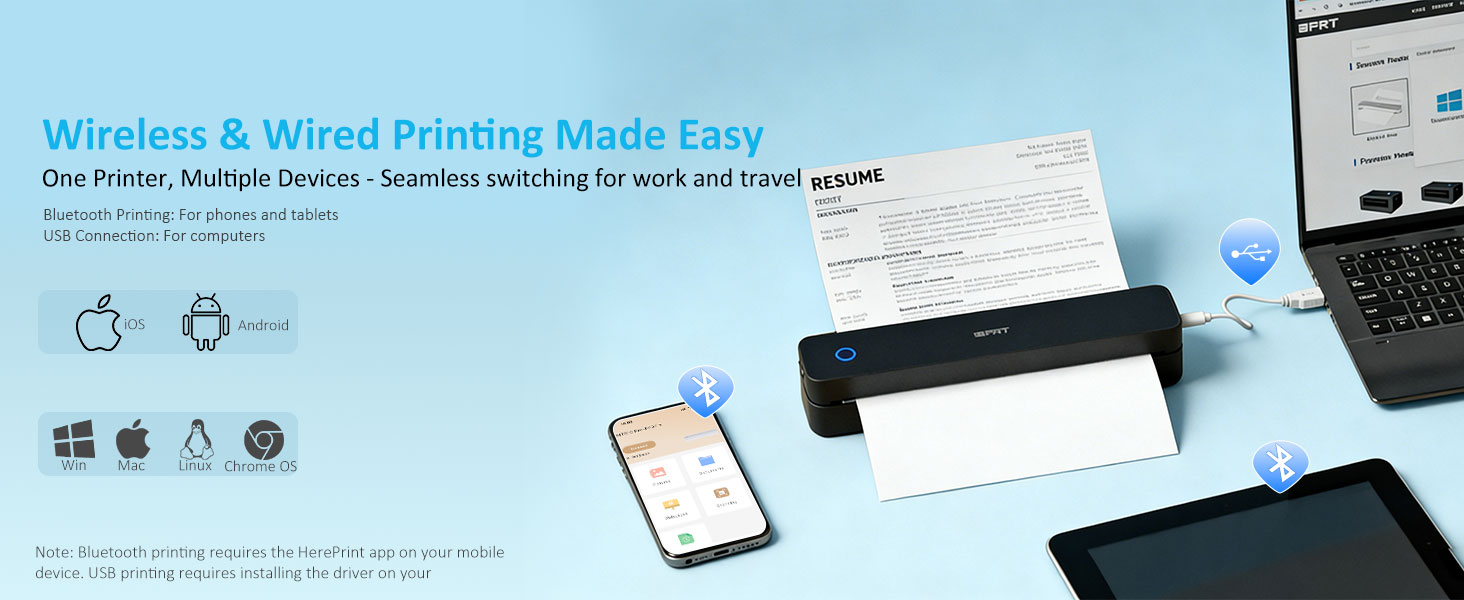
Please Note: Bluetooth functionality is for Phones/Tablets ONLY.
Phone and tablet printing requires the HerePrint app.
Laptops/PCs require a USB connection (Driver download required).
How to Connect Your Device to a Computer via USB?
- Download the MT610Pro Driver ? Install the Driver ? Connect the Printer via USB ? Select Paper Type ? Start Printing
Please Note:Desktop and laptop computers do not support wireless Bluetooth printing. USB connection is required.
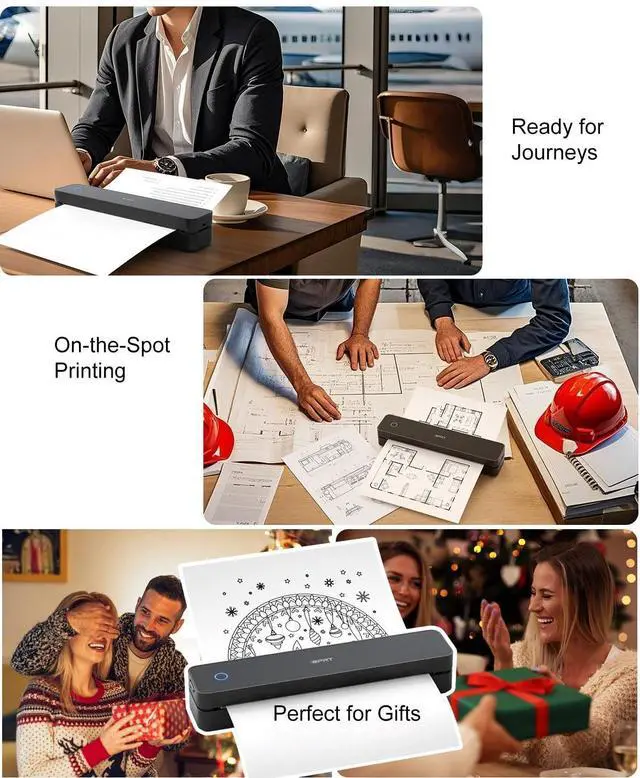
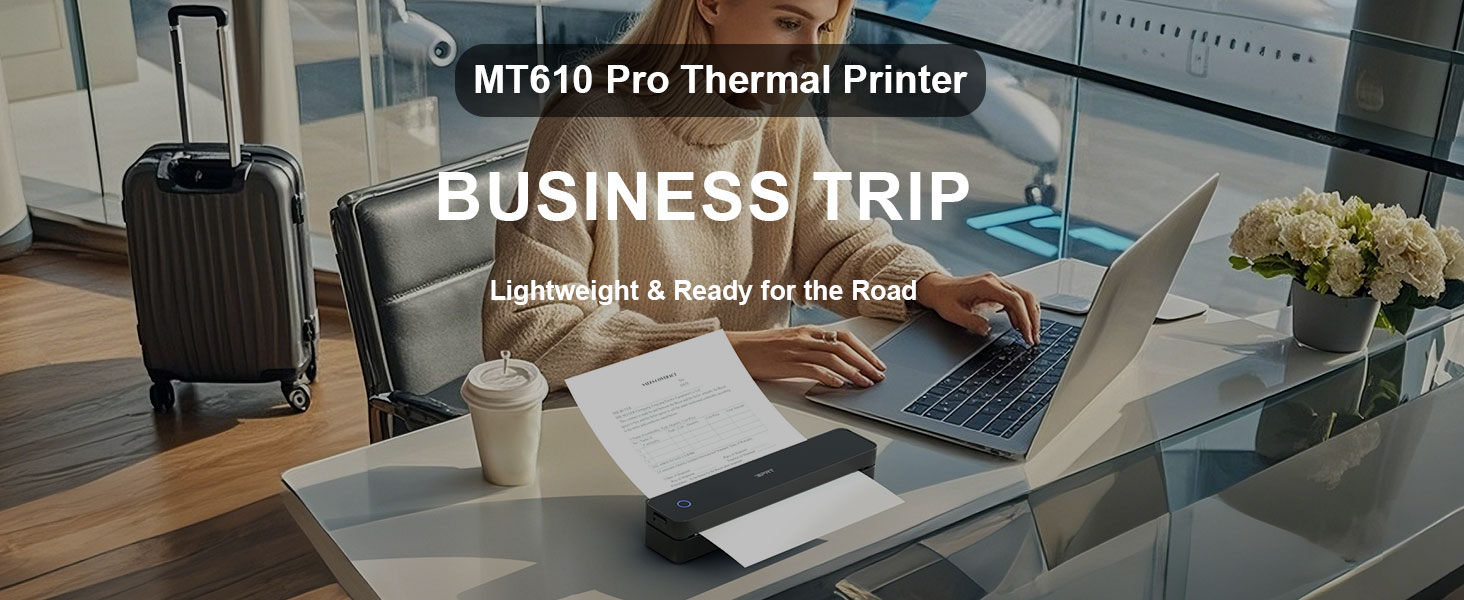
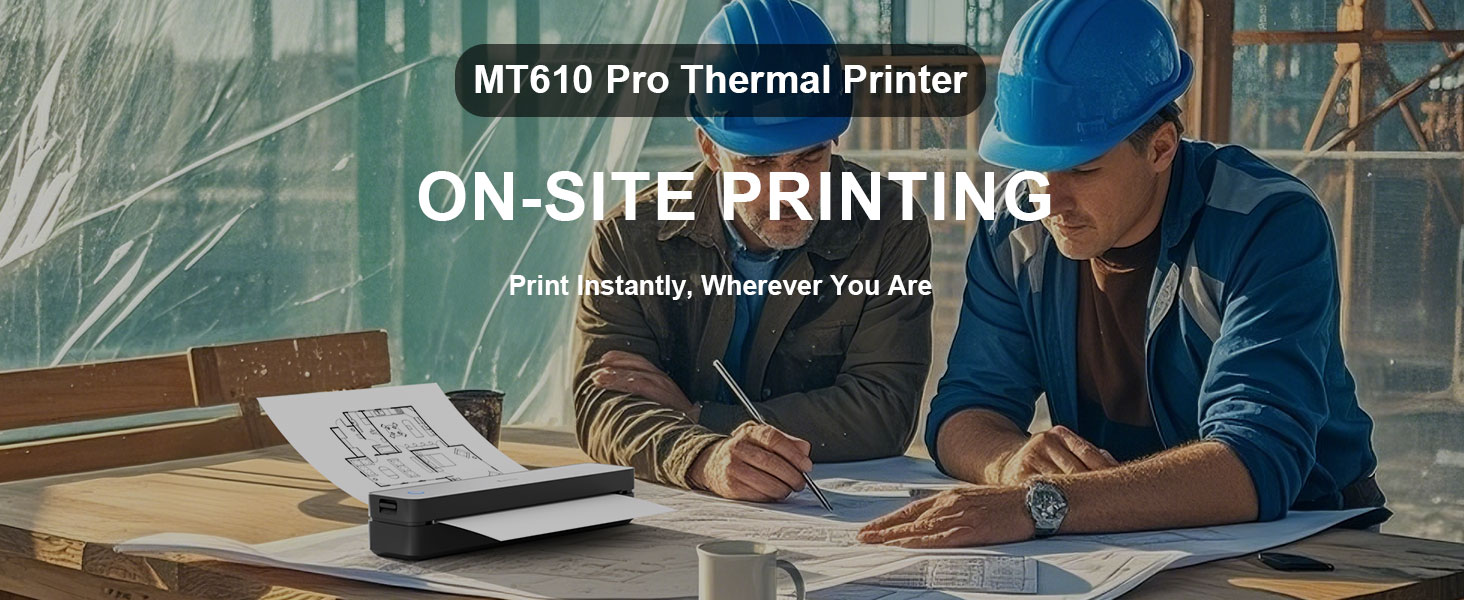
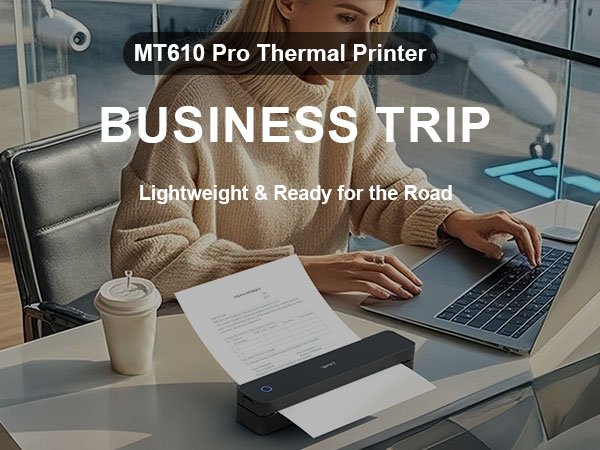
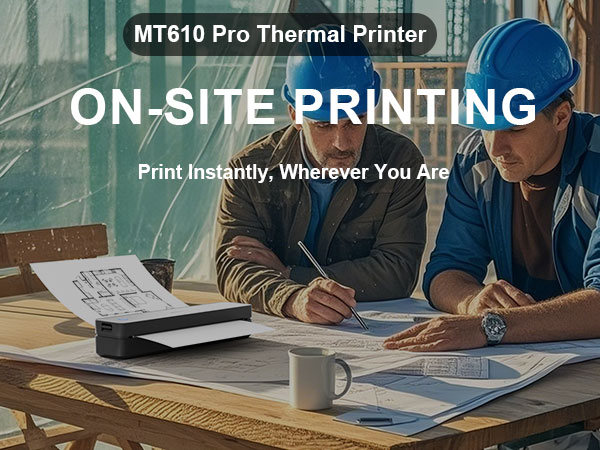
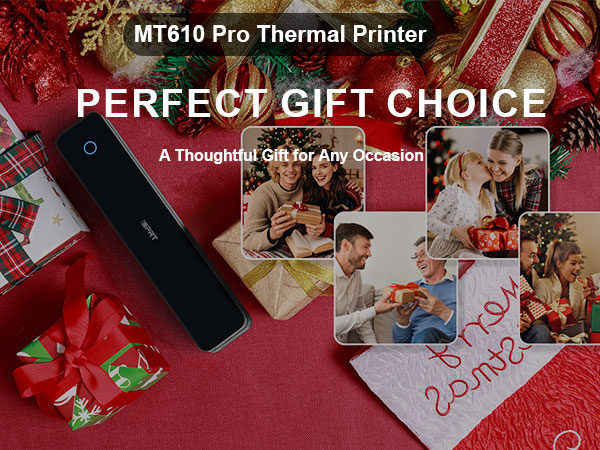
Portable Printer
Travel Printer
Site Printer
Gift Printer



How to connect your phone to print?
Download the "HerePrint" app
Turn on the printer
Connect via Bluetooth
Start printing
How to print from a computer?
Visit the iDPRT website
Download MT610 Pro Driver for your system
Turn on the printer
Connect to PC using the included USB cable
Open your document and print
Why can't I install the driver?
Make sure the printer is powered on and connected via USB
If your PC warns the driver is “unofficial,” please turn off antivirus/firewall during installation
Why is the print incomplete?
Check that the paper is straight and loaded correctly
Make sure the paper size in the app/computer matches your actual paper
Why can't I print from my computer after installing the driver?
Uninstall the current driver
Go to Settings > Devices > Printers & scanners, remove the printer
Restart your PC
Reconnect printer via USB and reinstall the driver
Pick Your Print Partner – Featuring Our Thermal Portable Printer
Printer+1Case+200pcs | Printer+1Case+200pcs | Tattoo Stencil Printer | CP6000 4x6 Photo Printer | Shipping Label Printer | CP4100 4x6 Photo Printer | Mini Printer Sticker |
|---|---|---|---|---|---|---|
| Customer Reviews | ||||||
| — | — | — | — | — | — | — |
| Price | ||||||
| — | — | — | — | — | — | — |
| Printer Output | ||||||
| Black Only | Black Only | Black Only | Color | Black Only | Color | Black Only |
| Printer Size | ||||||
| 10.5"L x 2.2"W x 1.6"H | 10.5"L x 2.2"W x 1.6"H | 10.5"L x 2.2"W x 1.6"H | 7.7"L x 5.1"W x 3.5"H | 7.1"L × 3.1"W × 2.6"H | 7.7"L x 5.1"W x 3.5"H | 4.33"L x 4.33"W x 1.57"H |
| Compatible with | ||||||
| Phone/Windows/Mac | Phone/Windows/Mac | Phone/Windows/Mac | Phone | Phone/Windows/Mac | Phone | Phone |
| Connectivity tech | ||||||
| Bluetooth, USB, Wireless | Bluetooth, USB, Wireless | Bluetooth, USB, Wireless | Wi-Fi, Bluetooth | Bluetooth, USB, Wireless | Wi-Fi, Bluetooth | Bluetooth |
| Need Ink? | ||||||
| ? | ? | ? | ? | ? | ? | ? |
| Resolution | ||||||
| 203DPI | 300DPI | 203DPI | 300DPI | 203DPI | 300DPI | 203DPI |
iDPRT MT610 Portable Printer
MT610 Portable Printer
Wireless Thermal Printer
16+ years. Millions of users
One focus—professional portable printing.
Trusted by millions worldwide, we are a top global provider of POS, mobile, and label printers—designed and built entirely in-house for performance, reliability, and innovation.
Small Bluetooth Mobile Printer
Wireless Thermal Printer