





Nelko P21 Label Maker for Students School and Teachers School Supplies
P21 label maker
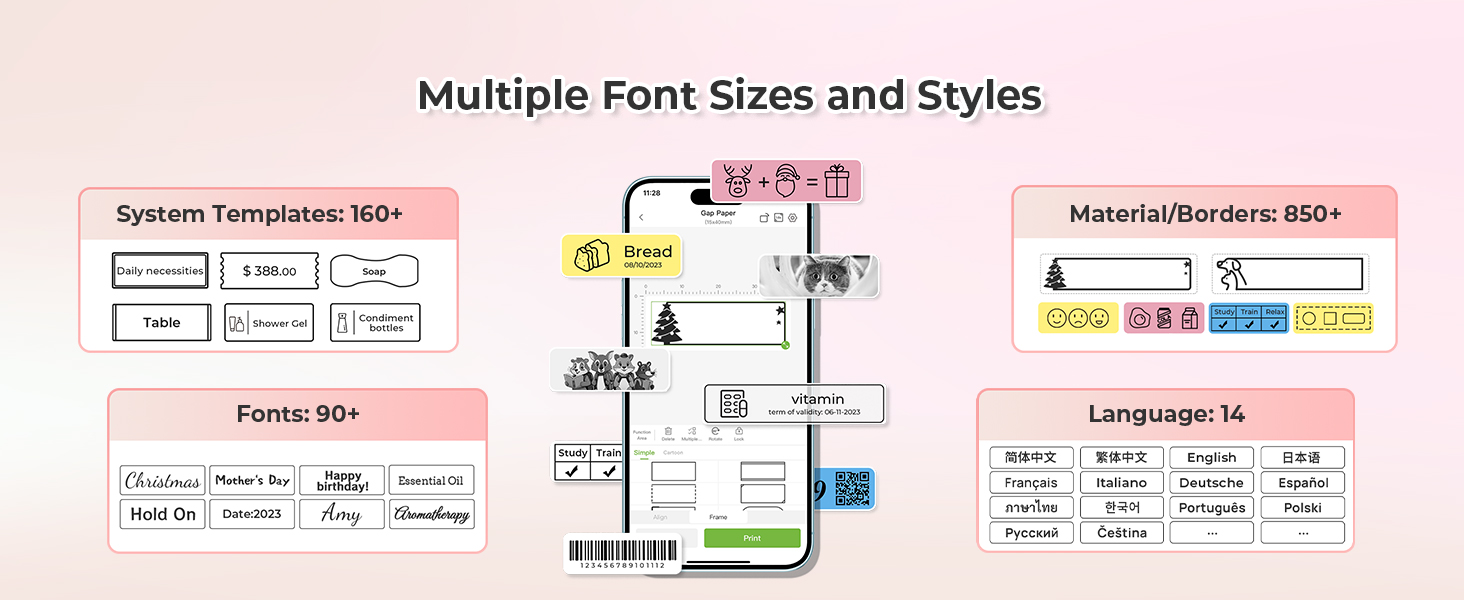


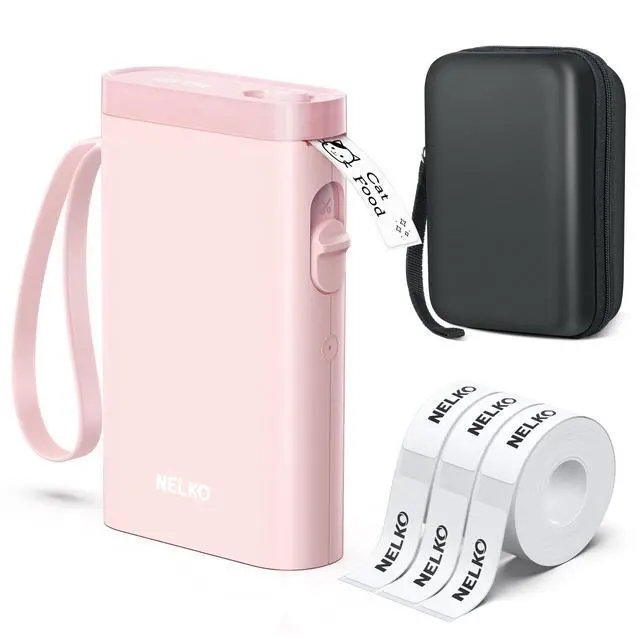
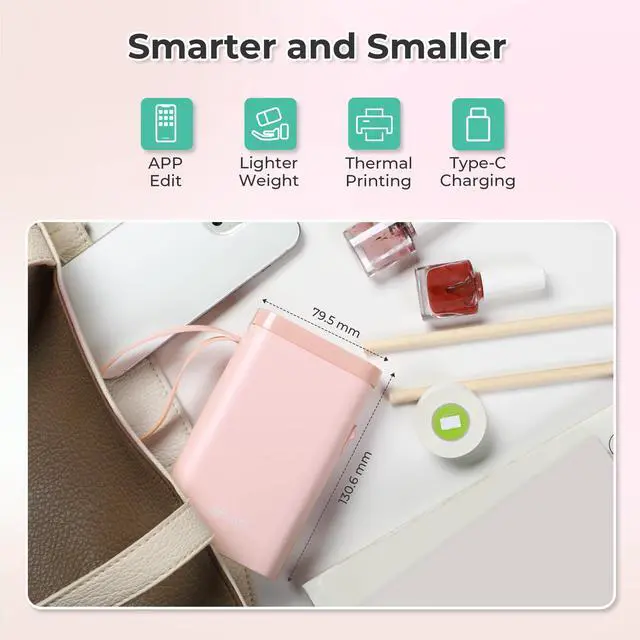
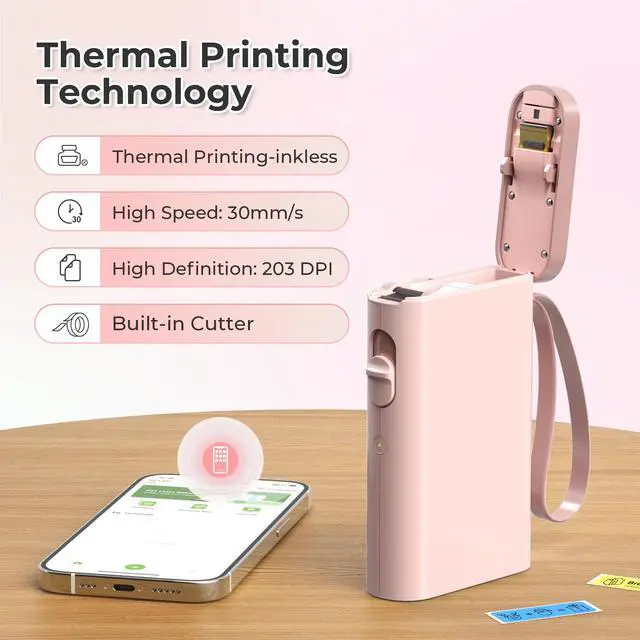
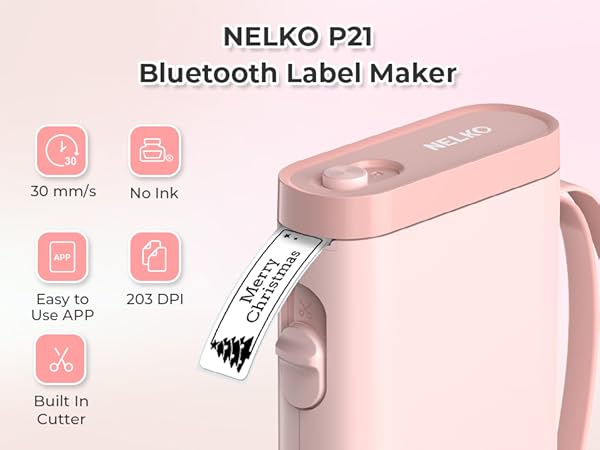
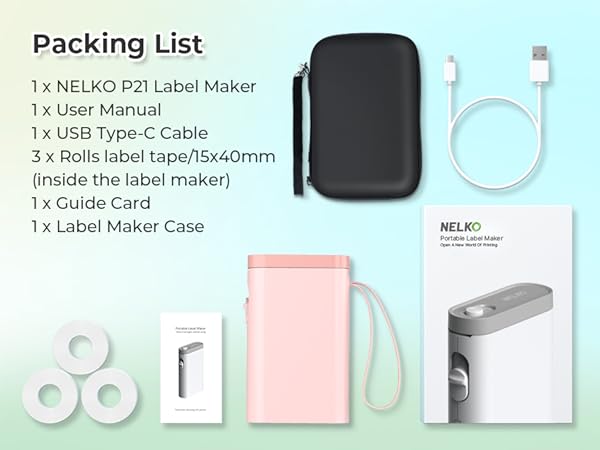
2024 New Version NELKO P21 Mini Portable Bluetooth Label Makers

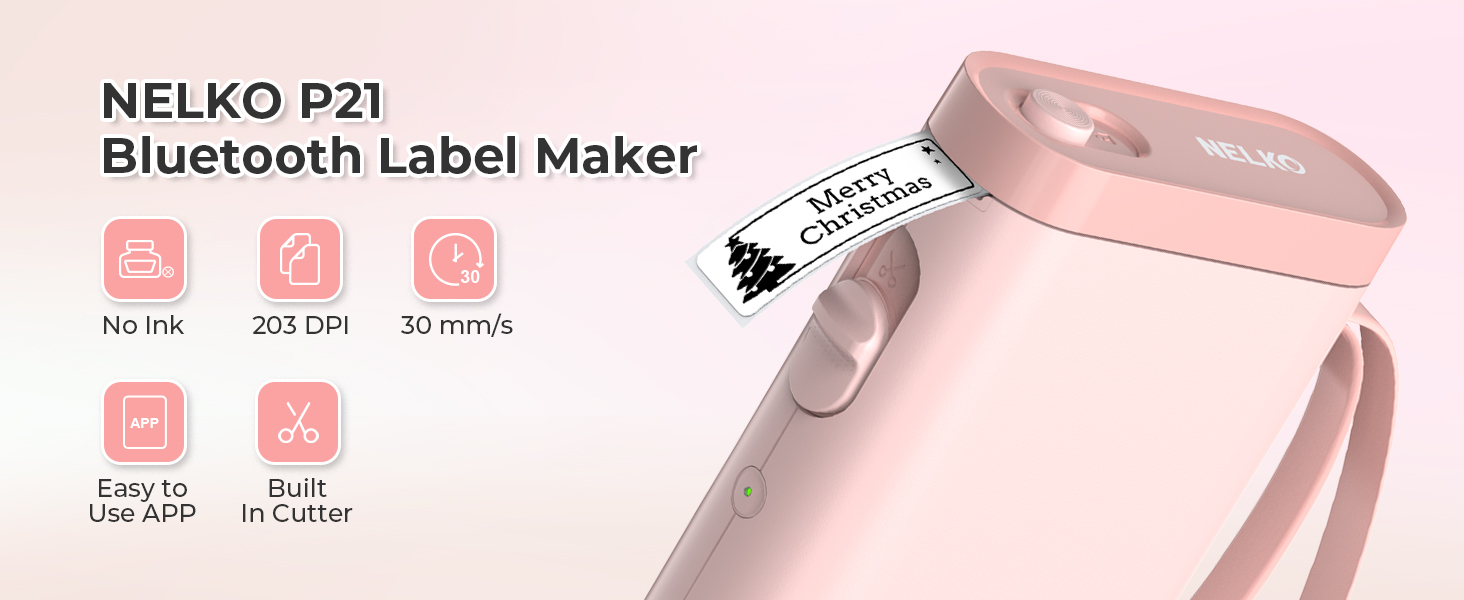

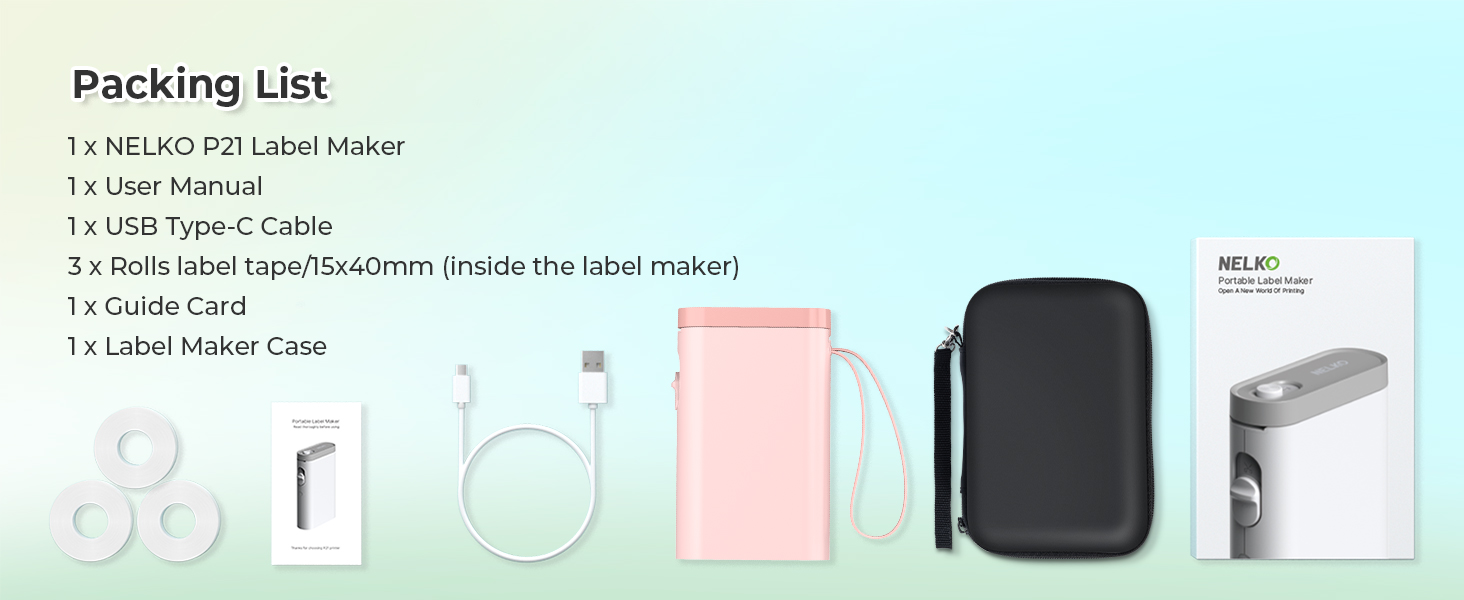
Warm Tips:
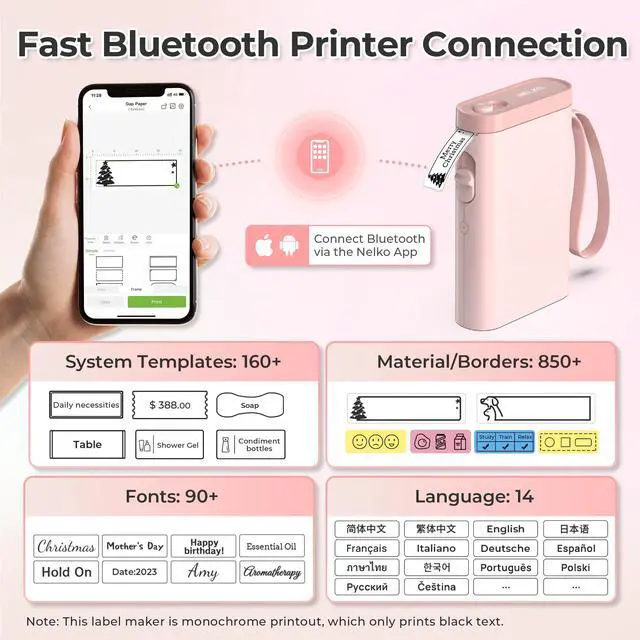
1. Download the App "Nelko" from the Apple Store/Google Play, and meets with applicable data compliance laws.
2. Connect the Bluetooth via the "Nelko" App, not on the phone system.
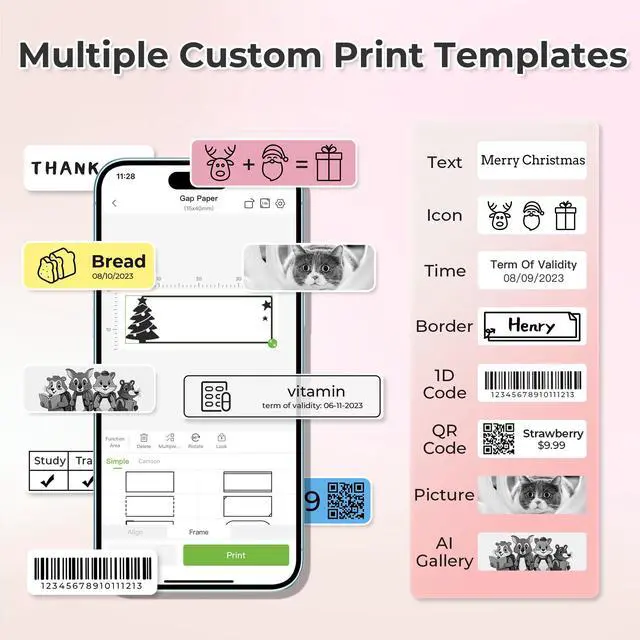
3. Before printing, please select the appropriate size for the printing paper on the "Nelko" App.
Work with NELKO P21 Labal Maker Machine
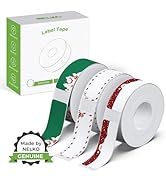
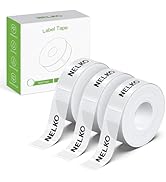
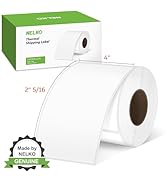
 14x40mm Clear Label Tape |  P21 Label Maker Case |  12x40mm Yellow/Blue/Pink |  14x50mm White Label Tape |  14x40mm Green/Blue/Pink |  14x40mm Starry Sky |  14x40mm Green | |
|---|---|---|---|---|---|---|---|
Customer Reviews | — | — | — | — | — | — | — |
Price | — | — | — | — | — | — | — |
Pack | 180 Labels | 1 | 540 Labels | 180 Labels | 540 Labels | 540 Labels | 540 Labels |
Color | Transparent | Green | Yellow/Blue/Pink | White | Green/Blue/Pink | Colorful Starry Sky Patterns | Light Green/Green/Dark Green |
Size | 14x40mm | 6.5 x 2.5 x 4.5 inches | 12x40mm | 14x50mm | 14x40mm | 14x40mm | 14x40mm |
Advantage | Clear Printing, Widely Usage | Powerful Compatibility | Clear Printing, Widely Usage | Clear Printing, Widely Usage | Clear Printing, Widely Usage | Clear Printing, Widely Usage | Clear Printing, Widely Usage |
Support | NELKO P21 Label Maker | NELKO P21 Label Maker | NELKO P21 Label Maker | NELKO P21 Label Maker | NELKO P21 Label Maker | NELKO P21 Label Maker | NELKO P21 Label Maker |
High Quality | ? | ? | ? | ? | ? | ? | ? |
How to connect Bluetooth?
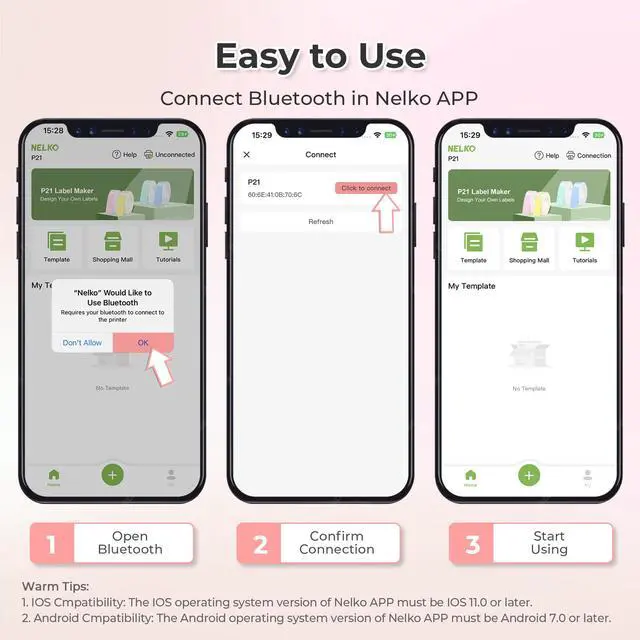
1. Connecting to Bluetooth through the "Nelko" APP.
2. Download the App "Nelko" from the Apple Store/Google Play.
3. Turn on Bluetooth on your phone, long press to turn on the P21 labelmaker machine, and open the "Nelko" app to link to Bluetooth.
What system does this label machine support?
This mini portable Bluetooth printer supports iOS and Android mobile systems. IOS phones require IOS 13 or above to be used.
Why is the printing unclear?
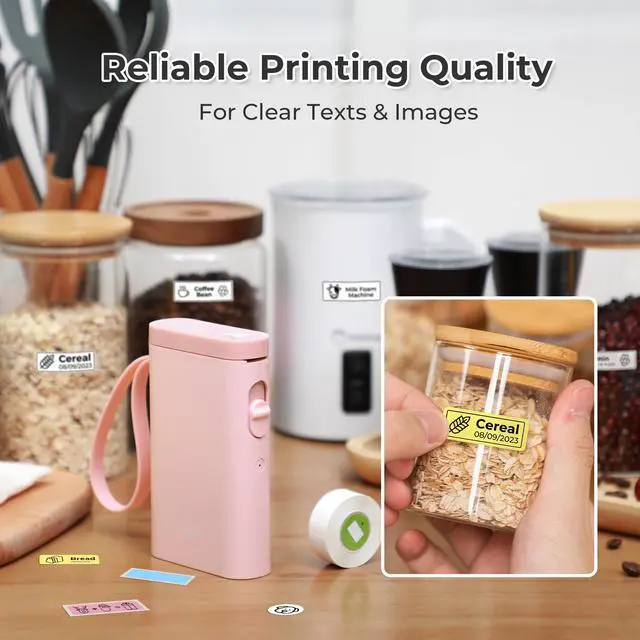
Please use genuine label paper, otherwise it may result in poor printing quality or mismatches.
Note: Please do not tear the green sticker from the original label paper.
And the size of the label tape can be 12x40mm, 14x40mm, 15x40mm or 14X75mm.
How to use the label makers best sellers with tape correctly?
1. Long press the power on button, indicator light will display green.
2. Successfully connected to Bluetooth, indicator light displayed in blue.
3. Press the button twice to adjust the paper position.
4. Press the button once to print the test page.
Why can I search for P21 label maker but not connect to Bluetooth?
1. Press the power button to start the label maker.
2. Open the paper bin cover of the label maker.
3. Press the power button 3 times in a row.
4. After about 2s, the label maker beeps 4 times, "Didi Didi", which means the reset is successful.

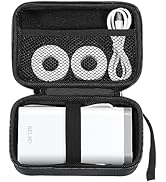
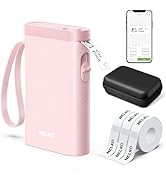
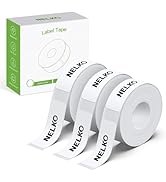
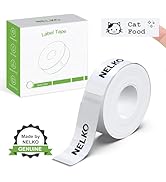
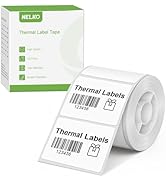
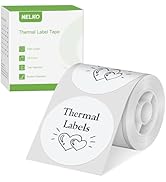
Nelko P21 Label Maker Tape
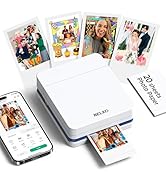
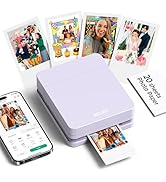
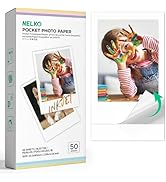
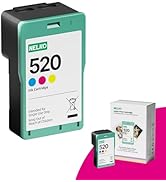
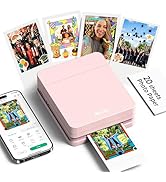
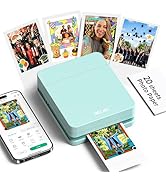
Nelko PP01 Photo Printer
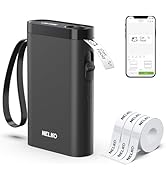
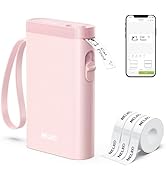
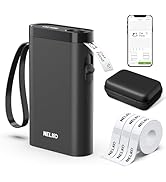
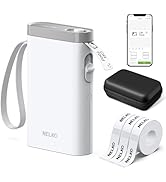
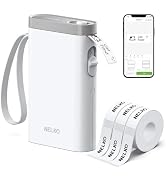
P21 Label Maker
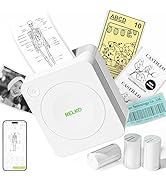
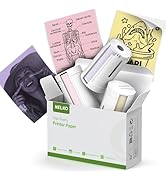
Nelko PM230 Sticker Printer
Nelko P21 Label Maker
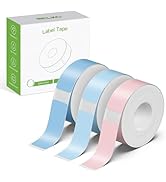
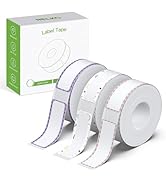
Nelko P21 Label Maker Tape
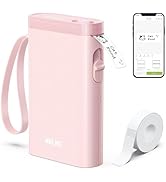
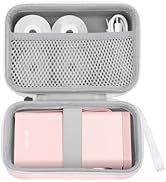
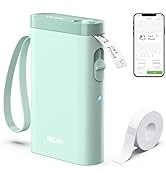
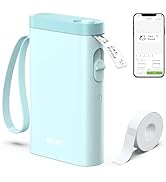
Nelko P21 Label Maker
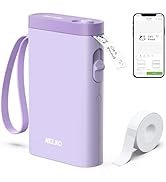
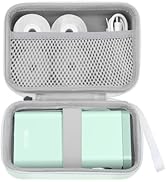
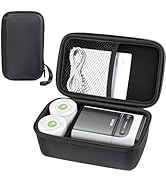
Nelko P21 Label Maker Case
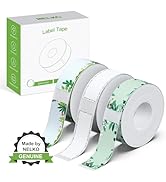
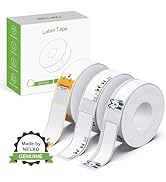
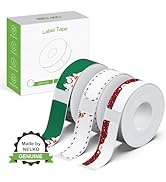
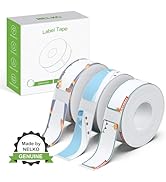
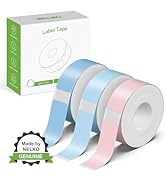
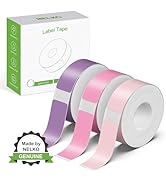
Nelko P21 Label Maker Tape
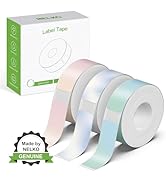
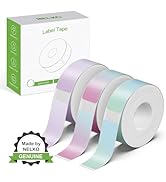
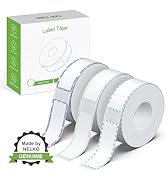
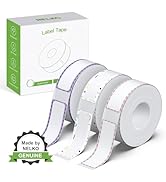
Nelko P21 Label Maker Tape
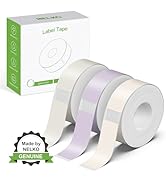
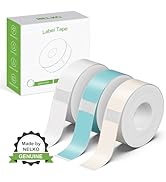
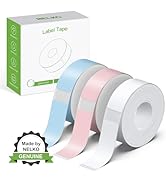
Nelko P21 Label Maker Tape
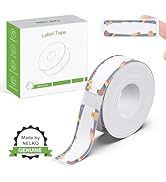
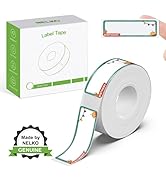
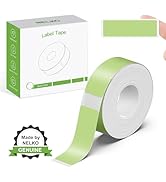
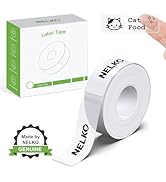
NELKO P21 Label Tape
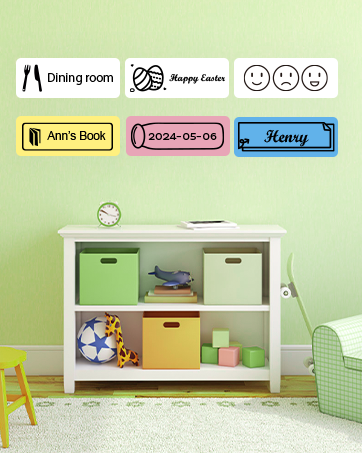
NELKO
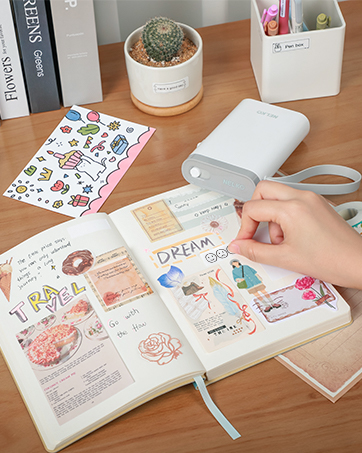
NELKO
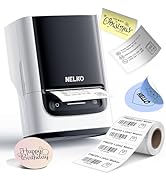
PM220 Label Maker
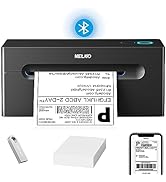
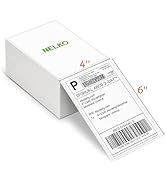
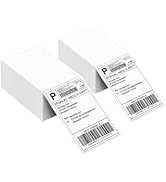
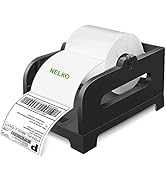
Nelko Bluetooth Label Printer
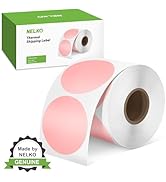
Nelko

NEKLO is committed to the development of office products, improving product quality and providing consumers with a good sense of experience.
We adhere to the happy concept, committed to producing high-quality office supplies. We will provide consumers with high-quality, products at a reasonable cost.
We hope to bring convenience to your small business and work.
Nelko P21 Label Maker for Students School and Teachers School Supplies
P21 label maker
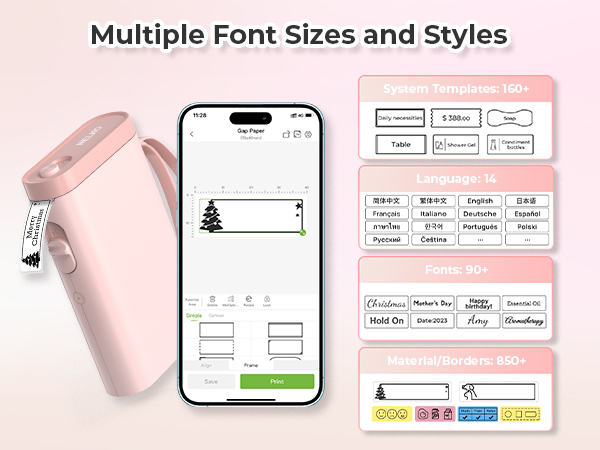


2024 New Version NELKO P21 Mini Portable Bluetooth Label Makers


Warm Tips:
1. Download the App "Nelko" from the Apple Store/Google Play, and meets with applicable data compliance laws.
2. Connect the Bluetooth via the "Nelko" App, not on the phone system.
3. Before printing, please select the appropriate size for the printing paper on the "Nelko" App.
Work with NELKO P21 Labal Maker Machine
14x40mm Clear Label Tape | P21 Label Maker Case | 12x40mm Yellow/Blue/Pink | 14x50mm White Label Tape | 14x40mm Green/Blue/Pink | 14x40mm Starry Sky | 14x40mm Green |
|---|---|---|---|---|---|---|
| Customer Reviews | ||||||
| — | — | — | — | — | — | — |
| Price | ||||||
| — | — | — | — | — | — | — |
| Pack | ||||||
| 180 Labels | 1 | 540 Labels | 180 Labels | 540 Labels | 540 Labels | 540 Labels |
| Color | ||||||
| Transparent | Green | Yellow/Blue/Pink | White | Green/Blue/Pink | Colorful Starry Sky Patterns | Light Green/Green/Dark Green |
| Size | ||||||
| 14x40mm | 6.5 x 2.5 x 4.5 inches | 12x40mm | 14x50mm | 14x40mm | 14x40mm | 14x40mm |
| Advantage | ||||||
| Clear Printing, Widely Usage | Powerful Compatibility | Clear Printing, Widely Usage | Clear Printing, Widely Usage | Clear Printing, Widely Usage | Clear Printing, Widely Usage | Clear Printing, Widely Usage |
| Support | ||||||
| NELKO P21 Label Maker | NELKO P21 Label Maker | NELKO P21 Label Maker | NELKO P21 Label Maker | NELKO P21 Label Maker | NELKO P21 Label Maker | NELKO P21 Label Maker |
| High Quality | ||||||
| ? | ? | ? | ? | ? | ? | ? |
How to connect Bluetooth?
1. Connecting to Bluetooth through the "Nelko" APP.
2. Download the App "Nelko" from the Apple Store/Google Play.
3. Turn on Bluetooth on your phone, long press to turn on the P21 labelmaker machine, and open the "Nelko" app to link to Bluetooth.
What system does this label machine support?
This mini portable Bluetooth printer supports iOS and Android mobile systems. IOS phones require IOS 13 or above to be used.
Why is the printing unclear?
Please use genuine label paper, otherwise it may result in poor printing quality or mismatches.
Note: Please do not tear the green sticker from the original label paper.
And the size of the label tape can be 12x40mm, 14x40mm, 15x40mm or 14X75mm.
How to use the label makers best sellers with tape correctly?
1. Long press the power on button, indicator light will display green.
2. Successfully connected to Bluetooth, indicator light displayed in blue.
3. Press the button twice to adjust the paper position.
4. Press the button once to print the test page.
Why can I search for P21 label maker but not connect to Bluetooth?
1. Press the power button to start the label maker.
2. Open the paper bin cover of the label maker.
3. Press the power button 3 times in a row.
4. After about 2s, the label maker beeps 4 times, "Didi Didi", which means the reset is successful.
Nelko P21 Label Maker Tape
Nelko PP01 Photo Printer
P21 Label Maker
Nelko PM230 Sticker Printer
Nelko P21 Label Maker
Nelko P21 Label Maker Tape
Nelko P21 Label Maker
Nelko P21 Label Maker Case
Nelko P21 Label Maker Tape
Nelko P21 Label Maker Tape
Nelko P21 Label Maker Tape
NELKO P21 Label Tape
NELKO
NELKO
PM220 Label Maker
Nelko Bluetooth Label Printer
Nelko
NEKLO is committed to the development of office products, improving product quality and providing consumers with a good sense of experience.
We adhere to the happy concept, committed to producing high-quality office supplies. We will provide consumers with high-quality, products at a reasonable cost.
We hope to bring convenience to your small business and work.