here!
here!
I’m your shopping assistant for PC builds, upgrades, and everything tech.
Got questions? Ask away!
Start a conversation
here!
I’m your shopping assistant for PC builds, upgrades, and everything tech.
Got questions? Ask away!
Start a conversation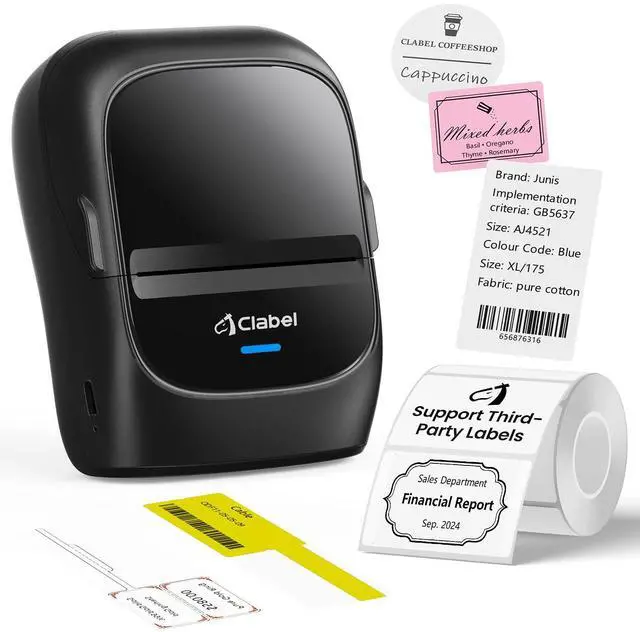
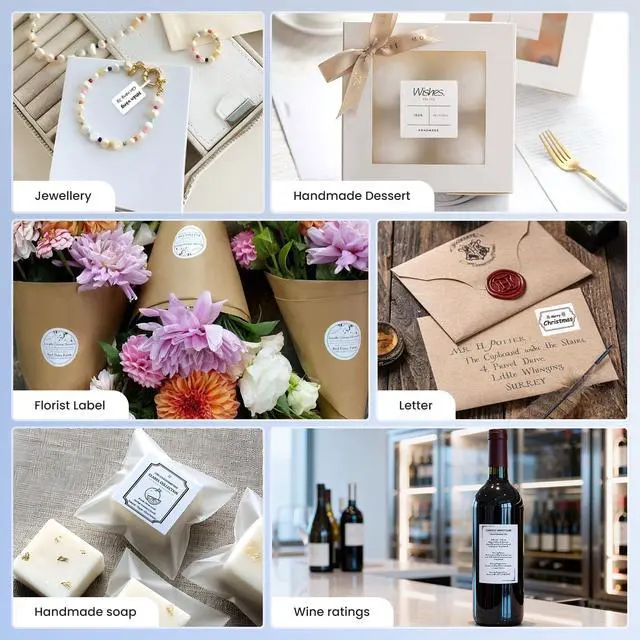
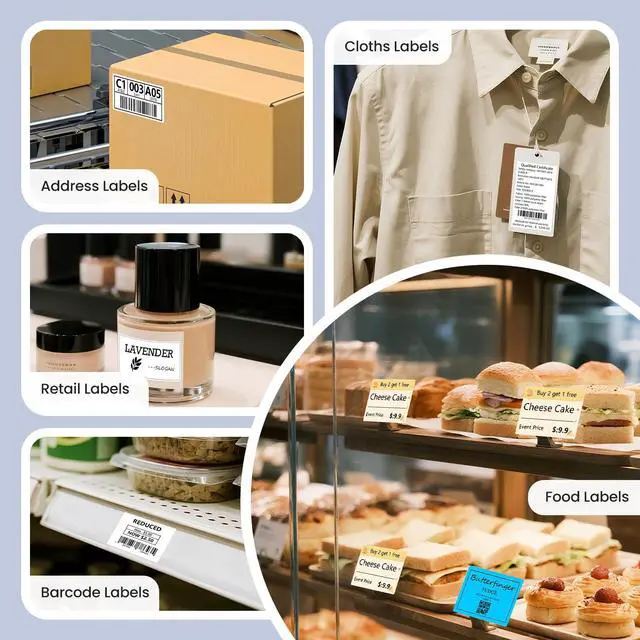
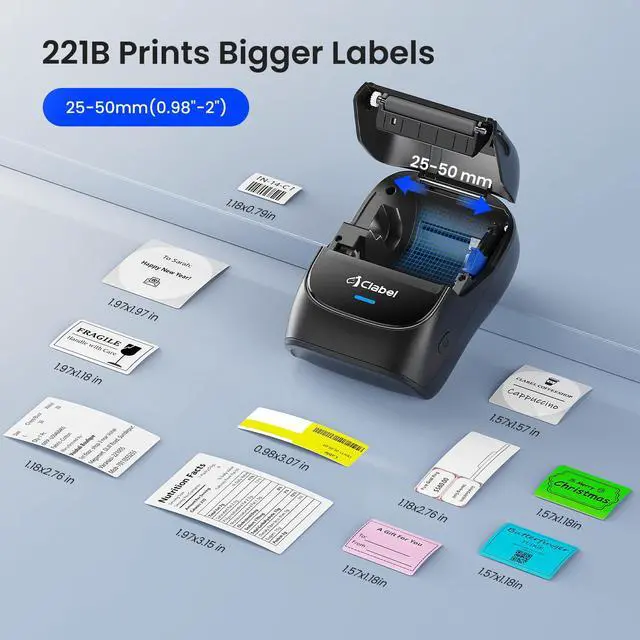
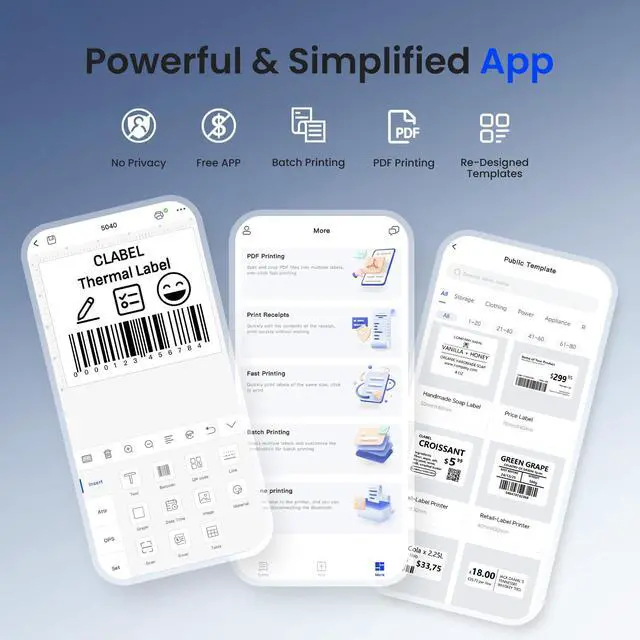



Any questions? Ask CelesteSM will help you find out quickly.
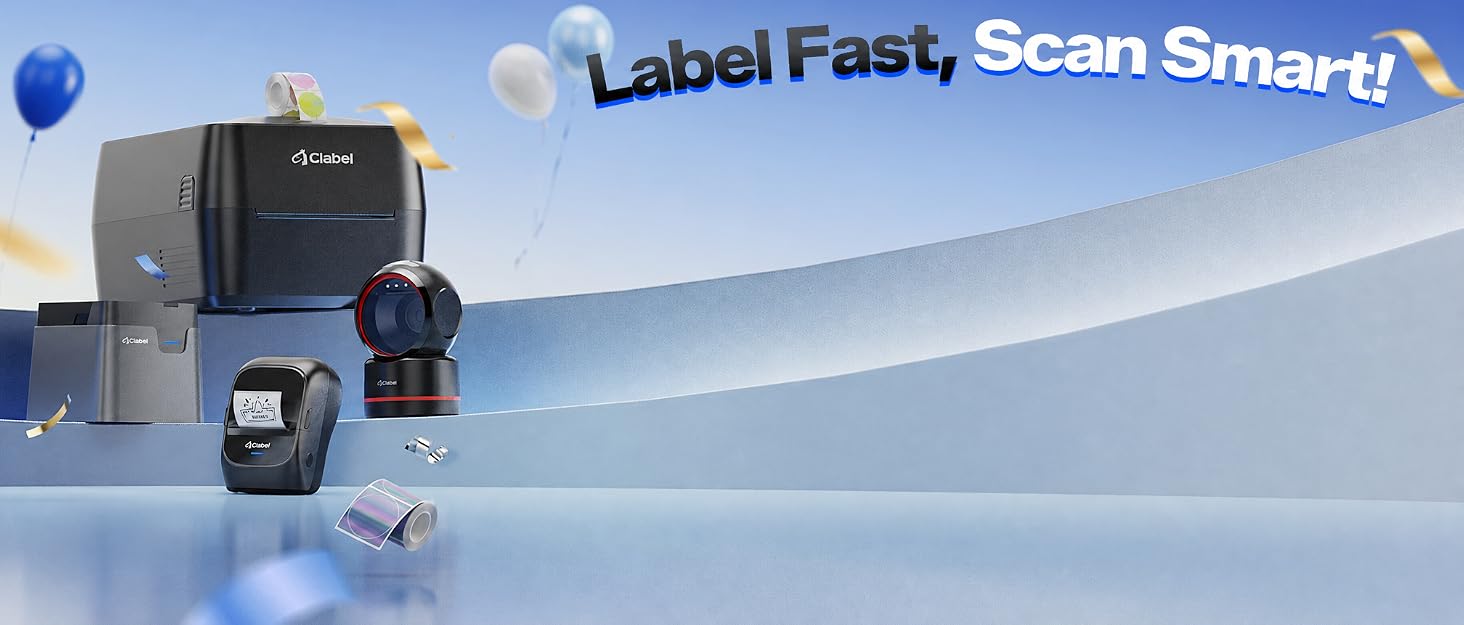
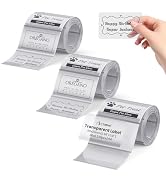
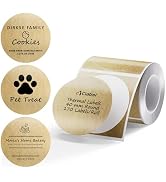
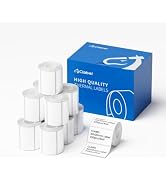
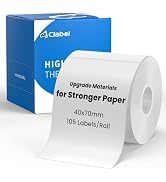
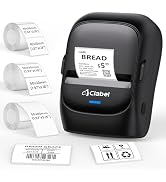
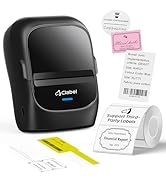
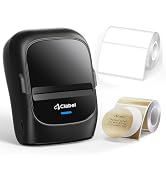
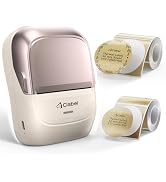
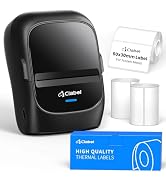
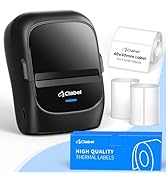
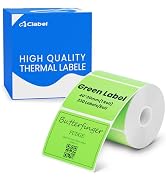
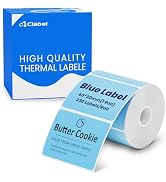
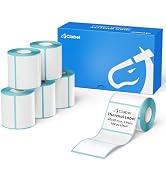
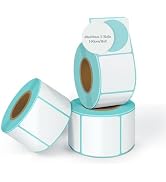
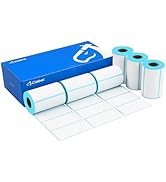
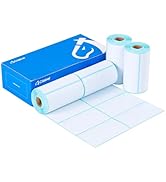
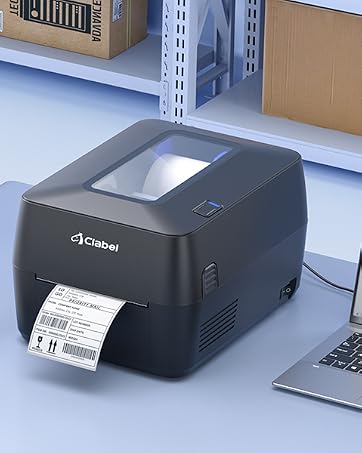
Choose between two modes to handle any task:Thermal Transfer Mode\Thermal Mode
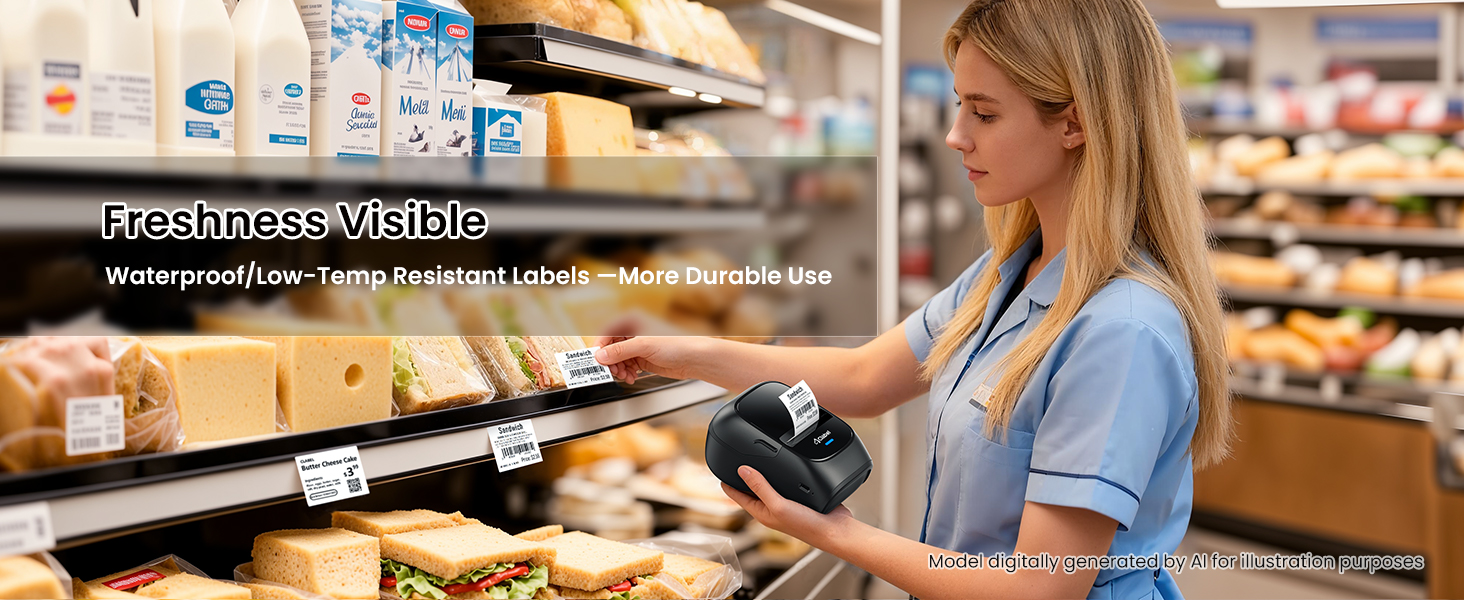
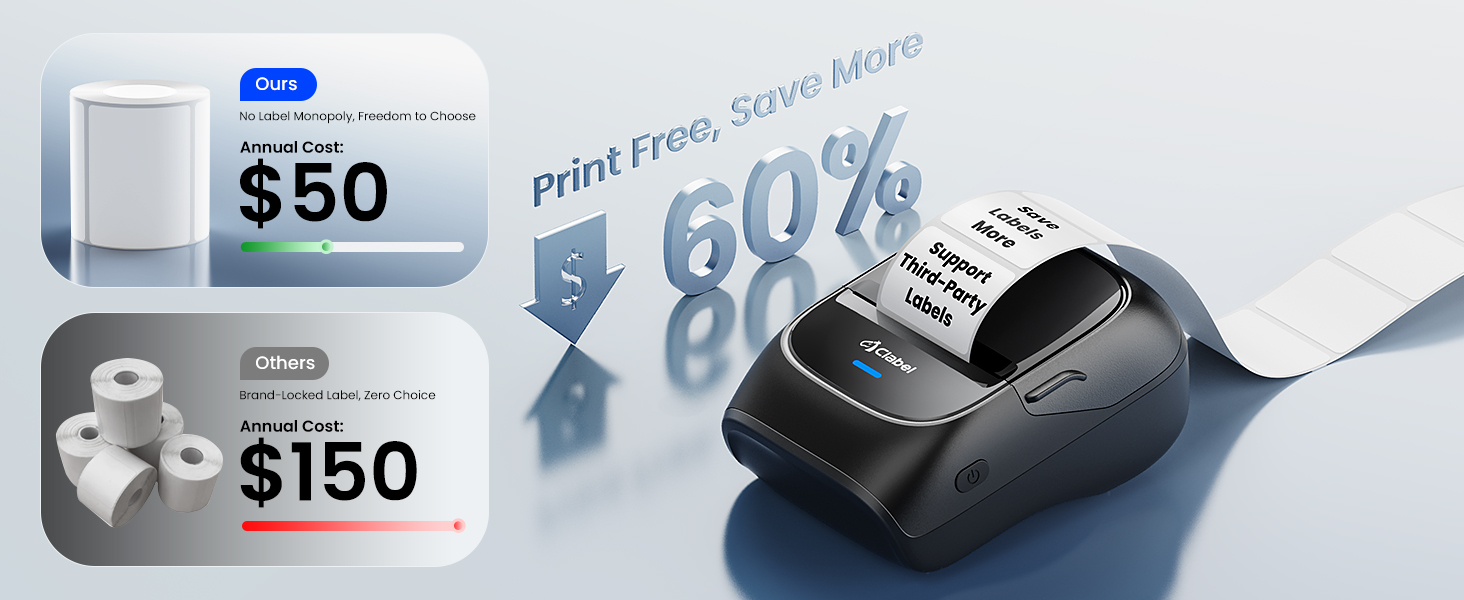
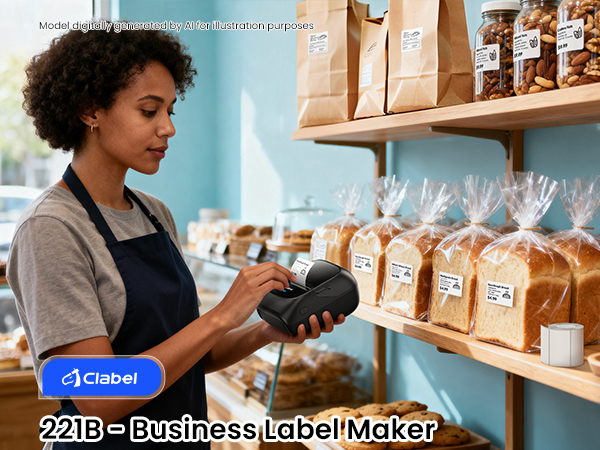
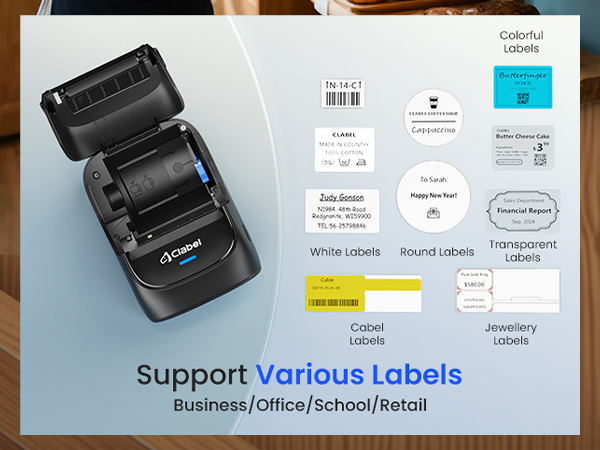
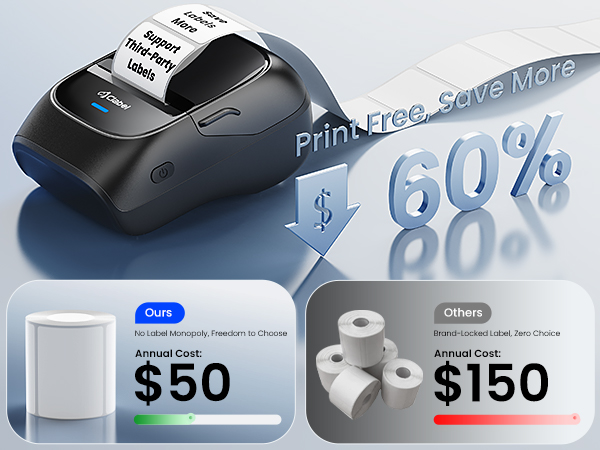
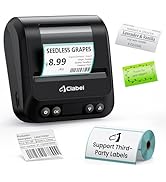
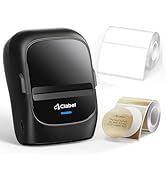
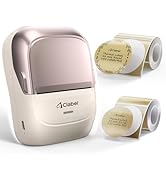
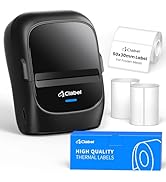
After carefully studying the thermal printer market, clabel discovered a key problem: while many brands focus on providing affordable printers, they often lock users into expensive proprietary thermal paper supplies. This hidden cost can add up over time, limiting flexibility and placing a high expense burden on users.
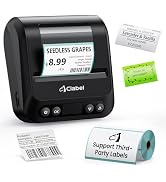
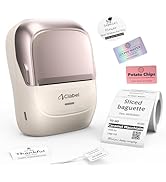
Clabel was created to break away from this model. With the idea of ??reducing long-term print costs in mind, we have developed printers that support all brands of thermal paper.

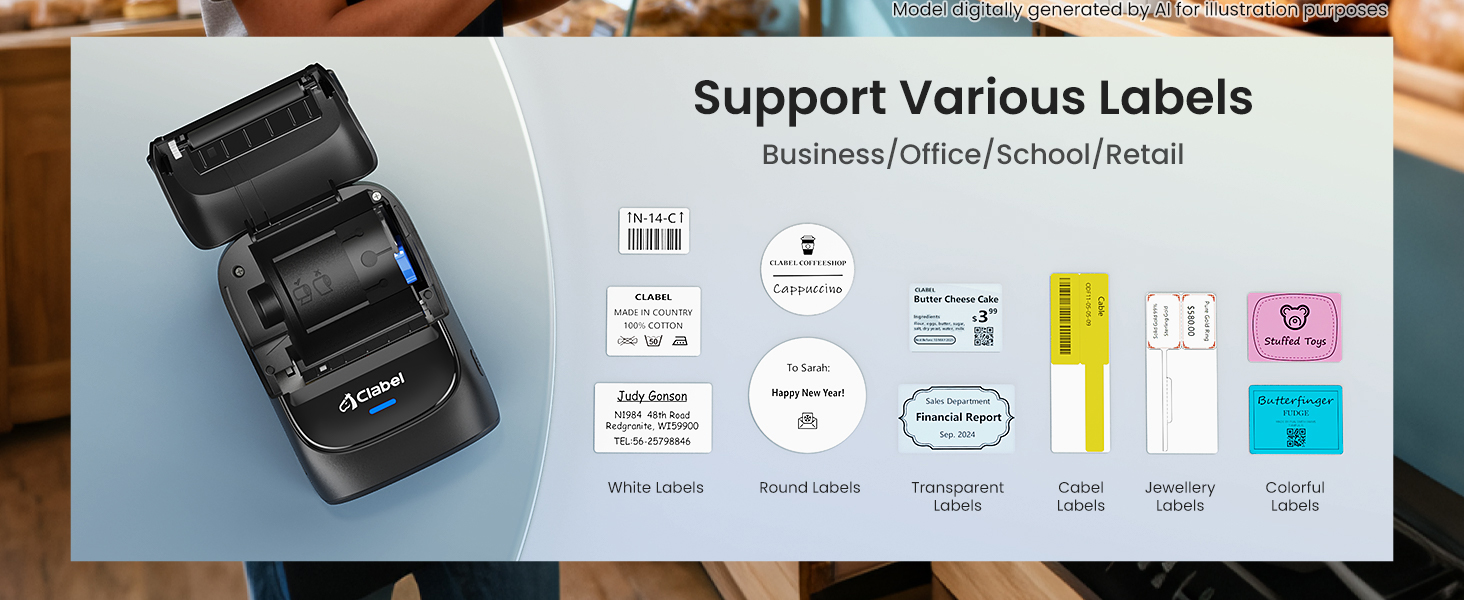
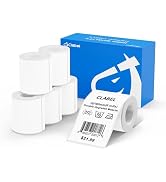
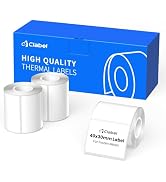
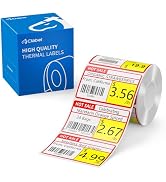
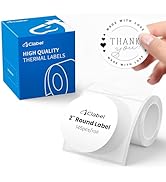
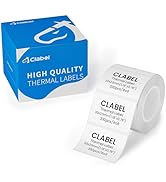
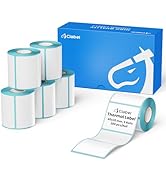
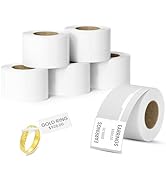
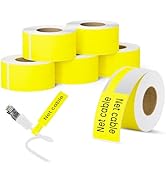
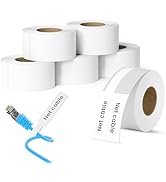
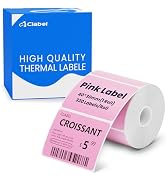
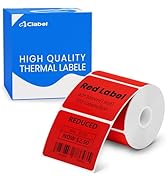
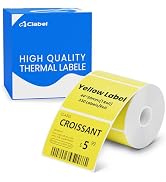
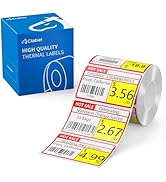
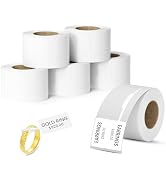
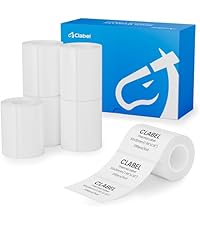 50 x 30mm Label | 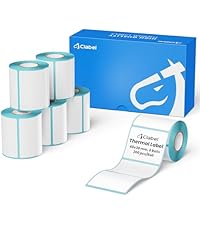 40x30mm Labels | 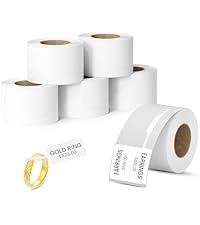 Jewelry Price Label | 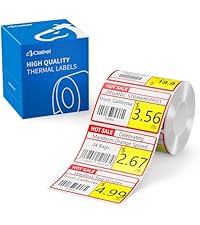 Shelf Price Label | 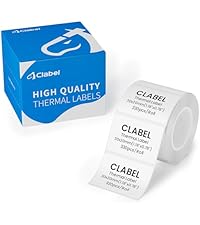 30x20mm logo Label | 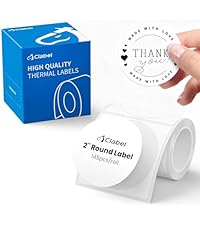 50x50mm logo Label | 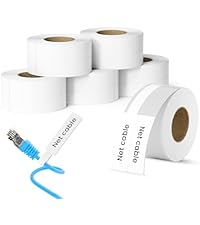 Cable Labels | |
|---|---|---|---|---|---|---|---|
Customer Reviews | — | — | — | — | — | — | — |
Price | — | — | — | — | — | — | — |
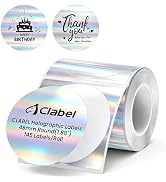
Size | 1.96'' x 1.18''(50 x 30mm) | 1.57''x 1.18"(40 x 30mm ) | 1.18"x2.75"(30x70mm) | 1.96" × 1.18" (50x30mm) | 1.18'' x 1.18''(30 x 20mm ) | 1.96" × 1.96"(50x 50mm) | 1"x3"(25x78mm) |
Number of Rolls | 6Roll | 6Rolls | 6Rolls | 1Roll | 1Roll | 1Roll | 6Rolls |
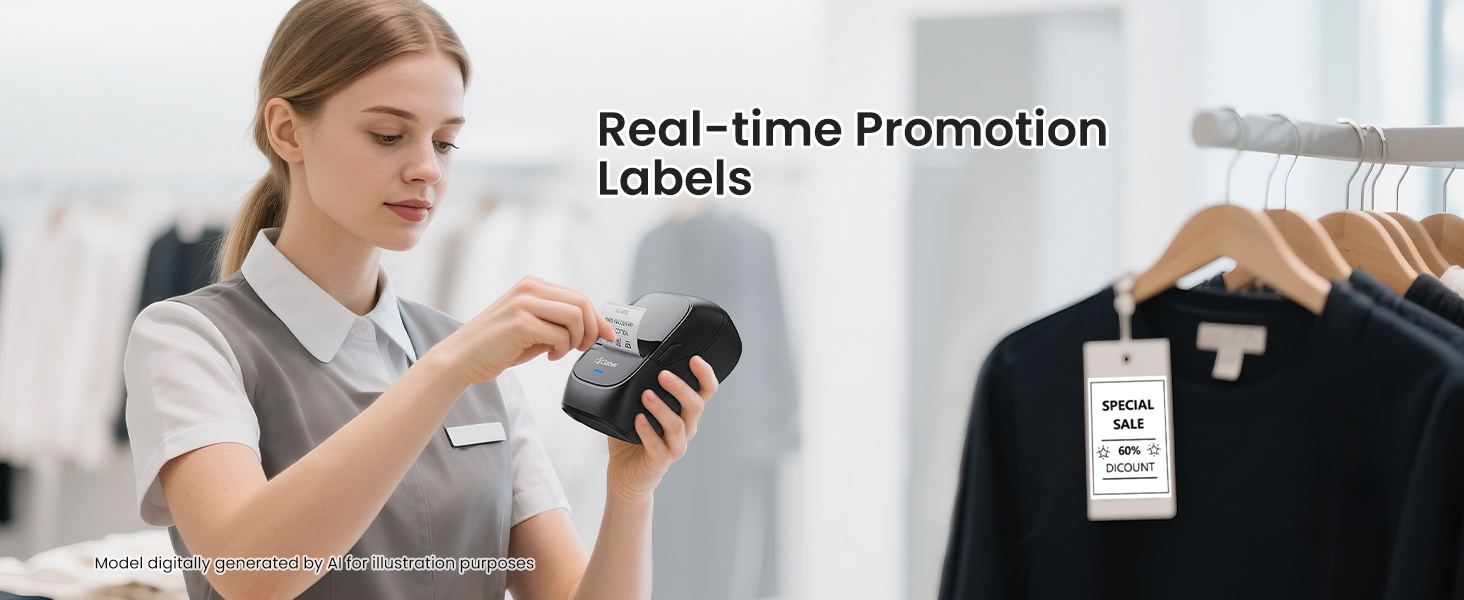
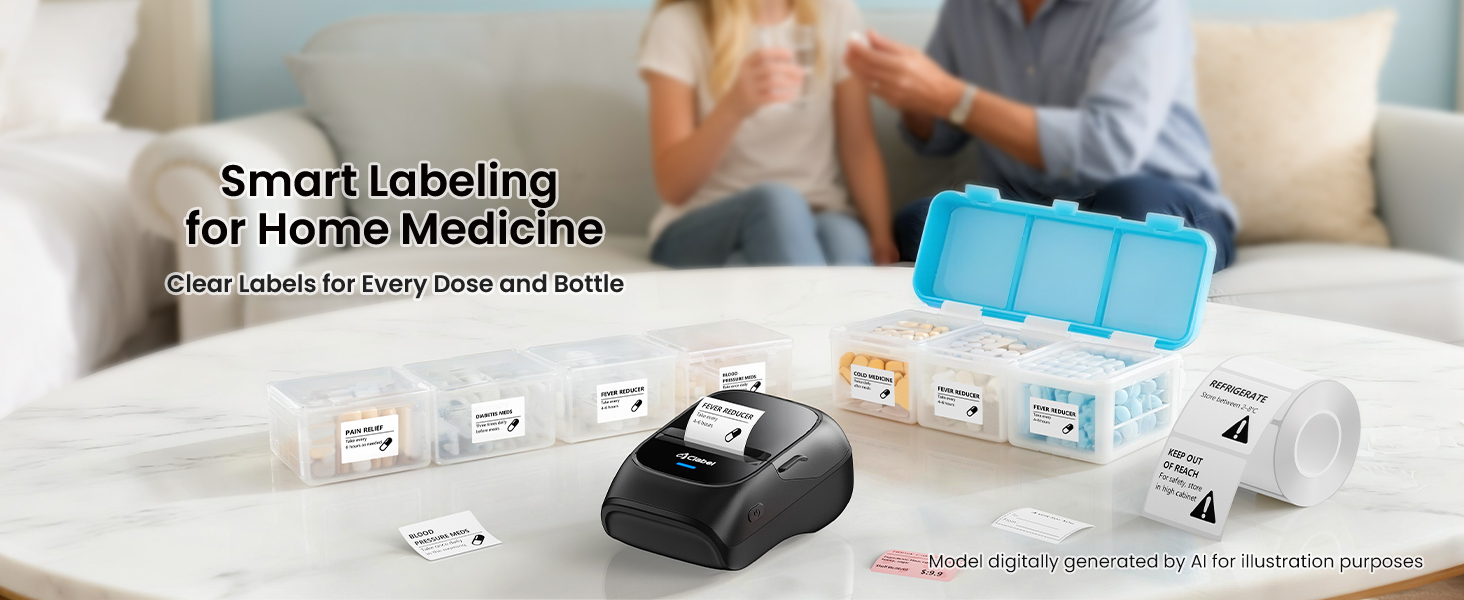
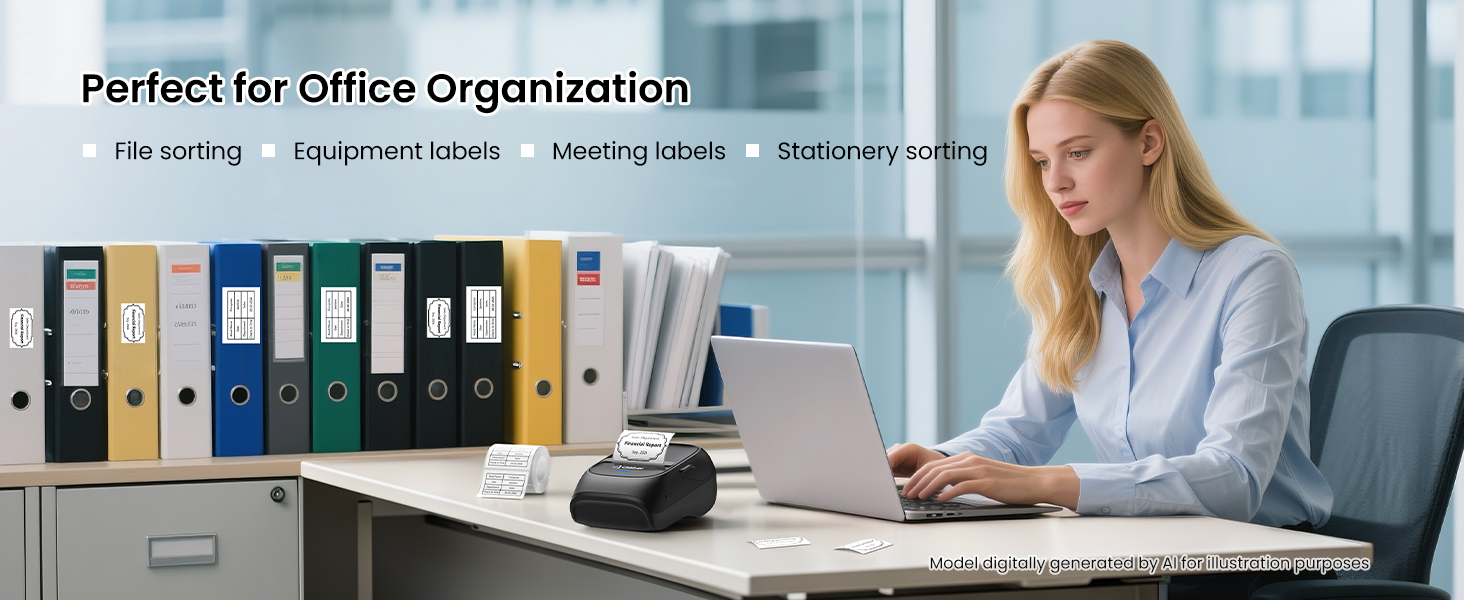
Label usage scenarios | Office/home/Small business | Office/home/Small business | Jewelry/Watches/Appraisal Tag | Promotional Price | Office/home/Small business | Bottles/logos/gifts | Cable |
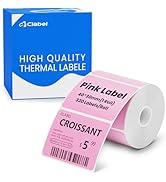
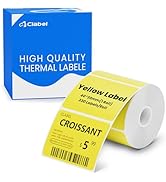
Color | White | White | White | Yellow and red | — | White | White |
For 221B/220B/230B/320B | ? | ? | ? | ? | ? | ? | ? |
Waterproof | ? | ? | ? | ? | ? | ? | ? |
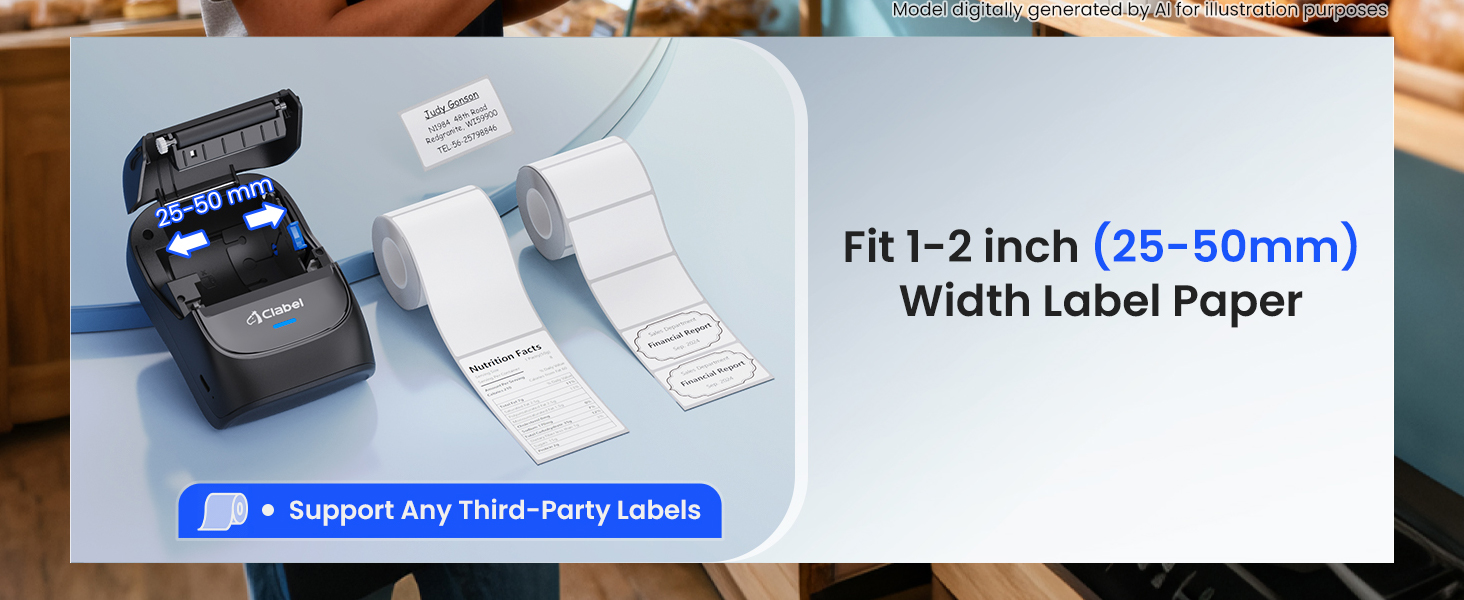
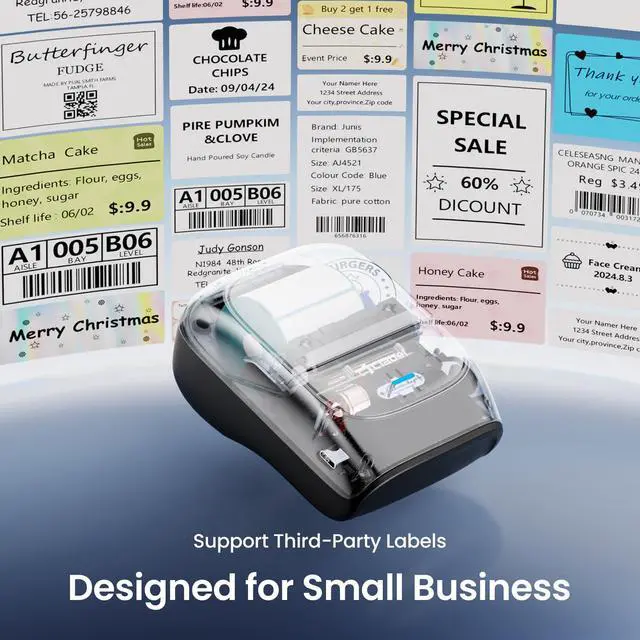
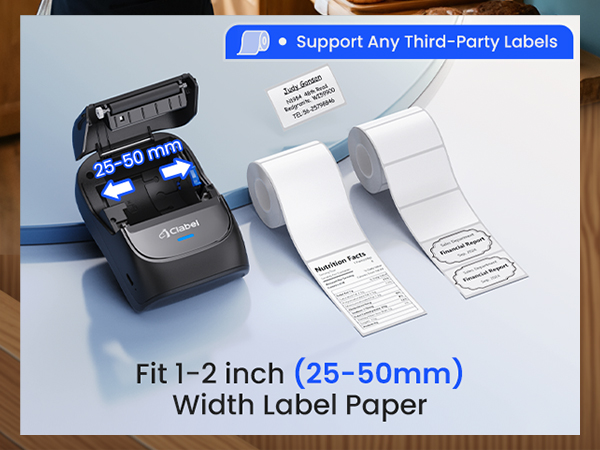
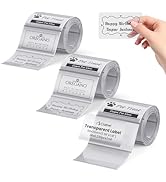
Can this label printer work with third-party paper?
Yes, CLABEL Pritner support any of third-party labels.
What system does this label machine support?
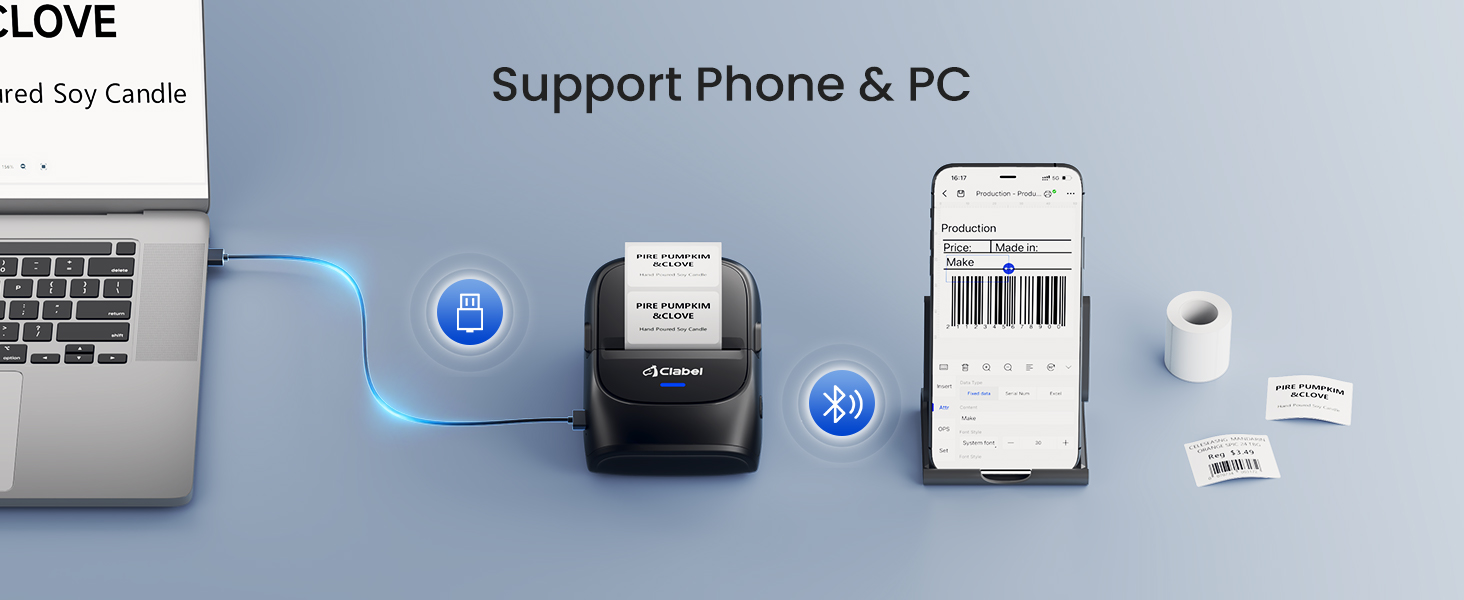
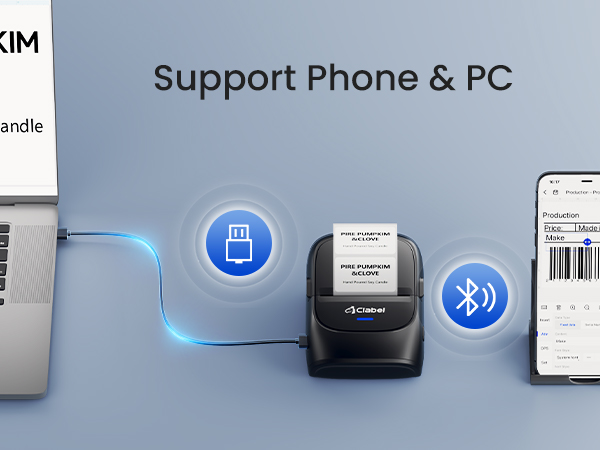
This label maker compatible with both Phone(iOS&Android) and Computer(Windows&Mac OS)
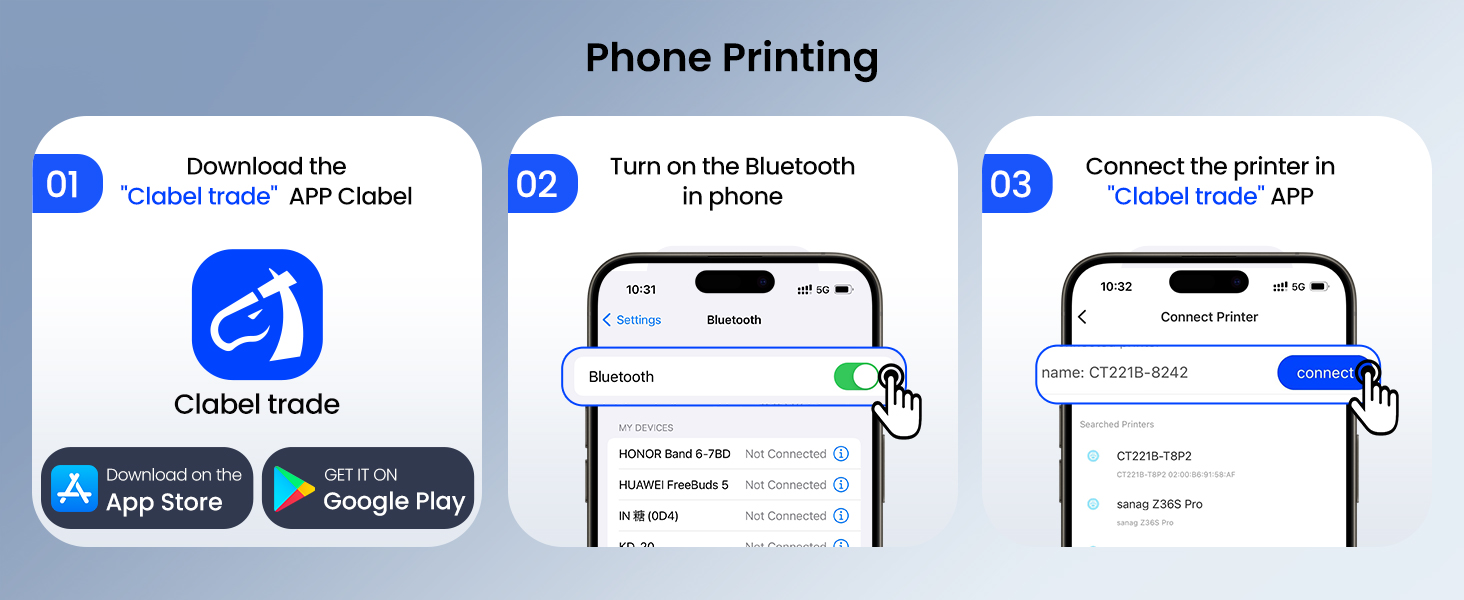
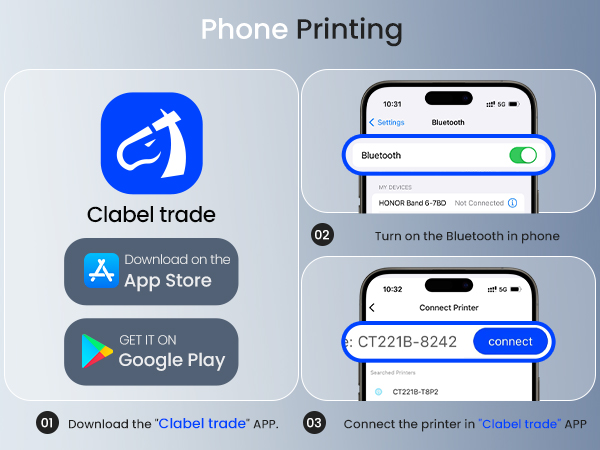
How to set up CT221B label maker to connect Bluetooth?
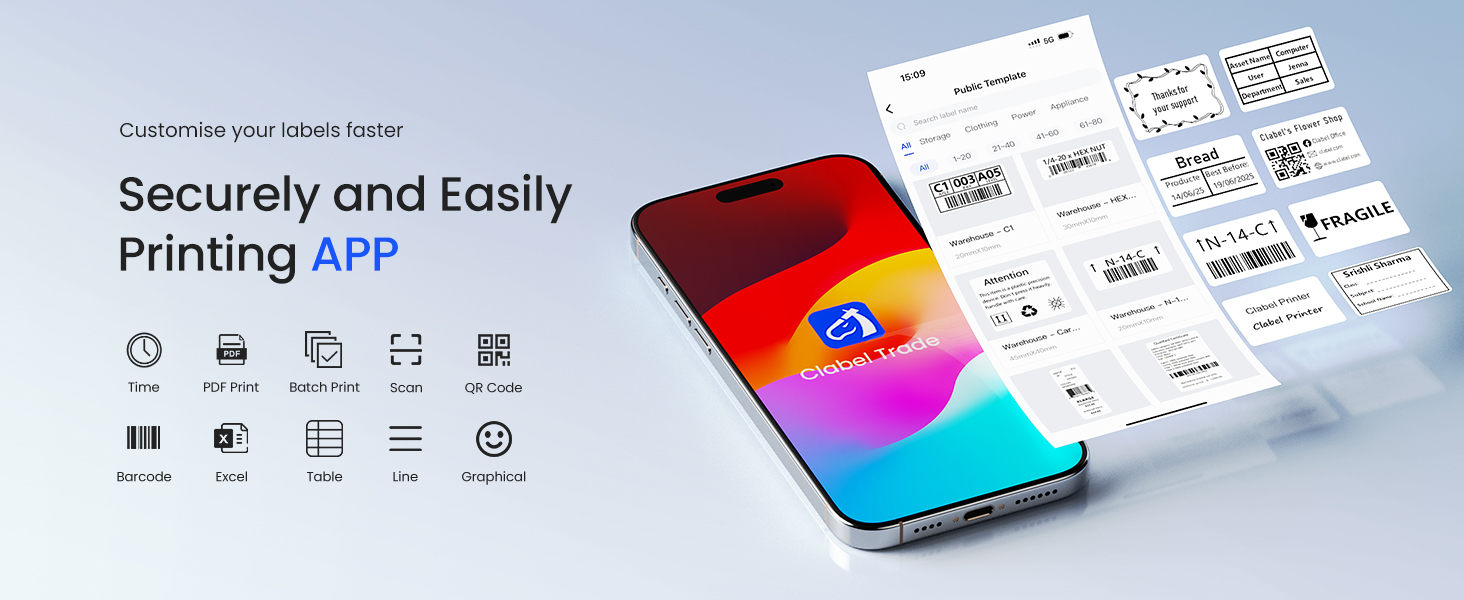
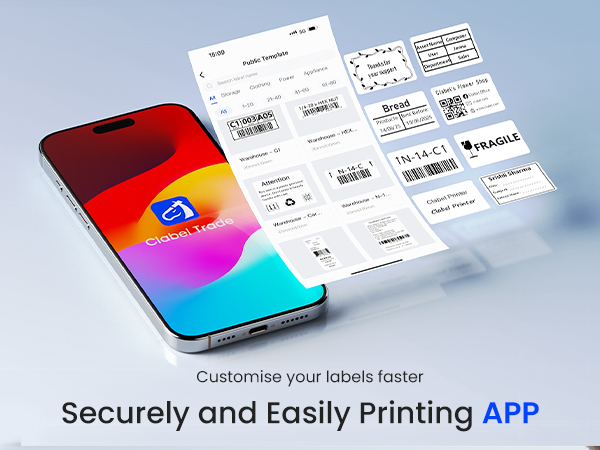
1. Connecting Bluetooth via "Clabel Trade" APP.
2. Download the App "Clabel Trade" from the Apple Store/Google Play.
3. Turn on Bluetooth on your phone, turn on the CT221B label printer, and open the "Clabel Trade" app to link to Bluetooth.
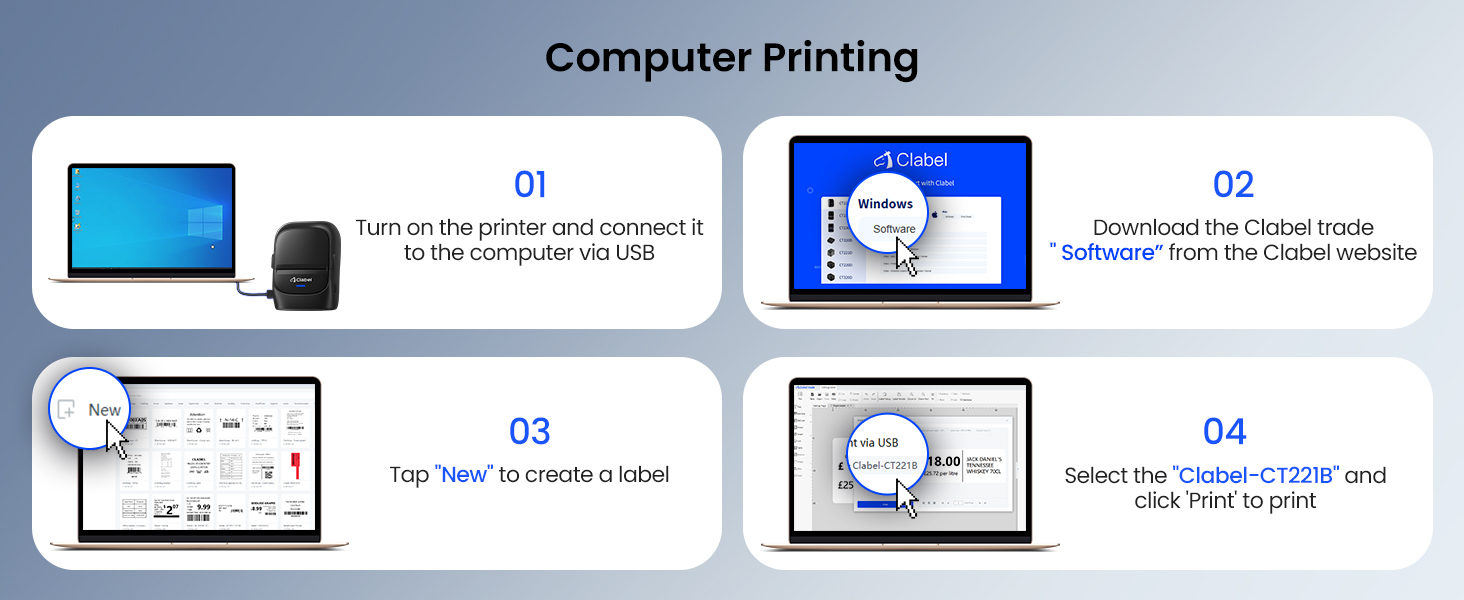
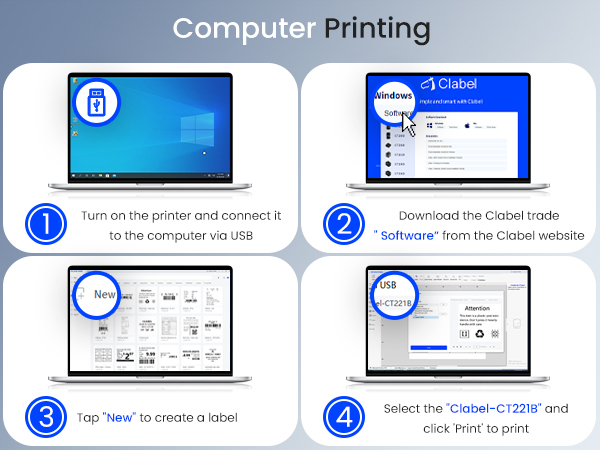
How to set up CT221B label printer on a computer using a USB cable?
1.Turn on the printer and connect it to your computer via USB.
2.Go to "ga.ctaiot.com" and follow the guide to install the 221B driver & app.
3.Our product detail page also features an installation video. Please watch it.
What can I do if the printing is not clear?
1.Connect your 221B printer to the APP via Bluetooth.
2.Go to "Me ? Printer Settings ? Device Settings ? Upgrade Printer" to the latest firmware.
3.Double-click the button to print a self-test page to check the firmware version.
50 x 30mm Label | 40x30mm Labels | Jewelry Price Label | Shelf Price Label | 30x20mm logo Label | 50x50mm logo Label | Cable Labels |
|---|---|---|---|---|---|---|
| Customer Reviews | ||||||
| — | — | — | — | — | — | — |
| Price | ||||||
| — | — | — | — | — | — | — |
| Size | ||||||
| 1.96'' x 1.18''(50 x 30mm) | 1.57''x 1.18"(40 x 30mm ) | 1.18"x2.75"(30x70mm) | 1.96" × 1.18" (50x30mm) | 1.18'' x 1.18''(30 x 20mm ) | 1.96" × 1.96"(50x 50mm) | 1"x3"(25x78mm) |
| Number of Rolls | ||||||
| 6Roll | 6Rolls | 6Rolls | 1Roll | 1Roll | 1Roll | 6Rolls |
| Label usage scenarios | ||||||
| Office/home/Small business | Office/home/Small business | Jewelry/Watches/Appraisal Tag | Promotional Price | Office/home/Small business | Bottles/logos/gifts | Cable |
| Color | ||||||
| White | White | White | Yellow and red | — | White | White |
| For 221B/220B/230B/320B | ||||||
| ? | ? | ? | ? | ? | ? | ? |
| Waterproof | ||||||
| ? | ? | ? | ? | ? | ? | ? |
Can this label printer work with third-party paper?
Yes, CLABEL Pritner support any of third-party labels.
What system does this label machine support?
This label maker compatible with both Phone(iOS&Android) and Computer(Windows&Mac OS)
How to set up CT221B label maker to connect Bluetooth?
1. Connecting Bluetooth via "Clabel Trade" APP.
2. Download the App "Clabel Trade" from the Apple Store/Google Play.
3. Turn on Bluetooth on your phone, turn on the CT221B label printer, and open the "Clabel Trade" app to link to Bluetooth.
How to set up CT221B label printer on a computer using a USB cable?
1.Turn on the printer and connect it to your computer via USB.
2.Go to "ga.ctaiot.com" and follow the guide to install the 221B driver & app.
3.Our product detail page also features an installation video. Please watch it.
What can I do if the printing is not clear?
1.Connect your 221B printer to the APP via Bluetooth.
2.Go to "Me ? Printer Settings ? Device Settings ? Upgrade Printer" to the latest firmware.
3.Double-click the button to print a self-test page to check the firmware version.
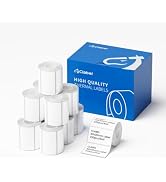
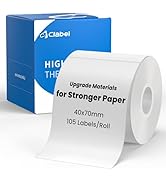
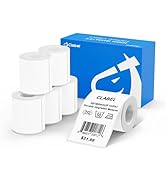
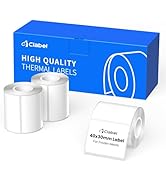
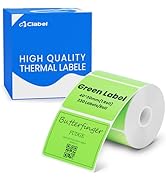
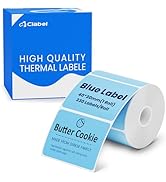
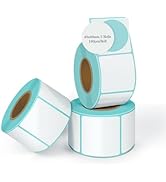
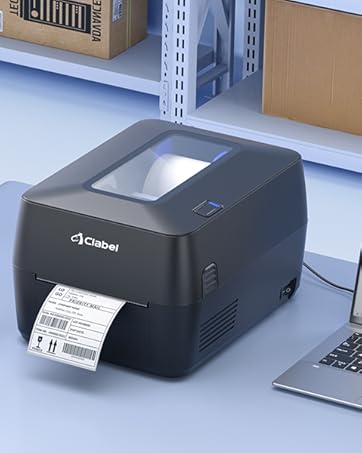
Choose between two modes to handle any task:Thermal Transfer Mode\Thermal Mode
After carefully studying the thermal printer market, clabel discovered a key problem: while many brands focus on providing affordable printers, they often lock users into expensive proprietary thermal paper supplies. This hidden cost can add up over time, limiting flexibility and placing a high expense burden on users.
Clabel was created to break away from this model. With the idea of ??reducing long-term print costs in mind, we have developed printers that support all brands of thermal paper.