




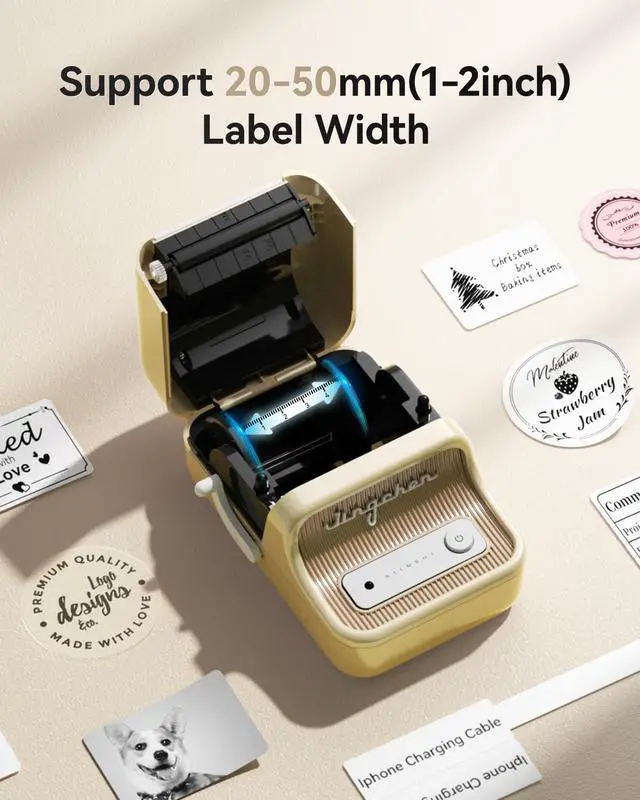
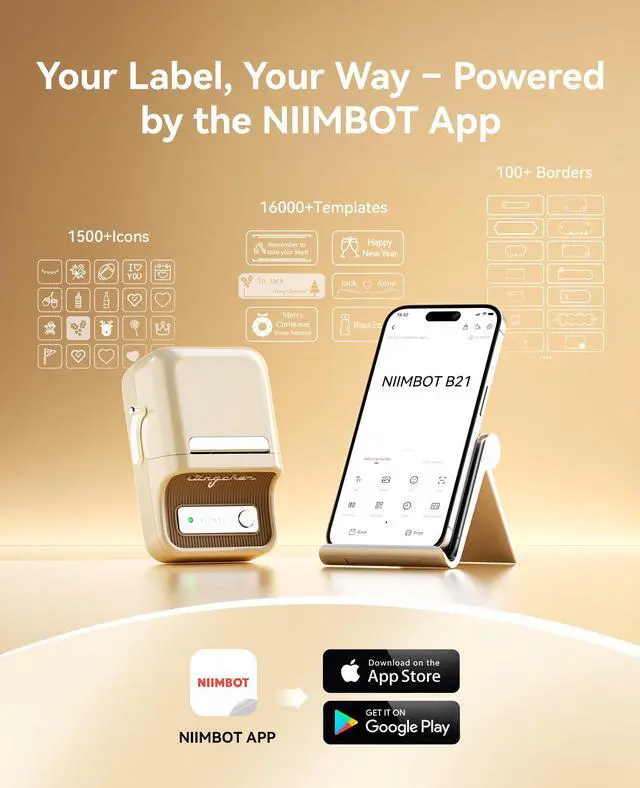


niimbot b21 label maker for home
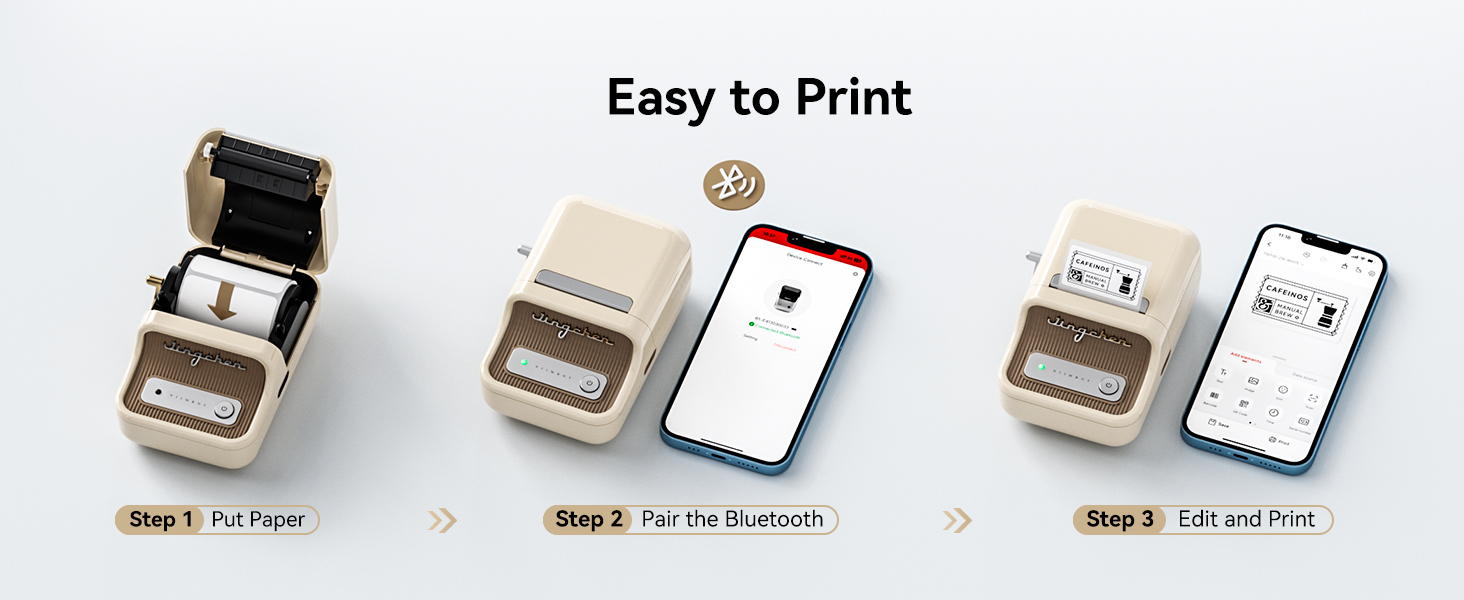
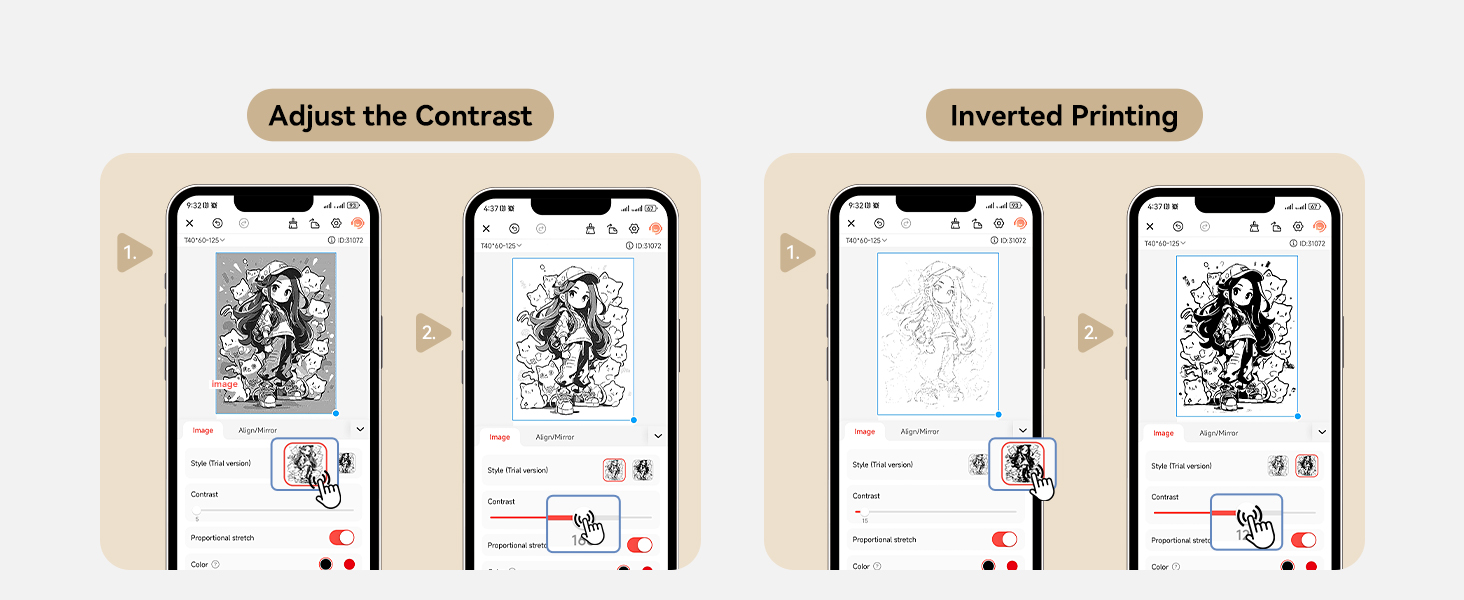
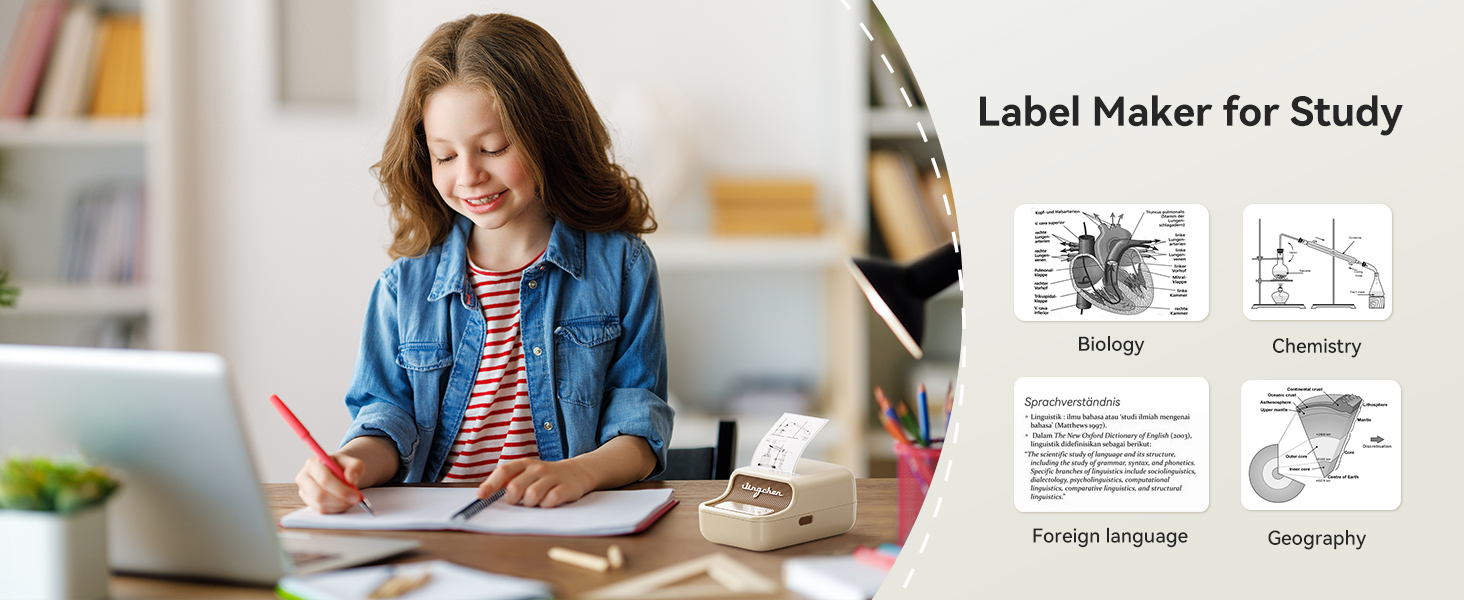
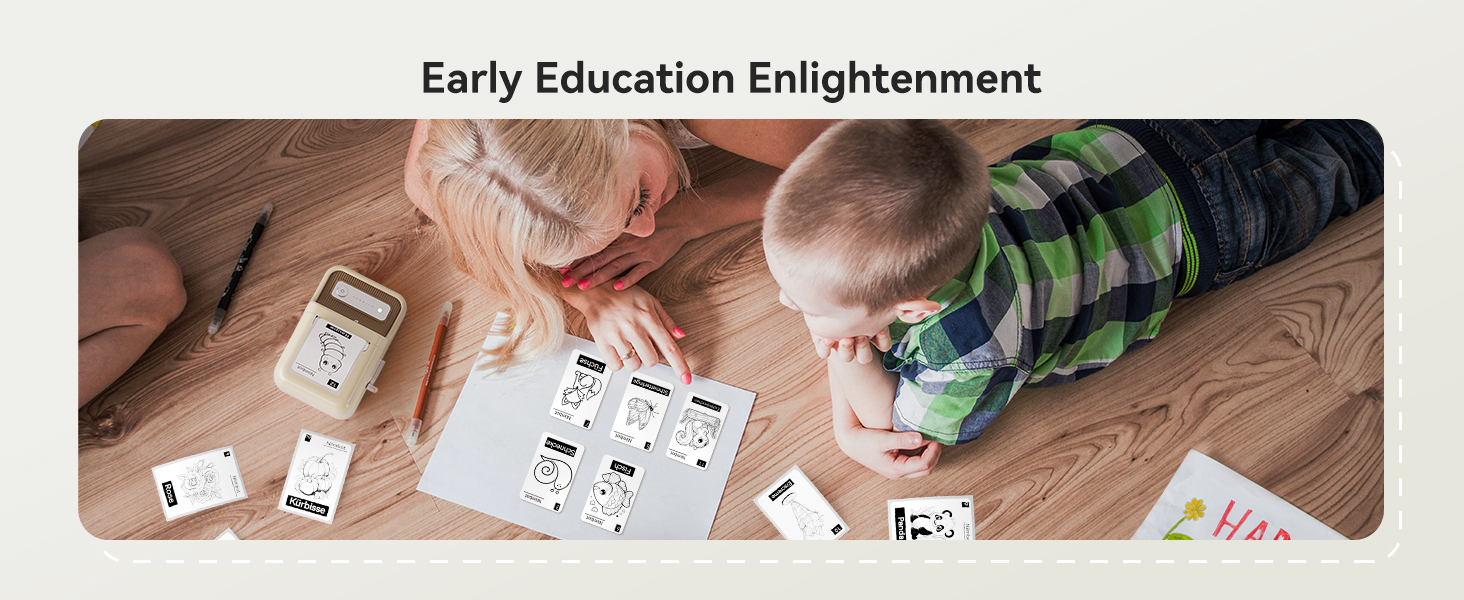
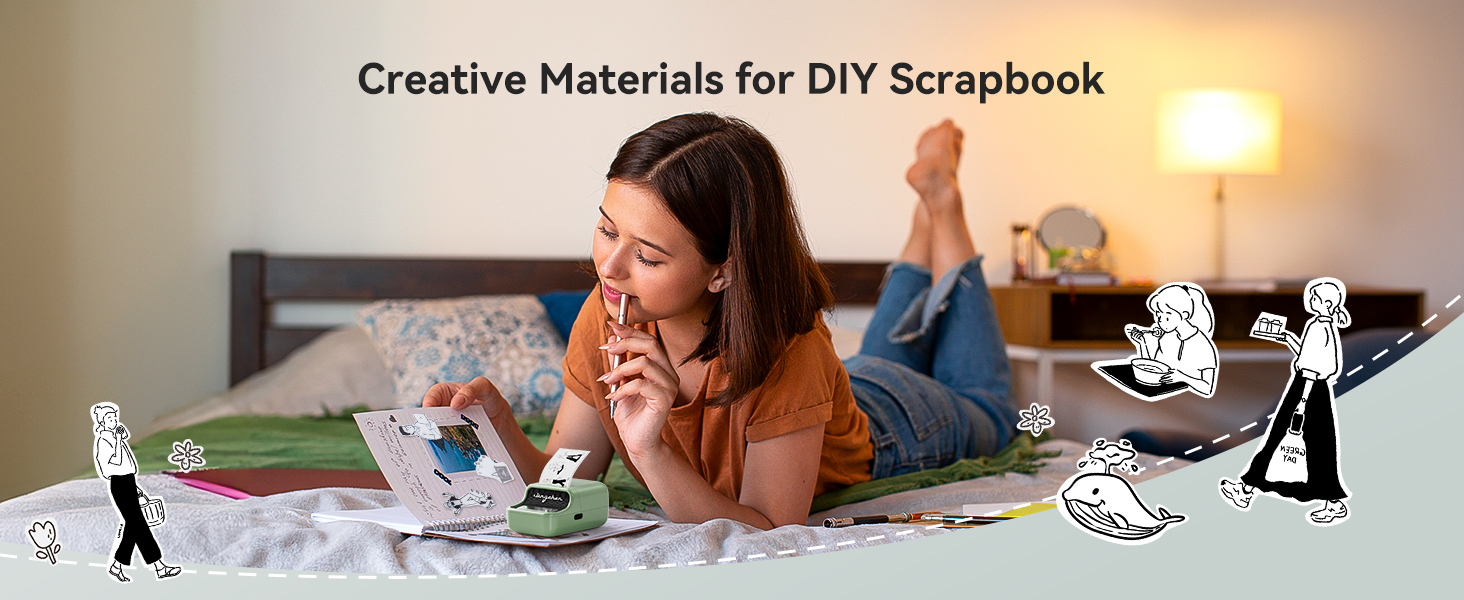
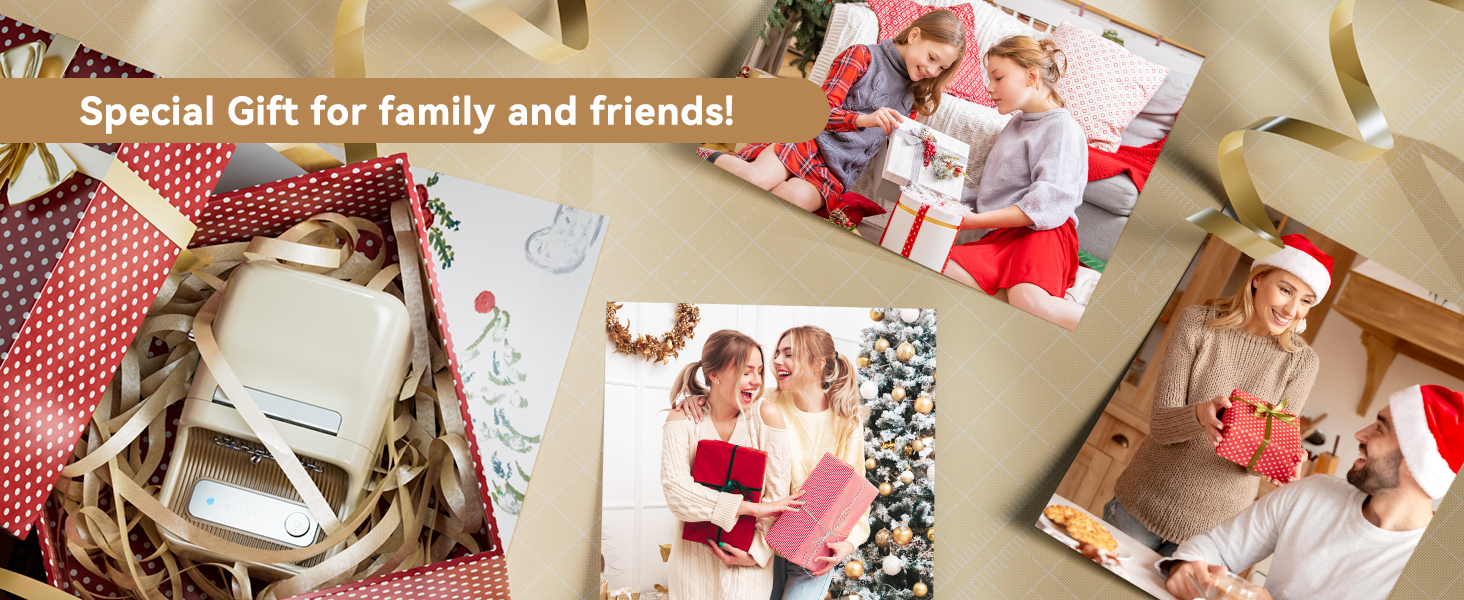
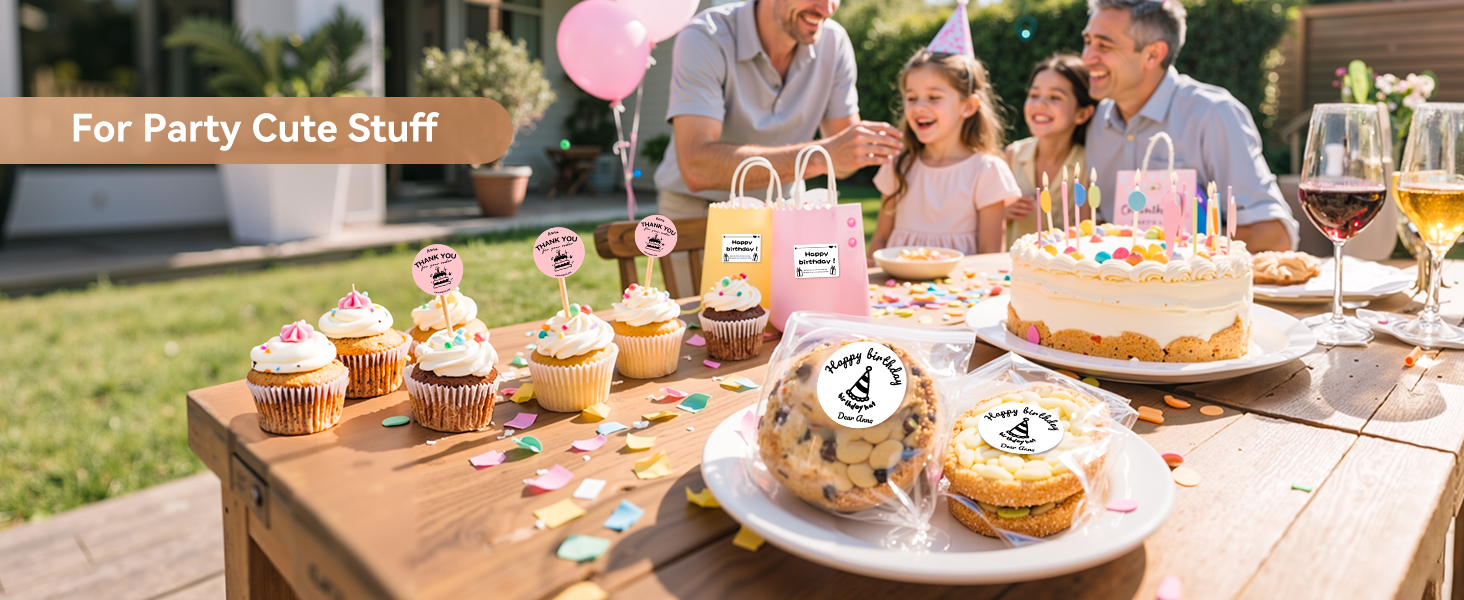
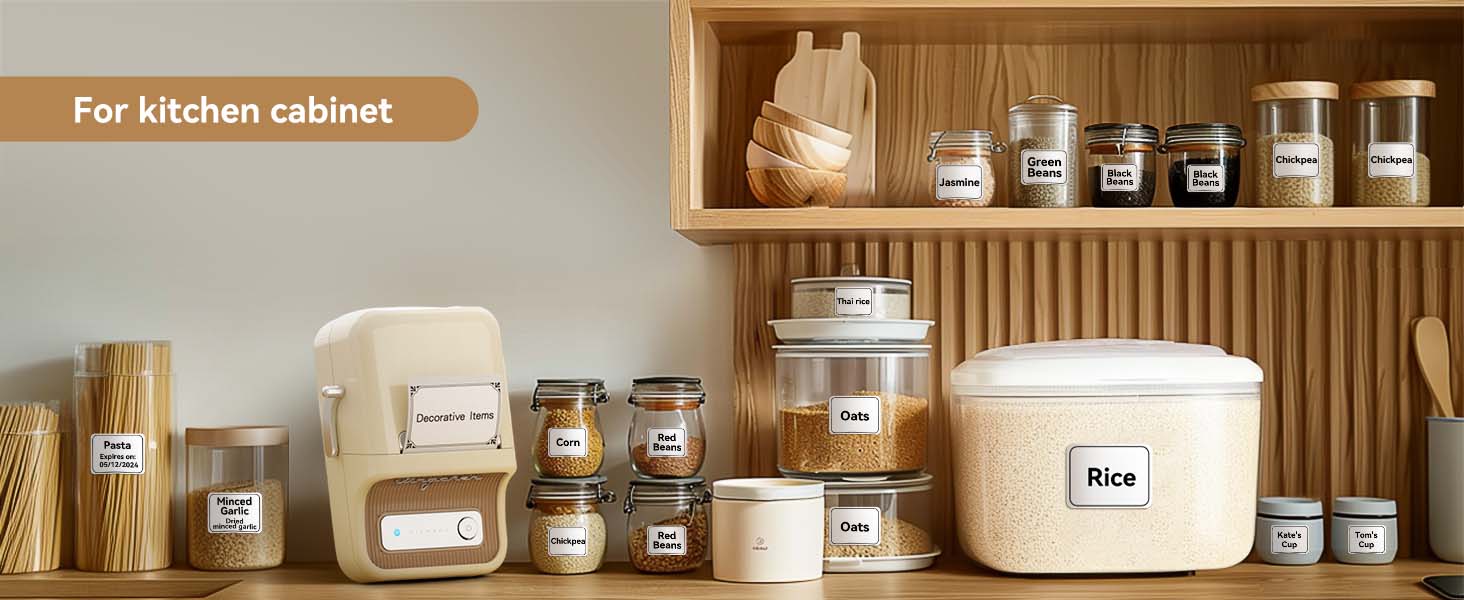
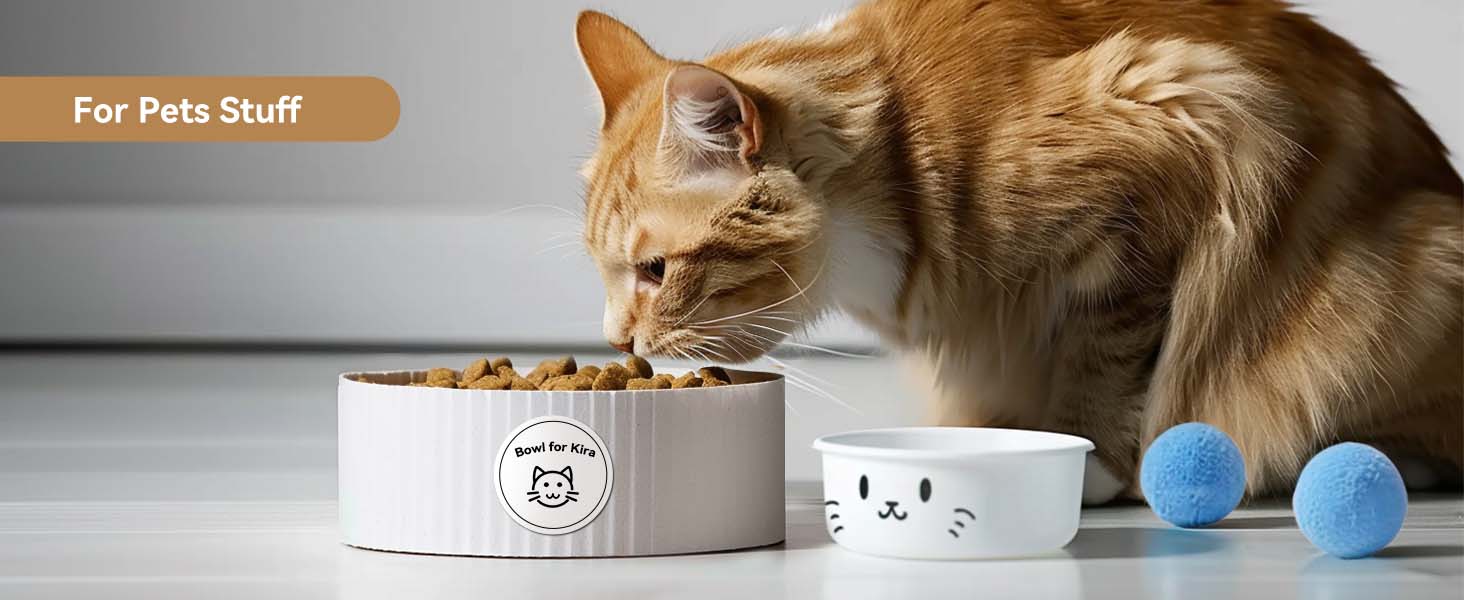

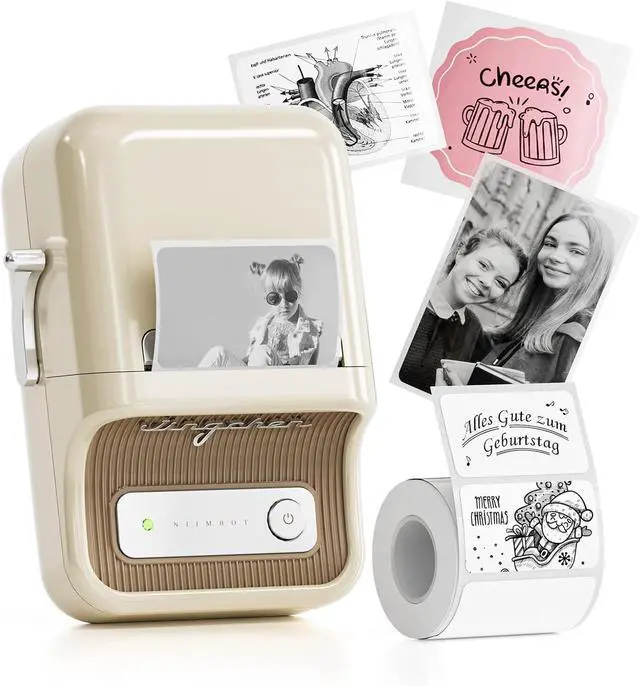
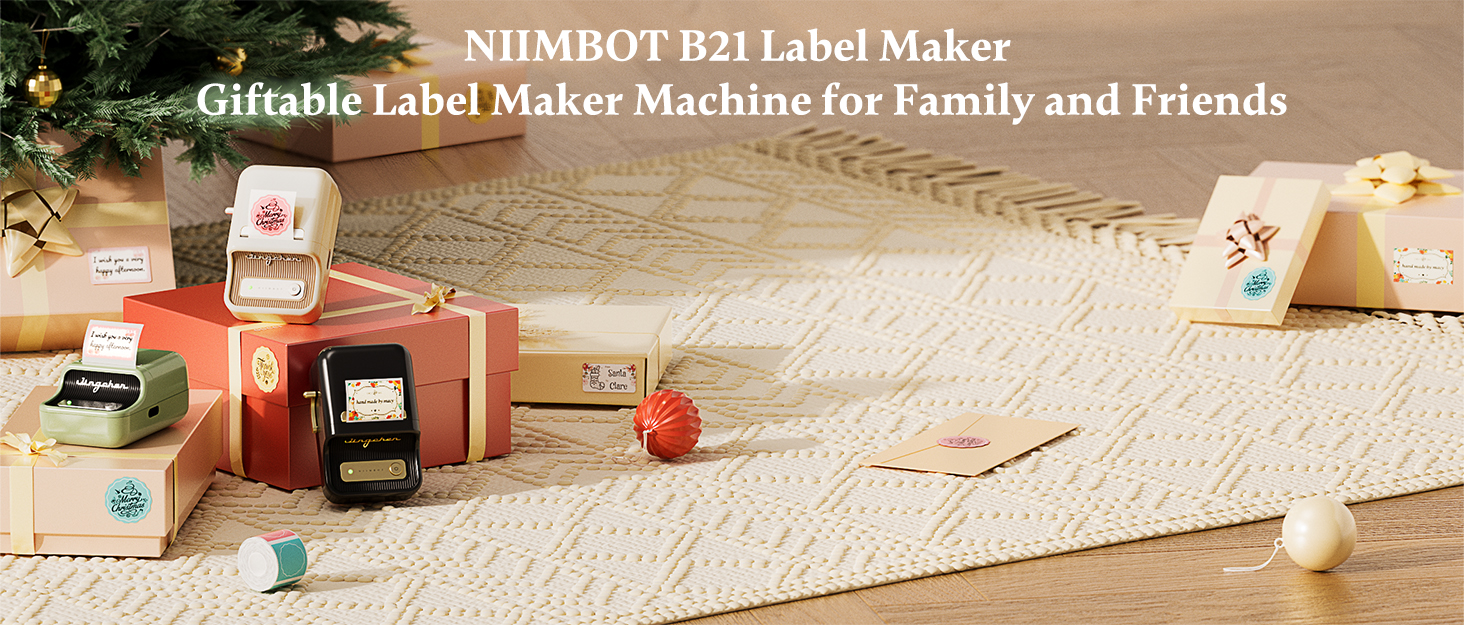
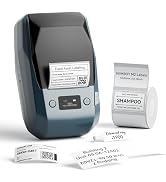
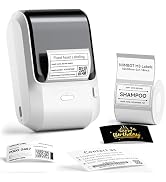
NIIMBOT Label Maker for Home Business Office Organization
 NIIMBOT B21 Label Maker | 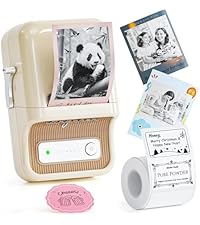 NIIMBOT B21 Pro |  NIIMBOT B1 Label Maker |  NIIMBOT B1 Label Maker | 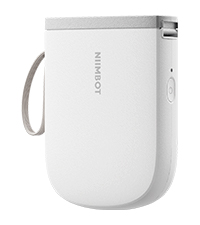 NIIMBOT D11_H Label Maker | |
|---|---|---|---|---|---|
Customer Reviews | — | — | — | — | — |
Price | — | — | — | — | — |
Auto Recognition Label | ? | ? | ? | ? | ? |
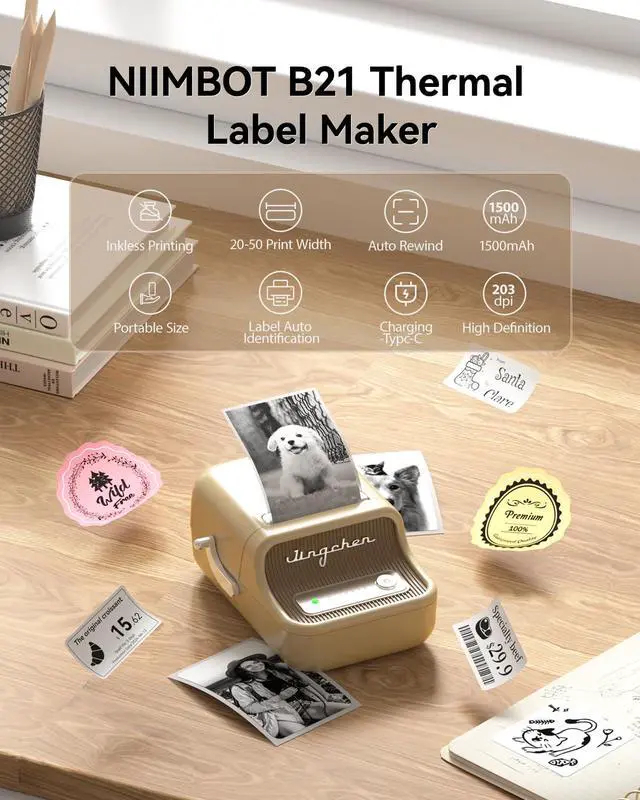
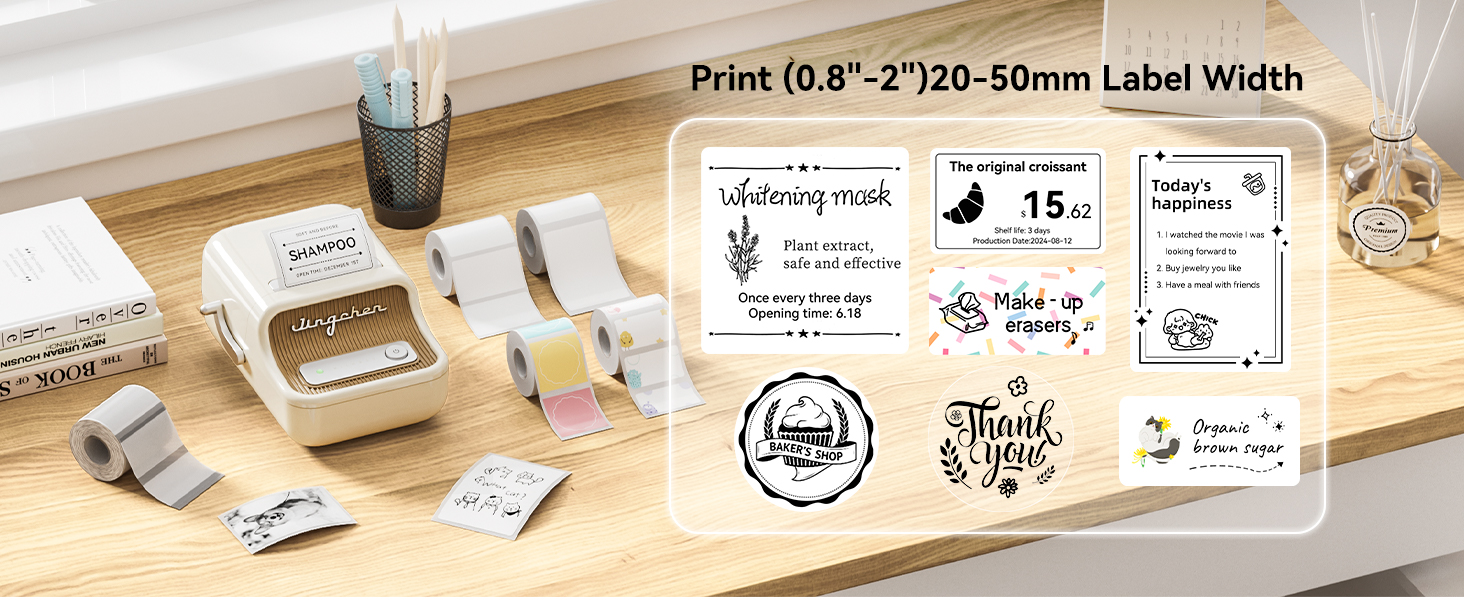
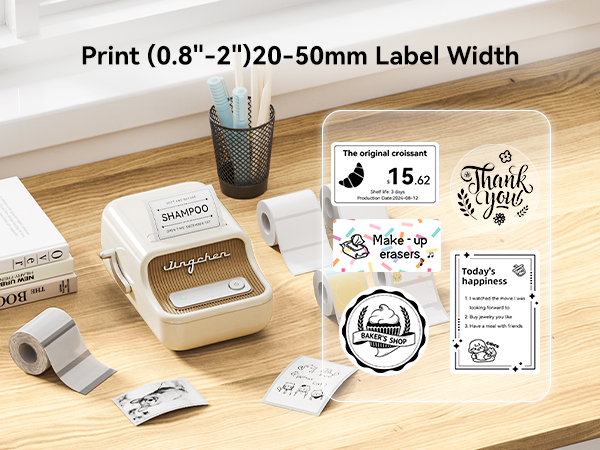
Print Width | 2 Inch | 2 Inch | 2 Inch | 2 Inch | 0.5 Inch |
Battery | 1500mAh | 1500mAh | 1500mAh | 1500mAh | 1500mAh |
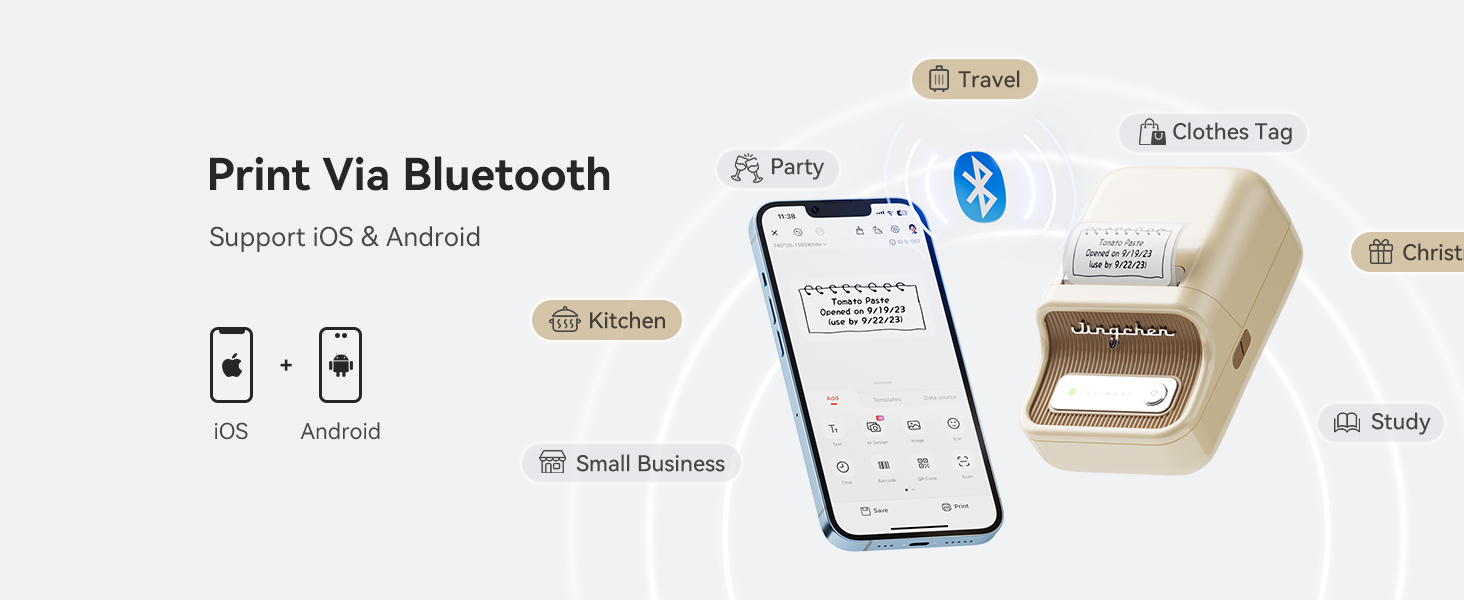
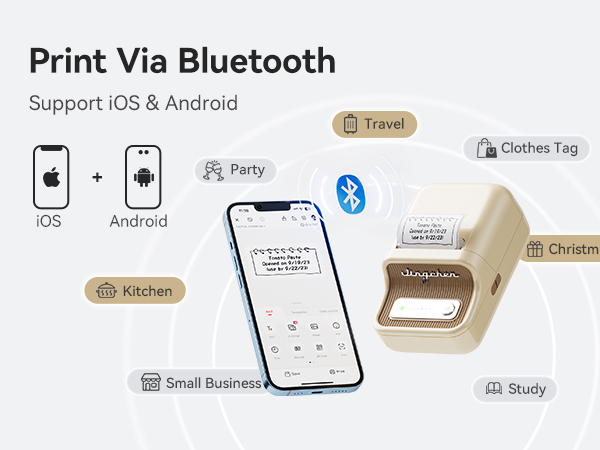
Connectivity Tech | Bluetooth, USB | Bluetooth, USB | Bluetooth, USB | Bluetooth, USB | Bluetooth |
BPA FREE | ? | ? | ? | ? | ? |
Resolution | 203dpi | 300dpi | 203dpi | 203dpi | 300dpi |
Red&Black Printing | ? | ? | ? | ? | ? |
If you can barely get visible prints, what should you do?
Firstly press twice on/off button for the self-test page, if it could print the content correctly,then just click the NIIMBOT APP Lower right corner ME>My Device>Device Detail>Fireware Version>Update version
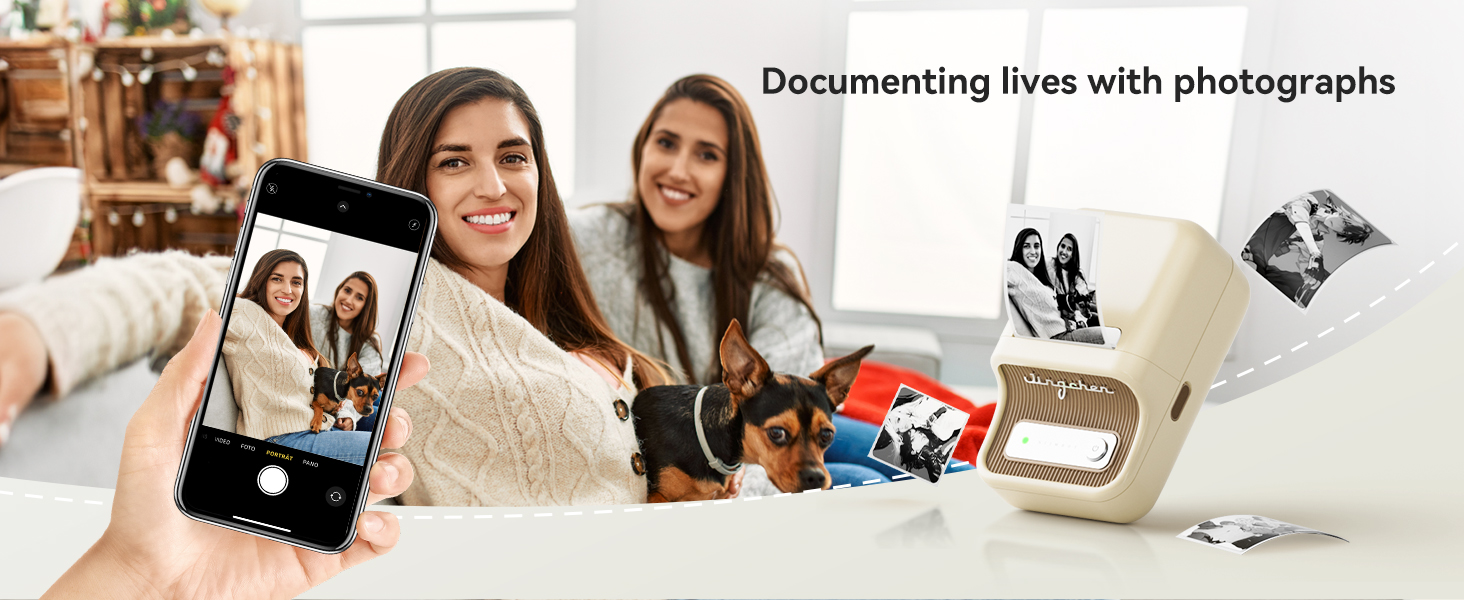
Can it print labels/photo in color?
It prints monochrome labels only. The label maker uses thermal printing technology which does not support color.
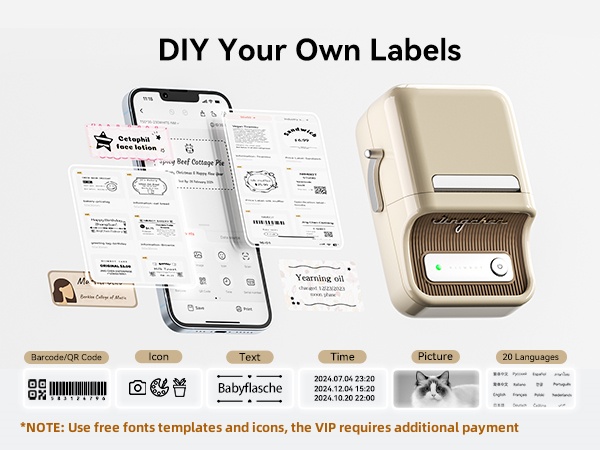
Can it print labels in different languages?
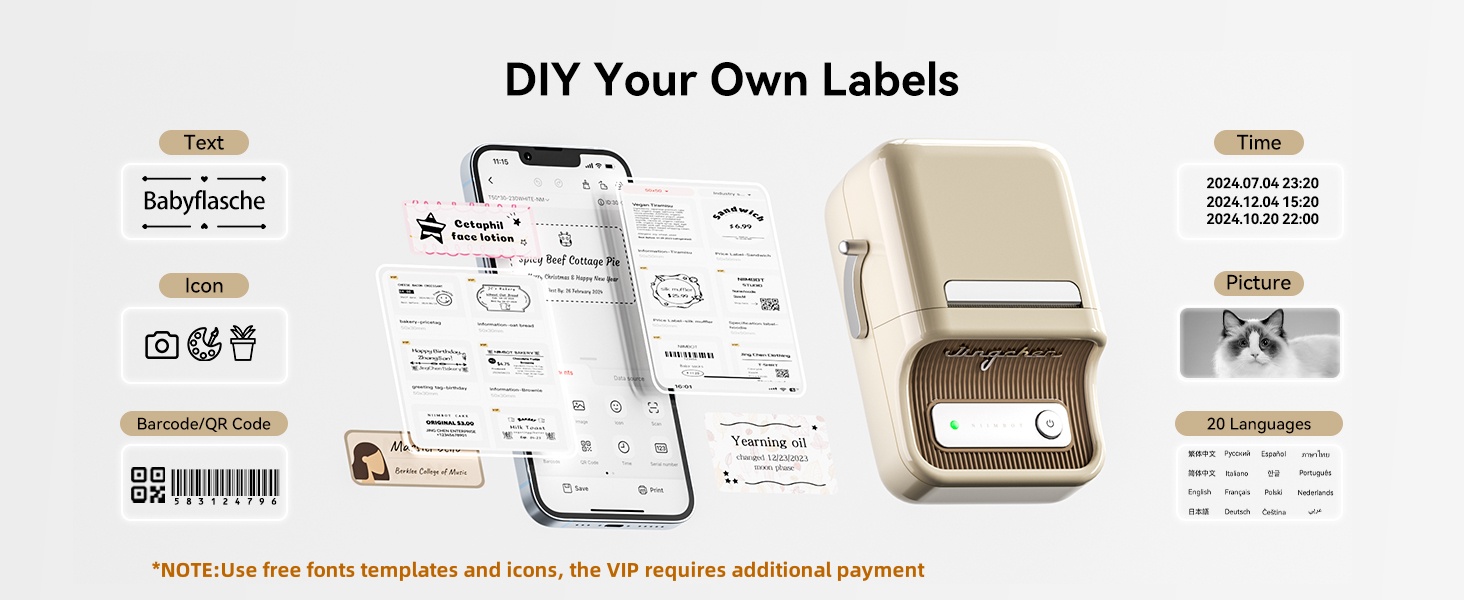
The NIIMBOT B21 label maker supports printing in 20 languages through NIIMBOT app. So yes, it can print labels in different languages.
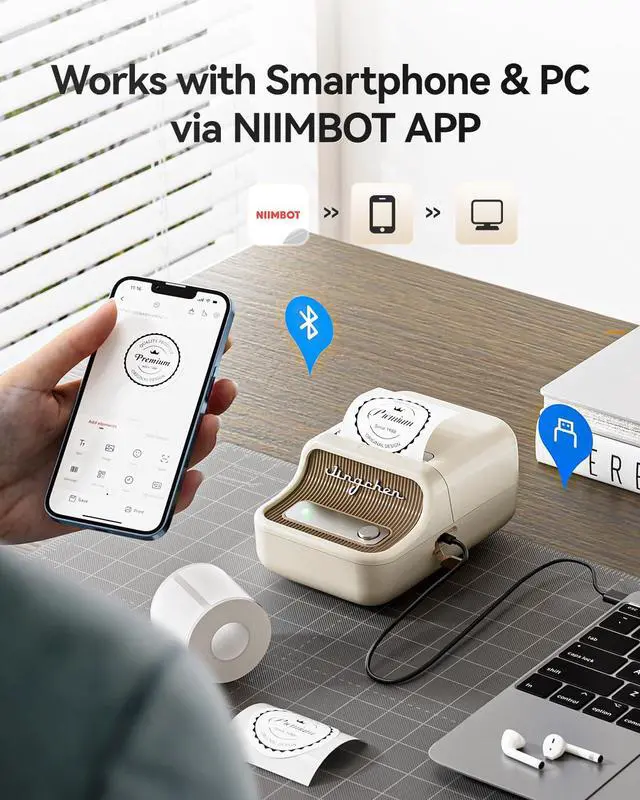
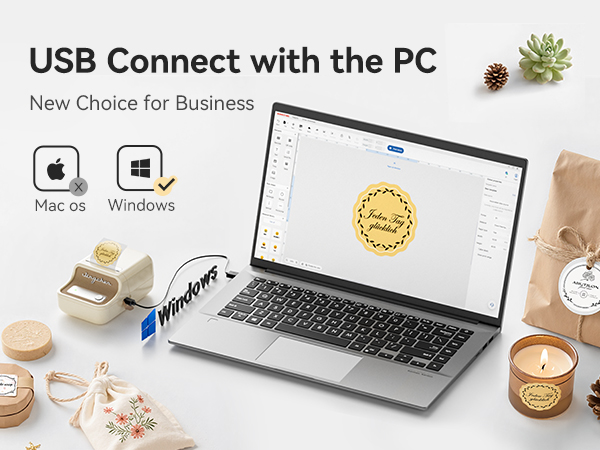
Can it print labels directly from a computer?
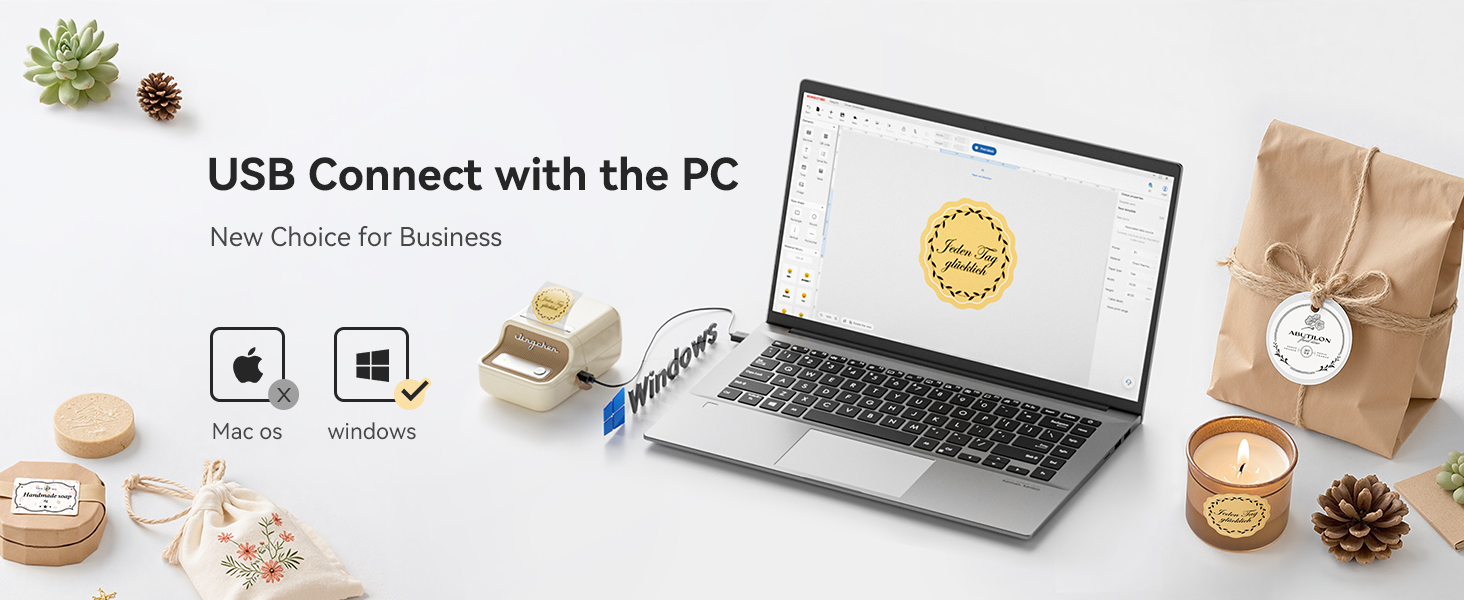
Yes, the label printer can print labels directly from a computer by USB cable. It is only compatible with Windows 7/10, not compatible for mac system, and requires downloading the driver from the NIIMBOT official website.
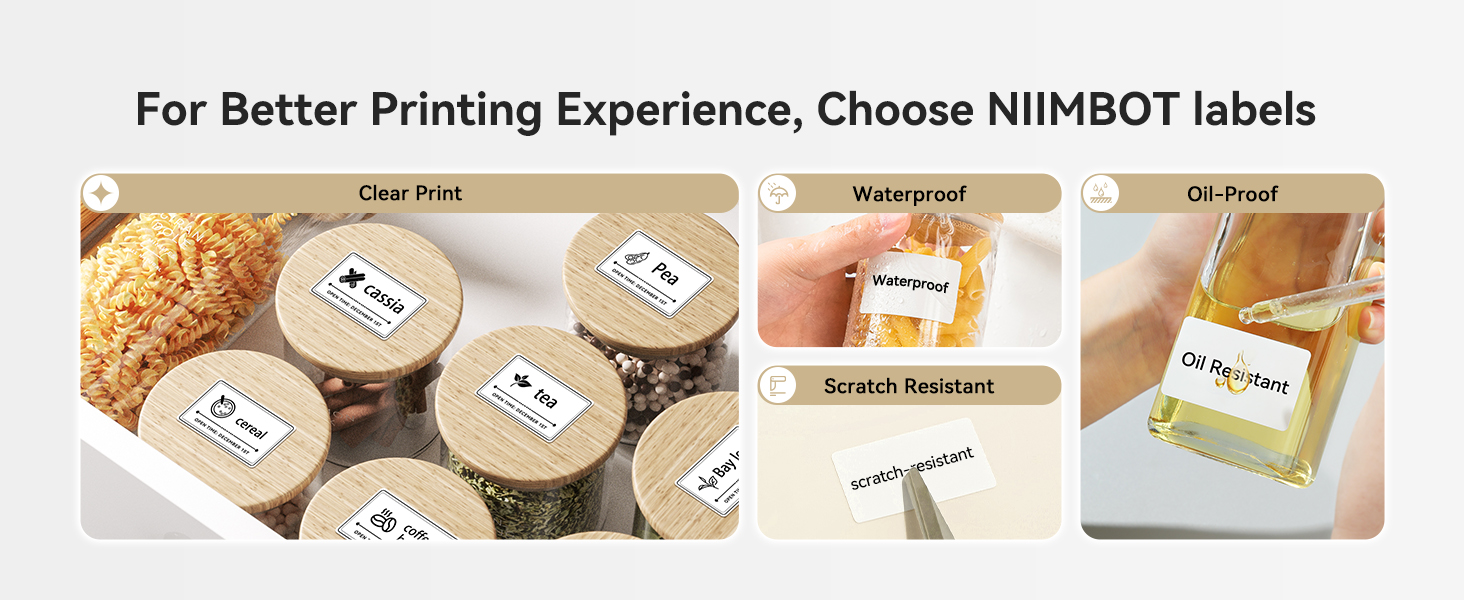
Does the label maker require special labels or can any thermal labels be used?
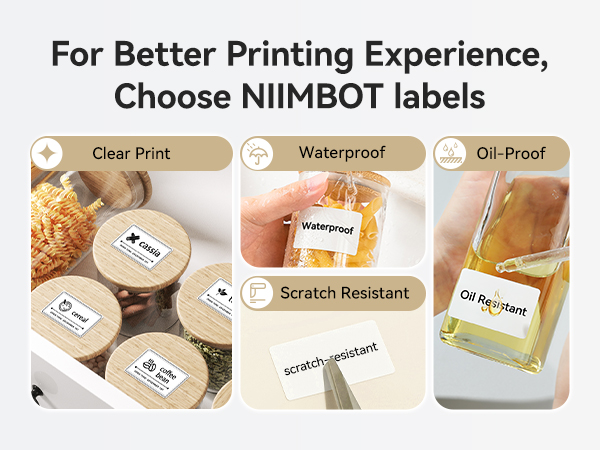
For better printing experience, please choose NIIMBOT thermal labels, and the other brands thermal labels are not compatible with NIIMBOT B21 label maker.
About NIIMBOT
NIIMBOT is a international leading service provider with intelligent identification solutions.
NIIMBOT held the mission of “The Simpler, The Better” and established three product systems with the core of Intelligent Hardware, NIIMBOT Cloud Service Platform of printing and Efficiency Management System.
We are working on product life-cycle management and be the reliable enterprise for almost millions users in the world!
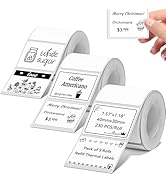
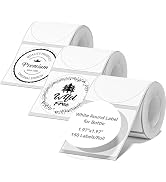
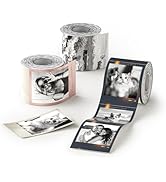
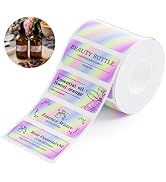
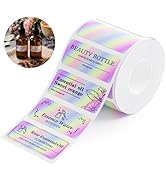
3 Pack Label for B1 B2 B21 B31
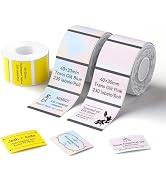
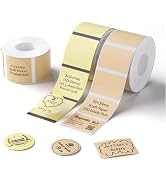
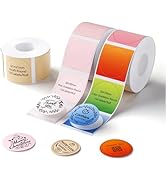
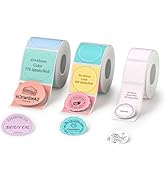
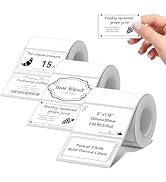
3 Pack Label for B1 B2 B21 B31
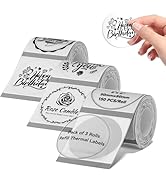
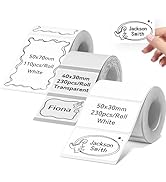
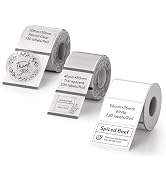
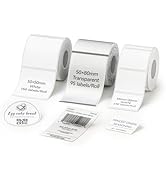
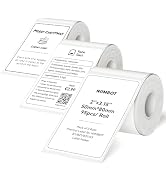
3 Pack Label for B1 B2 B21 B31
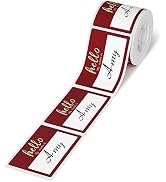
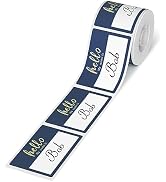
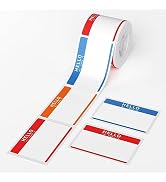
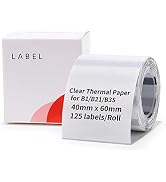
Get Free Label Buy B21 or PRO
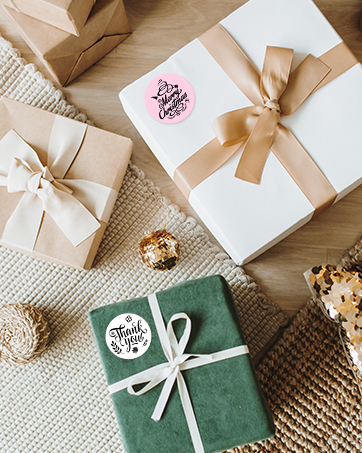
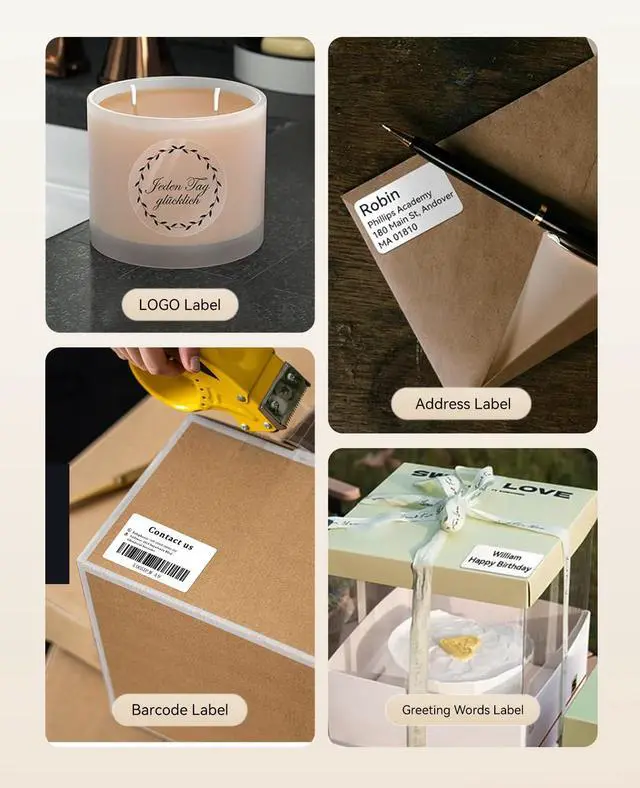
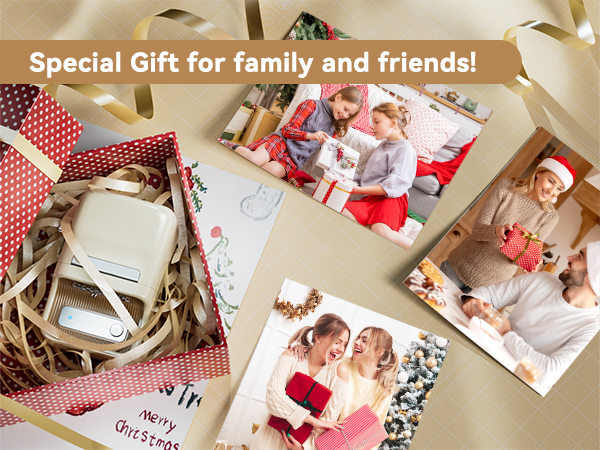
For Gift
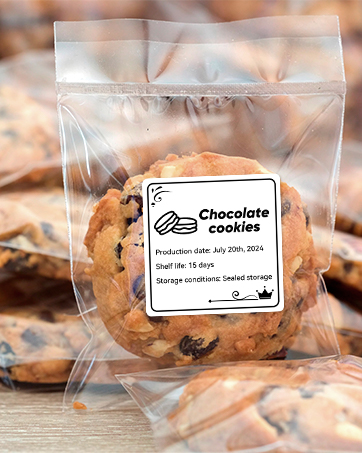
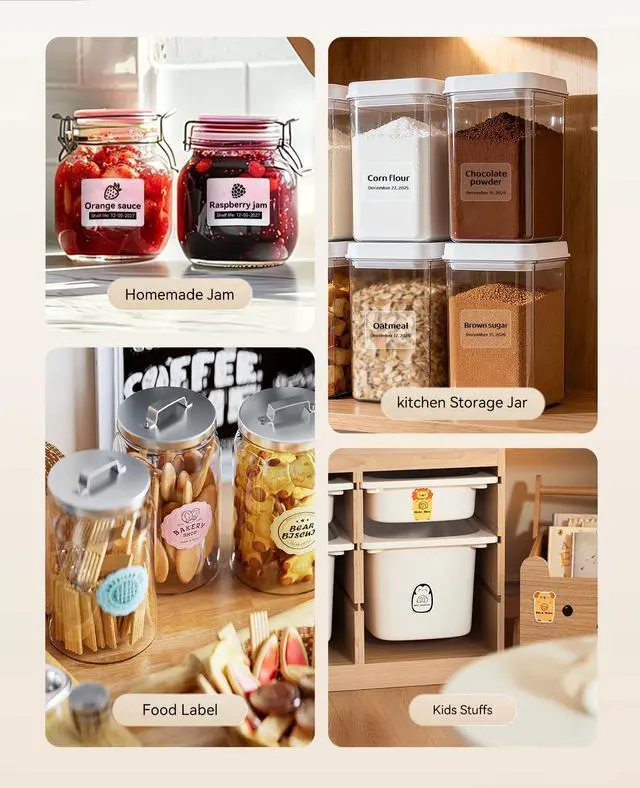
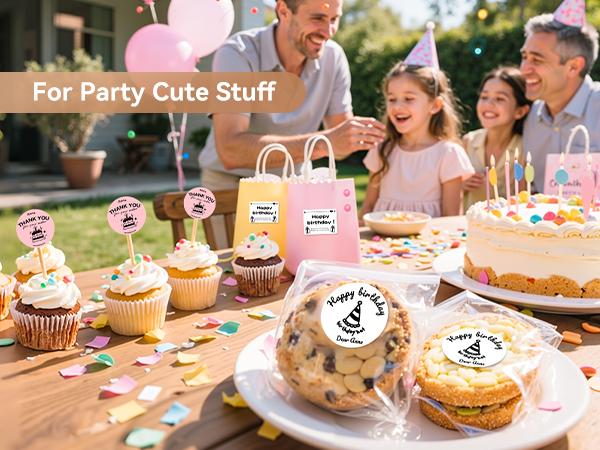
For Bakery
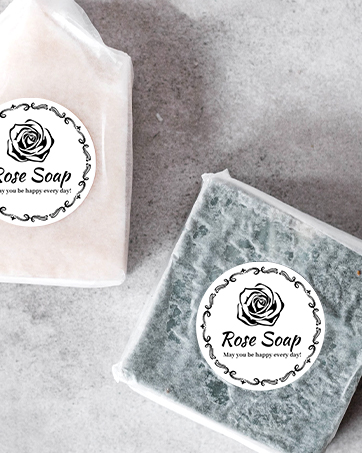
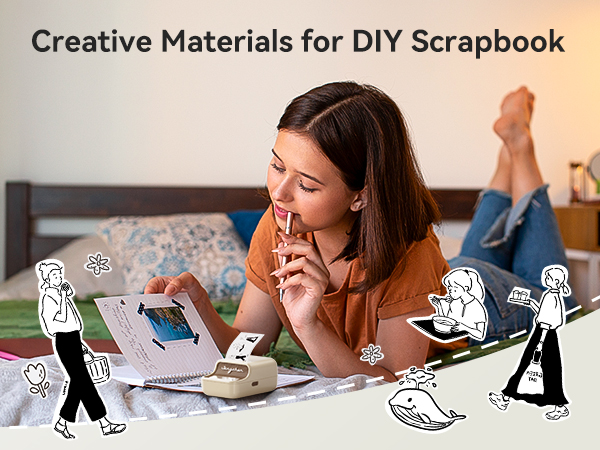
For Handmade
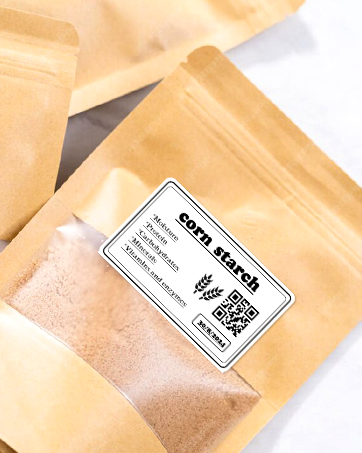
For Product Label
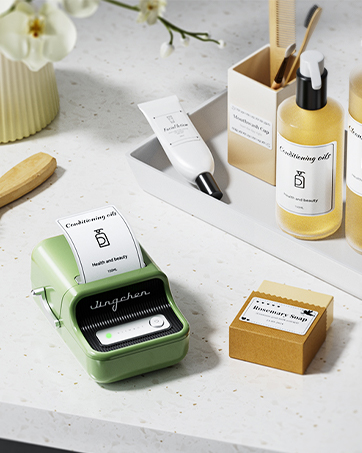
For craft Item
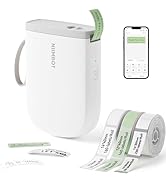
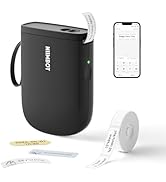
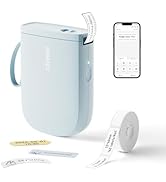
0.5 inch 300dpi label maker
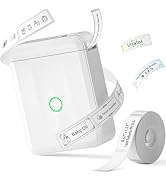
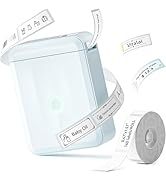
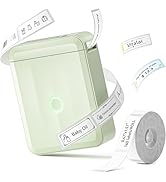
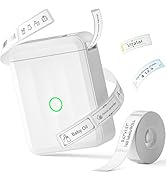
D110M Label Maker for Home
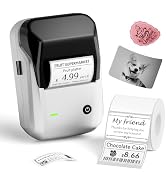
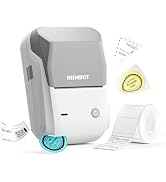
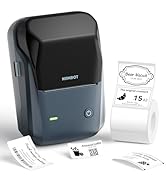
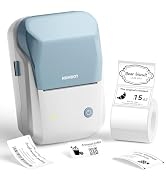
B1 Label Maker for Business
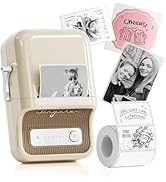
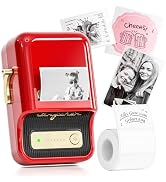
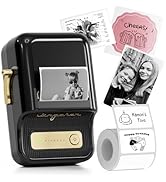
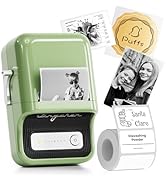
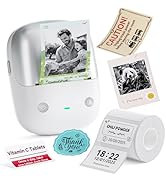
B21 Vintage Label Maker
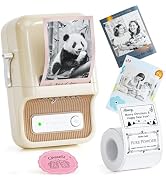
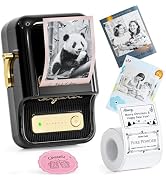
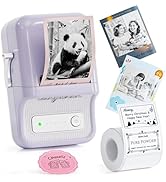
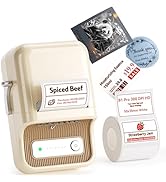
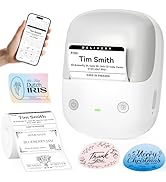
B21 PRO 300DPI Label Maker
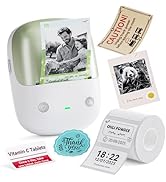
New Coming B2 & B2 Pro
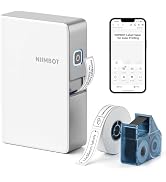
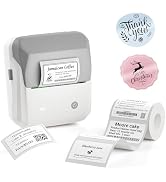
Transfer Label Maker N1&M2&M3
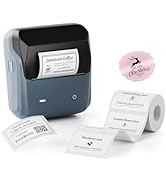
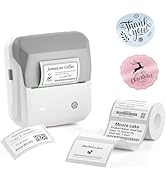
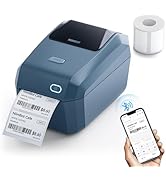
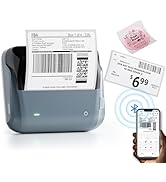
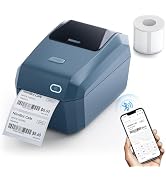
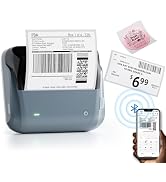
3-4 inch Label maker
niimbot b21 label maker for home
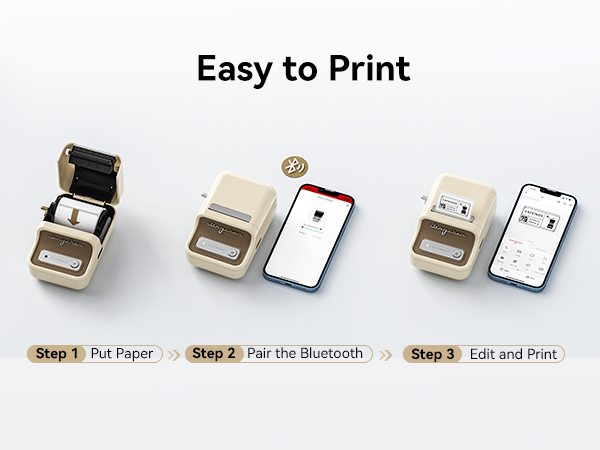

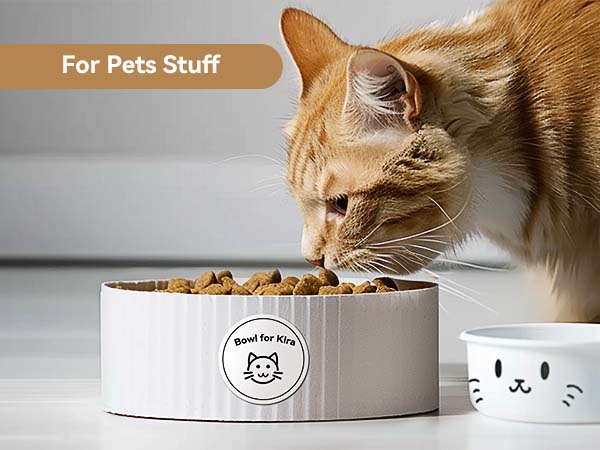

NIIMBOT Label Maker for Home Business Office Organization
NIIMBOT B21 Label Maker | NIIMBOT B21 Pro | NIIMBOT B1 Label Maker | NIIMBOT B1 Label Maker | NIIMBOT D11_H Label Maker |
|---|---|---|---|---|
| Customer Reviews | ||||
| — | — | — | — | — |
| Price | ||||
| — | — | — | — | — |
| Auto Recognition Label | ||||
| ? | ? | ? | ? | ? |
| Print Width | ||||
| 2 Inch | 2 Inch | 2 Inch | 2 Inch | 0.5 Inch |
| Battery | ||||
| 1500mAh | 1500mAh | 1500mAh | 1500mAh | 1500mAh |
| Connectivity Tech | ||||
| Bluetooth, USB | Bluetooth, USB | Bluetooth, USB | Bluetooth, USB | Bluetooth |
| BPA FREE | ||||
| ? | ? | ? | ? | ? |
| Resolution | ||||
| 203dpi | 300dpi | 203dpi | 203dpi | 300dpi |
| Red&Black Printing | ||||
| ? | ? | ? | ? | ? |
If you can barely get visible prints, what should you do?
Firstly press twice on/off button for the self-test page, if it could print the content correctly,then just click the NIIMBOT APP Lower right corner ME>My Device>Device Detail>Fireware Version>Update version
Can it print labels/photo in color?
It prints monochrome labels only. The label maker uses thermal printing technology which does not support color.
Can it print labels in different languages?
The NIIMBOT B21 label maker supports printing in 20 languages through NIIMBOT app. So yes, it can print labels in different languages.
Can it print labels directly from a computer?
Yes, the label printer can print labels directly from a computer by USB cable. It is only compatible with Windows 7/10, not compatible for mac system, and requires downloading the driver from the NIIMBOT official website.
Does the label maker require special labels or can any thermal labels be used?
For better printing experience, please choose NIIMBOT thermal labels, and the other brands thermal labels are not compatible with NIIMBOT B21 label maker.
About NIIMBOT
NIIMBOT is a international leading service provider with intelligent identification solutions.
NIIMBOT held the mission of “The Simpler, The Better” and established three product systems with the core of Intelligent Hardware, NIIMBOT Cloud Service Platform of printing and Efficiency Management System.
We are working on product life-cycle management and be the reliable enterprise for almost millions users in the world!
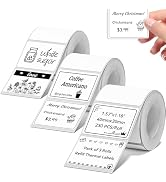
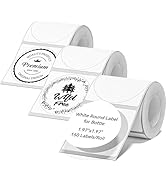
3 Pack Label for B1 B2 B21 B31
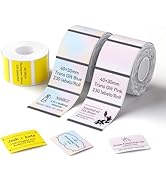
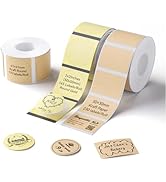
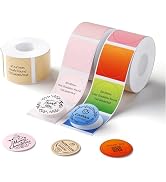
3 Pack Label for B1 B2 B21 B31
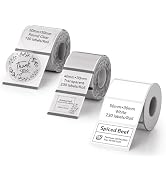
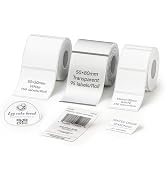
3 Pack Label for B1 B2 B21 B31
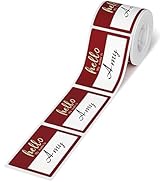
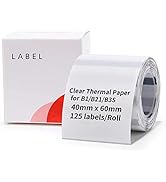
Get Free Label Buy B21 or PRO
For Gift
For Bakery
For Handmade
For Product Label
For craft Item
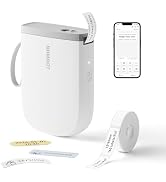
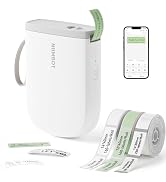
0.5 inch 300dpi label maker
D110M Label Maker for Home
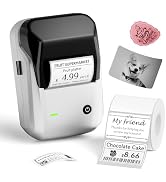
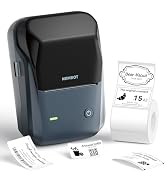
B1 Label Maker for Business
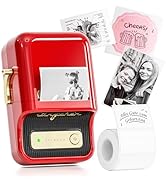
B21 Vintage Label Maker
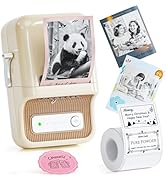
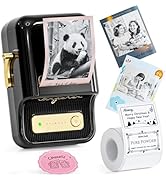
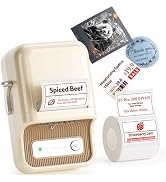
B21 PRO 300DPI Label Maker
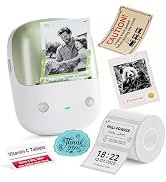
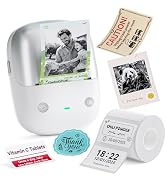
New Coming B2 & B2 Pro
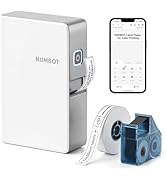
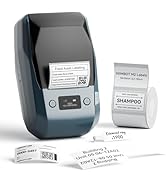
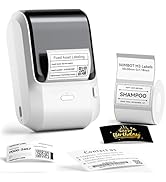
Transfer Label Maker N1&M2&M3
3-4 inch Label maker
