






Rongta Label Printer
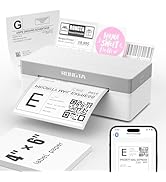
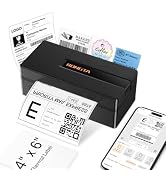
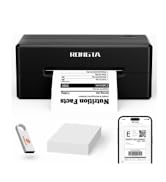
Thermal shipping label maker printer



Quick Start Guide Video
Quik User Manual
Merchant VideoBlack and white printing only;Not Color printing
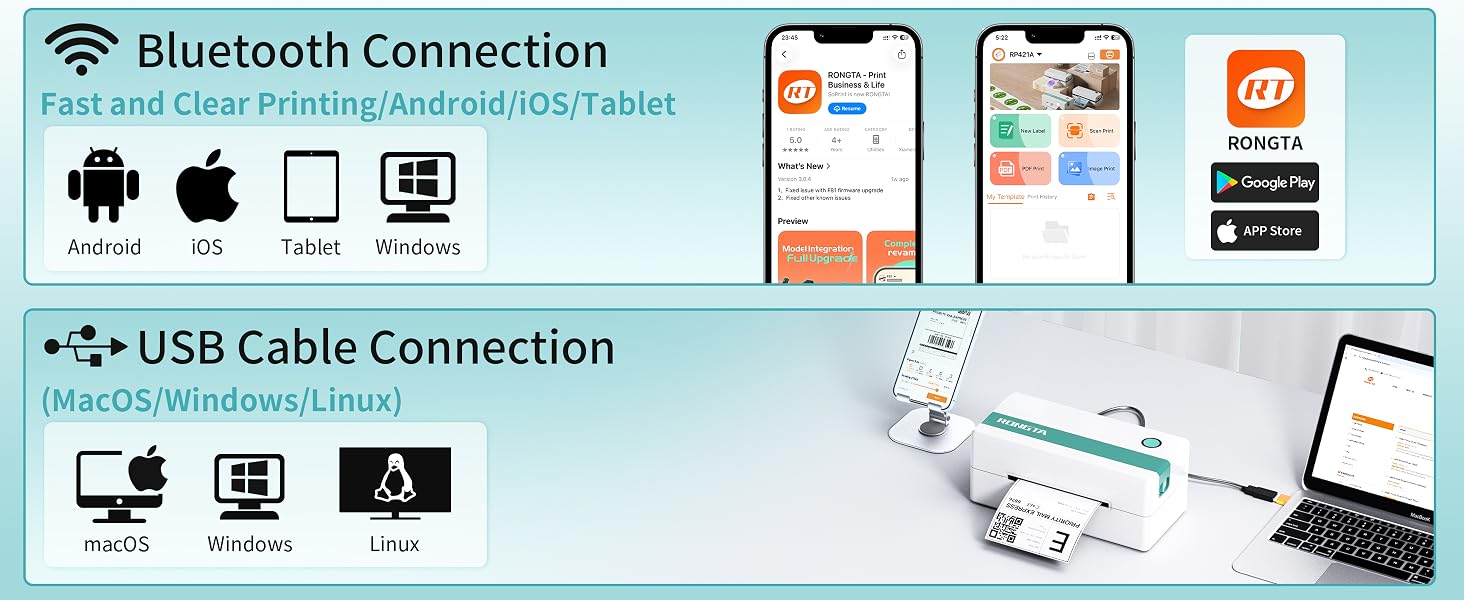
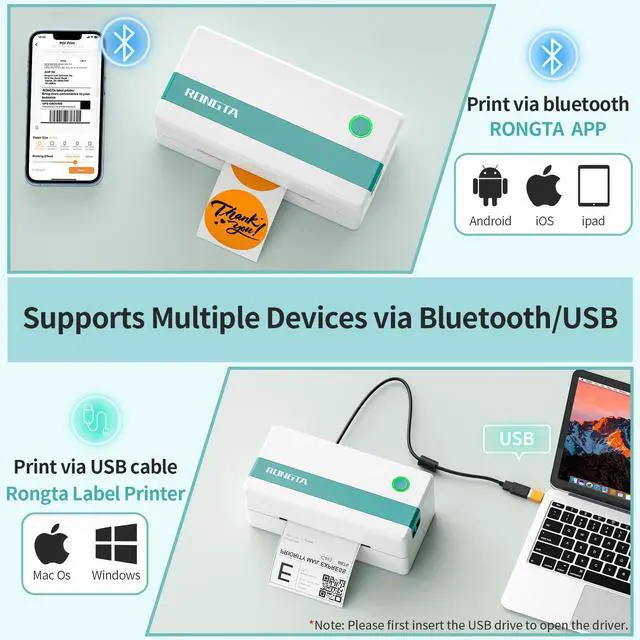
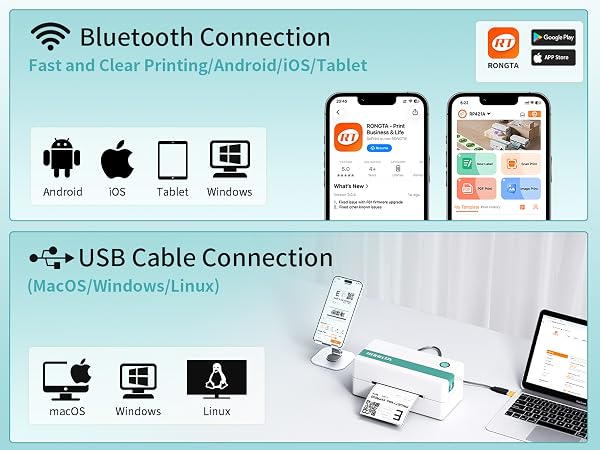
How to connect my laptop/PC to RP421A printer?--use USB cable
For Mac Question

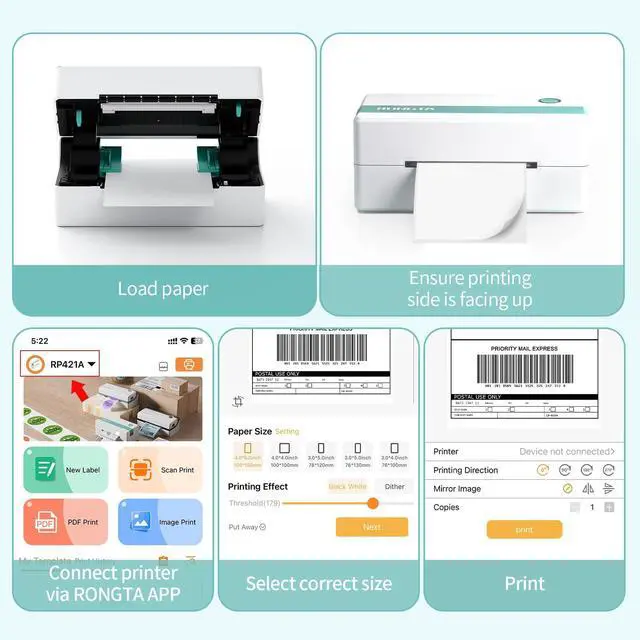
How do I connect my mobile phone to the printer?
Mobile/Ipad Printing:
Step1:Download the dedicated mobile application (RT Elabel);
Step1:Connect to printer via Bluetooth within the app for immediste use
How do I connect my PC to the printer?
Laptop Printing: Only Connect via USB and install the driver.
PC Printing:Method1: Connect via USB and install the driver.
Method2: Connect via Bluetooth--must Install Bluetooth driver (not USB driver)
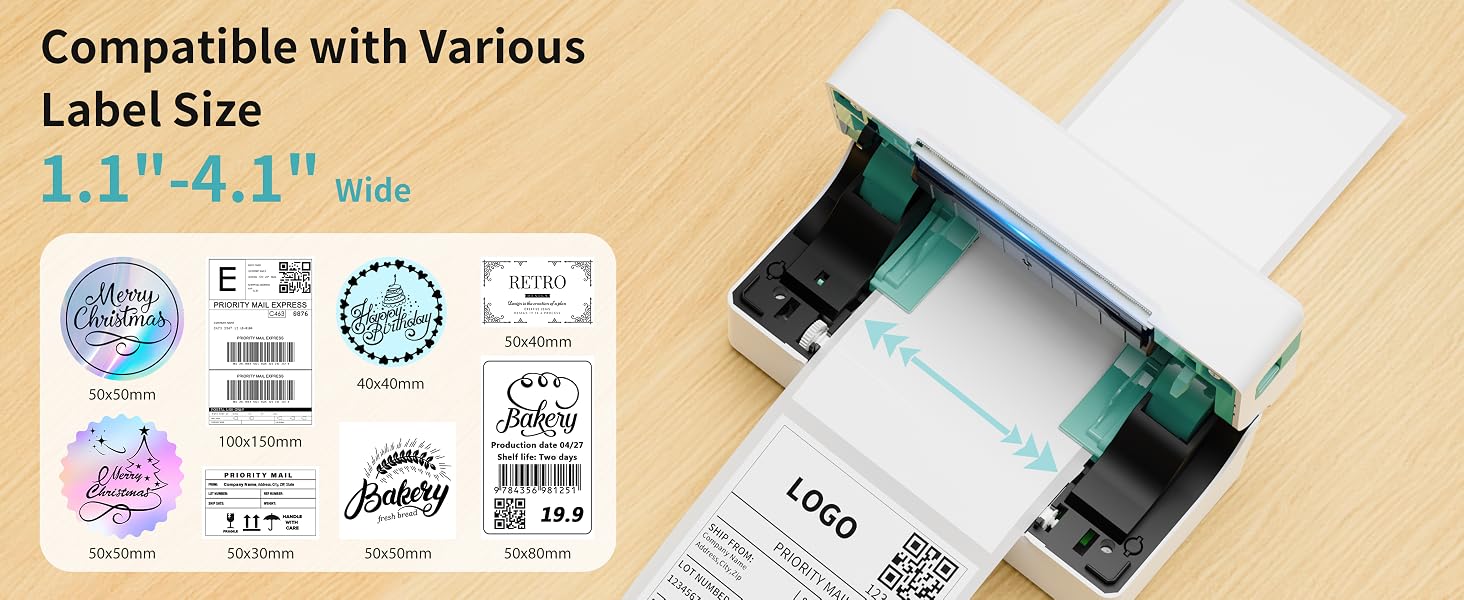
Why printing too small/too big/side-ways?
Check if you select the right format (4"x6") from the shipping platform.
-For a full-size 8.5"x11" page, please “crop” it to a 4"x6" label on the APP.
-Please calibrate and check the "paper size" setting or the "margin" setting.
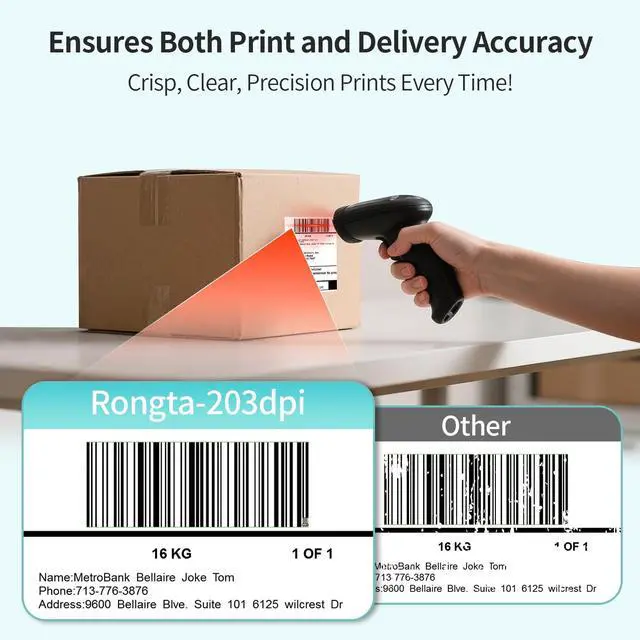
Why is the label print faint/unscannable?
For light barcodes: Print as PDF (avoid PNG/JPG).
If text is unclear: Increase density and reduce speed.
If issues persist: Clean the printhead with alcohol wipes.
Why can't I connect via Bluetooth?
For phones: Download dedicated mobile application(RT Elabel)
For Windows PCs: Please connect via USB and install USB driver. (Windows allow it with compatible drivers).
Rongta Printer, Print for Business
 Label Printer Green&White |  Label Holder | 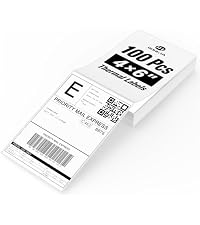 4x6 Direct Thermal Labels |  2 Inch Thermal Labels |  4x6 Inch Thermal Labels |  Thermal Label Printer |  Label Printer Pink | |
|---|---|---|---|---|---|---|---|
Customer Reviews | — | — | — | — | — | — | — |
Price | — | — | — | — | — | — | — |
Style | Thermal Printer | Label Holder | Thermal Labels | Thermal Labels | Thermal Labels | Thermal Printer | Thermal Printer |
Sticker Available | ? | ? | ? | ? | ? | ? | ? |
Color Print | ? | ? | ? | ? | ? | ? | ? |
Connection | Bluetooth/USB | Label Holder | Labels | Labels | Labels | Bluetooth/USB | Bluetooth/USB |
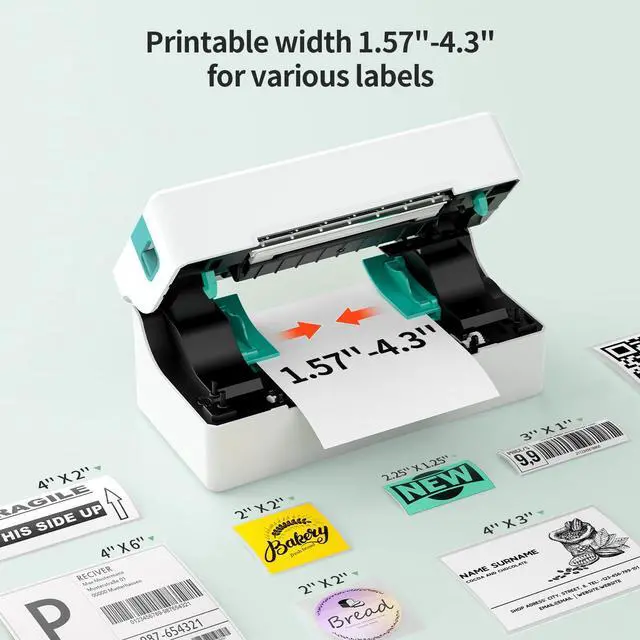
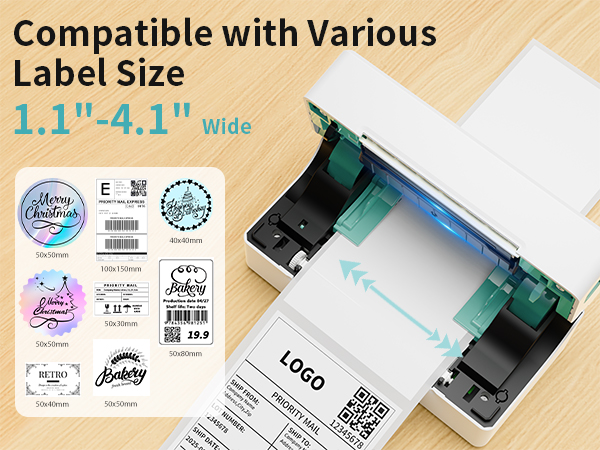
Wide Print Size | 1.57-4'' | 4 Inch Wide Max | 4*6 Inch | 2 Inch | 4*6 Inch | 1.57-4'' | 1.57-4'' |
Compatible System | Win/Mac OS/IOS/Android/Chrome | Label Holder | Label Printer | Label Printer | Label Printer | Win/Mac OS/IOS/Android/Chrome | Win/Mac OS/IOS/Android/Chrome |
Quick Start Guide Video
Quik User Manual
Merchant VideoBlack and white printing only;Not Color printing
How to connect my laptop/PC to RP421A printer?--use USB cable
Printer Driver Download & Installation--macOS
from Website(rongtaglobal.com/rp421a)
60-Second macOS Driver Setup Guide
• Set up your Mac drivers in just 60 seconds
• Quickly resolve issues with step-by-step visual guides
Bluetooth pairing code(if need): 0000 or 000000 (activation code)
Printer Driver Download & Installation--Windows
Method 1: from Website(rongtaglobal.com/rp421a)
60-Second macOS Driver Setup Guide
• Set up your Windows drivers in just 60 seconds
• Quickly resolve issues with step-by-step visual guides
Bluetooth pairing code(if need): 0000 or 000000 (activation code)
Printer Driver Download & Installation--Windows
Method 2: From Bluetooth Connect
60-Second macOS Driver Setup Guide
----must Install Bluetooth driver(not USB driver)
• Set up your Windows drivers in just 60 seconds
Bluetooth pairing code(if need): 0000 or 000000 (activation code)
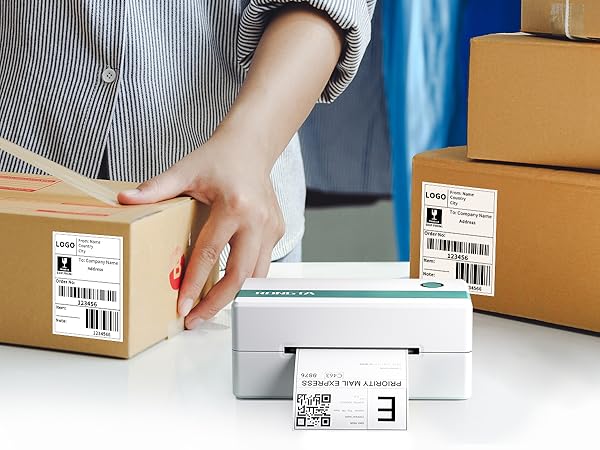
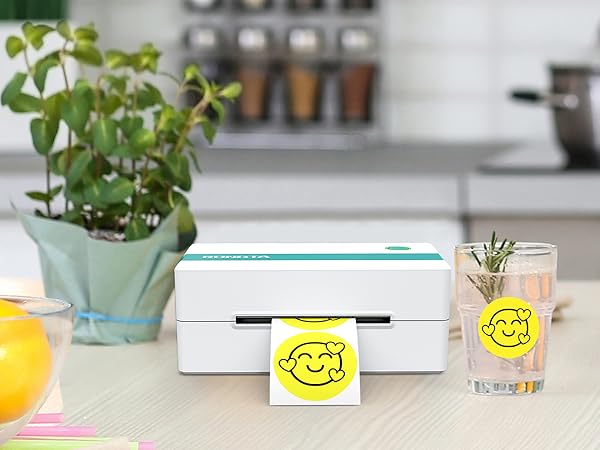
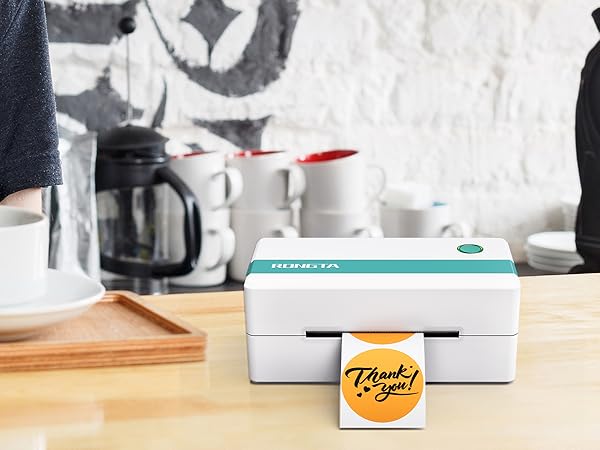
Wireless Shipping Label Maker for Small Business
For Mac Question

How do I connect my mobile phone to the printer?
Mobile/Ipad Printing:
Step1:Download the dedicated mobile application (RT Elabel);
Step1:Connect to printer via Bluetooth within the app for immediste use
How do I connect my PC to the printer?
Laptop Printing: Only Connect via USB and install the driver.
PC Printing:Method1: Connect via USB and install the driver.
Method2: Connect via Bluetooth--must Install Bluetooth driver (not USB driver)
Why printing too small/too big/side-ways?
Check if you select the right format (4"x6") from the shipping platform.
-For a full-size 8.5"x11" page, please “crop” it to a 4"x6" label on the APP.
-Please calibrate and check the "paper size" setting or the "margin" setting.
Why is the label print faint/unscannable?
For light barcodes: Print as PDF (avoid PNG/JPG).
If text is unclear: Increase density and reduce speed.
If issues persist: Clean the printhead with alcohol wipes.
Why can't I connect via Bluetooth?
For phones: Download dedicated mobile application(RT Elabel)
For Windows PCs: Please connect via USB and install USB driver. (Windows allow it with compatible drivers).
Rongta Printer, Print for Business
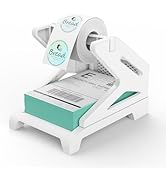
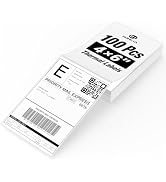
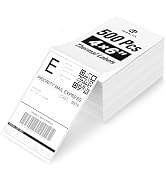
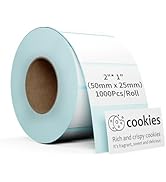
 Label Printer Green&White |  Label Holder | 4x6 Direct Thermal Labels | 2 Inch Thermal Labels | 4x6 Inch Thermal Labels | Thermal Label Printer | Label Printer Pink |
|---|---|---|---|---|---|---|
| Customer Reviews | ||||||
| — | — | — | — | — | — | — |
| Price | ||||||
| — | — | — | — | — | — | — |
| Style | ||||||
| Thermal Printer | Label Holder | Thermal Labels | Thermal Labels | Thermal Labels | Thermal Printer | Thermal Printer |
| Sticker Available | ||||||
| ? | ? | ? | ? | ? | ? | ? |
| Color Print | ||||||
| ? | ? | ? | ? | ? | ? | ? |
| Connection | ||||||
| Bluetooth/USB | Label Holder | Labels | Labels | Labels | Bluetooth/USB | Bluetooth/USB |
| Wide Print Size | ||||||
| 1.57-4'' | 4 Inch Wide Max | 4*6 Inch | 2 Inch | 4*6 Inch | 1.57-4'' | 1.57-4'' |
| Compatible System | ||||||
| Win/Mac OS/IOS/Android/Chrome | Label Holder | Label Printer | Label Printer | Label Printer | Win/Mac OS/IOS/Android/Chrome | Win/Mac OS/IOS/Android/Chrome |
Rongta Label Printer
Thermal shipping label maker printer
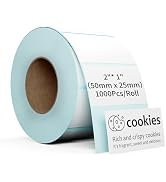
Shipping Printer Accessories

Rolled Label

Label Printer
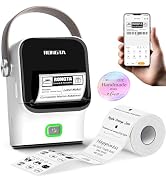
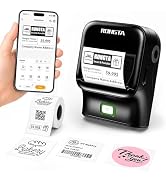
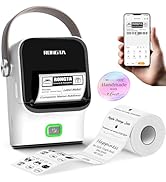
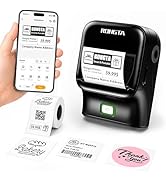
Small Label maker

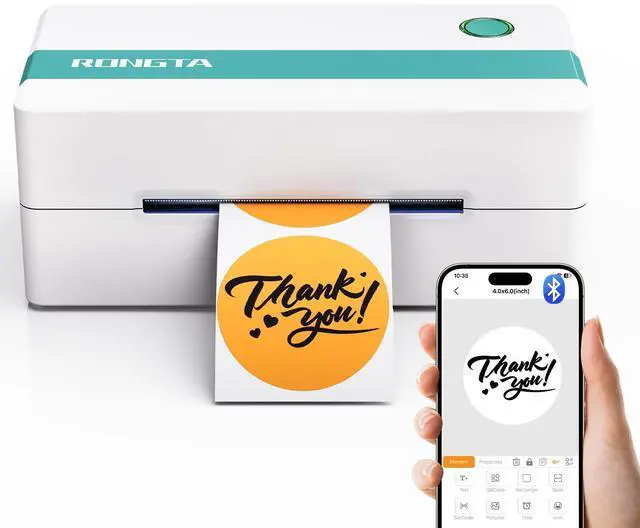
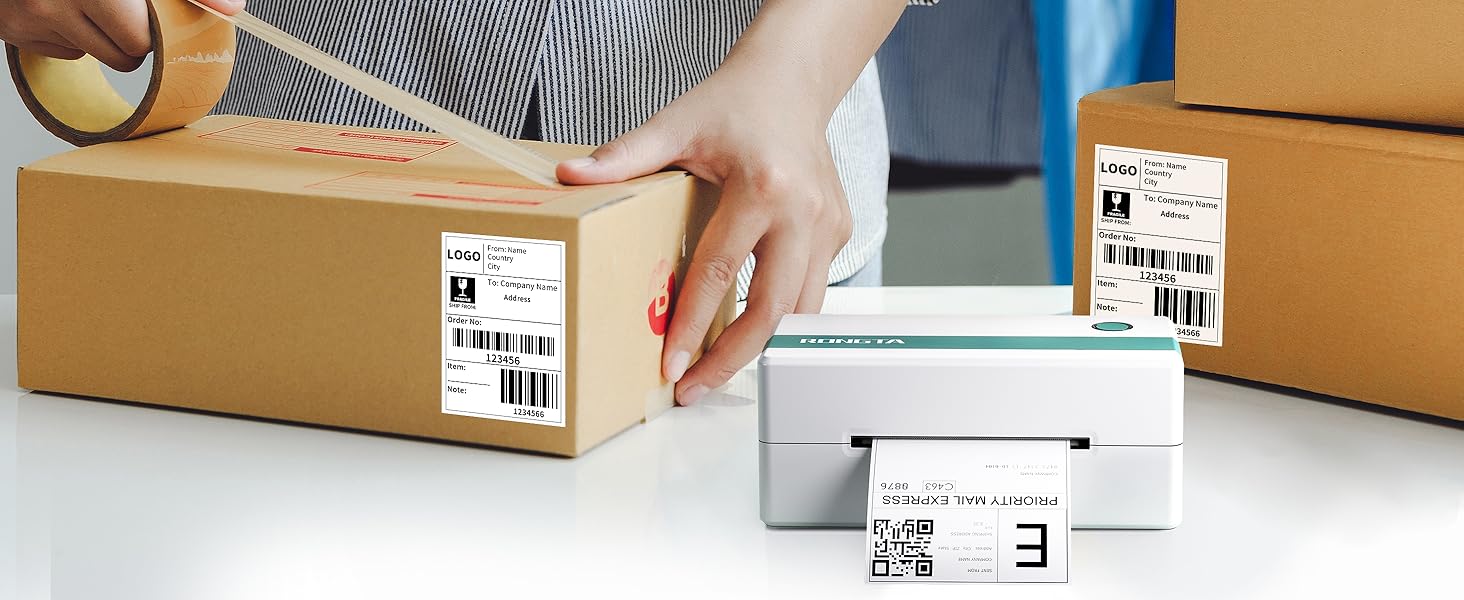
RP421A Shipping Label Printer
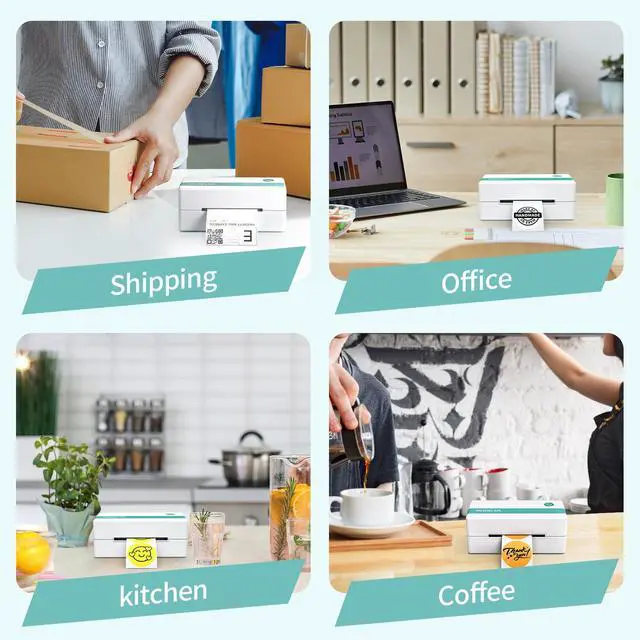
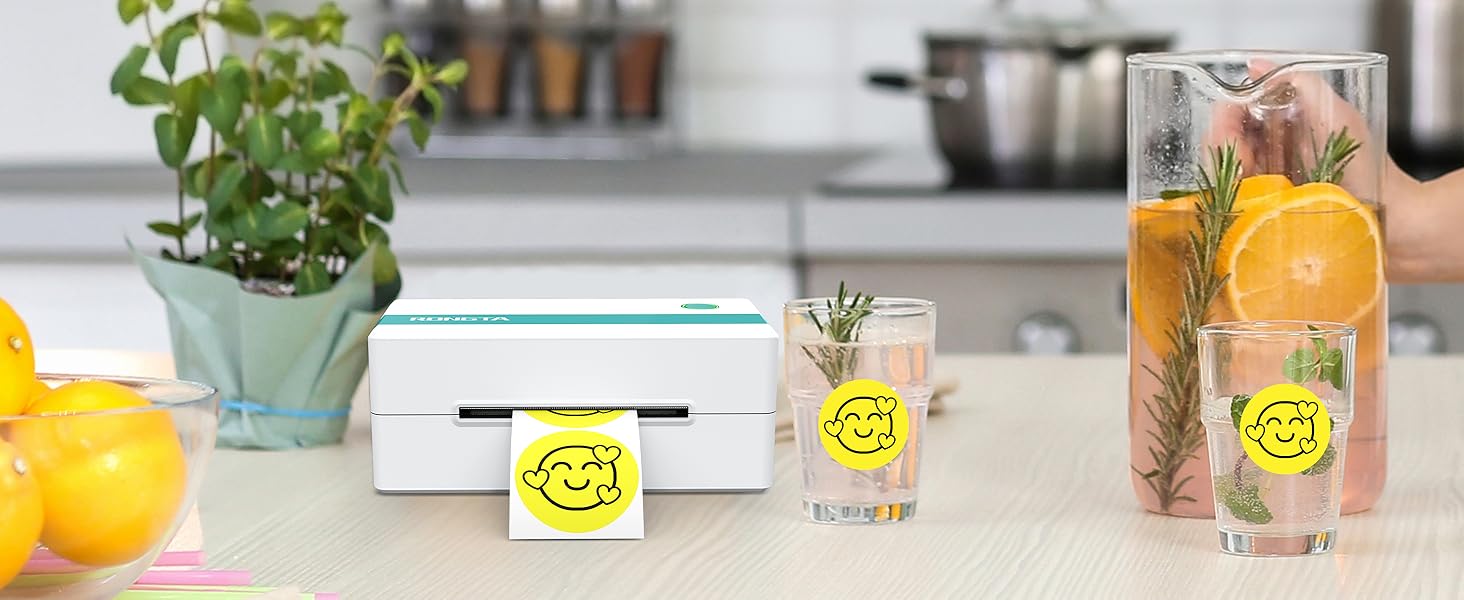
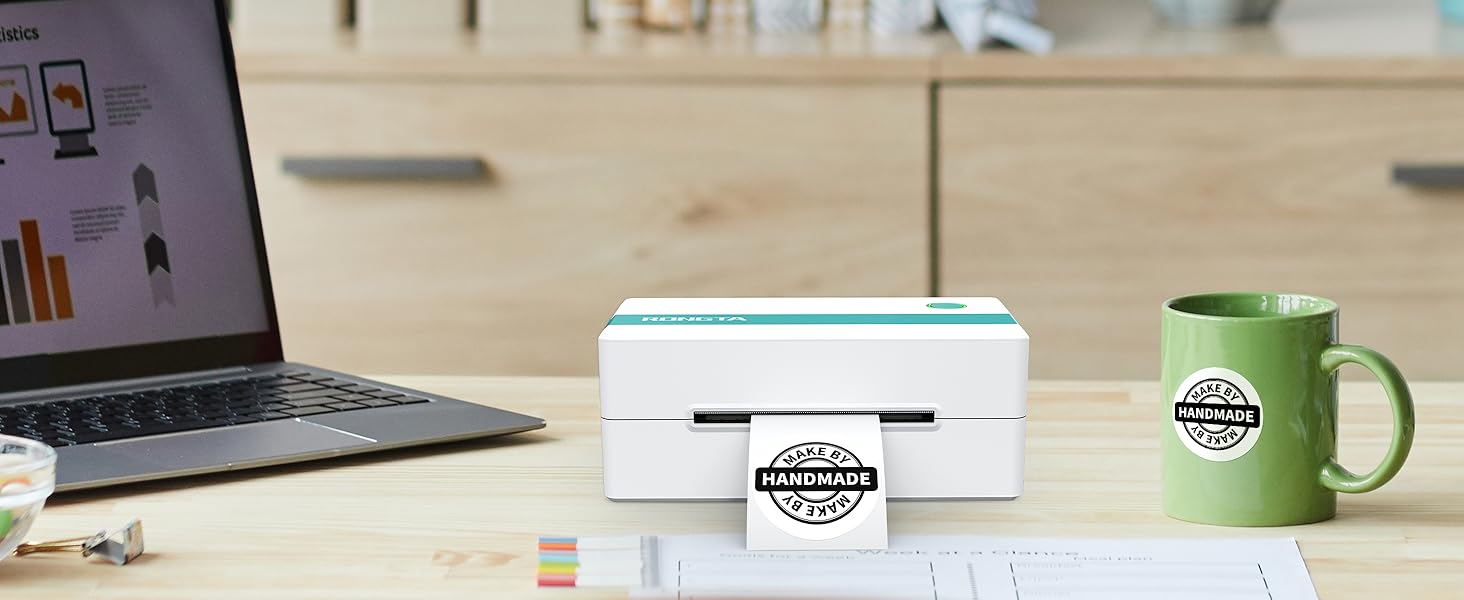
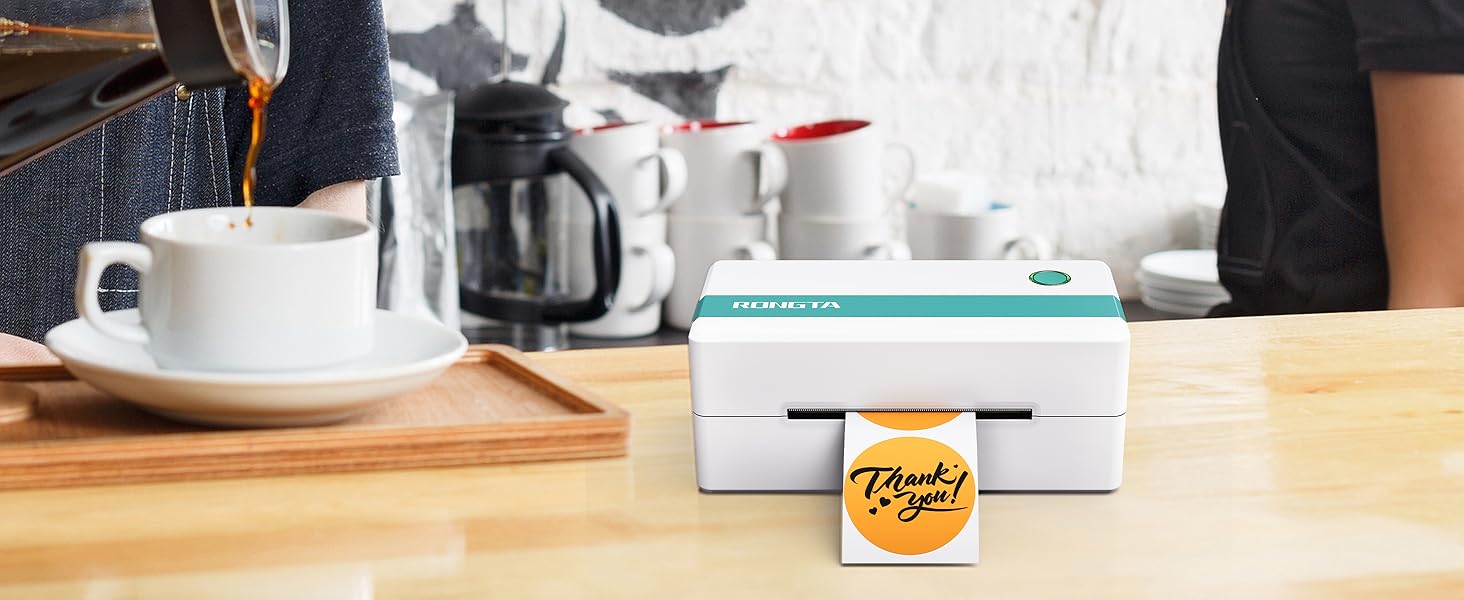
The label printer is your best small business assistant, which is Wireless, Inkless, Affortable. Compatible for Mac OS, Windows, Android, IOS.

