  • $110.99
  • Free 30-day Returns
  • Price alert
    Shop it at NeweggBusiness.

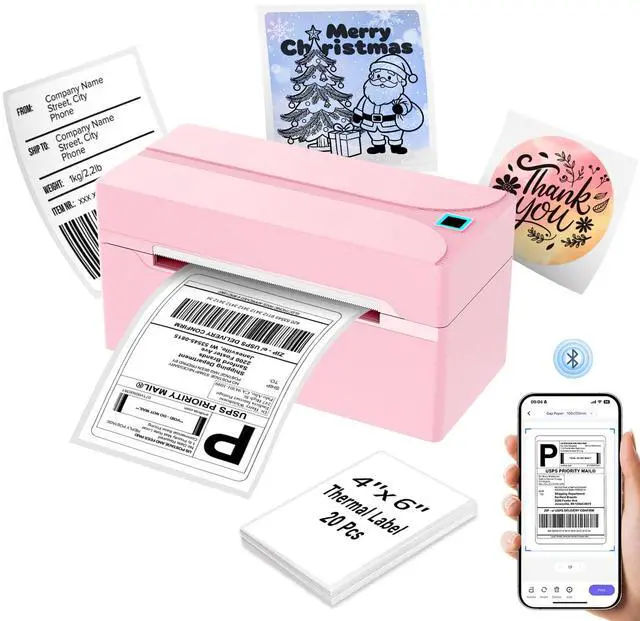
    Bluetooth Thermal Label Printer,4x6 Shipping Label Printer

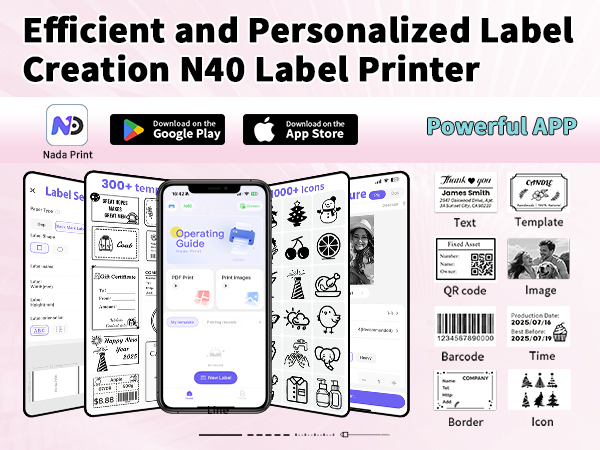
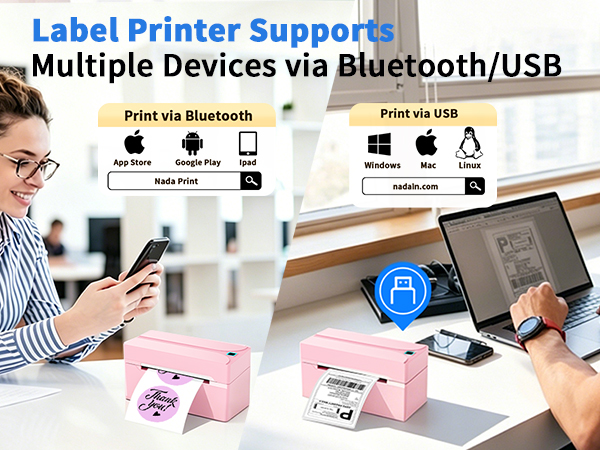
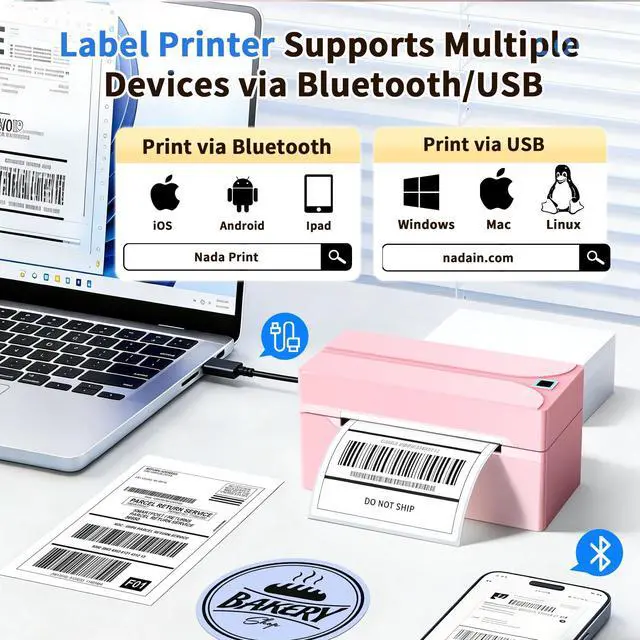
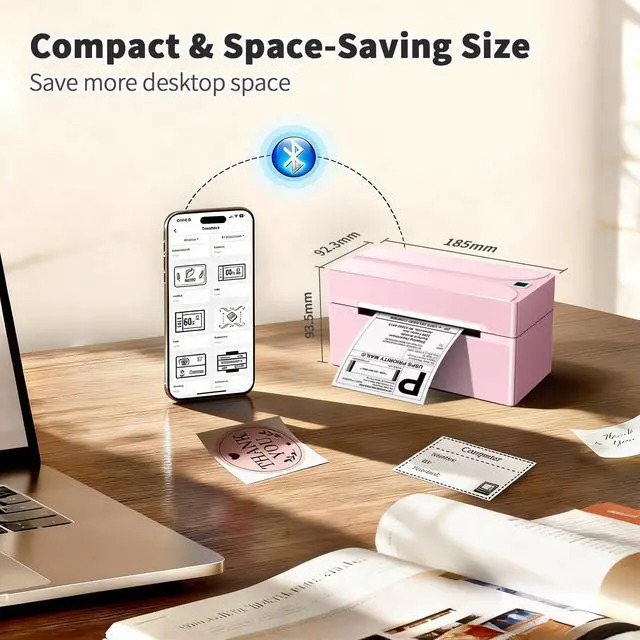
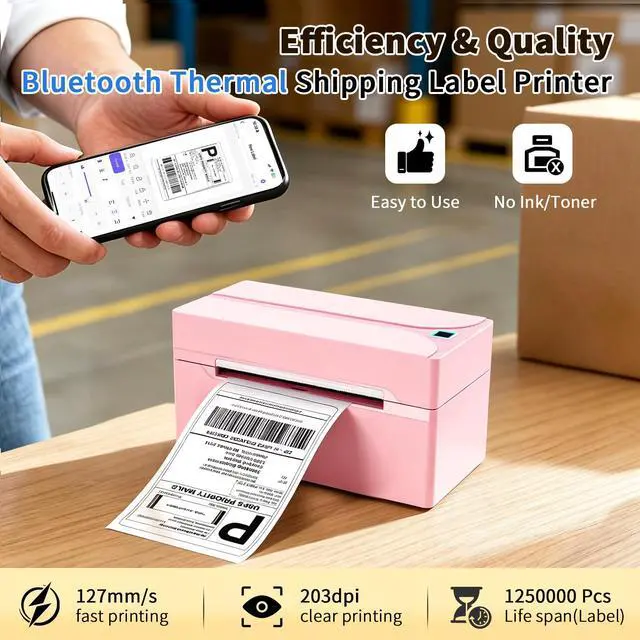
    • Wireless Bluetooth Connectivity: N40 thermal label printer features automatic calibration, smart paper ejection to prevent jams and waste. It connects seamlessly with iOS, Android & Tablet . Downlod the free Nada Print app via Bluetooth in seconds and print up to 72 sheets 4x6 labels per minute with a single tap
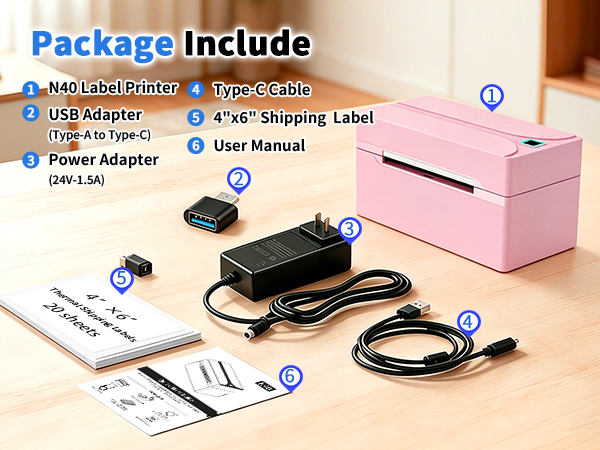
    • USB Cable Connectivity: This shipping label printer ensures seamless USB connectivity with Windows (7 and above), macOS, Linux. Simply connect the desktop label printer using a USB cable. The Windows, Mac and Linux driver software enclose on official website for easy setup. Please calibrate label size each time when you change labels
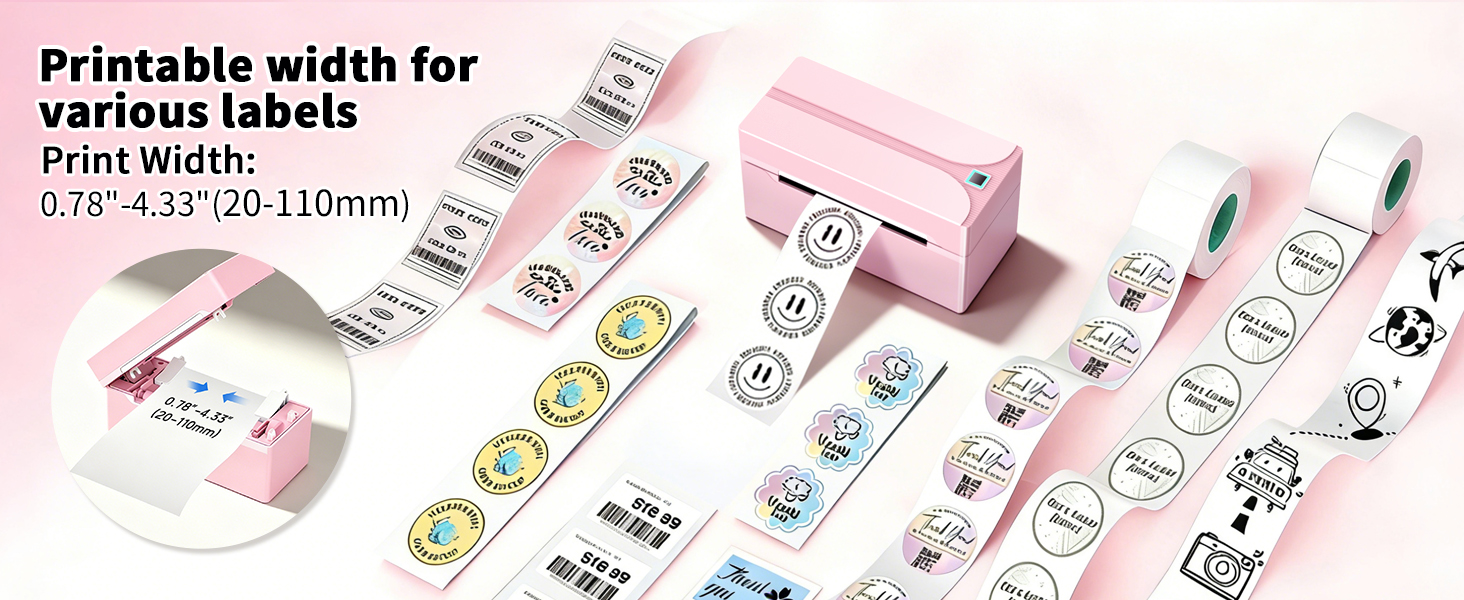
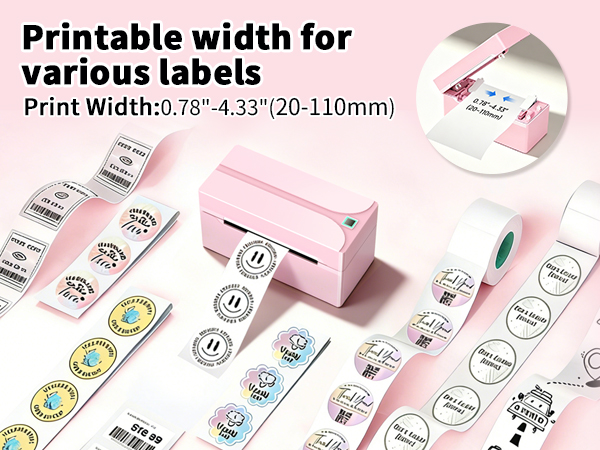
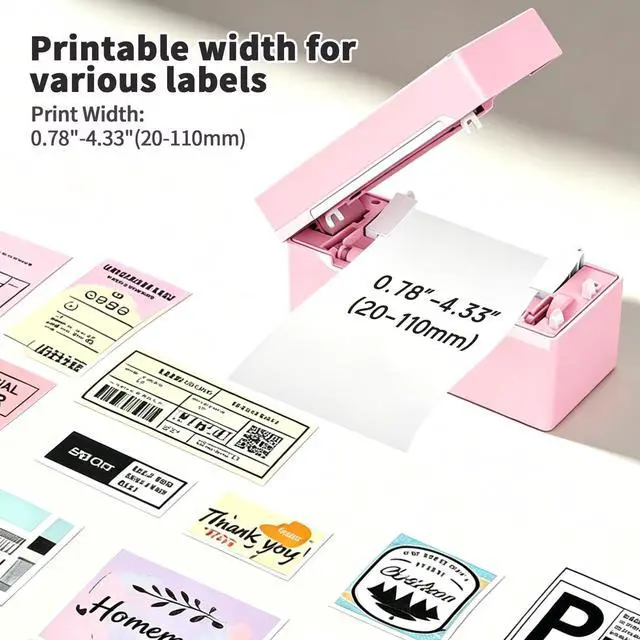
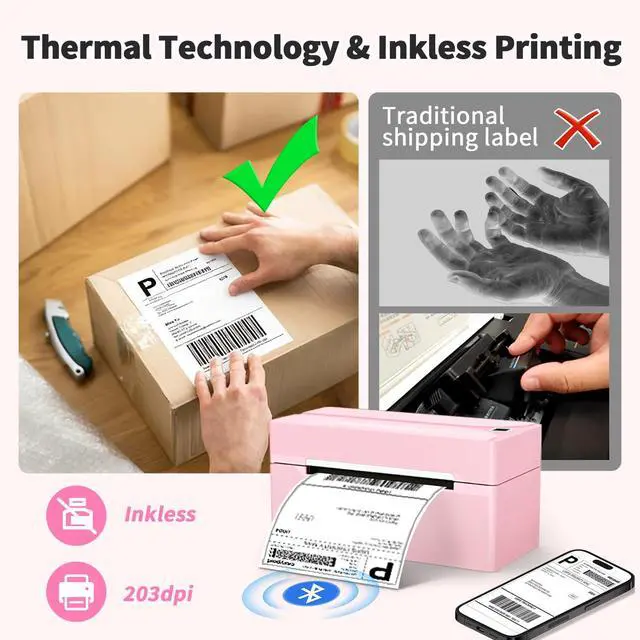
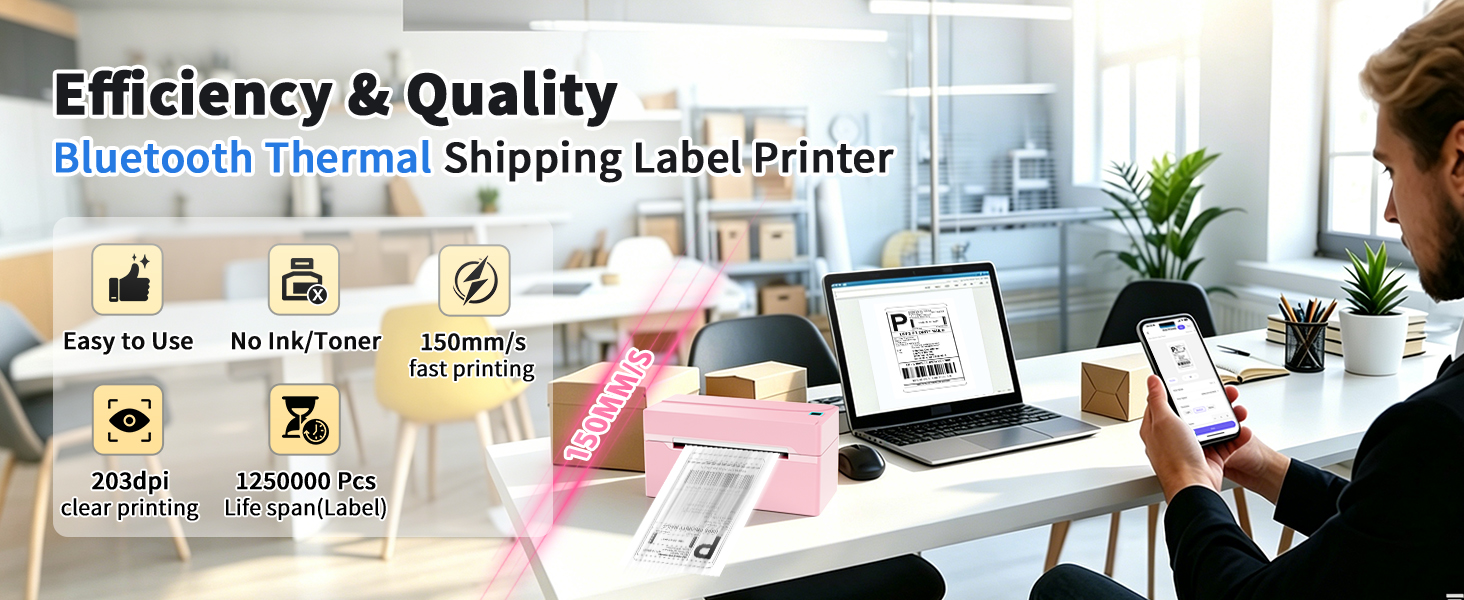
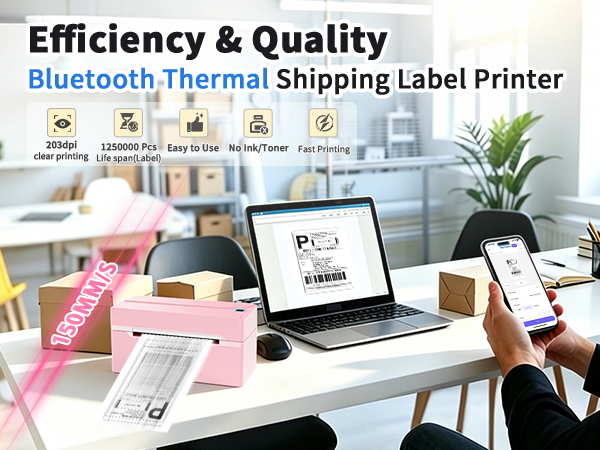
    • Fast Thermal PrintingThis label printer for shipping packages utilizes BPA-Free direct thermal printing, eliminating the need for ink, toner or ribbons. Featuring a high-grade print head and a fast printing speed of up to 150 mm/s and support for paper widths from 1.5 to 4.2 inches (both fanfold labels and roll labels). Simply load your labels and enjoy crisp, sharp 203DPI prints.
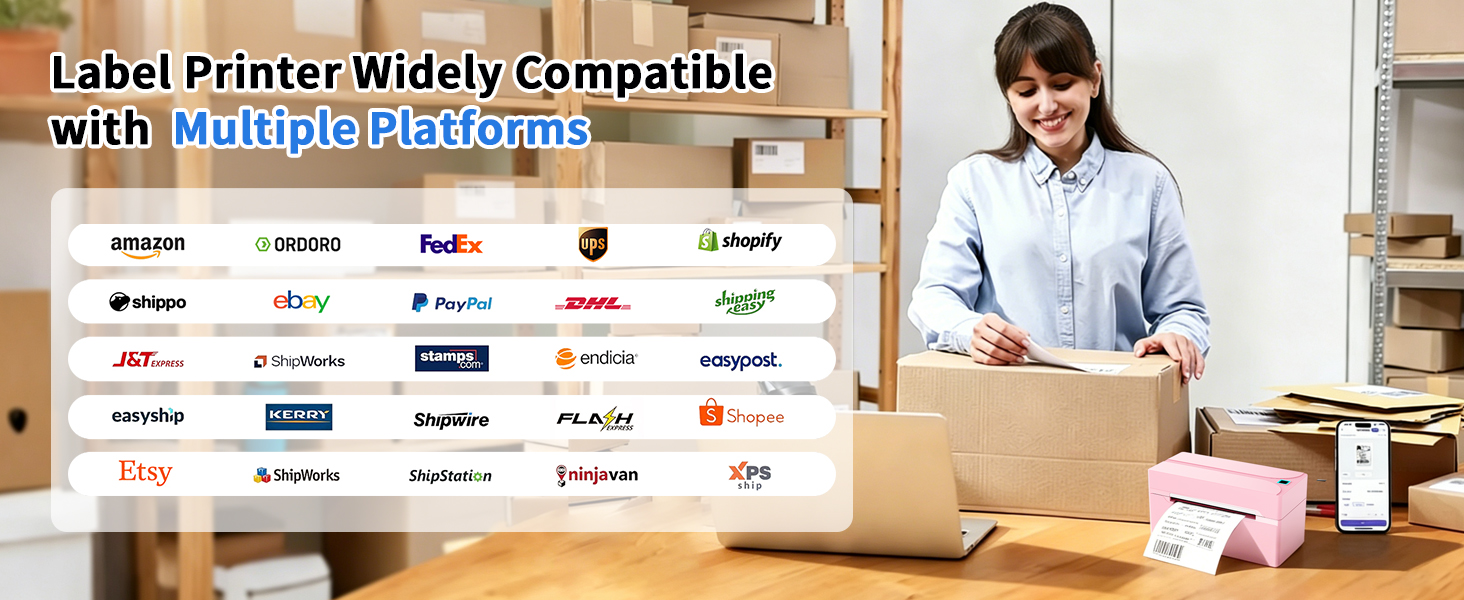
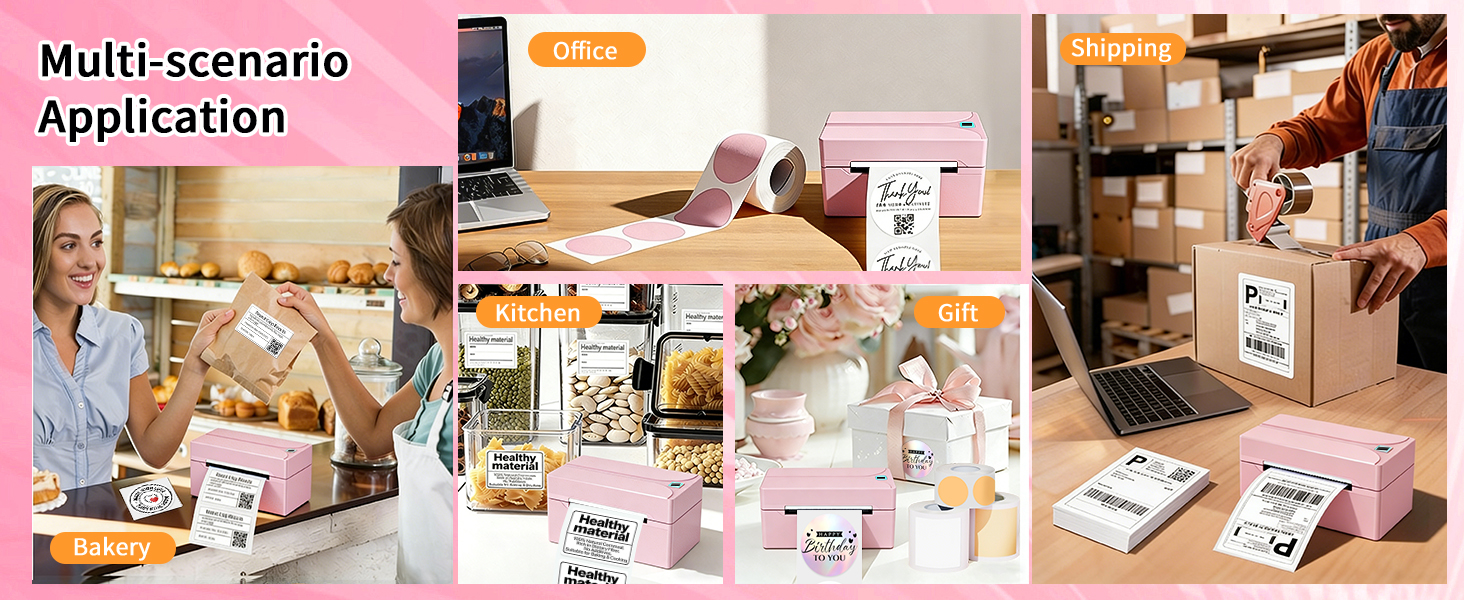
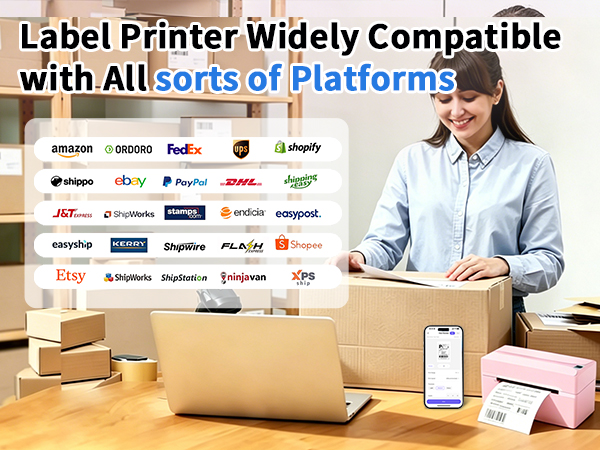
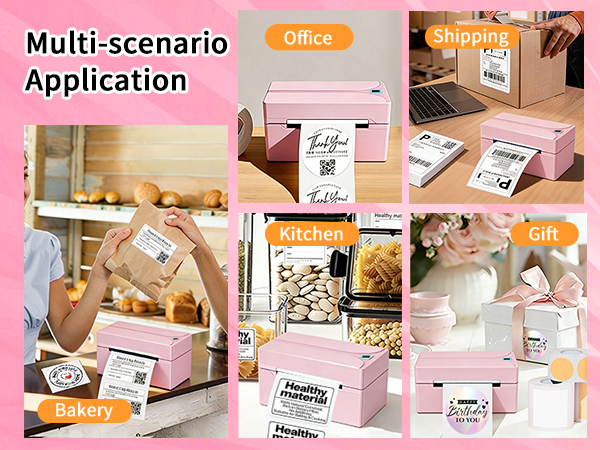
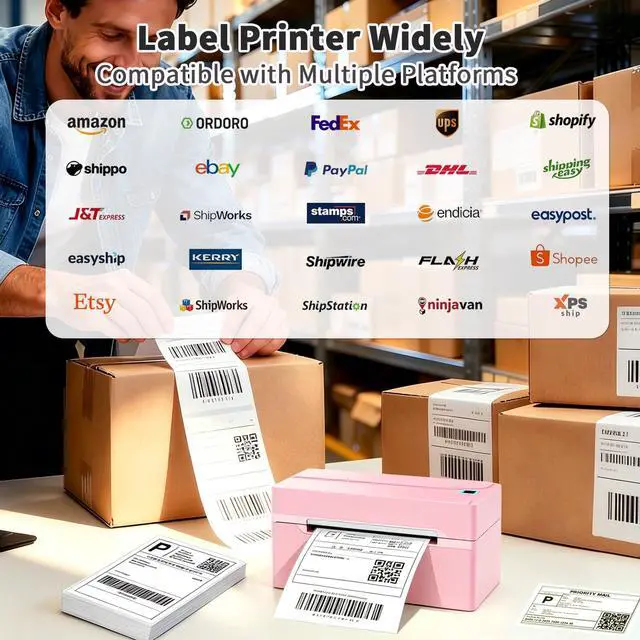
    • Universal Platform Compatibility: This thermal printer is designed for both Commercial and Home Use. The printer integrates seamlessly with multiple marketplaces and shipping platforms like Amazon, eBay, Etsy, Shopify, PayPal, USPS, FedEx, UPS, DHL, Pirate Ship, TikTok and more, ensuring effortless customization for all your labeling needs
    +
    +
    Overview
    Specs
    Reviews
    avatar

    Any questions? Our AI mode will help you find out quickly.

    How to Print on Windows?


    Download the driver from NADA official website. Please check your laptop or computer's operation system before download the printer driver to maker sure the driver is correct

    After installing the driver well, turn on the N40 label printer and using the data cable come with the printer to connect thermal printer and your laptop, and enjoy your thermal printing.

    Attention: HKHKPI N40 label printer compatible with Windows (7 and above) operation system

    How to use N40 label printer

    Merchant Video
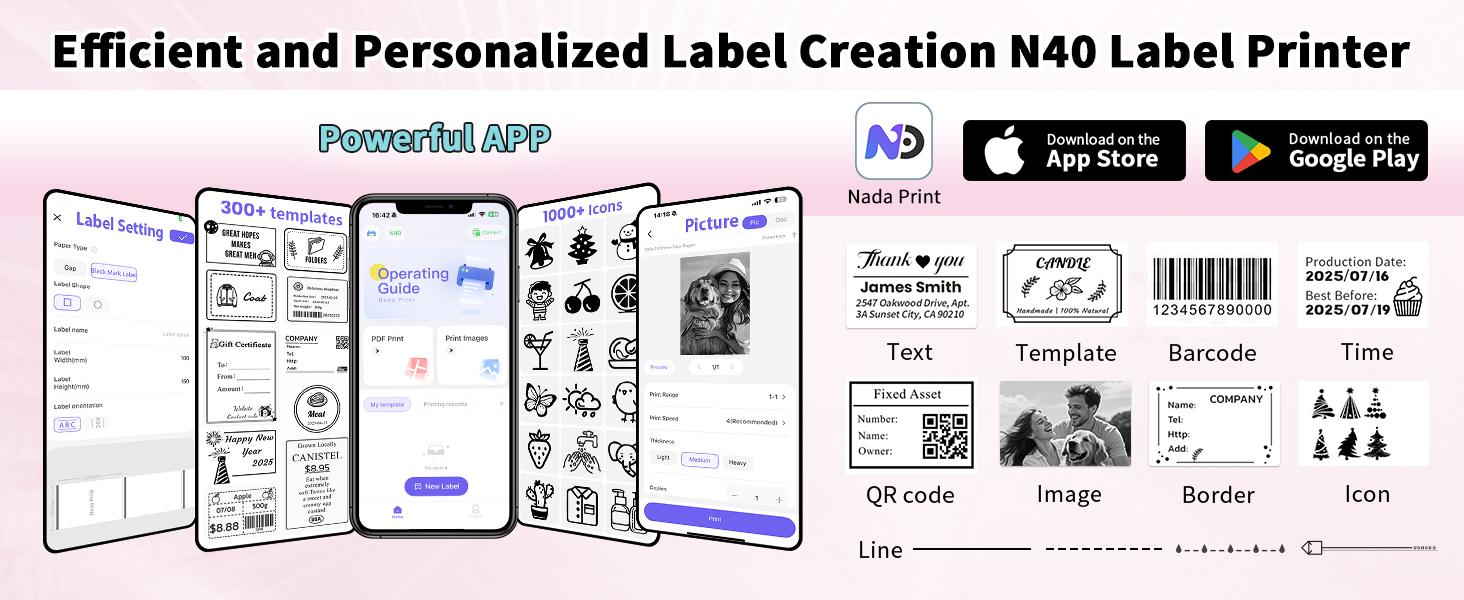
    B0GWD6F3X3
    label printer for small business
    thermal printer
    shipping label printer

    How to use N40 label printer

    Merchant Video
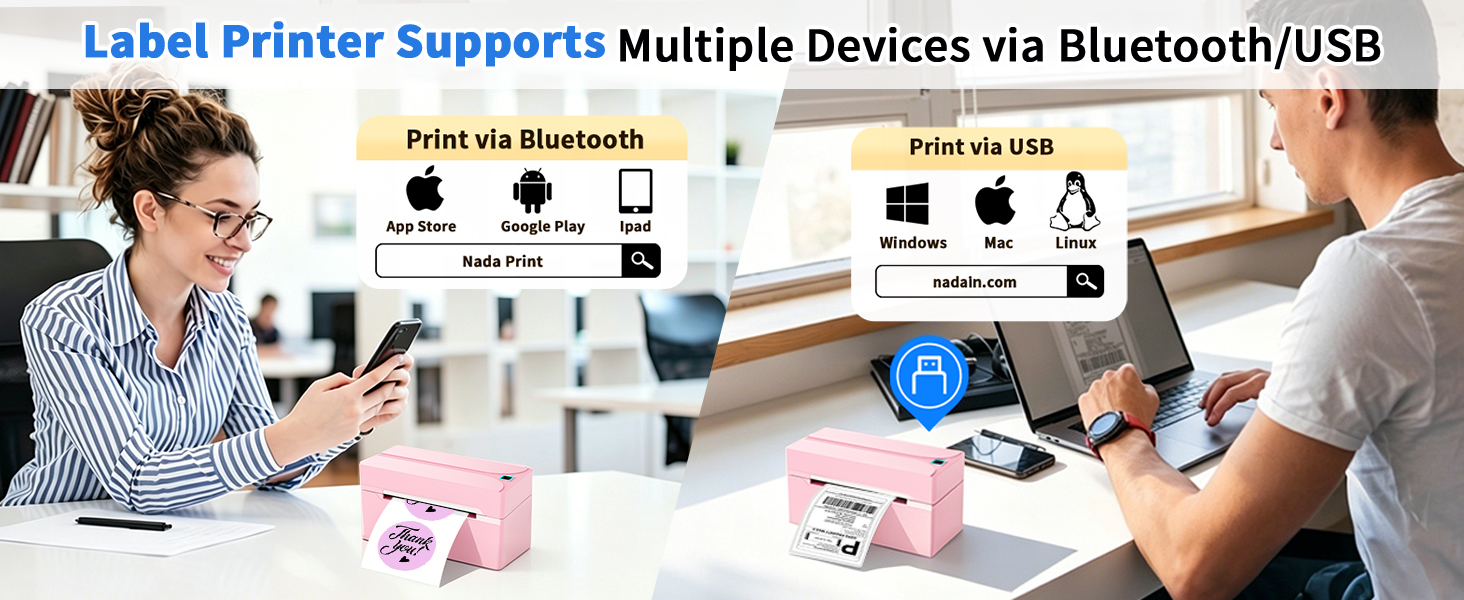
    How to Print on Windows?

    Download the driver from NADA official website. Please check your laptop or computer's operation system before download the printer driver to maker sure the driver is correct

    After installing the driver well, turn on the N40 label printer and using the data cable come with the printer to connect thermal printer and your laptop, and enjoy your thermal printing.

    Attention: HKHKPI N40 label printer compatible with Windows (7 and above) operation system
    B0GWD6F3X3
    label printer for small business
    thermal printer
    shipping label printer
    Bluetooth Thermal Label Printer, 4x6 Shipping Label Printer

    Warranty & Returns

    Warranty, Returns, And Additional Information

    Warranty

    • Please contact the Seller directly for warranty information. Warranty information may also be found on the Manufacturer's website.
    • CONTACT

    Return Policies

    Manufacturer Contact Info

    LOADING...