



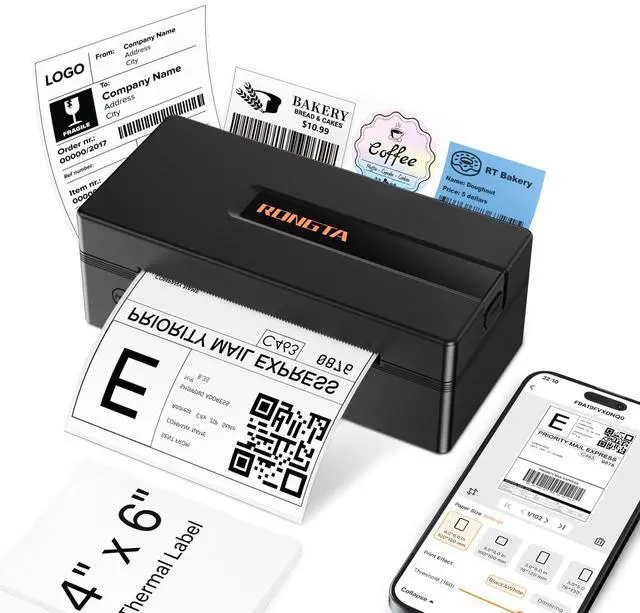



Rongta Label Printer
Thermal shipping label printer.
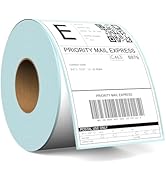


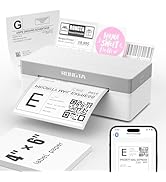
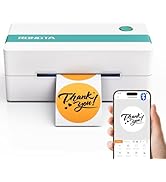
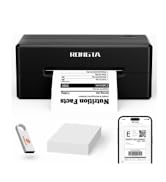
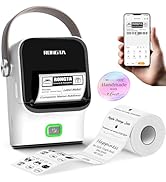
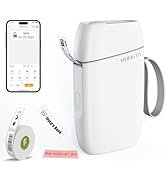
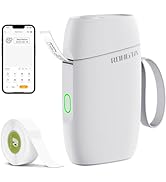
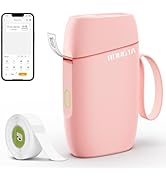

Label Printer & Accessories
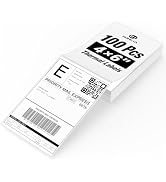
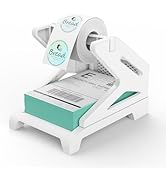
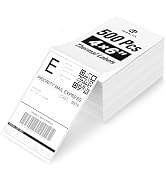
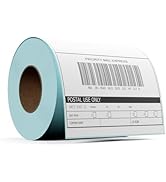
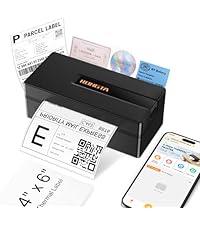 Rongta Label Printer | 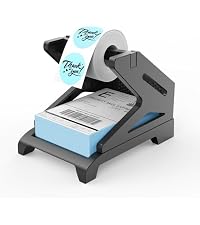 Rongta Label Holder |  4x6 Direct Thermal Labels |  2 Inch Thermal Labels |  2*2 Inch Thermal Labels |  4x6 Inch Thermal Label |  2*1 Inch Thermal Labels | |
|---|---|---|---|---|---|---|---|
Customer Reviews | — | — | — | — | — | — | — |
Price | — | — | — | — | — | — | — |
Style | Thermal Printer | Label Holder | 500 PCS Labels | 750 PCS Labels | 750 PCS Labels | 220 PCS Labels | 1000 PCS Labels |
Sticker Available | ? | ? | ? | ? | ? | ? | ? |
Color Print | ? | ? | ? | ? | ? | ? | ? |
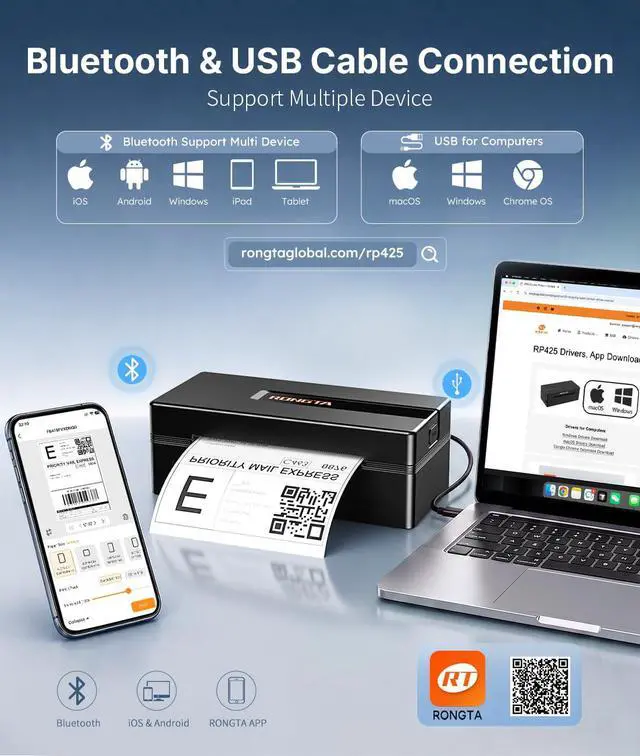
Connection | Bluetooth/USB | Label Holder | Folded Labels | Rolled Labels | Rolled Labels | Rolled Labels | Rolled Labels |
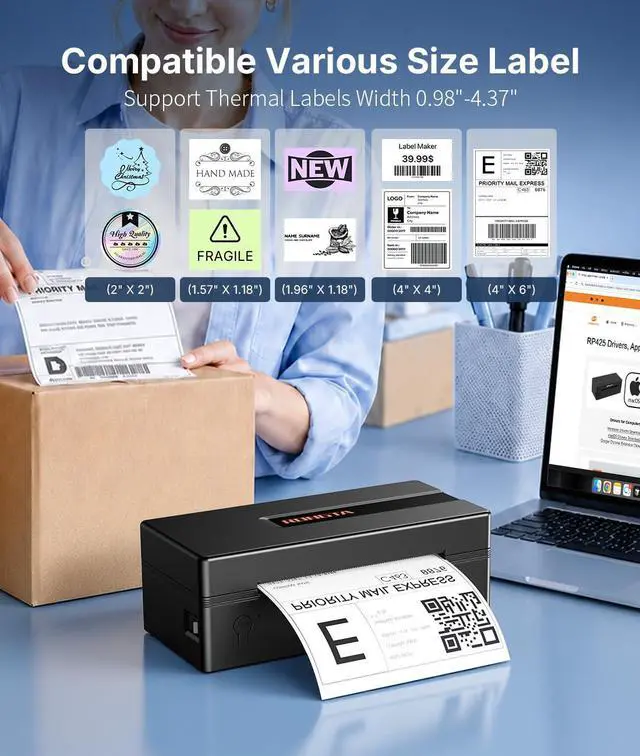
Wide Print Size | 0.98''-4.37'' | 4 Inch Wide Max | 4*6 Inch | 2 inch | 2*2 inch | 4*6 Inch | 2*1 inch |
Compatible System | Win/Mac OS/IOS/Android/Chrome | Label Printer Accessories | Label Printer Accessories | Label Printer Accessories | Label Printer Accessories | Label Printer Accessories | Label Printer Accessories |


Label Printer & Accessories
Rongta Label Printer | 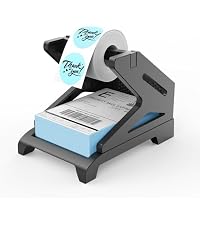 Rongta Label Holder | 4x6 Direct Thermal Labels | 2 Inch Thermal Labels | 2*2 Inch Thermal Labels | 4x6 Inch Thermal Label | 2*1 Inch Thermal Labels |
|---|---|---|---|---|---|---|
| Customer Reviews | ||||||
| — | — | — | — | — | — | — |
| Price | ||||||
| — | — | — | — | — | — | — |
| Style | ||||||
| Thermal Printer | Label Holder | 500 PCS Labels | 750 PCS Labels | 750 PCS Labels | 220 PCS Labels | 1000 PCS Labels |
| Sticker Available | ||||||
| ? | ? | ? | ? | ? | ? | ? |
| Color Print | ||||||
| ? | ? | ? | ? | ? | ? | ? |
| Connection | ||||||
| Bluetooth/USB | Label Holder | Folded Labels | Rolled Labels | Rolled Labels | Rolled Labels | Rolled Labels |
| Wide Print Size | ||||||
| 0.98''-4.37'' | 4 Inch Wide Max | 4*6 Inch | 2 inch | 2*2 inch | 4*6 Inch | 2*1 inch |
| Compatible System | ||||||
| Win/Mac OS/IOS/Android/Chrome | Label Printer Accessories | Label Printer Accessories | Label Printer Accessories | Label Printer Accessories | Label Printer Accessories | Label Printer Accessories |


How to connect MacOS to printer via USB
RP425 Thermal Label Printer
1. Turn on the RP425 label printer.
2. Download the driver from-rongtaglobal.com/rp425
3. Follow the on-screen instructions to complete setup and start printing
Bluetooth pairing code(if need): 0000 or 000000 (activation code)
How to connect Window to printer via USB
RP425 Thermal Label Printer
1. Turn on the printer.
2. Download the driver from-rongtaglobal.com/rp425
3. Follow the on-screen instructions to complete setup and start printing
Bluetooth pairing code(if need): 0000 or 000000 (activation code)


Rongta Label Printer
Thermal shipping label printer.
Labels Printer Accessories

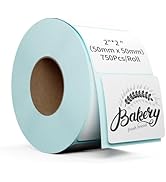
Rolled Labels

Label Printer for Business
Small Label Maker
Shipping Label Printer
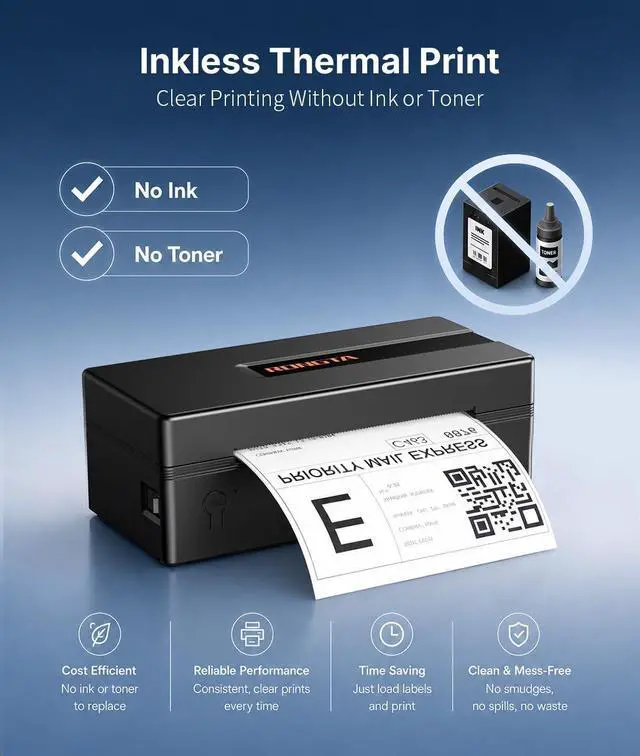
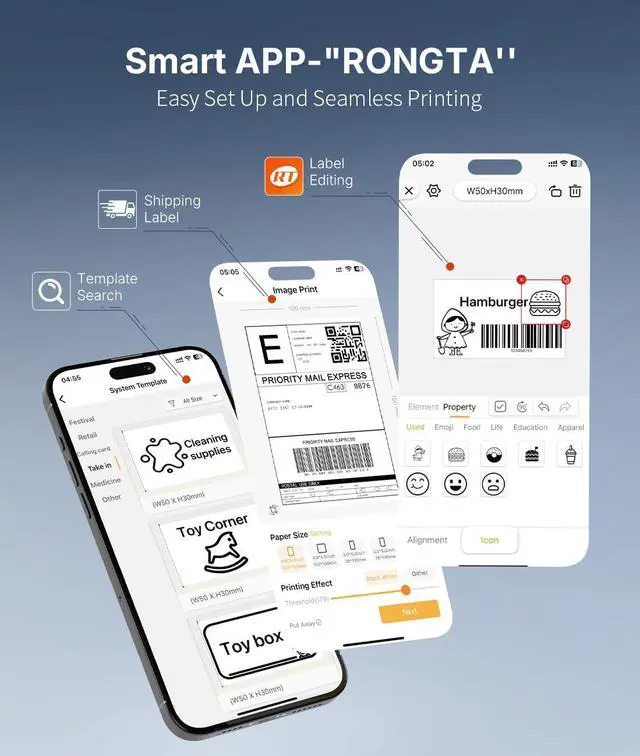
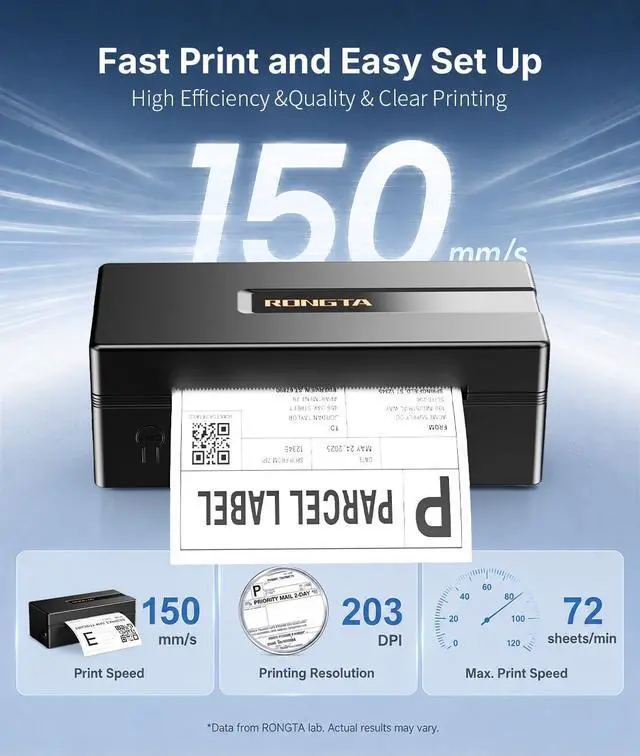
The label printer is your best small business assistant, which is Wireless, Inkless, Affortable. Compatible for Mac OS, Windows, Android, IOS.
