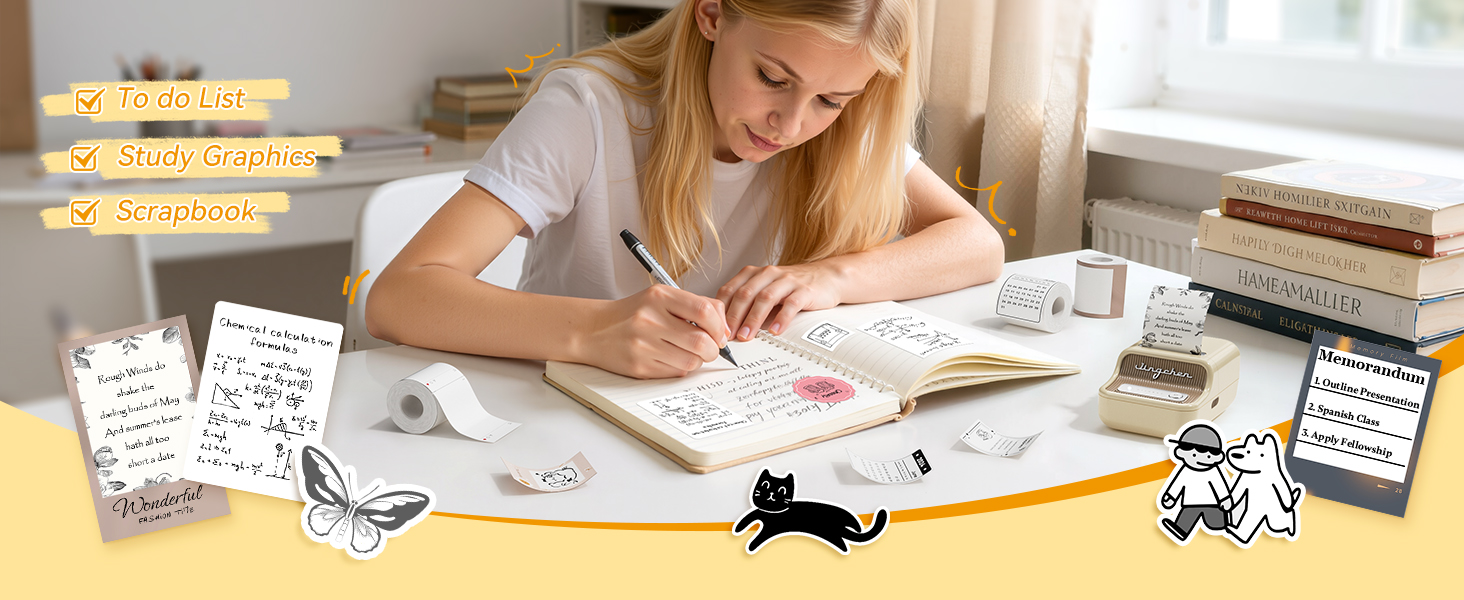
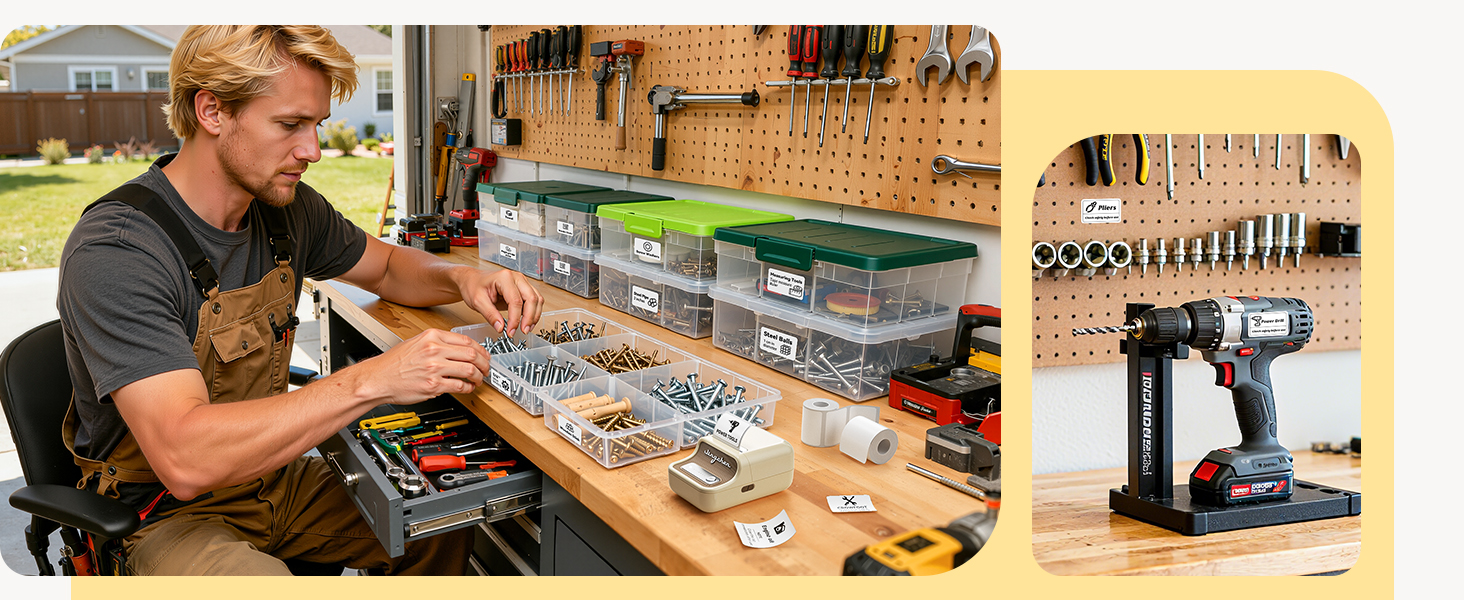
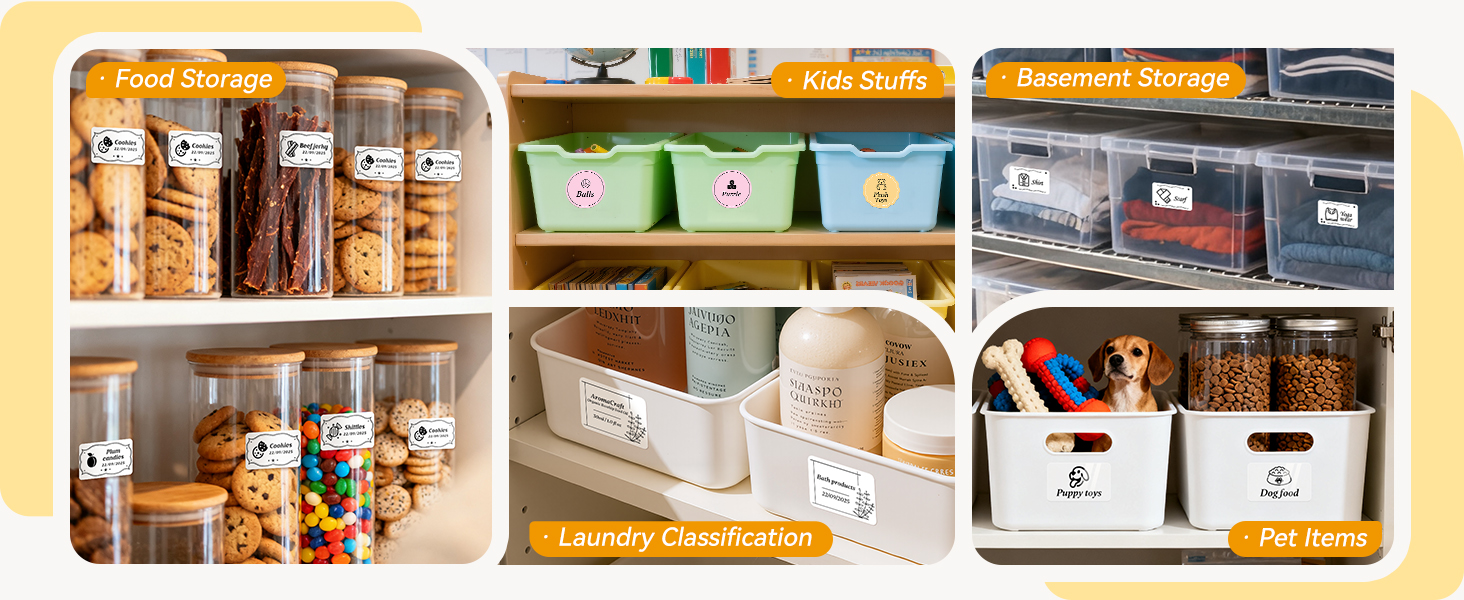
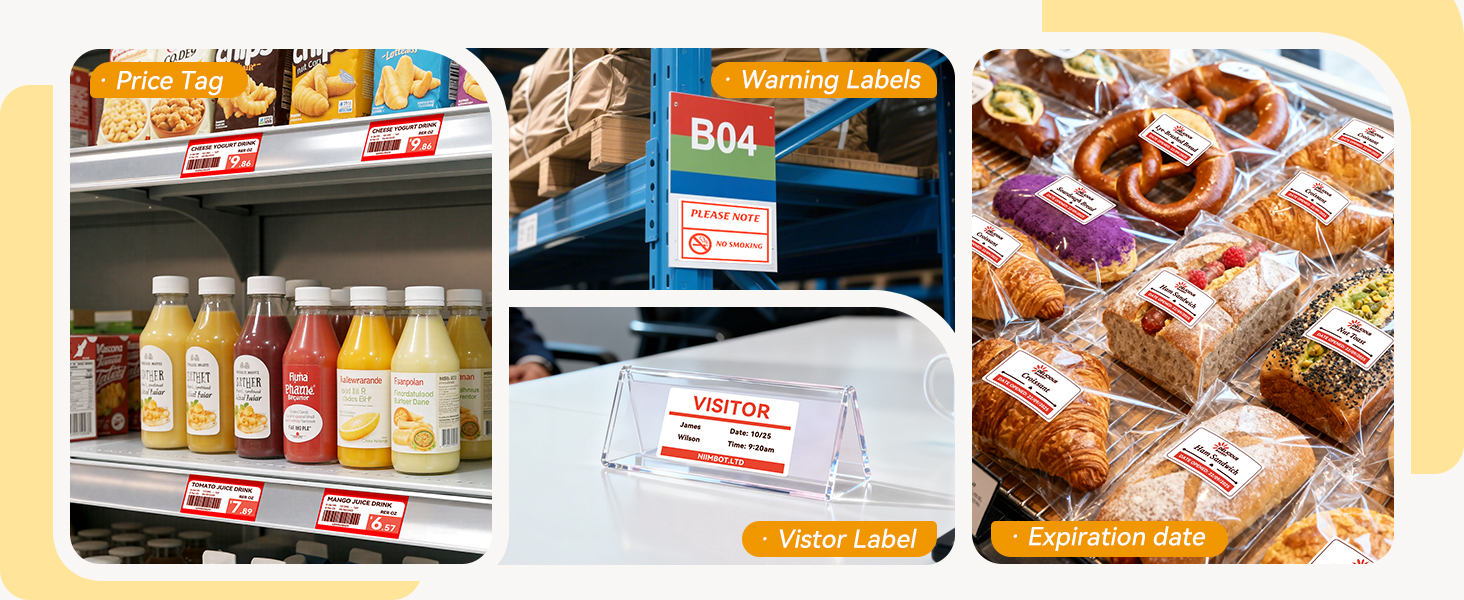
here!
here!
I’m your shopping assistant for PC builds, upgrades, and everything tech.
Got questions? Ask away!
Start a conversation
here!
I’m your shopping assistant for PC builds, upgrades, and everything tech.
Got questions? Ask away!
Start a conversation
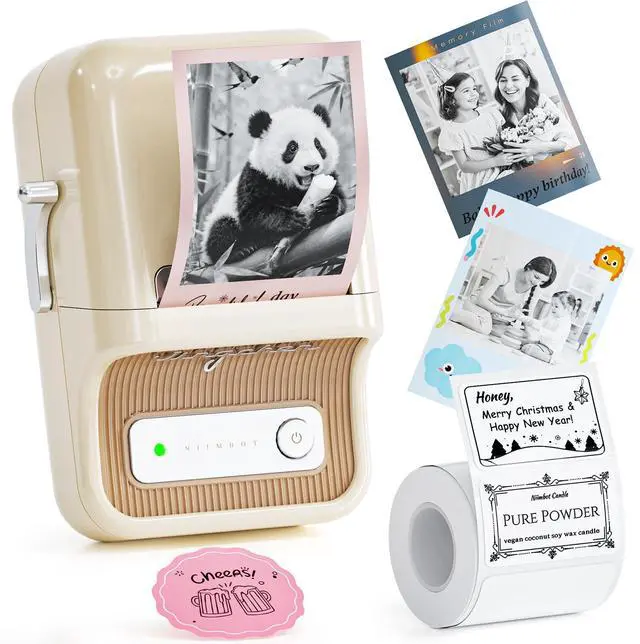
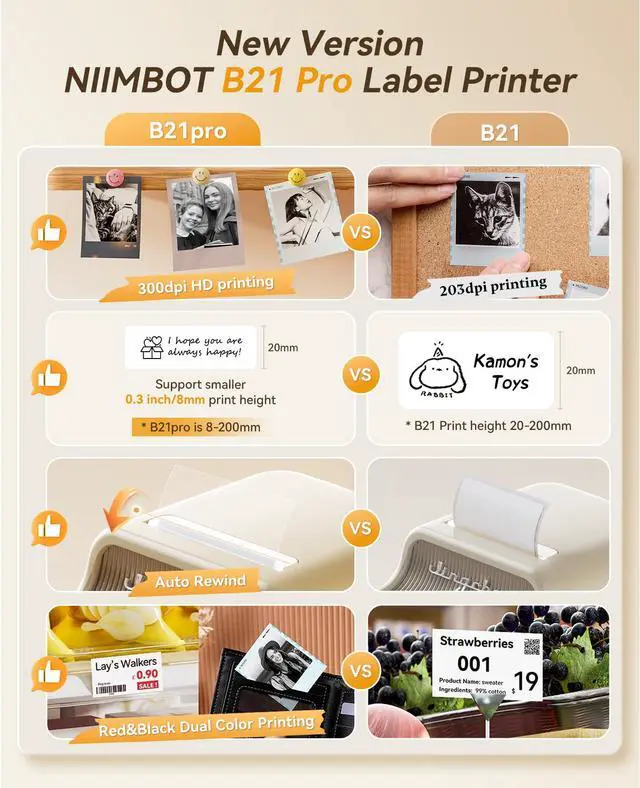
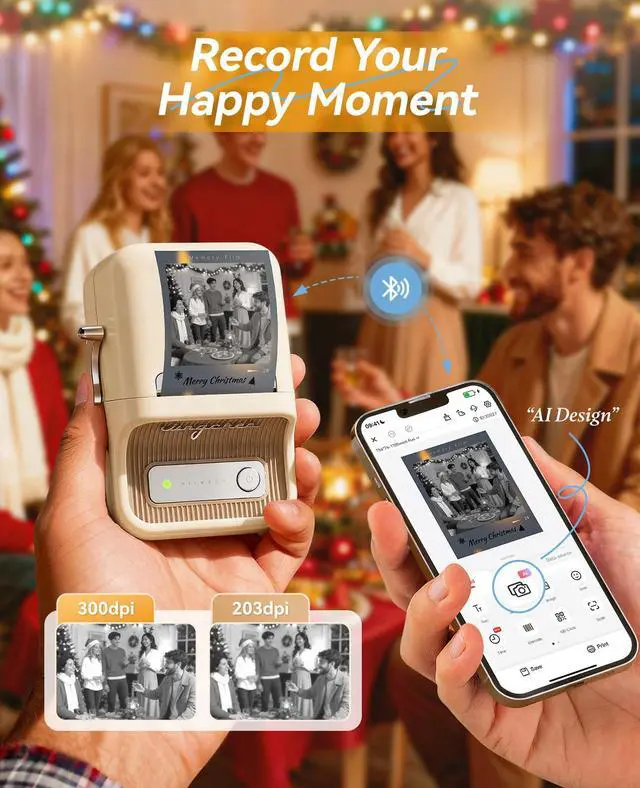
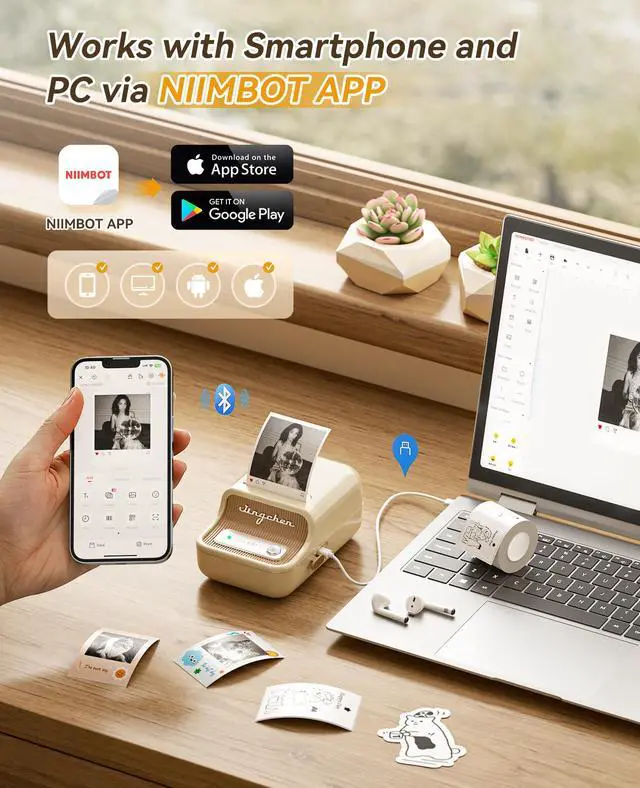
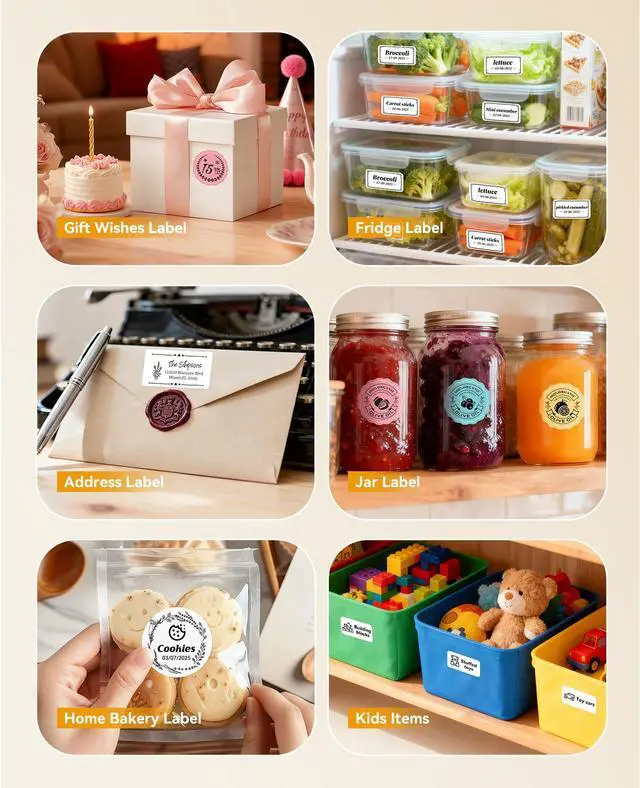
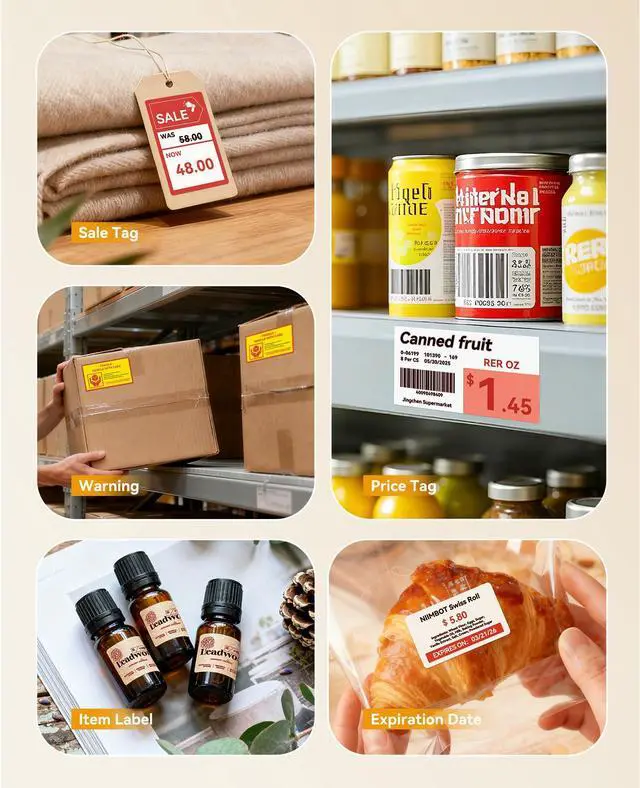
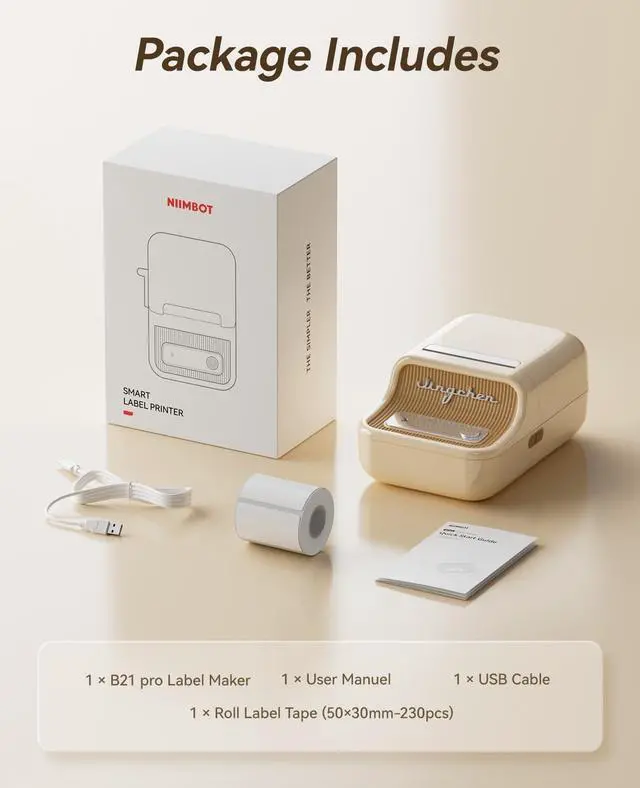



Any questions? Ask CelesteSM will help you find out quickly.
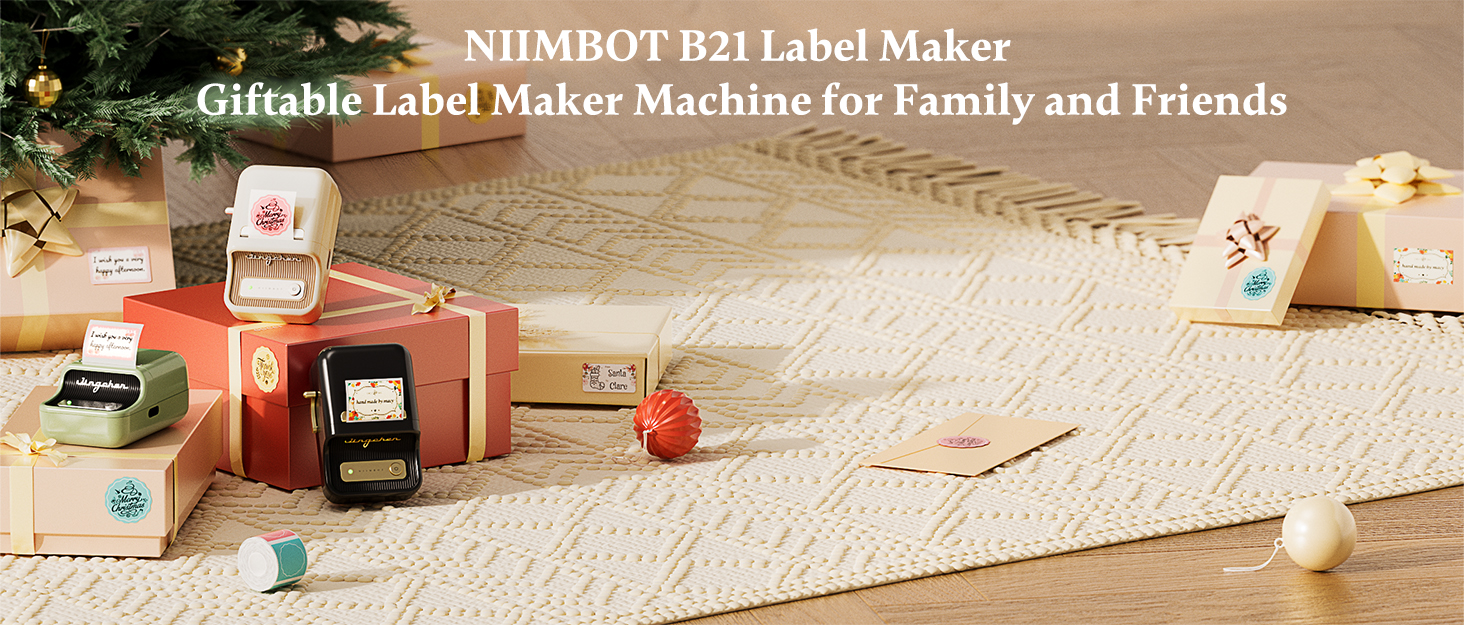

About NIIMBOT
NIIMBOT is a international leading service provider with intelligent identification solutions.
NIIMBOT held the mission of “The Simpler, The Better” and established three product systems with the core of Intelligent Hardware, NIIMBOT Cloud Service Platform of printing and Efficiency Management System.
We are working on product life-cycle management and be the reliable enterprise for almost millions users in the world!
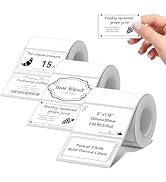

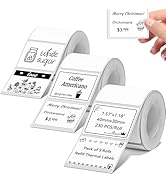
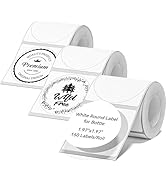
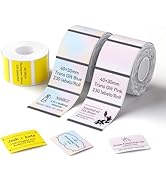
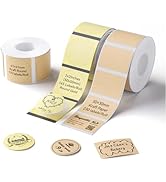
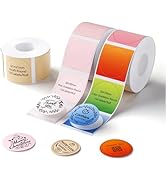
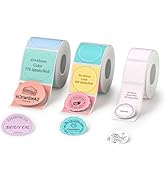
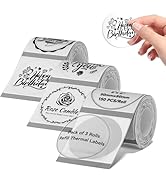
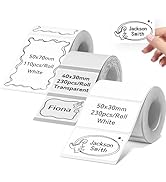

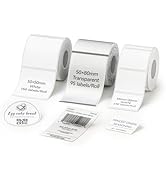
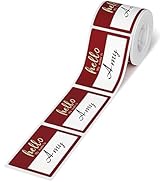


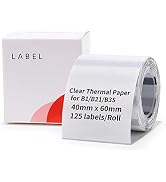

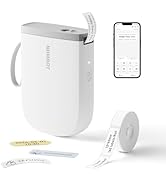
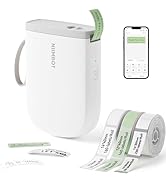
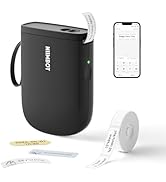
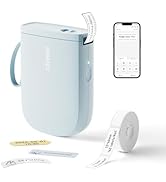
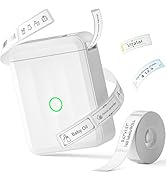
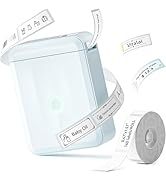
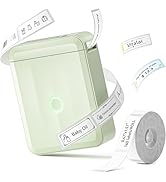

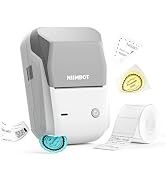
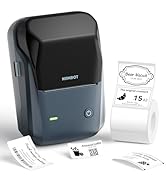

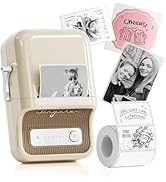
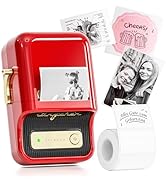
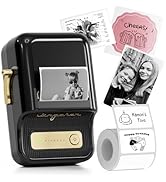
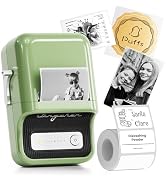
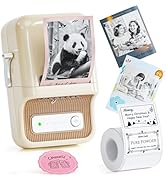
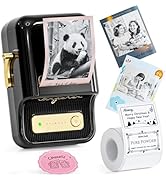
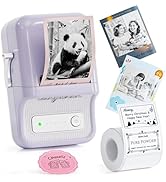
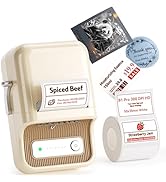
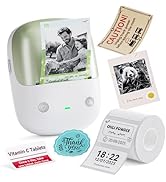
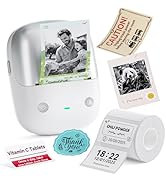
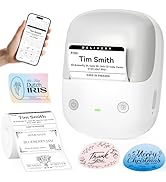
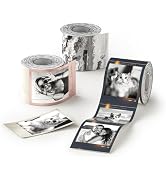
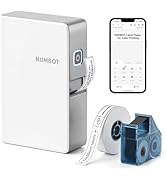
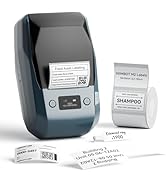
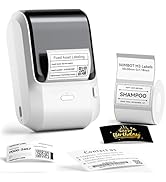
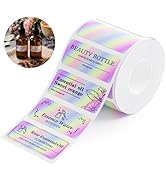
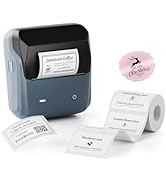
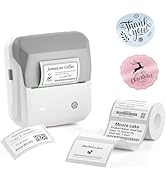
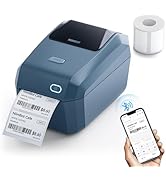
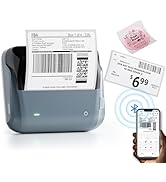
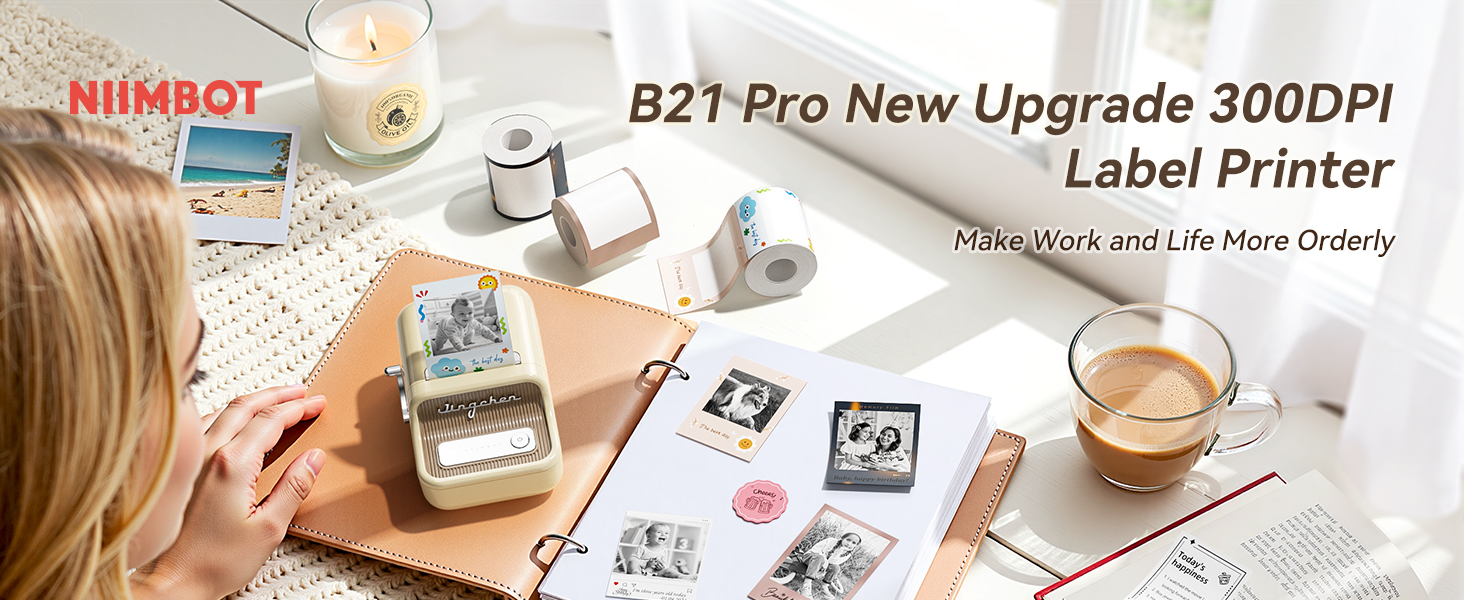
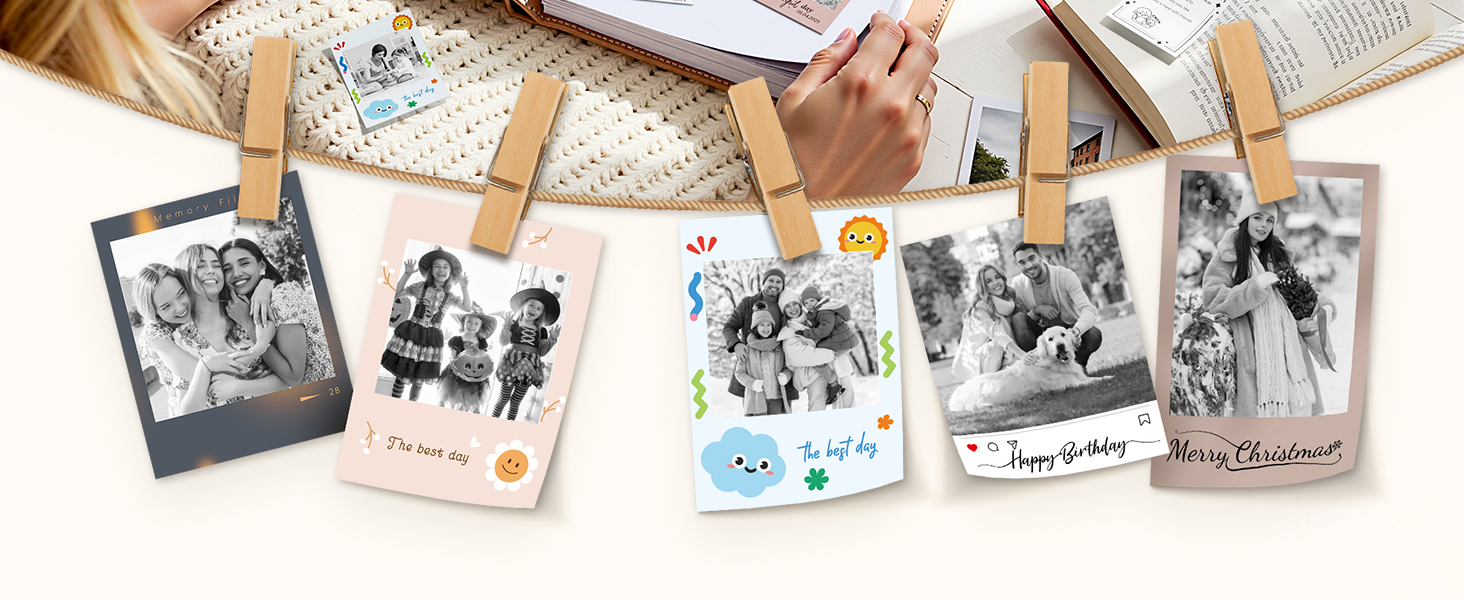
 B21 Pro Label Maker | 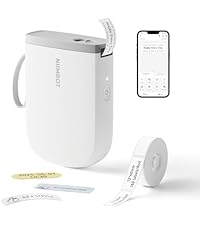 D11 Label Maker | 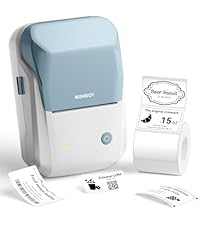 B1 Label Maker | 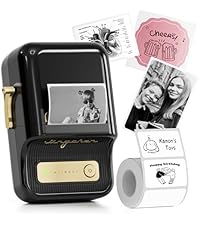 B21 Label Maker | 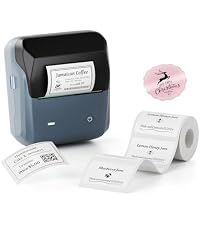 B31 Label Maker Machine | 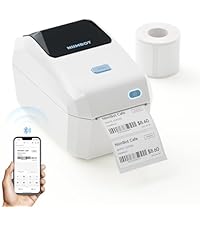 NIIMBOT K3 Label Printer | 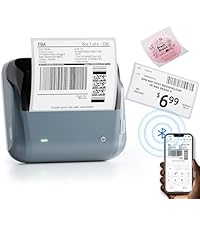 B4 Label Maker | |
|---|---|---|---|---|---|---|---|
Customer Reviews | — | — | — | — | — | — | — |
Price | — | — | — | — | — | — | — |
Auto Recognition Label | ? | ? | ? | ? | ? | ? | ? |
Print Width | 1-2 Inch | 0.5 Inch | 1-2 Inch | 1-2 Inch | 1-3 Inch | 1-3 Inch | 1-4 Inch |
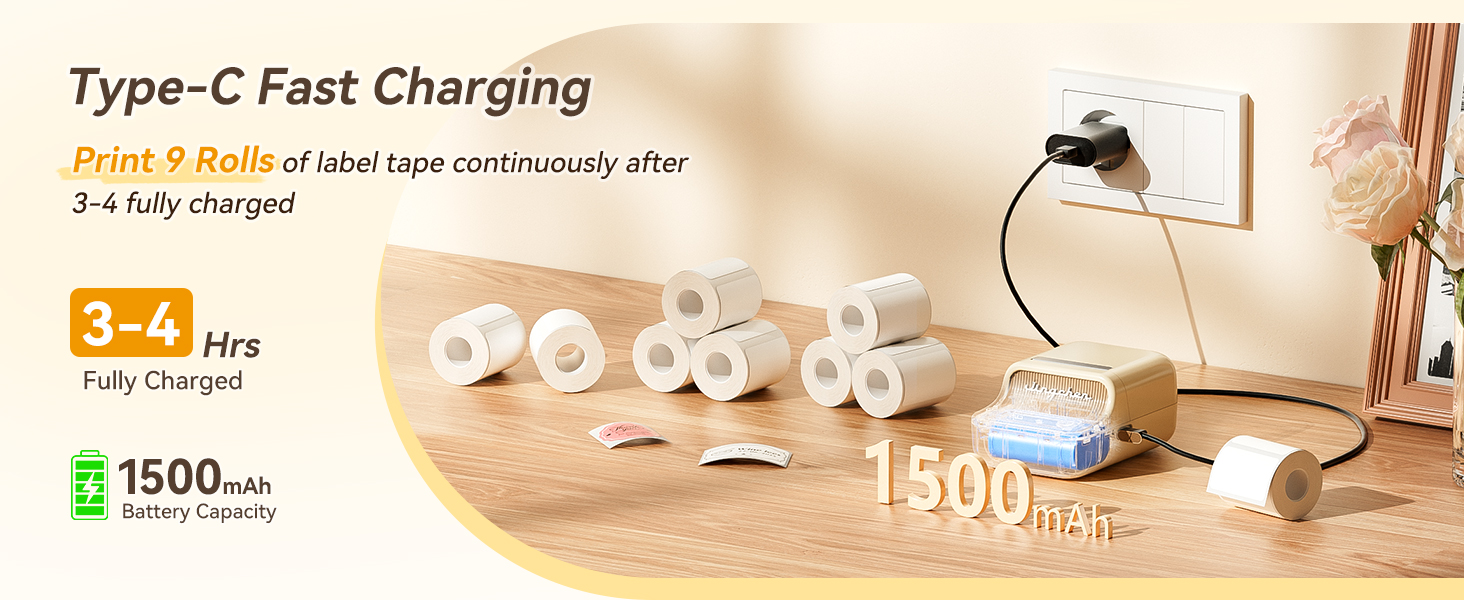
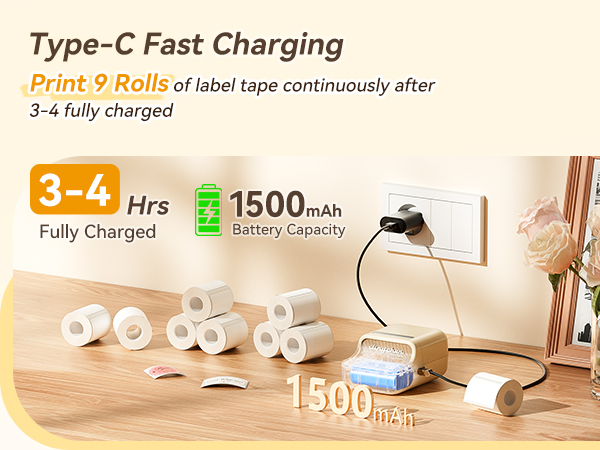
Battery | 1500mAh | 1500mAh | 1500mAh | 1500mAh | 1500mAh | / | 2000mAh |
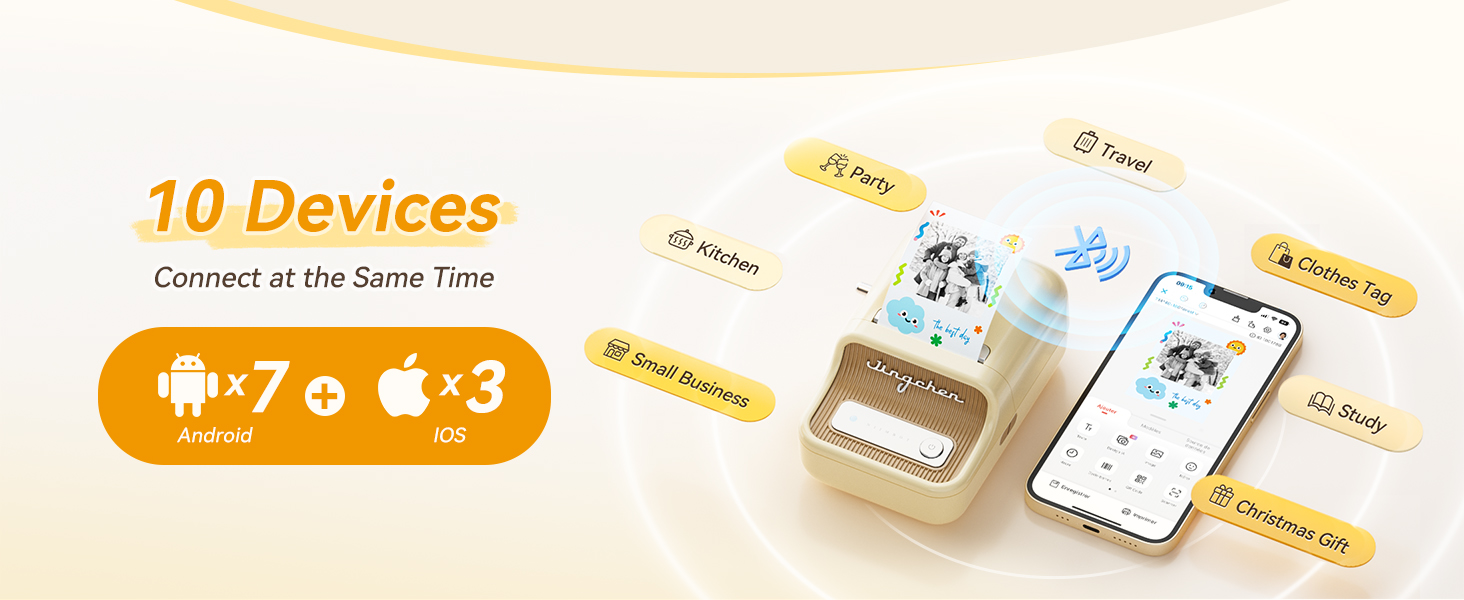
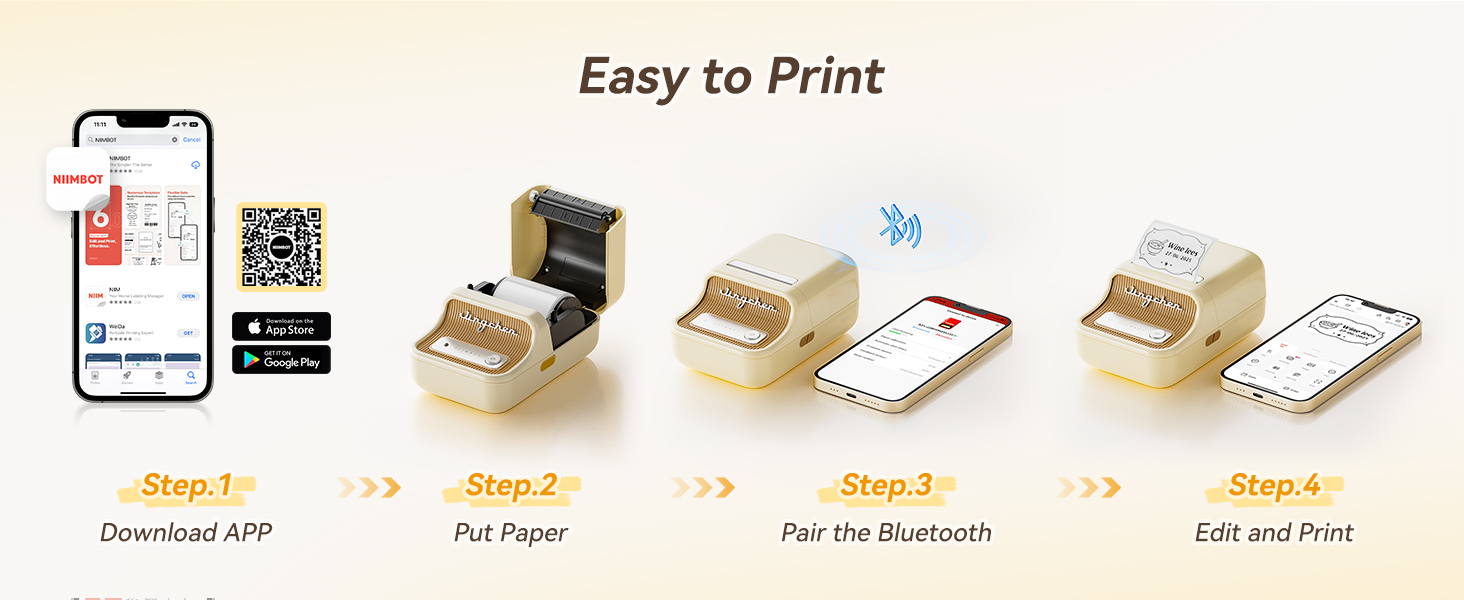
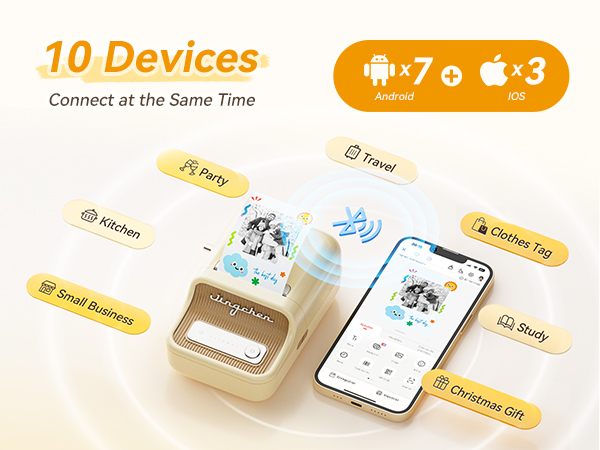
Connectivity Tech | Bluetooth, USB | Bluetooth | Bluetooth, USB | Bluetooth, USB | Bluetooth, USB | Bluetooth, USB | Bluetooth |
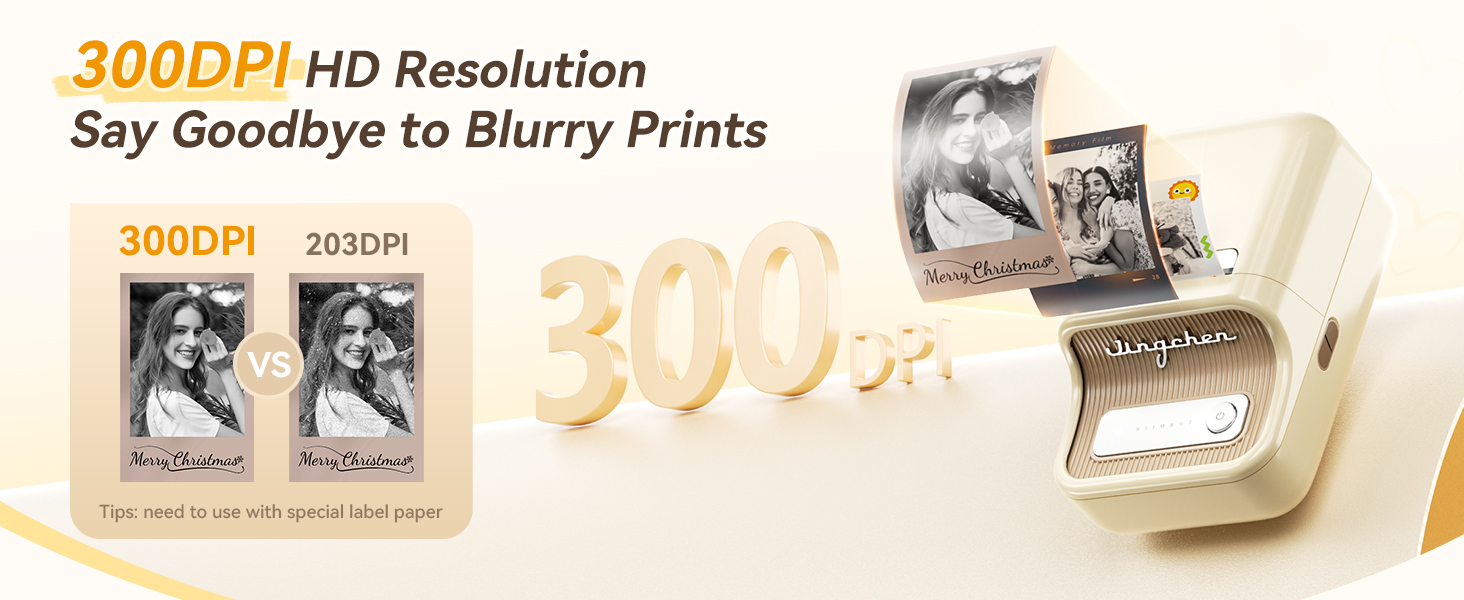
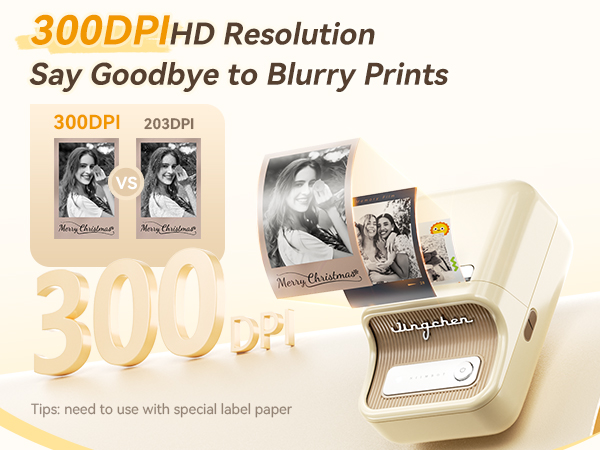
HD Resolution | 300dpi | 300dpi | 203dpi | 203dpi | 203dpi | 203dpi | 203dpi |
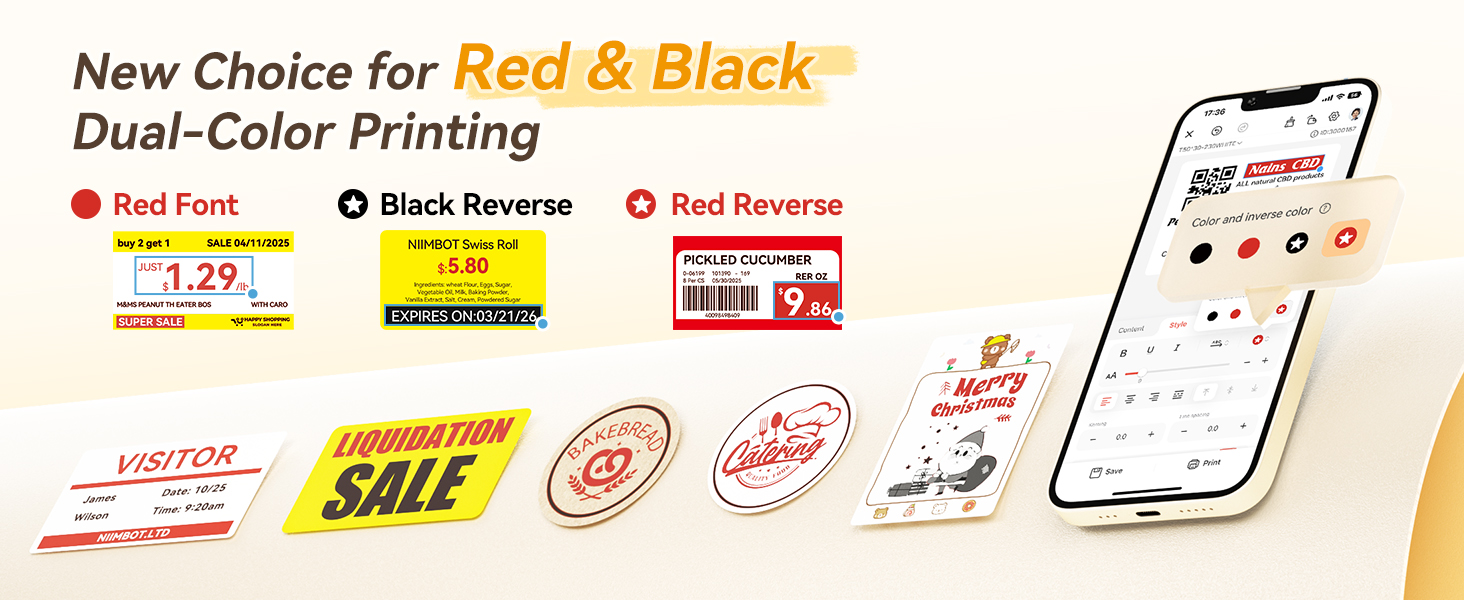
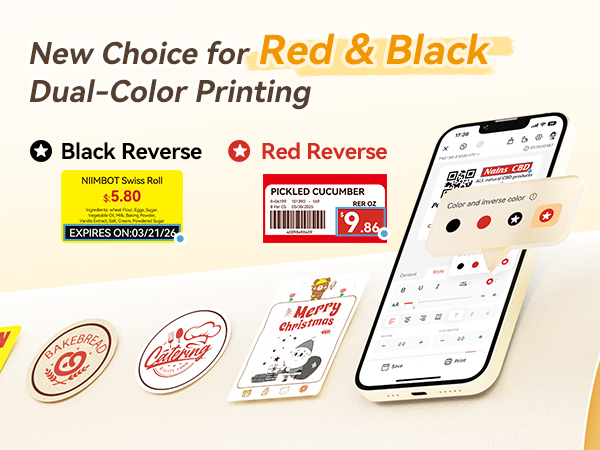
Red & Black Dual Printing | YES | NO | NO | NO | NO | NO | NO |
How to save Your Print History?
It’s necessary to log in to the Niimbot app. If you print labels as a guest, your print records will not be saved.
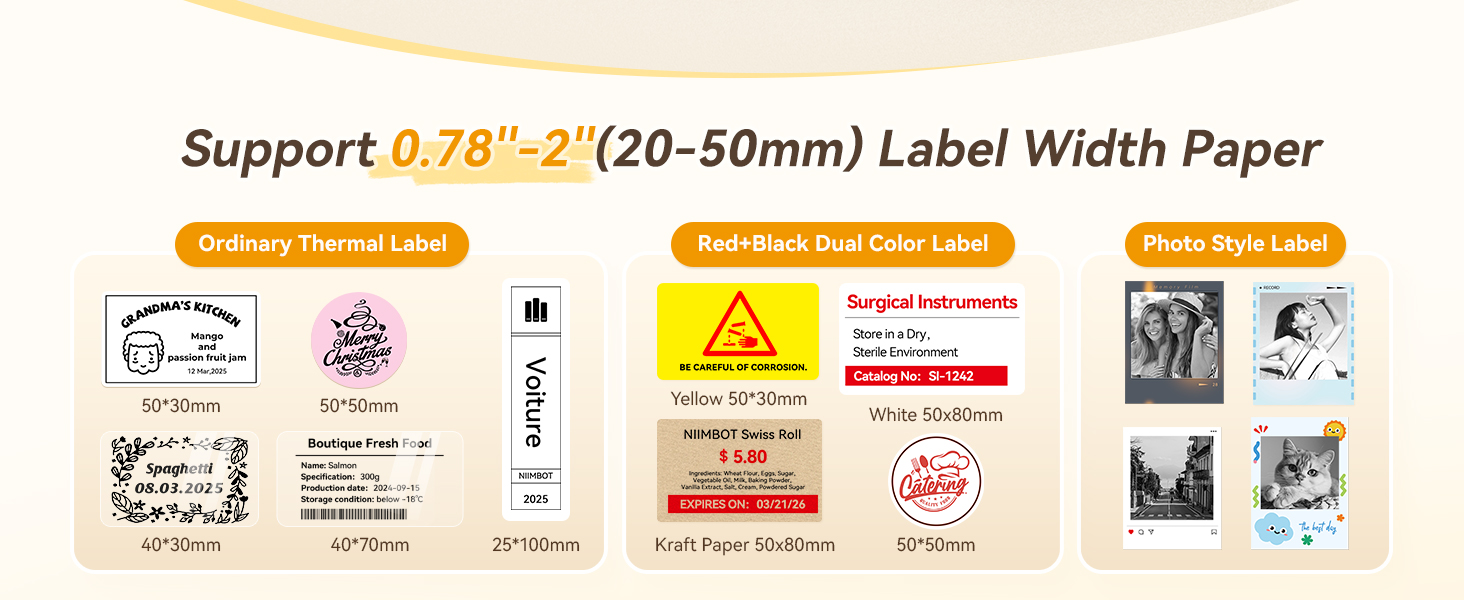
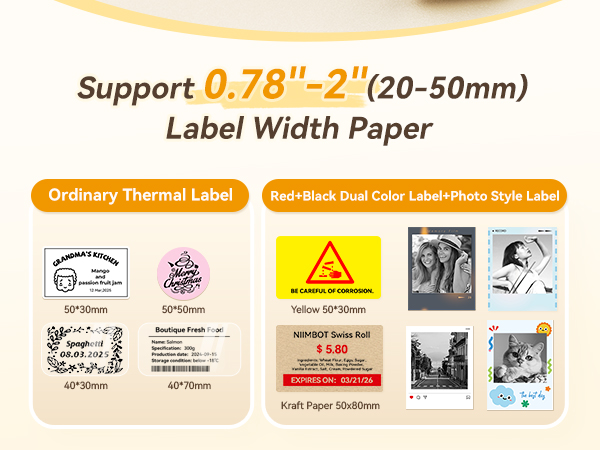
For Printing Red & Black Color, does the B21 PRO label maker require special labels or can any thermal labels be used?
For the color printing require the use of special label paper, and you can purchase it separately.
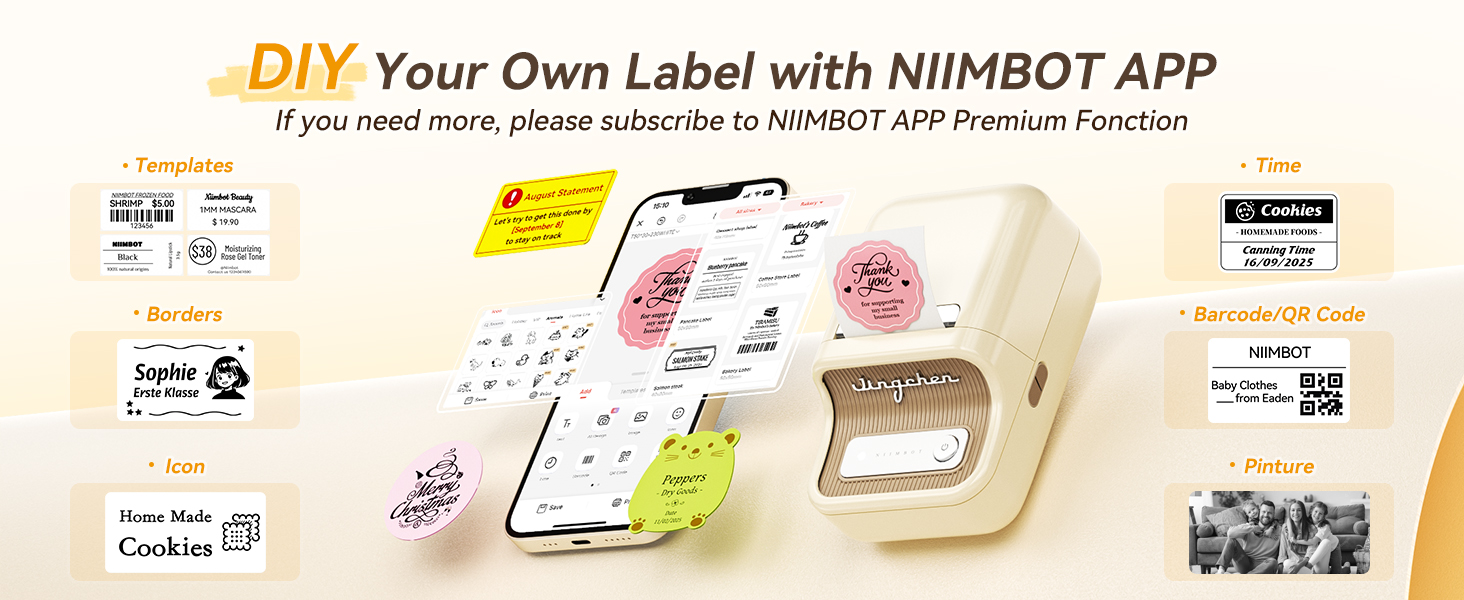
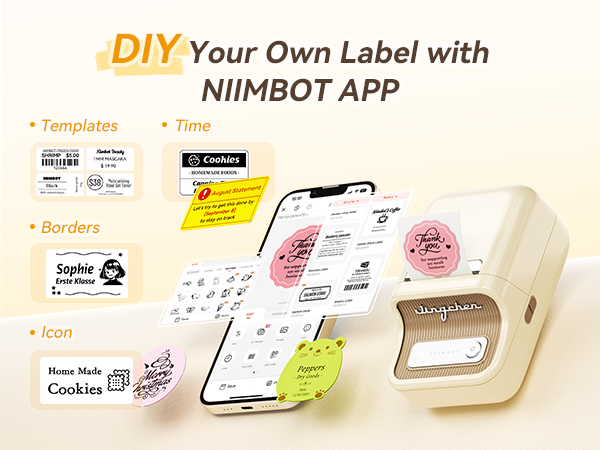
Do i need to subscribe to NIIMBOT APP Premium Fonction?
There is no need to subscribe monthly fee for daily use, just use the existing free fonts and icons. Please be assured that we will update the free resource.
Why the label printer will auto-turn off?
To save energy, the label maker will auto-turn off after 15-minute pause when you don't use it. And you could also set the auto power-off (15min, 30min, 60min, never) to meet your needs.
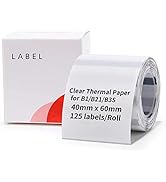
The clear label paper cannot be recognized, how to solve it?
Open the APP, Click Me?my device?paper certification?transparent;
After the calibration of the label paper is completed, restart the label maker.
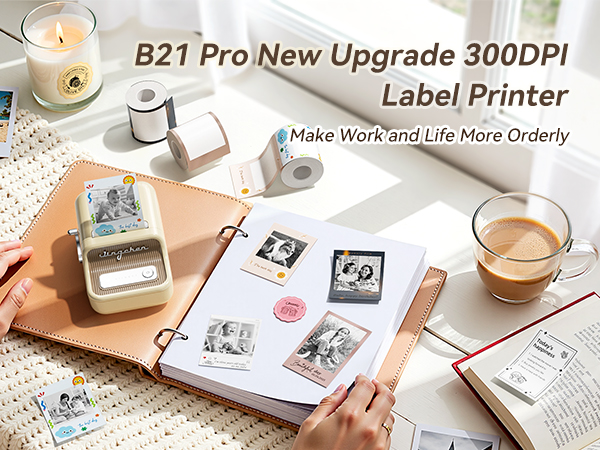
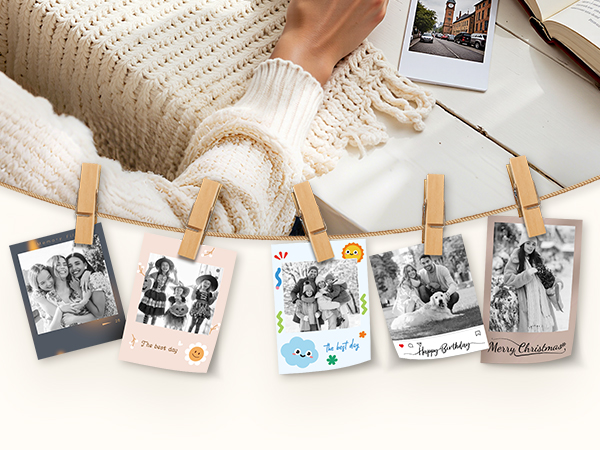
B21 Pro Label Maker | D11 Label Maker | B1 Label Maker | B21 Label Maker |  B31 Label Maker Machine | NIIMBOT K3 Label Printer | B4 Label Maker |
|---|---|---|---|---|---|---|
| Customer Reviews | ||||||
| — | — | — | — | — | — | — |
| Price | ||||||
| — | — | — | — | — | — | — |
| Auto Recognition Label | ||||||
| ? | ? | ? | ? | ? | ? | ? |
| Print Width | ||||||
| 1-2 Inch | 0.5 Inch | 1-2 Inch | 1-2 Inch | 1-3 Inch | 1-3 Inch | 1-4 Inch |
| Battery | ||||||
| 1500mAh | 1500mAh | 1500mAh | 1500mAh | 1500mAh | / | 2000mAh |
| Connectivity Tech | ||||||
| Bluetooth, USB | Bluetooth | Bluetooth, USB | Bluetooth, USB | Bluetooth, USB | Bluetooth, USB | Bluetooth |
| HD Resolution | ||||||
| 300dpi | 300dpi | 203dpi | 203dpi | 203dpi | 203dpi | 203dpi |
| Red & Black Dual Printing | ||||||
| YES | NO | NO | NO | NO | NO | NO |
How to save Your Print History?
It’s necessary to log in to the Niimbot app. If you print labels as a guest, your print records will not be saved.
For Printing Red & Black Color, does the B21 PRO label maker require special labels or can any thermal labels be used?
For the color printing require the use of special label paper, and you can purchase it separately.
Do i need to subscribe to NIIMBOT APP Premium Fonction?
There is no need to subscribe monthly fee for daily use, just use the existing free fonts and icons. Please be assured that we will update the free resource.
Why the label printer will auto-turn off?
To save energy, the label maker will auto-turn off after 15-minute pause when you don't use it. And you could also set the auto power-off (15min, 30min, 60min, never) to meet your needs.
The clear label paper cannot be recognized, how to solve it?
Open the APP, Click Me?my device?paper certification?transparent;
After the calibration of the label paper is completed, restart the label maker.

About NIIMBOT
NIIMBOT is a international leading service provider with intelligent identification solutions.
NIIMBOT held the mission of “The Simpler, The Better” and established three product systems with the core of Intelligent Hardware, NIIMBOT Cloud Service Platform of printing and Efficiency Management System.
We are working on product life-cycle management and be the reliable enterprise for almost millions users in the world!