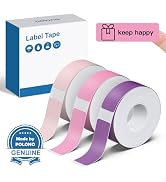
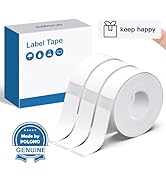
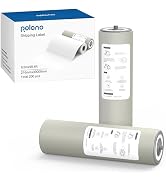
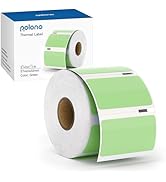
here!
here!
I’m your shopping assistant for PC builds, upgrades, and everything tech.
Got questions? Ask away!
Start a conversation
here!
I’m your shopping assistant for PC builds, upgrades, and everything tech.
Got questions? Ask away!
Start a conversation




Any questions? Ask CelesteSM will help you find out quickly.
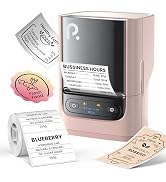
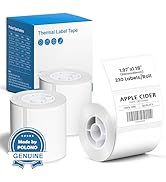
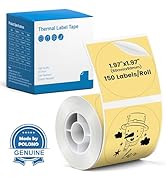
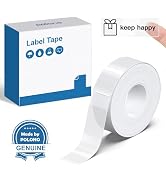
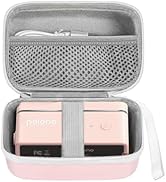
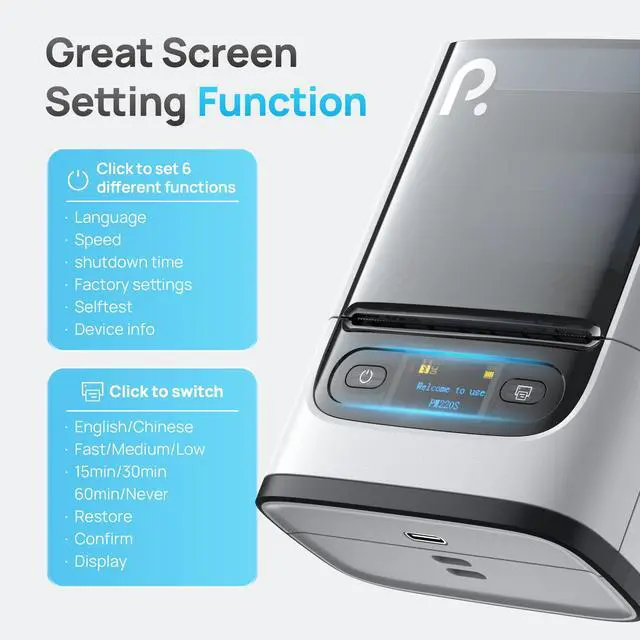
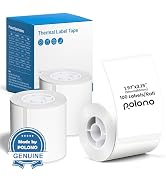
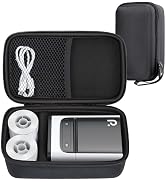
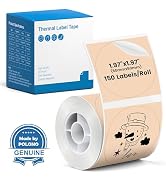
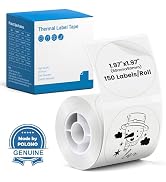
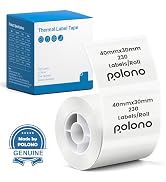
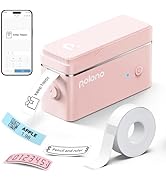
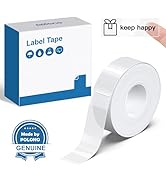
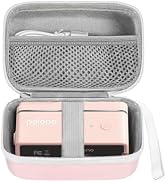
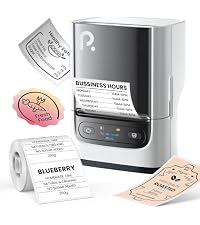 POLONO PM220S Label Maker | 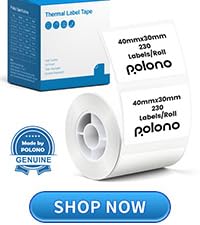 40x30mm White Label Tape |  50x50mm White Label Tape | 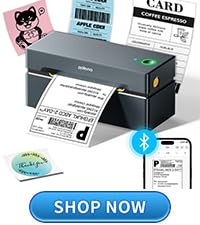 PL80E Bluetooth Printer | 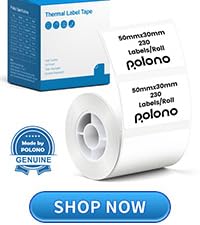 50x30mm White Label Tape | 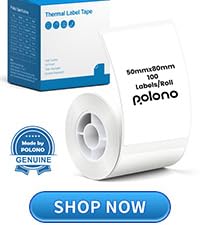 50x80mm White Label Tape | 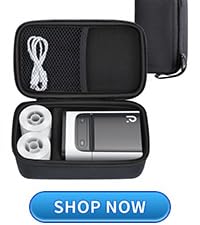 PM220S Label Maker Case | |
|---|---|---|---|---|---|---|---|
Customer Reviews | — | — | — | — | — | — | — |
Price | — | — | — | — | — | — | — |
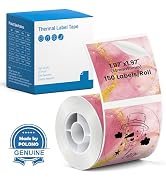
Pack | 1 | 230 Labels | 150 Labels | 1 Priner + Fan-Fold Labels | 230 Labels | 100 Labels | 1 |
Color | White | White | White | Grey | White | White | Black |
Size | 3.35 x 4.45 x 2.56 inches | 1.57"x1.18"(40x30mm) | 2"(50mm) | 9.21"D x 6.10"W x 5.20"H | 2"x1.18"(50x30mm) | 2"x3.15"(50x80mm) | 195x120x85mm |
Compatible with | iOS/Android | POLONO PM220S Label Maker | POLONO PM220S Label Maker | iOS/Android/Windows/Mac | POLONO PM220S Label Maker | POLONO PM220S Label Maker | POLONO PM220S Label Maker |
High Quality | ? | ? | ? | ? | ? | ? | ? |
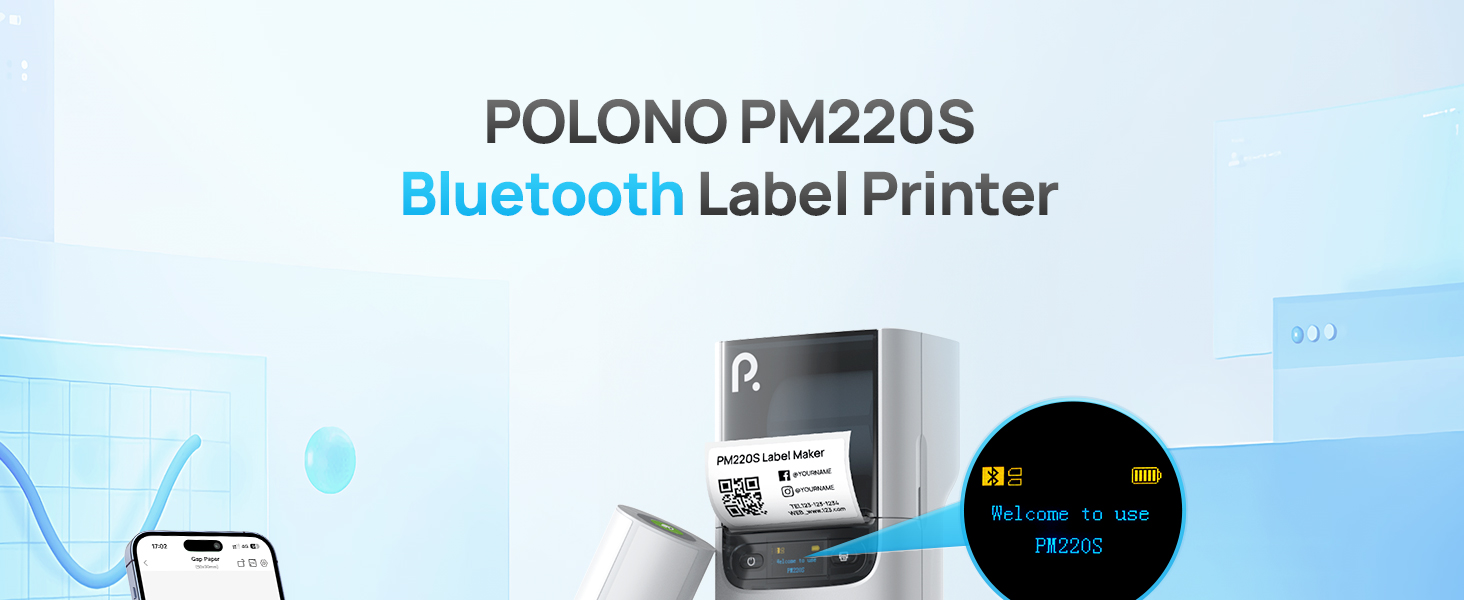
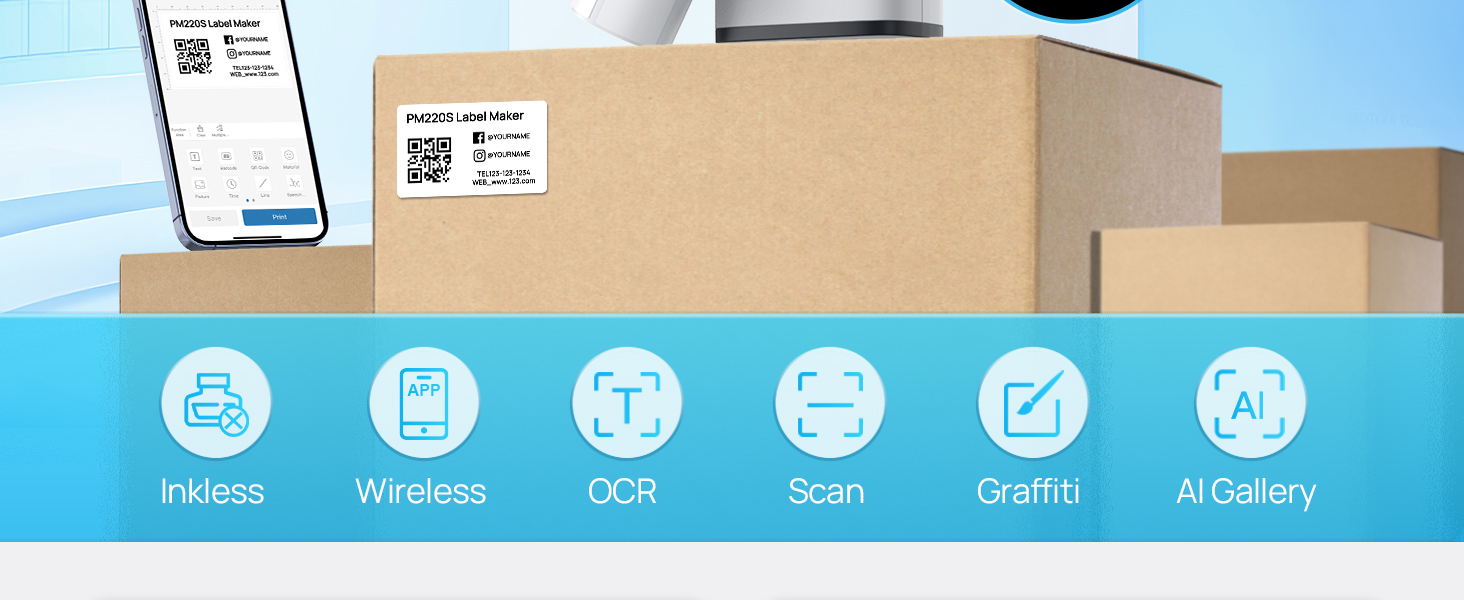
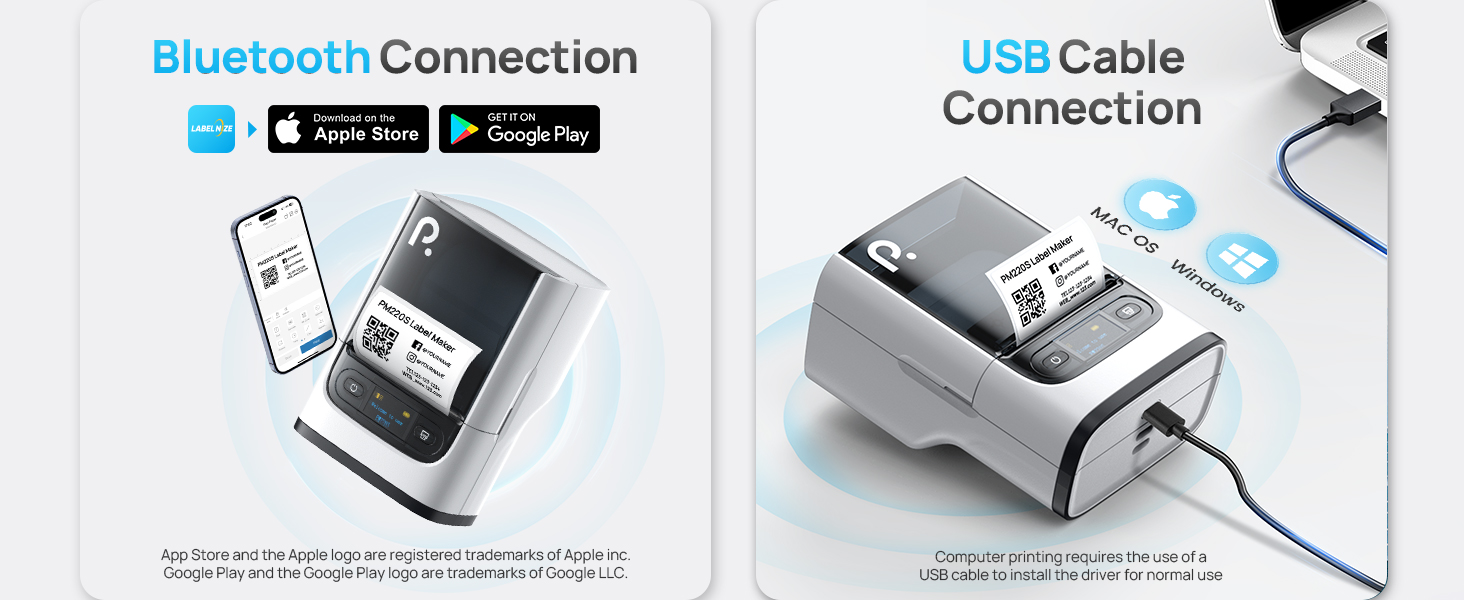
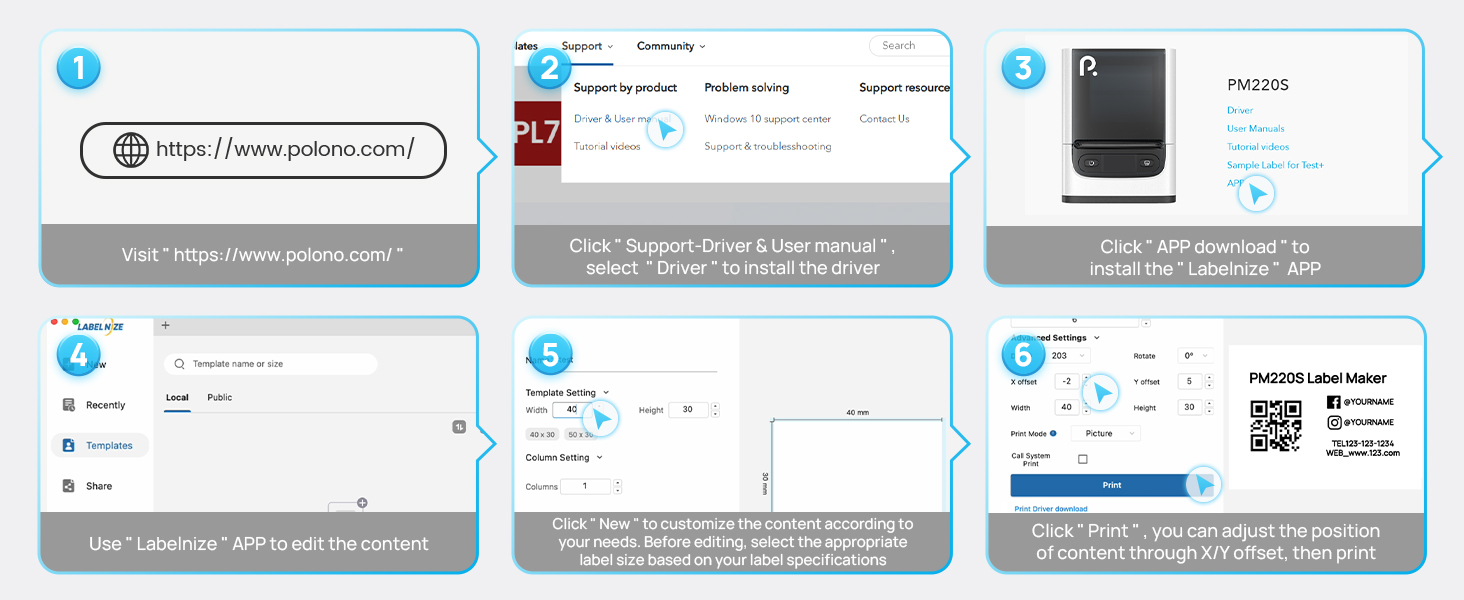
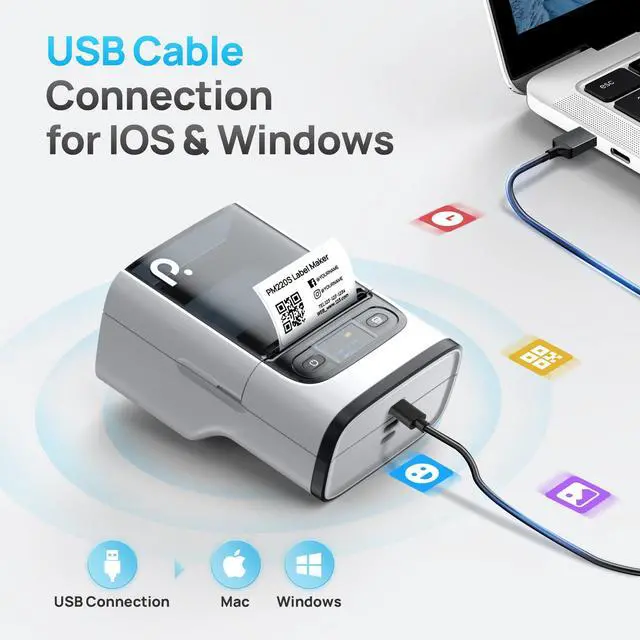
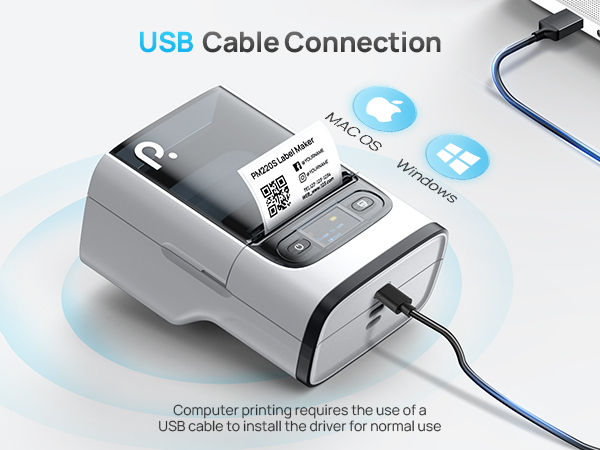
How to set up PM220S label maker on computer via USB cable?
1. Before installation, power on printer and connect it to computer via USB cable.
2. Power on the printer and connect it to the computer via a USB cable.
3. Visit "polono.com" Install the PM220S Driver and "Labelnize" APP.
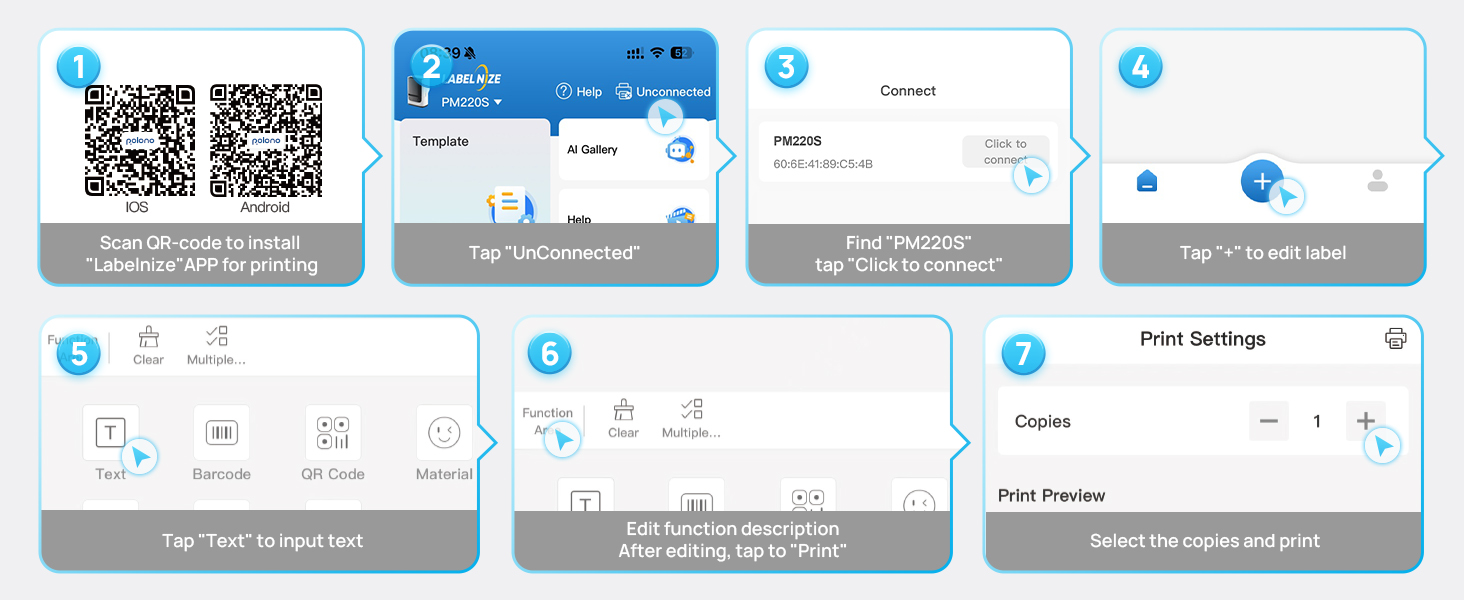
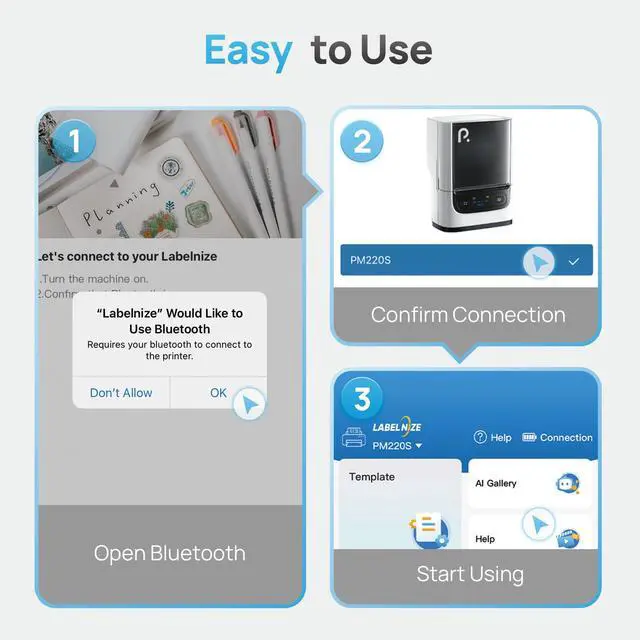
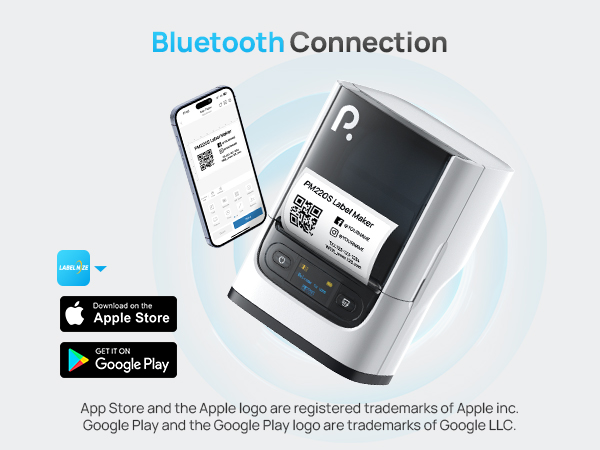
How to set up PM220S label maker to connect to a phone via Bluetooth?
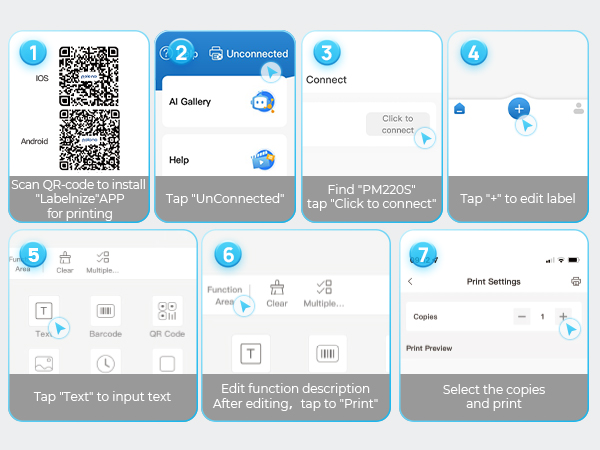
1. Connecting Bluetooth via "Labelnize" APP.
2. Download the App "Labelnize" from the Apple Store/Google Play.
3. Turn on Bluetooth on your phone, long press to turn on the PM220S label maker, and open the "Labelnize" app to link to Bluetooth.
What system does PM220S label machine support?
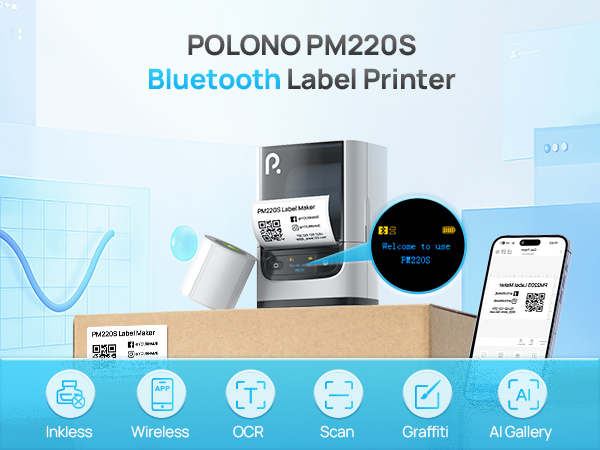
This label maker compatible with both Phone (iOS & Android) and Computer (Windows & Mac OS)
Notice: How to optimize printing quality and printing deviation for PM220S?
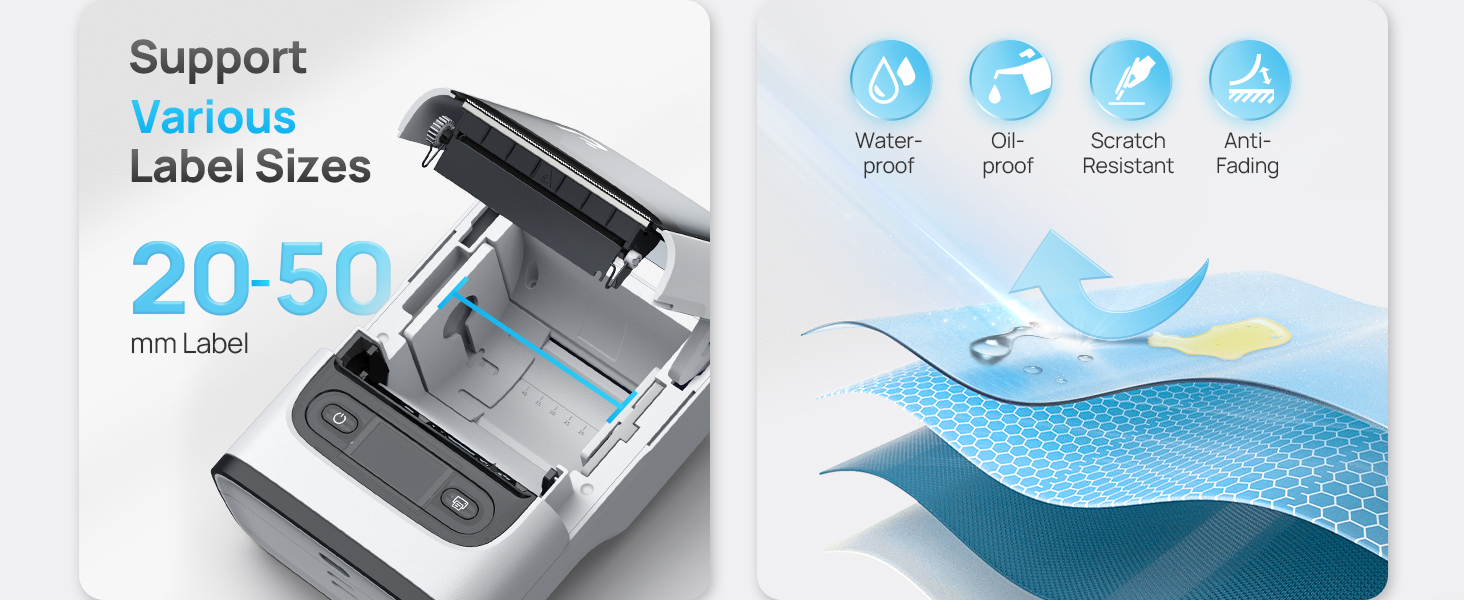
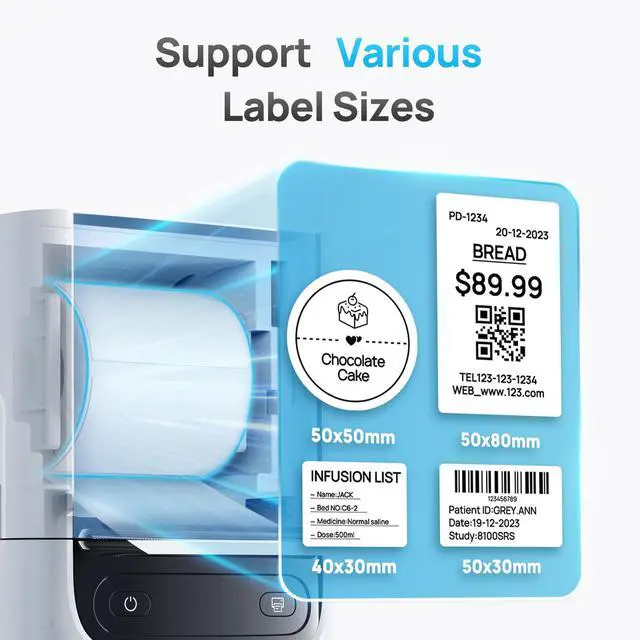
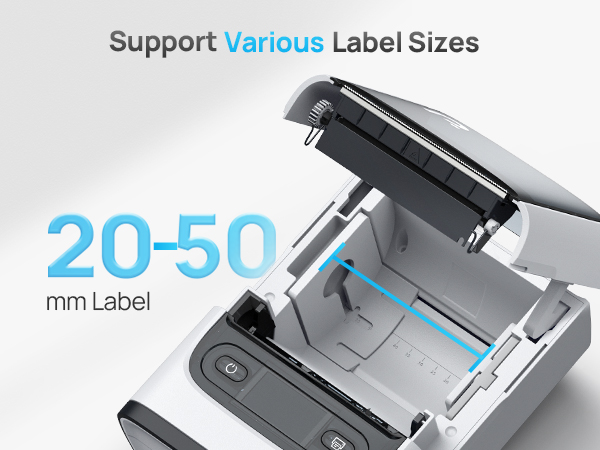
PM220S bluethooth label maker machine with tape support label width 23-54mm(0.91"-2.12"). Maximum height 52mm (2.04").
Notice: What if the printing is not clear?
1. Connect PM220S through Bluethooth on APP "Labelnize".
2. Click on "Connection"- "Settings"-"Firmware version" -and update to V1.27 immediately.
3. The printer emits a "beep" sound, indicating that the firmware upgrade is successful.
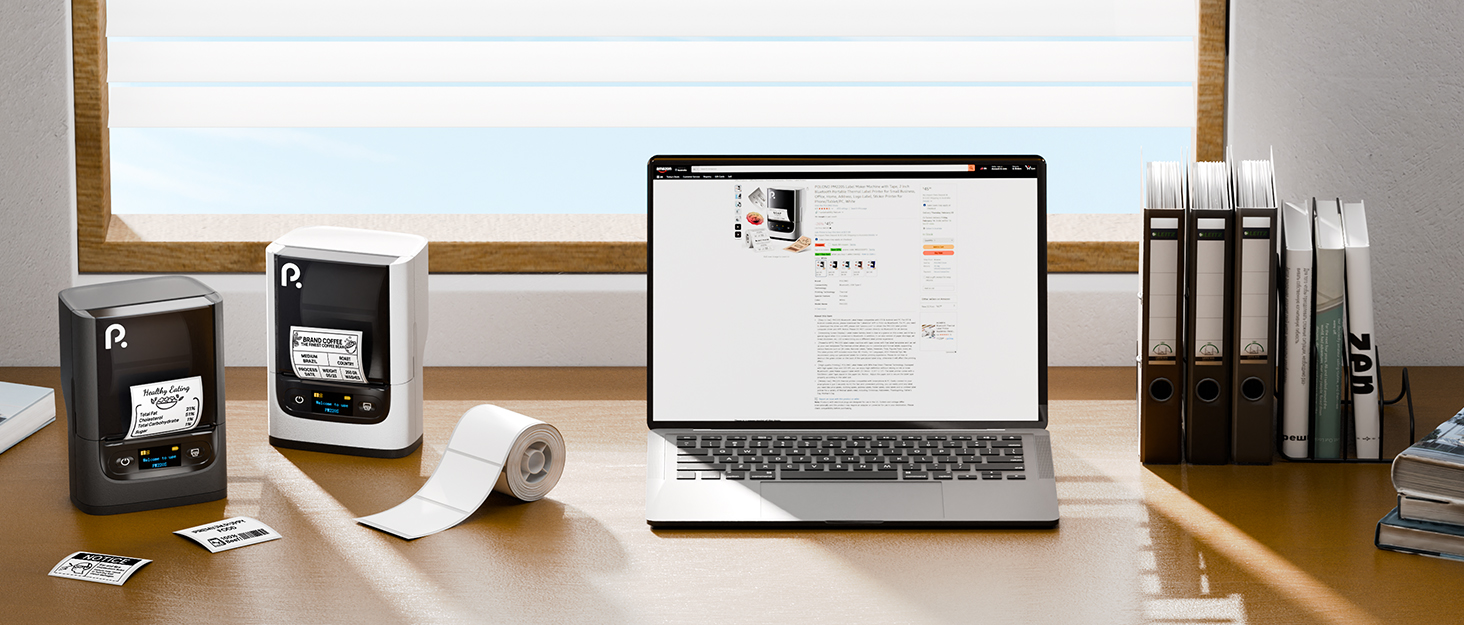
Make your life more convenient
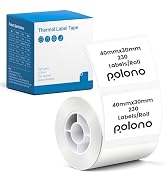
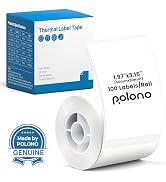
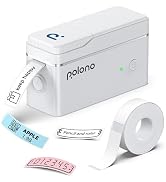
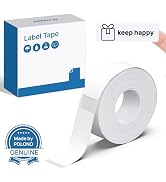
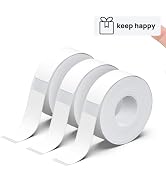
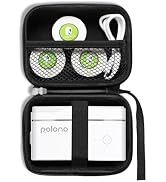
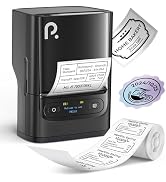
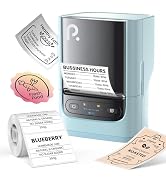
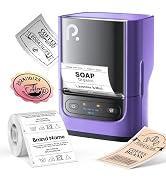
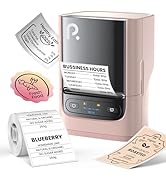
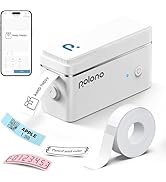
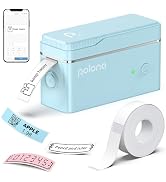
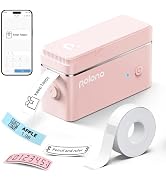
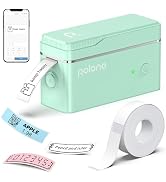
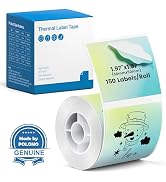
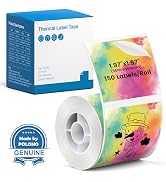
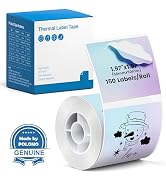
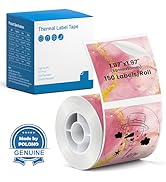
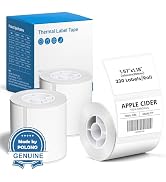
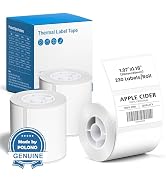
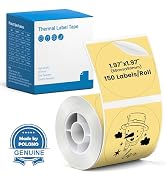
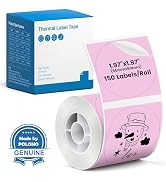
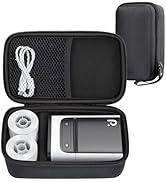
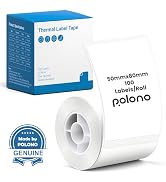
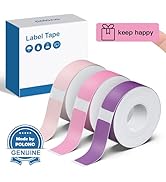
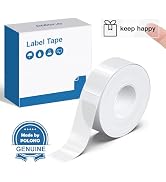
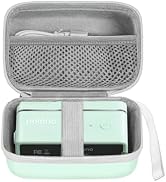
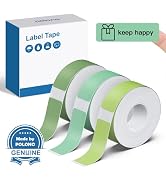
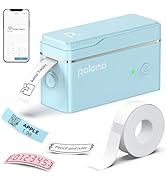
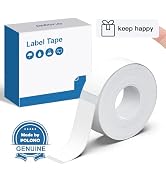
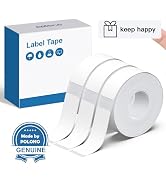
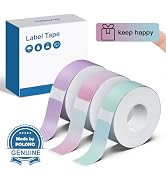
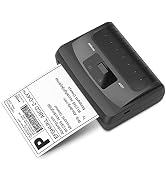
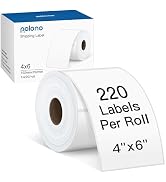
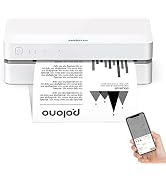
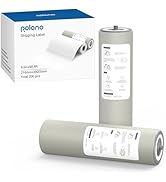
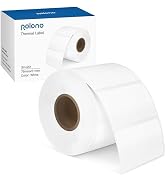
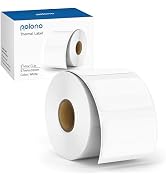
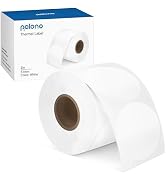
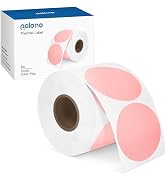
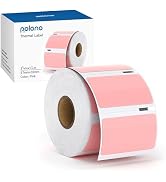
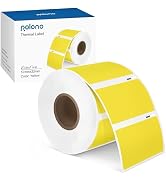
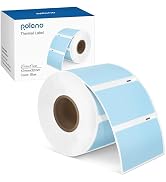
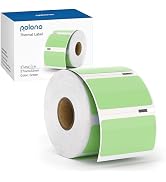
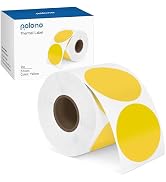
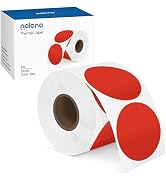
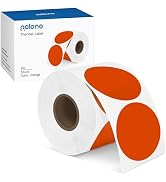
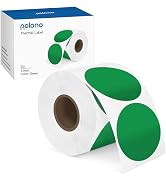
POLONO PM220S Label Maker | 40x30mm White Label Tape | 50x50mm White Label Tape | PL80E Bluetooth Printer | 50x30mm White Label Tape | 50x80mm White Label Tape | PM220S Label Maker Case |
|---|---|---|---|---|---|---|
| Customer Reviews | ||||||
| — | — | — | — | — | — | — |
| Price | ||||||
| — | — | — | — | — | — | — |
| Pack | ||||||
| 1 | 230 Labels | 150 Labels | 1 Priner + Fan-Fold Labels | 230 Labels | 100 Labels | 1 |
| Color | ||||||
| White | White | White | Grey | White | White | Black |
| Size | ||||||
| 3.35 x 4.45 x 2.56 inches | 1.57"x1.18"(40x30mm) | 2"(50mm) | 9.21"D x 6.10"W x 5.20"H | 2"x1.18"(50x30mm) | 2"x3.15"(50x80mm) | 195x120x85mm |
| Compatible with | ||||||
| iOS/Android | POLONO PM220S Label Maker | POLONO PM220S Label Maker | iOS/Android/Windows/Mac | POLONO PM220S Label Maker | POLONO PM220S Label Maker | POLONO PM220S Label Maker |
| High Quality | ||||||
| ? | ? | ? | ? | ? | ? | ? |
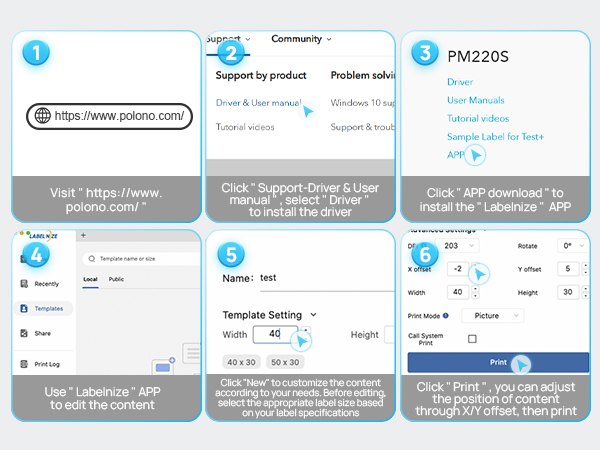
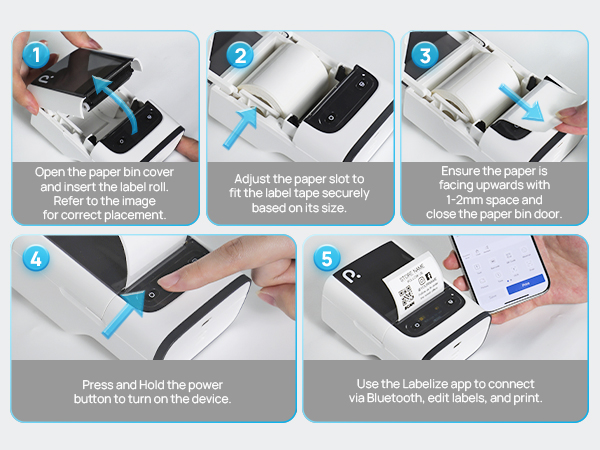
How to set up PM220S label maker on computer via USB cable?
1. Before installation, power on printer and connect it to computer via USB cable.
2. Power on the printer and connect it to the computer via a USB cable.
3. Visit "polono.com" Install the PM220S Driver and "Labelnize" APP.
How to set up PM220S label maker to connect to a phone via Bluetooth?
1. Connecting Bluetooth via "Labelnize" APP.
2. Download the App "Labelnize" from the Apple Store/Google Play.
3. Turn on Bluetooth on your phone, long press to turn on the PM220S label maker, and open the "Labelnize" app to link to Bluetooth.
What system does PM220S label machine support?
This label maker compatible with both Phone (iOS & Android) and Computer (Windows & Mac OS)
Notice: How to optimize printing quality and printing deviation for PM220S?
PM220S bluethooth label maker machine with tape support label width 23-54mm(0.91"-2.12"). Maximum height 52mm (2.04").
Notice: What if the printing is not clear?
1. Connect PM220S through Bluethooth on APP "Labelnize".
2. Click on "Connection"- "Settings"-"Firmware version" -and update to V1.27 immediately.
3. The printer emits a "beep" sound, indicating that the firmware upgrade is successful.
Make your life more convenient