




 here!
here!
I’m your shopping assistant for PC builds, upgrades, and everything tech.
Got questions? Ask away!
Start a conversation
here!
I’m your shopping assistant for PC builds, upgrades, and everything tech.
Got questions? Ask away!
Start a conversation
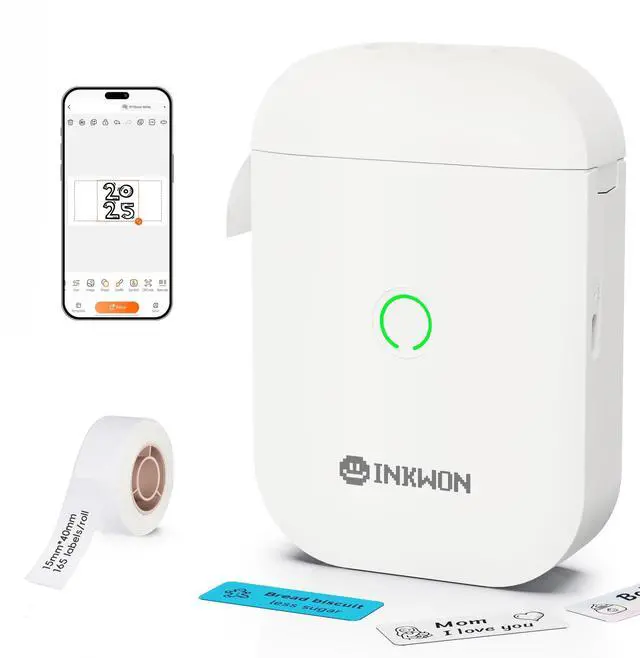
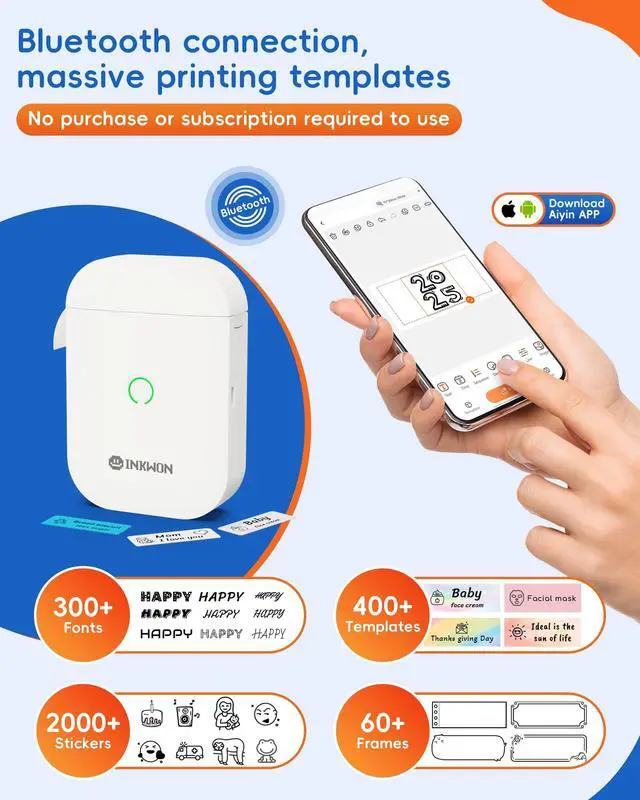
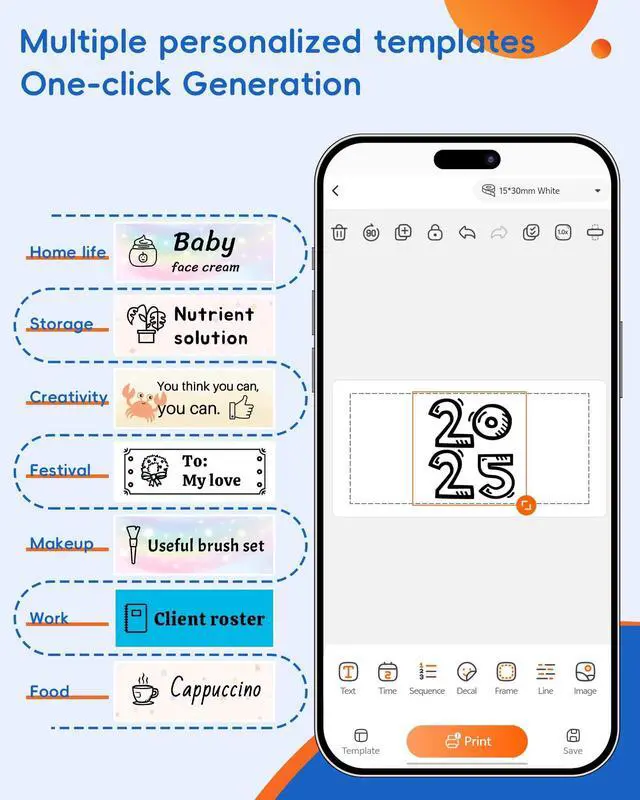
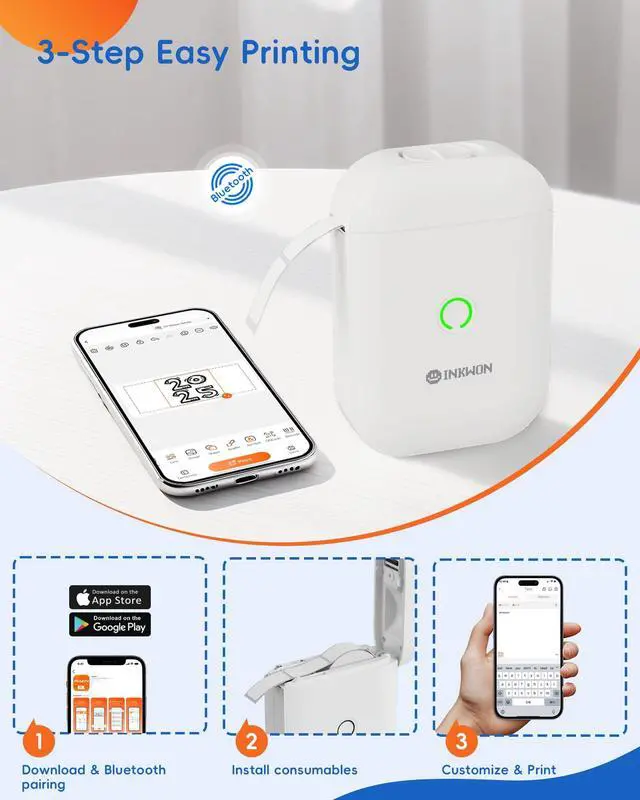





Any questions? Ask CelesteSM will help you find out quickly.


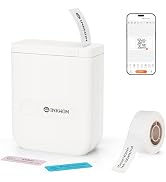
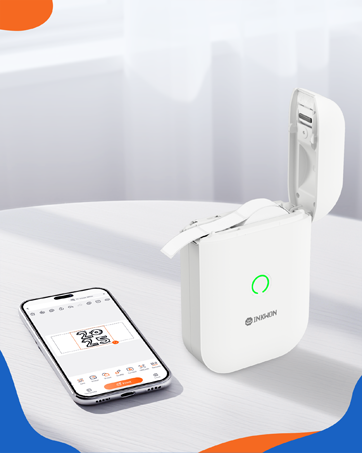
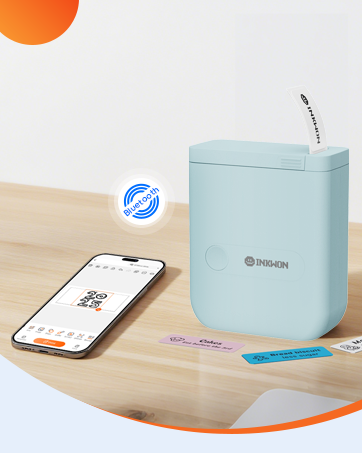
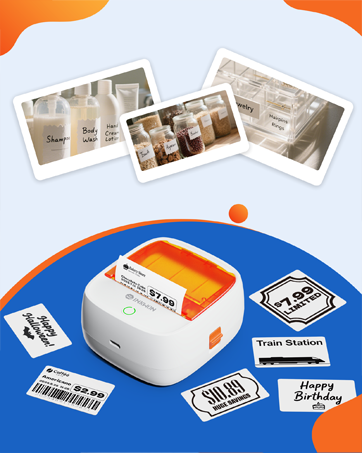
InkWon is a brand that combines creativity and fun, and we believe that "happiness is the best creation."
Centered around smart, efficient, and enjoyable printing devices, we provide a one-stop creative experience, from idea inspiration and design support to finished product completion.
We focus on every detail, striving to be a trusted growth partner and inspiration companion for creative enthusiasts.




The first print is misaligned, how to calibrate the paper?
Before printing, calibrate the paper, click the machine name in the upper left corner, go to Settings -Paper Feed Calibration, and select the corresponding label type.
Please note: The calibration print uses three labels for calibration.
Can it print in color?
No. Only supports thermal monochrome printing.
Is it mandatory to register an account to use the printer app?
During initial use, the app will display a registration screen, but you can choose "Skip." After skipping registration, basic functions such as printing remain available for normal use.
Why is nothing printed on the thermal paper?
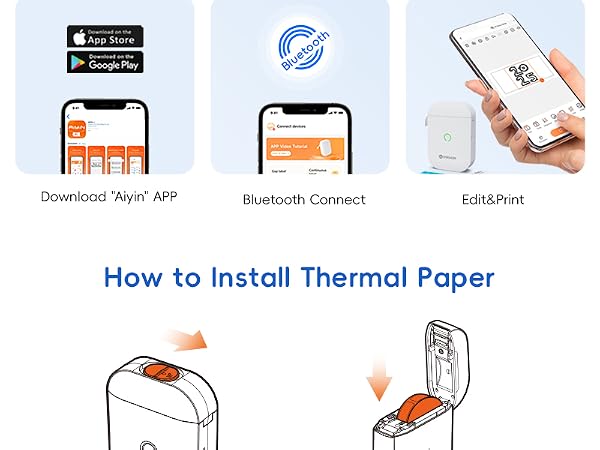
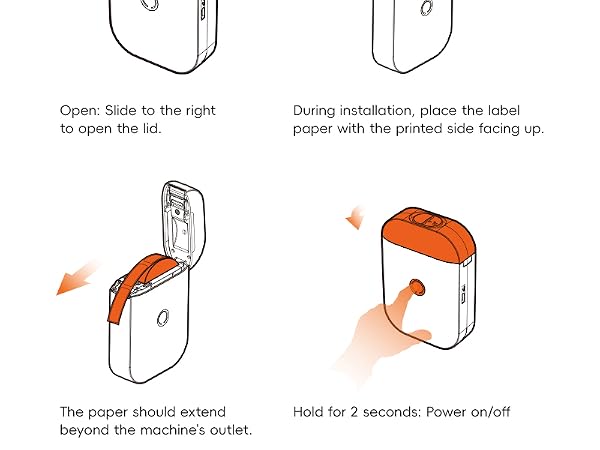
Check if the thermal paper is loaded in the wrong direction. Please reinstall it according to the manual.
Indicator light guide
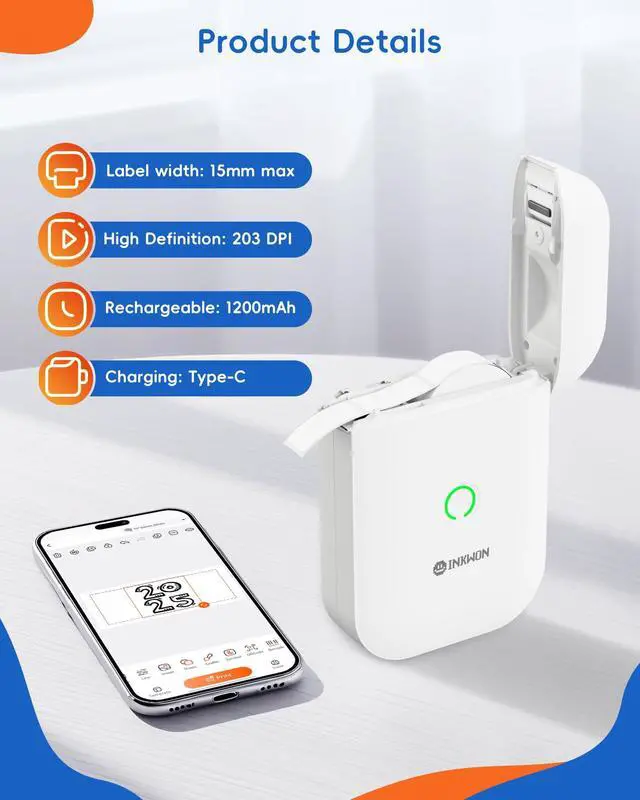
Green light: Normal
Red light: Out of paper / charging / cover open / overheating
Red slow flash: Low battery

The first print is misaligned, how to calibrate the paper?
Before printing, calibrate the paper, click the machine name in the upper left corner, go to Settings -Paper Feed Calibration, and select the corresponding label type.
Please note: The calibration print uses three labels for calibration.
Can it print in color?
No. Only supports thermal monochrome printing.
Is it mandatory to register an account to use the printer app?
During initial use, the app will display a registration screen, but you can choose "Skip." After skipping registration, basic functions such as printing remain available for normal use.
Why is nothing printed on the thermal paper?
Check if the thermal paper is loaded in the wrong direction. Please reinstall it according to the manual.
Indicator light guide
Green light: Normal
Red light: Out of paper / charging / cover open / overheating
Red slow flash: Low battery
InkWon is a brand that combines creativity and fun, and we believe that "happiness is the best creation."
Centered around smart, efficient, and enjoyable printing devices, we provide a one-stop creative experience, from idea inspiration and design support to finished product completion.
We focus on every detail, striving to be a trusted growth partner and inspiration companion for creative enthusiasts.



