



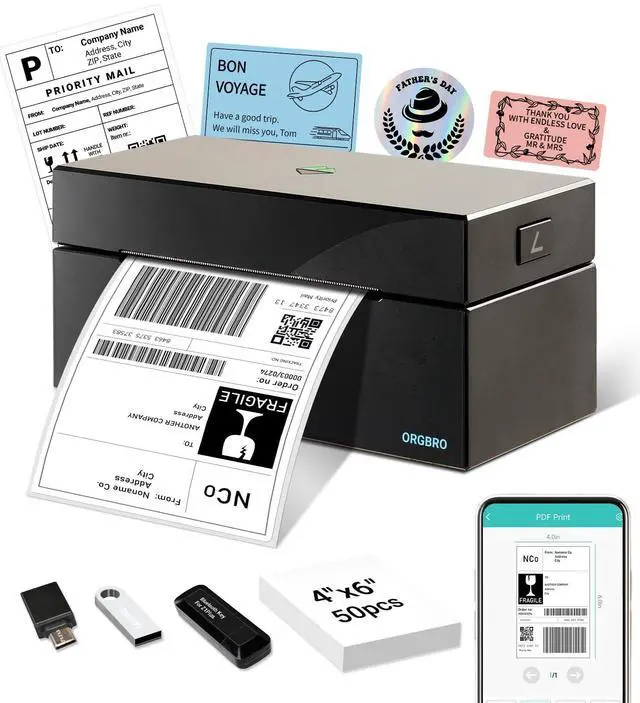
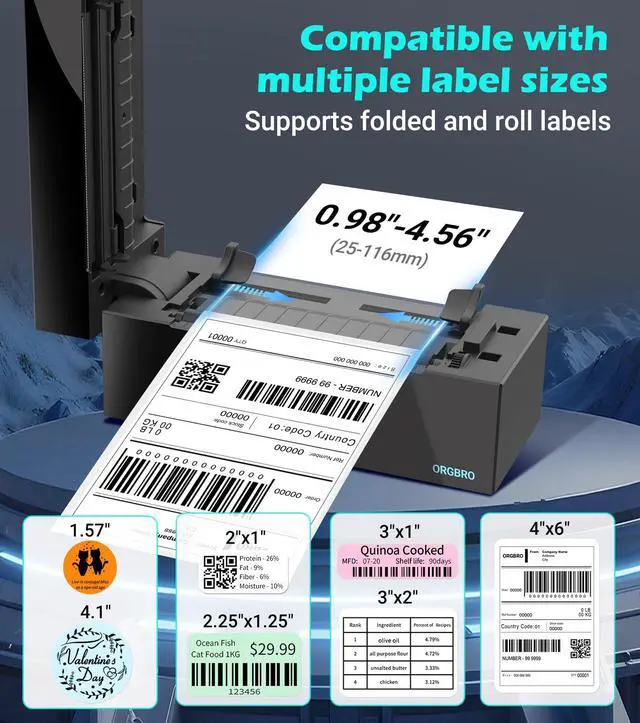
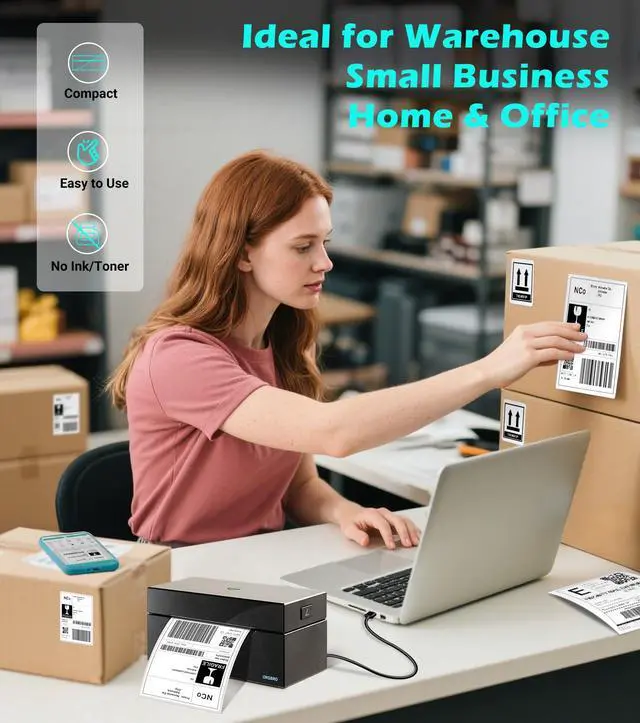
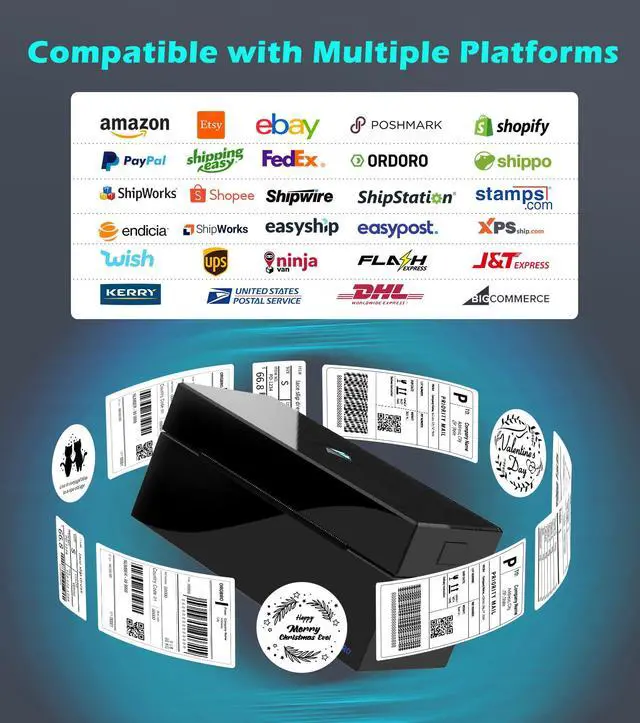


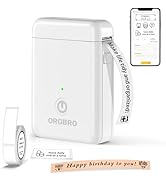
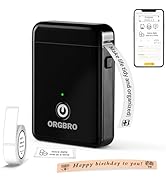
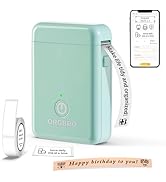
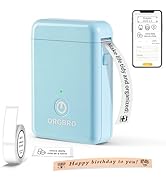
ORGBRO Z1-Plus Bluetooth Thermal Label Printer
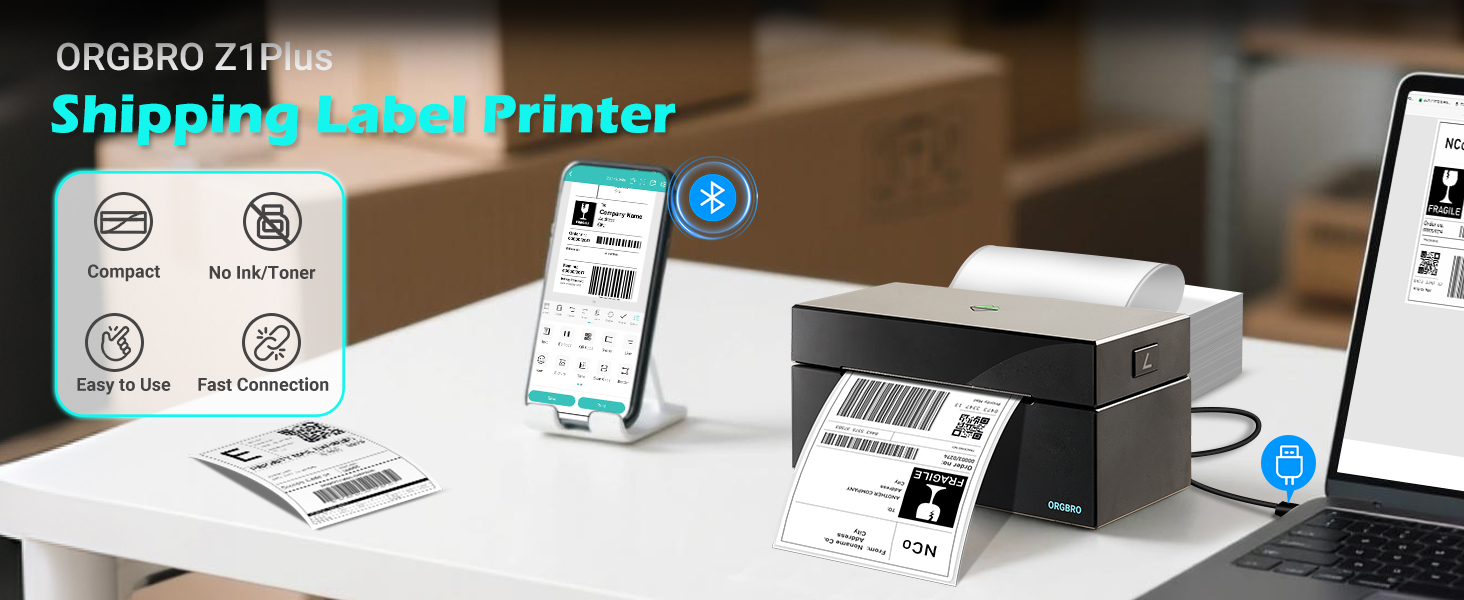
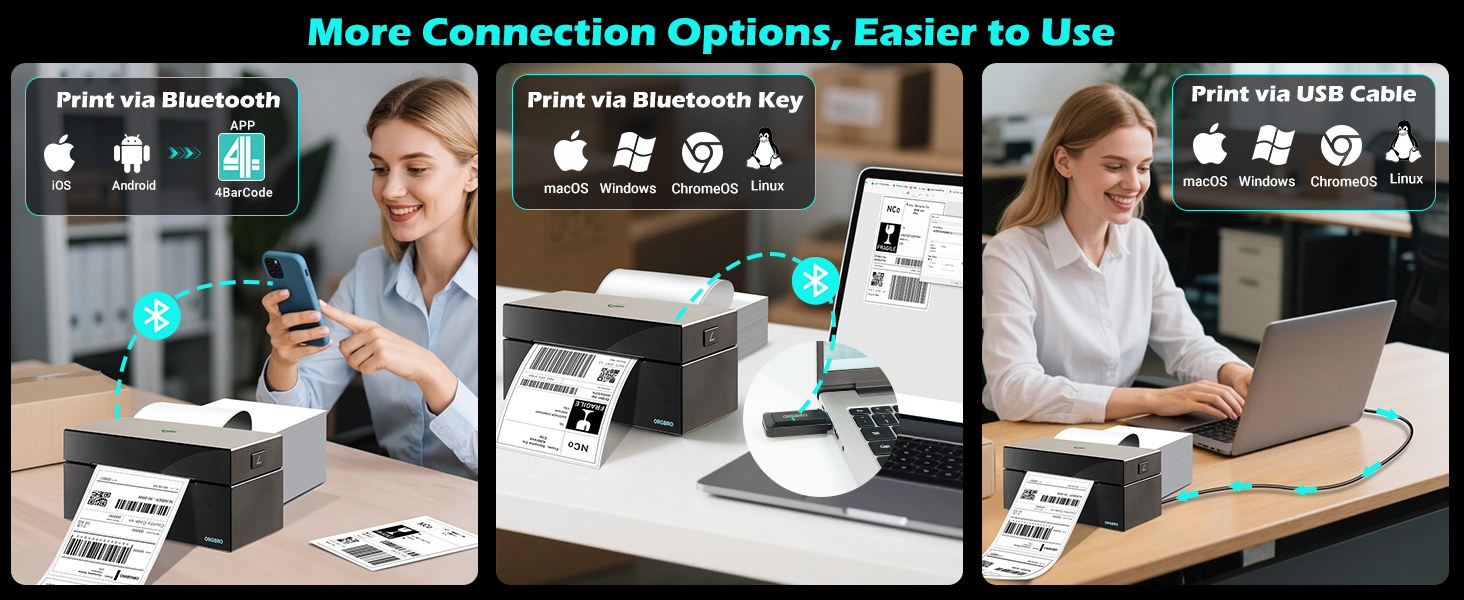
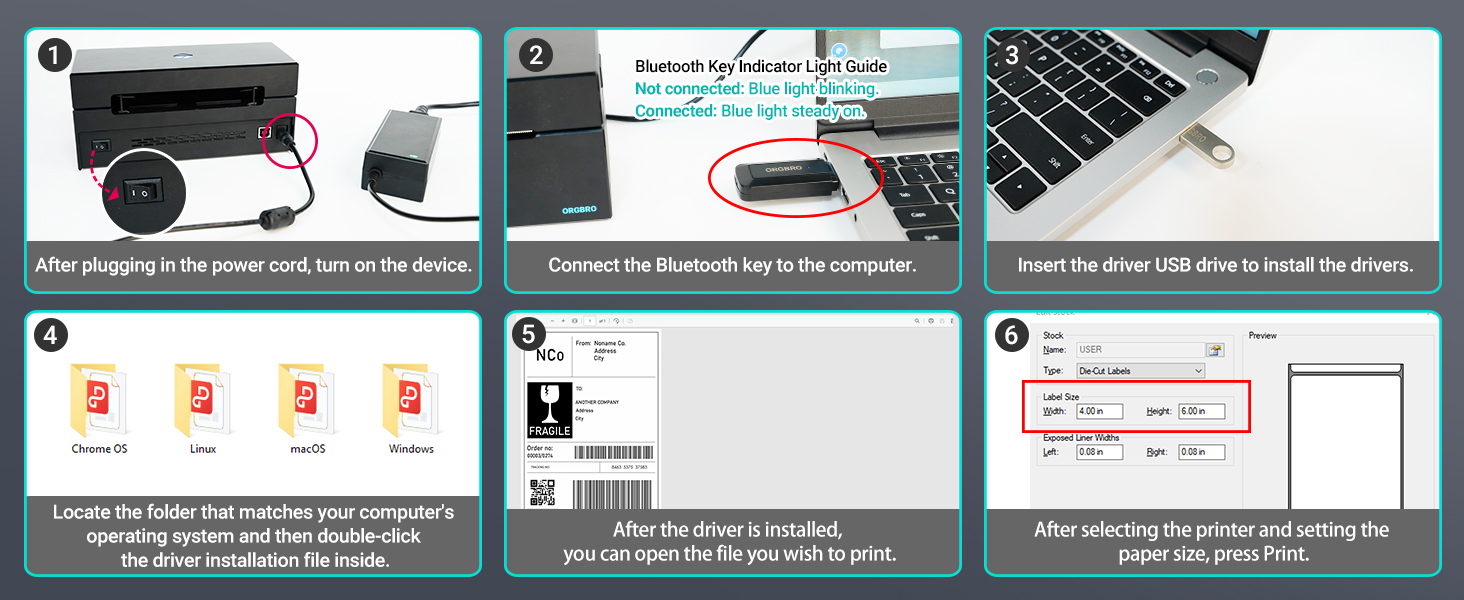
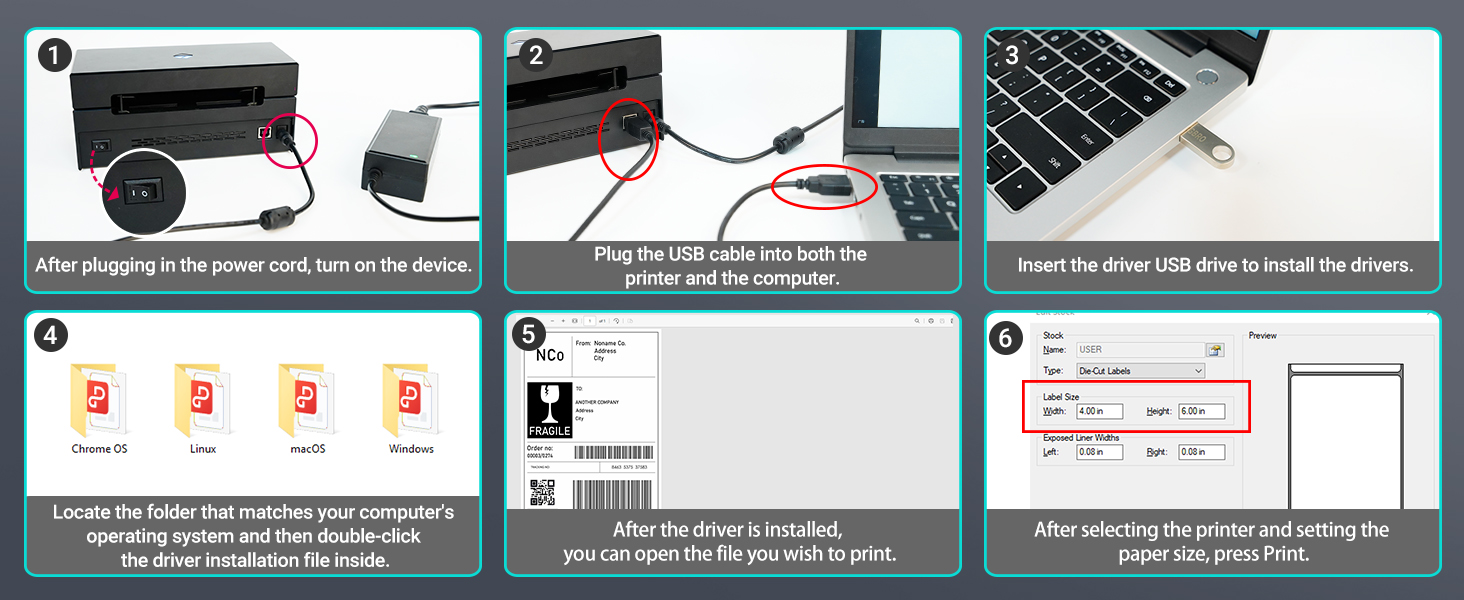
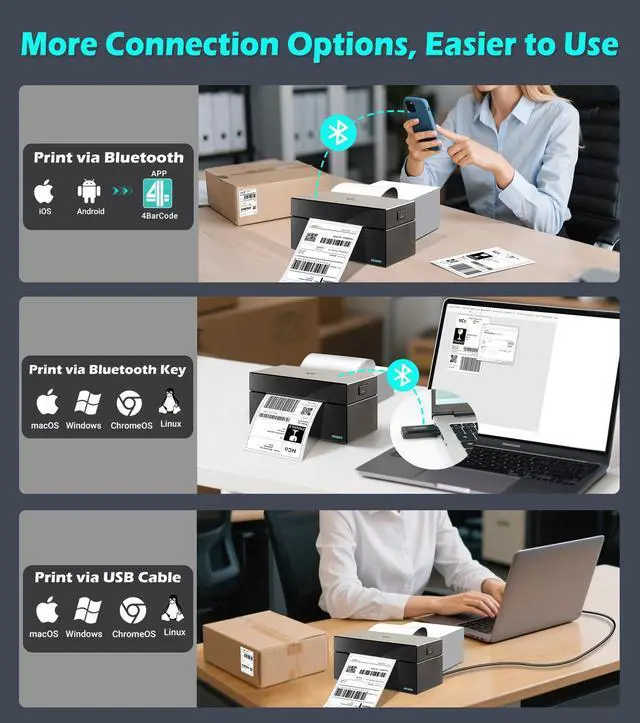
How to connect your phone to the printer via Bluetooth?
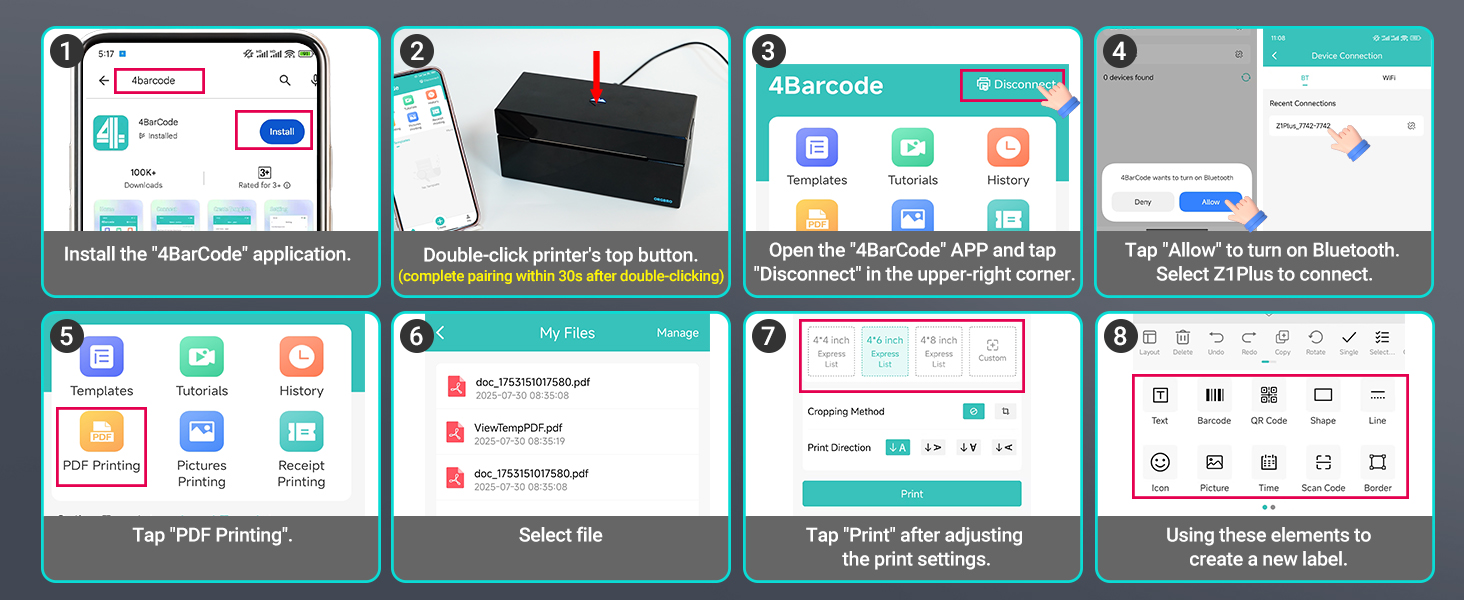
- Download the “4Barcode” app and open it. Allow APP access and open "Bluetooth".
- Tap "Disconnect" option in the upper-right corner of the app.
- Double-click the button on the top of the printer. (Note: Pairing must be completed within 30 seconds; otherwise, repeat the double-click operation.)
- Wait for the device to be detected, then select ‘Z1 Plus’ in the app to complete pairing.
- Note: Do not connect via Bluetooth directly through your phone settings. Pairing must be initiated within the app.
Connect your phone to the printer via Bluetooth
More related products
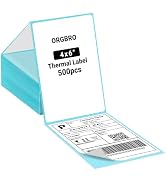
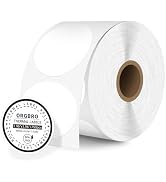
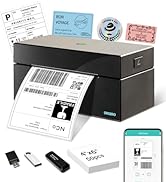
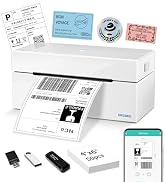
 Bluetooth Label Printer |  Bluetooth Label Printer | 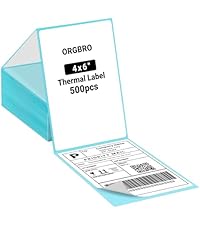 4x6 Thermal Labels | 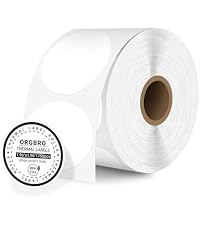 2" Circle Thermal Labels | 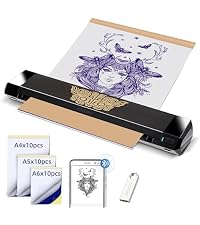 Tattoo Stencil Printer | |
|---|---|---|---|---|---|
Customer Reviews | — | — | — | — | — |
Price | — | — | — | — | — |
Pack | 1 | 1 | 500 Labels | 750 Labels | 1 |
Color | Black | White | White | White | Black |
Support | Bluetooth & USB Connection | Bluetooth & USB Connection | 4" Thermal Label Printers | 3"&4" Thermal Label Printers | Bluetooth & USB Connection |
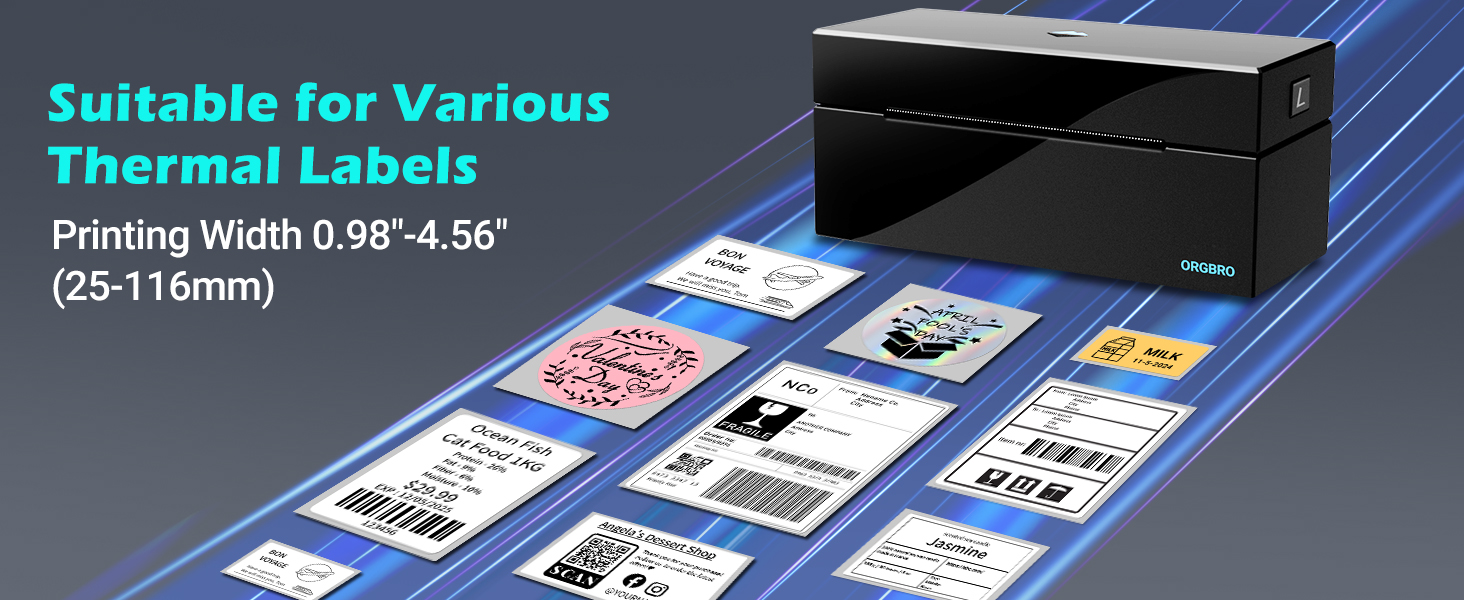
Printing Size | Wide 0.98-4.56 inches | Wide 0.98-4.56 inches | 4“x6” | 2"&3" | A4/A5/A6 |
Advantage | Bluetooth, High Efficiency | Bluetooth, High Efficiency | Using as Shipping Labels | For Commercial Labels | Portable, Anti-Wrinkle |
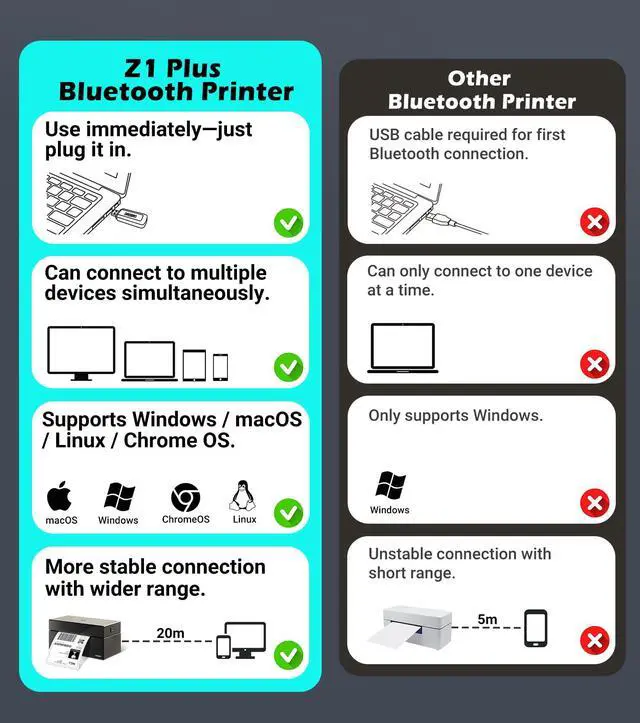
Why can't my phone connect to the printer via Bluetooth?
1. Double-click the feed button, then within 30?s scan the printer via the "Disconnected" button at the top right of the app (printer light flashes red/blue).
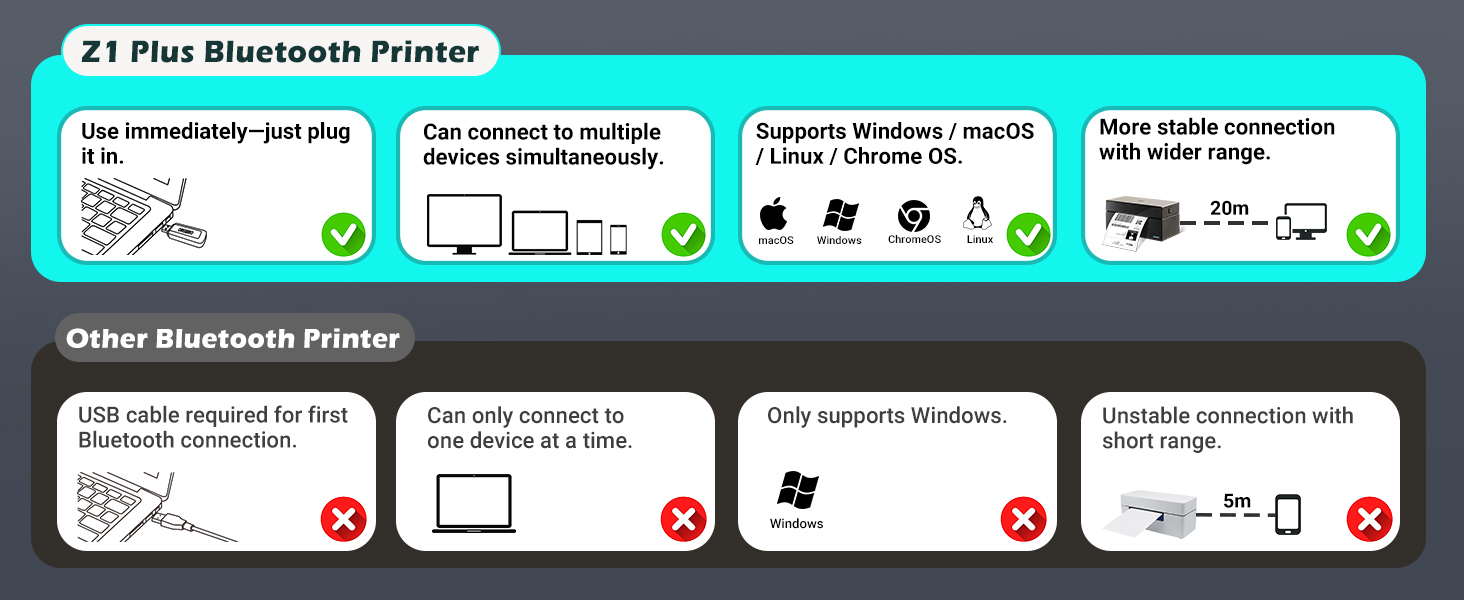
2. The computer Bluetooth Dongle must not be connected.
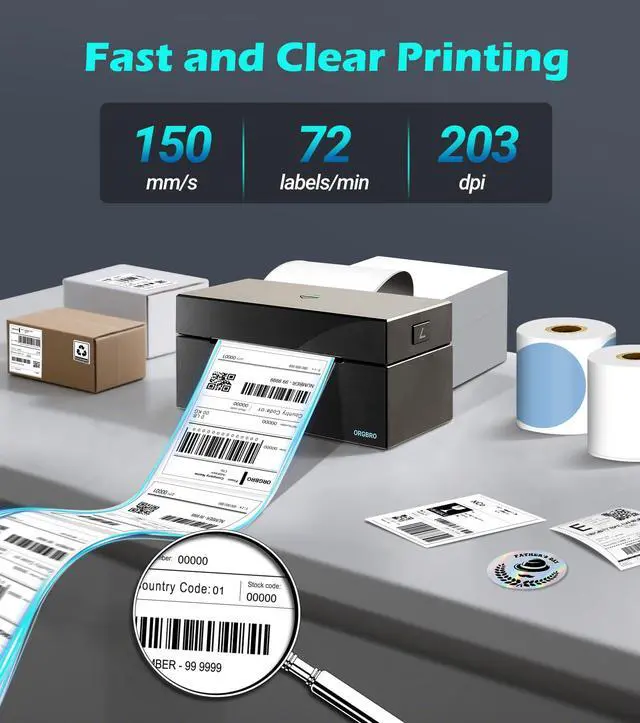
Why is the label printed unclearly?
If text is unclear: Increase density and reduce speed.
lf issues persist: Clean the printhead with alcohol wipes.
Why am I printing blank labels?
1. Use thermal labels.
2. Ensure labels are placed with the printed side facing up

ORGBRO
YOUR BEST ORGANISING BROTHER
ORGBRO is dedicated to the research and development of small, portable, and intelligent printing devices, striving to bring users an excellent printing experience.
The name ORGBRO means "Organizing Brother", and we are committed to producing high-quality products that help users improve their work efficiency and make their lives more organized. We hope to create a green and sustainable life and world with you.
Z1-Plus Thermal Labels
ORGBRO X1 Label Maker
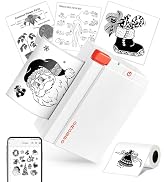
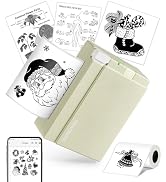
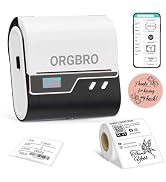
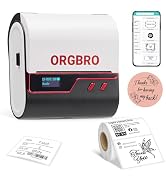
ORGBRO Sticker Printer
ORGBRO Z1-Plus Bluetooth Thermal Label Printer
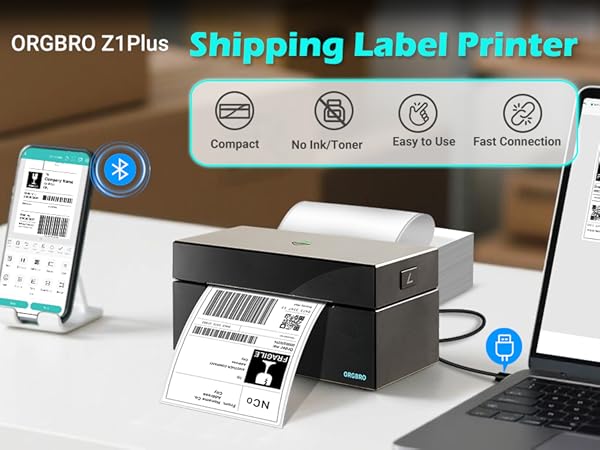
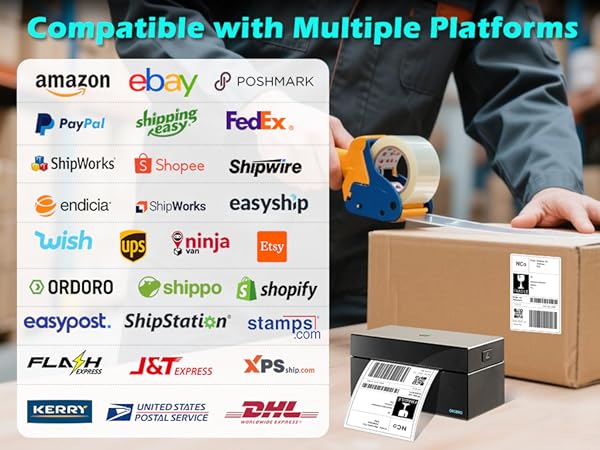
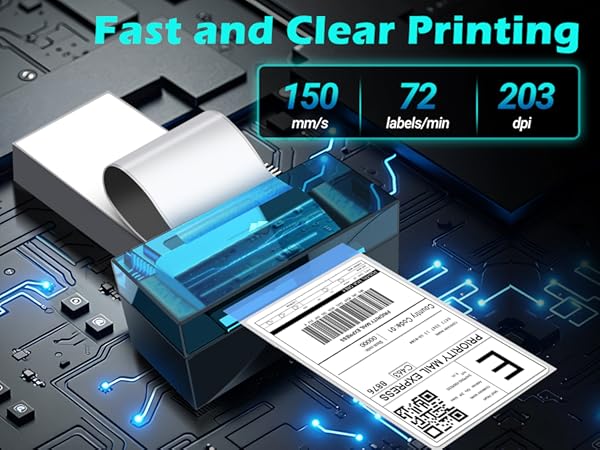
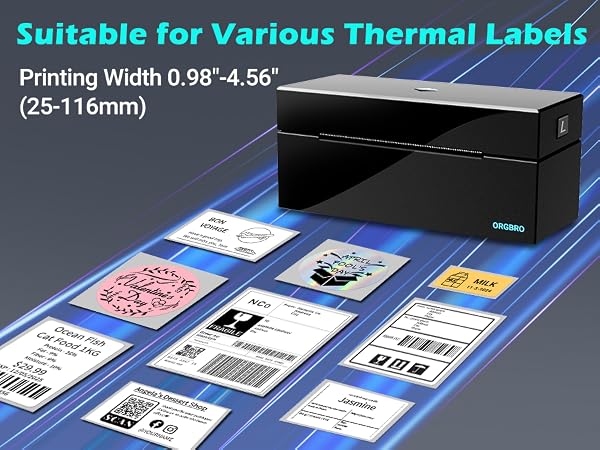
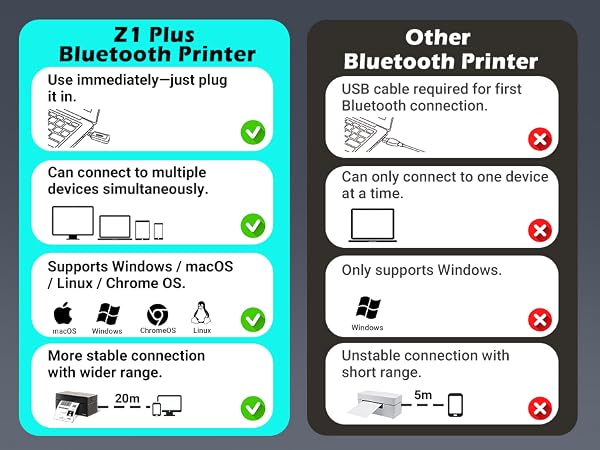
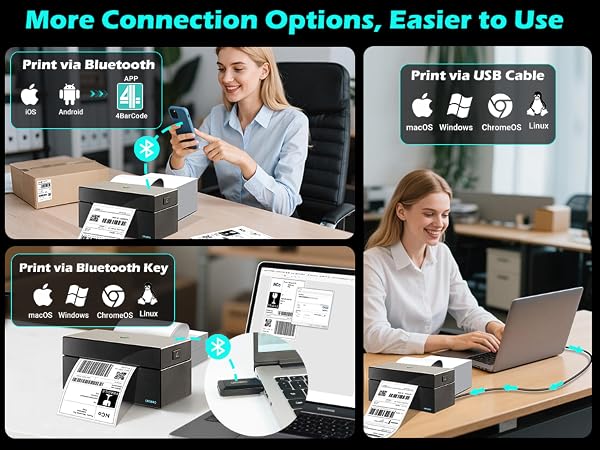
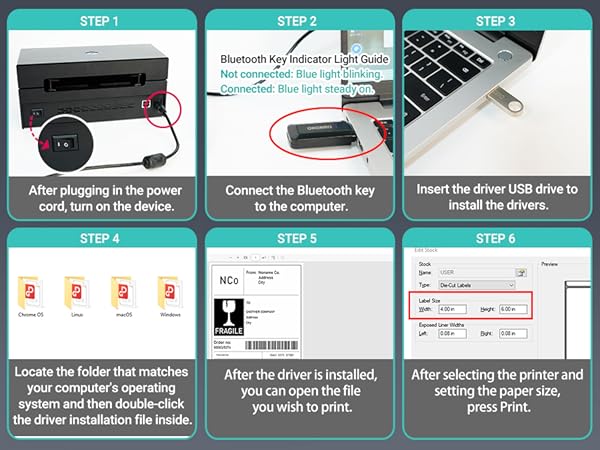
Connect your phone to the printer via Bluetooth
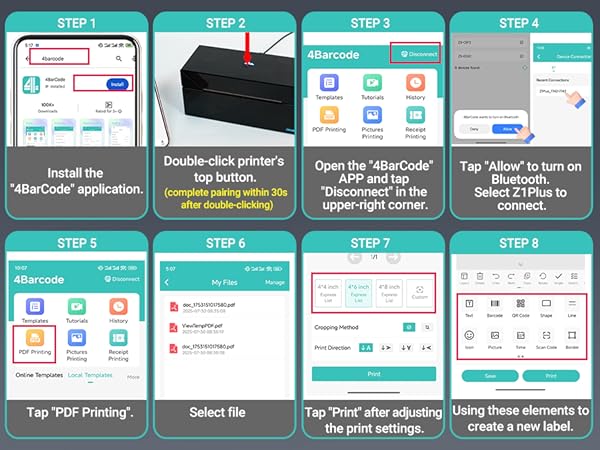
How to connect your phone to the printer via Bluetooth?
- Download the “4Barcode” app and open it. Allow APP access and open "Bluetooth".
- Tap "Disconnect" option in the upper-right corner of the app.
- Double-click the button on the top of the printer. (Note: Pairing must be completed within 30 seconds; otherwise, repeat the double-click operation.)
- Wait for the device to be detected, then select ‘Z1 Plus’ in the app to complete pairing.
- Note: Do not connect via Bluetooth directly through your phone settings. Pairing must be initiated within the app.
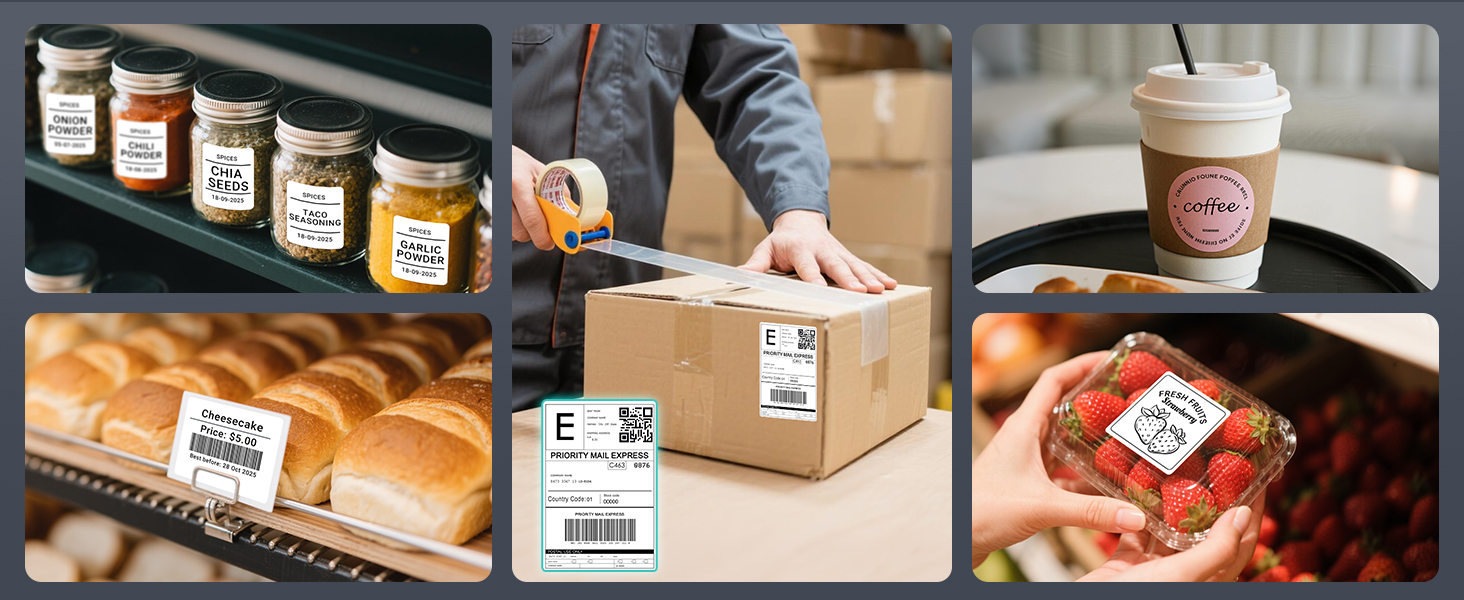
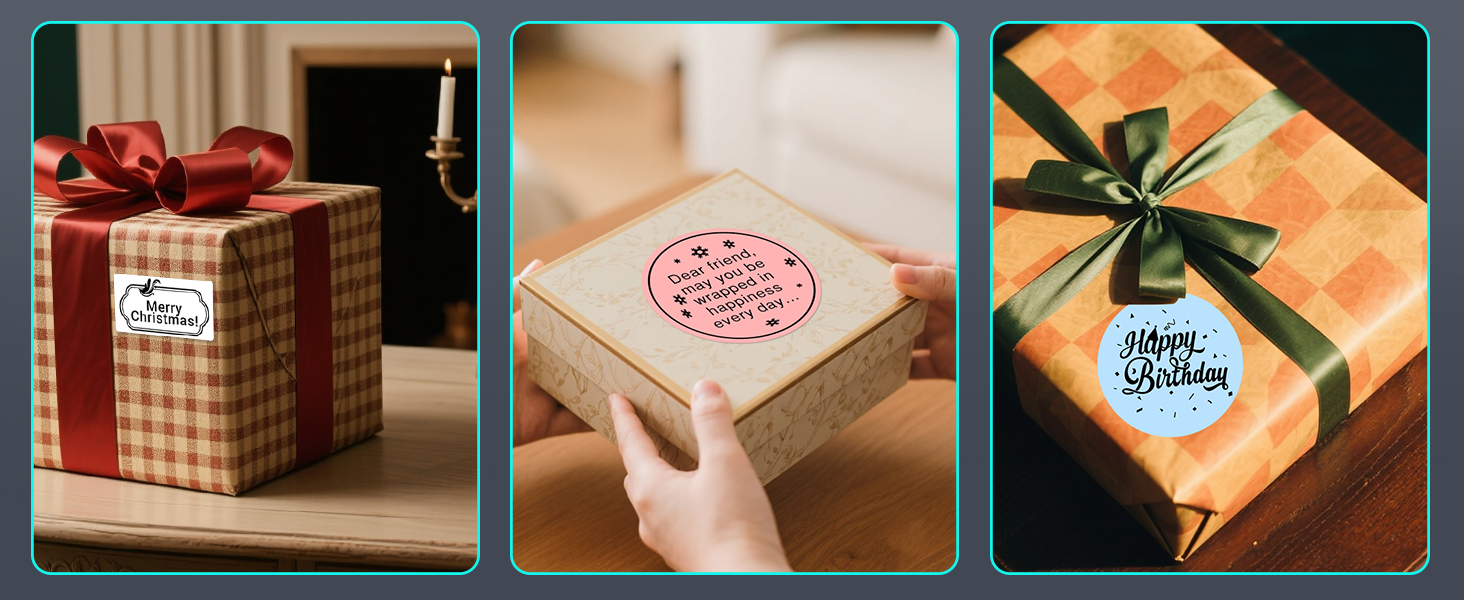
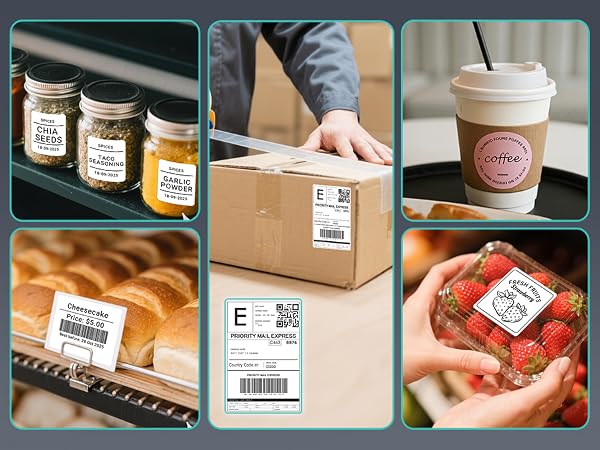
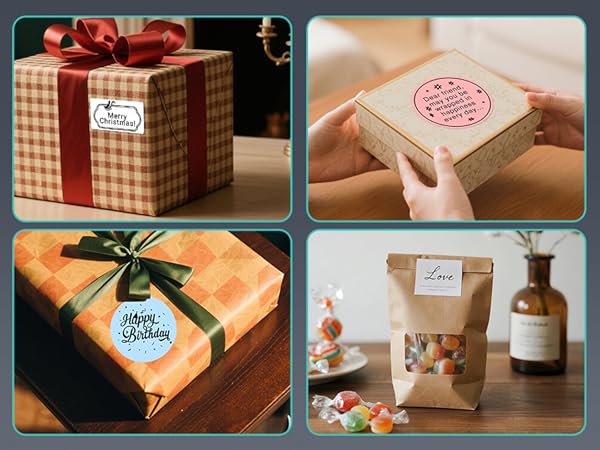
Suitable for Different Use
More related products
Bluetooth Label Printer |  Bluetooth Label Printer | 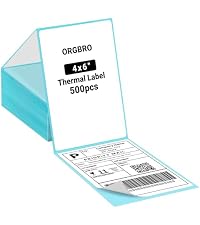 4x6 Thermal Labels | 2" Circle Thermal Labels | Tattoo Stencil Printer |
|---|---|---|---|---|
| Customer Reviews | ||||
| — | — | — | — | — |
| Price | ||||
| — | — | — | — | — |
| Pack | ||||
| 1 | 1 | 500 Labels | 750 Labels | 1 |
| Color | ||||
| Black | White | White | White | Black |
| Support | ||||
| Bluetooth & USB Connection | Bluetooth & USB Connection | 4" Thermal Label Printers | 3"&4" Thermal Label Printers | Bluetooth & USB Connection |
| Printing Size | ||||
| Wide 0.98-4.56 inches | Wide 0.98-4.56 inches | 4“x6” | 2"&3" | A4/A5/A6 |
| Advantage | ||||
| Bluetooth, High Efficiency | Bluetooth, High Efficiency | Using as Shipping Labels | For Commercial Labels | Portable, Anti-Wrinkle |
Why can't my phone connect to the printer via Bluetooth?
1. Double-click the feed button, then within 30?s scan the printer via the "Disconnected" button at the top right of the app (printer light flashes red/blue).
2. The computer Bluetooth Dongle must not be connected.
Why is the label printed unclearly?
If text is unclear: Increase density and reduce speed.
lf issues persist: Clean the printhead with alcohol wipes.
Why am I printing blank labels?
1. Use thermal labels.
2. Ensure labels are placed with the printed side facing up
ORGBRO
YOUR BEST ORGANISING BROTHER
ORGBRO is dedicated to the research and development of small, portable, and intelligent printing devices, striving to bring users an excellent printing experience.
The name ORGBRO means "Organizing Brother", and we are committed to producing high-quality products that help users improve their work efficiency and make their lives more organized. We hope to create a green and sustainable life and world with you.
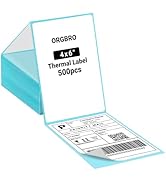
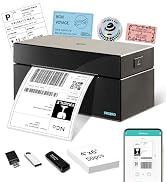
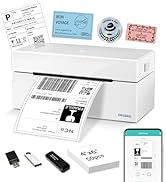
Z1-Plus Thermal Labels
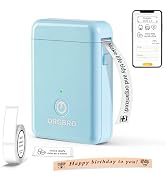
ORGBRO X1 Label Maker
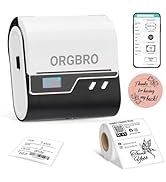
ORGBRO Sticker Printer
