



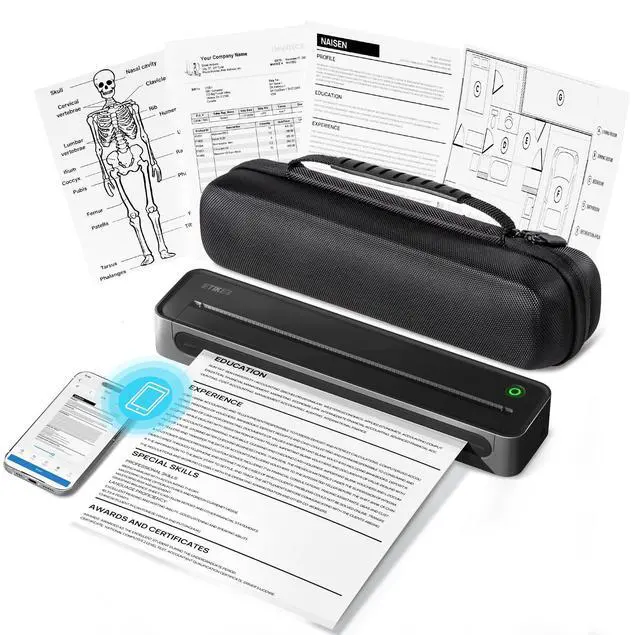
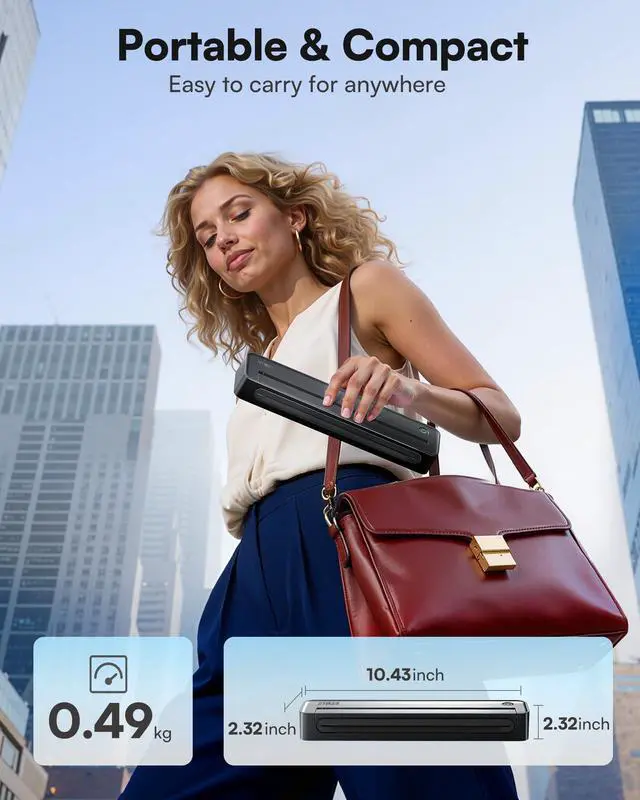
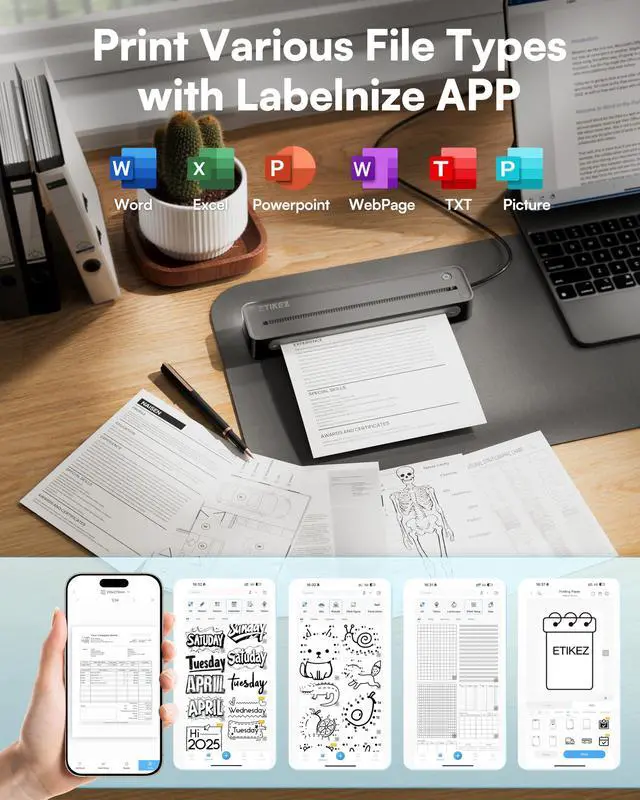
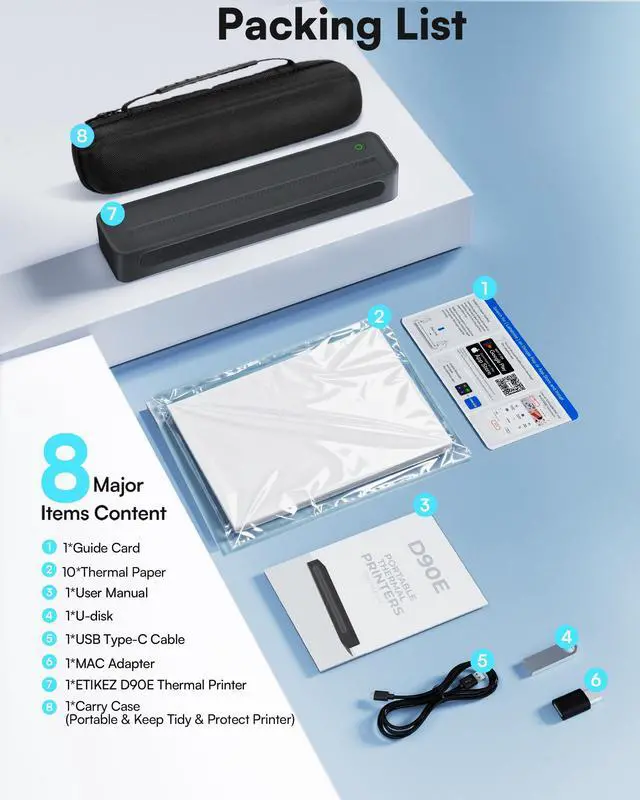


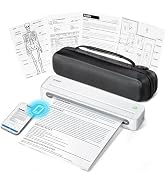
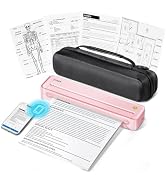
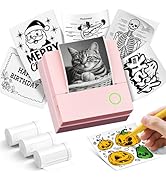
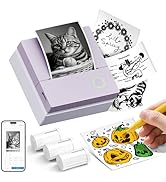
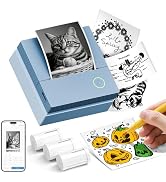
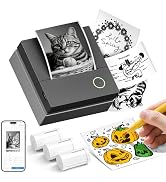
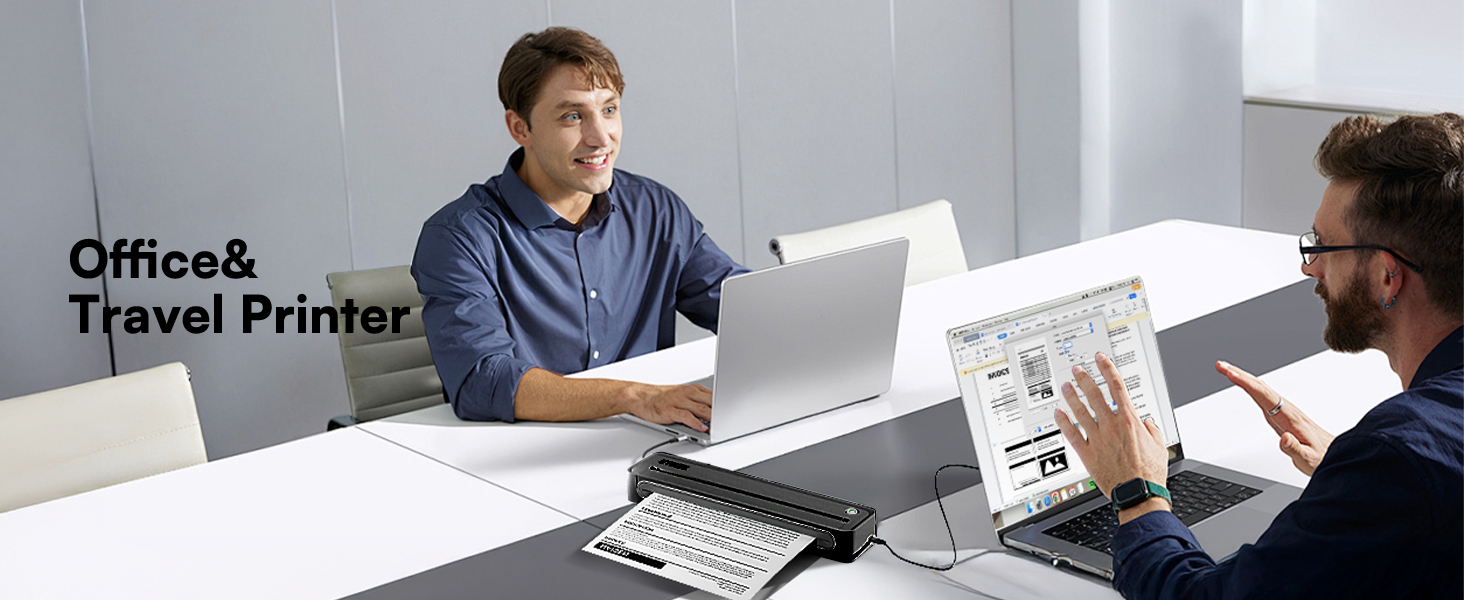
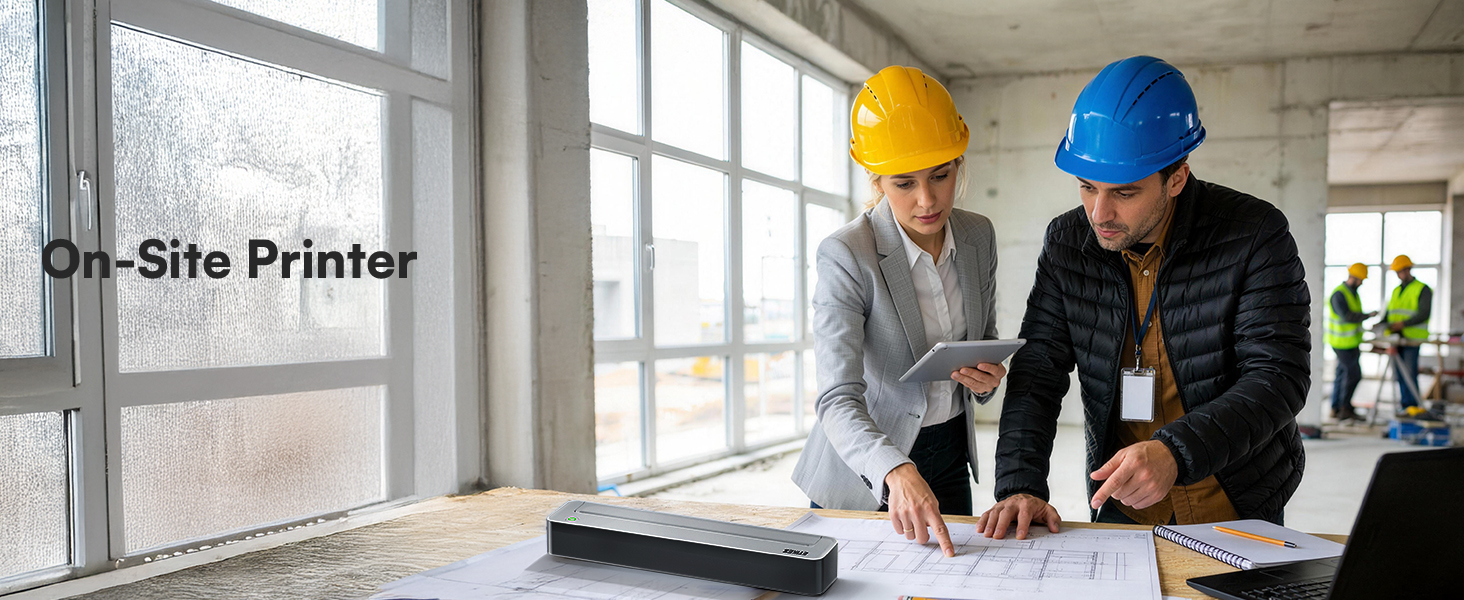
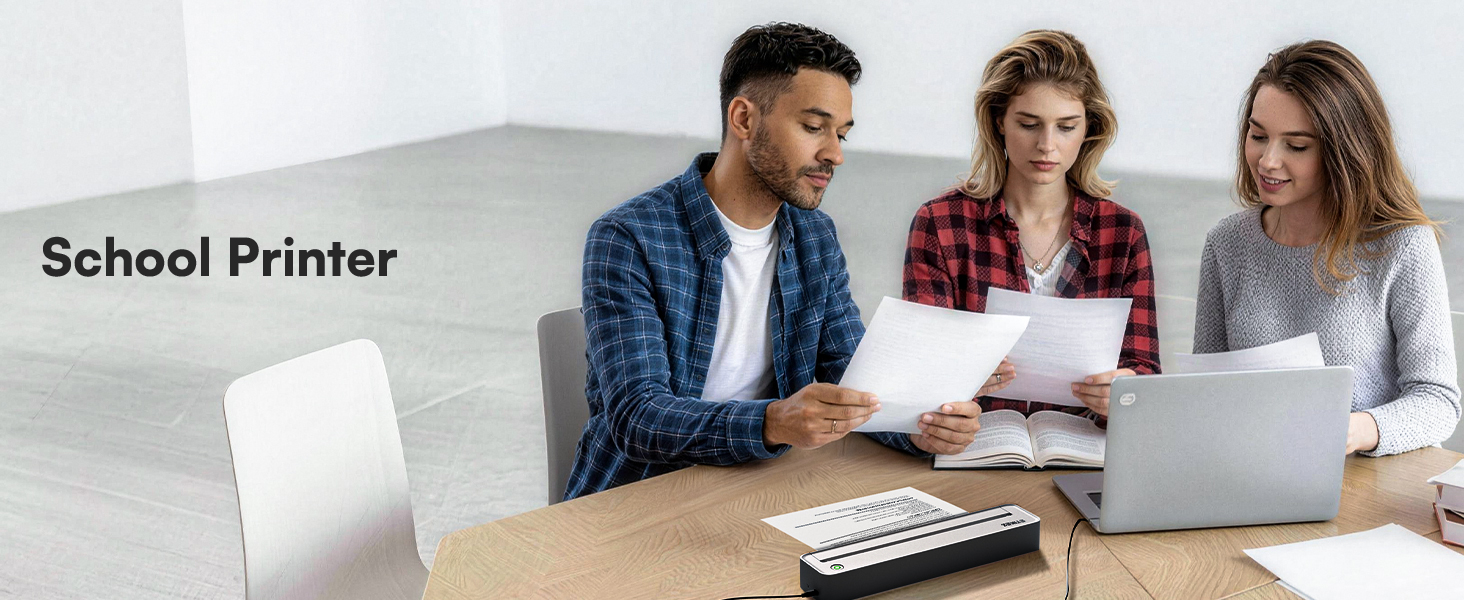
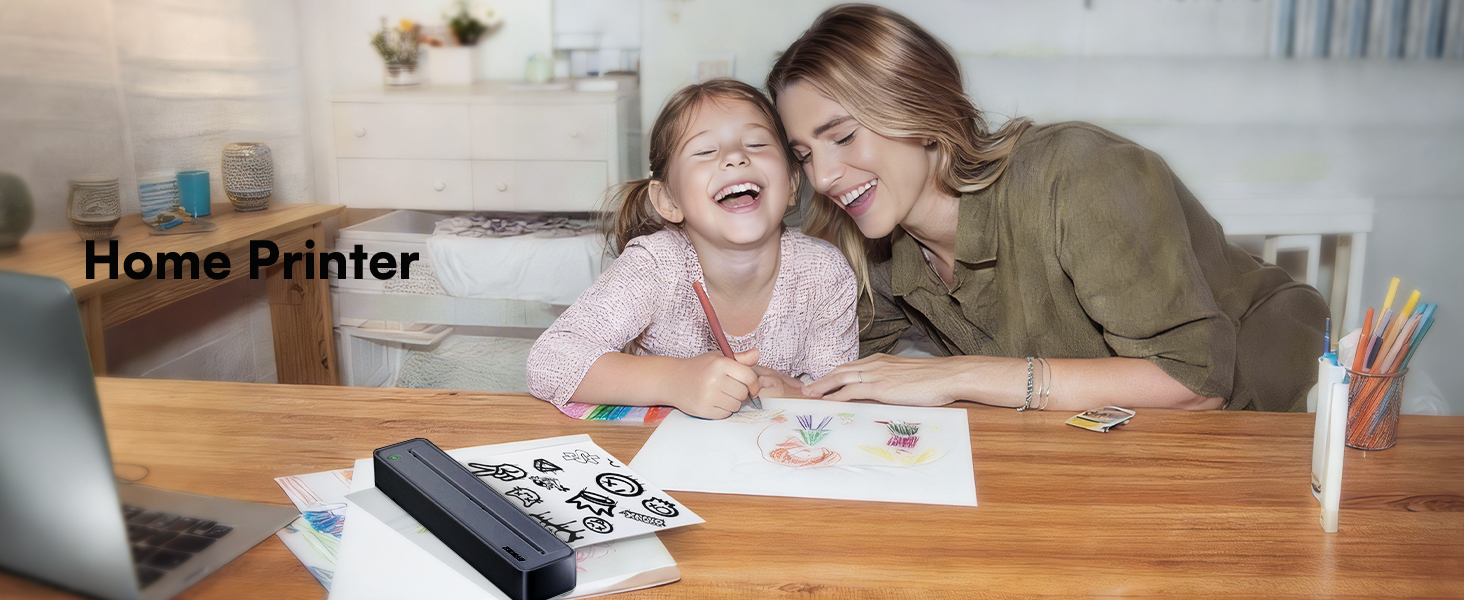
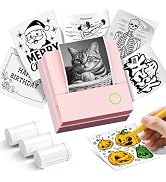
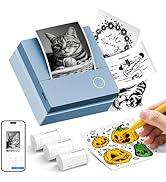
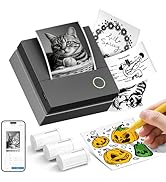
D90E Portable Printer
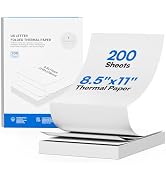
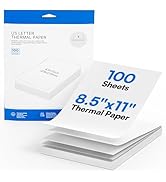
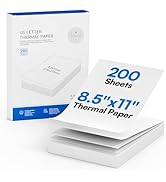
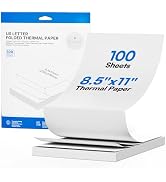
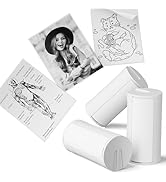
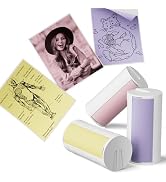
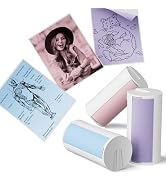
D90E Thermal Paper
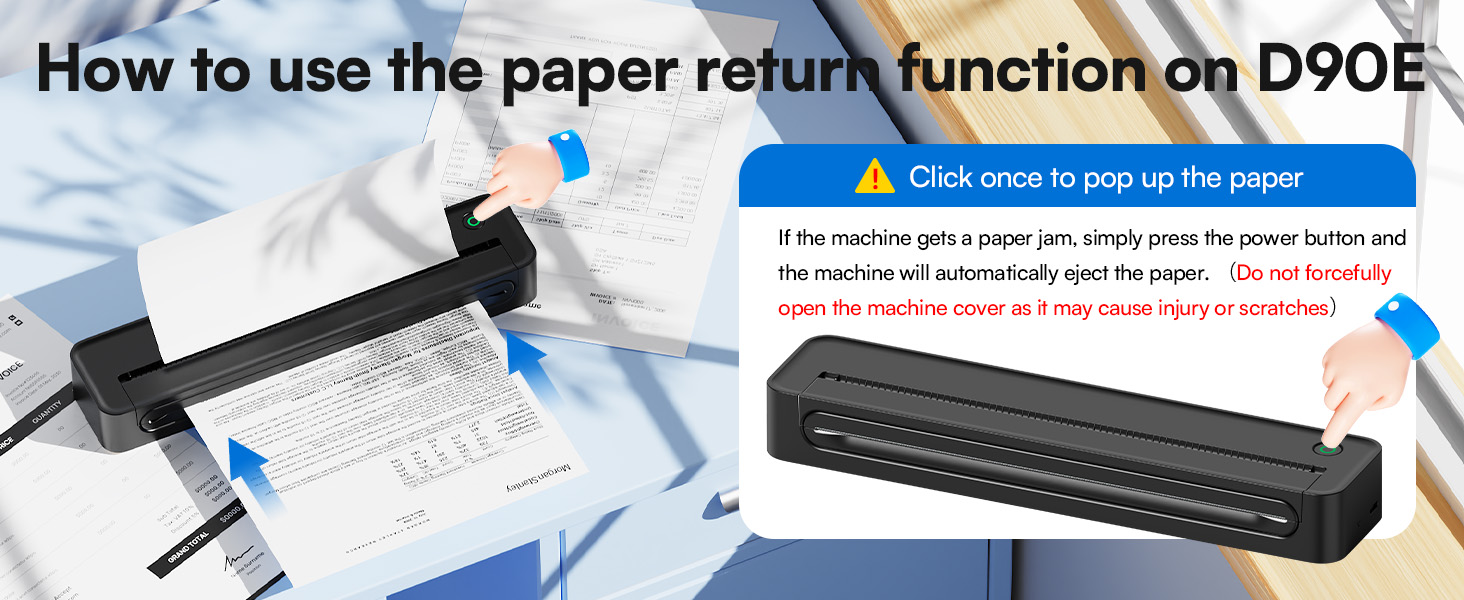
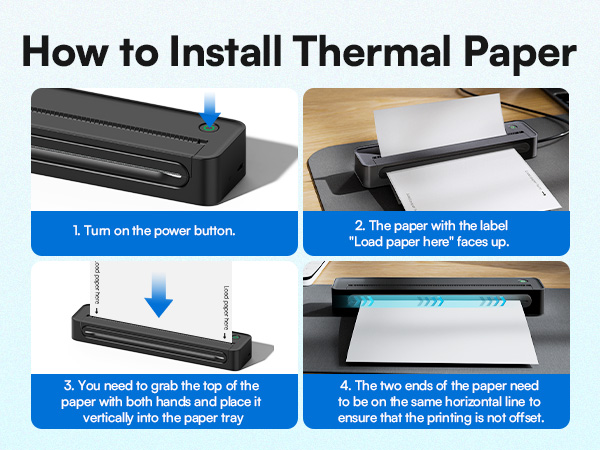
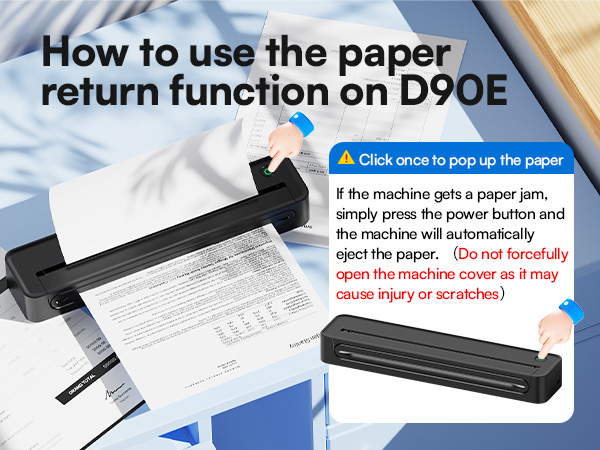
How to solve paper jams
Click once to pop up the paper - If the machine gets a paper jam, simply press the power button and the machine will automatically eject the paper
How to Connect Phone or Tablet to Print
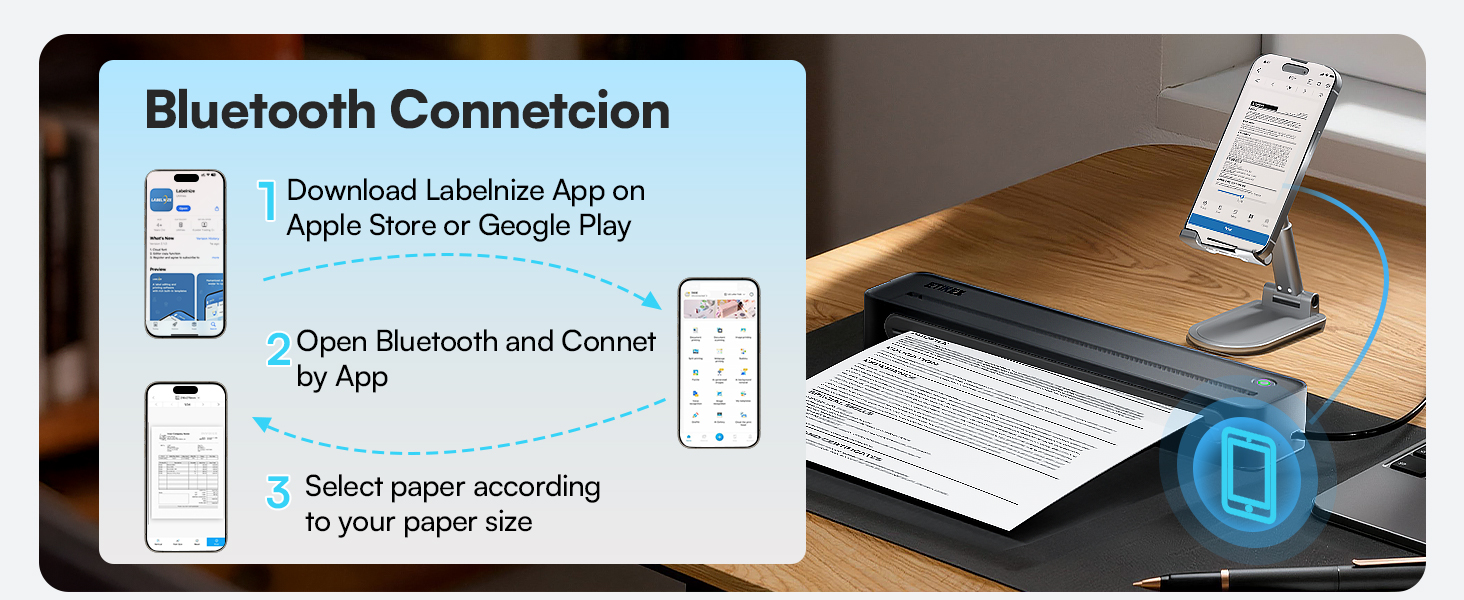
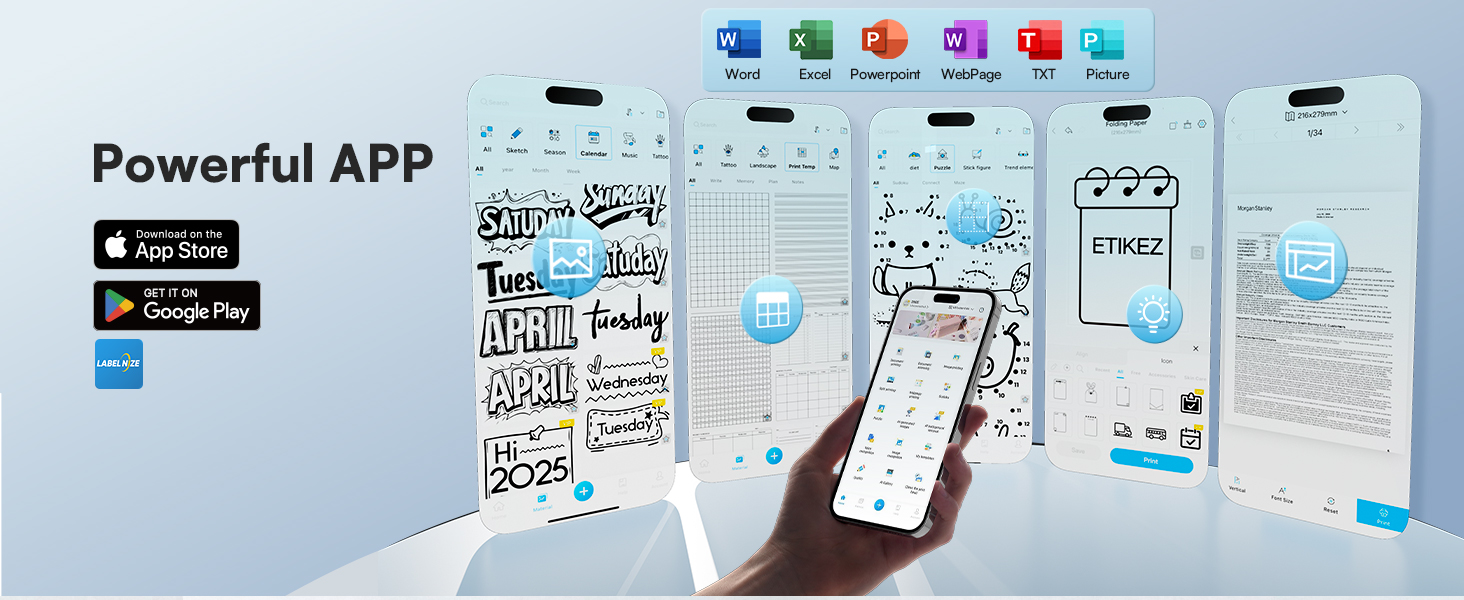
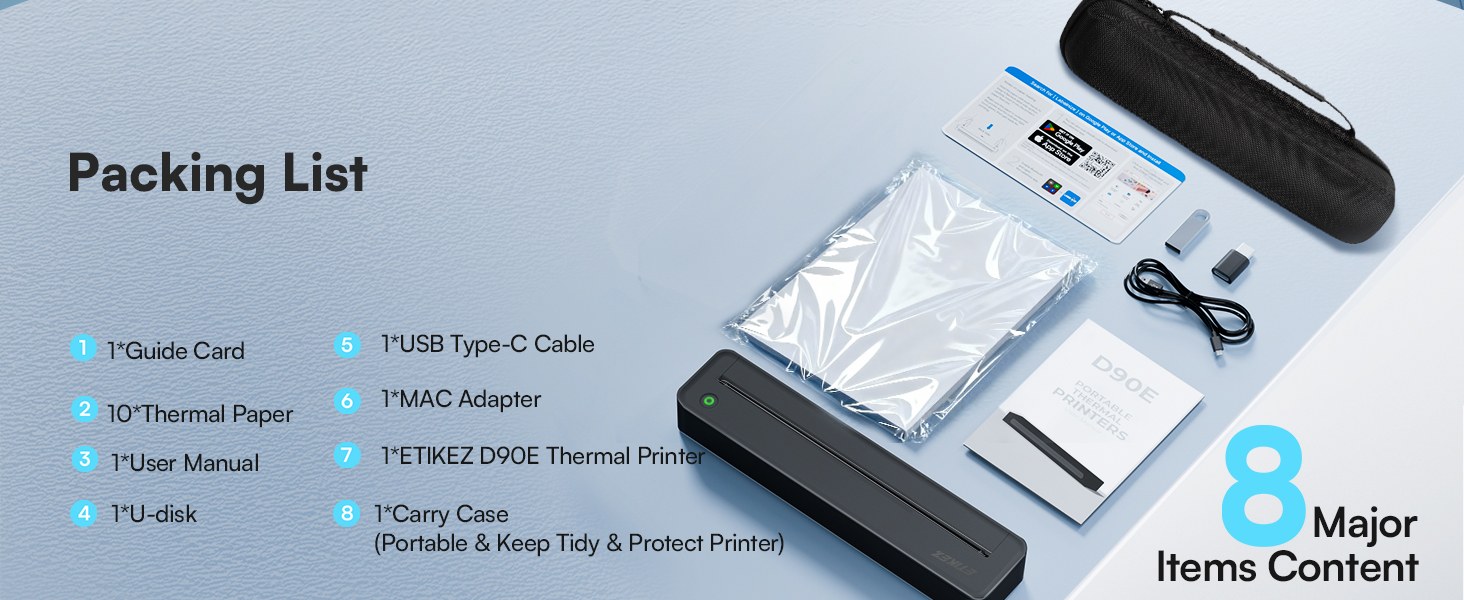
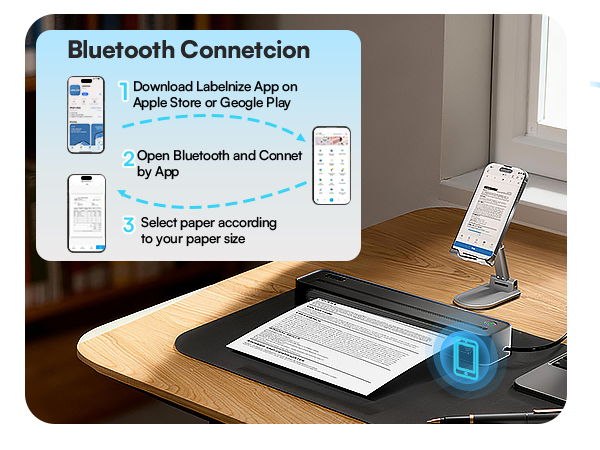
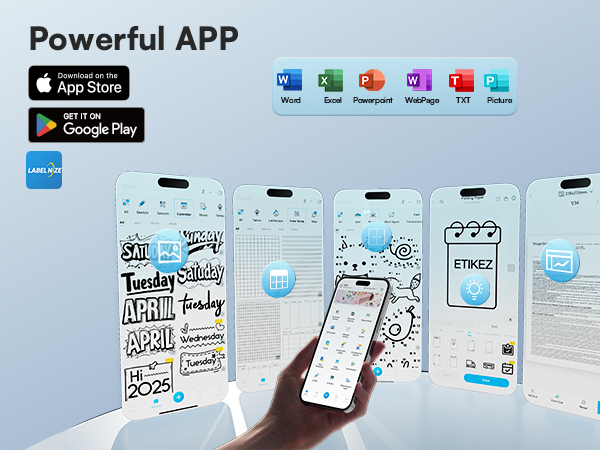
1)Download the APP according to the user manual
2)Turn on the printer and enable Bluetooth on your phone
3)Tap the "Connect" icon in the app to search for your D90E printer, then pair it via Bluetooth
How to Connect Laptop or Computer to Print
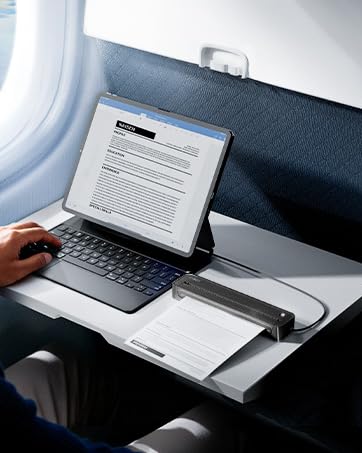
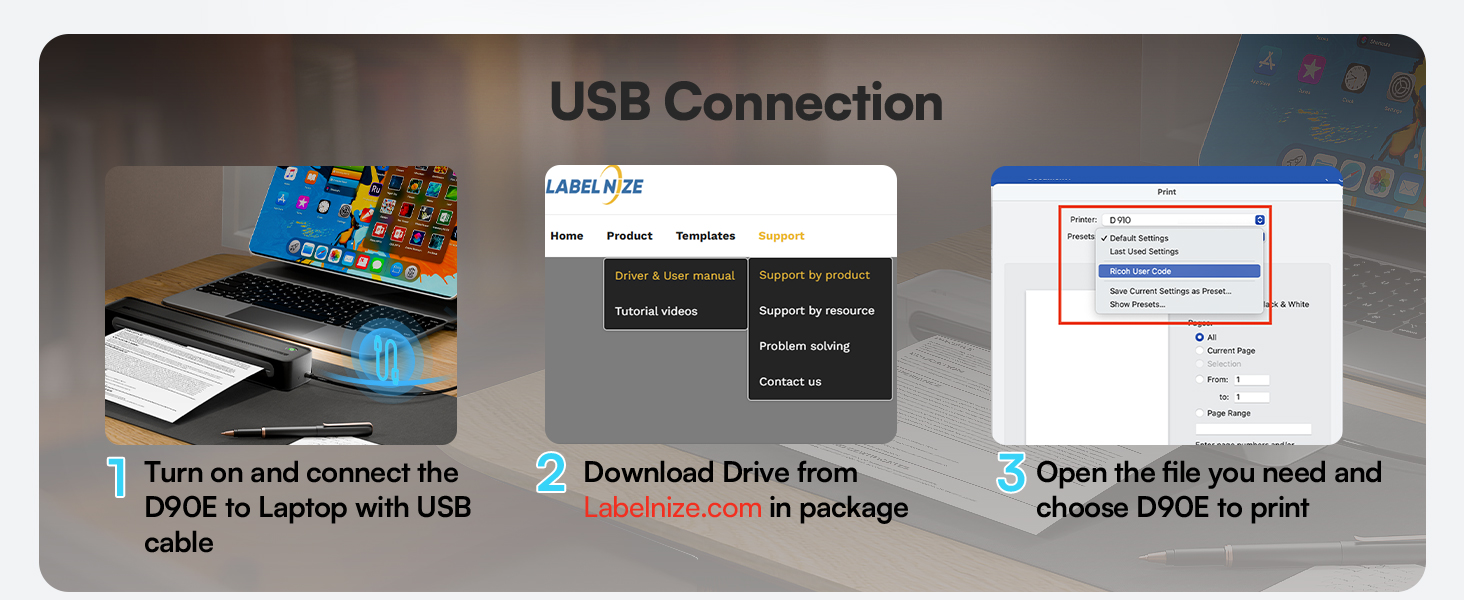
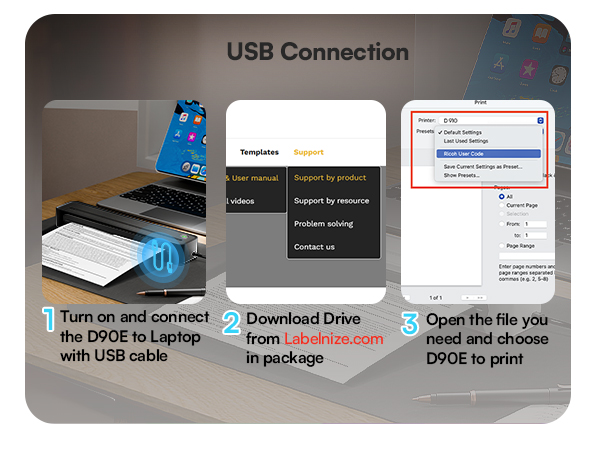
1)Turn on and connect the D90E to Laptop with USB cable
2)Download Drive from Labelnize.com in package
3)Open the file you need and choose D90E to print
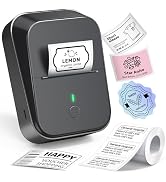
PM290C Sticker Printer
PM290C Thermal Printer Label
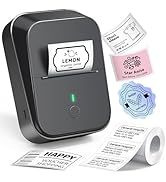
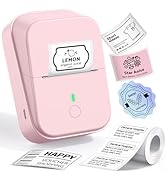
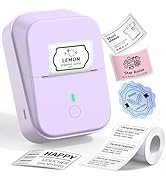
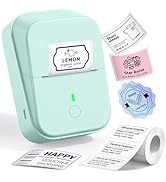
ETIKEZ PM260 Label Maker
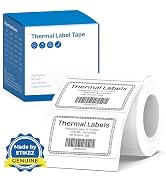
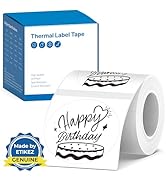
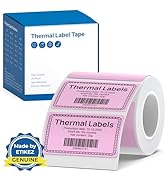
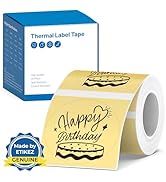
ETIKEZ PM260 Label Maker Tape
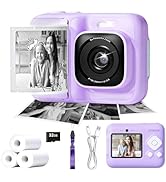
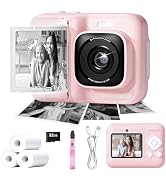
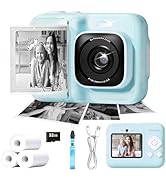
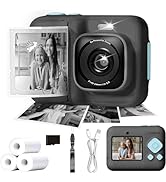
ETIKEZ Instant Print Camera
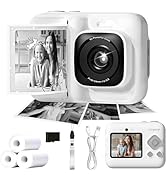
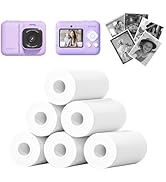
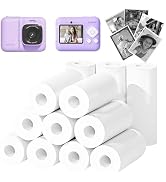
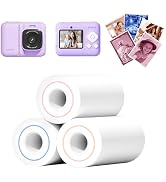
Instant Camera
D90E Portable Printer
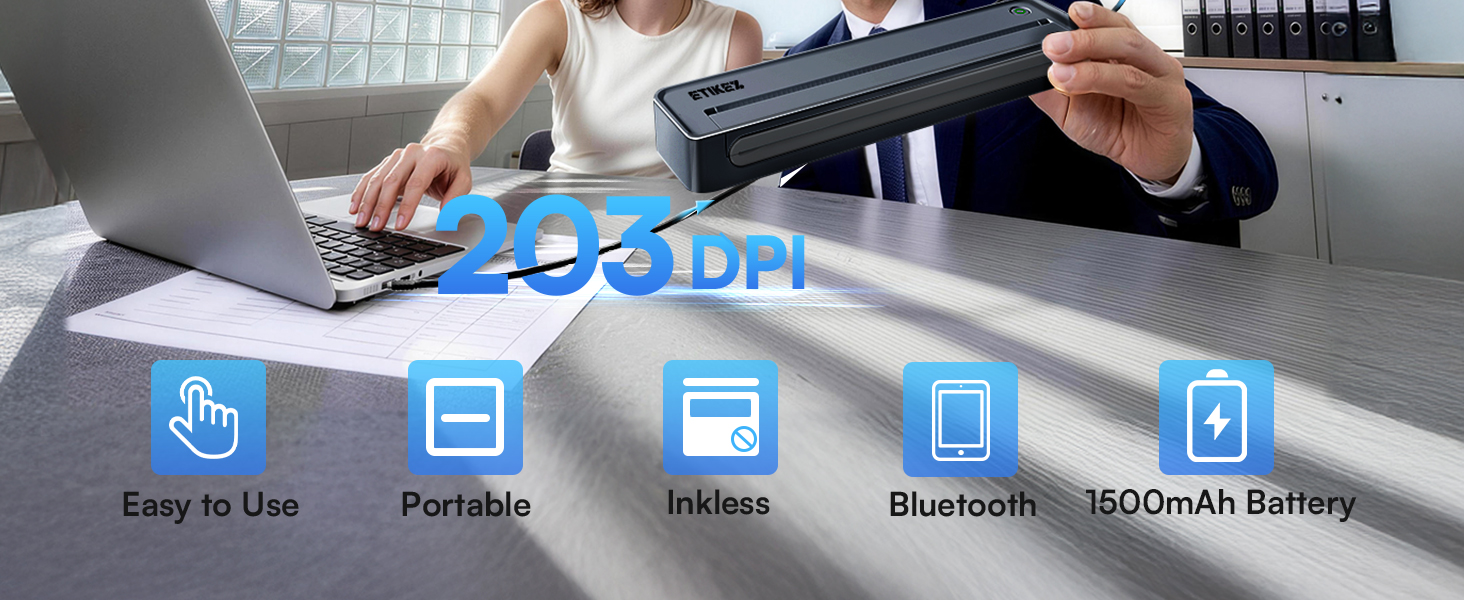
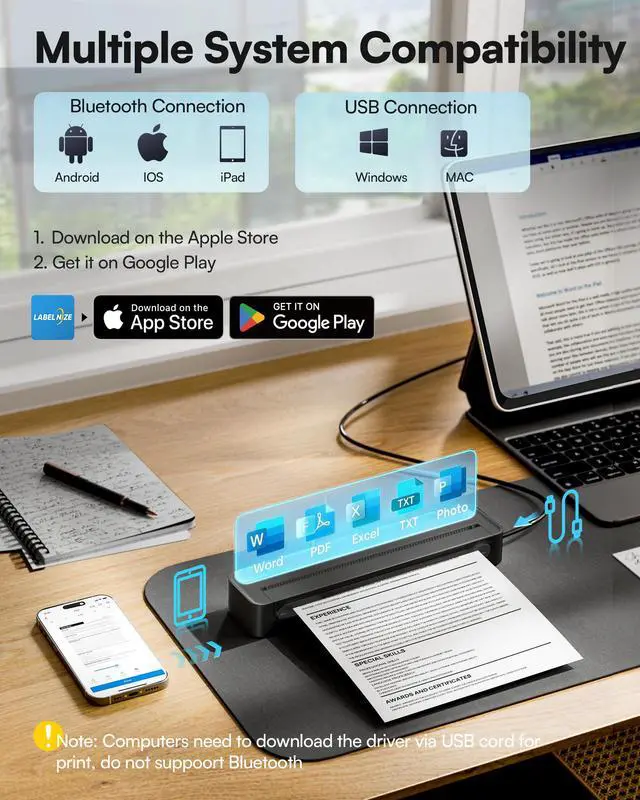
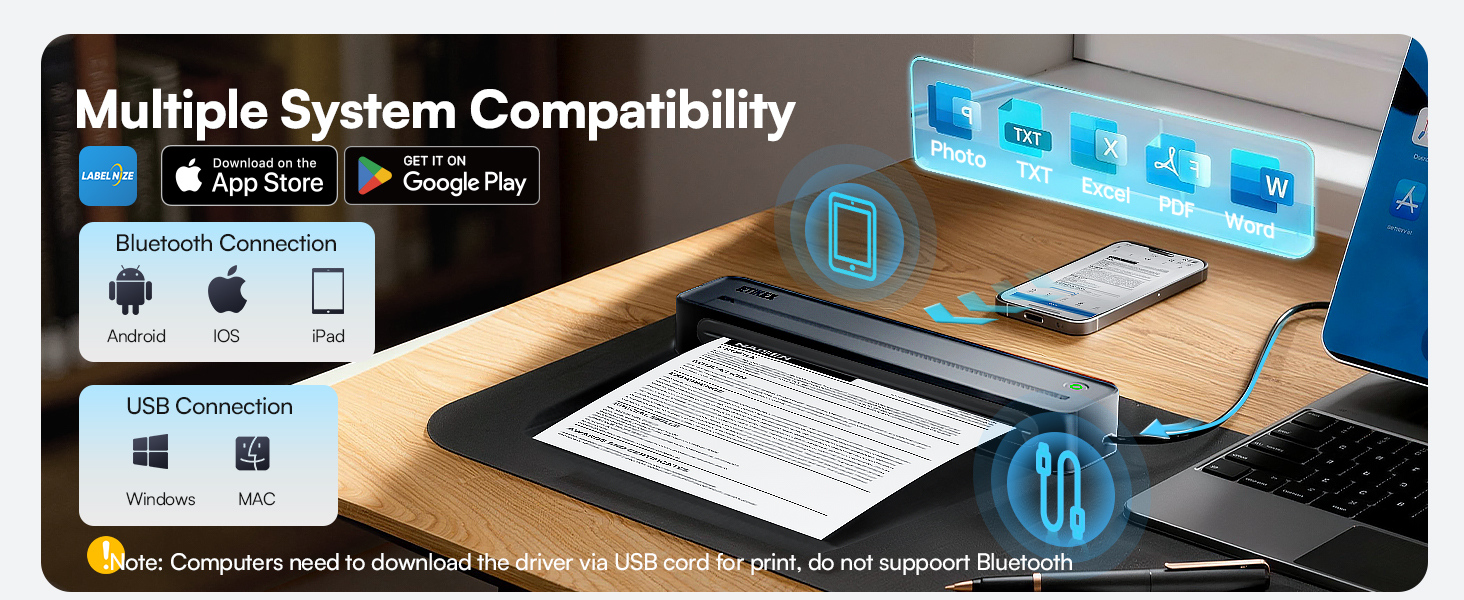
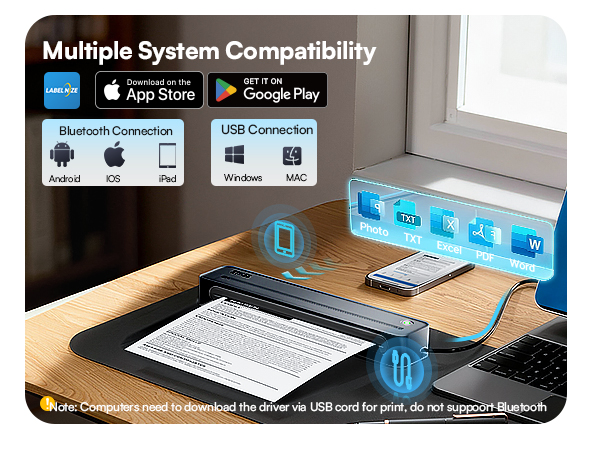
Note: Phones & tablets: Bluetooth compatible
Laptops & desktops: USB connection only — driver download required
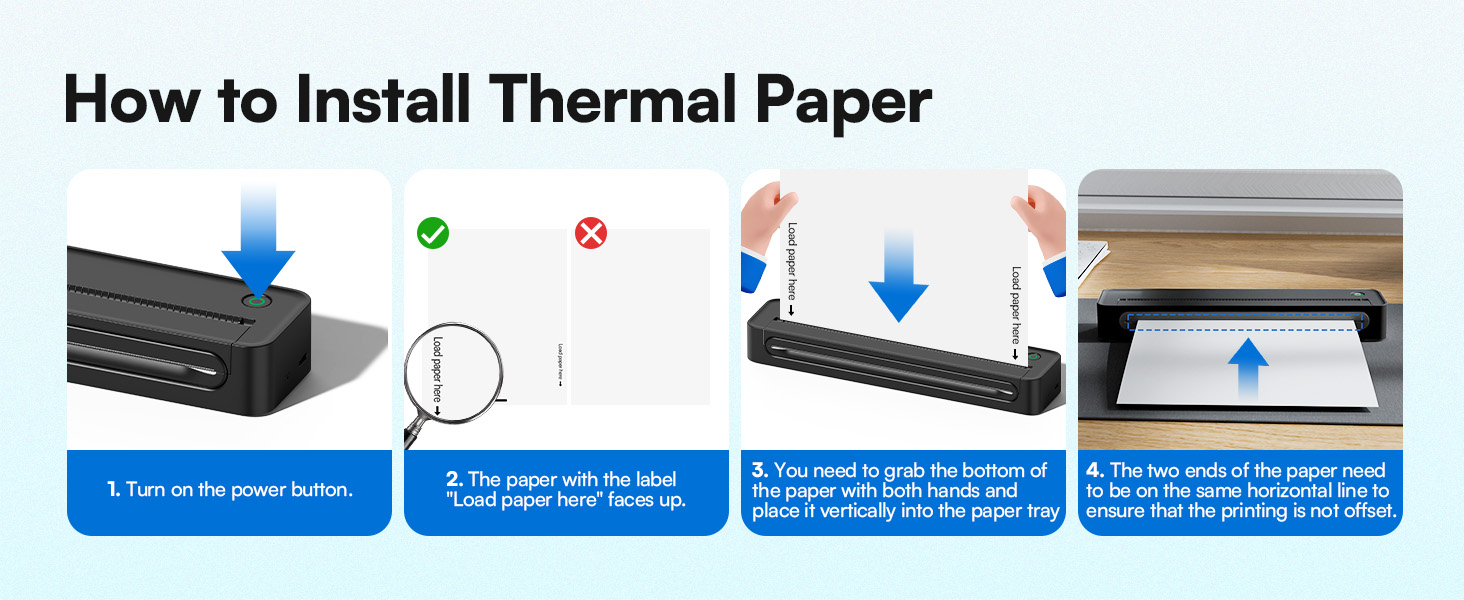

Choose Our Flat Thermal Paper Sheets, Avoid Rolled Paper Curls After Printing.
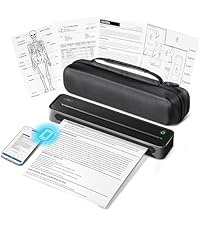 D90E Portable Printer | 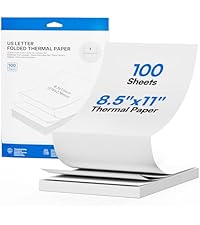 D90E Thermal Paper | 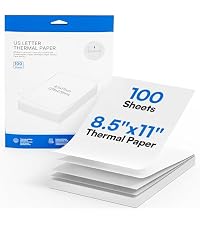 D90E Thermal Paper | 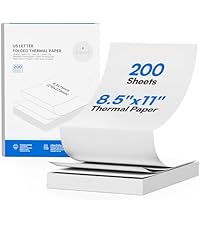 D90E Thermal Paper | 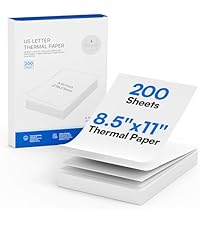 D90E Thermal Paper | 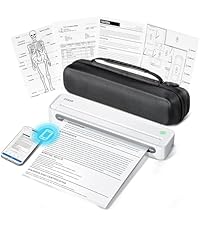 D90E Portable Printer | 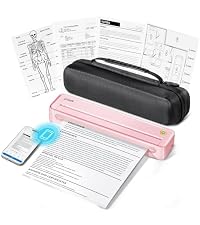 D90E Portable Printer | |
|---|---|---|---|---|---|---|---|
Customer Reviews | — | — | — | — | — | — | — |
Price | — | — | — | — | — | — | — |
Color | Black | White | White | White | White | White | Pink |
Size | Support 8.5" x 11" inch | 8.5" x 11" | 8.5" x 11" | 8.5" x 11" | 8.5" x 11" | Support 8.5" x 11" inch | Support 8.5" x 11" inch |
Quantity | with Case, 10 sheets | Folded 100 Sheets | Single 100 Sheets | Folded 200 Sheets | Single 200 Sheets | with Case, 10 sheets | with Case, 10 sheets |
Advantage | Portable, Clear Printing | Print Clearly | Print Clearly | Print Clearly | Print Clearly | Portable, Clear Printing | Portable, Clear Printing |
Support | Android , IOS , Win , MAC | ETIKEZ D90E Portable Printer | ETIKEZ D90E Portable Printer | ETIKEZ D90E Portable Printer | ETIKEZ D90E Portable Printer | Android , IOS , Win , MAC | Android , IOS , Win , MAC |
High Quality | ? | ? | ? | ? | ? | ? | ? |
How to print on different paper size?
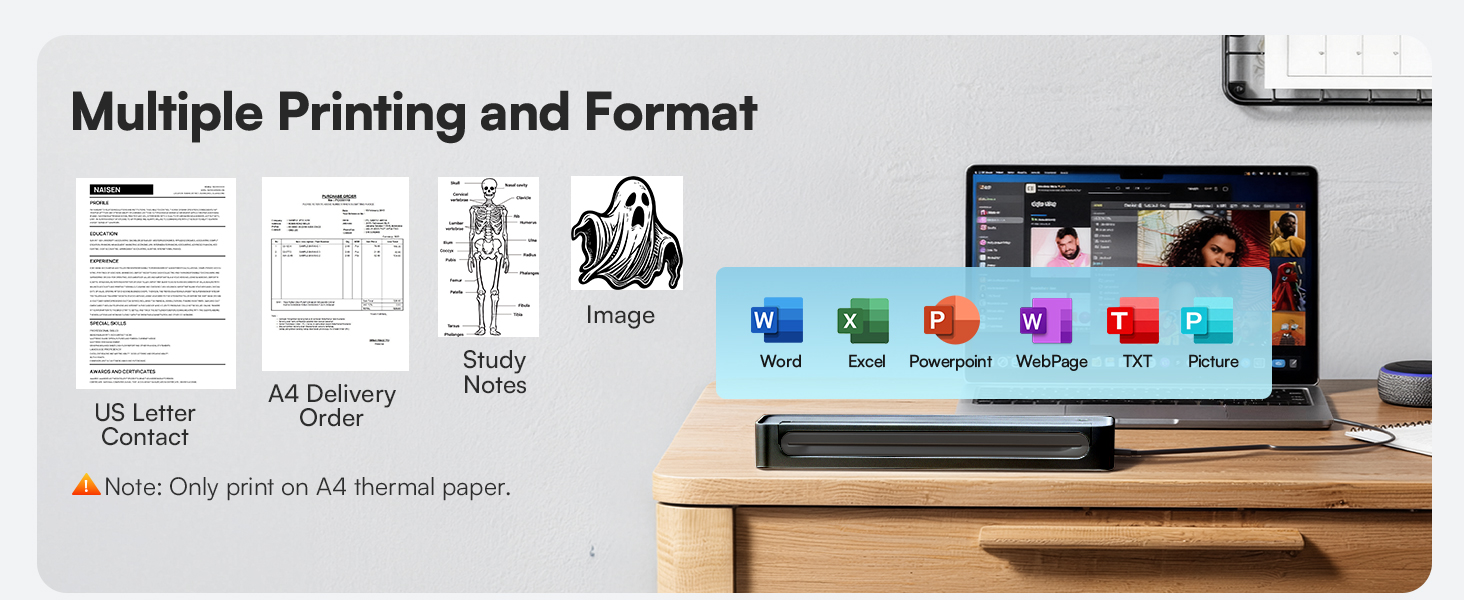
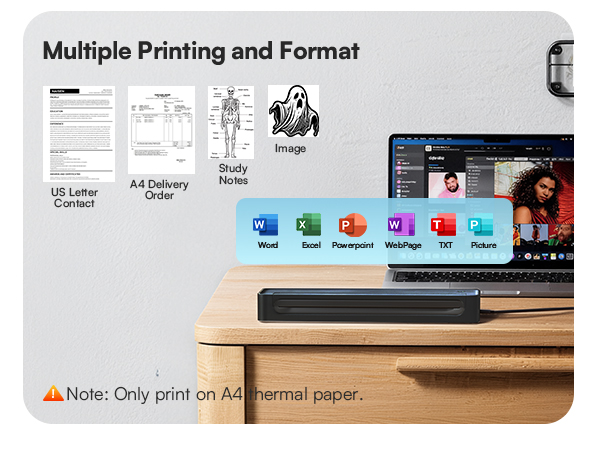
Only A4 size thermal paper and black and white images can be printed.
How to use a mobile phone to connect Bluetooth?
1. Download the App "Labelnize" from the Apple Store/Google Play.
2. Connecting to Bluetooth through the "Labelnize" APP.
Note: Please DO NOT connect the portable printer directly via Bluetooth for all devices.
How to install drivers on Windows or MAC?
1. Please visit " Labelnize.com" or download form the attached U-disk to obtain the driver.
2. Please DO NOT connect the portable printer directly via Bluetooth for all devices.
Note: Computers need to download the driver and print via USB cord.
Why can't I install the computer driver?
If the computer prompts that this driver is not an official legal software, please turn off the firewall and other protection software before install.
I have installed the driver, but why am I still unable to print from my computer?
The thermal printer needs to be powered on and connected to the computer via the USB cable before installing the driver. Uninstall, then reinstall the printer driver.
D90E Portable Printer
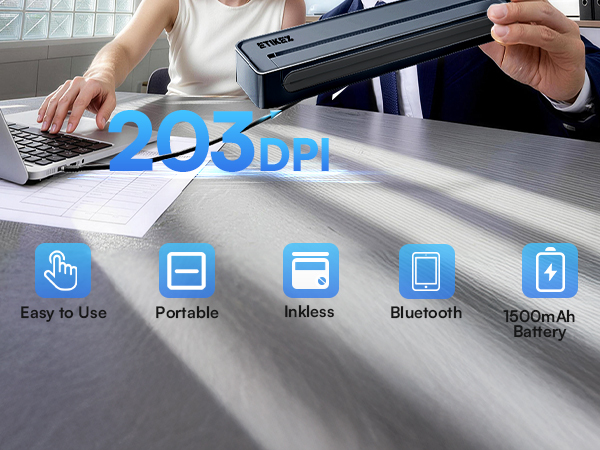
Note: Phones & tablets: Bluetooth compatible
Laptops & desktops: USB connection only — driver download required
Compatible with thermal paper only. Not for use with regular copy paper.
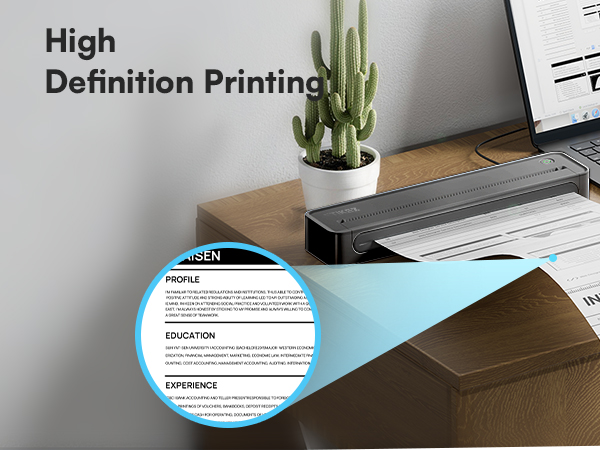
Only support black and white printing, Does Not support color printing.
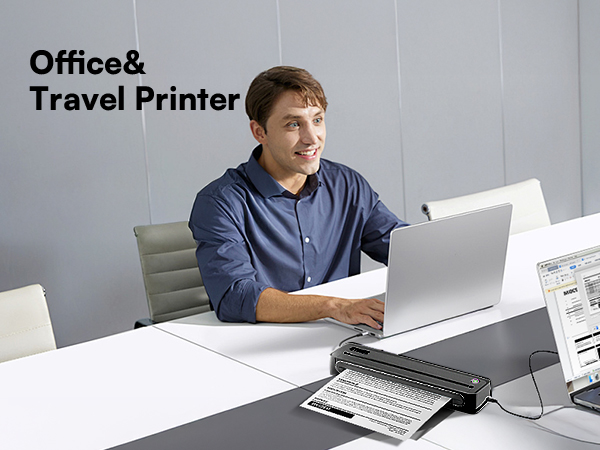
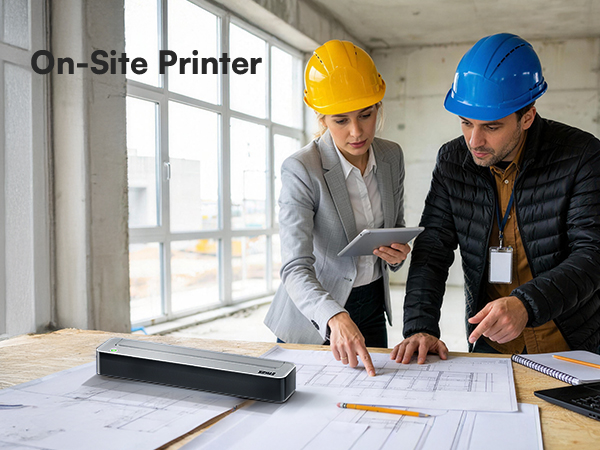

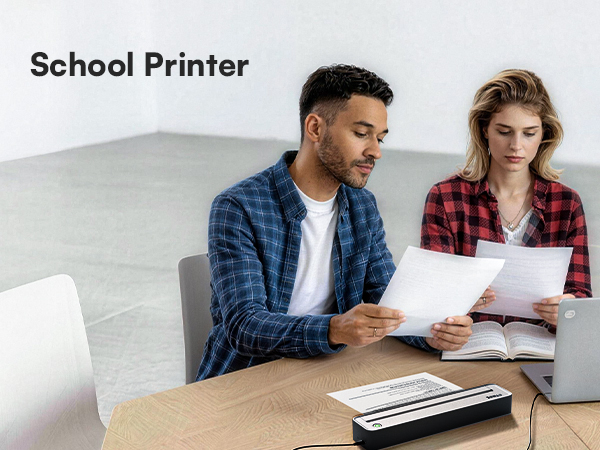
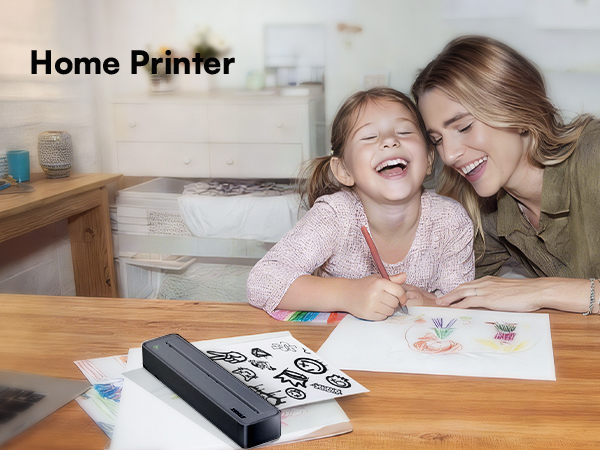
Warm Tips:
1.ETIKEZ D90E Portable Printer only prints black and white images.
2.Connect the Bluetooth via the "Labelnize" App, not on the phone system.
3.Only A4 size thermal paper can be printed and only thermal paper.
Choose Our Flat Thermal Paper Sheets, Avoid Rolled Paper Curls After Printing.
D90E Portable Printer | D90E Thermal Paper |  D90E Thermal Paper | 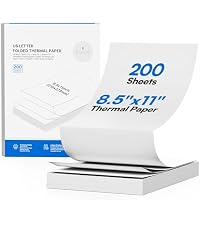 D90E Thermal Paper | D90E Thermal Paper | D90E Portable Printer | D90E Portable Printer |
|---|---|---|---|---|---|---|
| Customer Reviews | ||||||
| — | — | — | — | — | — | — |
| Price | ||||||
| — | — | — | — | — | — | — |
| Color | ||||||
| Black | White | White | White | White | White | Pink |
| Size | ||||||
| Support 8.5" x 11" inch | 8.5" x 11" | 8.5" x 11" | 8.5" x 11" | 8.5" x 11" | Support 8.5" x 11" inch | Support 8.5" x 11" inch |
| Quantity | ||||||
| with Case, 10 sheets | Folded 100 Sheets | Single 100 Sheets | Folded 200 Sheets | Single 200 Sheets | with Case, 10 sheets | with Case, 10 sheets |
| Advantage | ||||||
| Portable, Clear Printing | Print Clearly | Print Clearly | Print Clearly | Print Clearly | Portable, Clear Printing | Portable, Clear Printing |
| Support | ||||||
| Android , IOS , Win , MAC | ETIKEZ D90E Portable Printer | ETIKEZ D90E Portable Printer | ETIKEZ D90E Portable Printer | ETIKEZ D90E Portable Printer | Android , IOS , Win , MAC | Android , IOS , Win , MAC |
| High Quality | ||||||
| ? | ? | ? | ? | ? | ? | ? |
How to print on different paper size?
Only A4 size thermal paper and black and white images can be printed.
How to use a mobile phone to connect Bluetooth?
1. Download the App "Labelnize" from the Apple Store/Google Play.
2. Connecting to Bluetooth through the "Labelnize" APP.
Note: Please DO NOT connect the portable printer directly via Bluetooth for all devices.
How to install drivers on Windows or MAC?
1. Please visit " Labelnize.com" or download form the attached U-disk to obtain the driver.
2. Please DO NOT connect the portable printer directly via Bluetooth for all devices.
Note: Computers need to download the driver and print via USB cord.
Why can't I install the computer driver?
If the computer prompts that this driver is not an official legal software, please turn off the firewall and other protection software before install.
I have installed the driver, but why am I still unable to print from my computer?
The thermal printer needs to be powered on and connected to the computer via the USB cable before installing the driver. Uninstall, then reinstall the printer driver.
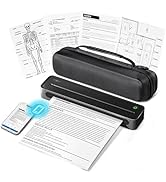
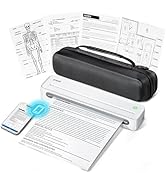
D90E Portable Printer
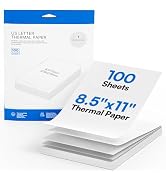
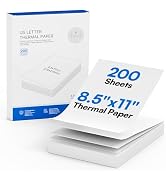
D90E Thermal Paper
How to solve paper jams
Click once to pop up the paper - If the machine gets a paper jam, simply press the power button and the machine will automatically eject the paper
How to Connect Phone or Tablet to Print
1)Download the APP according to the user manual
2)Turn on the printer and enable Bluetooth on your phone
3)Tap the "Connect" icon in the app to search for your D90E printer, then pair it via Bluetooth
How to Connect Laptop or Computer to Print
1)Turn on and connect the D90E to Laptop with USB cable
2)Download Drive from Labelnize.com in package
3)Open the file you need and choose D90E to print
PM290C Sticker Printer
PM290C Thermal Printer Label
ETIKEZ PM260 Label Maker
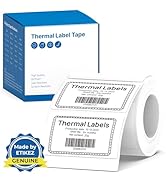
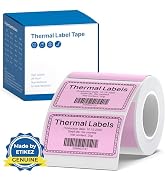
ETIKEZ PM260 Label Maker Tape
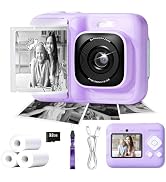
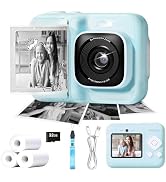
ETIKEZ Instant Print Camera
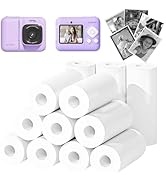
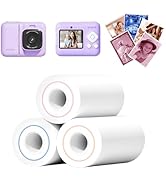
Instant Camera
