

Your Browsing History

Meet Your Seller

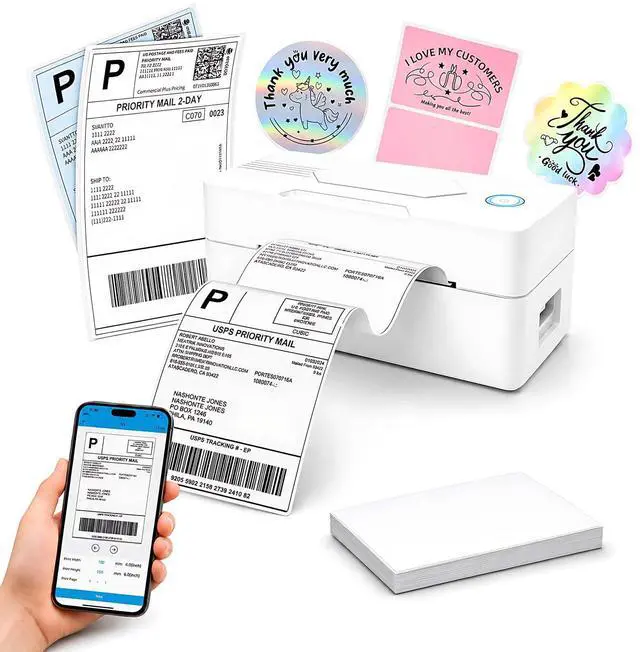


Bluetooth Thermal Shipping Label Printer, 4x5, Matte White
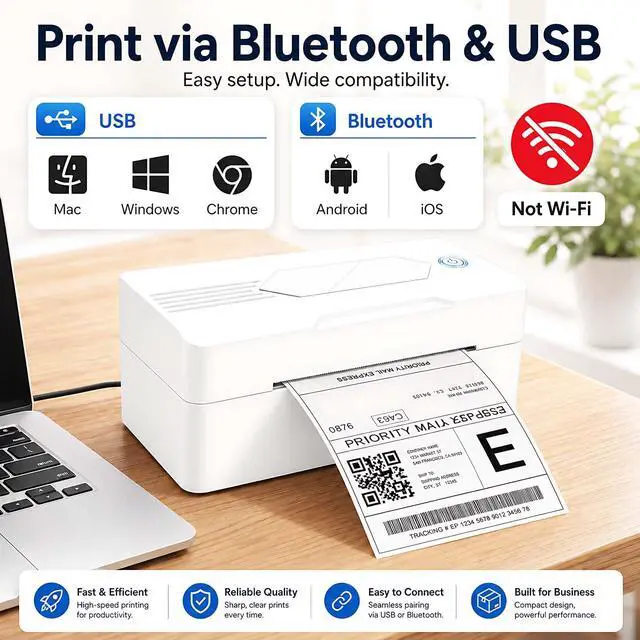
- Print via Bluetooth: The bluetooth shipping label printer supports wireless printing via bluetooth connection. For IOS and Android - need to download the Bluetooth Printing App Note: Bluetooth only works for Android and iOS, Wi-Fi is not supported
+
+
Overview
Specs
Reviews

Any questions? Our AI mode will help you find out quickly.
Try me now
1.Phone and Tablet Start Print:
Step 1: Scan QR code download the App (Android App: Printed Label, iOS App: Zlabel).
Step 2: Turn on the blutooth label printer and your phone's or tablet's Bluetooth.
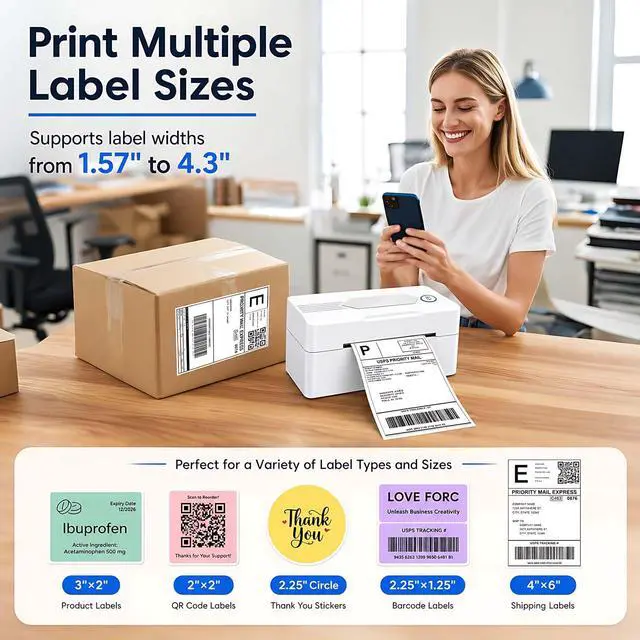
Step 3: Click the App to search for the bluetooth signal, connect it via Bluetooth in the App, and select the paper size and file type to start printing.
2.Laptop/PC Starts Printing
Step 1: Turn on the thermal label printer and connect it to the computer using a USB cable.
Step 2: Go to "This PC",open the Disk ,double click"Download driver and view User Manual"web page to download the driver and watch the installation tutorial videos,Select your print model to download 9270 driver.
Step 3: Please check your laptop/PC's operating system (OS) download and install the correct 9270 driver from the website . Select and open your shipping label and print.
3.Package includes:
1xThermal printer
1xUser Manual
1xPower Adapter
1x Type-C Cable
30x Test labels
4.More Cost Effective:
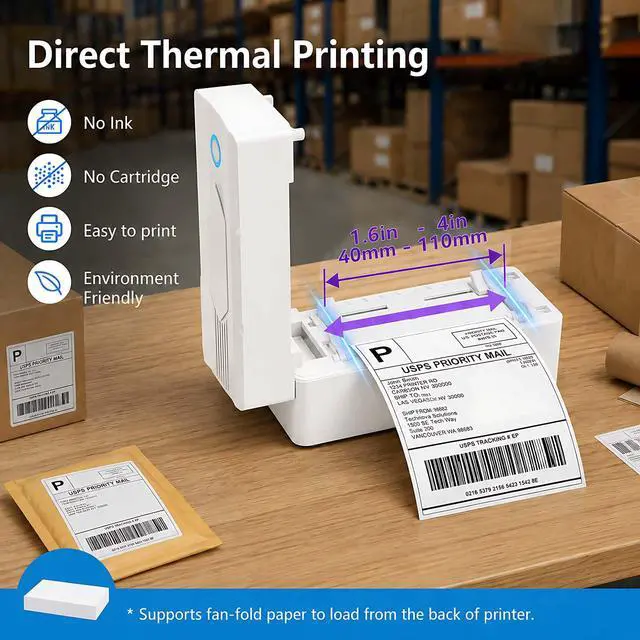
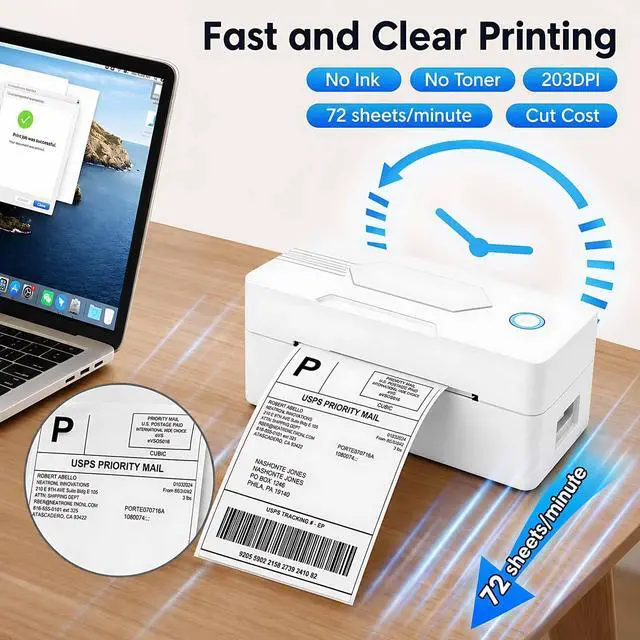
The upgraded thermal printing technology allows the 4x6 thermal label printer no need for ink or toner, making your work more cost-effective. 203DPI high-definition printing, easy to scan and read. Automatic adjustment of label position functionto prevent paper waste.
Warranty & Returns
Warranty, Returns, And Additional Information
Warranty
- Please contact the Seller directly for warranty information. Warranty information may also be found on the Manufacturer's website.
- CONTACT
Return Policies
- Return for refund within: 30 days
- Return for replacement within: 30 days
- This item is covered by LeWoCheng Global Shop Return Policy
Manufacturer Contact Info
- For a directory of all our manufacturers, please click below.
- Manufacturers Directory
LOADING...