




 here!
here!
I’m your shopping assistant for PC builds, upgrades, and everything tech.
Got questions? Ask away!
Start a conversation
here!
I’m your shopping assistant for PC builds, upgrades, and everything tech.
Got questions? Ask away!
Start a conversation



Any questions? Ask CelesteSM will help you find out quickly.
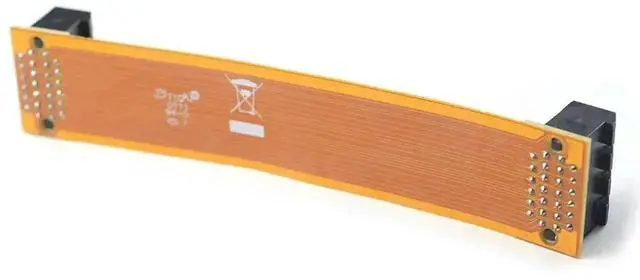
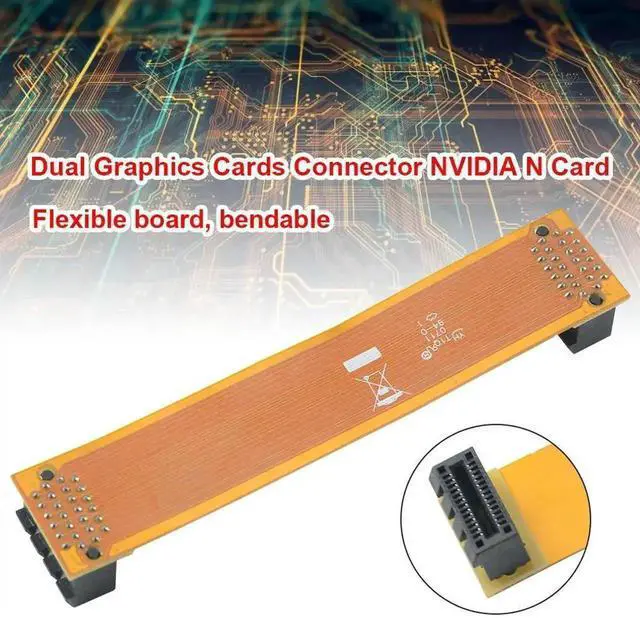
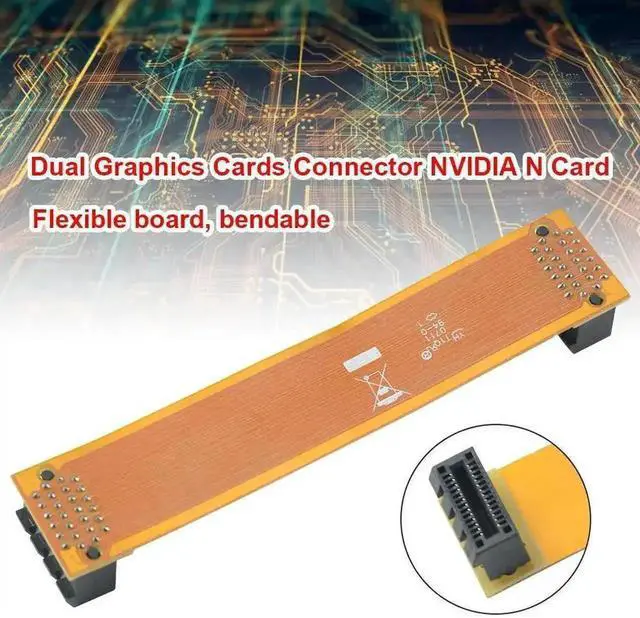
This PCIe flexible SLI bridge cable is a dedicated interconnect adapter for pairing two identical NVIDIA graphics cards to activate SLI multi-GPU parallel rendering, separating CrossFire solution for AMD GPUs.
Built with premium flame-retardant flexible FPC ribbon circuit, it can be freely bent to adjust the gap between two video cards, leaving more ventilation space for GPU coolers to lower operating temperatures. Each end adopts full 26-pin gold-plated contacts to guarantee stable high-speed data synchronization between dual GPUs, distributing graphics rendering workload evenly and lifting frame rates for gaming, 3D modeling and video rendering tasks without occupying PCIe bus bandwidth.
Unlike rigid fixed-length hard bridges, this soft ribbon cable adapts to different chassis PCI slot layouts. For regular dual-GPU setups, one bridge meets basic demands; two bridges are suggested for flagship high-end graphics cards to unlock full multi-GPU performance potential.
It fits all SLI-supported NVIDIA GPUs from mainstream to high-end series, compatible with ATX, MATX and mini ITX gaming chassis. Simply plug both connectors into the dedicated SLI slots on two matching NVIDIA graphics cards, then enable SLI mode in NVIDIA Control Panel for instant performance boost. An essential upgrade accessory for gaming rigs, content creation workstations and multi-display rendering hosts.


