




 here!
I’m your shopping assistant for PC builds, upgrades, and everything tech.
Got questions? Ask away!
Start a conversation
here!
I’m your shopping assistant for PC builds, upgrades, and everything tech.
Got questions? Ask away!
Start a conversationShipped by Hebei XG Technology Co., Ltd.





Any questions? Ask CelesteSM will help you find out quickly.
1. Tailored Build Option:Without a pre - installed CPU, heatsink, disk, RAID card, and power supply, users can create a server setup that's perfectly suited to their unique computing and storage demands, whether for small - scale projects or large - enterprise applications.
2. Space - Efficient 1U Design:The 1U form factor is great for data centers where space is at a premium. It enables the installation of multiple servers in a single rack, optimizing space usage.
3. Cost - Effective Customization:By not including these components, Dell offers a cost - effective starting point. Users can invest only in the specific parts they need, potentially saving on unnecessary hardware.
4. Flexible Component Selection:Users have the freedom to choose from a wide range of CPUs, disks, RAID cards, and power supplies. This allows for the integration of high - performance or budget - friendly components based on requirements.
5. Brand - New and Reliable:As a Dell R650 server in this unconfigured state, it's brand - new. Dell's reputation for quality ensures that the server will provide reliable performance once customized.
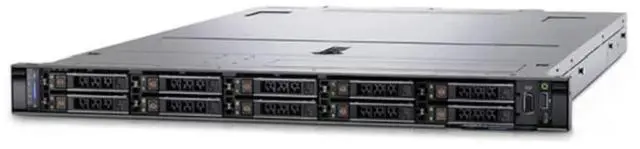
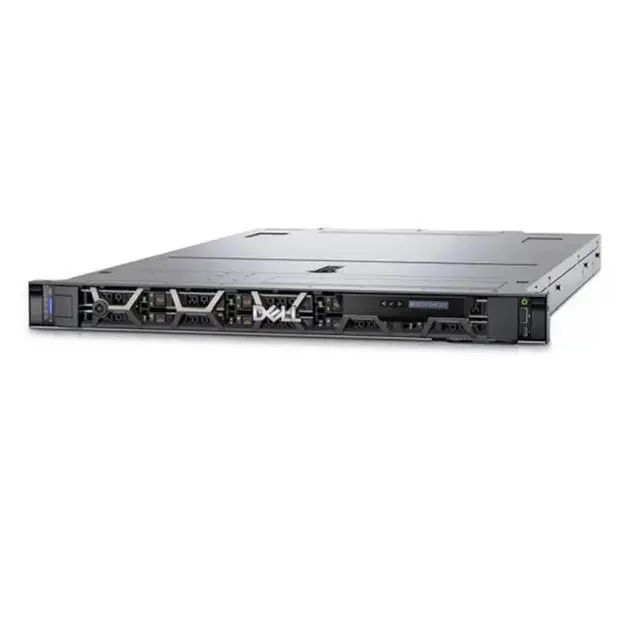
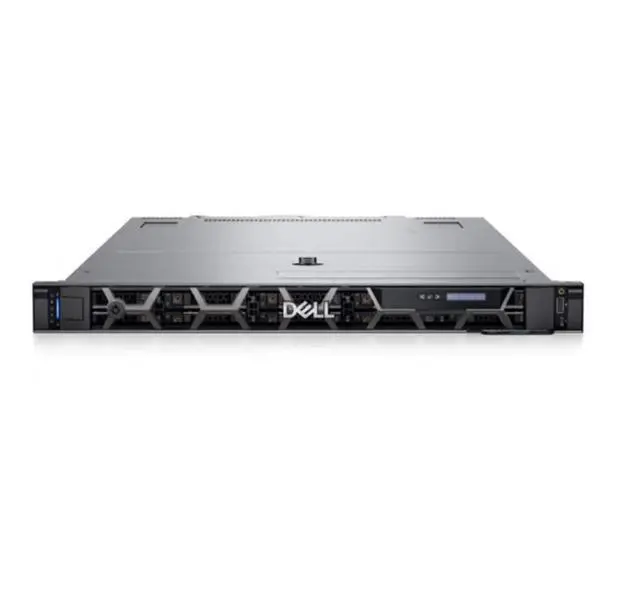
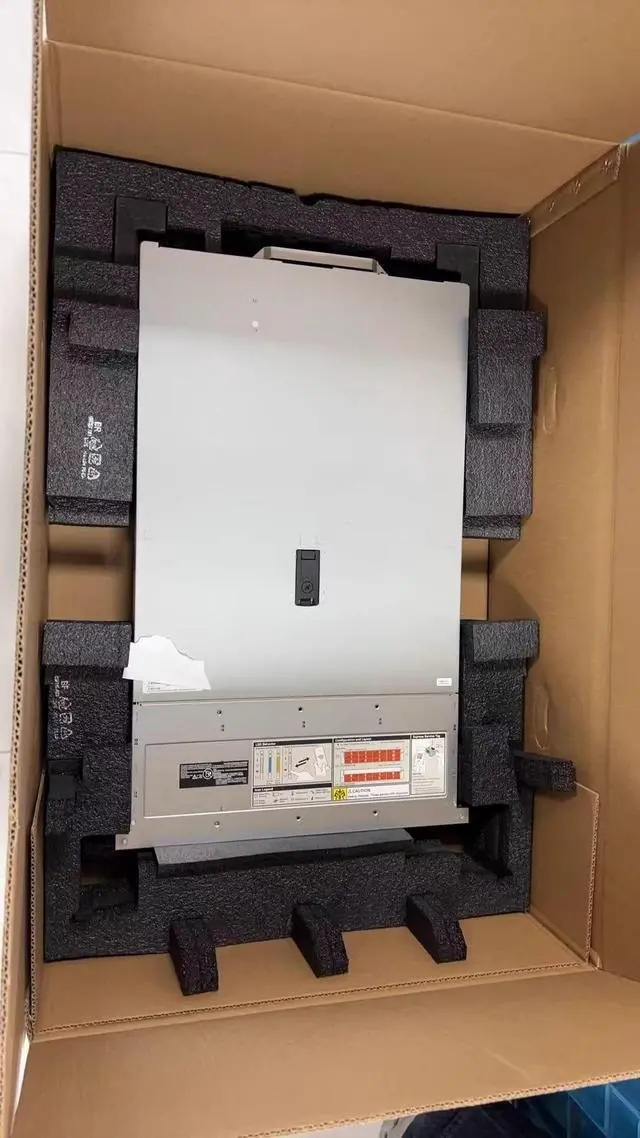
The Dell PowerEdge R650 barebones server is a 1U rackmount chassis with 10 x 2.5-inch bays, designed for IT teams, system integrators, and businesses that want to build a custom server for data center, virtualization, or storage-focused deployments using their own selected components.
| Attribute | Value |
|---|---|
| Best For | IT teams and users who need a rack-mounted, customizable 1U barebones server chassis for building a server with user-selected CPU, cooling, storage, RAID, and power components |
| Chassis And Drive Bays | 1U rack chassis supporting 2.5-inch drive form factor with up to 10 drive bays |
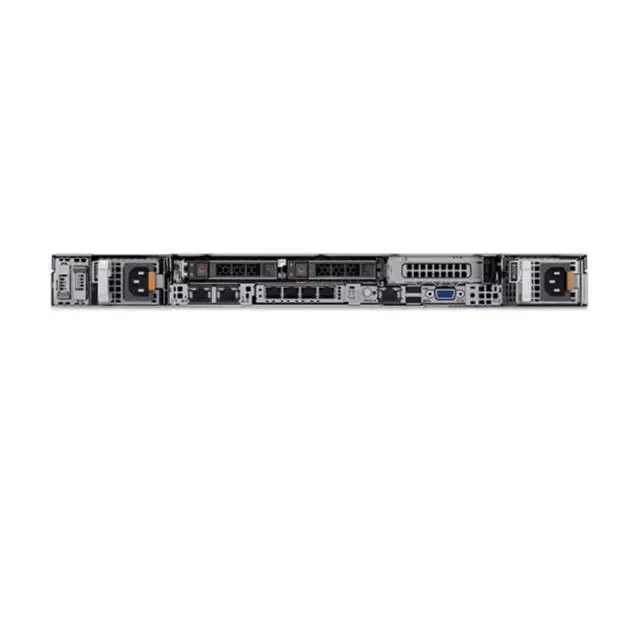
| Configuration And Missing Components | Sold as a barebones system — does not include CPU, heatsink, disks, RAID card, or power supply; requires customer-supplied components |
| Customization And Component Selection | Designed for user selection and installation of CPU, heatsink, drives, RAID controller, and power supply to match specific performance and capacity needs |
| Model Identifiers | Dell R650 server (barebones) |
| Release And Listing | First listed on Newegg June 11, 2026 |
Q: Should I choose the Dell PowerEdge R650 or the PowerEdge R640 for a 1U virtualization host?
A: Choose the PowerEdge R650 when you want a more modern 1U platform for virtualization, VDI, or mixed enterprise workloads. Compared with the R640, the R650 moves from 1st/2nd Gen Xeon to 3rd Gen Xeon, adds PCIe Gen4, and increases memory headroom with 32 DIMM slots instead of 24. The R640 is the more practical choice when lower acquisition cost and existing DDR4-era infrastructure matter more than platform headroom.
Q: Is the Dell PowerEdge R650 or PowerEdge R660 the better long-term 1U server?
A: Choose the PowerEdge R660 when long-term platform life and access to newer I/O matter most. The R660 moves beyond the R650's DDR4 and PCIe Gen4 platform to DDR5 and PCIe Gen5, which is more aligned with newer accelerators, faster networking, and future expansion. Choose the R650 when you want a balanced 1U server with modern enterprise capability but do not need the newest memory and I/O generation.
Q: Should I buy this barebones Dell R650 or a fully configured server?
A: Choose this barebones R650 when you already have a planned parts list or want control over CPU, storage, RAID, and power configuration. That approach is useful for matching an existing rack standard, reusing approved components, or optimizing around a specific workload. Choose a fully configured server when you want faster deployment, validated compatibility from the start, and less time spent sourcing the remaining parts.
Q: Is a 1U Dell PowerEdge R650 better than a 2U Dell PowerEdge R750 for expansion-heavy workloads?
A: Choose the R650 when rack density is the priority and you want strong compute performance in 1U. Choose the R750 when your workload benefits from more expansion room, especially for broader storage layouts, additional PCIe options, or heavier accelerator use. In practice, the R650 fits dense general-purpose deployments, while the R750 is the better fit when flexibility and device count matter more than minimizing rack space.
Q: Is the Dell PowerEdge R650 a better fit than an edge or branch server for remote-site deployments?
A: Choose the R650 when the remote site still needs full dual-socket 1U server capability for virtualization, databases, or higher-density enterprise workloads. Choose an edge-focused or smaller branch platform when lower power draw, simpler deployment, or lighter infrastructure roles are more important than maximum 1U compute density. The R650 is positioned more for mainstream data center and performance-oriented rack use than for minimal-footprint edge deployments.
Q: Is this a complete, ready-to-run server?
A: No. This is a barebones Dell R650 chassis, not a complete working server. Based on the product data, it ships without a CPU, heatsink, disks, RAID card, or power supply, so it is meant for buyers who already know how they want to configure the system and source the missing parts.
Q: Who is this server suitable for?
A: This server is suitable for IT teams, homelab users, refurbishers, and infrastructure buyers who want to build around specific enterprise parts. It is not a good fit for buyers looking for a plug-and-play system, because major functional components must be added before deployment.
Q: Is this worth buying if I want low upfront cost and custom configuration?
A: Yes, if your priority is choosing your own server components and avoiding payment for parts you do not need. The trade-off is that the lower entry price does not reflect the full build cost, because the CPU, cooling, storage, RAID, and power hardware still need to be purchased separately.
Q: What are the main trade-offs of buying this barebones server?
A: The main advantages are control and flexibility: you can select the processor, storage, RAID, and power configuration that match your workload. The main trade-offs are extra sourcing work, compatibility planning, added setup time, and the risk that a buyer underestimates the total cost or complexity of making the system operational.
Q: Is this a good choice for buyers who need fast deployment?
A: Usually no. This model makes more sense when you have time to plan a custom build. If you need a server that can be deployed quickly, a barebones unit adds extra steps because key hardware is missing and must be installed and validated first.
Q: Who is this barebones Dell R650 actually suitable for?
A: This listing is mainly suitable for IT buyers, refurbishers, and experienced homelab or enterprise users who already plan to source matching Dell-compatible CPUs, heatsinks, storage, RAID or HBA, and power supplies separately. It is less suitable for buyers who want a ready-to-run server, because key boot, cooling, storage, and power components are missing.
Q: Is this worth buying if I want a cheap way into an R650?
A: It can be worth buying only if you already understand the full build cost. The chassis alone may look inexpensive, but this unit still needs CPUs, heatsinks, storage, a RAID or HBA option if required, and power supplies before it can be deployed. In practice, the total cost and parts-matching effort can erase the apparent savings for buyers who are not already sourcing server components.
Q: What are the main trade-offs of buying this R650 without CPU, heatsink, disks, RAID card, or PSUs?
A: The main trade-off is flexibility versus deployment friction. You can choose your own compute, storage, and controller stack, but you also take on compatibility checks, extra sourcing, assembly time, and a higher risk of delays or mistakes. Because there is no included heatsink or power supply, this is not a simple drop-in upgrade unless you already know the exact Dell parts your configuration requires.
Q: Is this a good choice for a homelab or small business server?
A: It can be a good choice for a serious homelab or small business if you need a dense 1U platform and already have a plan for supported parts, power, and storage layout. It is a weaker choice for casual homelab use or first-time server buyers, because the 1U format is less forgiving for cooling, power, and component selection than a complete tower or preconfigured rack server.
Q: Do I need to be careful about part compatibility before buying this barebones R650?
A: Yes. Compatibility is a key buying factor with this listing. Community discussion around R650 upgrades repeatedly focuses on matching storage controllers, boot options, drives, and related server parts correctly. Since this unit ships without CPU, heatsink, RAID card, disks, or PSUs, buyers should assume that successful deployment depends on choosing Dell-compatible parts for the exact chassis and intended workload.


