Your Browsing History
Meet Your Seller
AJMRTC HDMI KVM Extender over Cat5e/Cat6 Ethernet Cable, 50M Transmission Distance, 1080P Full HD Video + USB + Stereo Audio, Keyboard Mouse Remote Control for Monitor, PC, Conference Room
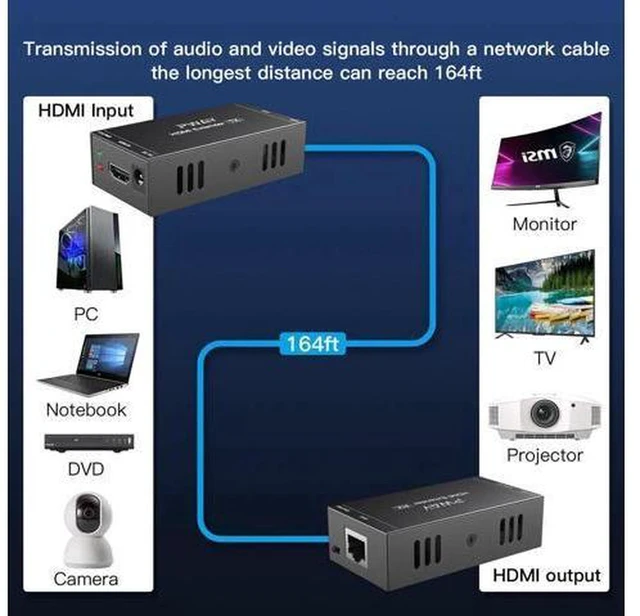
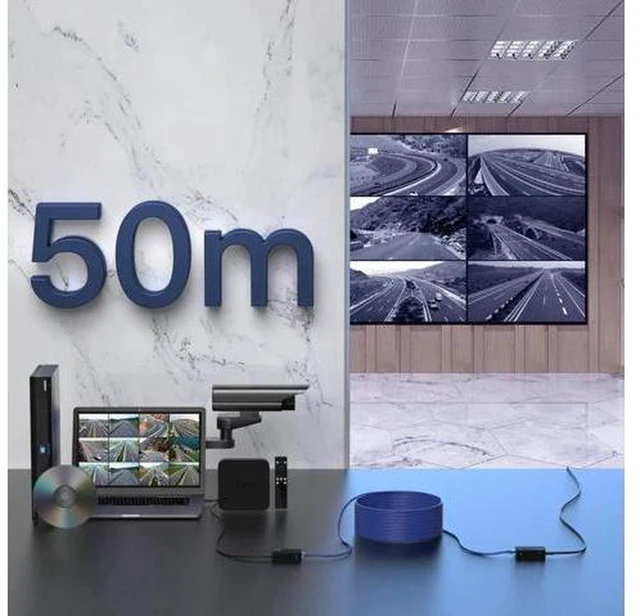
- - Transmit HDMI video, stereo audio and USB KVM signal up to 50M via single Cat5e / Cat6 cable
- - Supports 1080P@60Hz resolution, delivers clear image and synchronized audio output
- - Integrated USB KVM function, control remote host with local keyboard and mouse directly
- - Plug and play design, no software configuration needed for quick deployment
- - Built-in surge and ESD protection, stable signal for office, classroom and surveillance use
+
+
Overview
Specs
Reviews
Any questions? Ask CelesteSM will help you find out quickly.
Try me now
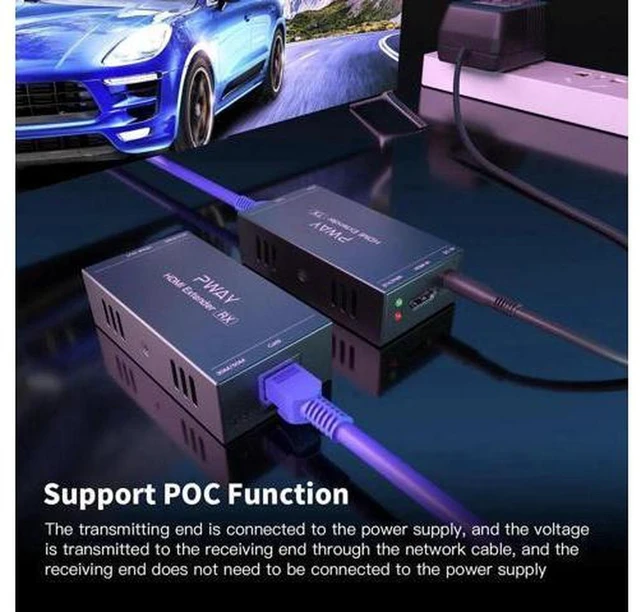
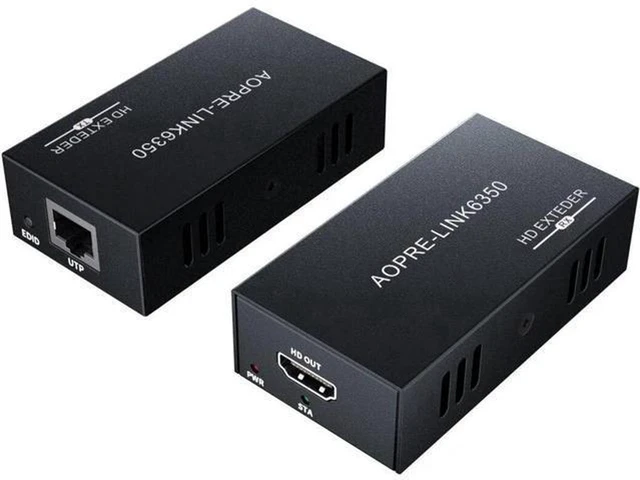
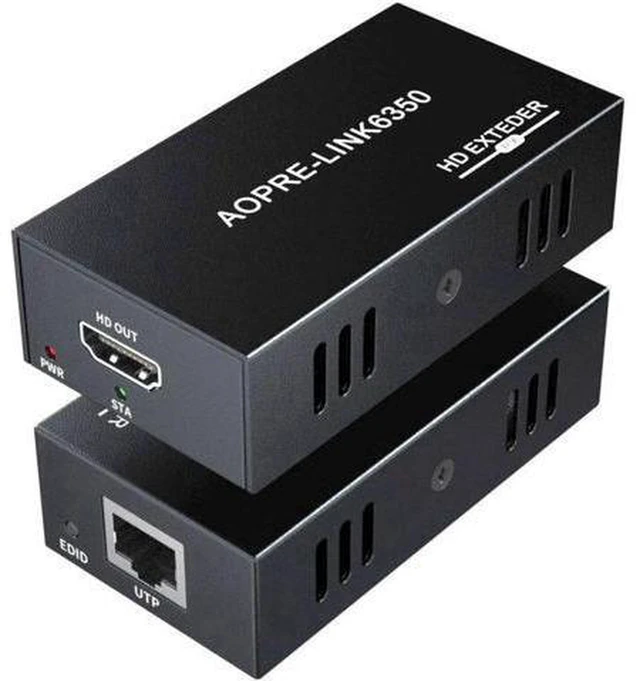
AJMRTC HDMI KVM extender kit sends HD video, audio and USB control signals over standard network cable. It separates the computer host from the display and input devices within 50 meters. It is a practical solution for conference rooms, classrooms, security monitoring and industrial control scenarios. Note: It requires paired transmitter and receiver units and works only with Cat5e or Cat6 LAN cables.
Specifications
- Brand: AJMRTC
- Transmission Medium: Cat5e / Cat6 Ethernet Cable
- Max Distance: 50M
- Max Resolution: 1080P@60Hz
- Signal: HDMI Video + Stereo Audio + USB KVM
- USB Function: Keyboard & Mouse control
- Installation: Transmitter + Receiver paired kit
- Power: 5V DC power for transmitter and receiver
- Application: Conference, Classroom, Surveillance, Remote workstation
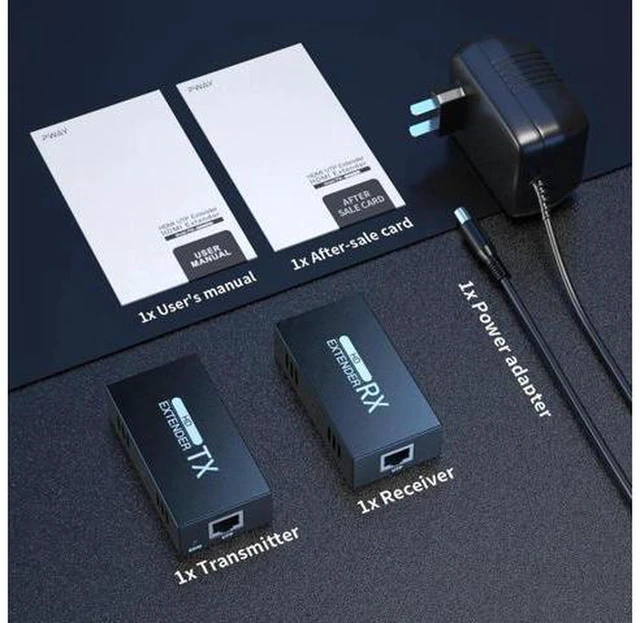
- Package: 1 x Transmitter, 1 x Receiver, power adapters
Warranty & Returns
Warranty, Returns, And Additional Information
Warranty
- Please contact the Seller directly for warranty information. Warranty information may also be found on the Manufacturer's website.
- CONTACT
Return Policies
- Return for refund within: 30 days
- Return for replacement within: non-replaceable
- This item is covered by ConnectFlow USA Return Policy
Manufacturer Contact Info
- For a directory of all our manufacturers, please click below.
- Manufacturers Directory
LOADING...