• $57.33
  • Free 30-day Returns
  • Ships from China.
    Price alert
    Shop it at NeweggBusiness.

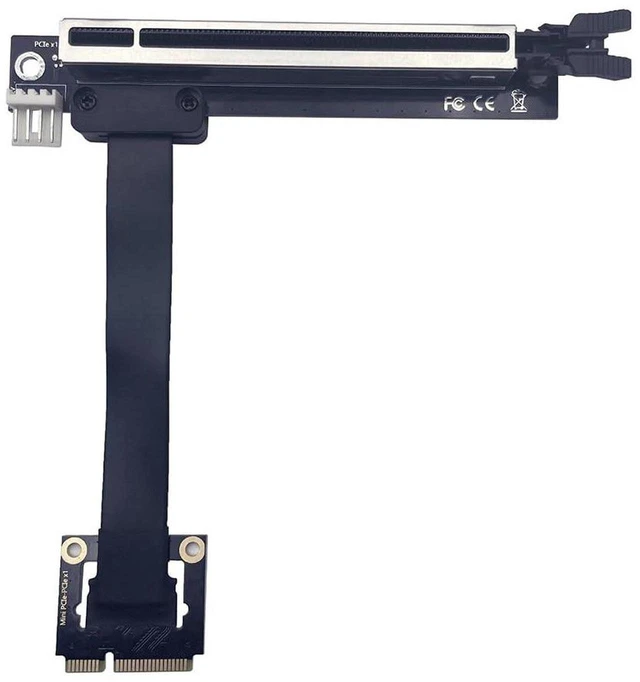
    AJMRTC PCIe 3.0 x16 to Mini PCIe Riser Cable, mPCIe to PCIe x16 GPU Extension Ribbon Cable, 20cm High Speed Flexible Extender for External Graphics Card, Mini Host, ITX Chassis, Laptop eGPU Modificati

    • - Compliant with PCIe 3.0 standard, stable bandwidth for GPU signal transmission
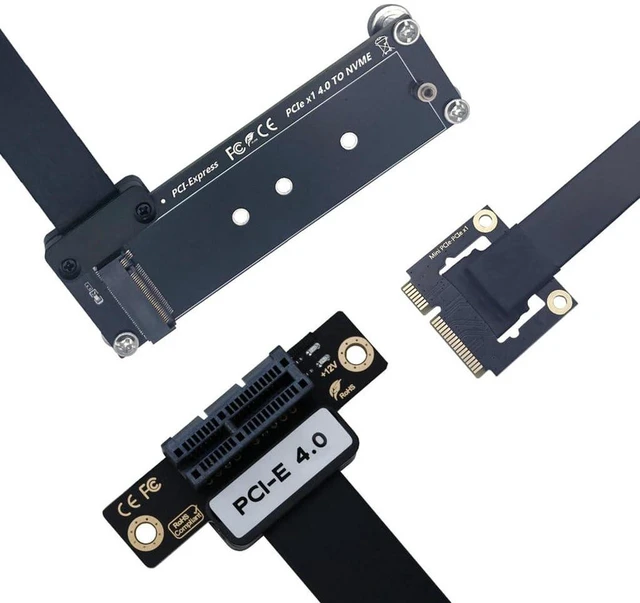
    • - Converts Mini PCIe (mPCIe) interface to full PCIe x16 slot for graphics card expansion
    • - 20cm flexible flat ribbon cable for neat routing inside compact mini PC and laptop builds
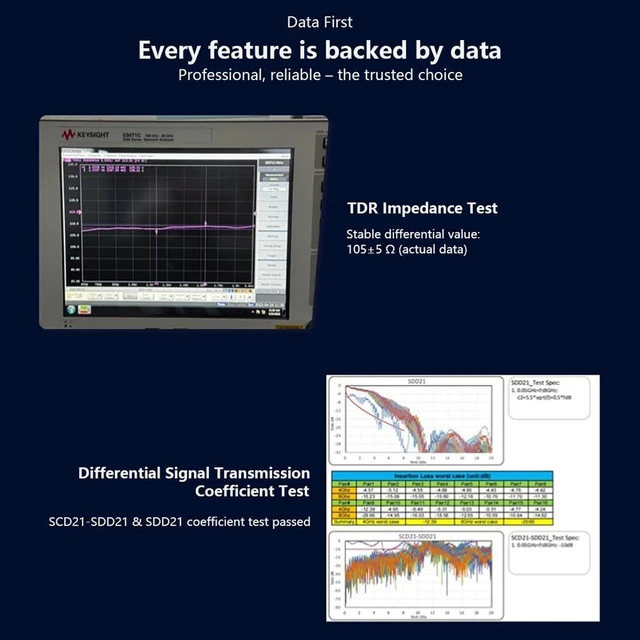
    • - EMI shielding design reduces signal interference and prevents black screen or crash issues
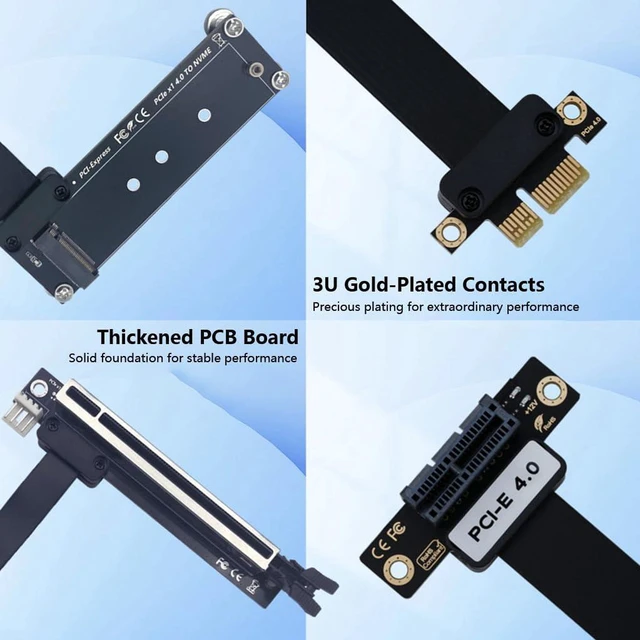
    • - Gold-plated contacts for reliable repeated plugging, plug and play without extra driver
    +
    +
    Overview
    Specs
    Reviews

    Any questions? Ask CelesteSM will help you find out quickly.

    AJMRTC PCIe 3.0 riser cable adapts Mini PCIe port to PCIe x16 slot, specially designed for eGPU modification, mini host and ITX chassis expansion. It supports PCIe 3.0 signal and connects standard PCIe x16 graphics cards to devices with Mini PCIe interface. The 20cm flat cable is flexible and saves internal space for custom case layout. Multi-layer shielding suppresses electromagnetic interference to keep stable performance under gaming and rendering loads. Gold-plated fingers resist oxidation and guarantee long service life. It works with Windows and Linux operating systems, ideal for DIY external GPU projects, embedded workstation and small form factor computer upgrade.


    Specifications:

    1. Brand: AJMRTC
    2. Connector 1: Mini PCIe (mPCIe)
    3. Connector 2: PCIe x16 Slot
    4. PCIe Version: PCIe 3.0
    5. Cable Length: 20cm
    6. Cable Type: Flexible Flat Ribbon Cable
    7. Shielding: EMI Shielding
    8. Contact: Gold-plated
    9. Supported OS: Windows, Linux
    10. Application: eGPU Dock, Mini PC, ITX Case, Laptop Mod, Embedded Workstation
    11. Compatible GPU Brands: NVIDIA, AMD, MSI, ASUS, Gigabyte, ZOTAC


    Warranty & Returns

    Warranty, Returns, And Additional Information

    Warranty

    • Please contact the Seller directly for warranty information. Warranty information may also be found on the Manufacturer's website.
    • CONTACT

    Return Policies

    Manufacturer Contact Info

    LOADING...