here!
I’m your shopping assistant for PC builds, upgrades, and everything tech.
Got questions? Ask away!
Start a conversation
here!
I’m your shopping assistant for PC builds, upgrades, and everything tech.
Got questions? Ask away!
Start a conversation




Any questions? Ask CelesteSM will help you find out quickly.

Break free from wired constraints and enjoy high-definition wireless screen projection.
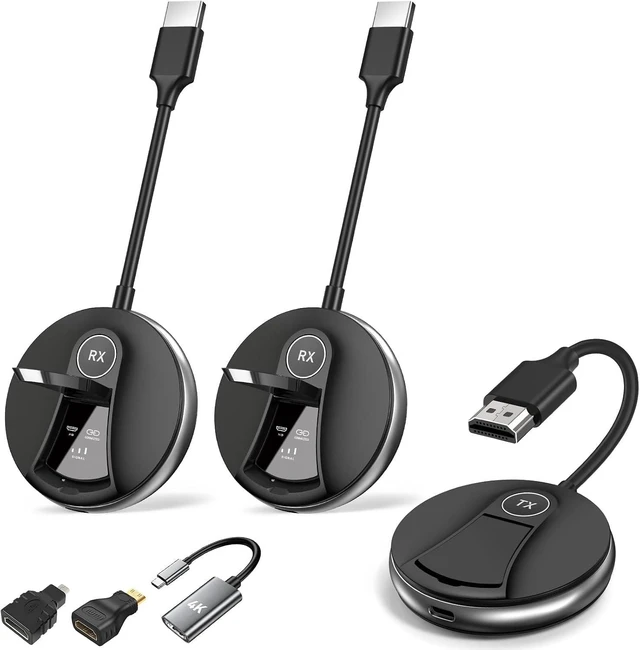
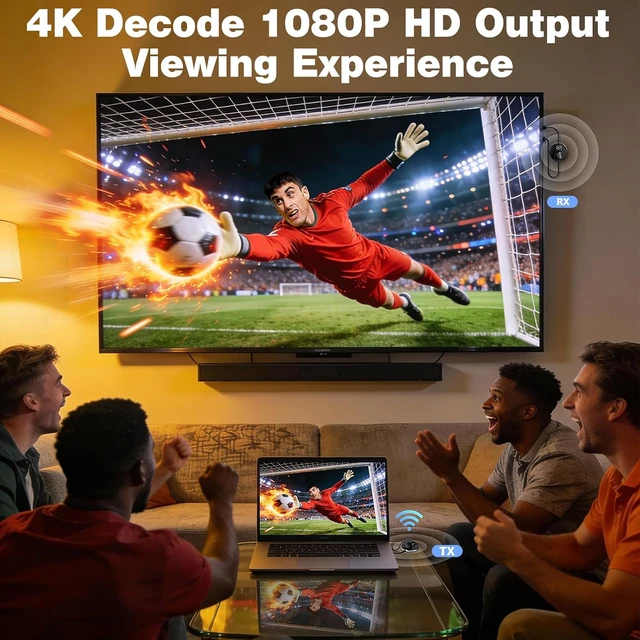
The G91 HDMI wireless transmitter and receiver meets the needs of various screen projection scenarios, breaking the limitations of traditional wired cables. It integrates six core advantages: multi-screen synchronous transmission, plug-and-play, stable dual-band transmission, long-distance connection, low-latency high-definition transmission, and multi-device compatibility. Suitable for all scenarios including home entertainment, office meetings, educational presentations, and commercial exhibitions, it brings users a stable, smooth, and high-definition wireless screen projection experience, making it a recommended product for mobile offices, home viewing, and commercial presentations.
Long-distance transmission - In unobstructed, open environments, it can stably achieve long-distance transmission of approximately 50 meters (165 feet), providing a wide signal coverage area and easily adapting to large spaces such as single-level homes, large conference rooms, exhibition halls, and auditoriums.
Note: Due to the influence of wall thickness and the number of obstacles, the transmission distance and speed may slightly decrease when using the device through walls. This is a normal device adaptation phenomenon.

Full-scenario compatibility, Multi-screen display without mutual interference
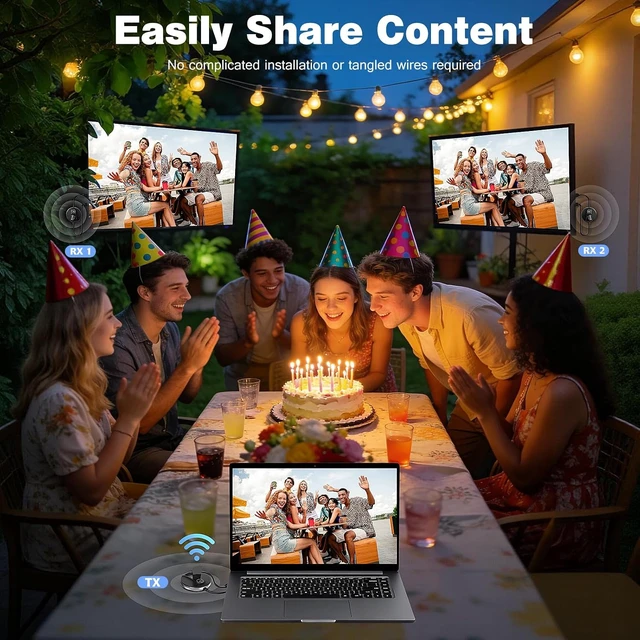
The G91 HDMI Wireless Kit supports 4 receivers and 2 mobile devices. A maximum of 6 receivers can be connected to the unit, which is only applicable to small open spaces within 1032 feet.
It realizes synchronized transmission of video, audio and presentations from multiple terminals. All screens function separately without lagging or disrupting one another, perfectly addressing prevalent issues such as out-of-sync multi-screen playback, signal clashes and frame disconnection.
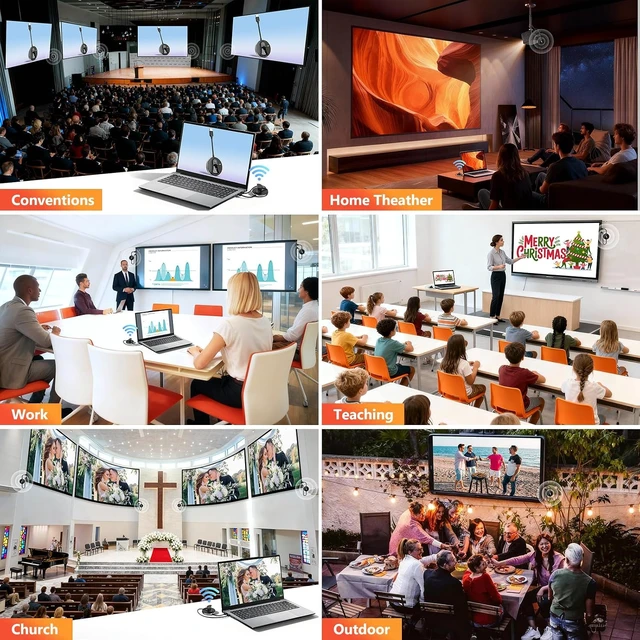
With wide scene adaptability, the G91 HDMI wireless extender covers covers daily and commercial scenarios: immersive audio-visual projection for home theaters, solution demonstrations in corporate conference rooms, commercial carousel displays in bars and supermarkets, public service announcements in churches, classroom teaching projections in schools, and most other multi-screen display scenarios. It can output stable and smooth video and clear audio, significantly improving the presentation effect and user experience.
Important Usage Note: This transmitter cannot be directly connected to a TV. It must be used with a device such as a laptop with an HDMI output interface to start transmission normally.

2.4G+5.8G Dual-Band Intelligent Switching, Adjustable Antenna for Interference Resistance and Low Latency
The G91 wireless display adapter is with advanced dual-band wireless transmission technology; it supports intelligent automatic switching between 2.4G and 5.8G bands. It automatically selects the optimal transmission band based on the network environment, balancing transmission stability and speed to meet the high-speed transmission needs of high-definition videos and large presentations.
The device features a deployable antenna, effectively enhancing signal transmission and reception capabilities, significantly reducing external electromagnetic and network signal interference, and minimizing issues such as screen stuttering, audio delay, signal interruption, and screen projection flickering.

New-Generation 5G Built-in Chip + Smart Display
The G91 Wireless HDMI splitter is equipped with a newly upgraded 5G high-speed built-in chip; it boasts faster transmission speeds, stronger compatibility, and higher stability compared to traditional transmission chips. Freed from the constraints of wired connections, it enables low-latency, real-time transmission of high-definition audio and video, ensuring synchronized video and audio with minimal lag, significantly enhancing the viewing, presentation, and screen projection experience.
The G91 wireless HDMI transmitter and receiver has been upgraded with an LED status indicator screen, which visually presents core operating data and displays three key pieces of information in real time: device connection status, signal strength, and HDMI access status. This eliminates the need for cumbersome testing, providing intuitive and visual feedback on device operation, quickly locating issues such as connection abnormalities and signal failures, simplifying device management and troubleshooting processes, and significantly improving operational convenience and device stability.

Plug and play, with broad compatibility
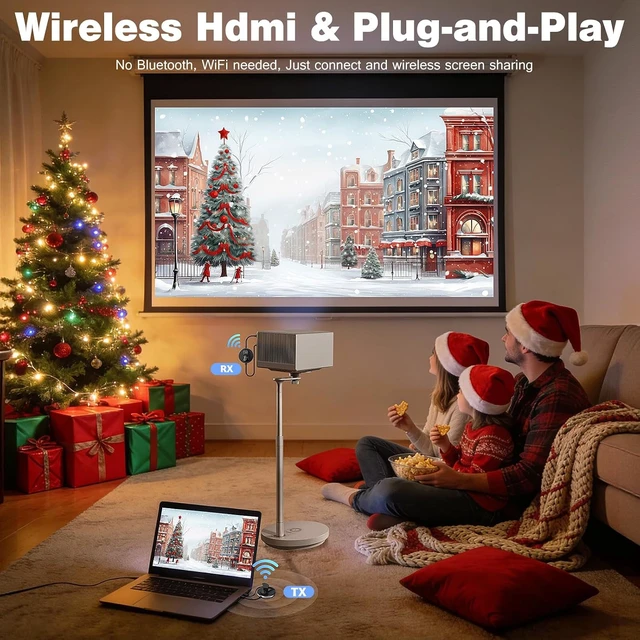
The G91 wireless HDMI adapter comes pre-paired at the factory, requiring no app download, Bluetooth/Wi-Fi pairing, or professional setup. Zero-experience users can easily use it; its extremely simple operation lowers the barrier to entry.
The package includes a complete set of accessories with maximum compatibility. It comes standard with a Micro HDMI adapter, a Mini HDMI adapter, and a USB-C to HDMI 4K adapter, compatible with most mainstream HDMI devices on the market. It easily enables audio and video transmission between signal source devices such as cameras, desktops, and laptops, and display devices such as monitors, HDTVs, and projectors, covering the vast majority of everyday audio-visual and office equipment.
Compatibility Note: When connecting a mobile phone, ensure that the device supports the Power Delivery protocol to ensure a stable connection.

The dedicated TuTuPlay app makes mobile screen casting more flexible.
Paired with the dedicated TuTuPlay screen-casting app, it is precisely tailored to user groups such as business travelers, mobile workers, students, and professionals, specifically addressing screen-casting needs in mobile scenarios and providing an efficient and convenient mobile display solution. The software is compatible with both iOS and Android systems ,works with the vast majority of smart mobile devices.
Simple and intuitive operation, supporting fast wireless casting of computer screens to mobile devices including smartphones and tablets. It has zero learning barriers.
Step 1: Connect the transmitter and power it.
Plug the transmitter (TX) into the port of your laptop or other HDMI output device, and simultaneously connect the transmitter to a power source using a Type-C cable.
Step 2: Download and install the dedicated software.
Search for and download the TuTuPlay dedicated screen mirroring software from the official app store of your mobile device (phone, tablet, etc.).
Step 3: Connect to the device's dedicated Wi-Fi.
Enable your mobile device's Wi-Fi. In the search network list, find the device's dedicated network prefixed with "TuTuPlay-xxx", enter the initial default password "12345678", and complete network connection.
Step 4: Launch the app to start casting.
Open the pre-installed TuTuPlay application, and you can activate the casting function with one single tap.
Functionality Note: The current version of TuTuPlay does not support reverse control via smartphones or tablets.
Power supply recommendations: Use a dedicated charger to ensure a continuous and stable power output. If using a laptop's USB port to power the transmitter, ensure the laptop has sufficient power or connect to an external power source throughout the process to avoid connection failures, signal loss, or screen interruptions due to insufficient power supply or low computer battery, which could affect the screen projection experience.