




 here!
I’m your shopping assistant for PC builds, upgrades, and everything tech.
Got questions? Ask away!
Start a conversation
here!
I’m your shopping assistant for PC builds, upgrades, and everything tech.
Got questions? Ask away!
Start a conversation



Any questions? Ask CelesteSM will help you find out quickly.
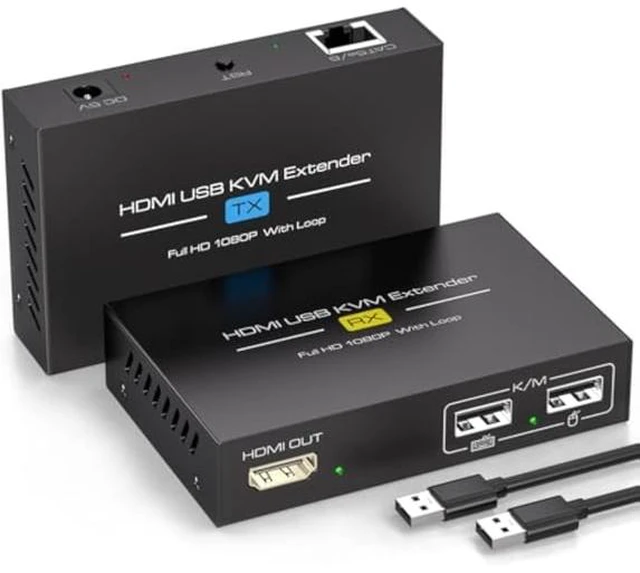
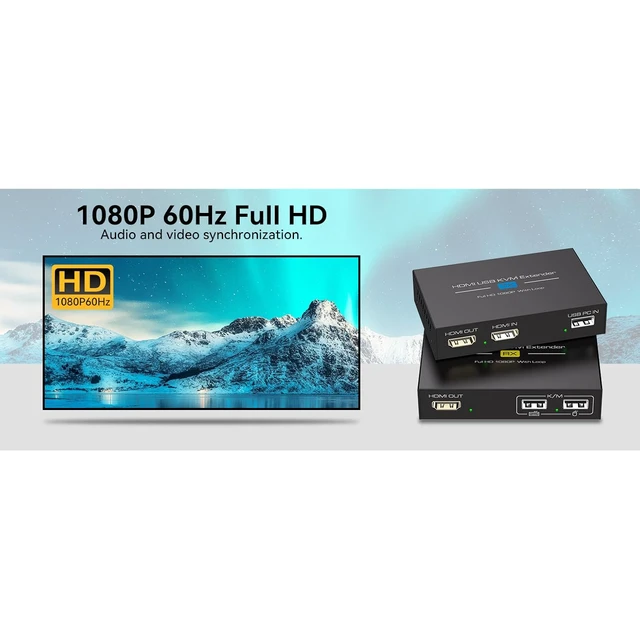
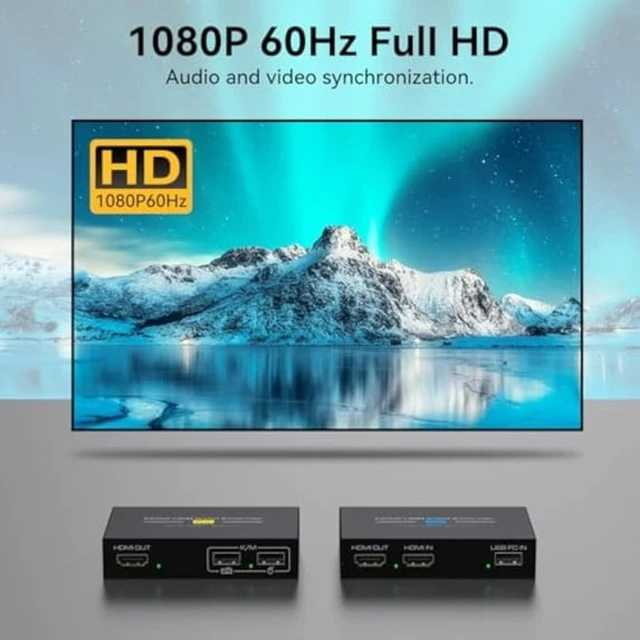
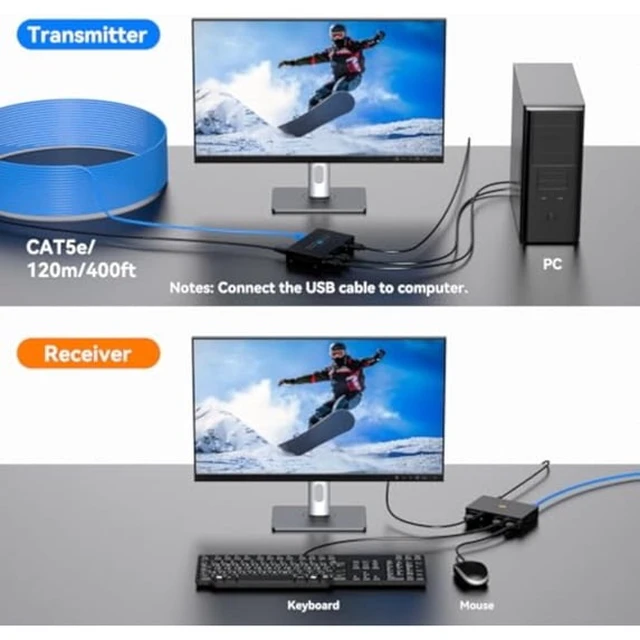
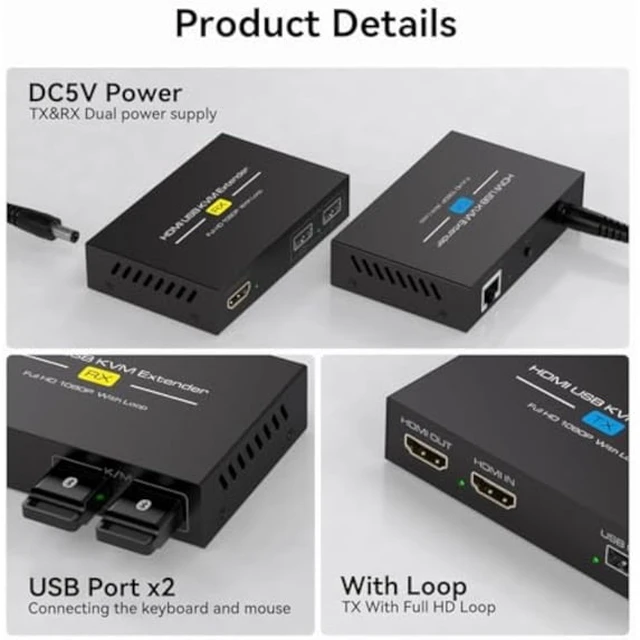
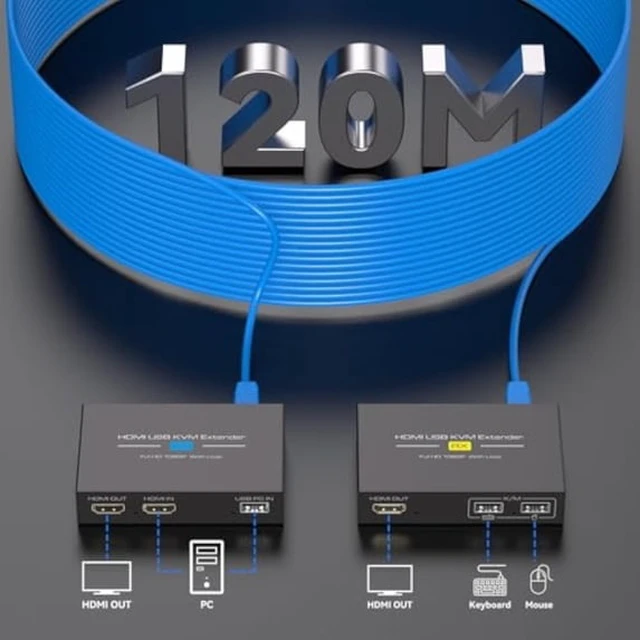
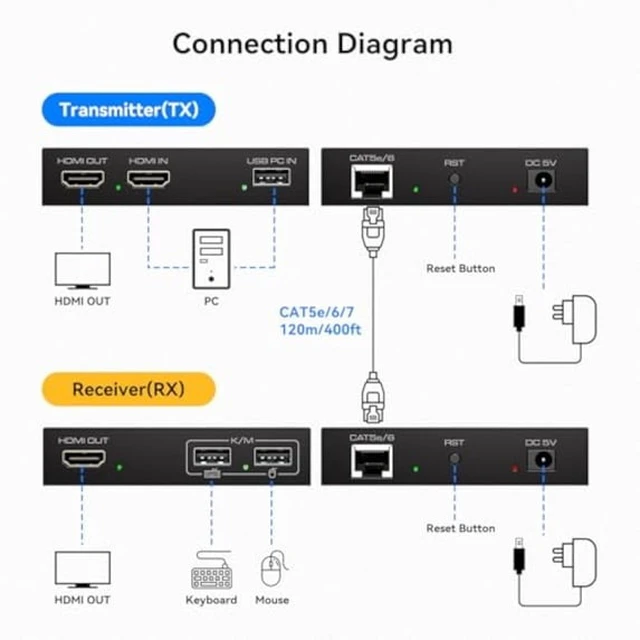
HDMI KVM USB Extender over Cat5e/6/7 Control Your Computer From 394 Feet Away One Cable. Full Control. Zero Compromise. Tired of running long HDMI and USB cables through walls, or leaving your computer exposed in a noisy, dusty, or insecure environment? This HDMI KVM USB Extender moves your entire workstation crystal-clear 1080P video plus keyboard and mouse control up to 394ft (120m) away over a single, inexpensive Cat5e/6/7 Ethernet cable. How It Works TX (Transmitter) connects to your computer, media player, NUC or server, with an HDMI loop-out for a local monitor RX (Receiver) connects to your remote display and a USB keyboard & mouse One Cat5e/6/7 cable carries HDMI video and USB data simultaneously between the two Set it up once, and control your source machine as if you were sitting right in front of it. Key Features 394ft/120m Extension point-to-point transmission over a single Ethernet cable (IEEE-568B wiring) 1080P Full HD Video stable, lossless image quality with no compression artifacts, flicker or frame drops over the full distance HDMI Loop-Out mirror your source to a local display at the TX end while feeding a second screen 120m away USB 2.0 KVM Control operate a remote computer with your own keyboard and mouse in real time Plug & Play no drivers, no software, no network configuration required Dual Power Design TX and RX are powered separately for maximum stability at long distances Where It Shines Server rooms & IT management keep workstations locked away, control them from your desk Conference rooms & classrooms present from one source to displays across the room or building Control rooms & digital signage reliable 24/7 operation for monitoring walls and remote displays Video surveillance (CCTV) manage NVRs and monitoring stations from a separate location Media production keep noisy render machines out of the studio without losing control Broad Compatibility Works with Windows PCs, laptops, desktops, media players and most HDMI displays, projectors, USB keyboards and mice


