






What You Can Get:
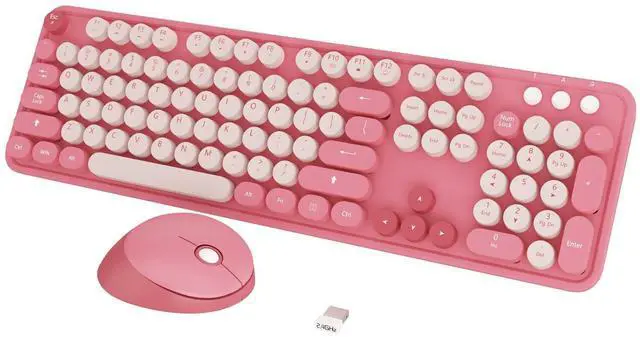
- * 1x Full-size Wireless Keyboard
- * 1x Wireless Mouse
- * 1x USB Receiver (Stored in the mouse)
- * 2*AA battery
Retro Keyboard and Mouse Wireless
* Solution For Mouse
Step 1: To take out the battery and USB receiver;
Step 2: Turn it ON, press and hold on the middle button and the right button of the mouse;
Step 3: Inserting the receiver within 10 seconds, then let it go for 5 seconds.
Tips: If plug the USB over 10s ,it need to restart from step 2 again.
* Solution For Keyboard
Step 1: To take out the battery and USB receiver;
Step 2: Turn it ON, press and hold on the ESC+K keys of the keyboard;
Step 3: Inserting the receiver within 10 seconds, then let it go for 5 seconds.
Tips: If plug the USB over 10s ,it need to restart from step 2 again.

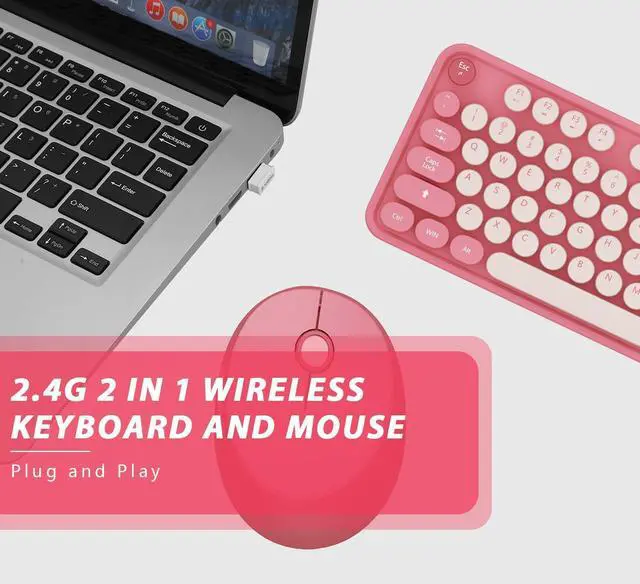
Plug and Play
2.4 GHz wireless technology delivers a reliable connection with up to 33ft.

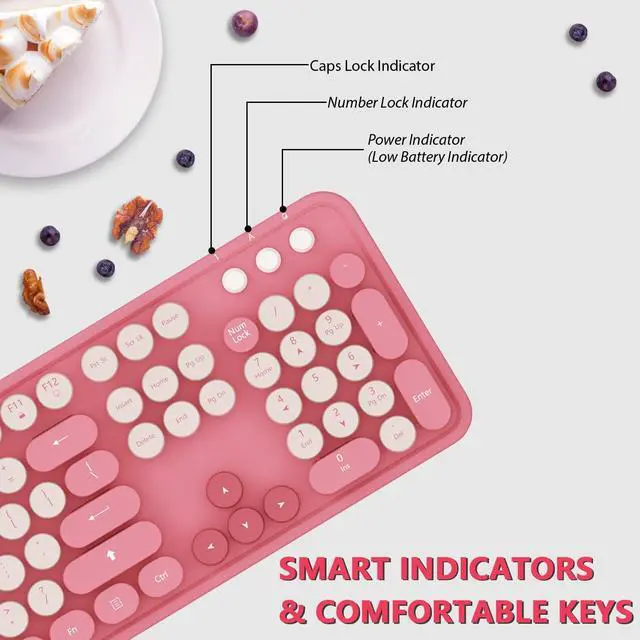
Three Light Indicator
To help you easily catch the typing status.

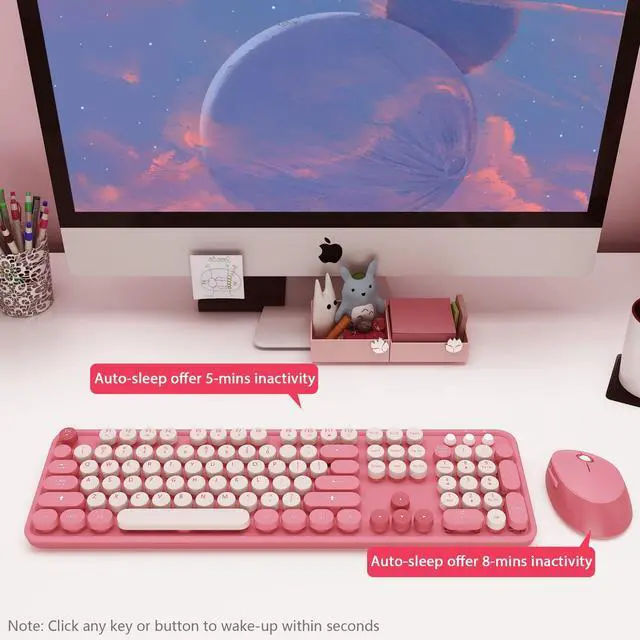
Auto Power -Saving
To further conserve battery life, turn into power-save mode automatically.

Silent & Cute Wireless Mouse
Quieter click, don't worry about disturbing others, and make you concentrate on your work.

Wide Compatibility
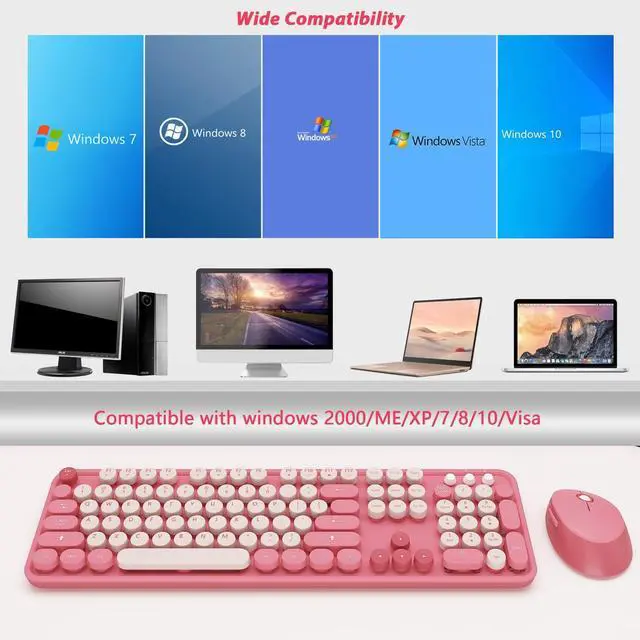
Compatible with Windows 2000 / 7 / 8/10, Vista / 7 / 8 / 10,Mac OS.Chrome OS, Linux. Work well with desktops, Chrome-book, PC, Laptop, Computer, etc.

USB Receiver
Wireless keyboard requires 1*AA batteries, wireless mouse requires 1*AA battery. ( Included)
Tips: The receiver is placed in the back of the mouse.

What You Can Get:
- * 1x Full-size Wireless Keyboard
- * 1x Wireless Mouse
- * 1x USB Receiver (Stored in the mouse)
- * 2*AA battery
Retro Keyboard and Mouse Wireless
* Solution For Mouse
Step 1: To take out the battery and USB receiver;
Step 2: Turn it ON, press and hold on the middle button and the right button of the mouse;
Step 3: Inserting the receiver within 10 seconds, then let it go for 5 seconds.
Tips: If plug the USB over 10s ,it need to restart from step 2 again.
* Solution For Keyboard
Step 1: To take out the battery and USB receiver;
Step 2: Turn it ON, press and hold on the ESC+K keys of the keyboard;
Step 3: Inserting the receiver within 10 seconds, then let it go for 5 seconds.
Tips: If plug the USB over 10s ,it need to restart from step 2 again.
Plug and Play
2.4 GHz wireless technology delivers a reliable connection with up to 33ft.
Three Light Indicator
To help you easily catch the typing status.
Auto Power -Saving
To further conserve battery life, turn into power-save mode automatically.
Silent & Cute Wireless Mouse
Quieter click, don't worry about disturbing others, and make you concentrate on your work.
Wide Compatibility
Compatible with Windows 2000 / 7 / 8/10, Vista / 7 / 8 / 10,Mac OS.Chrome OS, Linux. Work well with desktops, Chrome-book, PC, Laptop, Computer, etc.
USB Receiver
Wireless keyboard requires 1*AA batteries, wireless mouse requires 1*AA battery. ( Included)
Tips: The receiver is placed in the back of the mouse.