Your Browsing History
Meet Your Seller
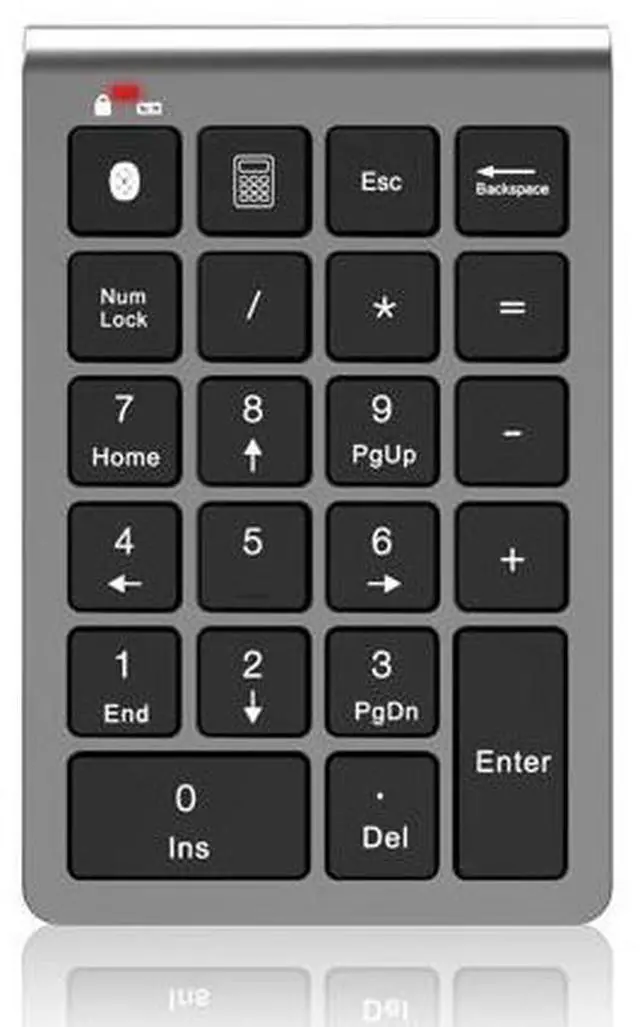
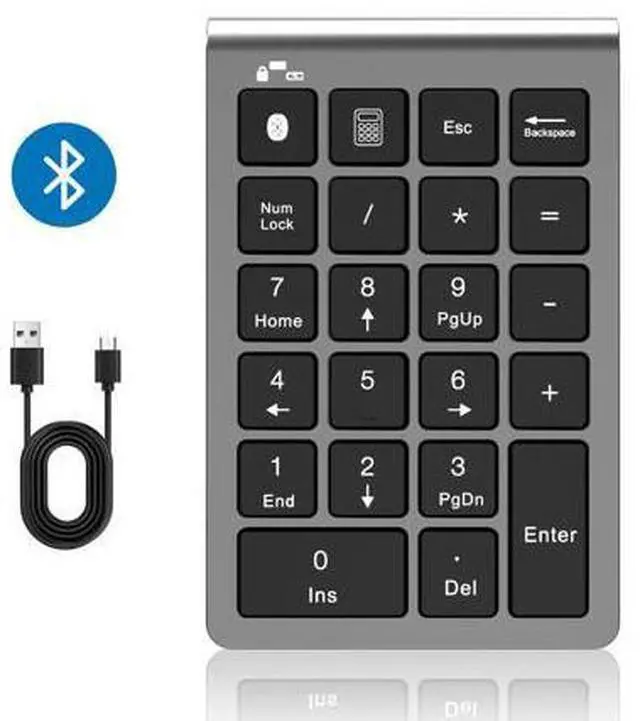
Bluetooth Number Pad Wireless & Wired 10 Key USB Keypad Two in One, Rechargeable Numpad for Laptops, Desktop, Computers Accessories Compatible with MacBook iPads ChromeBook EliteBook Notebook etc.
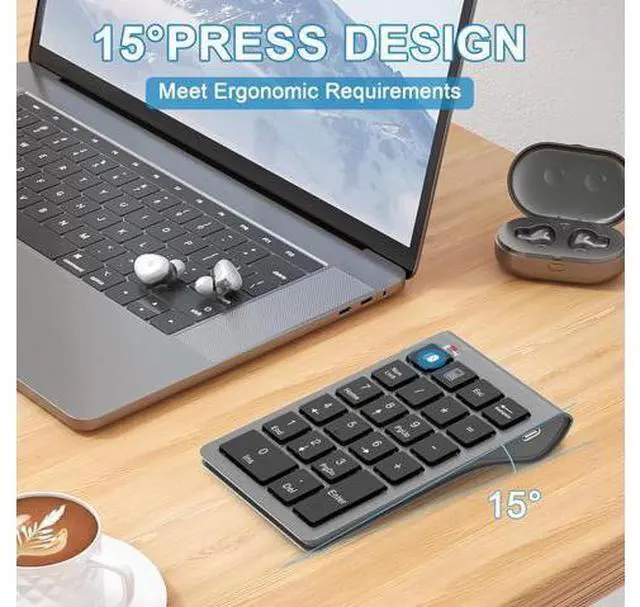
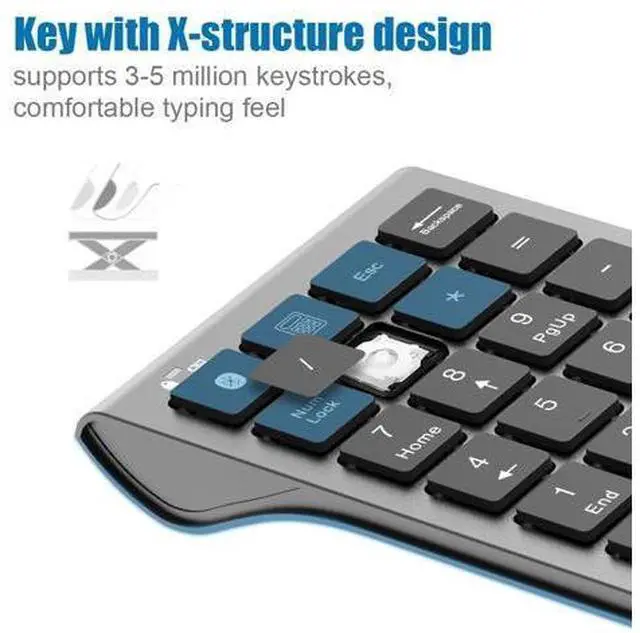
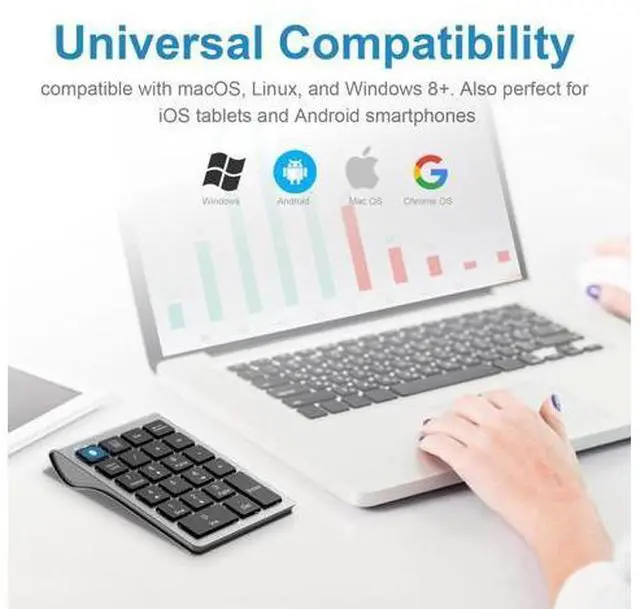
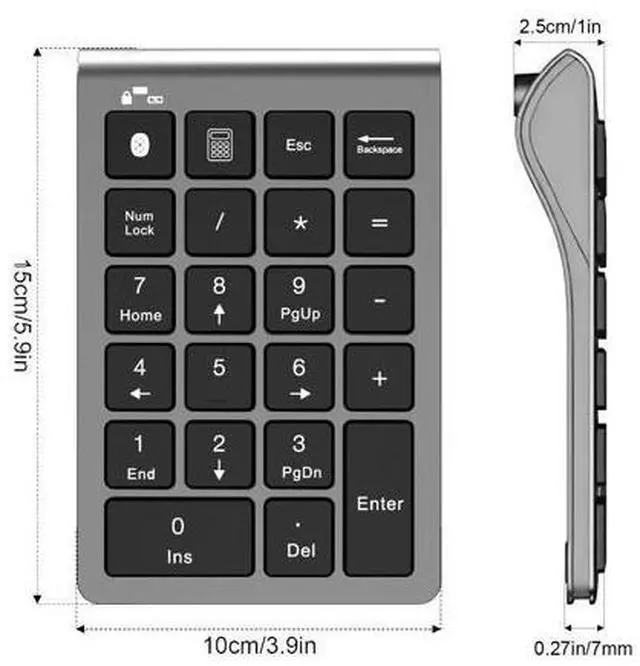
- Universal Compatibility: Seamlessly connects with all laptops including MacBook, Notebook, Matebook, and desktops running MacOS, Linux, and Windows 8+. Also perfect for iOS tablets and Android smartphones, ensuring efficiency wherever you are.; Rechargeable Convenience: Built-in rechargeable battery puts an end to power worries. Its lightweight design and Type C charging cable make this numeric keypad the ideal companion for mobile offices and travel; Sleek Design: Not just functional but also stylish, Number pads minimalist design and sophisticated appearance blend perfectly into your workspace, whether in an office or at home; Ergonomic Tilt: Thoughtfully designed with a 15-degree angle for comfortable typing, numpad ensuring that long sessions of number inputting won't lead to fatigue; Scissor-Switch Keys: Experience smooth and responsive typing with each keystroke precise and timely, significantly reducing input lag
+
+
Overview
Specs
Reviews
Any questions? Our AI beta will help you find out quickly.
Try me now
Introducing the revolutionary Bluetooth + Wired Dual-Mode Numeric Keypad, crafted for the needs of high-efficiency workers. Whether you're a finance professional, a data analyst, or anyone who frequently inputs numbers, this numeric keypad offers unmatched convenience and efficiency. COMPATIBLE DEVICES (NOT LIMITE TO THE FOLLOWING LIST) This wired and wireless number pad fits almost all computer PC, laptops, desktops, ipads, IOS and android cellphones,. The numeric keypad is compatible with MacBook Pro 13 14 15 16, MacBook Air 13 14 15, ASUS Zenbook, Zephyrus, Dell XPS, Lenovo Idealpad, Thinkpad, ChromeBook, GalaxyBook, Vivobook, EliteBook, Inspiron, Surface, iPad 10-14, iPad Mini, Air, Pro, iPhone, other android mobile phones and etc.
If your laptop does not support Bluetooth, you can still use a charging cable to connect to the computer and use this numeric keypad. Which is the advantage of this dual-mode numeric keypad over other Bluetooth numeric keypads. The Bluetooth number keyboard is a perfect gift for people using Excel, teachers entering grades, office workers entering data, and more. HOW TO CONNECT BLUETOOTH KEYPAD TO YOUR DEVICE
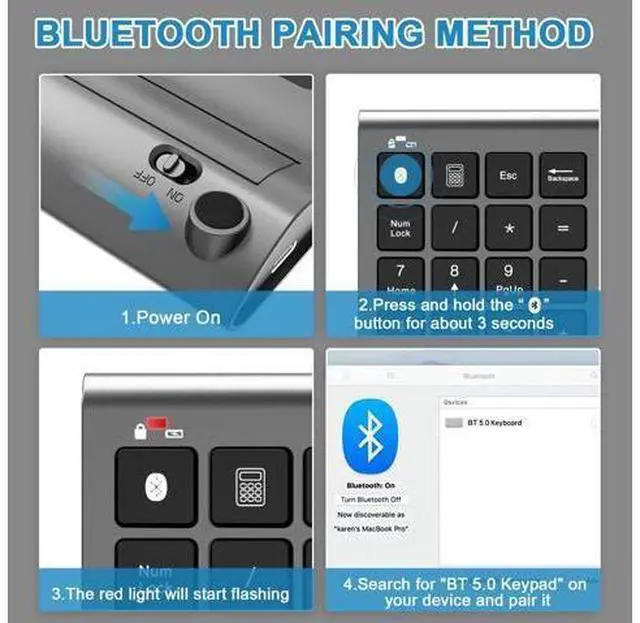
Power On: Locate the power switch on the keyboard and slide it to the "ON" position to turn on the keyboard.
Enter Pairing Mode: Press and hold the Bluetooth symbol button for about 3 seconds to put the keyboard into pairing mode.
Wait for Pairing Signal: Once the keyboard is in pairing mode, a red light will start flashing to indicate

If your laptop does not support Bluetooth, you can still use a charging cable to connect to the computer and use this numeric keypad. Which is the advantage of this dual-mode numeric keypad over other Bluetooth numeric keypads. The Bluetooth number keyboard is a perfect gift for people using Excel, teachers entering grades, office workers entering data, and more. HOW TO CONNECT BLUETOOTH KEYPAD TO YOUR DEVICE
Power On: Locate the power switch on the keyboard and slide it to the "ON" position to turn on the keyboard.
Enter Pairing Mode: Press and hold the Bluetooth symbol button for about 3 seconds to put the keyboard into pairing mode.
Wait for Pairing Signal: Once the keyboard is in pairing mode, a red light will start flashing to indicate
Warranty & Returns
Warranty, Returns, And Additional Information
Warranty
- Please contact the Seller directly for warranty information. Warranty information may also be found on the Manufacturer's website.
- CONTACT
Return Policies
- Return for refund within: 30 days
- Return for replacement within: 30 days
- This item is covered by NovaStar Tech Return Policy
Manufacturer Contact Info
- For a directory of all our manufacturers, please click below.
- Manufacturers Directory
LOADING...