


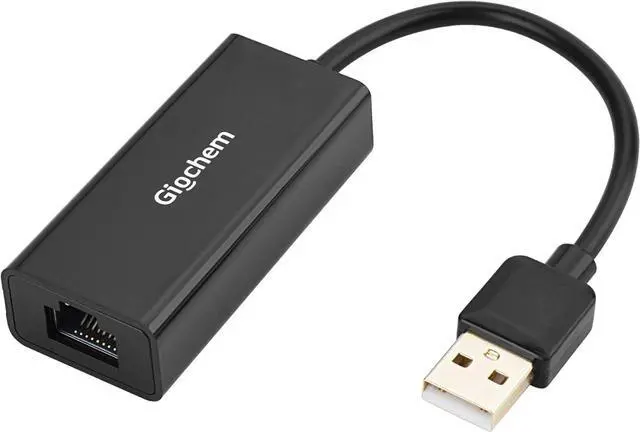
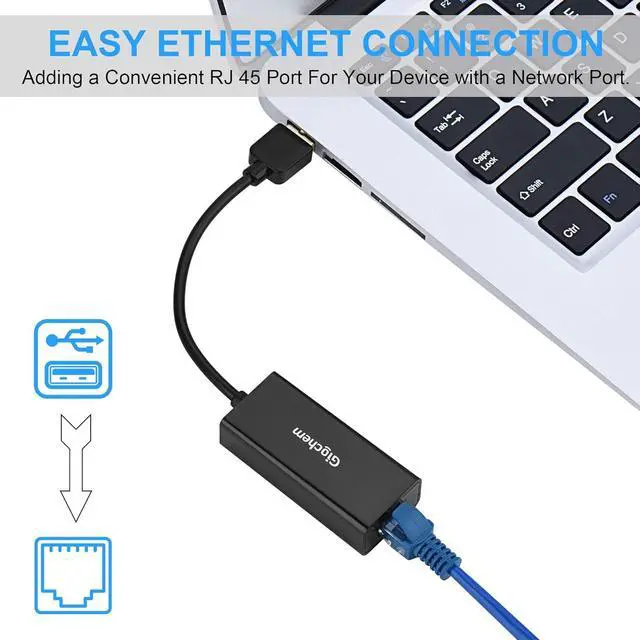
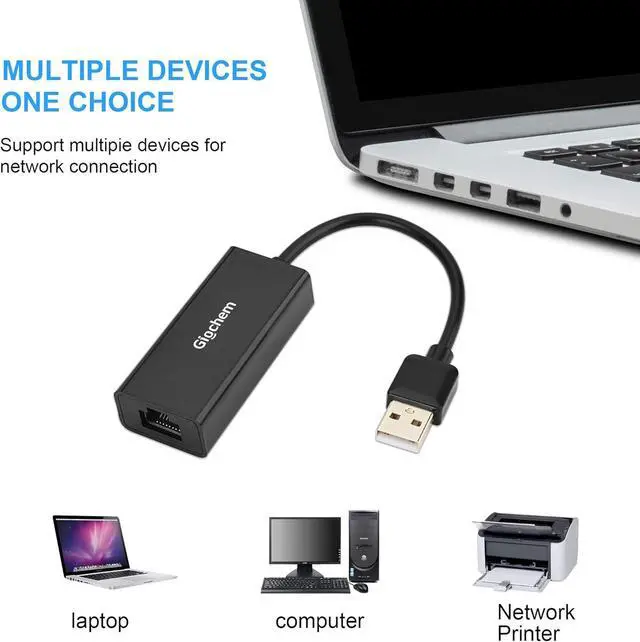
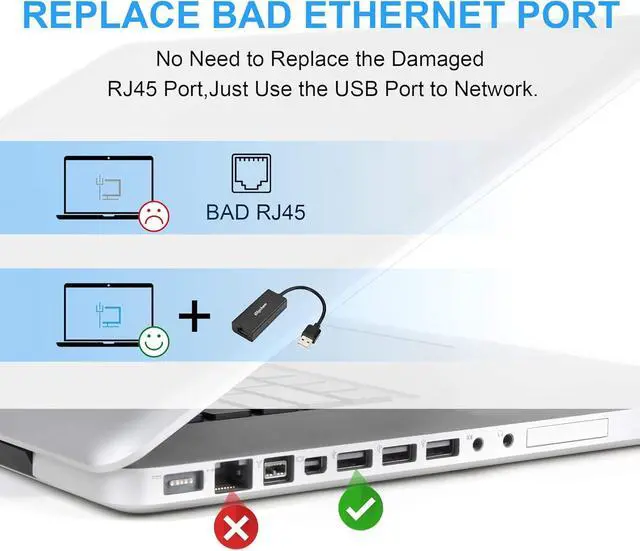


USB 2.0 Network Adapter Support 10M /100 Mbps Ethernet Network
- Provides a wired alternative for connecting to the Internet in Wi-Fi dead zones; streaming large video files, or downloading a software upgrade through a wired home or office LAN.
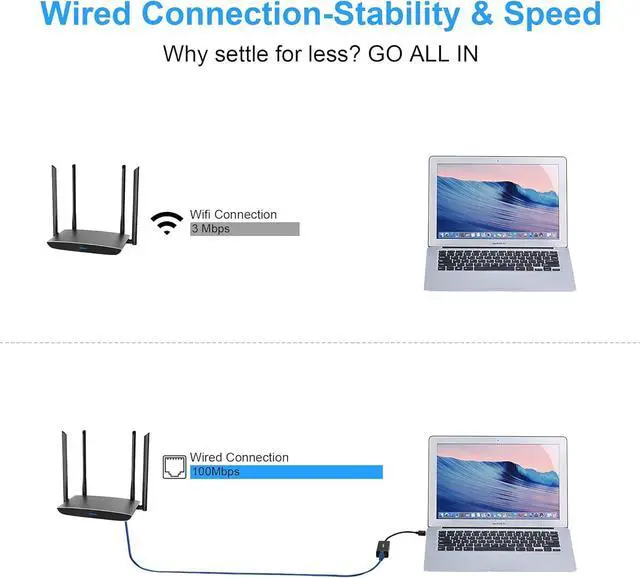
- Wired connections provide faster data transfers and better security than Wi-Fi.
- Auto sensing USB adapter supports any 10/100 Mbps Ethernet network.

Plug & Play
- Simply plug the adapter into the USB port of your computer without downloading any external software drivers.
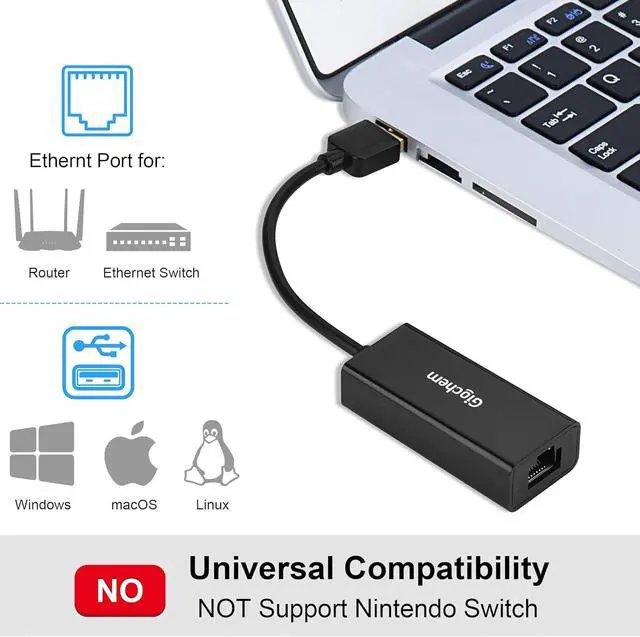
- Universal compatibility with Chrome OS, Linux, Mac OS X, and Windows operating systems.

LED Diagnostic Indicators
- Diagnostic LED indicators on the USB 2.0 to Ethernet adapter verify the network connection and data transfer status.
- Supports performance features including WoL, FDX, HDX, crossover detection, backpressure routing, and auto-correction.

Compact Connectivity Companion
- Travels easily in a laptop sleeve
- Weighs less than 1 ounce
- Flexible USB cable tail

Wired security for peace of mind
- Stable network link for video streaming and gaming.
- Transfer data more securely with a wired connection.
- Prevent unauthorized wireless access.

Connect More with Giochem Networking Products
The Giochem USB to Fast Ethernet Adapter brings Fast Ethernet connectivity to your Ultrabook, notebook, or tablet with a network connection up to 100 Mbps. This compact and lightweight USB to network adapter is a perfect accessory for file transferring with Fast Ethernet, which is more reliable than a wireless network.

 USB 3.0 to Ethernet Adapter |  USB C to Ethernet Adapter with Charging |  USB C to Ethernet Adapter with Charging | |
|---|---|---|---|
| Customer Reviews | — | — | — |
| Price | — | — | — |
| Connector Type | USB 3.0 | USB-C | USB-C |
| Ethernet | 1000 Mbps | 10/100 M | 10/100 M |


USB 2.0 Network Adapter Support 10M /100 Mbps Ethernet Network
- Provides a wired alternative for connecting to the Internet in Wi-Fi dead zones; streaming large video files, or downloading a software upgrade through a wired home or office LAN.
- Wired connections provide faster data transfers and better security than Wi-Fi.
- Auto sensing USB adapter supports any 10/100 Mbps Ethernet network.
Plug & Play
- Simply plug the adapter into the USB port of your computer without downloading any external software drivers.
- Universal compatibility with Chrome OS, Linux, Mac OS X, and Windows operating systems.
LED Diagnostic Indicators
- Diagnostic LED indicators on the USB 2.0 to Ethernet adapter verify the network connection and data transfer status.
- Supports performance features including WoL, FDX, HDX, crossover detection, backpressure routing, and auto-correction.
Compact Connectivity Companion
- Travels easily in a laptop sleeve
- Weighs less than 1 ounce
- Flexible USB cable tail
Wired security for peace of mind
- Stable network link for video streaming and gaming.
- Transfer data more securely with a wired connection.
- Prevent unauthorized wireless access.
Connect More with Giochem Networking Products
The Giochem USB to Fast Ethernet Adapter brings Fast Ethernet connectivity to your Ultrabook, notebook, or tablet with a network connection up to 100 Mbps. This compact and lightweight USB to network adapter is a perfect accessory for file transferring with Fast Ethernet, which is more reliable than a wireless network.
USB 3.0 to Ethernet Adapter | USB C to Ethernet Adapter with Charging | USB C to Ethernet Adapter with Charging | |
|---|---|---|---|
| Customer Reviews | — | — | — |
| Price | — | — | — |
| Connector Type | USB 3.0 | USB-C | USB-C |
| Ethernet | 1000 Mbps | 10/100 M | 10/100 M |
Steps to install the driver:
1. Use your “Administrator” permission to install the driver;
2. restart your laptop or Mac;
3, Plug and Play in Window 8 and window 10
For Windows:
After you installed the driver, check if you can see the Ethernet icon on the bottom of your system tray;
For macOS:
go to left-upper Apple icon -> System Preferences -> General & Privacy, and allow apps downloaded from APP store and identified developers, check if you can see USB 10/100/1000 LAN with green color icon.
What is for Driver
- It is Plug and play in Window 8 and Window 10
- If Window 7/ Vista, Please use the driver, built-in for Driver