




 here!
here!
I’m your shopping assistant for PC builds, upgrades, and everything tech.
Got questions? Ask away!
Start a conversation
here!
I’m your shopping assistant for PC builds, upgrades, and everything tech.
Got questions? Ask away!
Start a conversation



Any questions? Ask CelesteSM will help you find out quickly.
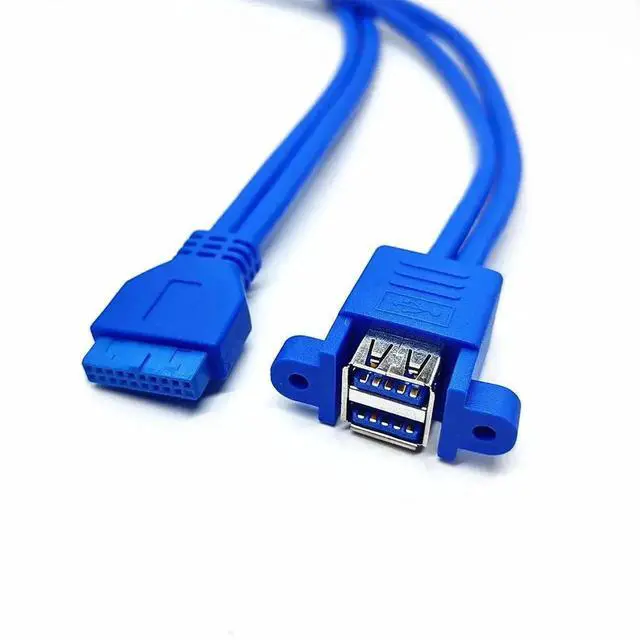
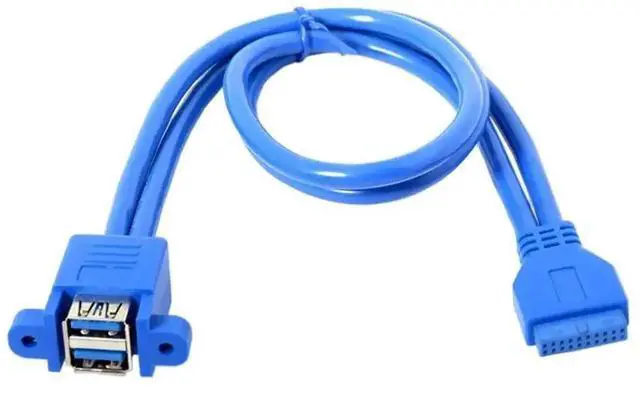
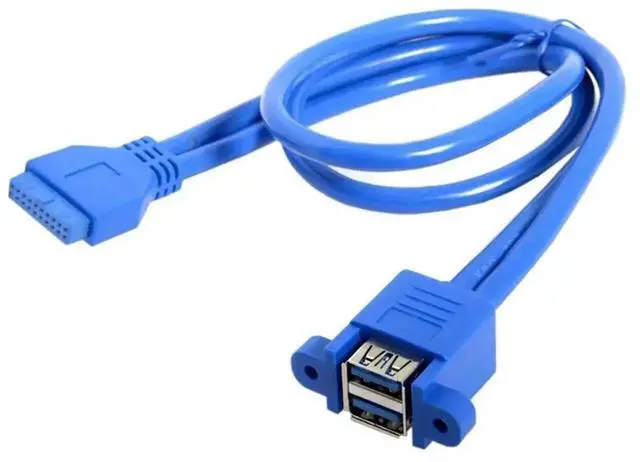
This 50-centimeter internal USB extension cable is designed for DIY chassis port expansion, converting the dedicated USB3.0 19pin/20pin front panel header on the motherboard into two accessible USB 3.0 Type-A female ports.
Matching mounting screws are included to lock the dual USB-A socket firmly on chassis blanking plates, avoiding loose shaking and signal dropout during long-term PC vibration. Premium shielded cable with gold-plated contacts cuts electromagnetic interference, maintaining stable high-speed transmission for flash drives, portable SSDs and other USB-A peripherals.
The 50cm flexible cord provides enough length to arrange wiring neatly without tangled clutter inside the case. Simply plug the 19/20Pin male header into the motherboard USB slot and fix the dual USB-A port on the chassis with supplied screws. Ideal for custom gaming PCs, workstations and customized desktop modification to add extra front USB3.0 ports.


