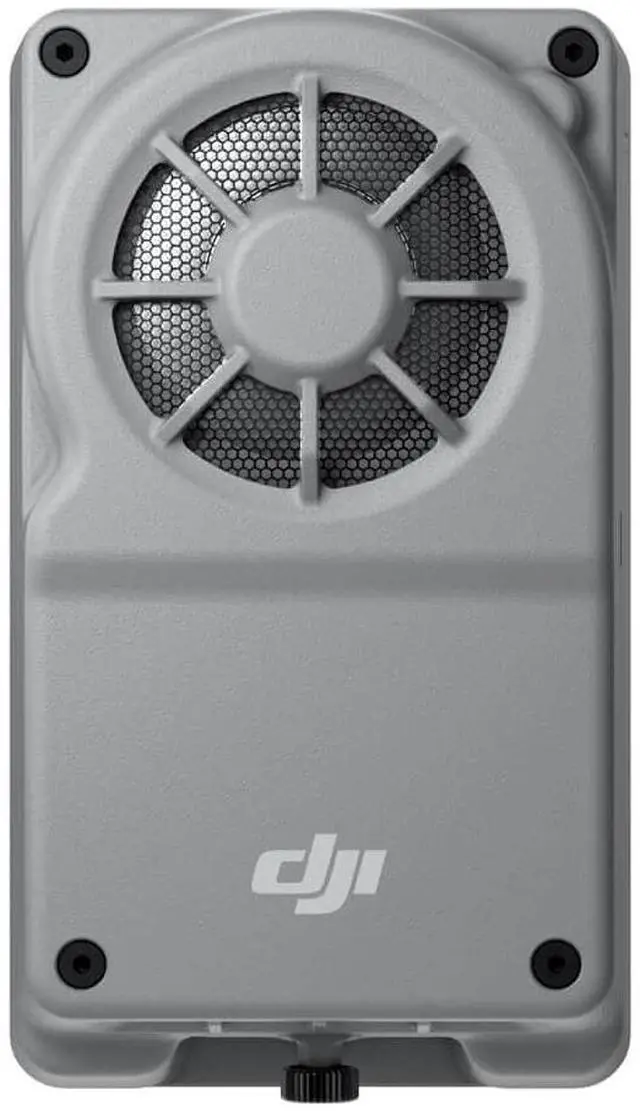
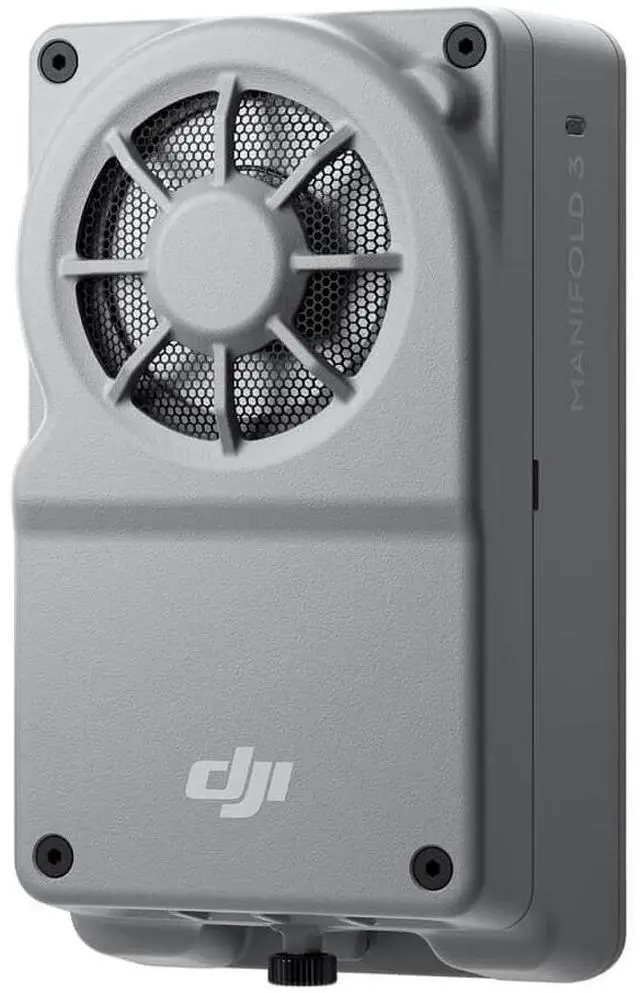
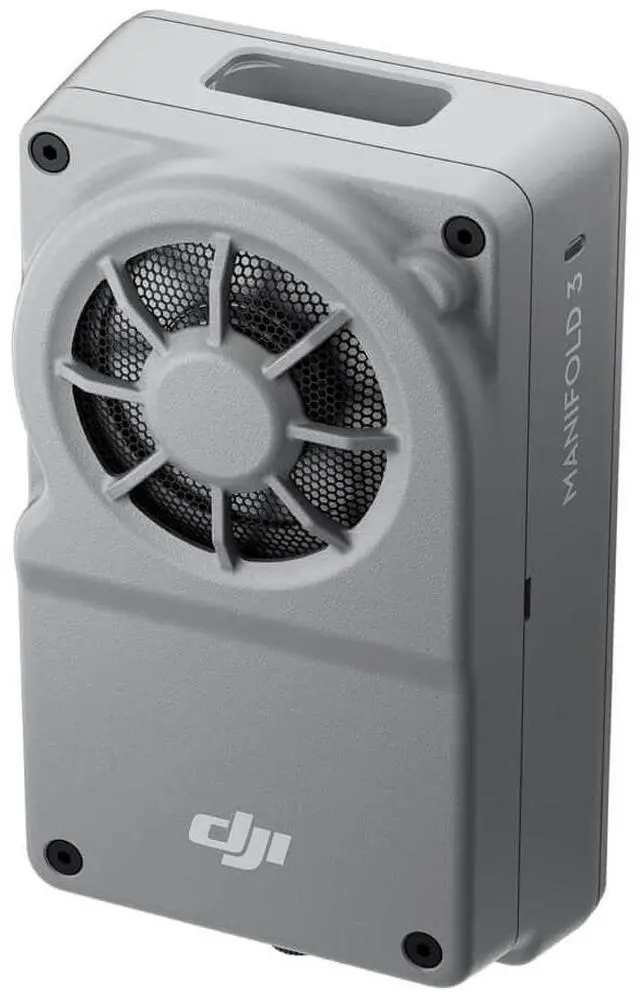
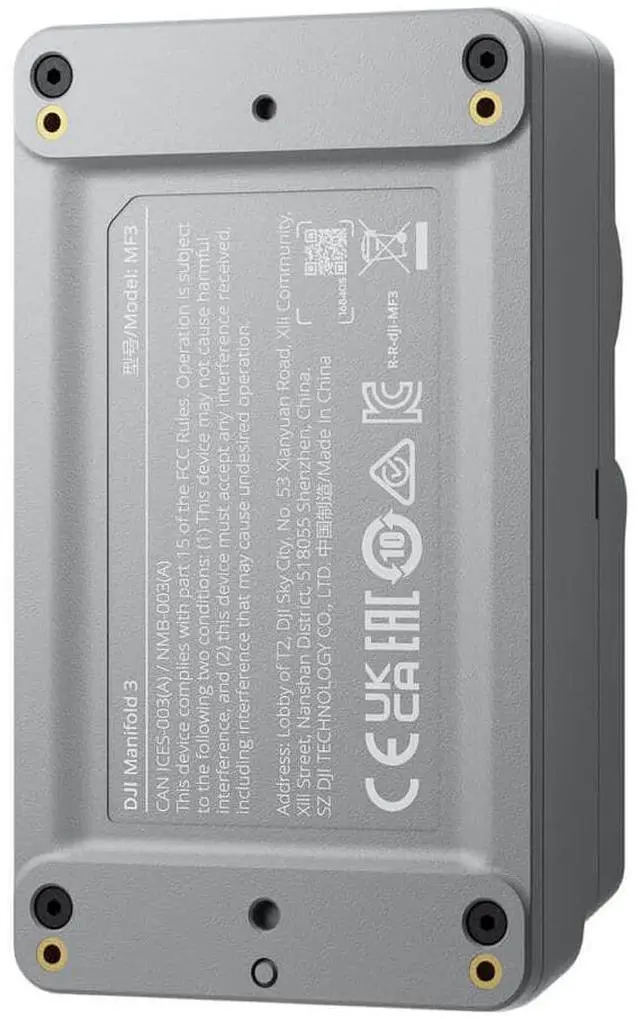
Every DJI product is shipped in its original, unopened factory packaging. To ensure your rights and interests, please carefully verify the model upon receipt of the package to confirm it matches your order before opening or using the product.
Shipping & Logistics
· We cover all shipping costs and import duties for your convenience.
· If any customs-related documents are issued during transit, do not make payment on your own. Please contact us promptly via email, and we will assist with any associated taxes or fees.
· Products are shipped via UPS air service to ensure efficient and reliable delivery.
· Estimated delivery time: 8-15 business days.
Note: The above policies apply exclusively to purchases made directly through our official store.
+
+
Overview
Specs
Reviews
Any questions? Our AI beta will help you find out quickly.
Try me now
Lets Answer Your QuestionsWhich drone platforms is Manifold 3 compatible with?
Manifold 3 is compatible with DJI Matrice 400 drone platform.
What can I do with Manifold 3?
You can install application packages from the third-party ecosystem, such as software for power grid, river, and pipeline inspections, to enhance efficiency in specific scenarios.
If you are a developer, you can use the PSDK open interface and CUDA computing components provided by Manifold 3 to develop AI applications for drones. You can then apply for mass production review and listing in DJI's Ecosystem Products Catalogue to promote your application.
What is the difference between Manifold 3 and Manifold 2?
Compared to Manifold 2, Manifold 3 boasts a significant increase in computing power (up to 100 TOPS), accompanied by an impressive weight reduction to just about 120 g. It also offers more convenient installation brackets and connectivity options. The system software supports Jetpack 5.1.3 and Ubuntu 20.04, and offers a new version of the PSDK with package management capabilities, allowing users to install and update third-party applications via DJI Pilot for a more user-friendly experience.
How to export the data files from Manifold 3?
You can export data files via the following three options:
1. Install and connect Manifold 3 to the drone platform. Connect an external USB flash drive or portable SSD to Manifold 3 via its USB-C interface, and then use the DJI Pilot app to choose the relevant application and export your data.
2. Install and connect Manifold 3 to the drone platform. Connect the drone platform and your computer with a USB-C cable. Open DJI Assistant 2 to automatically mount Manifold 3's system file directory, then use Windows Explorer to select and copy the data you want to export.
3. Install and connect Manifold 3 to the drone platform. Use third-party applications to export data, such as downloading playback from the Pilot media library or transferring data to a specified cloud platform. Follow the third-party application's instructions for detailed export methods.
If you are a developer, in addition to the three aforementioned means, you can also transfer data during the development and debugging phase through SSH or SFTP protocol channels.
What is the Manifold PSDK Application?
The Manifold PSDK Application is software developed for Manifold 3 based on the DJI PSDK interface. It is also known as the Manifold Application, and its installation packages are suffixed with ".dpk".