here!
I’m your shopping assistant for PC builds, upgrades, and everything tech.
Got questions? Ask away!
Start a conversation
here!
I’m your shopping assistant for PC builds, upgrades, and everything tech.
Got questions? Ask away!
Start a conversation




Any questions? Ask CelesteSM will help you find out quickly.
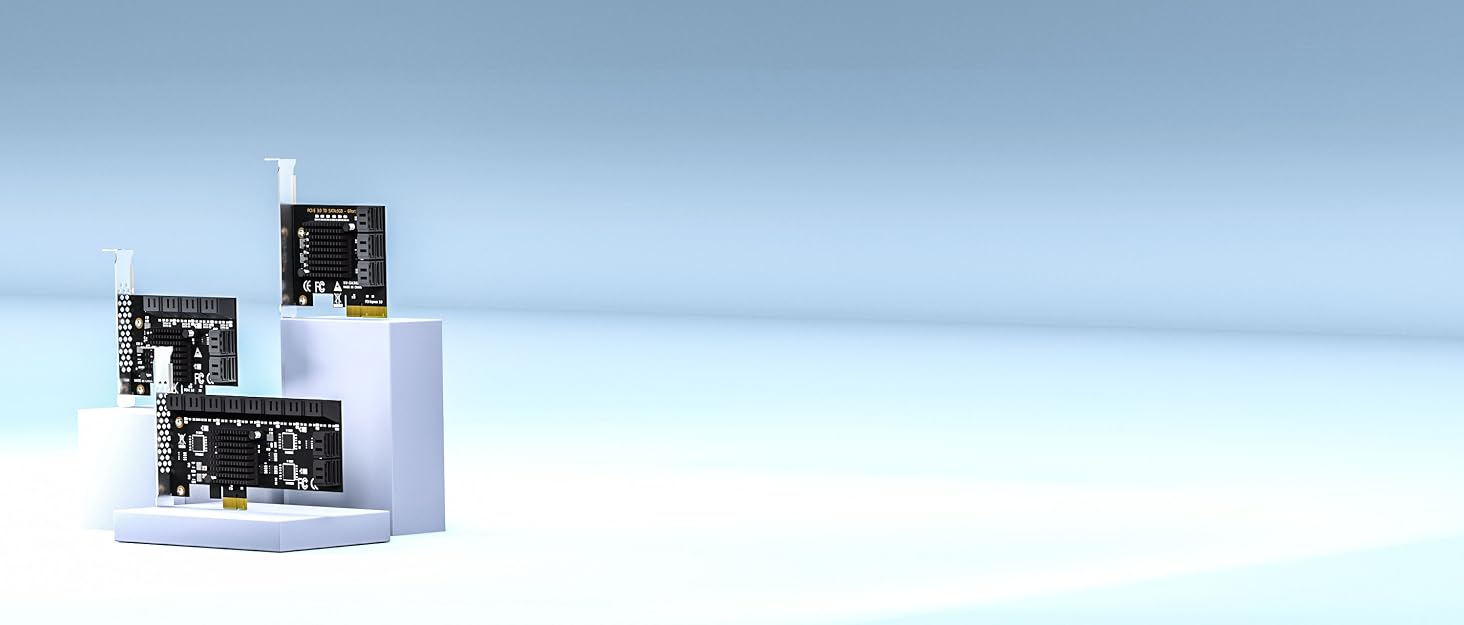

GLOTRENDS specializes in developing high-performance PCIe adapters and riser cables for computer engineers and DIY enthusiasts.
The products mainly include 2 series: PCIe adapters (M.2 SSD Adapter, SATA Card, WiFi/Ethernet Card, USB Card, etc) and PCIe 5.0/4.0/3.0 extension cables.
The goal of GLOTRENDS is to provide quality-assured and cost-effective products to customers worldwide. Customized production is welcome.


Will this card work as a boot drive?
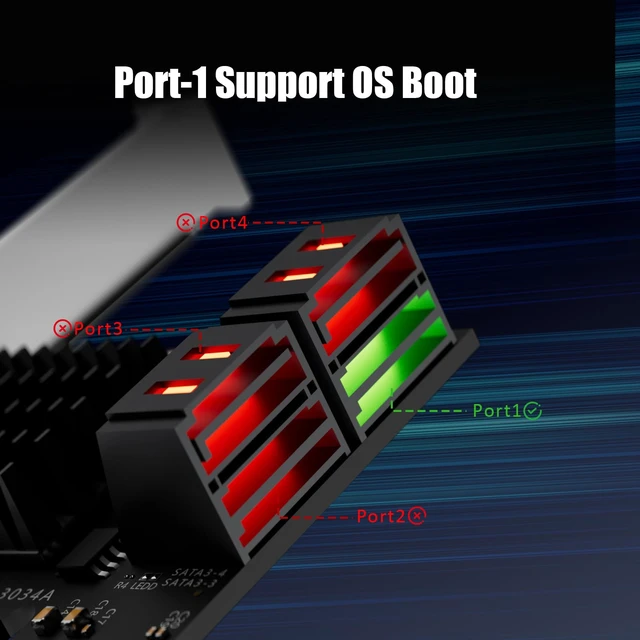
Yes - connect the OS drive to Port 1 and set AHCI first. Most UEFI boards boot fine; some older Legacy BIOS boards may not.
How to Locate and Set SATA Mode to AHCI in BIOS or UEFI?
Enter BIOS / UEFI --- Advanced Mode --- SATA Mode: AHCI. (Note: set AHCI first then install Windows. If Windows has already been installed under IDE/RAID/VMD mode, directly switching SATA mode to AHCI in BIOS will trigger blue screen crash.
Does it support hardware RAID?
No. Use software arrays: Windows Storage Spaces, ZFS, mdadm, unRAID, TrueNAS or Proxmox.
The LEDs on the card stay lit / blink - is that an error?
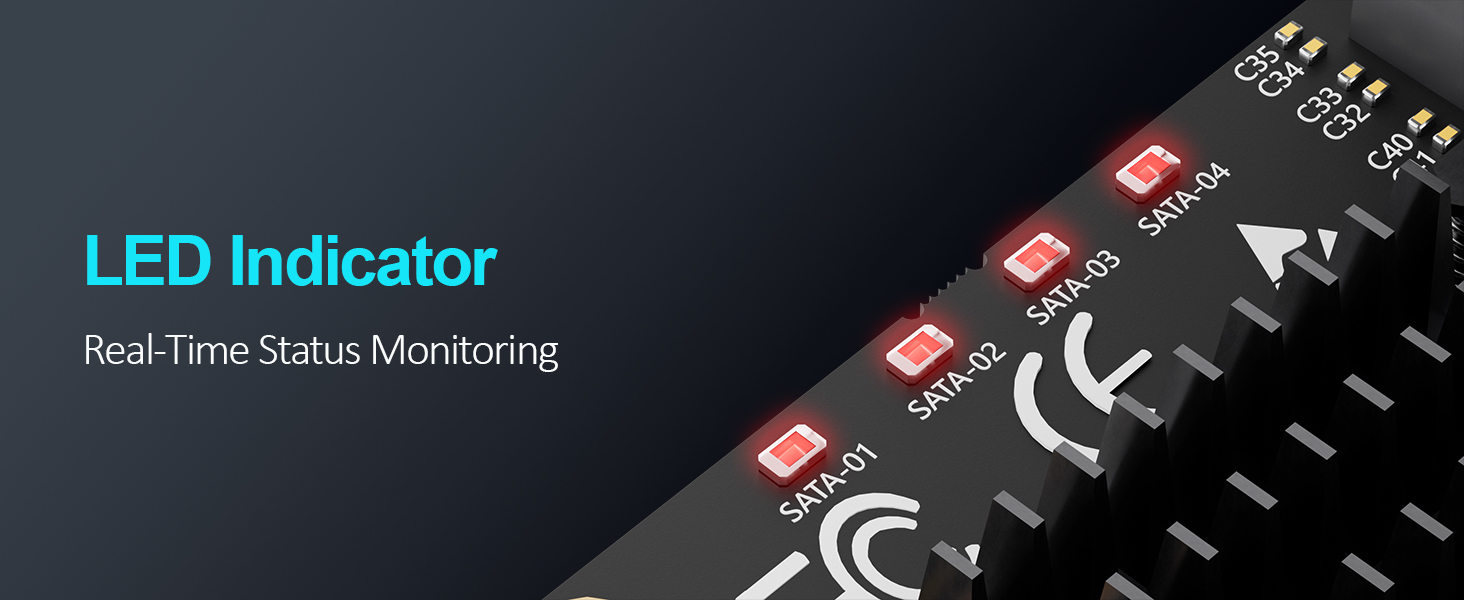
No - it is normal. Steady light means the port is working; flashing light means data is being read or written.
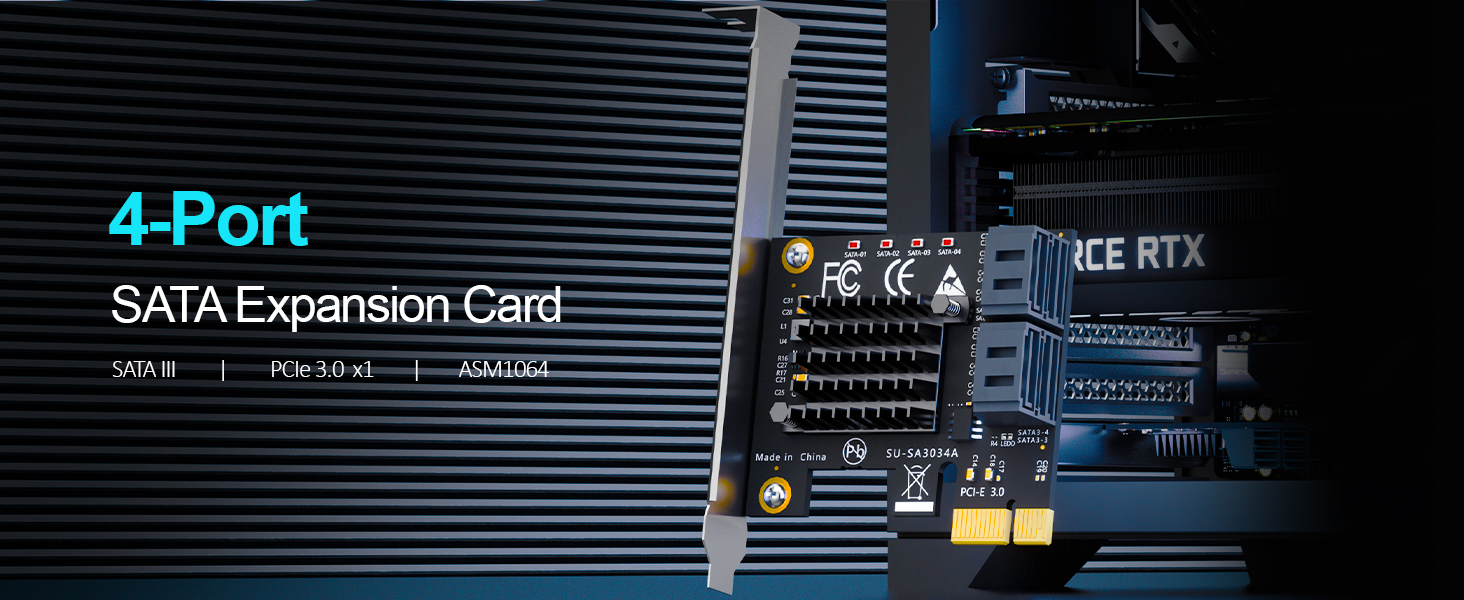
| Product Type | 4-Port PCIe SATA III Expansion Card (Host Bus Adapter / HBA, non-RAID) |
|---|---|
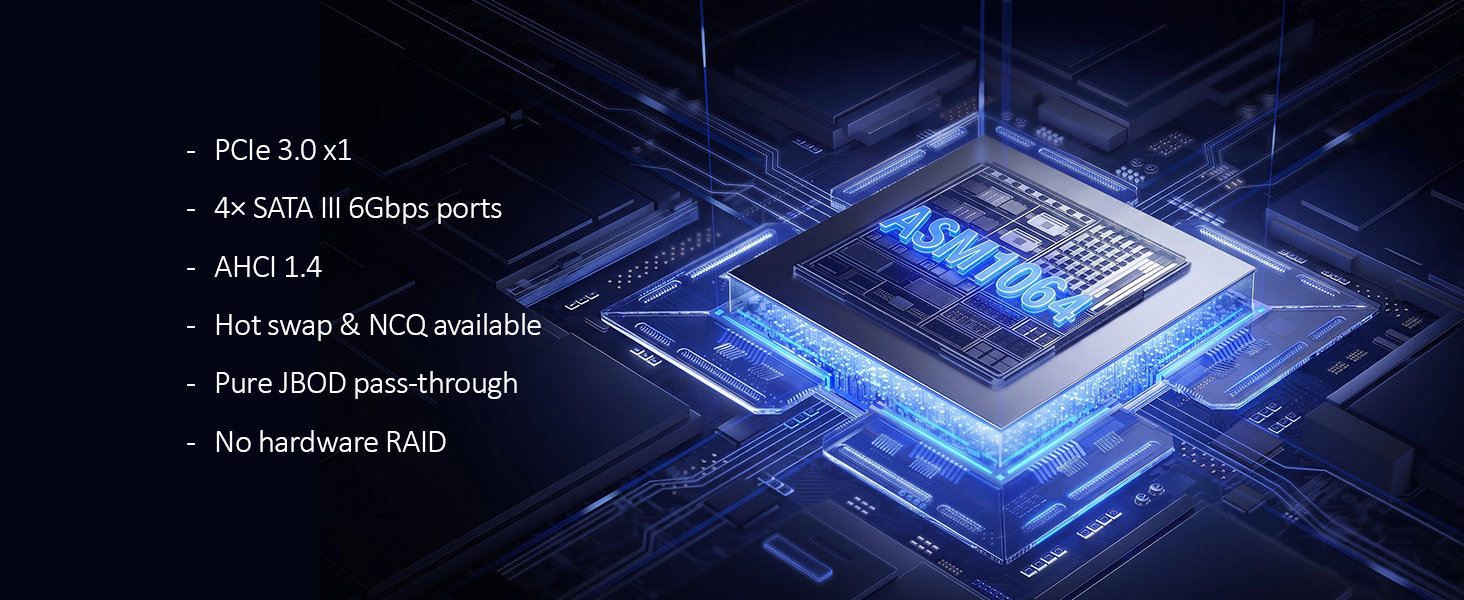
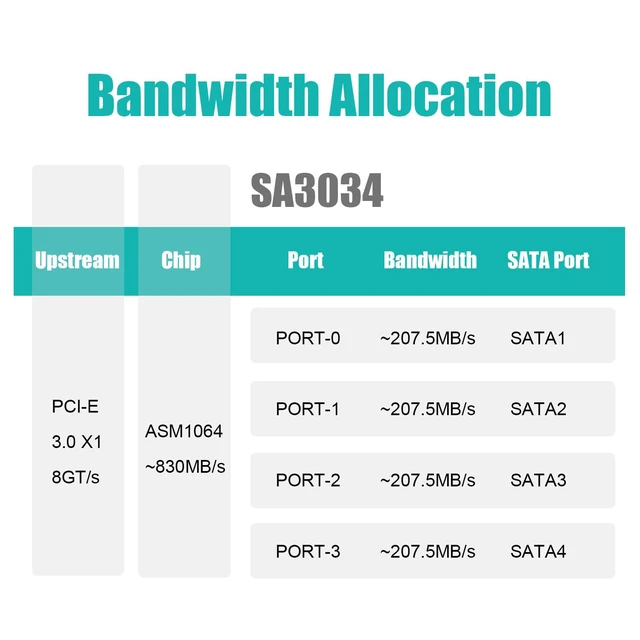
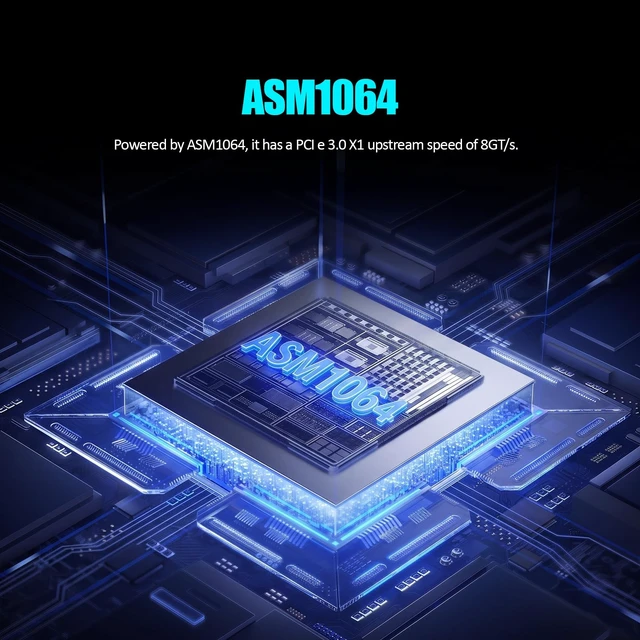
| Controller Chipset | ASMedia ASM1064 |
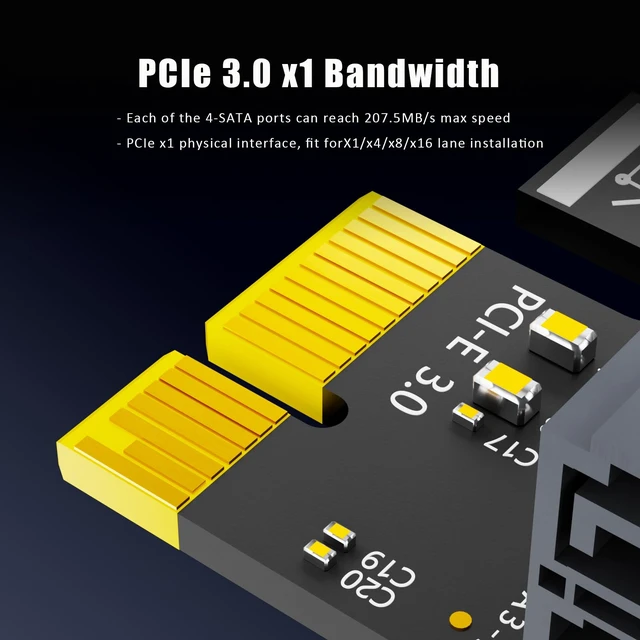
| Host Interface | PCI Express 3.0 x1 (upstream, 8 GT/s per lane) |
| Compatible Slots | PCIe x1 / x4 / x8 / x16 (physical slot) |
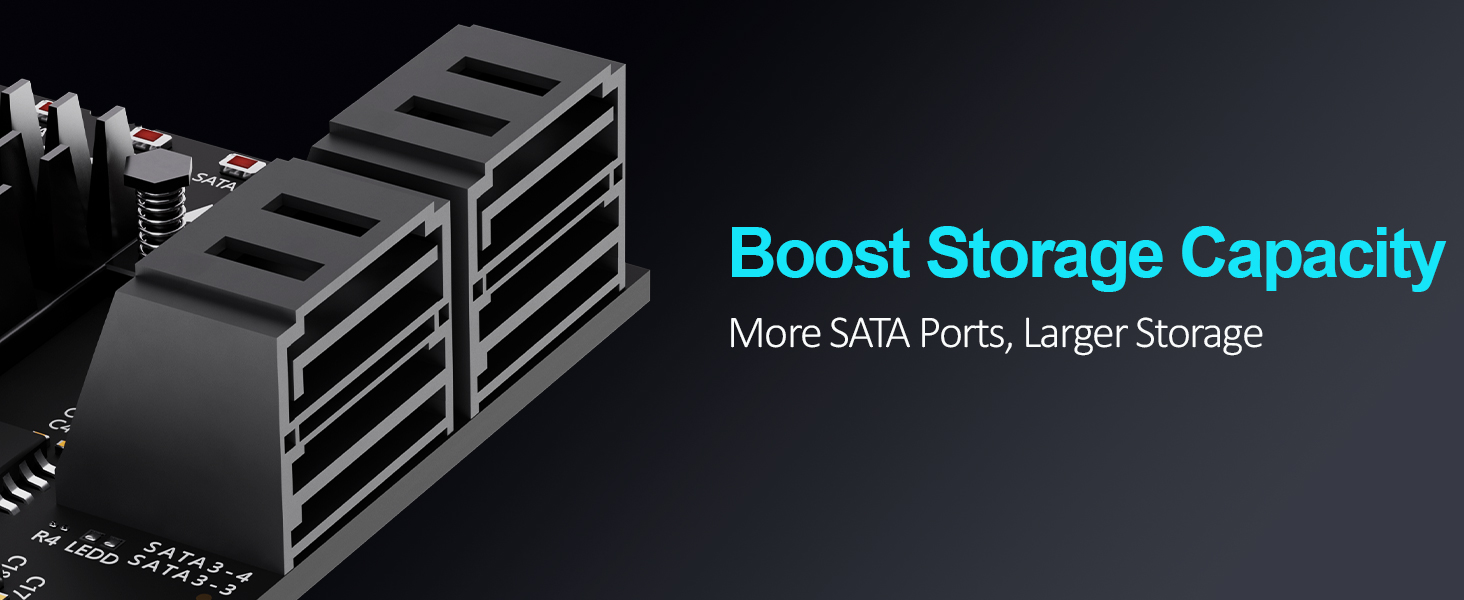
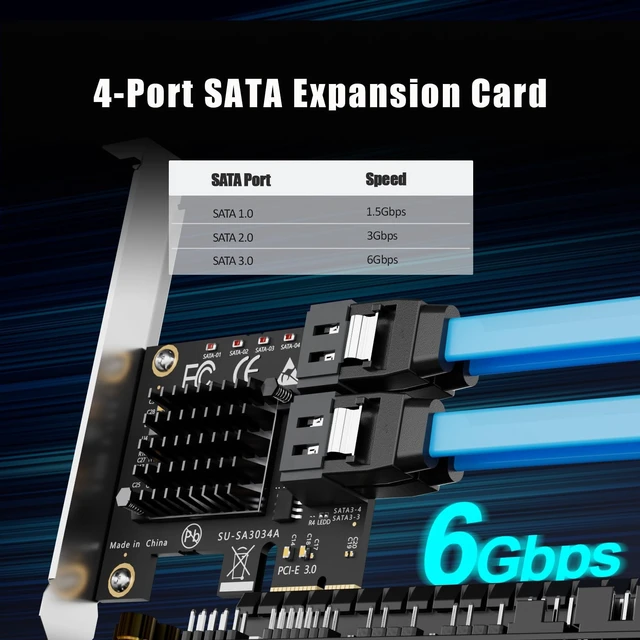
| SATA Ports | 4 × SATA III (internal), 6 Gbps per port |
| Per-Port Bandwidth | Up to 207.5 MB/s max per port |
| RAID Support | Hardware RAID: Not supported · Software RAID only (unRAID, TrueNAS / ZFS, Proxmox, Windows Storage Spaces) |
| OS Boot Support | Yes — boot from Port 1 (Windows, macOS, or Linux system drive) |
| SATA Controller Mode | AHCI (must be set in BIOS / UEFI before first install) |
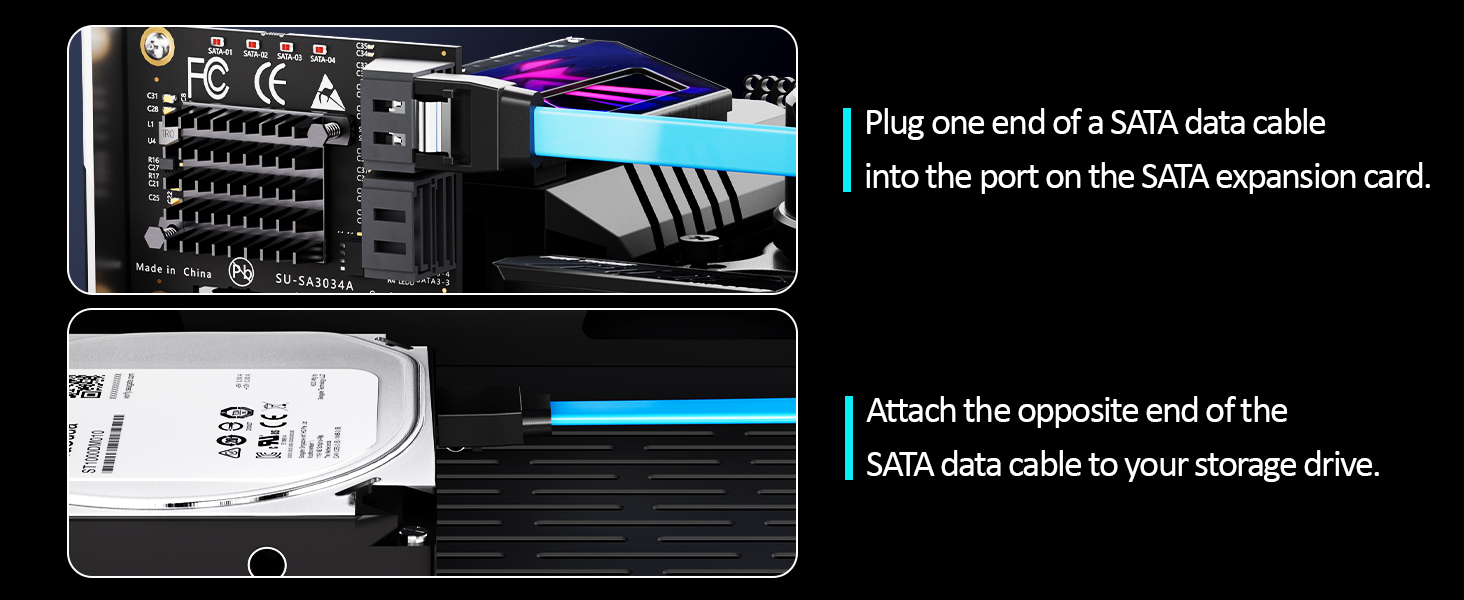
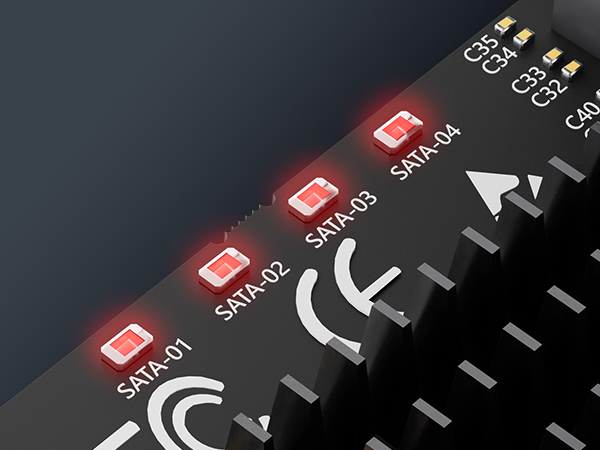
| LED Indicators | 4 × built-in LEDs — steady light = normal operation; flashing = data read/write activity |
| Operating Systems | Windows (except Windows XP), macOS, Linux, NAS systems |
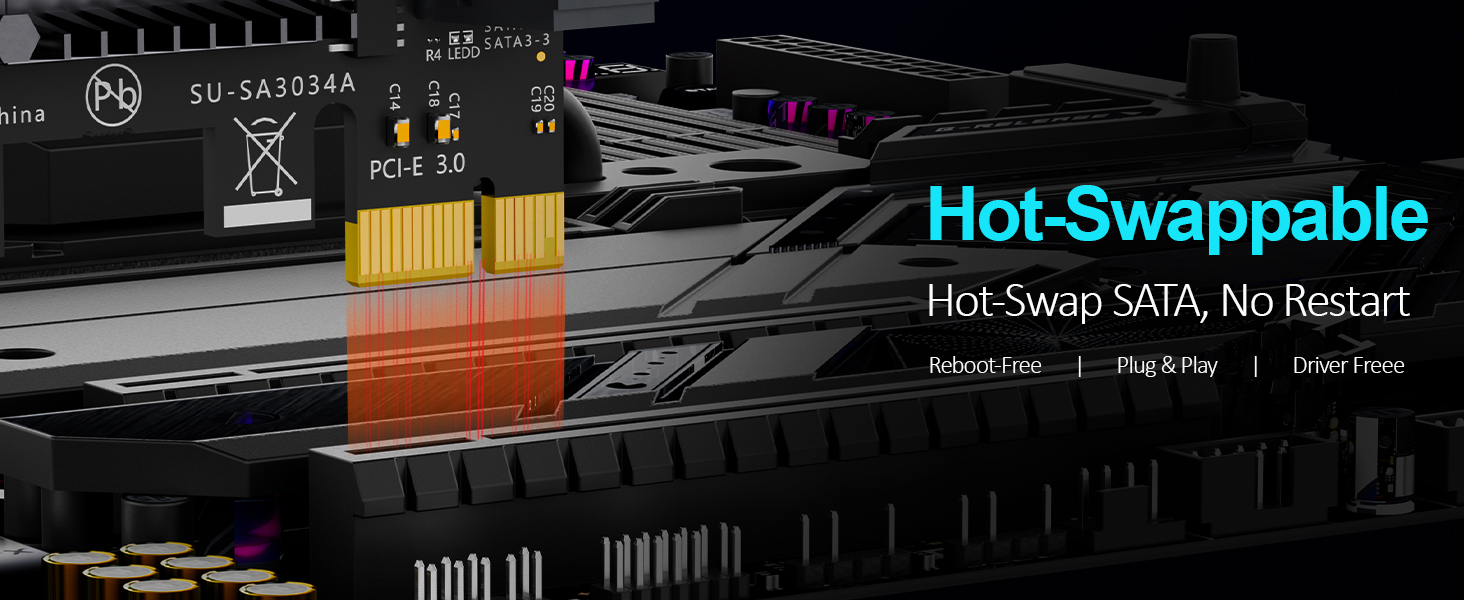
| Driver Requirement | None — Plug and Play, no driver installation required |
| Compatible Devices | SATA SSD / HDD (up to 4 drives), desktop PC, NAS enclosure |
| Typical Applications | NAS builds, home server, software RAID storage pool, media library, backup target, OS boot drive |
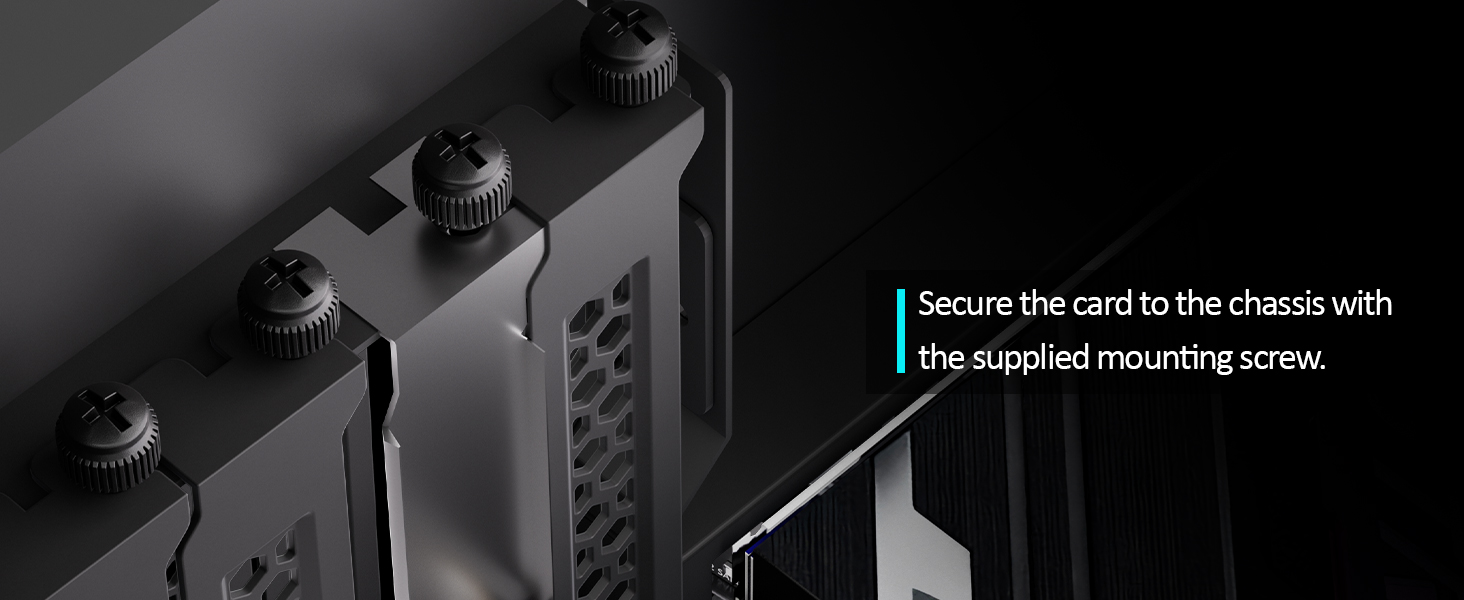
| Brackets Included | Regular-profile bracket (for desktop PCs) + low-profile bracket (for 2U servers) |






Will this card work as a boot drive?
Yes - connect the OS drive to Port 1 and set AHCI first. Most UEFI boards boot fine; some older Legacy BIOS boards may not.
How to Locate and Set SATA Mode to AHCI in BIOS or UEFI?
Enter BIOS / UEFI --- Advanced Mode --- SATA Mode: AHCI. (Note: set AHCI first then install Windows. If Windows has already been installed under IDE/RAID/VMD mode, directly switching SATA mode to AHCI in BIOS will trigger blue screen crash.
Does it support hardware RAID?
No. Use software arrays: Windows Storage Spaces, ZFS, mdadm, unRAID, TrueNAS or Proxmox.
The LEDs on the card stay lit / blink - is that an error?
No - it is normal. Steady light means the port is working; flashing light means data is being read or written.
GLOTRENDS specializes in developing high-performance PCIe adapters and riser cables for computer engineers and DIY enthusiasts.
The products mainly include 2 series: PCIe adapters (M.2 SSD Adapter, SATA Card, WiFi/Ethernet Card, USB Card, etc) and PCIe 5.0/4.0/3.0 extension cables.
The goal of GLOTRENDS is to provide quality-assured and cost-effective products to customers worldwide. Customized production is welcome.
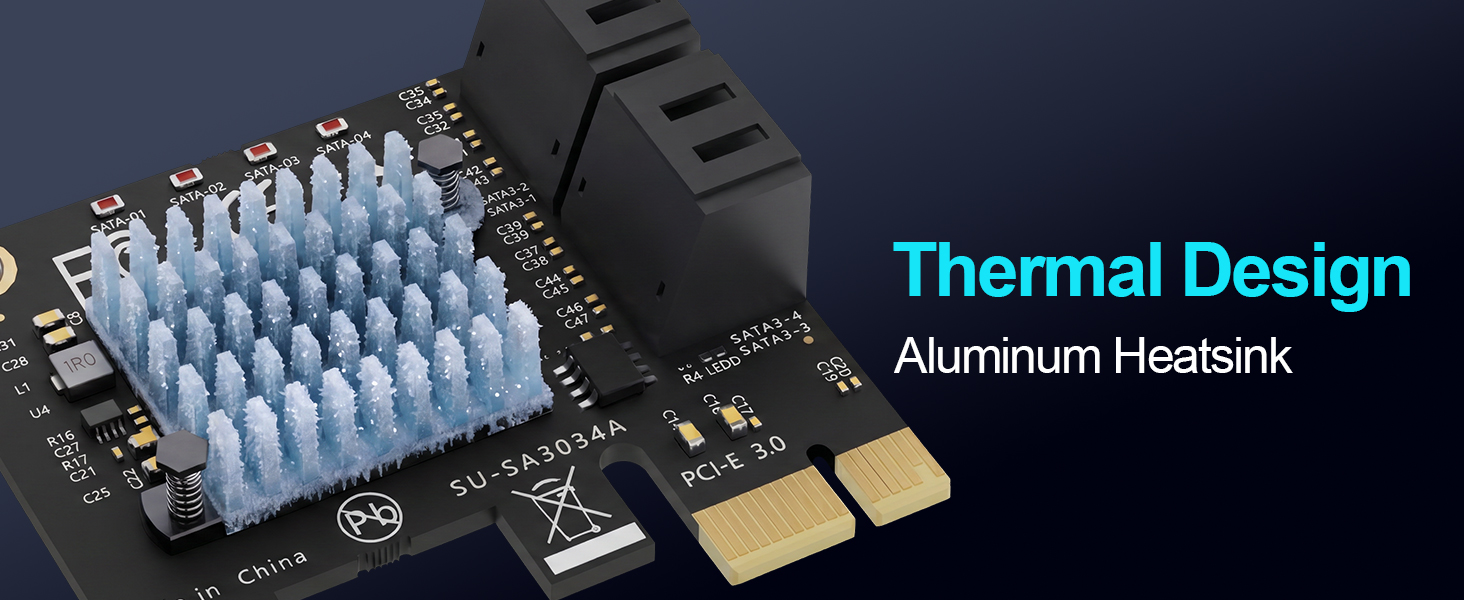
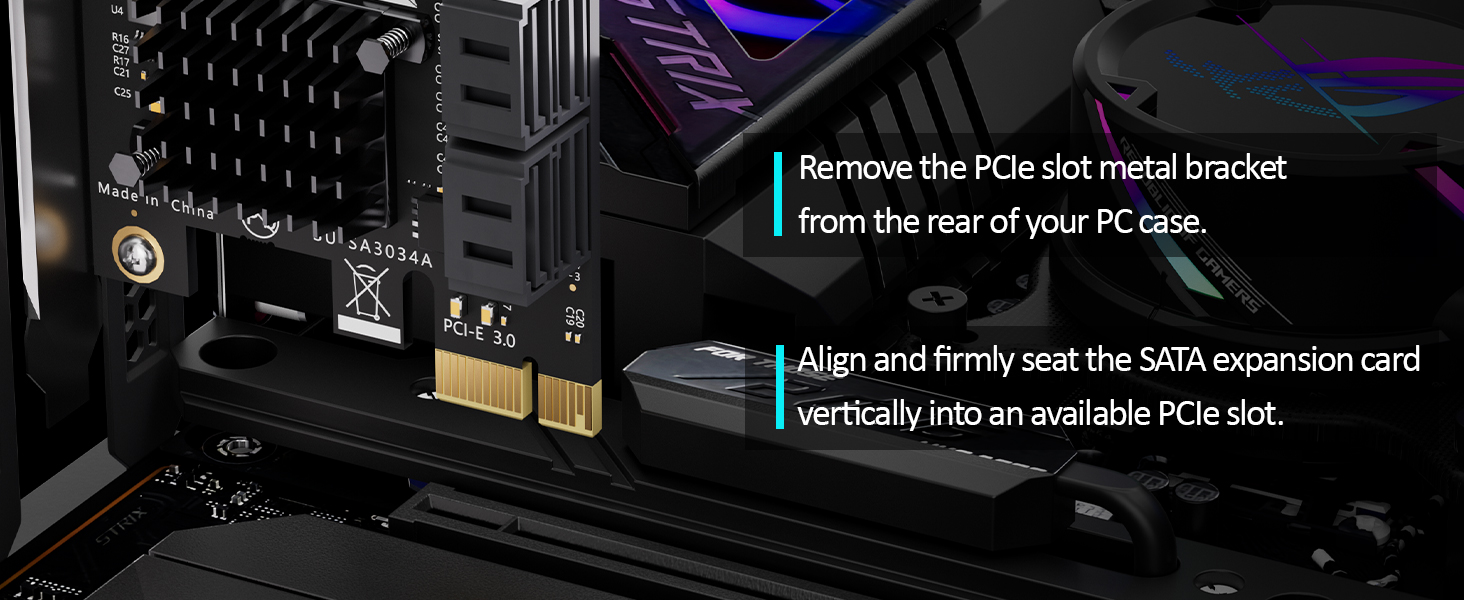
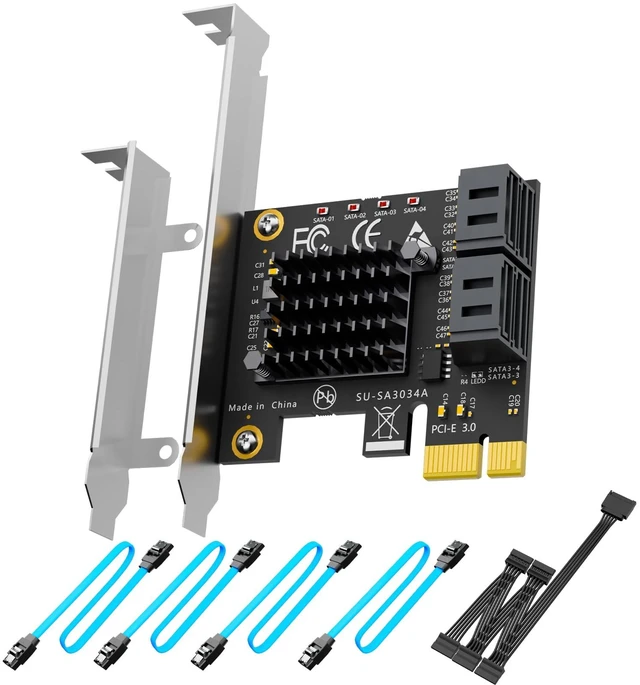
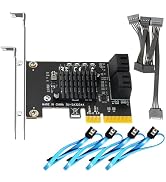
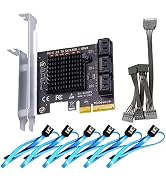
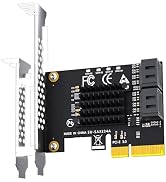
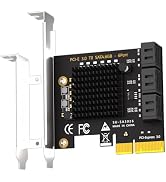
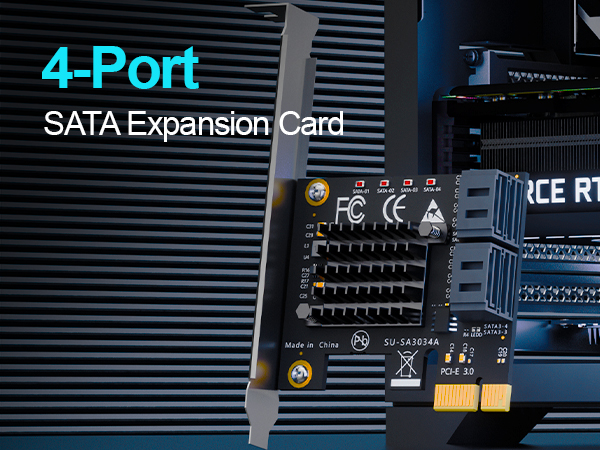
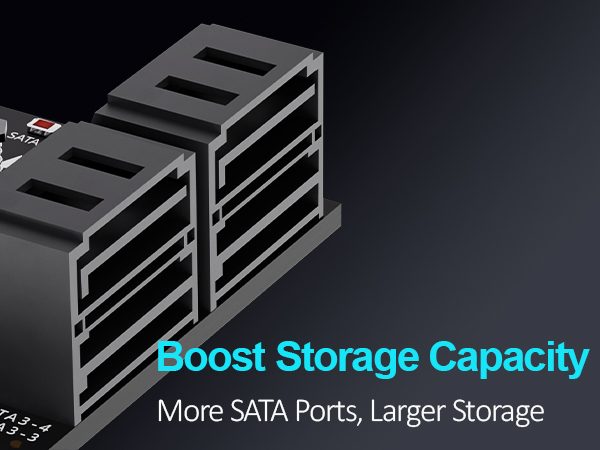
GLOTRENDS SA3034C 4-Port SATA III PCIe Expansion Card - Turn One PCIe X1 Slot into Four 6Gbps SATA Ports Need more drive bays but out of SATA ports? The SA3034C adds 4 x SATA III (6Gbps) ports through a single PCIe 3.0 X1 slot, so you can connect up to 4 additional HDDs or SSDs and build a large storage pool, an affordable home NAS, or a software RAID array without replacing your motherboard. Real ASM1064 Performance At the heart of the card is the ASM1064 controller, linked upstream at PCIe 3.0 X1 (8GT/s). Every one of the four downstream SATA ports delivers up to 207.5MB/s of real-world bandwidth - comfortably above single mechanical drive speed, and ideal for large-file transfers, backup targets, media libraries, and virtual machine storage. Boot Your System from SATA Port 1 supports OS boot, which means you can install Windows, macOS, or Linux onto a SATA SSD on this card. That frees your motherboard's M.2 slot for fast NVMe cache or additional storage - a popular setup for NAS and home-lab builds. Driver-Free, Broad Compatibility No driver installation required. The card is plug-and-play on Windows 11/10/8/7 (Windows XP not supported), macOS, Linux, Ubuntu, and ESXi, and is recognized as a standard AHCI SATA controller. It installs in PCIe X1, X4, X8, or X16 slots (PCIe 3.0/2.0/1.0), so it fits desktop towers, small-form-factor cases, and server chassis alike. Built-In Drive Monitoring Four onboard LEDs show status at a glance: a steady red light means the drive is powered and running normally, while a flashing light shows active read or write activity - useful when you are identifying a drive or troubleshooting a bay.
| Brand | GLOTRENDS |
| Hardware Interface | PCI Express x1 |
| Style | PCIe SATA III Expansion Card |
| Item Weight | 0.21 kg |
| Compatible Devices | 4 x SATA SSD |
| Model Number | SA3034A |
| Number of Items | 1 |
| Manufacturer | glotrends |
| Item Highlight | PCIe 3.0 x1, 207MB/s per port, OS boot, 4 SATA cables & power splitter included, NAS & PC builds |
| Mfr Part Number | 1 |
| Warranty Description | 30 Day Warranty Against Manufacturer Defects |
| Operating System | Windows/Mac OS/Linux/NAS/UBUNTU/ESXI |
| Style Name | PCIe SATA III Expansion Card |