











Kolibri KBR-500 Showcase
Merchant Video

Does this unit sort bills?
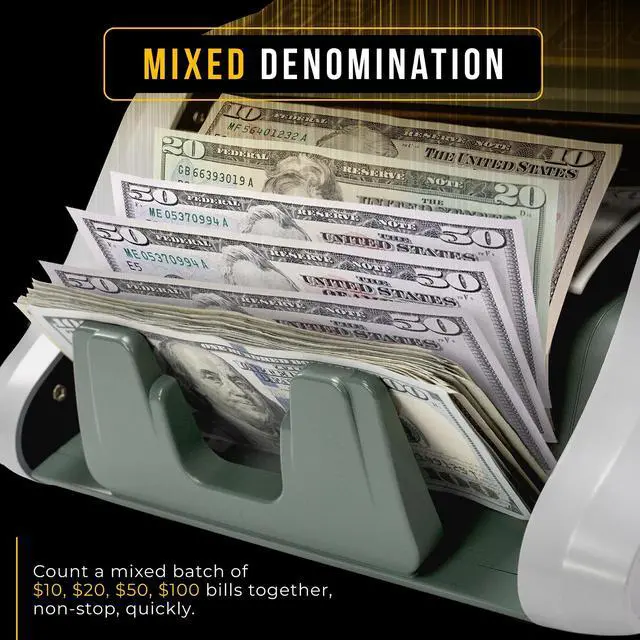
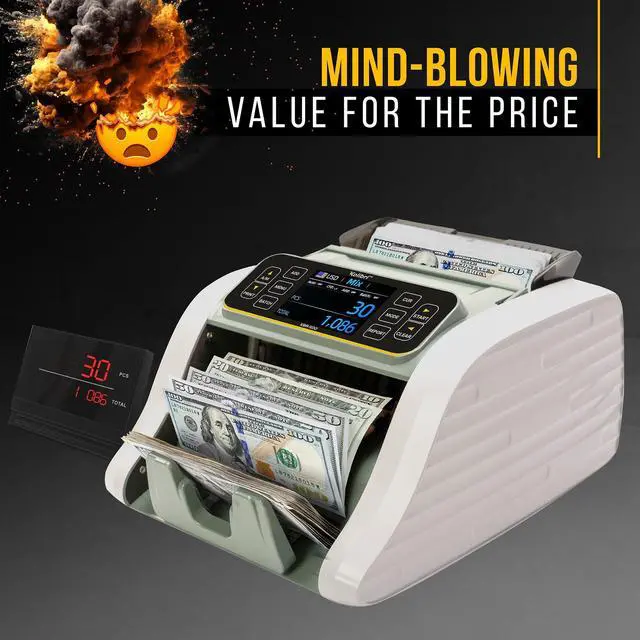
Yes, the Kolibri KBR-500 uses advanced sensing to determine the denomination of the notes being scanned and automatically counts the correct total of the currency being counted or sorted out notes as the user specifies.
Does the KBR-500 show a breakdown by denomination?
Yes. After each count, the display shows a breakdown by denomination and total value, helping you easily review totals.
Can it connect to a printer or external display?
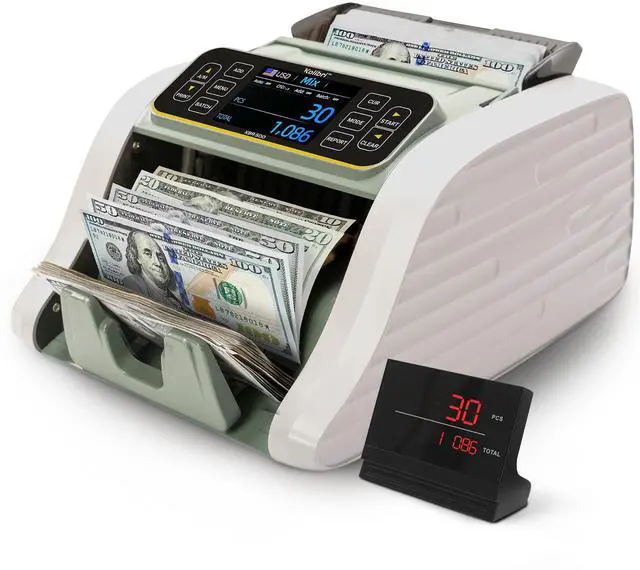
Yes. The KBR-500 includes ports for an optional external display and printer (sold separately), perfect for creating physical receipts or sharing counts with customers.
Tips for maintaining smooth operation of my unit:
For troubleshooting tips and helpful solutions, please visit the Kolibri website and navigate to the Support page. You’ll find answers to common questions and detailed guidance to assist you, including creating your personal support ticket.
What kind of assistance and coverage come with the Kolibri KBR-500 in the United States?
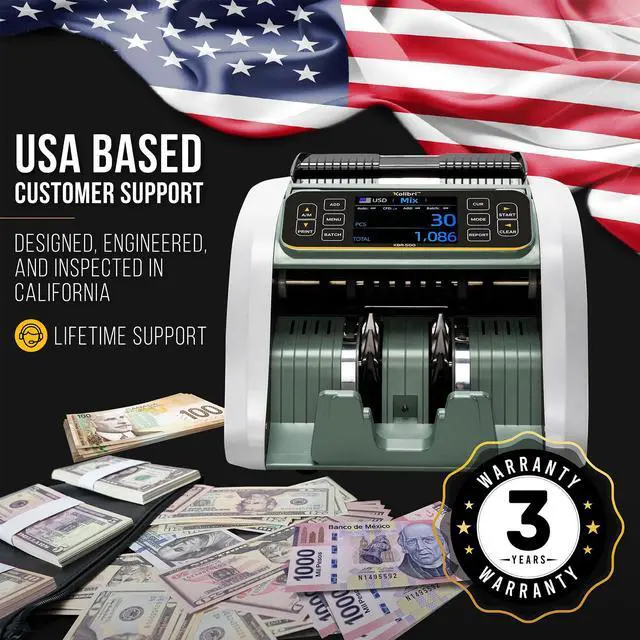
This unit includes a 3-year coverage from the date of purchase.
A U.S.-based service team is available to help with product setup, troubleshooting, and general inquiries.
Each unit is inspected and tested in the United States.
Versus Other Products
Business | Grade | Business |
Back | Loading Style | Back |
1200 bills/min | Counting Speed | 1500 bills/min |
200 bills | Hopper Capacity | 200 Bills |
Large TFT | Screen | LED |
USD,CAN,MXN,EUR,GBP | Currencies | USD |
Printing Capability |
Business | Grade | Business |
Back | Loading Style | Top |
1200 bills/min | Counting Speed | 800/1000 bills/min |
200 bills | Hopper Capacity | 500 Bills |
Large TFT | Screen | Large TFT |
USD,CAN,MXN,EUR,GBP | Currencies | USD |
Printing Capability |
Business | Grade | Professional |
Back | Loading Style | Top |
1200 bills/min | Counting Speed | 800/1,000/1,200 |
200 bills | Hopper Capacity | 500 Bills |
Large TFT | Screen | Large TFT |
USD,CAN,MXN,EUR,GBP | Currencies | USD, CAN, MXN |
Printing Capability |
Business | Grade | Bank |
Back | Loading Style | Top |
1200 bills/min | Counting Speed | 800/1,000/1,200 |
200 bills | Hopper Capacity | 500 Bills |
Large TFT | Screen | Large TFT |
USD,CAN,MXN,EUR,GBP | Currencies | USD,CAN,MXN,EUR,GBP |
Printing Capability |


Kolibri KBR-500 Showcase
Merchant Video

Does this unit sort bills?
Yes, the Kolibri KBR-500 uses advanced sensing to determine the denomination of the notes being scanned and automatically counts the correct total of the currency being counted or sorted out notes as the user specifies.
Does the KBR-500 show a breakdown by denomination?
Yes. After each count, the display shows a breakdown by denomination and total value, helping you easily review totals.
Can it connect to a printer or external display?
Yes. The KBR-500 includes ports for an optional external display and printer (sold separately), perfect for creating physical receipts or sharing counts with customers.
Tips for maintaining smooth operation of my unit:
For troubleshooting tips and helpful solutions, please visit the Kolibri website and navigate to the Support page. You’ll find answers to common questions and detailed guidance to assist you, including creating your personal support ticket.
What kind of assistance and coverage come with the Kolibri KBR-500 in the United States?
This unit includes a 3-year coverage from the date of purchase.
A U.S.-based service team is available to help with product setup, troubleshooting, and general inquiries.
Each unit is inspected and tested in the United States.
Versus Other Products
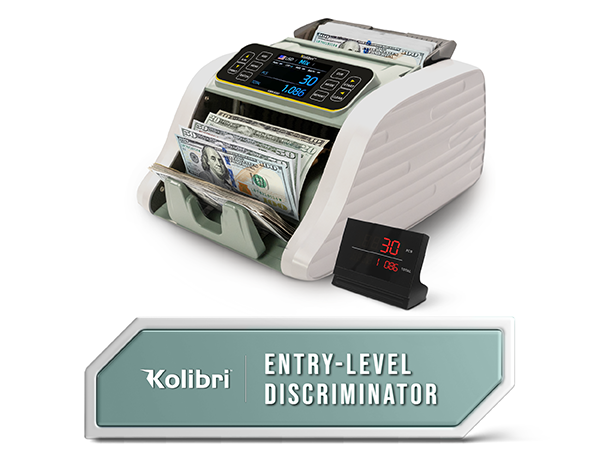
KBR-500
Grade
Business
Loading Style
Back
Counting Speed
1200 bills/min
Hopper Capacity
200 bills
Screen
Large TFT
Currencies
USD,CAN,MXN,EUR,GBP
Printing Capability
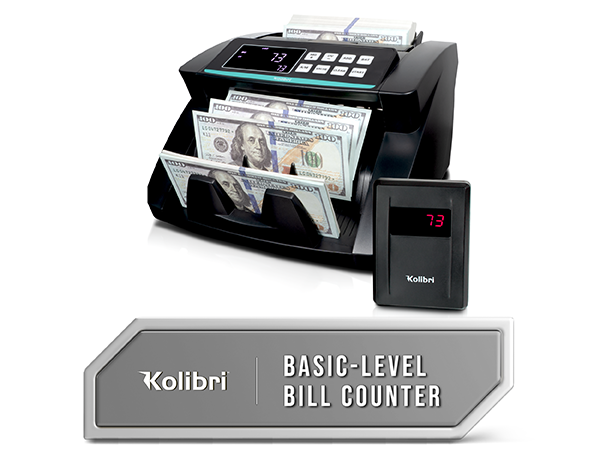
Kolibri
Grade
Business
Loading Style
Back
Counting Speed
1500 bills/min
Hopper Capacity
200 Bills
Screen
LED
Currencies
USD
Printing Capability
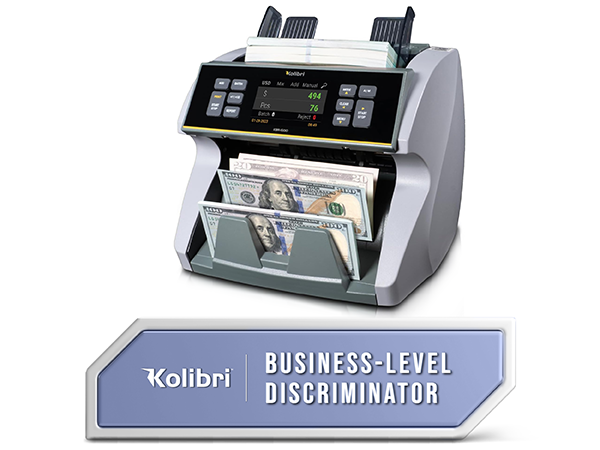
KBR-1500 V2
Grade
Business
Loading Style
Top
Counting Speed
800/1000 bills/min
Hopper Capacity
500 Bills
Screen
Large TFT
Currencies
USD
Printing Capability
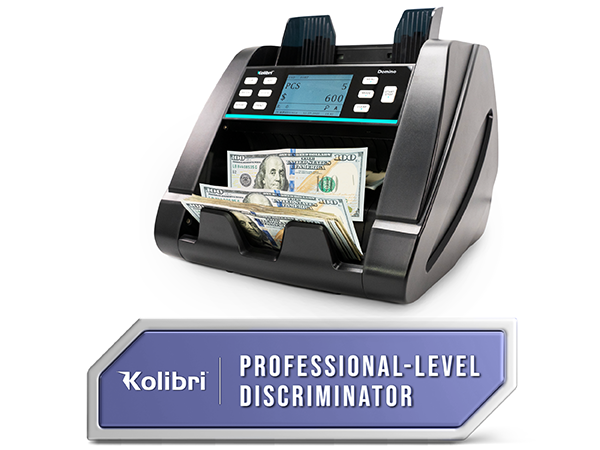
Domino
Grade
Professional
Loading Style
Top
Counting Speed
800/1,000/1,200
Hopper Capacity
500 Bills
Screen
Large TFT
Currencies
USD, CAN, MXN
Printing Capability
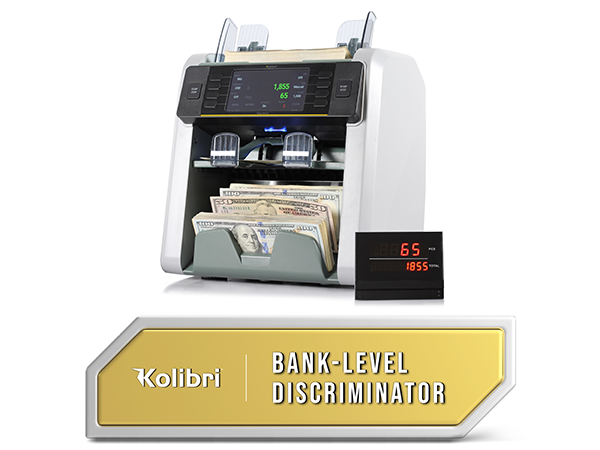
Signature
Grade
Bank
Loading Style
Top
Counting Speed
800/1,000/1,200
Hopper Capacity
500 Bills
Screen
Large TFT
Currencies
USD,CAN,MXN,EUR,GBP
Printing Capability
