Your Browsing History
- Free 30-day Returns
$94.27
Meet Your Seller
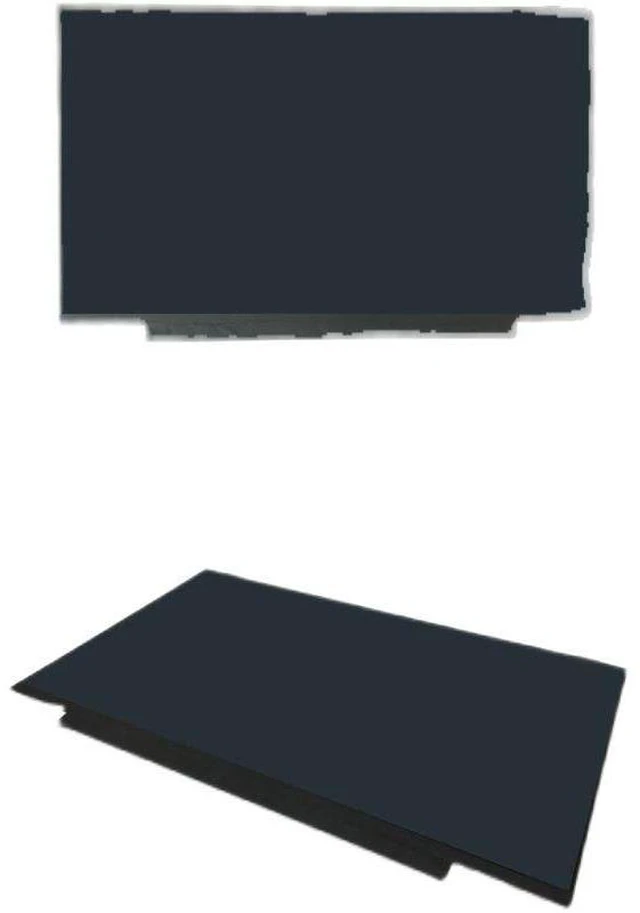
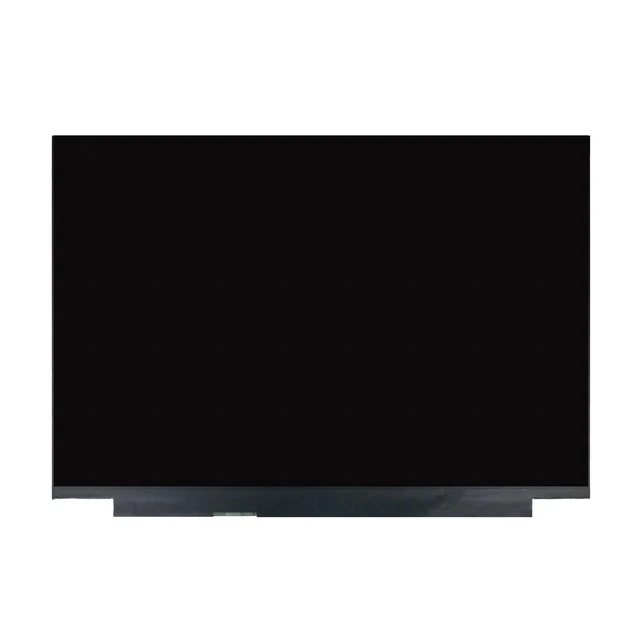
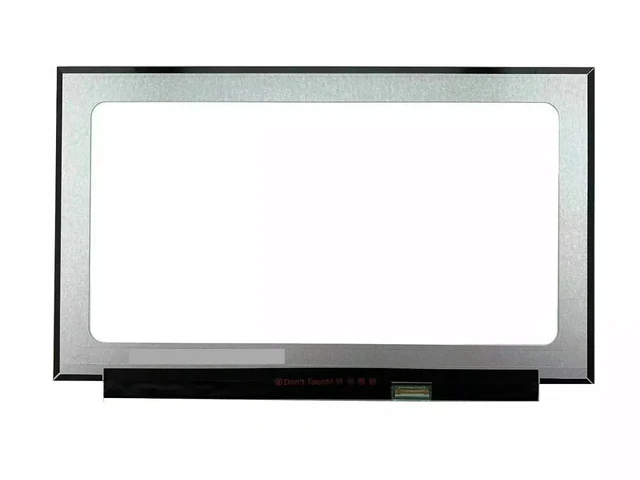
New 14.0" WUXGA IPS LCD Screen for ASUS ADOL 14Z N140JCA-ELK NV140WUM-N44 NV140WUM-N68 1920x1200 30-Pin eDP 60Hz 12-Month Warranty
- Stunning WUXGA Visuals Replace or upgrade your ASUS ADOL 14Z screen with a premium 14-inch 1920x1200 (WUXGA) IPS-level display. Featuring a 16:10 aspect ratio and 161 PPI pixel density, enjoy sharp details and vibrant colors for work, study, or entertainment.
- 3 Compatible Models 1 Listing This listing covers three fully interchangeable screen models: N140JCA-ELK (Innolux) , NV140WUM-N44 (BOE) , and NV140WUM-N68 (BOE) . All share the same 14" size, WUXGA resolution, and 30-pin eDP interface.
- Matte Anti-Glare Finish The matte surface effectively reduces reflections and glare, making it ideal for use in bright environments, offices, or under direct lighting. Enjoy comfortable viewing for extended periods without eye strain.
- Easy DIY Installation Designed as a direct drop-in replacement. The standard 30-pin eDP connector (bottom right position) requires no soldering or modifications. Fits original mounting points perfectly. Save money on expensive professional repair costs.
- 100% Tested & 12-Month Warranty Each screen is meticulously tested to ensure zero dead pixels, bright dots, or lines. Backed by a full 12-month warranty and 30-day hassle-free returns for your peace of mind.
+
+
Overview
Specs
Reviews
Any questions? Our AI mode will help you find out quickly.
Try me now
Why You Need This Screen
A cracked, flickering, or faded display can render your ASUS ADOL 14Z frustrating or unusable. Official repairs can be costly, but the solution is simpler than you think. This premium 14-inch WUXGA IPS panel is a direct, drop-in replacement for the ASUS ADOL 14Z series, restoring your device to its original visual quality or upgrading it to something even better without breaking the bank.
Compatible Screen Models
This listing covers three fully interchangeable screen models, all verified to share the same core specifications and compatible with the ASUS ADOL 14Z /
ADOL 14ZA series:
N140JCA-ELK (Innolux /) 14.0" WUXGA, 60Hz, 30-pin eDP, 300 cd/m² brightness
NV140WUM-N44 (BOE /) 14.0" WUXGA, 60Hz, 30-pin eDP (bottom right), 300 cd/m², 1000:1 contrast
NV140WUM-N68 (BOE / ) 14.0" WUXGA, 60Hz, 30-pin eDP (bottom right), matte finish
Compatible Laptop Models (Partial List)
ASUS ADOL 14Z series
ASUS ADOL 14ZA series
ASUS a14 Pro series
Other 14-inch laptops using 30-pin eDP interface
Note: While these models are technically compatible, please confirm your original screen's connector type (30-pin eDP), size ( 14.0" ), and mounting style before ordering.
Specification Detail
Screen Size 14.0 inches
Resolution 1920 x 1200 (WUXGA)
Aspect Ratio 16:10
Refresh Rate 60Hz
Panel Type IPS / a-Si TFT-LCD
Interface 30-pin eDP
Connector Position Bottom Right (for BOE models)
Surface Matte / Anti-Glare
Backlight LED / WLED
What a Cracked or Failing Screen Costs You
Issue Impact
Poor visual experience Distracting lines, dead pixels, or faded colors ruin productivity and entertainment
Eye strain Flickering or dim screens cause fatigue during long sessions
Lost productivity A damaged screen limits your ability to work effectively
Expensive repairs Official repair shops often charge a premium for parts and labor
What Our Screen Delivers
Feature Cheap Generic Our Premium Panel
True Resolution Often under-spec 1920x1200 WUXGA
Brightness 200-250 nits Up to 300 nits
Panel Quality Variable Grade A IPS Panel
Quality Control Minimal 100% tested no dead pixels
Warranty None or 30 days 30-day return + 12-month warranty
Who Is This Screen For?
ASUS ADOL 14Z / 14ZA owners with a cracked, flickering, or discolored screen.
Users looking for a budget-friendly, high-quality DIY alternative to expensive repairs.
Anyone wanting to restore or upgrade their laptop's display quality.
Why Choose Our Screen?
Premium IPS Panel Not a low-quality copy; a screen designed to meet or exceed original specifications.
WUXGA High Resolution Crisp, detailed visuals with 161 PPI pixel density.
Wide Compatibility Three interchangeable models for maximum flexibility.
Easy DIY Installation Standard 30-pin eDP interface with a simple plug-and-play design. No soldering, no complex modifications.
100% Tested Each screen is inspected before shipping to ensure it is free from defects like dead pixels, bright dots, or lines.
12-Month Warranty Buy with confidence. If anything goes wrong, we've got you covered.
Installation Note
Replacing the screen is a straightforward process:
Disconnect the battery and all power sources.
Remove the bezel (frame) around the screen.
Unscrew the mounting screws on the sides of the screen.
Gently disconnect the 30-pin eDP cable from the back of the screen (connector is on the bottom right for BOE models).
Attach the cable to the new screen.
Secure the screen with the screws and replace the bezel.
Caution: The display assembly is delicate. Extreme care is required during removal and installation. We strongly recommend testing the new screen before fully securing it connect the screen, power on the laptop, and verify it displays correctly. Professional installation is recommended if you are not comfortable with DIY repairs. Tools are not included.
What's Included
1 x Replacement LCD Screen ( 14.0", WUXGA, IPS, 30-pin eDP)

A cracked, flickering, or faded display can render your ASUS ADOL 14Z frustrating or unusable. Official repairs can be costly, but the solution is simpler than you think. This premium 14-inch WUXGA IPS panel is a direct, drop-in replacement for the ASUS ADOL 14Z series, restoring your device to its original visual quality or upgrading it to something even better without breaking the bank.
Compatible Screen Models
This listing covers three fully interchangeable screen models, all verified to share the same core specifications and compatible with the ASUS ADOL 14Z /
ADOL 14ZA series:
N140JCA-ELK (Innolux /) 14.0" WUXGA, 60Hz, 30-pin eDP, 300 cd/m² brightness
NV140WUM-N44 (BOE /) 14.0" WUXGA, 60Hz, 30-pin eDP (bottom right), 300 cd/m², 1000:1 contrast
NV140WUM-N68 (BOE / ) 14.0" WUXGA, 60Hz, 30-pin eDP (bottom right), matte finish
Compatible Laptop Models (Partial List)
ASUS ADOL 14Z series
ASUS ADOL 14ZA series
ASUS a14 Pro series
Other 14-inch laptops using 30-pin eDP interface
Note: While these models are technically compatible, please confirm your original screen's connector type (30-pin eDP), size ( 14.0" ), and mounting style before ordering.
Specifications
You Can TrustSpecification Detail
Screen Size 14.0 inches
Resolution 1920 x 1200 (WUXGA)
Aspect Ratio 16:10
Refresh Rate 60Hz
Panel Type IPS / a-Si TFT-LCD
Interface 30-pin eDP
Connector Position Bottom Right (for BOE models)
Surface Matte / Anti-Glare
Backlight LED / WLED
What a Cracked or Failing Screen Costs You
Issue Impact
Poor visual experience Distracting lines, dead pixels, or faded colors ruin productivity and entertainment
Eye strain Flickering or dim screens cause fatigue during long sessions
Lost productivity A damaged screen limits your ability to work effectively
Expensive repairs Official repair shops often charge a premium for parts and labor
What Our Screen Delivers
Feature Cheap Generic Our Premium Panel
True Resolution Often under-spec 1920x1200 WUXGA
Brightness 200-250 nits Up to 300 nits
Panel Quality Variable Grade A IPS Panel
Quality Control Minimal 100% tested no dead pixels
Warranty None or 30 days 30-day return + 12-month warranty
Who Is This Screen For?
ASUS ADOL 14Z / 14ZA owners with a cracked, flickering, or discolored screen.
Users looking for a budget-friendly, high-quality DIY alternative to expensive repairs.
Anyone wanting to restore or upgrade their laptop's display quality.
Why Choose Our Screen?
Premium IPS Panel Not a low-quality copy; a screen designed to meet or exceed original specifications.
WUXGA High Resolution Crisp, detailed visuals with 161 PPI pixel density.
Wide Compatibility Three interchangeable models for maximum flexibility.
Easy DIY Installation Standard 30-pin eDP interface with a simple plug-and-play design. No soldering, no complex modifications.
100% Tested Each screen is inspected before shipping to ensure it is free from defects like dead pixels, bright dots, or lines.
12-Month Warranty Buy with confidence. If anything goes wrong, we've got you covered.
Installation Note
Replacing the screen is a straightforward process:
Disconnect the battery and all power sources.
Remove the bezel (frame) around the screen.
Unscrew the mounting screws on the sides of the screen.
Gently disconnect the 30-pin eDP cable from the back of the screen (connector is on the bottom right for BOE models).
Attach the cable to the new screen.
Secure the screen with the screws and replace the bezel.
Caution: The display assembly is delicate. Extreme care is required during removal and installation. We strongly recommend testing the new screen before fully securing it connect the screen, power on the laptop, and verify it displays correctly. Professional installation is recommended if you are not comfortable with DIY repairs. Tools are not included.
What's Included
1 x Replacement LCD Screen ( 14.0", WUXGA, IPS, 30-pin eDP)
Warranty & Returns
Warranty, Returns, And Additional Information
Warranty
- Please contact the Seller directly for warranty information. Warranty information may also be found on the Manufacturer's website.
- CONTACT
Return Policies
- Return for refund within: 30 days
- Return for replacement within: 30 days
- This item is covered by Ebuy limited Return Policy
Manufacturer Contact Info
- For a directory of all our manufacturers, please click below.
- Manufacturers Directory
LOADING...