

• $189.00
  • Free 30-day Returns
  • Price alert
    Sold by Direct from manufacturerNLS-LCD
    Hot Seller
    4.5 (10 seller ratings)

    Shipped by Direct from manufacturerNLS-LCD

    Shop it at NeweggBusiness.

    Meet Your Seller

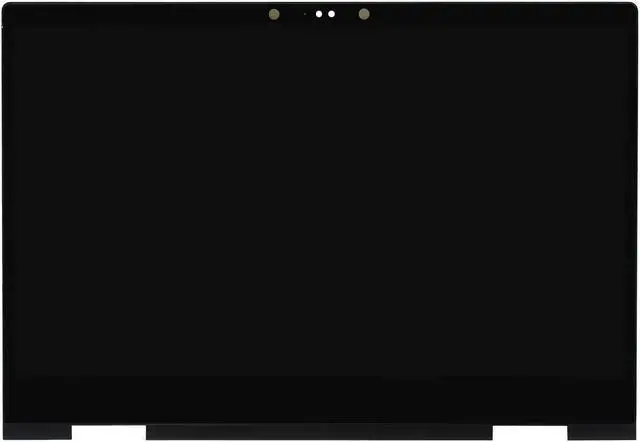
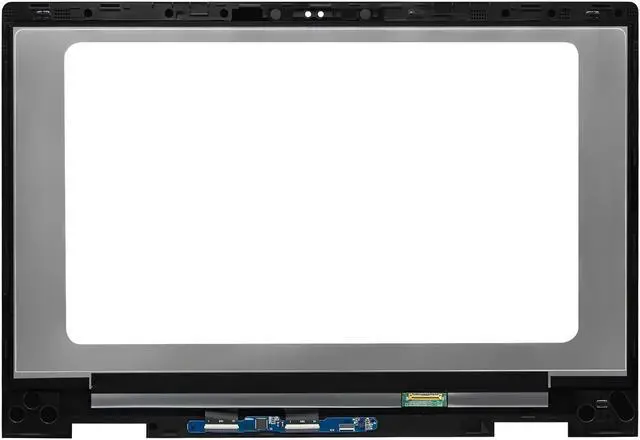
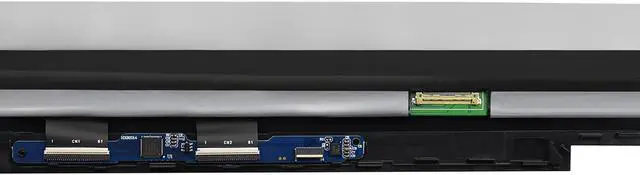
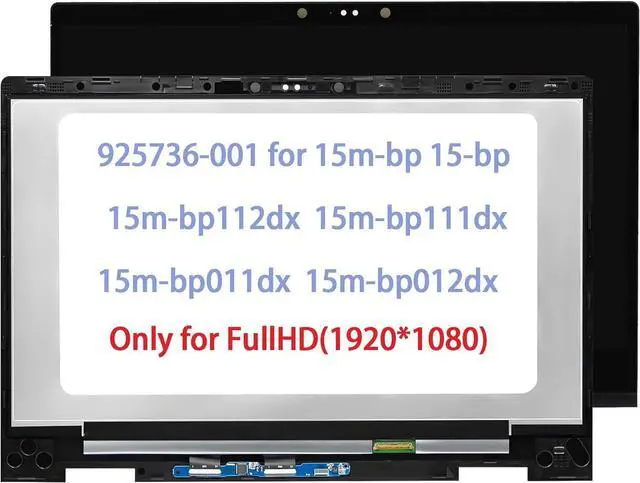
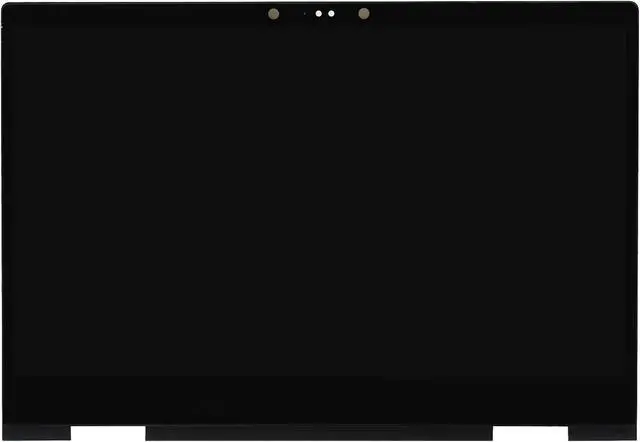
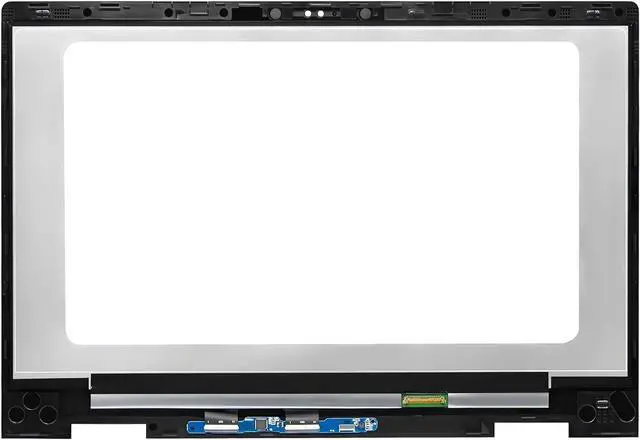
    925736-001 Screen Replacement for HP Envy x360 m 15-bp100 15m-bp000 15m-bp100 15-bp051nr 15m-bp011dx 15m-bp012dx 15m-bp111dx 15m-bp112dx LCD Touch Screen Digitizer Assembly Bezel with Board FHD

    • Compatible Model : 925736-001 Screen Replacement for HP Envy x360 m 15-bp100 15m-bp000 15m-bp100 15-bp051nr 15m-bp011dx 15m-bp012dx 15m-bp111dx 15m-bp112dx LCD screen replacement display assembly panel(Not support active pen & stylus)
    • Screen Resolution : 1920x1080 (NOT FOR 3840x2160); Screen Size : 15.6 inch; LCD Connector: EDP 30pins -IPS
    • It will be tested and packed carefully before shipping. Please turn off the power before assembly. And we provide a 3-month warranty for quality problems.
    • Note : When opening the package, please confirm that the package is complete, this product is fragile, please operate carefully to avoid damage.
    • Before purchasing, please reconfirm whether the product you choose is the model you need, if you have any doubts, please contact us in time.
    +
    +
    Overview
    Specs
    Reviews
    avatar

    Any questions? Our AI beta will help you find out quickly.

    lcd screen replacement
    Store Introduction:

    The store mainly sells computer display screens with all kinds of complete models and guaranteed quality. Before purchasing,If you are not sure about the internal screen model, machine model, resolution or other related content about the display, You can leave us a message or send us an email and we will respond to your message and email within 24 hours,

    Hope you get a good shopping experience and look forward to your visit again.
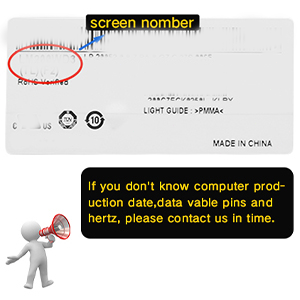
    Confirmation before shopping
    image for this item
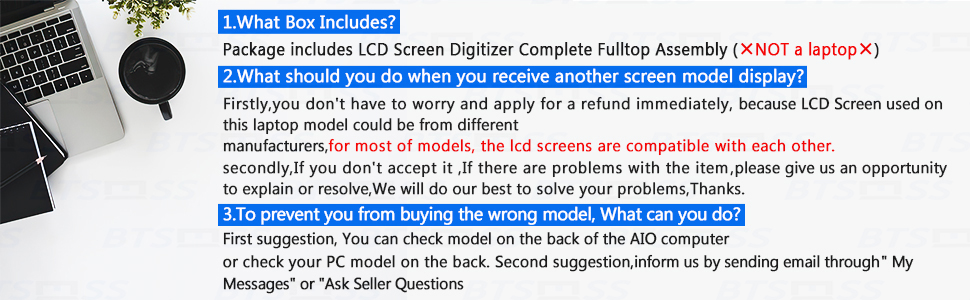
    Firstly

    You should reconfirm the following numbers, Compatible Model, max Resolution, screen size , Data Cable Pins, PN, Machine Code and Hertz, You can inform us by sending email through "My Messages" or "Ask Seller Questions".
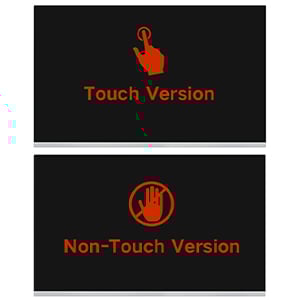
    image for this item
    Secondly

    Some screens have two versions: touch and non-touch. Please confirm which version your computer belongs to,if you have any doubts,please send us message for help.
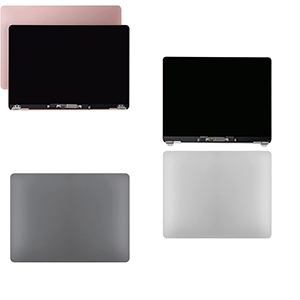
    image for this item
    Thirdly

    Please kindly check your model and COLOR again before you purchase.Please kindly check the YEAR of manufacture of the applicable computer.if you have any doubts,please send us message for help
    picture

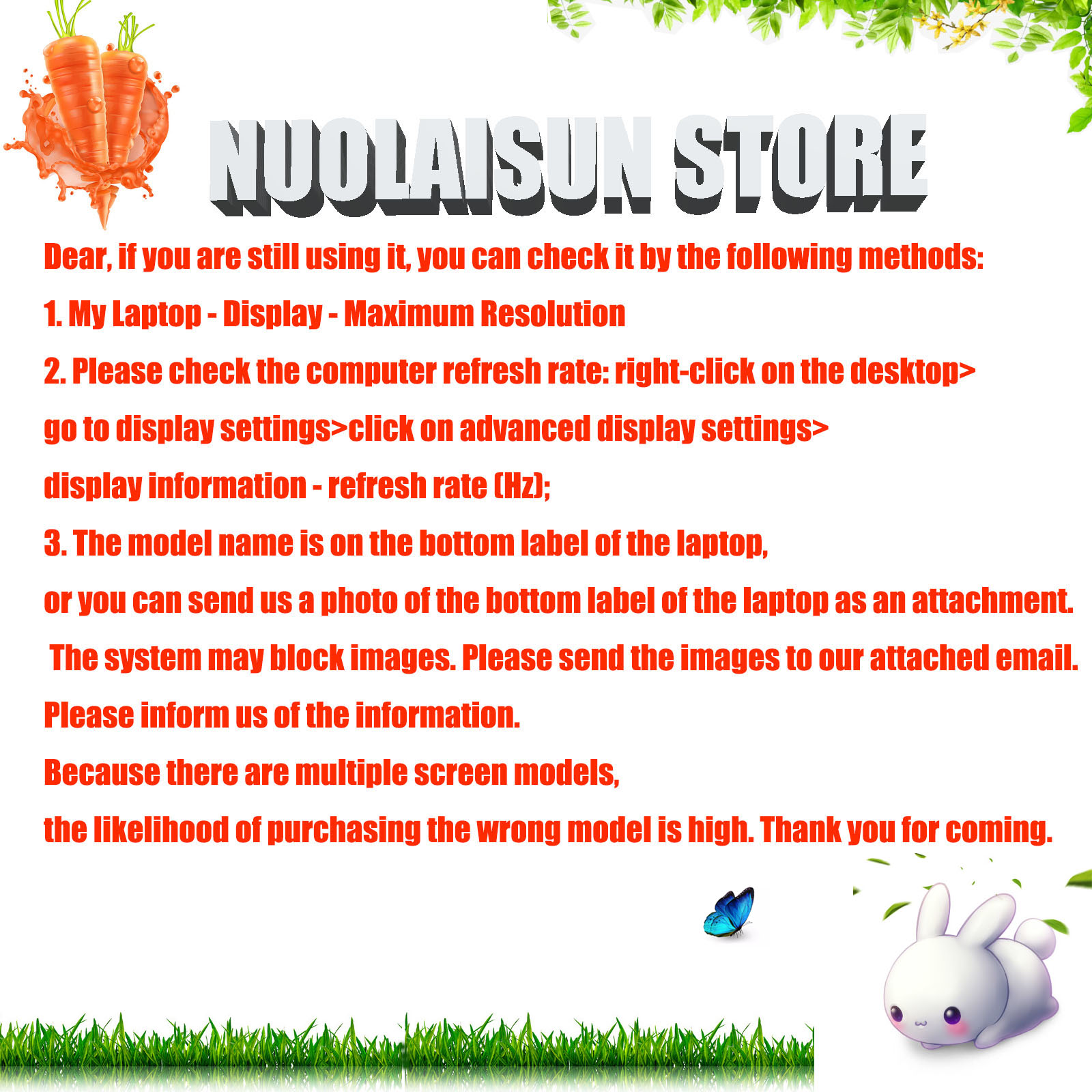
    If you are still using it, you can check it by the following methods: 1. My Laptop - Display - Maximum Resolution 2. Please check the computer refresh rate: right-click on the desktop>go to display settings>click on advanced display settings>display information - refresh rate (Hz); 3. The model name is on the bottom label of the laptop, or you can send us a photo of the bottom label of the laptop as an attachment.Please tell us the screen model information, resolution, and pin count you need?

    Read and check the following parameters carefully
    image for this item
    image for this item
    image for this item
    image for this item
    Compatible Model: 925736-001 Screen Replacement for HP Envy x360 m 15-bp100 15m-bp000 15m-bp100 15-bp051nr 15m-bp011dx 15m-bp012dx 15m-bp111dx 15m-bp112dx(Not support active pen & stylus)

    1920x1080 (NOT FOR 3840x2160);
    Screen Size: 15.6 inch; LCD Connector: EDP 30pins -IPS

    Warranty: 3-month

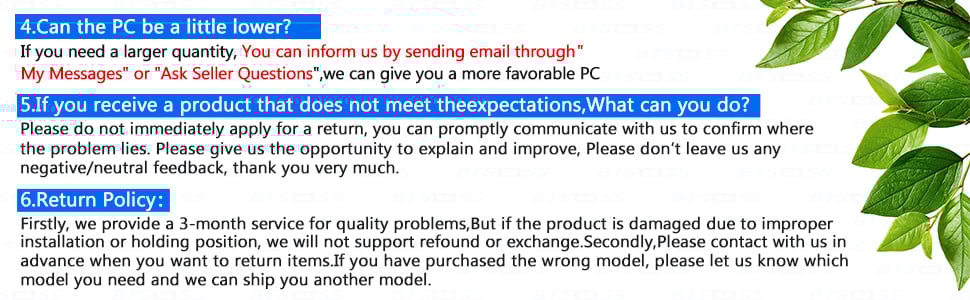
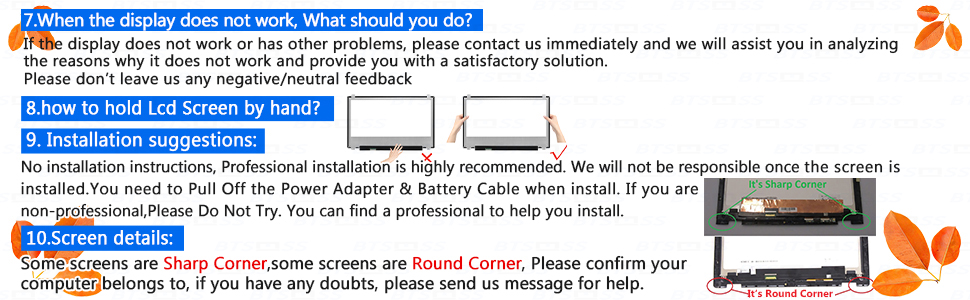
    Note: Please install it Very Professionally, if Not, Please Do Not Try. (You need to Pull Off the Power Adaptor & Battery Cable when install)

    Images show actual product, please verify all connectors and specifications carefully. Be careful to take the screen out of the box.

    IF THE TOUCH SCREEN DOES NOT WORK, PLEASE FOLL OW THE STEPS BEL OW (ORCONTACT
    CUSTOMER SERVICE):


    1. Right-click "My Notebook" on the desktop, and first open the properties.


    2. Right click on "Device Manager"


    3. Right click on "Manual Input Device"


    4. Right click on "i2C HID Device"


    5. Click "Uninstall Device"


    6. Refresh

    Warranty & Returns

    Warranty, Returns, And Additional Information

    Warranty

    • Please contact the Seller directly for warranty information. Warranty information may also be found on the Manufacturer's website.
    • CONTACT

    Return Policies

    • Return for refund within: 30 days
    • Return for replacement within: 30 days
    • This item is covered by NLS-LCD Return Policy

    Manufacturer Contact Info

    LOADING...