

Your Browsing History
- Free 30-day Returns
$299.00


Meet Your Seller


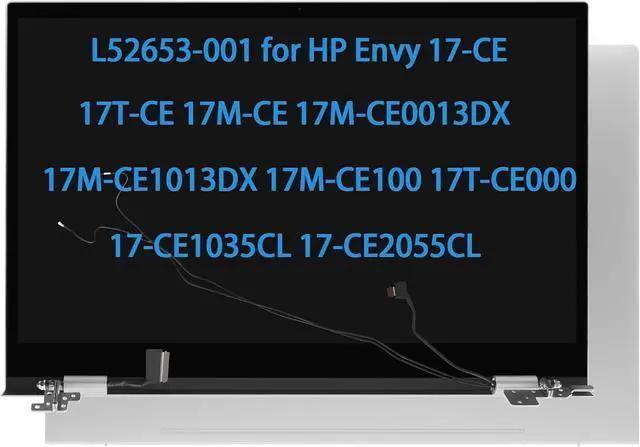
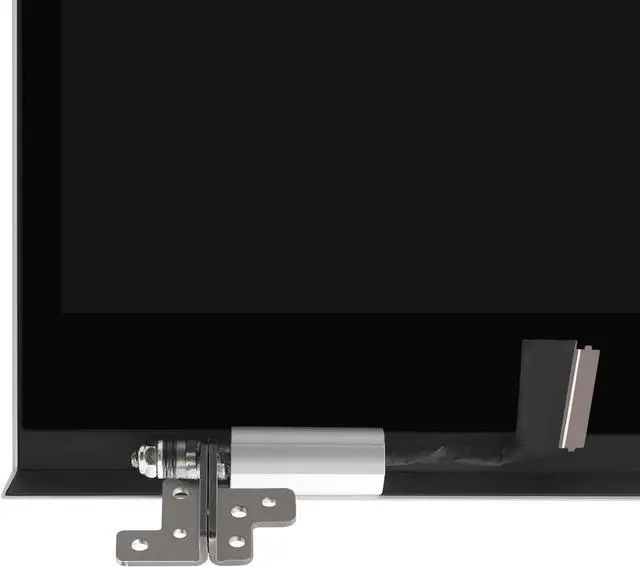
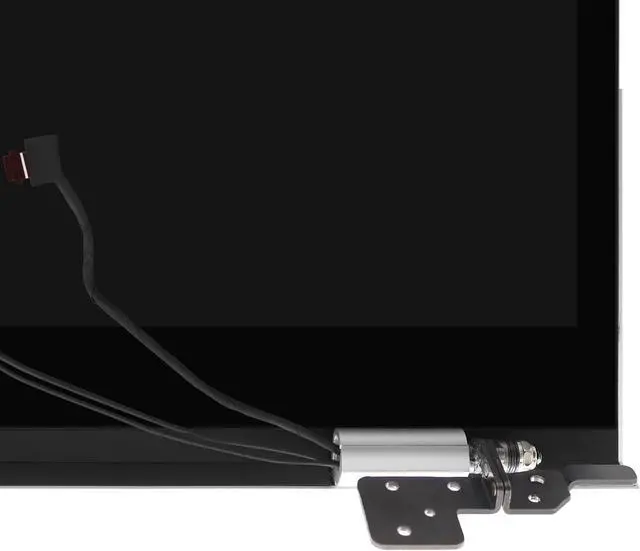


L52653-001 Screen Replacement for HP Envy 17-CE 17T-CE 17M-CE 17M-CE0013DX 17M-CE1013DX 17M-CE100 17T-CE000 17-CE1035CL 17-CE2055CL LCD Touch Screen Display + Digitizer + Back Cover+ Hinge
- 1. Compatible Model: L52653-001 for HP Envy 17-CE 17T-CE 17M-CE 17M-CE0013DX 17M-CE1013DX 17M-CE100 17T-CE000 17-CE1035CL 17-ce1031nr 17-CE2055CL 17-CE2010NR 17-ce1xxx 17-CE0015NR 17-CE1010NR 17-CE0002CA LCD Screen Replacement Display (Only for Touch Version)
- 2. Resolution: 1920x1080 - IPSSize: 17.3 inches Backlight: LED LCD; Only for touch version,will not for touchless screen !
- 3. Please kindly check your model and resolution again before you purchase.
- 4. Turn off the power before assembly. Install it Very Professionally, if Not, Please Do Not Try. It will be well tested and packed before shipping.
- 5. Any questions, please communicate with us. We will reply within 24 hours.
+
+
Overview
Specs
Reviews

Any questions? Our AI mode will help you find out quickly.
Try me now
Purchase instructions:
1. You must verify that your specific laptop model is listed in our title or description. Buying the wrong model can damage your laptop;
2. You must verify your parameters (including maximum resolution: UHD, QHD, FHD or HD; Whether it has touch function; The connector is either 30pin or 40pin; Refresh rate 60Hz, 120Hz, 144Hz, 165Hz, 240HZ or other. After double checking the above information, you will receive the correct product.
3. The following is a method to query the maximum resolution
My Laptop - Display - Maximum Resolution
4. The following is a method for querying refresh rates
Please Check PC Refresh Rate: Right click on your desktop > Go to the Display settings > Click Advanced display settings > Display information - Refresh rate (Hz)
1. You must verify that your specific laptop model is listed in our title or description. Buying the wrong model can damage your laptop;
2. You must verify your parameters (including maximum resolution: UHD, QHD, FHD or HD; Whether it has touch function; The connector is either 30pin or 40pin; Refresh rate 60Hz, 120Hz, 144Hz, 165Hz, 240HZ or other. After double checking the above information, you will receive the correct product.
3. The following is a method to query the maximum resolution
My Laptop - Display - Maximum Resolution
4. The following is a method for querying refresh rates
Please Check PC Refresh Rate: Right click on your desktop > Go to the Display settings > Click Advanced display settings > Display information - Refresh rate (Hz)
Warranty & Returns
Warranty, Returns, And Additional Information
Warranty
- Please contact the Seller directly for warranty information. Warranty information may also be found on the Manufacturer's website.
- CONTACT
Return Policies
- Return for refund within: 30 days
- Return for replacement within: 30 days
- This item is covered by Fix-Repairer Return Policy
Manufacturer Contact Info
- For a directory of all our manufacturers, please click below.
- Manufacturers Directory
LOADING...