Your Browsing History
- Free 30-day Returns
$109.99
Meet Your Seller
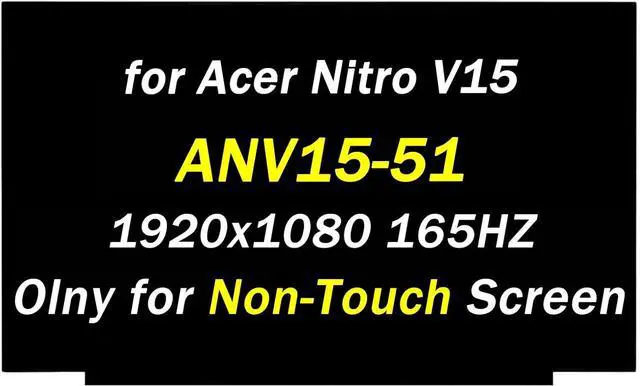
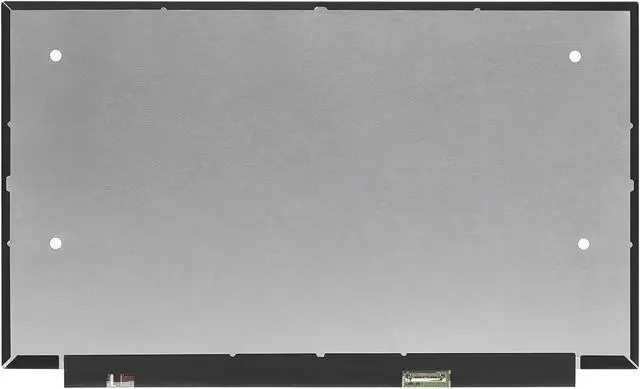
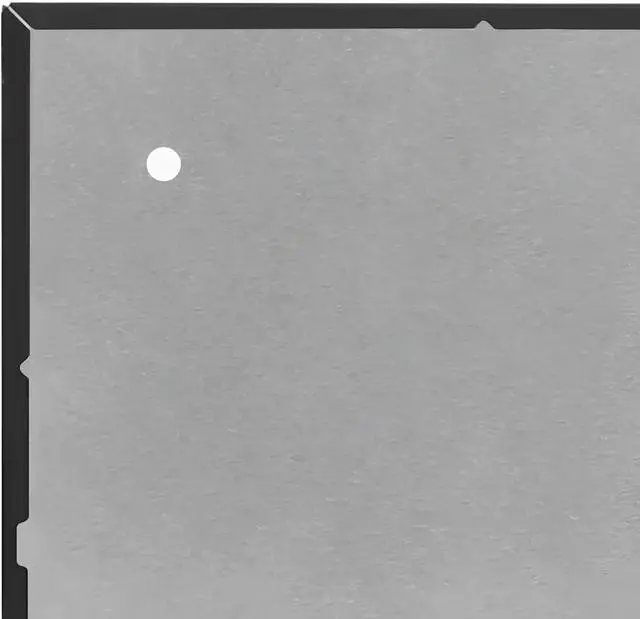
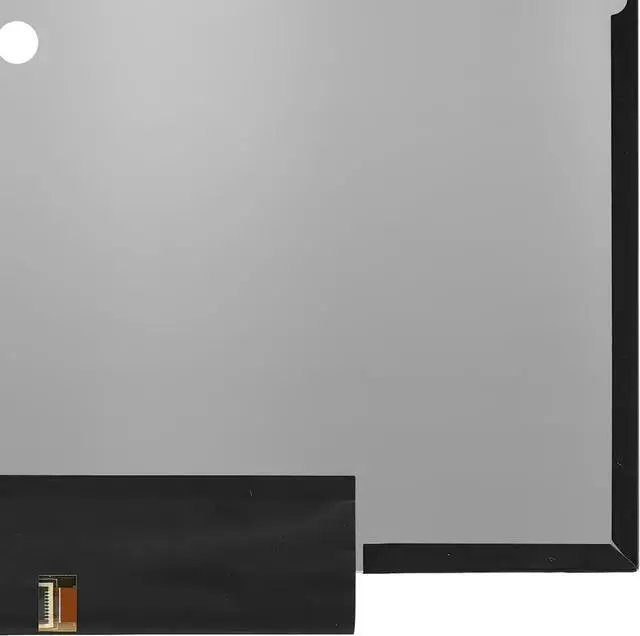
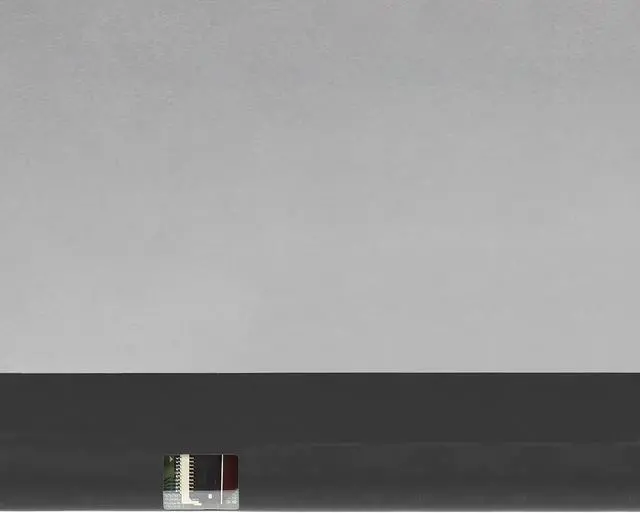
Replacement for Acer Nitro V15 ANV15-51 ANV15-51-723D Model N23Q22 (2023) FRU: 5D11B36357 SD11B36358 165HZ 40 Pins 1920x1080 15.6" LCD Screen Laptop Display Panel (Only for Non-Touch Screen)
- Compatible Model: Replacement for Acer Nitro V15 ANV15-51 ANV15-51-723D Model N23Q22 (2023) FRU: 5D11B36357 SD11B36358 LCD Screen Replacement. (Only for Non-Touch Screen)
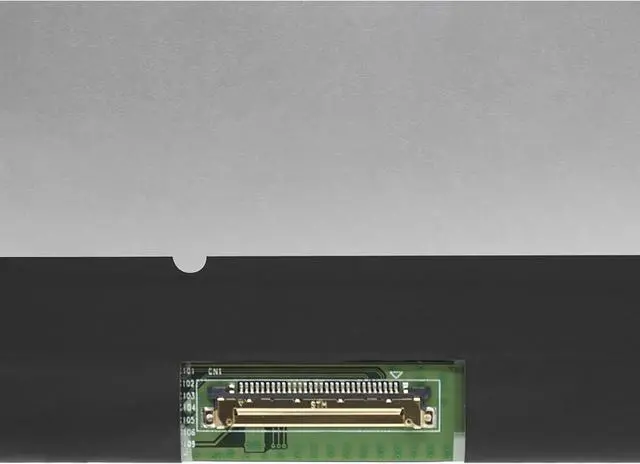
- Screen Size:15.6 inch;Max. Resolution: 1920x1080 165HZ 40 Pins.
- Please kindly check your model and resolution again before you purchase, Avoid buying the wrong model.
- Replacing the screen requires professional tools and techniques, non-professionals please do not try it easily.
- If you are not sure whether it is the correct item you need, please contact us with specific model and pictures of your original screen.
+
+
Overview
Specs
Reviews
Any questions? Our AI beta will help you find out quickly.
Try me now
Purchase instructions:
1. You must verify that your specific laptop model is listed in our title or description. Buying the wrong model can damage your laptop;
2. You must verify your parameters (including maximum resolution: UHD, QHD, FHD or HD; Whether it has touch function; The connector is either 30pin or 40pin; Refresh rate 60Hz, 120Hz, 144Hz, 165Hz, 240HZ or other. After double checking the above information, you will receive the correct product.
3. The following is a method to query the maximum resolution
My Laptop - Display - Maximum Resolution
4. The following is a method for querying refresh rates
Please Check PC Refresh Rate: Right click on your desktop > Go to the Display settings > Click Advanced display settings > Display information - Refresh rate (Hz)

1. You must verify that your specific laptop model is listed in our title or description. Buying the wrong model can damage your laptop;
2. You must verify your parameters (including maximum resolution: UHD, QHD, FHD or HD; Whether it has touch function; The connector is either 30pin or 40pin; Refresh rate 60Hz, 120Hz, 144Hz, 165Hz, 240HZ or other. After double checking the above information, you will receive the correct product.
3. The following is a method to query the maximum resolution
My Laptop - Display - Maximum Resolution
4. The following is a method for querying refresh rates
Please Check PC Refresh Rate: Right click on your desktop > Go to the Display settings > Click Advanced display settings > Display information - Refresh rate (Hz)
Warranty & Returns
Warranty, Returns, And Additional Information
Warranty
- Please contact the Seller directly for warranty information. Warranty information may also be found on the Manufacturer's website.
- CONTACT
Return Policies
- Return for refund within: 30 days
- Return for replacement within: 30 days
- This item is covered by Fix-Repairer Return Policy
Manufacturer Contact Info
- For a directory of all our manufacturers, please click below.
- Manufacturers Directory
LOADING...