

Your Browsing History
- Free 30-day Returns
$119.89


Meet Your Seller

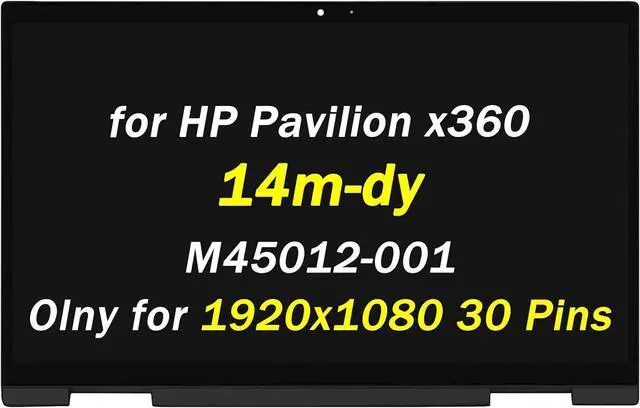
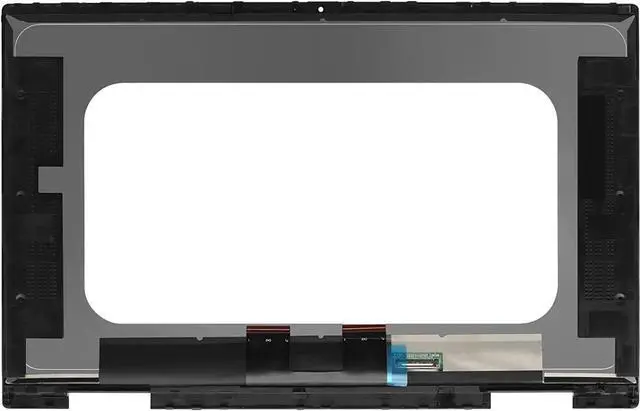
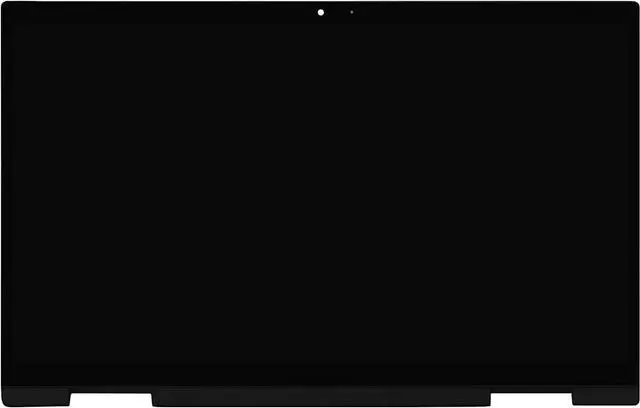
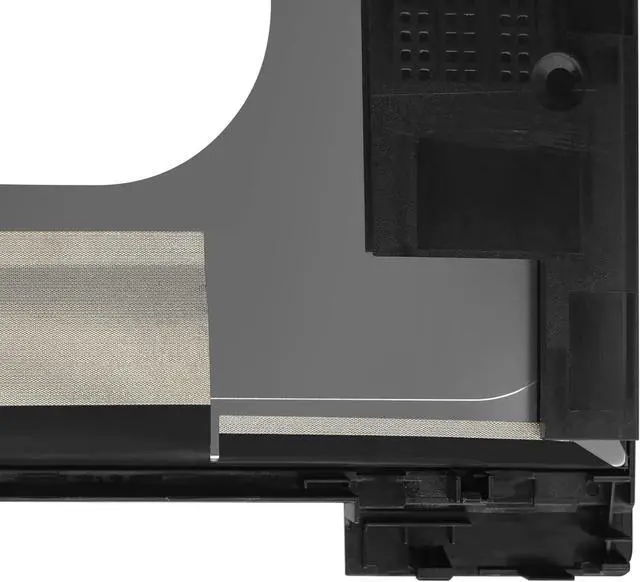



M45012-001 M45013-001 Replacement for HP Pavilion x360 14-dy 14m-dy 14m-dy0013DX 14m-dy0023DX 14m-dy1023DX 14m-dy1013dx 14m-dy0113dx 14-dy2076nr 14" 1920X1080 30Pin LCD Touch Screen Assembly
- Compatible Model: M45012-001 M45013-001 Replacement for HP Pavilion x360 14-dy 14m-dy 14m-dy0013DX 14m-dy0023DX 14m-dy1023DX 14m-dy1013dx 14m-dy0113dx 14-dy2076nr 14T-DY 14M-dy1033dx 14T-dy000 14-dy0005la 14-dy0003la 14-dy0004la 14-dy0006la 14-dy0007la 14-dy0008la 14-dy0097nr 14-dy1097nr 14-dy2010nr 14-dy2095cl 14-dy2050WM 14m-dy0033dx 14-dy0xxx 14-dy1xxx 14m-dy0xxx 14m-dy1xxx 14-dy0000 14-dy1000 Lcd Replacement Screen Display Panel.
- Screen parameters, resolution, and connector: 1920x1080 30 pin touch screen.When purchasing, you need to check the laptop model and whether the screen is touch screen or not.
- If you are unable to confirm the screen information during purchase, please contact PEHDPVS customer service. We will provide you with assistance to confirm the version information of the screen.
- Our screens undergo rigorous testing and perfect packaging to ensure compatibility and safe delivery.
- After receiving the goods, if the buyer encounters installation or quality issues, we will provide good customer service and after-sales support for the buyer.
+
+
Overview
Specs
Reviews

Any questions? Our AI mode will help you find out quickly.
Try me now
Purchase instructions:
1. You must verify that your specific laptop model is listed in our title or description. Buying the wrong model can damage your laptop;
2. You must verify your parameters (including maximum resolution: UHD, QHD, FHD or HD; Whether it has touch function; The connector is either 30pin or 40pin; Refresh rate 60Hz, 120Hz, 144Hz, 165Hz, 240HZ or other. After double checking the above information, you will receive the correct product.
3. The following is a method to query the maximum resolution
My Laptop - Display - Maximum Resolution
4. The following is a method for querying refresh rates
Please Check PC Refresh Rate: Right click on your desktop > Go to the Display settings > Click Advanced display settings > Display information - Refresh rate (Hz)
1. You must verify that your specific laptop model is listed in our title or description. Buying the wrong model can damage your laptop;
2. You must verify your parameters (including maximum resolution: UHD, QHD, FHD or HD; Whether it has touch function; The connector is either 30pin or 40pin; Refresh rate 60Hz, 120Hz, 144Hz, 165Hz, 240HZ or other. After double checking the above information, you will receive the correct product.
3. The following is a method to query the maximum resolution
My Laptop - Display - Maximum Resolution
4. The following is a method for querying refresh rates
Please Check PC Refresh Rate: Right click on your desktop > Go to the Display settings > Click Advanced display settings > Display information - Refresh rate (Hz)
Warranty & Returns
Warranty, Returns, And Additional Information
Warranty
- Please contact the Seller directly for warranty information. Warranty information may also be found on the Manufacturer's website.
- CONTACT
Return Policies
- Return for refund within: 30 days
- Return for replacement within: 30 days
- This item is covered by Fix-Repairer Return Policy
Manufacturer Contact Info
- For a directory of all our manufacturers, please click below.
- Manufacturers Directory
LOADING...